Incline effect
Incline rotates the entire scene to a dramatic 45-degree angle while your subject leans the opposite way and stays perfectly balanced. The camera turns with the world, so the impossible angle feels physical rather than like a simple rotated frame.
- 5-second clip
- 480p, 720p or 1080p
- WAN 3.0 Prime
Sign in to run it. The price shows on the Generate button before you start.

How to make an Incline video
- 1
Add your photo
Upload one character image, an optional location image and up to four product images. JPG, PNG, or WebP up to 10 MB each.
- 2
Generate your Incline video
Pick a resolution and aspect ratio, add an optional prompt, and review the exact price before you start. A 5-second clip at 480p, 720p or 1080p.
- 3
Download and share
Your video saves to Assets. Play it, download the MP4, and post it anywhere.
What it is good for
- Music videosA signature move for an offbeat track.
- Fashion editsA striking pose that shows the whole outfit.
- Product shotsProducts float beside your subject as the world tilts.
Tips for a better result
- Full-body photos with the feet visible give the balance its punch.
- Architecture or a horizon in the background makes the tilt obvious.
- Try a prompt like "loose papers slide past" to add movement.
Questions
Does the subject fall over?
No. The direction keeps them upright, leaning against the tilt, with no fall or injury.
Can I use the incline effect with a product?
Yes. Add product images and they hang in the air near your subject as the scene tilts.
How much does the Incline effect cost?
It is priced per video, in credits, by its length (five seconds) and the resolution you pick. The exact price is on the Generate button before you start.
Whose photos can I use?
Use photos of yourself, or of people who have agreed to be in the video. Do not upload photos of other people without their permission.
More effects like Incline
 CutoutStep out of the scene as a paper cutout.
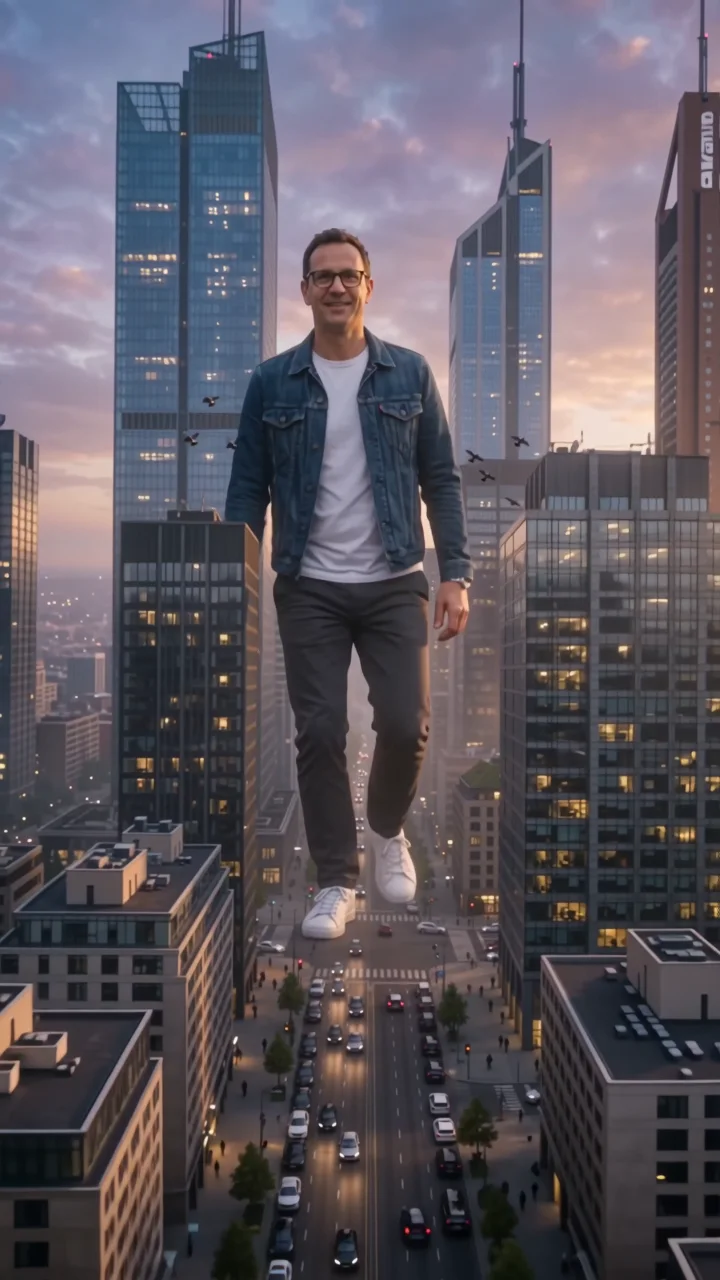 City giantTower over the skyline like a colossus.
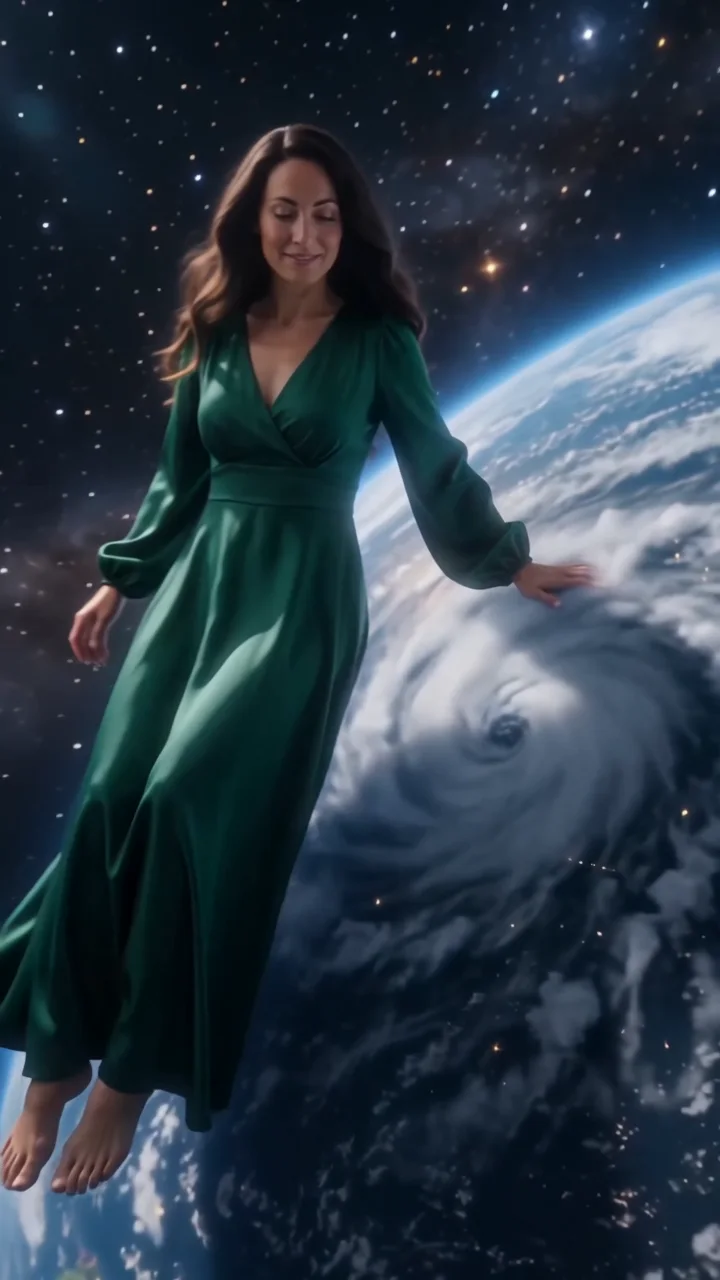 Cosmic giantCalm a hurricane, then sit on the Earth.
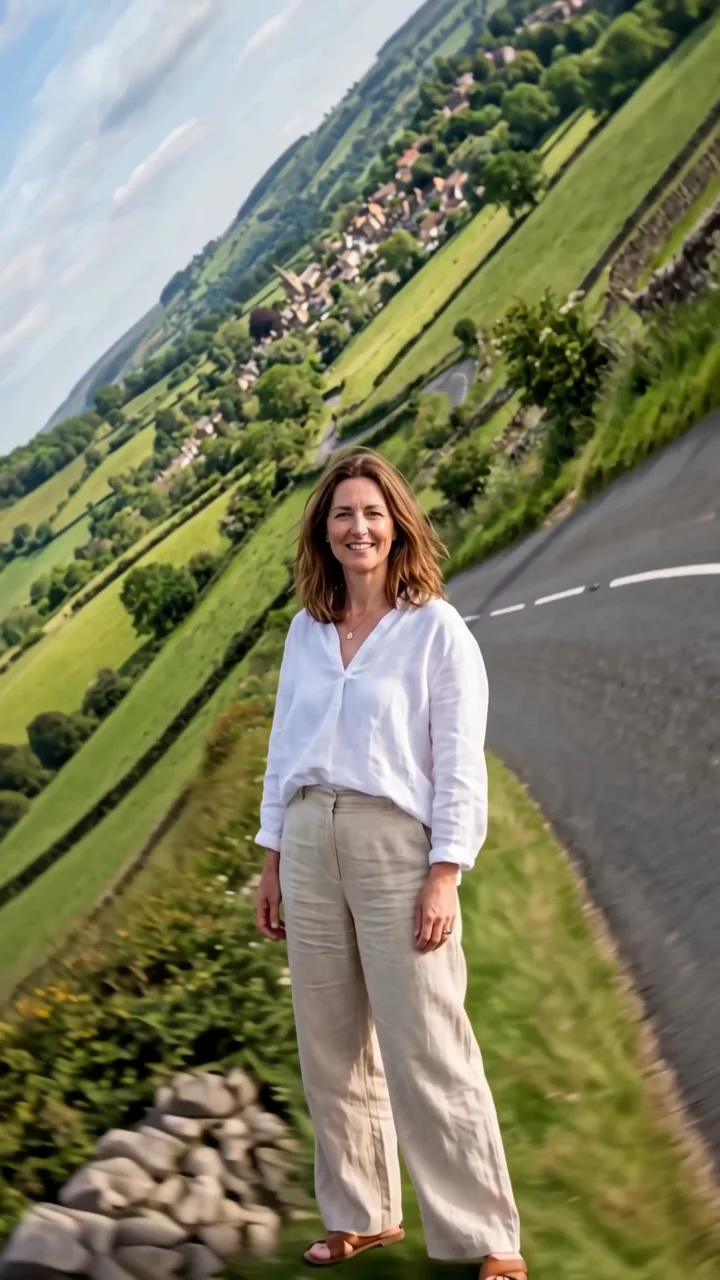 World foldThe landscape folds up and around you.
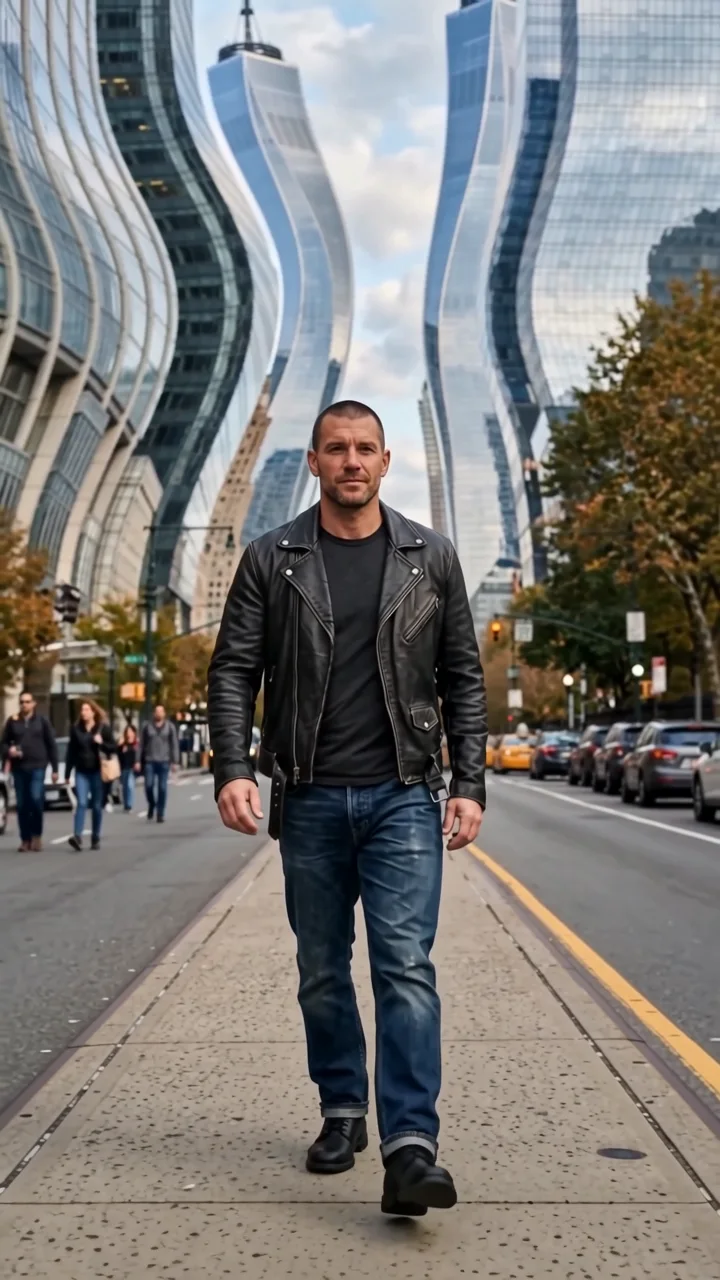 Architecture waveThe city ripples like liquid behind you.
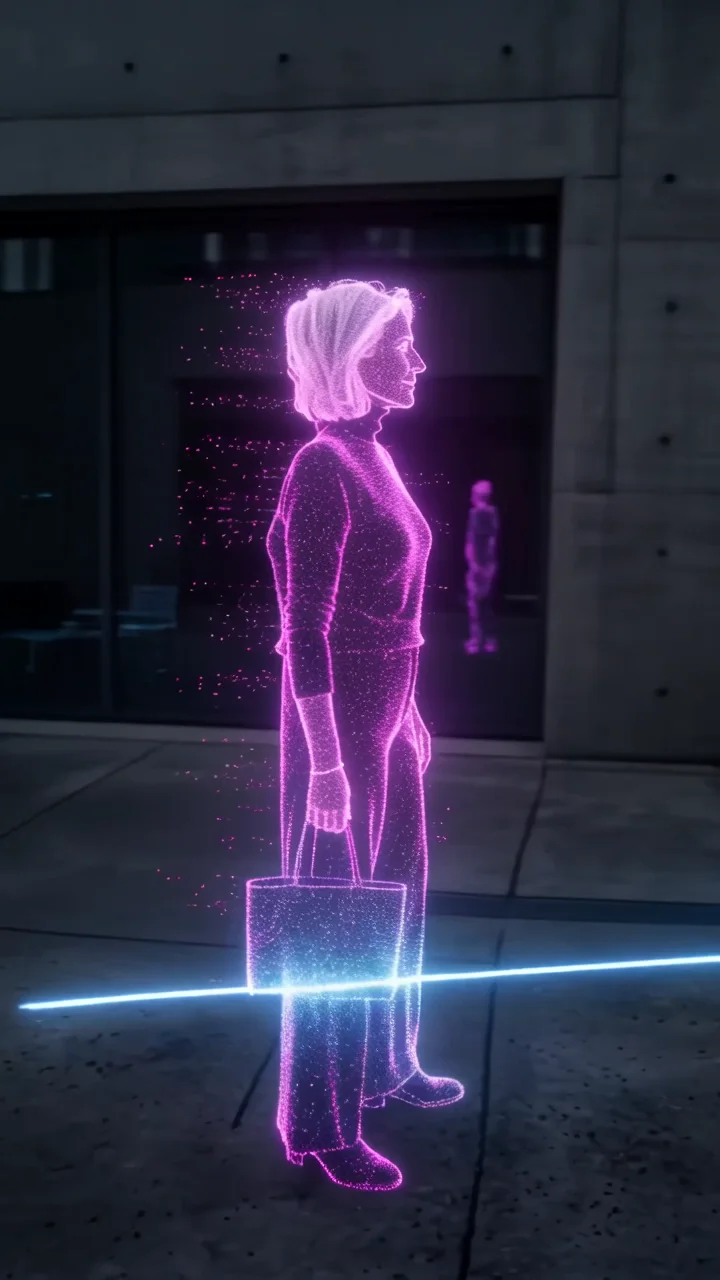 LiDAR scanThe world turns into a glowing 3D scan.