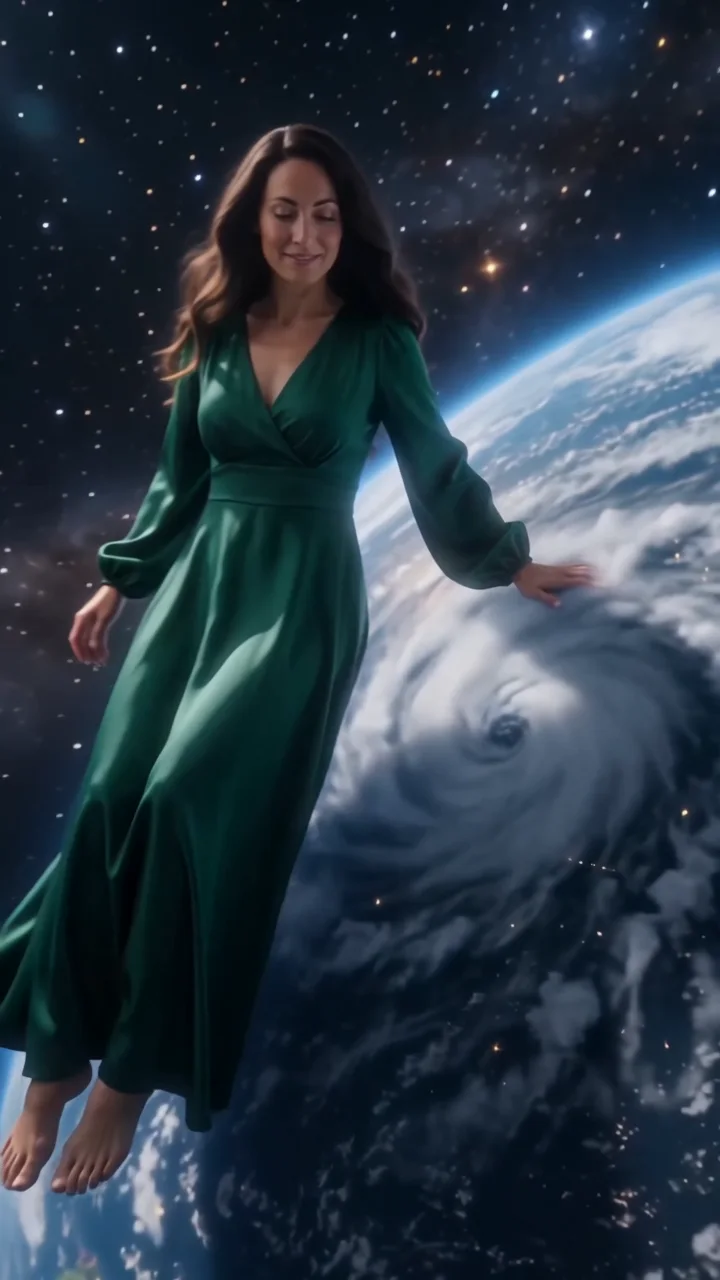
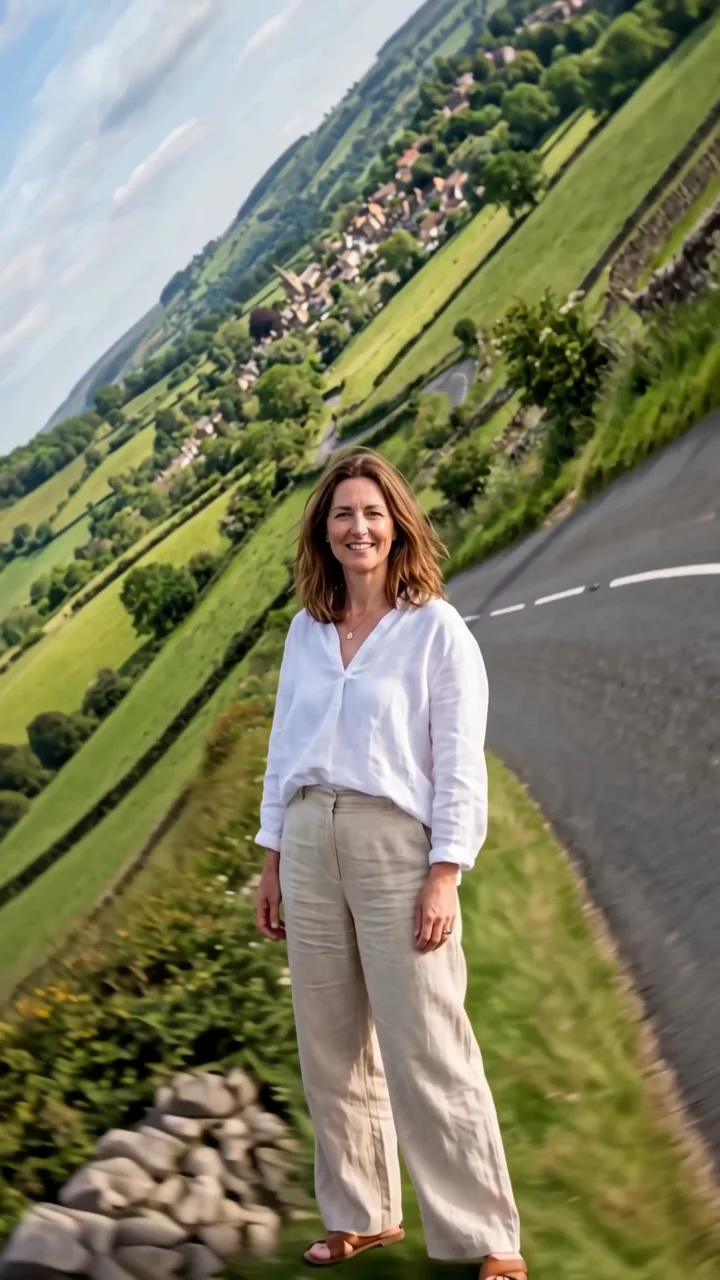
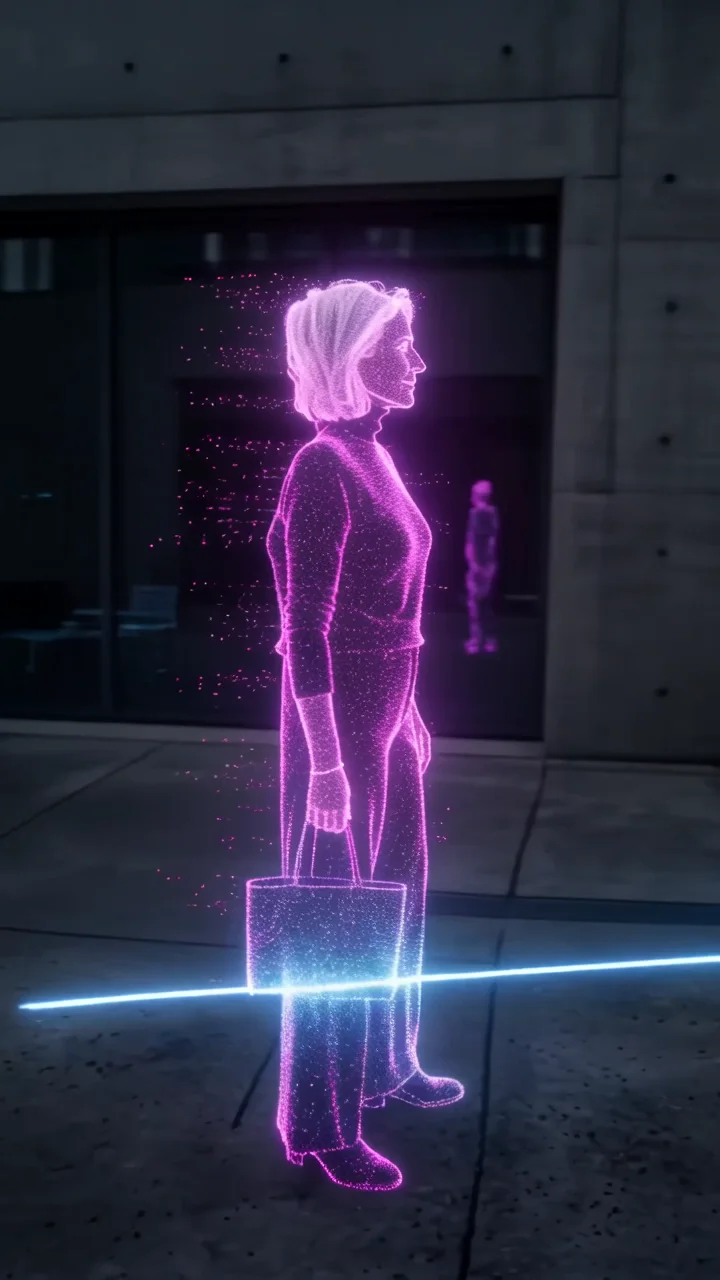
AI giant video
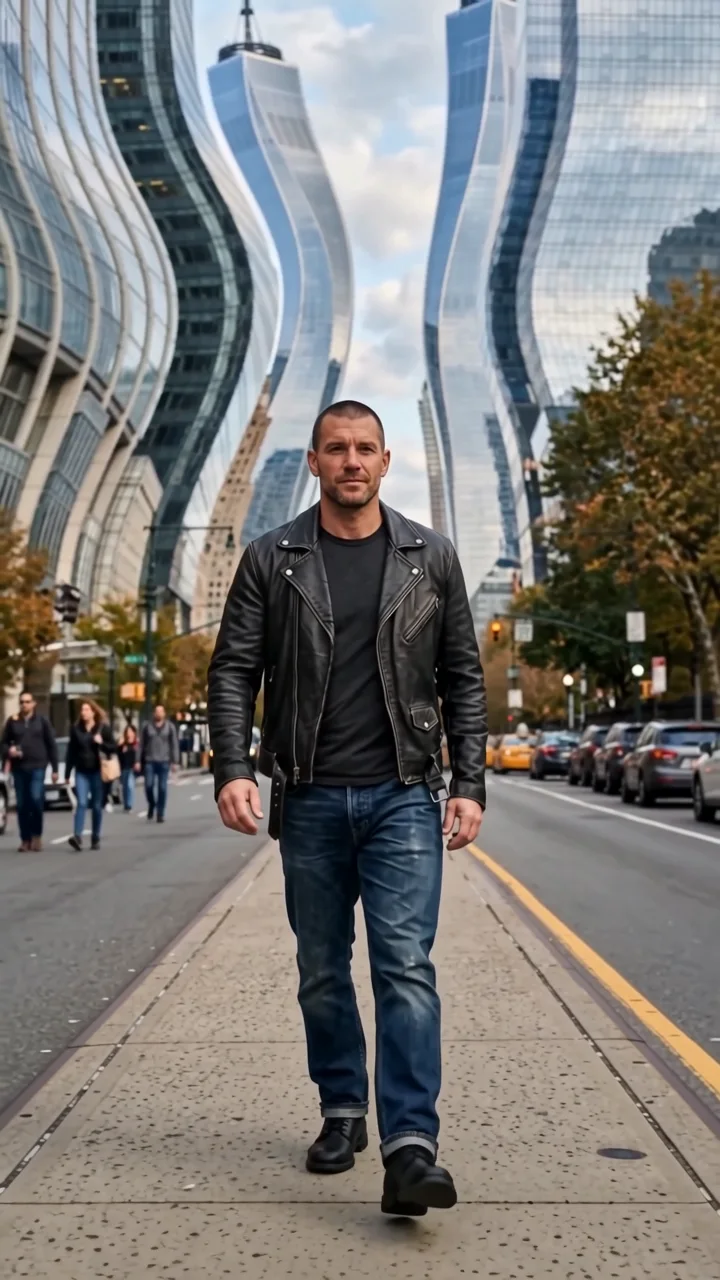
City giant starts close on your subject and pulls far back to reveal them as a colossus standing in the middle of a city, taller than the skyscrapers. They take one slow, careful step as tiny cars stop and birds scatter past their shoulders. Nothing gets destroyed.
- 8-second clip
- 480p, 720p or 1080p
- WAN 3.0 Prime
Sign in to run it. The price shows on the Generate button before you start.

How to make a City giant video
- 1
Add your photo
Upload one character image. JPG, PNG, or WebP up to 10 MB each.
- 2
Generate your City giant video
Pick a resolution and aspect ratio, add an optional prompt, and review the exact price before you start. An 8-second clip at 480p, 720p or 1080p.
- 3
Download and share
Your video saves to Assets. Play it, download the MP4, and post it anywhere.
What it is good for
- Epic revealsGo from normal to enormous in one move.
- Urban editsA surreal skyline moment.
- Brand scaleMake a founder or mascot larger than life.
Tips for a better result
- A full-body photo keeps proportions right at giant scale.
- Casual outfits look funnier at colossal size.
- Name a city in the prompt to set the skyline.
Questions
Does the giant destroy anything?
No. The direction asks for a careful step between buildings with nothing destroyed.
Can I choose the city?
Describe it in the prompt, for example "a city of red brick towers". The base direction builds a generic skyline.
How much does the City giant effect cost?
It is priced per video, in credits, by its length (eight seconds) and the resolution you pick. The exact price is on the Generate button before you start.
Whose photos can I use?
Use photos of yourself, or of people who have agreed to be in the video. Do not upload photos of other people without their permission.