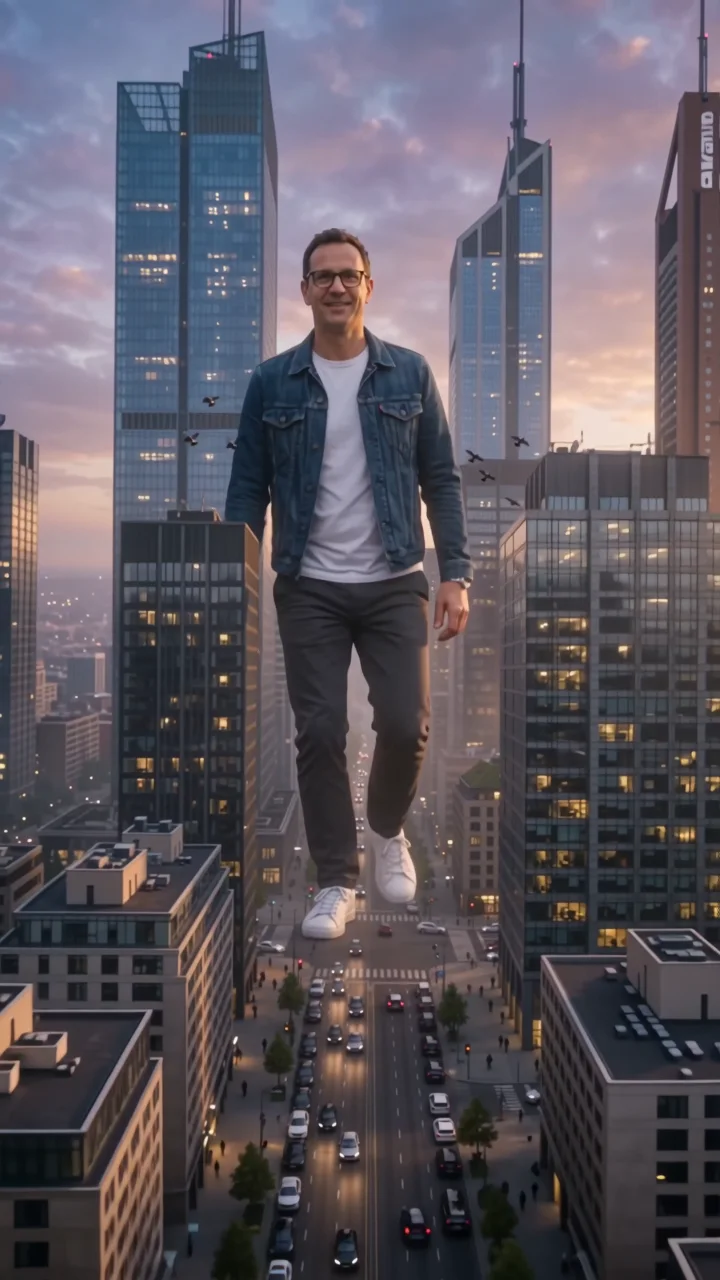
LiDAR scan effect
LiDAR scan sweeps a bright laser line across the frame and turns everything it touches into a glowing point cloud, colored from cyan to magenta by depth. The camera orbits the scanned subject, then a second sweep rebuilds the scene in full photographic detail.
- 6-second clip
- 480p, 720p or 1080p
- WAN 3.0 Prime
Sign in to run it. The price shows on the Generate button before you start.

How to make a LiDAR scan video
- 1
Add your photo
Upload one character image. JPG, PNG, or WebP up to 10 MB each.
- 2
Generate your LiDAR scan video
Pick a resolution and aspect ratio, add an optional prompt, and review the exact price before you start. A 6-second clip at 480p, 720p or 1080p.
- 3
Download and share
Your video saves to Assets. Play it, download the MP4, and post it anywhere.
What it is good for
- Tech brandsA 3D-scan look for product and team videos.
- TransitionsScan out of one scene and back in.
- Sci-fi editsA futuristic look from a normal photo.
Tips for a better result
- Photos with clear depth, like a subject in a plaza, make the best point clouds.
- Simple outfits keep the subject recognizable as dots.
- Change the scan colors in the prompt, for example green on black.
Questions
Is the LiDAR scan effect a real 3D scan?
No. It is a generated video that imitates a LiDAR point cloud. It does not produce a 3D file.
Does the scene come back at the end?
Yes. A second sweep rebuilds the scene in full detail.
How much does the LiDAR scan effect cost?
It is priced per video, in credits, by its length (six seconds) and the resolution you pick. The exact price is on the Generate button before you start.
Whose photos can I use?
Use photos of yourself, or of people who have agreed to be in the video. Do not upload photos of other people without their permission.