Melting effect
Melting softens the main subject like glossy sculptural wax and lets it flow down into a smooth, reflective puddle. It works on people, but it is strongest on products and objects, which keep their colors as they melt.
- 5-second clip
- 480p, 720p or 1080p
- WAN 3.0 Prime
Sign in to run it. The price shows on the Generate button before you start.
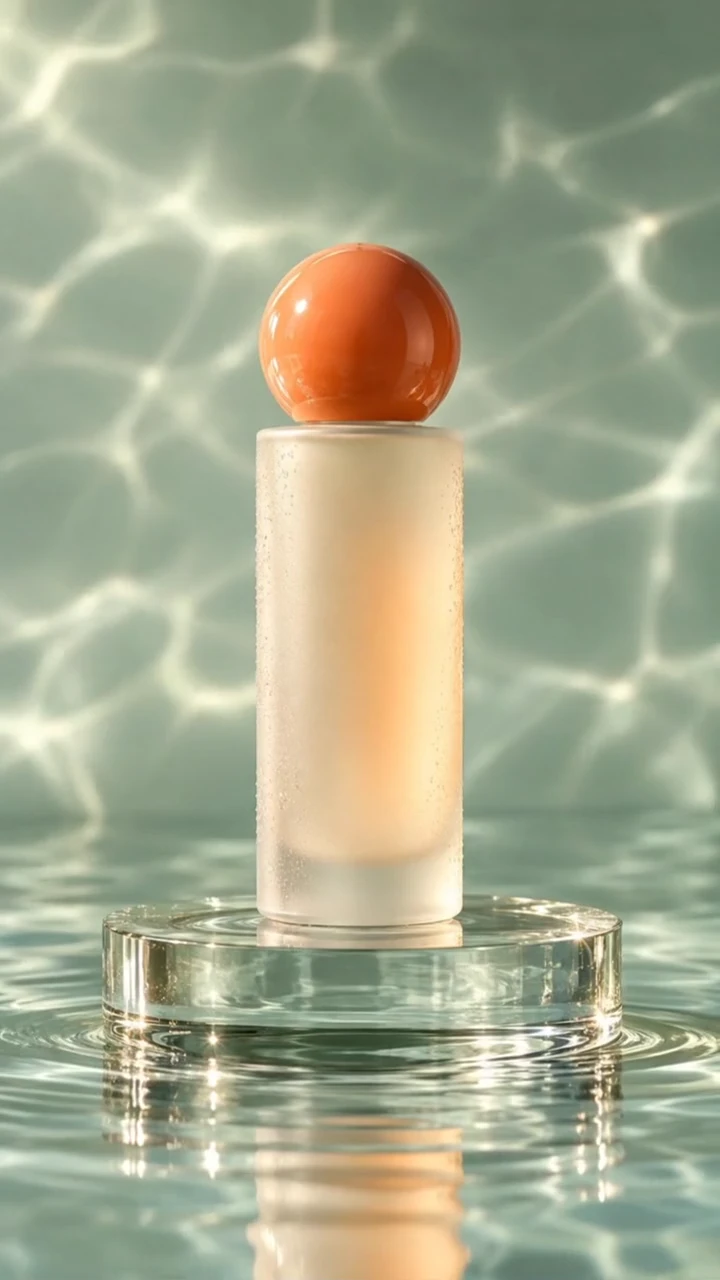
How to make a Melting video
- 1
Add your photo
Upload one character image, an optional location image and up to four product images. JPG, PNG, or WebP up to 10 MB each.
- 2
Generate your Melting video
Pick a resolution and aspect ratio, add an optional prompt, and review the exact price before you start. A 5-second clip at 480p, 720p or 1080p.
- 3
Download and share
Your video saves to Assets. Play it, download the MP4, and post it anywhere.
What it is good for
- Product teasersMelt a bottle, can, or sneaker for a scroll-stopping hook.
- Surreal fashionA clean, non-graphic transformation.
- Disappearing actsEnd on the puddle and cut away.
Tips for a better result
- Products on a simple surface melt most convincingly.
- Add a person photo and a product image to have the person watch the product melt.
- Name a material in the prompt, such as chocolate, chrome, or candle wax.
Questions
Can I melt a product instead of a person?
Yes. Upload the product as the main image, or add it as a product reference and it becomes the focus of the melt.
Is the melting effect graphic?
No. The direction asks for a clean, surreal, non-graphic melt.
How much does the Melting effect cost?
It is priced per video, in credits, by its length (five seconds) and the resolution you pick. The exact price is on the Generate button before you start.
Whose photos can I use?
Use photos of yourself, or of people who have agreed to be in the video. Do not upload photos of other people without their permission.
More effects like Melting
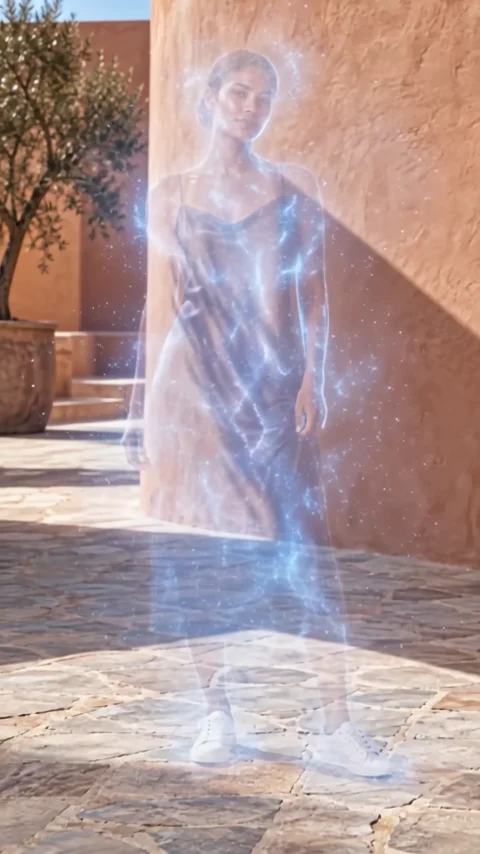 VanishDisappear into a cloud of fine particles.
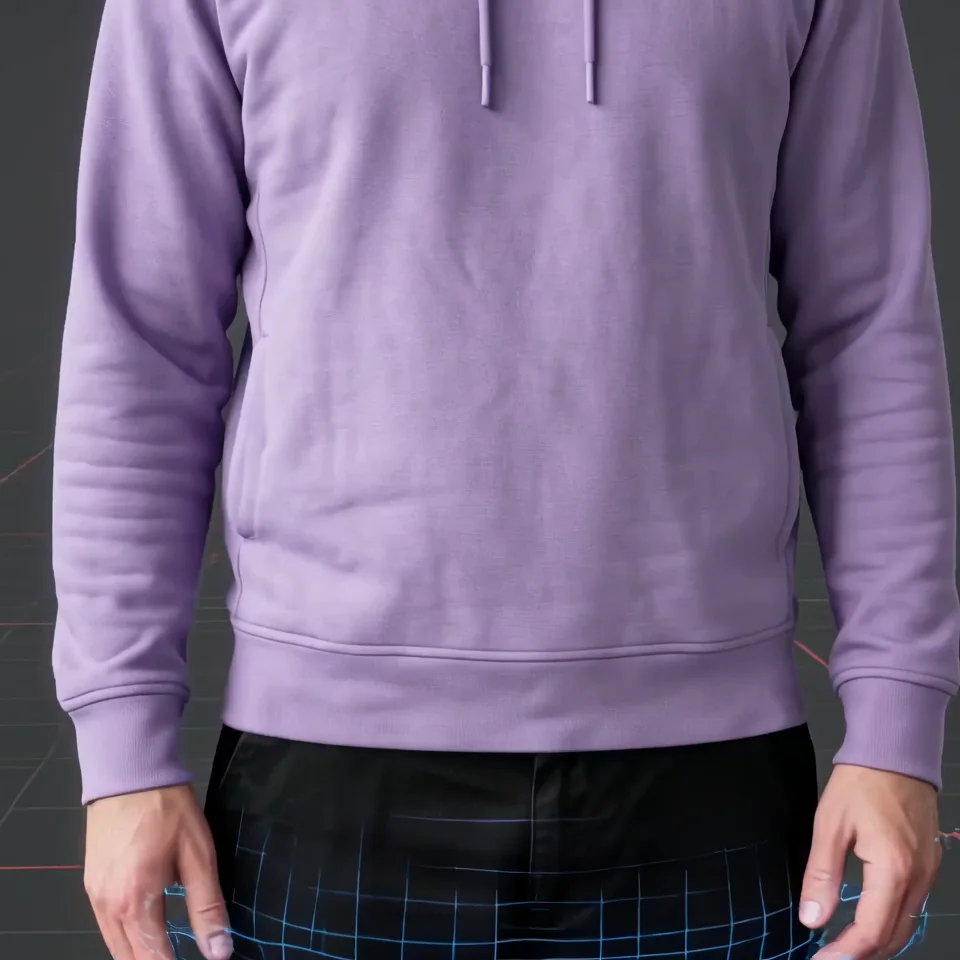 3D renderBecome a 3D model on a turntable render.
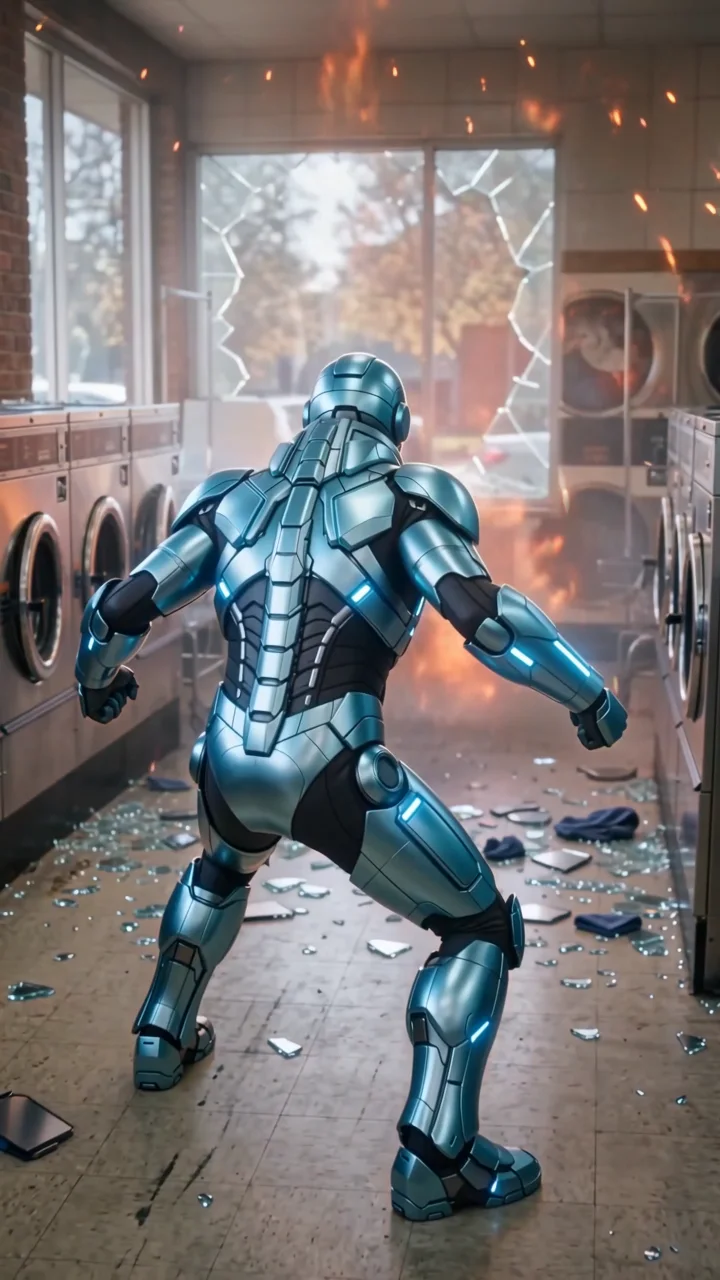 Monster slayerSuit up against a fire giant, then back to laundry.
 ClonesOne subject becomes a perfectly matched crowd.
 InclineTilt the world. Keep your balance.
 Studio slideA smooth reveal from one set to the next.