AI 3D render
3D render turns your subject into a hyper-detailed 3D character model on a dark viewport grid, like an artist's turntable. The camera orbits with quick zooms onto the face and outfit, studio lights rotate, and a faint wireframe flickers across the surface.
- 6-second clip
- 480p, 720p or 1080p
- WAN 3.0 Prime
Sign in to run it. The price shows on the Generate button before you start.
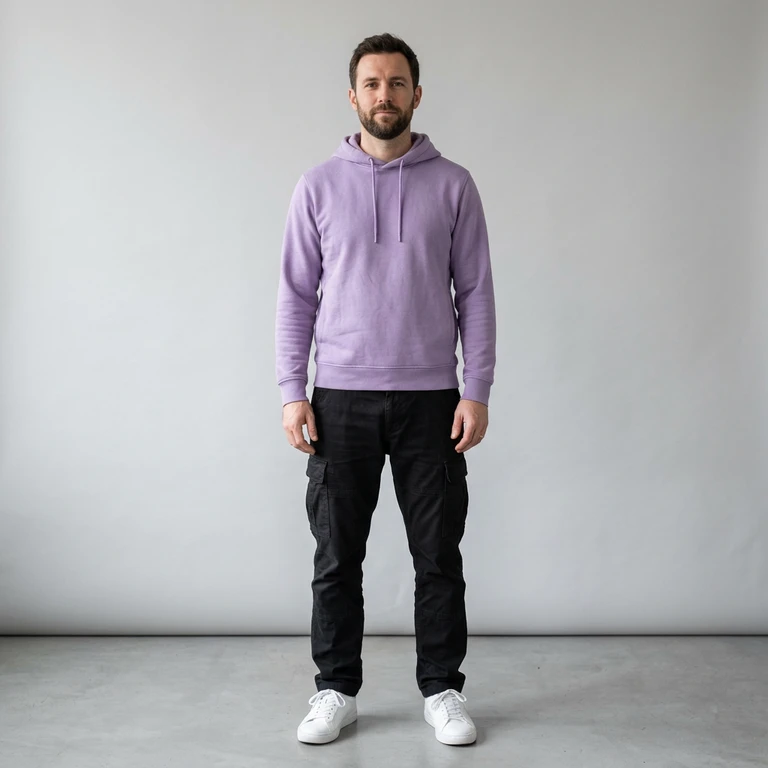
How to make a 3D render video
- 1
Add your photo
Upload one character image. JPG, PNG, or WebP up to 10 MB each.
- 2
Generate your 3D render video
Pick a resolution and aspect ratio, add an optional prompt, and review the exact price before you start. A 6-second clip at 480p, 720p or 1080p.
- 3
Download and share
Your video saves to Assets. Play it, download the MP4, and post it anywhere.
What it is good for
- Gaming and tech contentShow a player or avatar as a model.
- Character revealsA turntable presentation from one photo.
- Portfolio-style editsA clean, technical look.
Tips for a better result
- A straight, full-body stance reads best as a model.
- Distinct outfits and accessories give the zooms detail to find.
- The viewport has no readable interface text by design.
Questions
Do I get a 3D file from the 3D render effect?
No. It is a video that looks like a 3D render. It does not produce a model file.
Can I change the viewport color?
Describe it in the prompt, for example a white studio grid.
How much does the 3D render effect cost?
It is priced per video, in credits, by its length (six seconds) and the resolution you pick. The exact price is on the Generate button before you start.
Whose photos can I use?
Use photos of yourself, or of people who have agreed to be in the video. Do not upload photos of other people without their permission.
More effects like 3D render
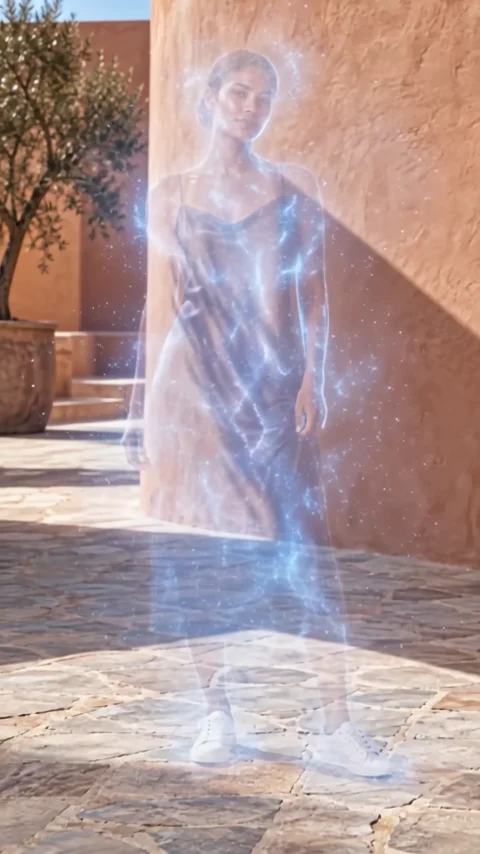 VanishDisappear into a cloud of fine particles.
 MeltingSolid shapes turn into flowing liquid.
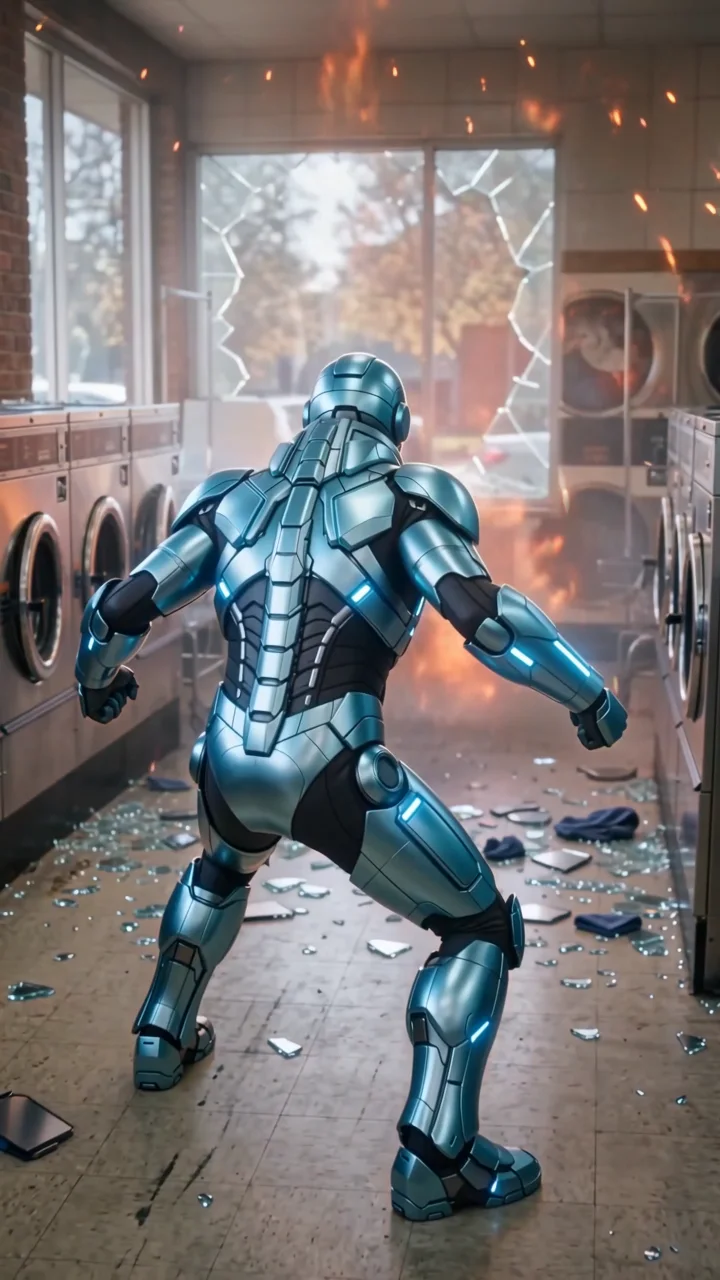 Monster slayerSuit up against a fire giant, then back to laundry.
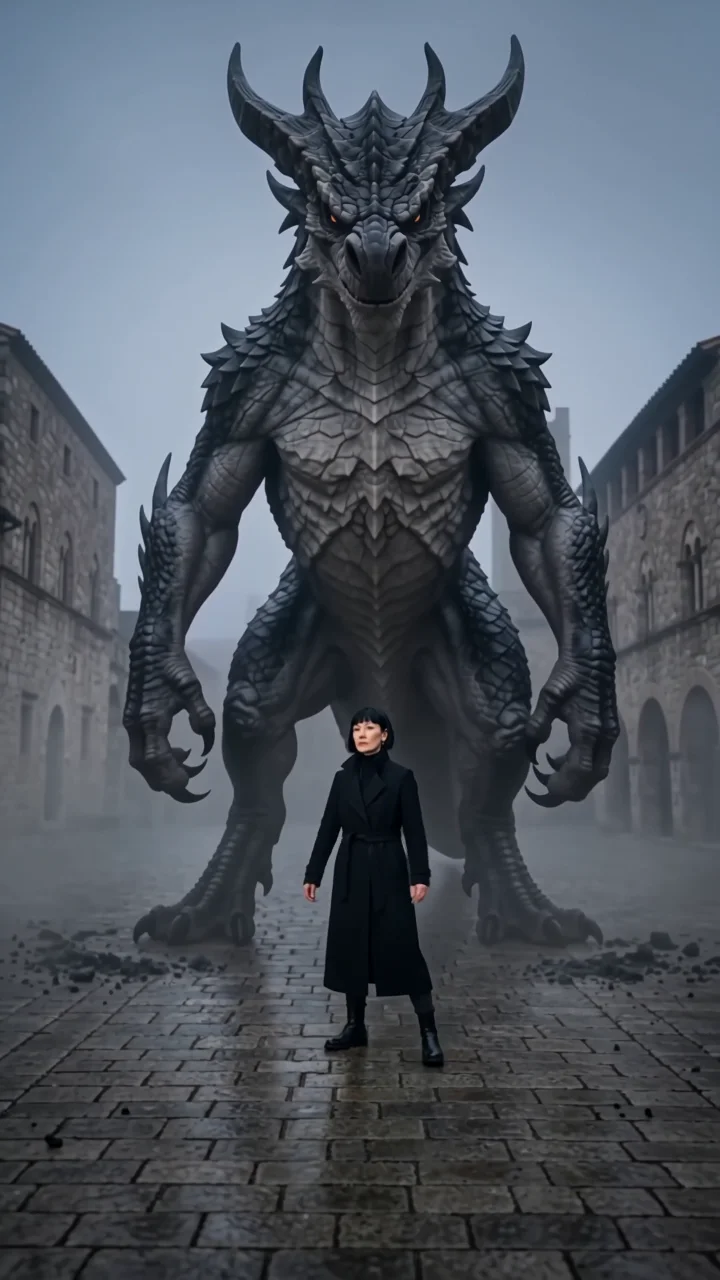 Monster dabA colossal creature lands behind you and dabs.
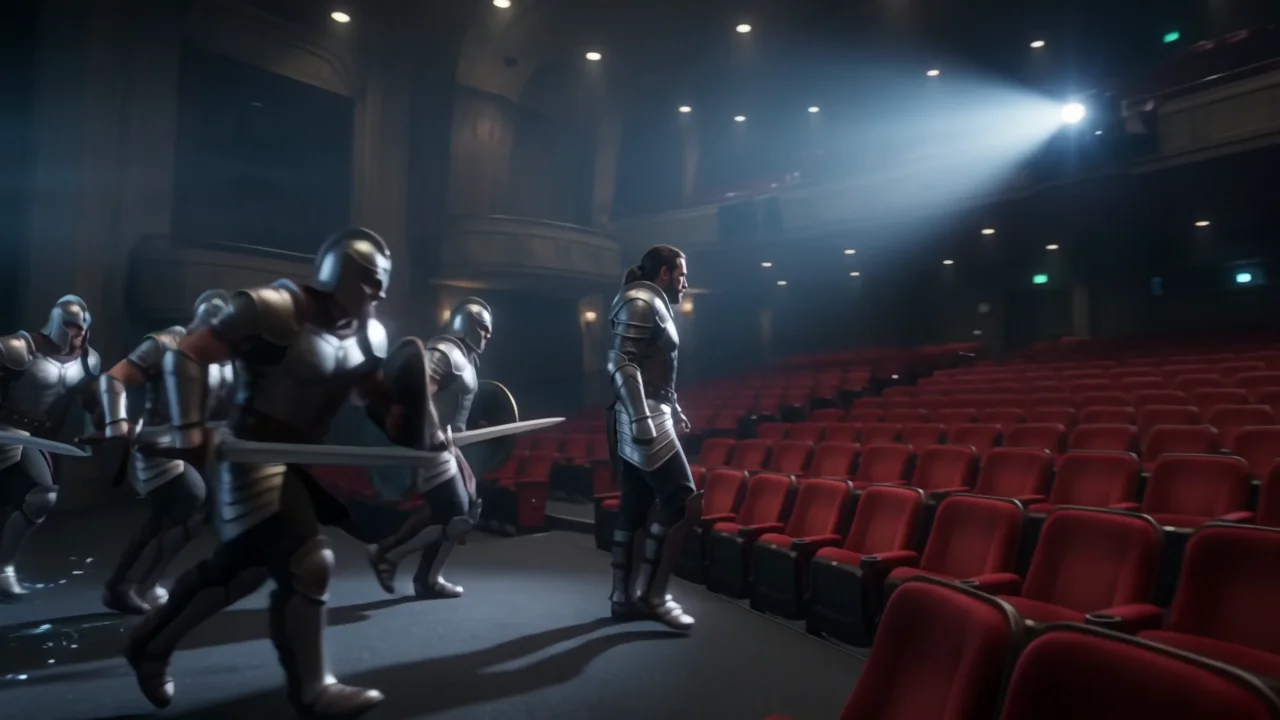 Screen breakoutStep out of the movie screen as a hero.
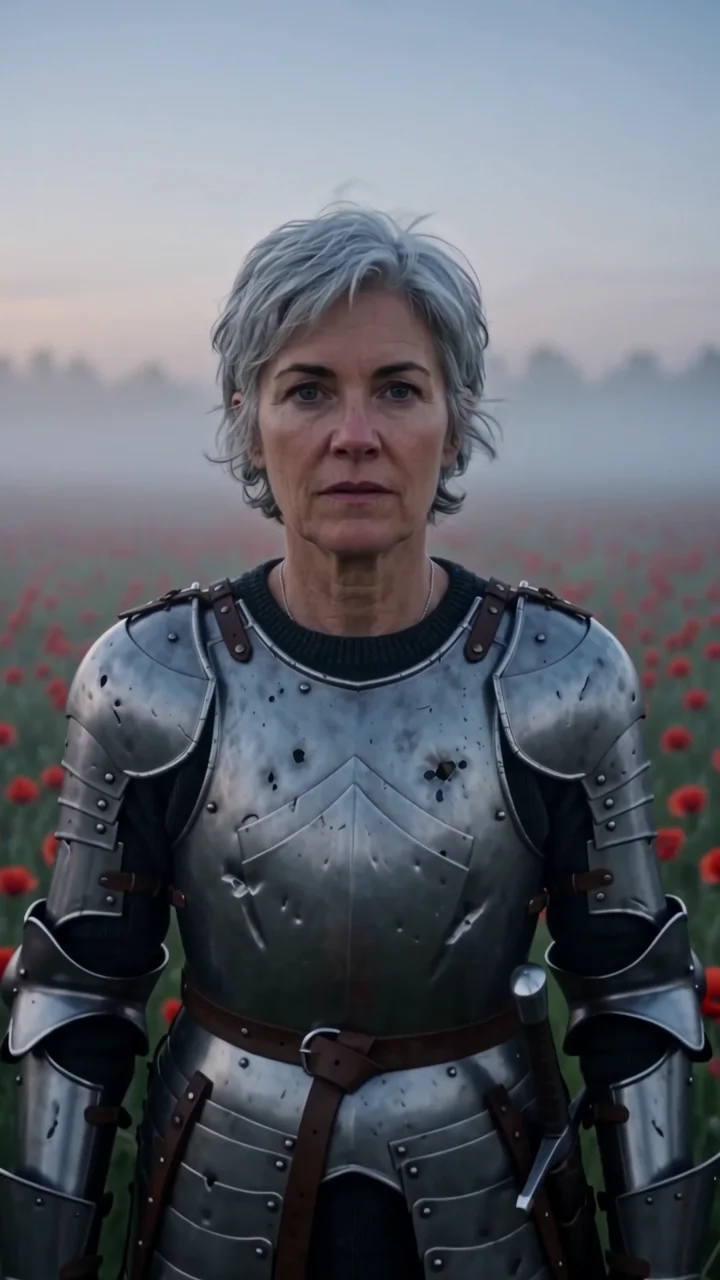 Mighty fighterA battle-worn knight in a field of poppies.