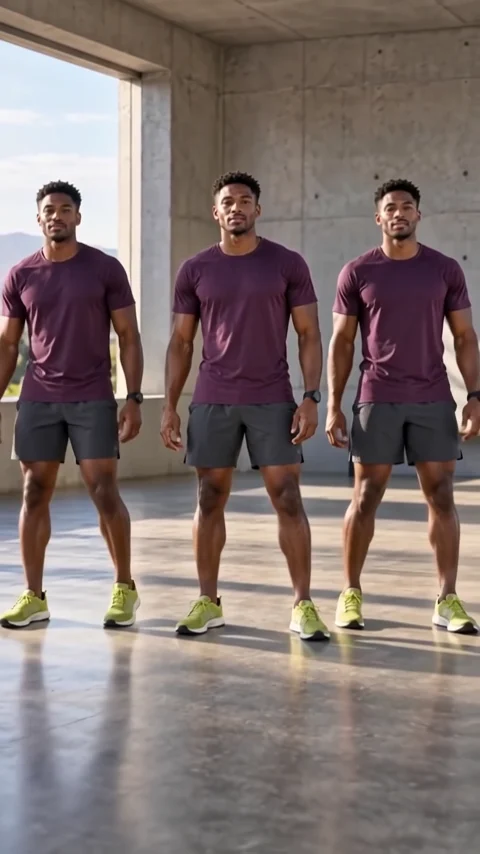
Disintegration effect
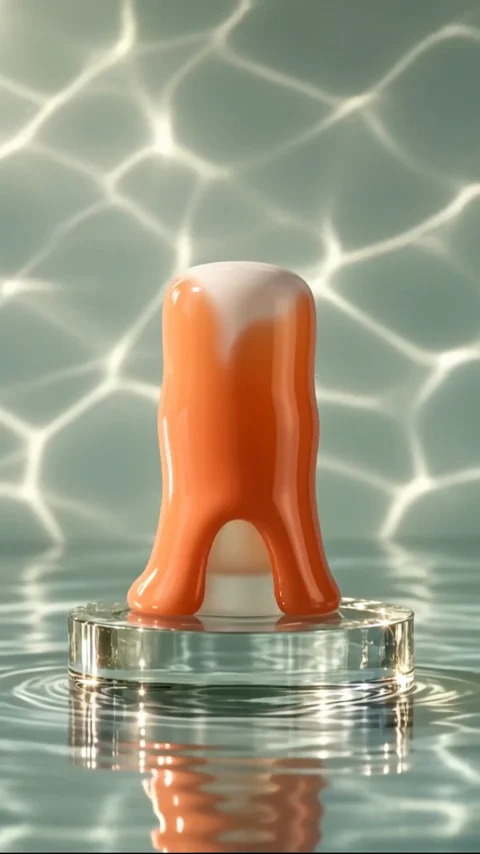
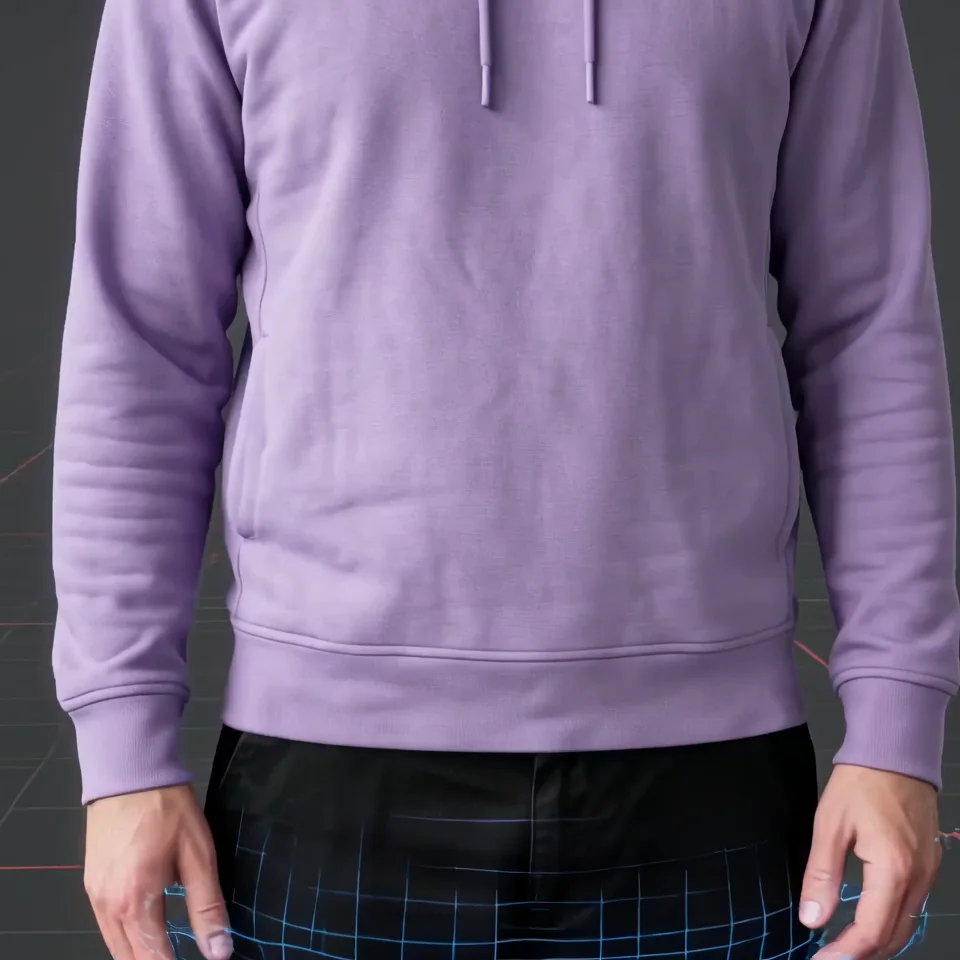
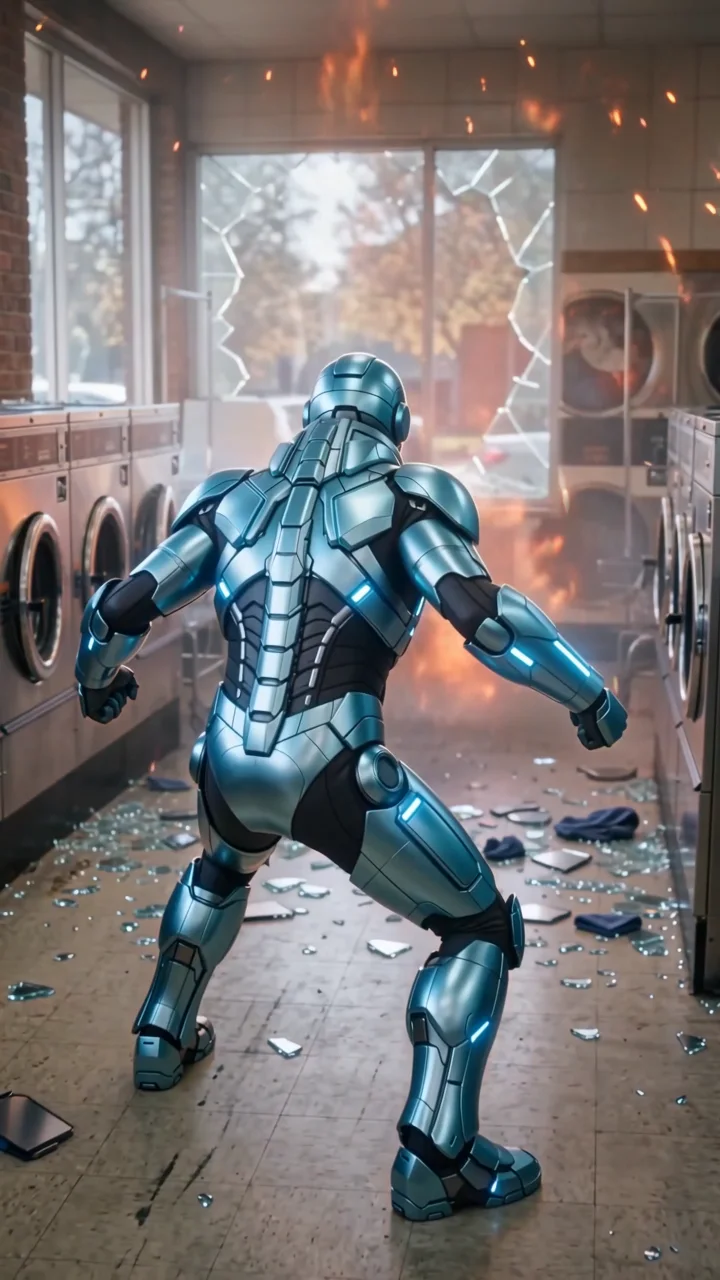
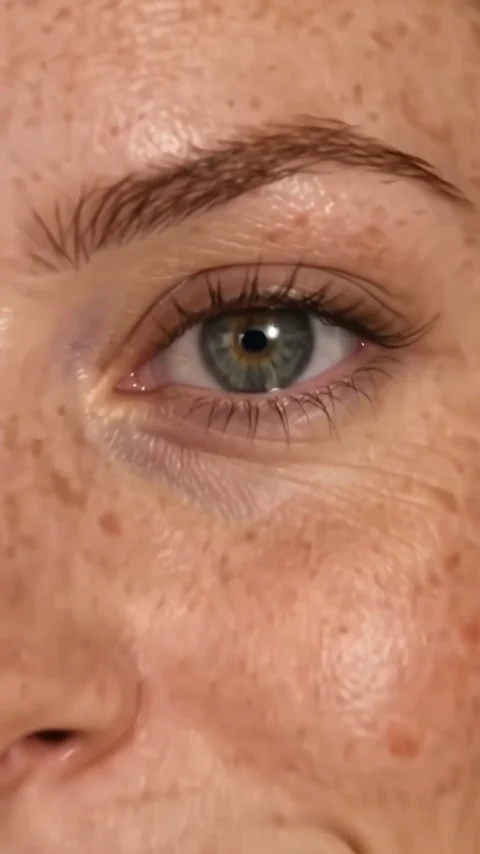
Vanish turns your subject into a cloud of fine, glowing particles that drift away from the edges inward until nothing is left but the background. The camera stays locked, so the empty scene at the end reads clearly as a disappearing act.
- 5-second clip
- 480p, 720p or 1080p
- WAN 3.0 Prime
Sign in to run it. The price shows on the Generate button before you start.

How to make a Vanish video
- 1
Add your photo
Upload one character image, an optional location image and up to four product images. JPG, PNG, or WebP up to 10 MB each.
- 2
Generate your Vanish video
Pick a resolution and aspect ratio, add an optional prompt, and review the exact price before you start. A 5-second clip at 480p, 720p or 1080p.
- 3
Download and share
Your video saves to Assets. Play it, download the MP4, and post it anywhere.
What it is good for
- Viral hooksA clean disappearing act for the first second of a reel.
- TransitionsCut from the empty background to your next scene.
- Product exitsAdd a product and it dissolves along with your subject.
Tips for a better result
- A steady photo with a clear background makes the final empty frame look intentional.
- Full-body shots give the particles more to work with than tight portraits.
- Use the prompt to set the particle color, for example warm gold or icy blue.
Questions
Does the background stay the same after the subject vanishes?
That is the intent. The direction asks for a locked camera and an intact background, so the last frames show the scene without your subject.
Can I make an object vanish instead of a person?
Yes. Upload a product or object as the main image and it dissolves the same way.
How much does the Vanish effect cost?
It is priced per video, in credits, by its length (five seconds) and the resolution you pick. The exact price is on the Generate button before you start.
Whose photos can I use?
Use photos of yourself, or of people who have agreed to be in the video. Do not upload photos of other people without their permission.