Boarding pass effect
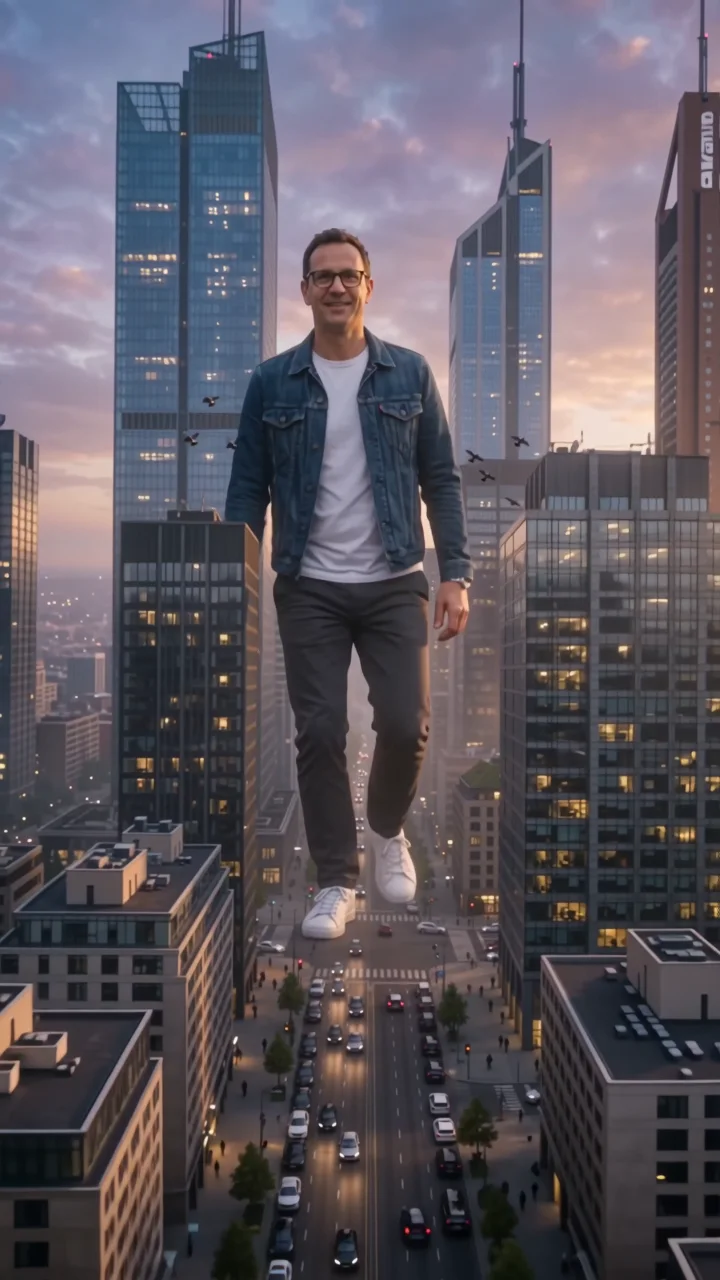
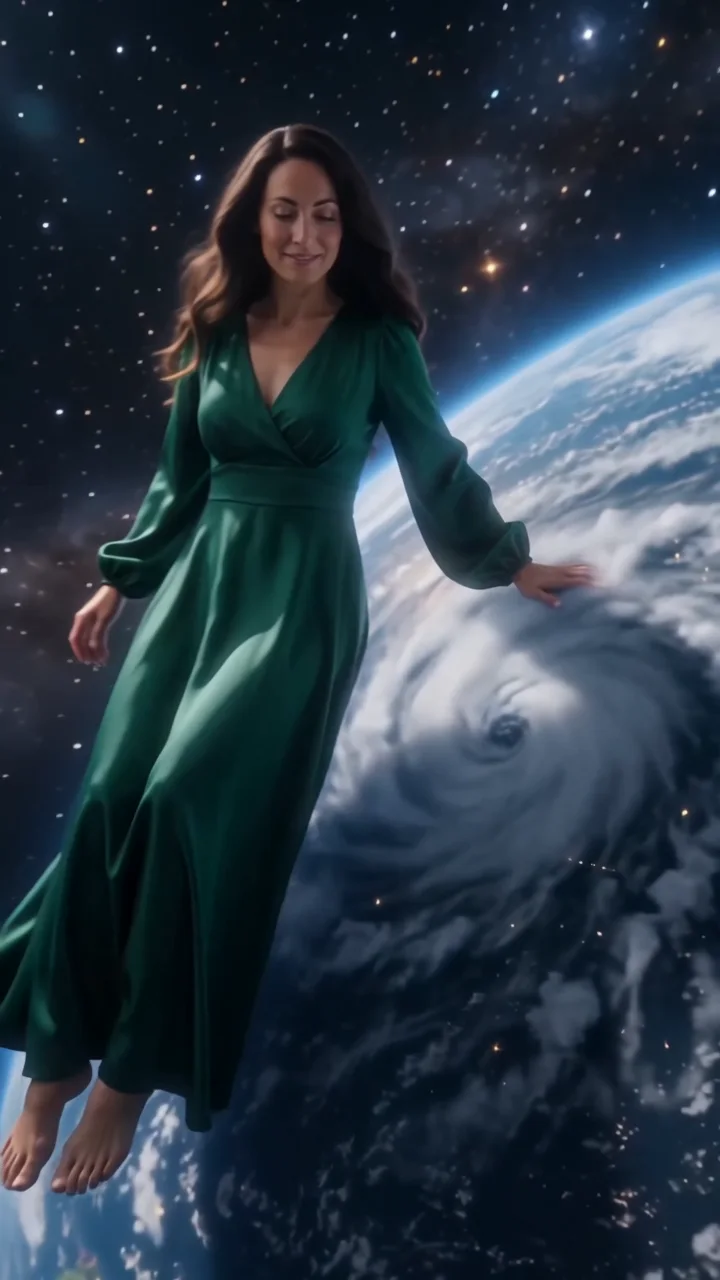
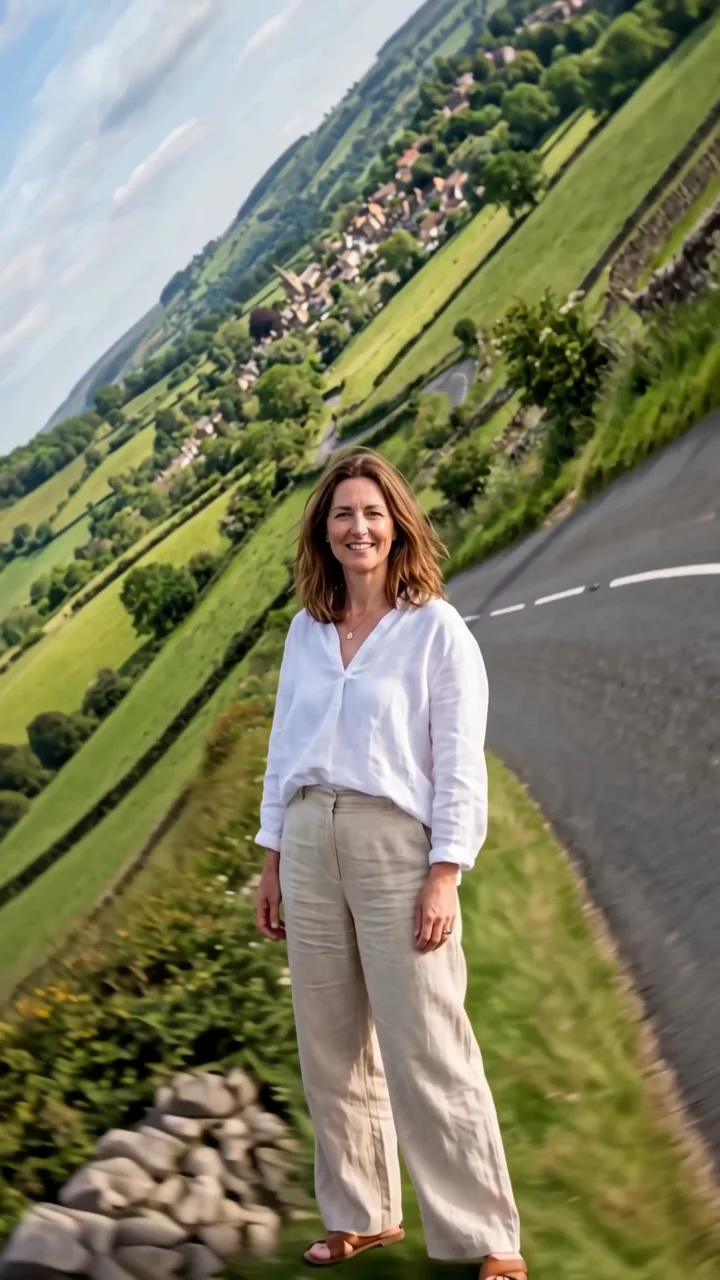
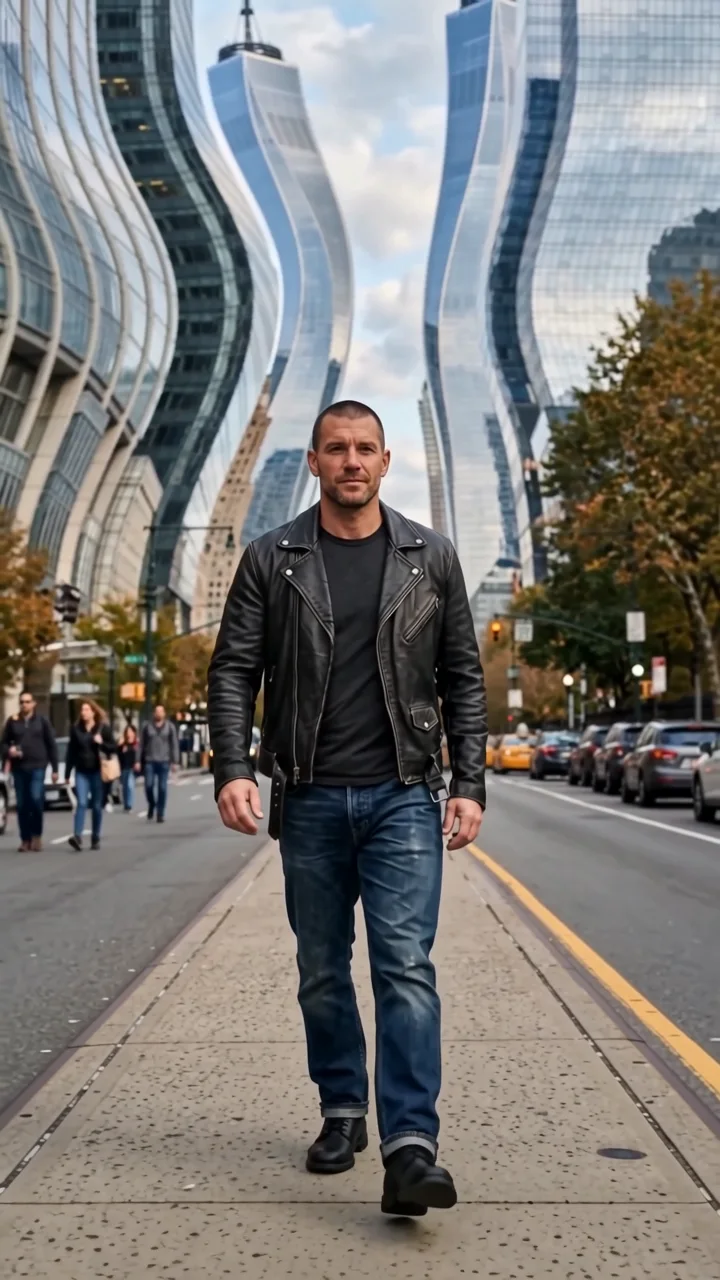
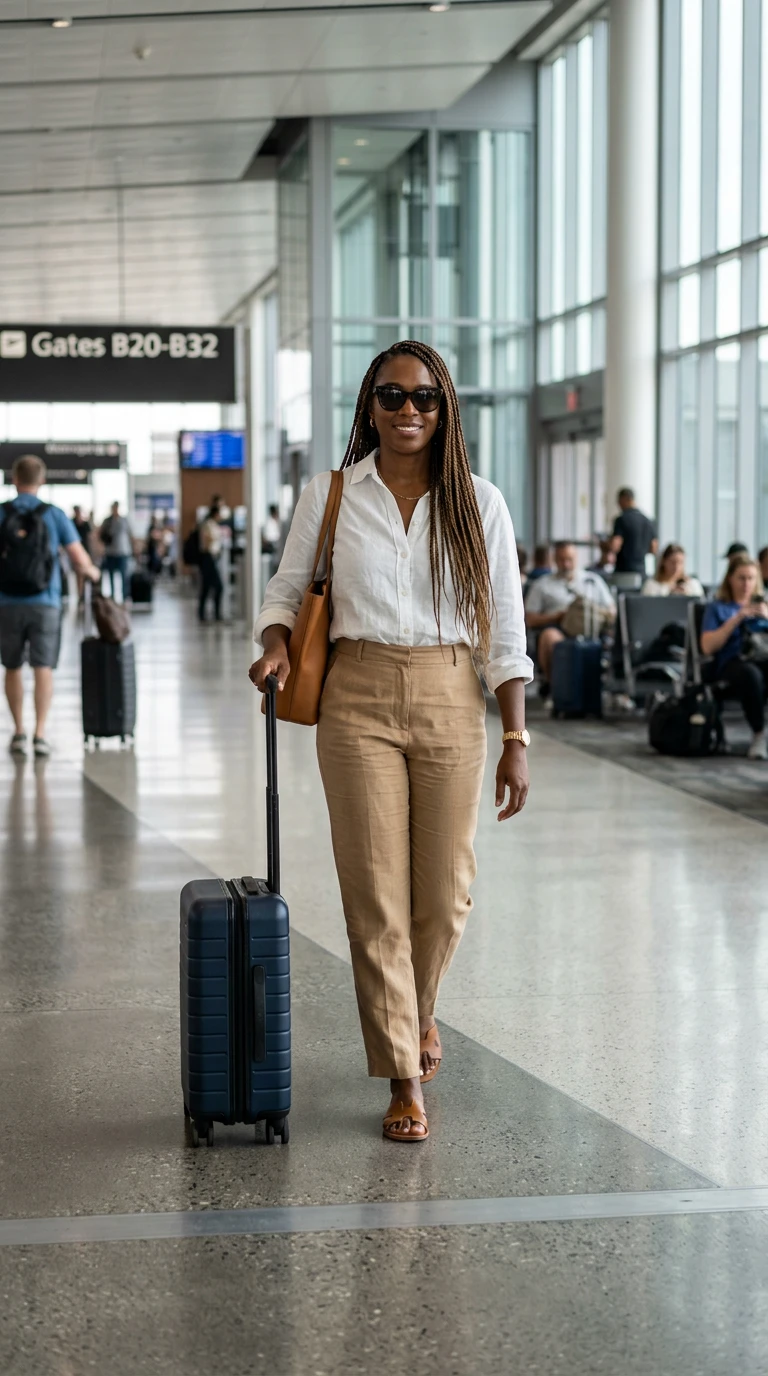
Boarding pass turns one walk into a trip. Your subject walks toward the camera as giant blank boarding-pass panels slide across the frame, and each time they walk through one, their outfit and the backdrop switch to a new destination without breaking stride.
- 8-second clip
- 480p, 720p or 1080p
- WAN 3.0 Prime
Sign in to run it. The price shows on the Generate button before you start.
How to make a Boarding pass video
- 1
Add your photo
Upload one character image. JPG, PNG, or WebP up to 10 MB each.
- 2
Generate your Boarding pass video
Pick a resolution and aspect ratio, add an optional prompt, and review the exact price before you start. An 8-second clip at 480p, 720p or 1080p.
- 3
Download and share
Your video saves to Assets. Play it, download the MP4, and post it anywhere.
What it is good for
- Travel vlogsRecap a trip in one move.
- LookbooksSeveral outfits in one clip.
- Airline and hotel promosDestination switches on the beat.
Tips for a better result
- A full-body photo of your subject walking is ideal.
- Name your destinations in the prompt, like Tokyo, Marrakech, and Iceland.
- The panels stay blank to avoid garbled text.
Questions
Can I choose the destinations?
Yes. List them in the prompt. Without a prompt, it uses a Mediterranean coast, a snowy village, and a neon city.
Do the boarding passes show text?
No. The panels are blank with colored bands, because generated text is often garbled.
How much does the Boarding pass effect cost?
It is priced per video, in credits, by its length (eight seconds) and the resolution you pick. The exact price is on the Generate button before you start.
Whose photos can I use?
Use photos of yourself, or of people who have agreed to be in the video. Do not upload photos of other people without their permission.