High flip effect
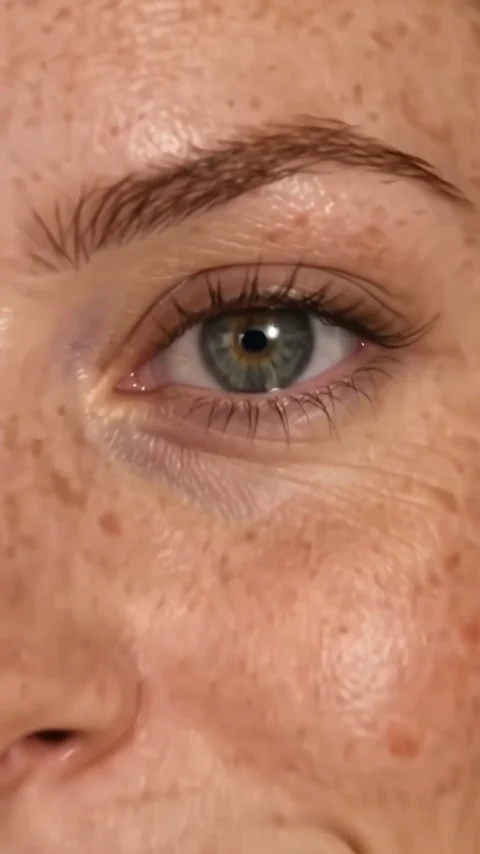
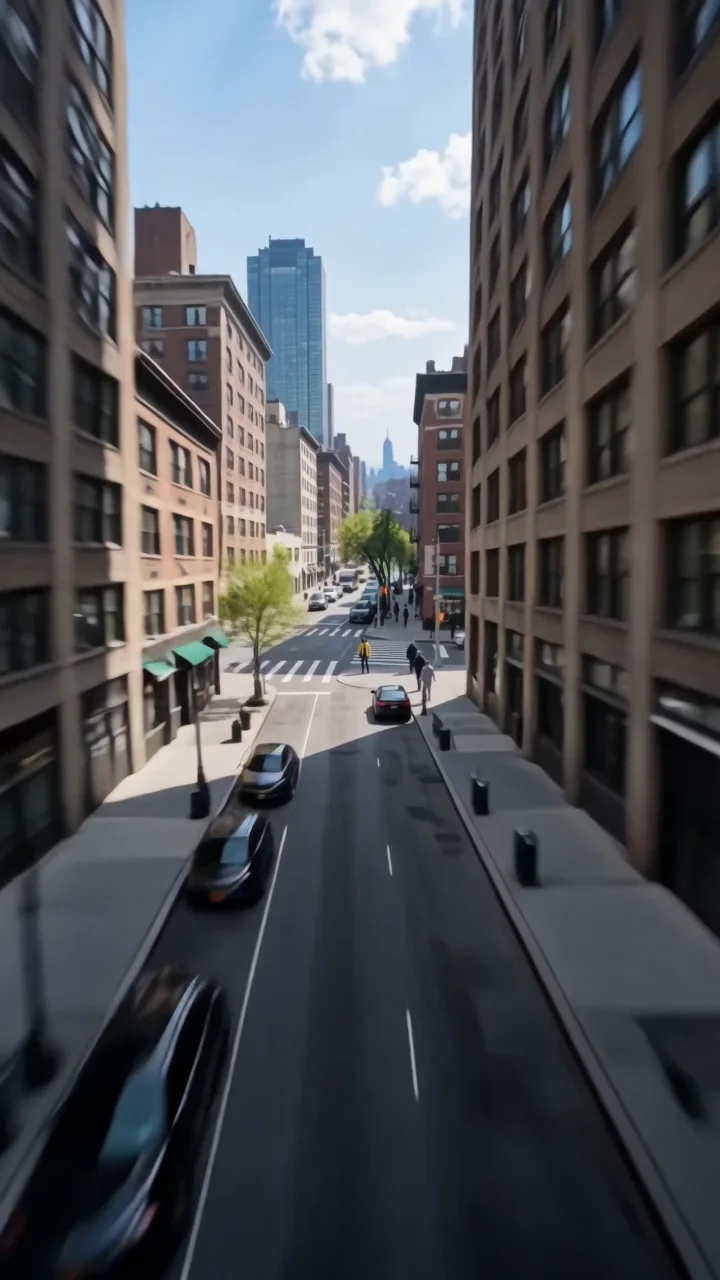
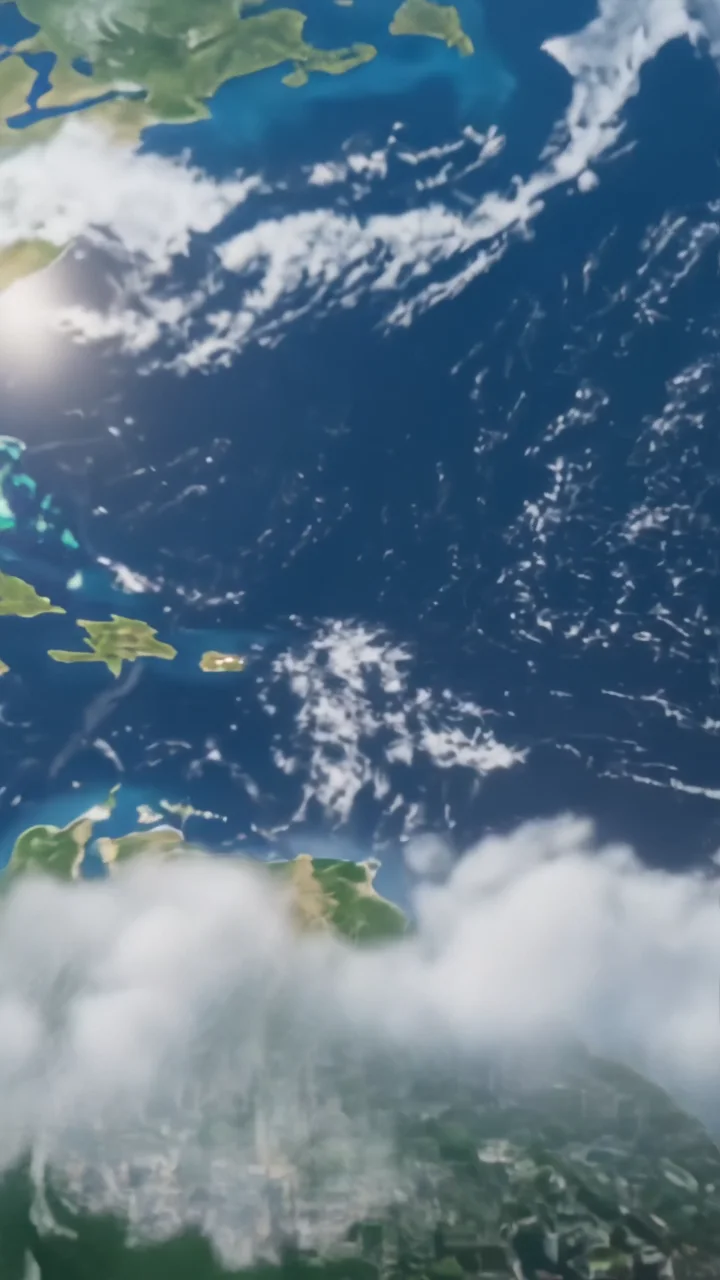
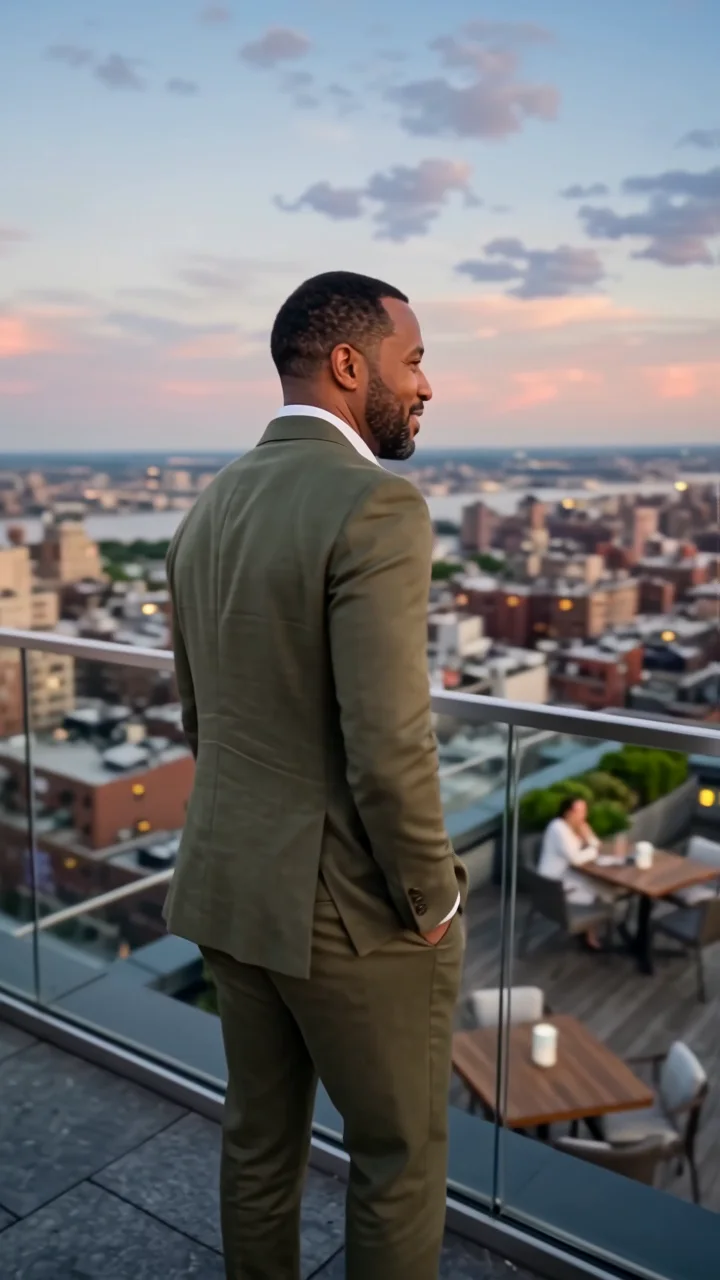
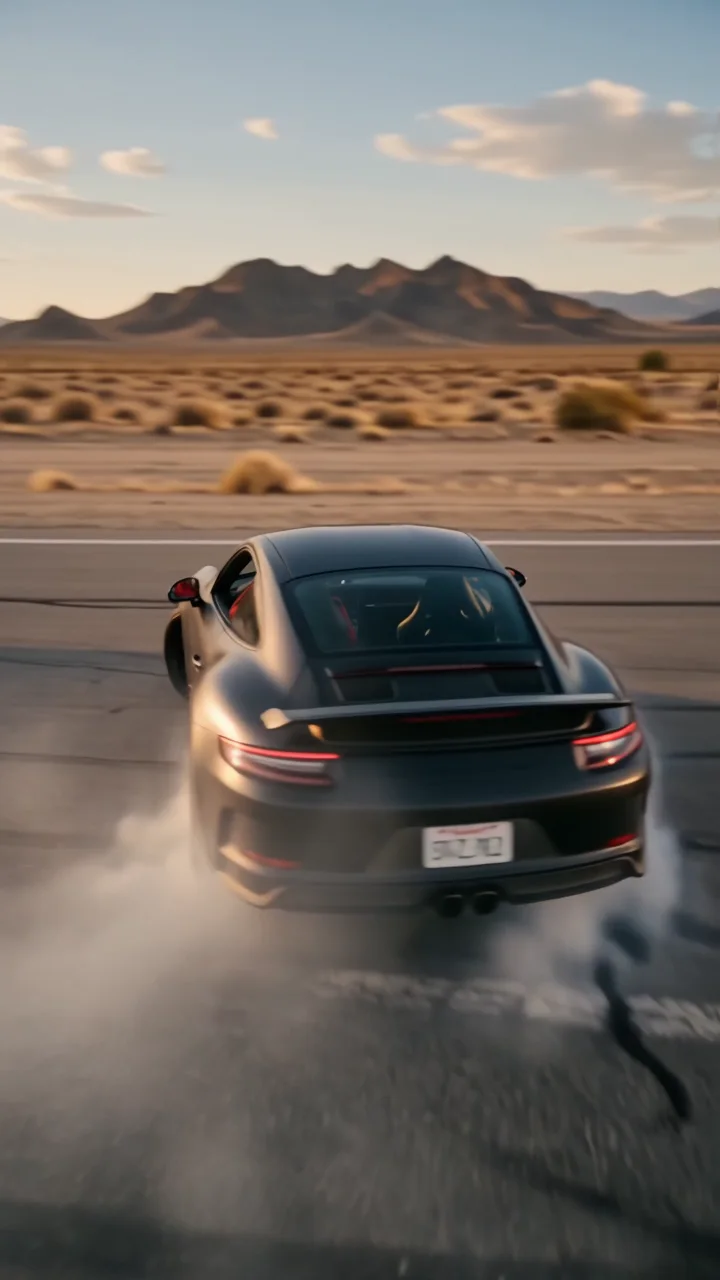
High flip is a transition between two images. The camera starts in front of the first subject, rises above their head, flips over in one arc, and lands face to face with the character and place in your second image. It is the only effect here that needs a reveal image.
- 6-second clip
- 480p, 720p or 1080p
- WAN 3.0 Prime
Sign in to run it. The price shows on the Generate button before you start.


How to make a High flip video
- 1
Add your photo
Upload one character image and a reveal image. JPG, PNG, or WebP up to 10 MB each.
- 2
Generate your High flip video
Pick a resolution and aspect ratio, add an optional prompt, and review the exact price before you start. A 6-second clip at 480p, 720p or 1080p.
- 3
Download and share
Your video saves to Assets. Play it, download the MP4, and post it anywhere.
What it is good for
- Scene switchesJump from one location to another in one move.
- Duo revealsFlip from one person to their partner or rival.
- Before and afterLand on the new look or the new place.
Tips for a better result
- Use two photos with similar framing, both full body, for the smoothest landing.
- Contrast helps: day to night, calm to loud, plain to styled.
- Both images are references, so make sure you have permission for every person shown.
Questions
Why does high flip need two images?
The second image is where the camera lands after the flip: the new character and place. Without it there is nothing to reveal.
Can the reveal be the same person?
Yes. Use a second photo of the same person in a different outfit or place for a transformation.
How much does the High flip effect cost?
It is priced per video, in credits, by its length (six seconds) and the resolution you pick. The exact price is on the Generate button before you start.
Whose photos can I use?
Use photos of yourself, or of people who have agreed to be in the video. Do not upload photos of other people without their permission.