Infinite zoom effect
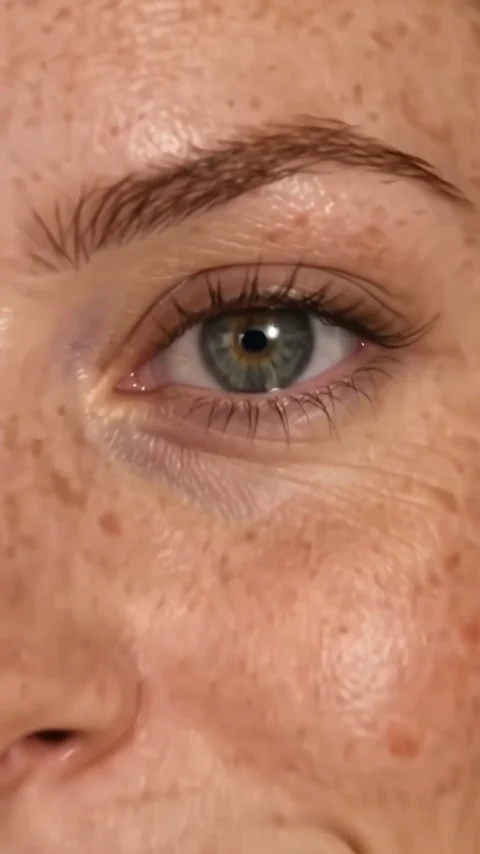
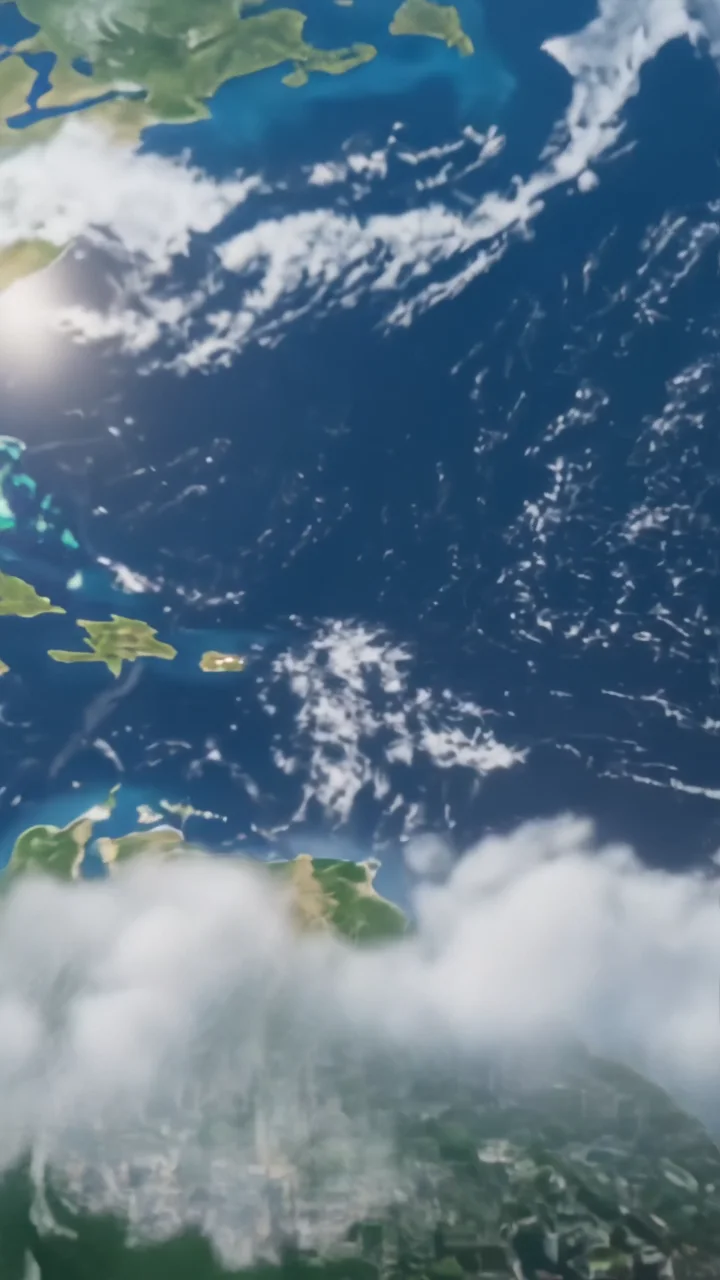
Infinite zoom is a recursive loop. Your subject holds a tiny figurine of themselves in cupped hands, the camera pushes into it, and inside is an even smaller version holding another, level after level, with the same light and identity each time.
- 5-second clip
- 480p, 720p or 1080p
- WAN 3.0 Prime
Sign in to run it. The price shows on the Generate button before you start.

How to make an Infinite zoom video
- 1
Add your photo
Upload one character image. JPG, PNG, or WebP up to 10 MB each.
- 2
Generate your Infinite zoom video
Pick a resolution and aspect ratio, add an optional prompt, and review the exact price before you start. A 5-second clip at 480p, 720p or 1080p.
- 3
Download and share
Your video saves to Assets. Play it, download the MP4, and post it anywhere.
What it is good for
- LoopsA seamless recursive zoom that begs a replay.
- Mind-bending hooksHard to look away from in the first second.
- Creator introsA playful way to show your face.
Tips for a better result
- Use a waist-up photo with hands held out toward the camera.
- Soft, even light keeps every level consistent.
- Avoid busy backgrounds that distract from the figurine.
Questions
How many levels does the infinite zoom go?
It keeps repeating for the length of the clip. Expect several clear levels in 5 seconds.
Do I need to be holding something in my photo?
No, but a photo with cupped hands toward the camera makes the first figurine look natural.
How much does the Infinite zoom effect cost?
It is priced per video, in credits, by its length (five seconds) and the resolution you pick. The exact price is on the Generate button before you start.
Whose photos can I use?
Use photos of yourself, or of people who have agreed to be in the video. Do not upload photos of other people without their permission.