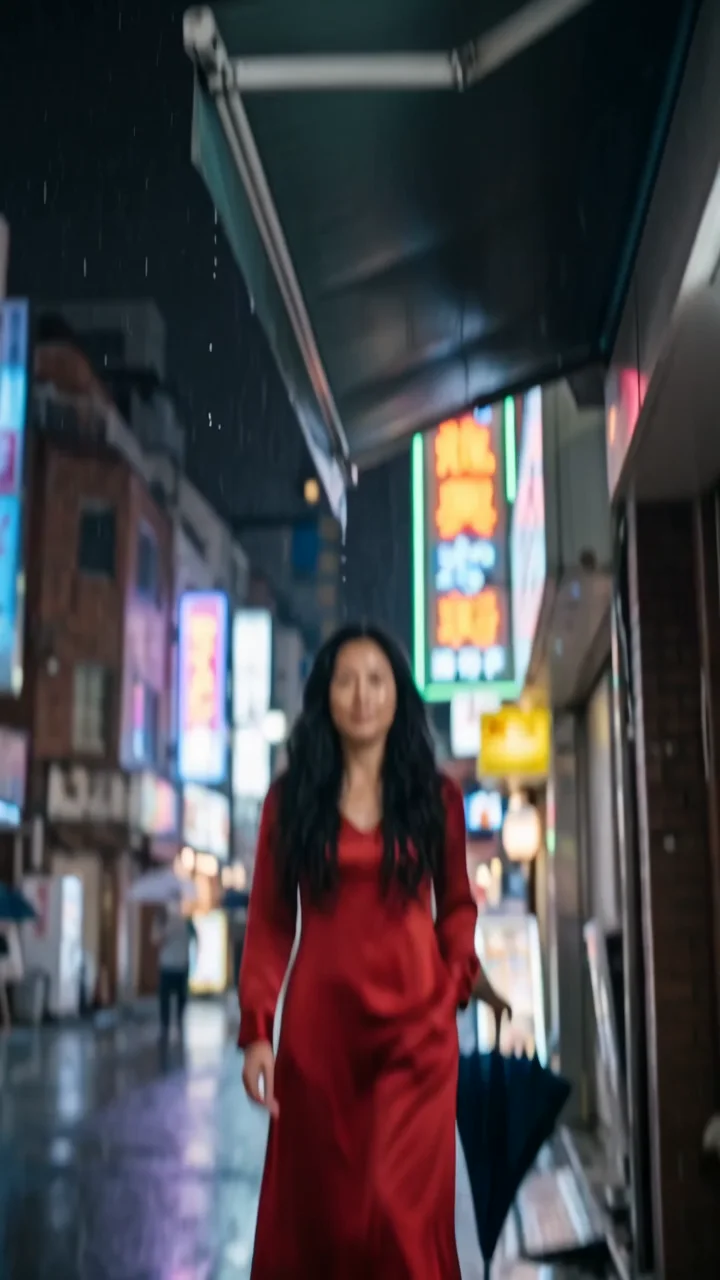
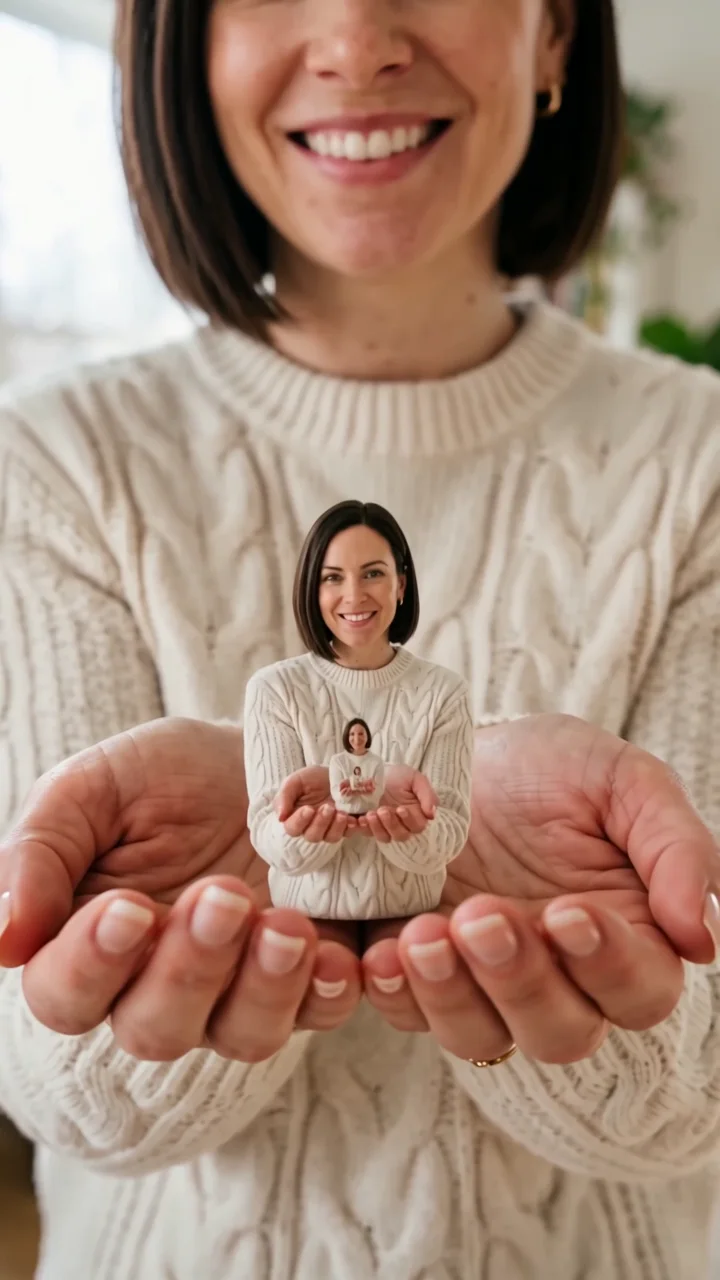
360 orbit effect
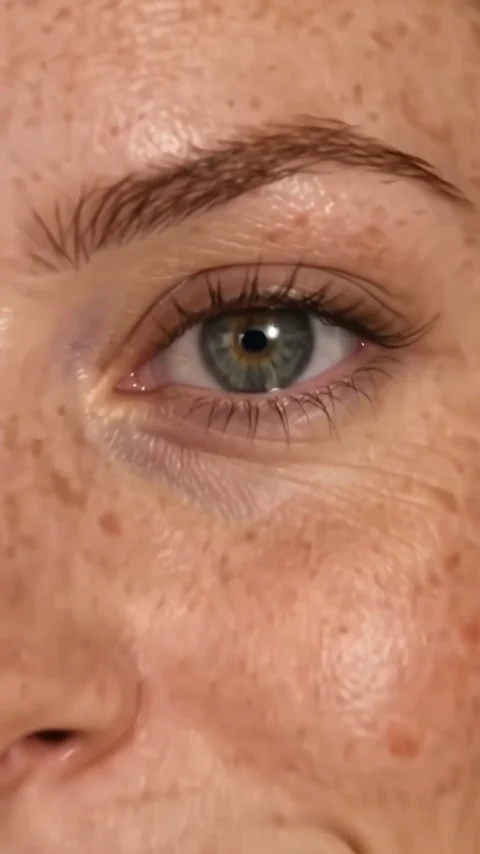
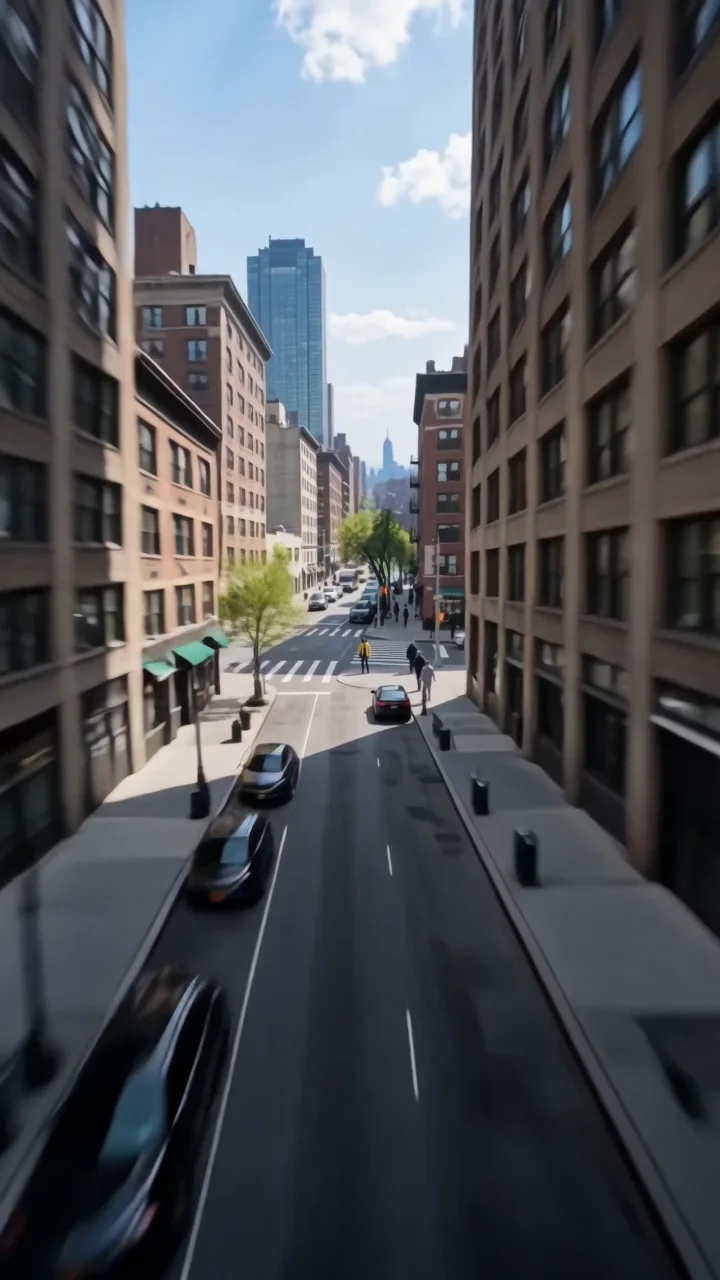
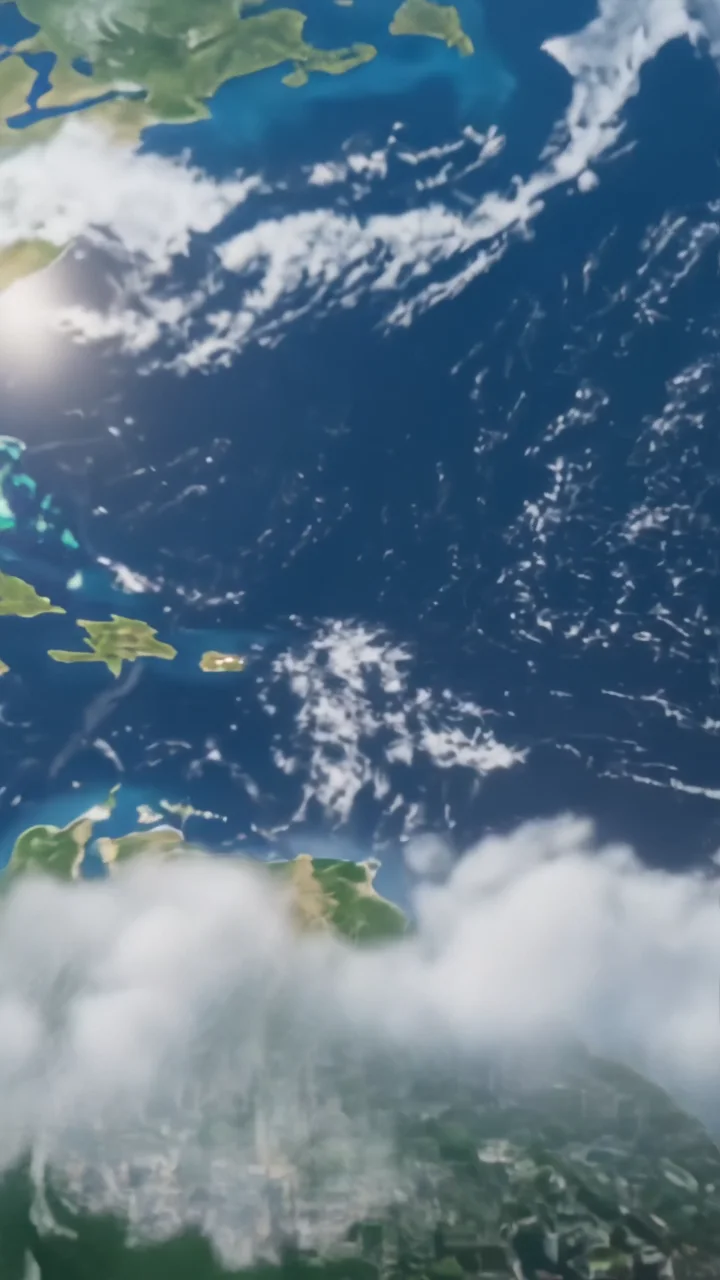
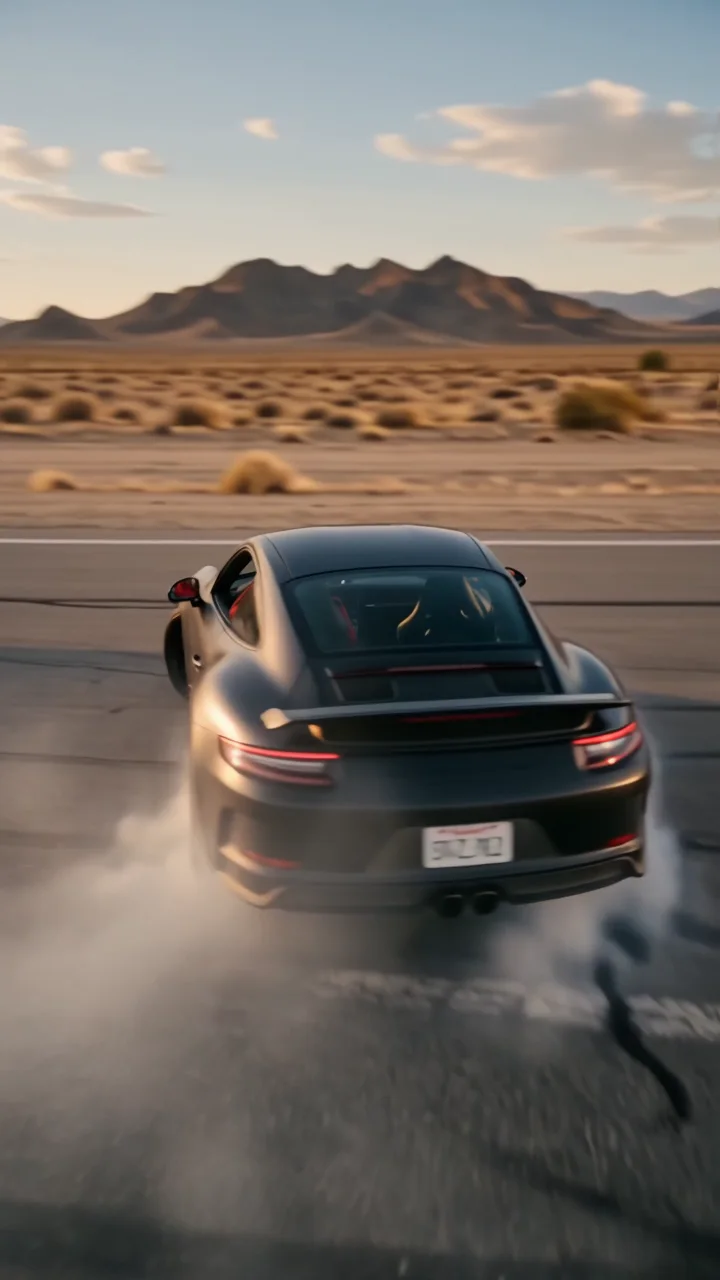
Orbit 360 moves the camera in one smooth, full circle around your subject at chest height. The background slides past with natural parallax, your subject holds the pose with small, natural movement, and they turn to the camera as the orbit completes.
- 8-second clip
- 480p, 720p or 1080p
- WAN 3.0 Prime
Sign in to run it. The price shows on the Generate button before you start.

How to make an Orbit 360 video
- 1
Add your photo
Upload one character image. JPG, PNG, or WebP up to 10 MB each.
- 2
Generate your Orbit 360 video
Pick a resolution and aspect ratio, add an optional prompt, and review the exact price before you start. An 8-second clip at 480p, 720p or 1080p.
- 3
Download and share
Your video saves to Assets. Play it, download the MP4, and post it anywhere.
What it is good for
- Outfit revealsShow a look from every side in one clip.
- Profile videosA polished motion portrait from a single photo.
- Product-in-hand shotsCircle someone holding what you sell.
Tips for a better result
- A full-body photo with a clean floor and an interesting backdrop shows off the parallax.
- Stand-still poses work better than mid-motion photos.
- Ask for a slower or faster orbit in the prompt.
Questions
Does the camera go all the way around?
Yes. The direction asks for one continuous 360-degree orbit. Unseen sides of the subject are generated, so check the back of the outfit in your result.
How long is the orbit 360 effect?
Each clip is 8 seconds.
How much does the Orbit 360 effect cost?
It is priced per video, in credits, by its length (eight seconds) and the resolution you pick. The exact price is on the Generate button before you start.
Whose photos can I use?
Use photos of yourself, or of people who have agreed to be in the video. Do not upload photos of other people without their permission.