Earth zoom out effect
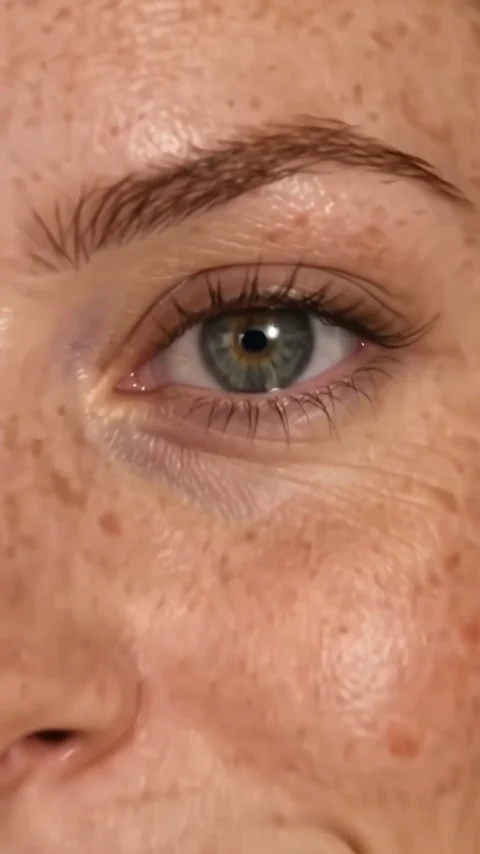
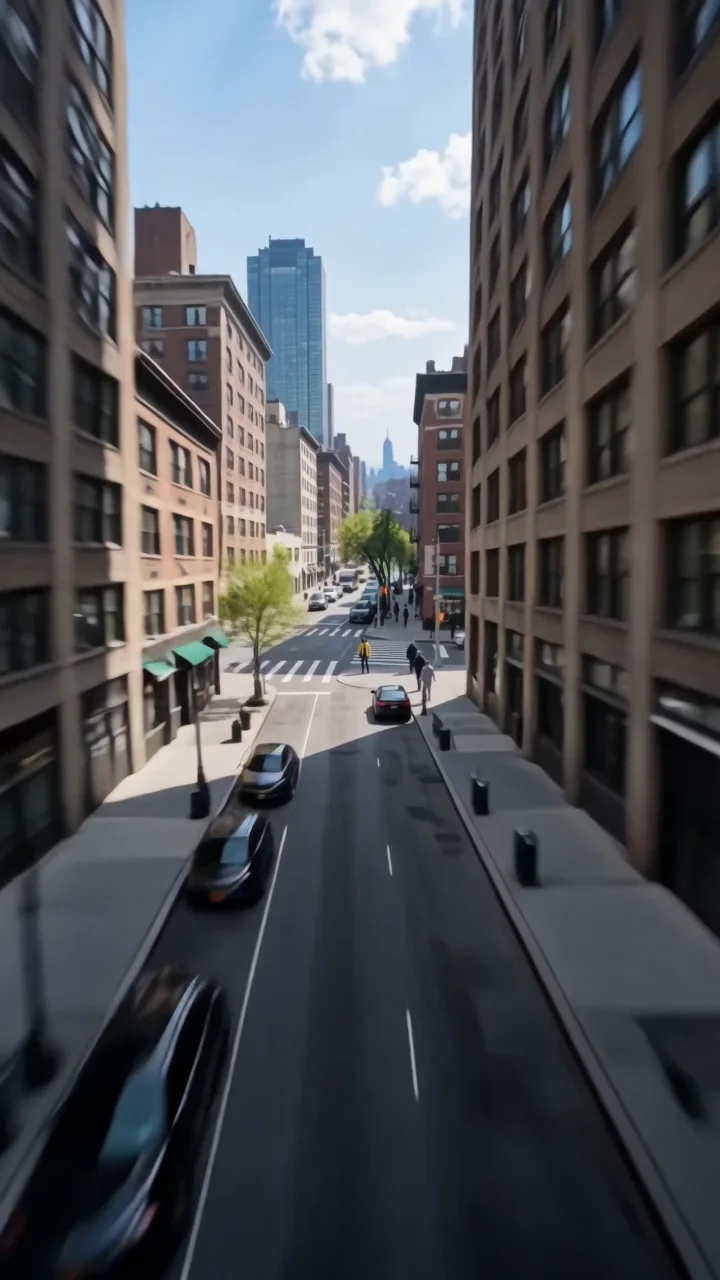
Earth zoom out is the reverse dive. It starts on your subject looking up at the camera and pulls straight up and away: over the rooftops, above the city grid, through the clouds, until the curve of the Earth and then the whole planet hang in space.
- 8-second clip
- 480p, 720p or 1080p
- WAN 3.0 Prime
Sign in to run it. The price shows on the Generate button before you start.

How to make an Earth zoom out video
- 1
Add your photo
Upload one character image. JPG, PNG, or WebP up to 10 MB each.
- 2
Generate your Earth zoom out video
Pick a resolution and aspect ratio, add an optional prompt, and review the exact price before you start. An 8-second clip at 480p, 720p or 1080p.
- 3
Download and share
Your video saves to Assets. Play it, download the MP4, and post it anywhere.
What it is good for
- EndingsClose a video by leaving the planet behind.
- Perspective editsGo from one person to the whole world.
- Trend formatsThe classic zoom-out-to-space meme, from your own photo.
Tips for a better result
- Use a high-angle photo with your subject looking up at the camera.
- Open spaces like parks or squares make the first pull-back clean.
- Add a prompt like "at sunset" to warm the light on the way up.
Questions
Can I make the zoom out end on a specific planet view?
Describe it in the prompt, for example "ending on Earth at night with city lights". The base direction ends with the whole planet in space.
How long is the Earth zoom out effect?
Each clip is 8 seconds.
How much does the Earth zoom out effect cost?
It is priced per video, in credits, by its length (eight seconds) and the resolution you pick. The exact price is on the Generate button before you start.
Whose photos can I use?
Use photos of yourself, or of people who have agreed to be in the video. Do not upload photos of other people without their permission.
Go step by step