Smash and grab effect
Smash and grab frames your product on the passenger seat of a parked car. Your subject taps the glass, it bursts into a slow-motion shower of harmless safety-glass crystals, they grab the product, and the camera whips around to follow the getaway. It is built as a playful ad.
- 8-second clip
- 480p, 720p or 1080p
- WAN 3.0 Prime
Sign in to run it. The price shows on the Generate button before you start.
How to make a Smash and grab video
- 1
Add your photo
Upload one character image and an optional product image. JPG, PNG, or WebP up to 10 MB each.
- 2
Generate your Smash and grab video
Pick a resolution and aspect ratio, add an optional prompt, and review the exact price before you start. An 8-second clip at 480p, 720p or 1080p.
- 3
Download and share
Your video saves to Assets. Play it, download the MP4, and post it anywhere.
What it is good for
- Product launchesMake the product the thing everyone wants.
- Streetwear and bagsA bold, cheeky reveal.
- Short ads8 seconds with a clear beginning, middle, and end.
Tips for a better result
- Add a clean product photo; without one the effect uses a plain leather handbag.
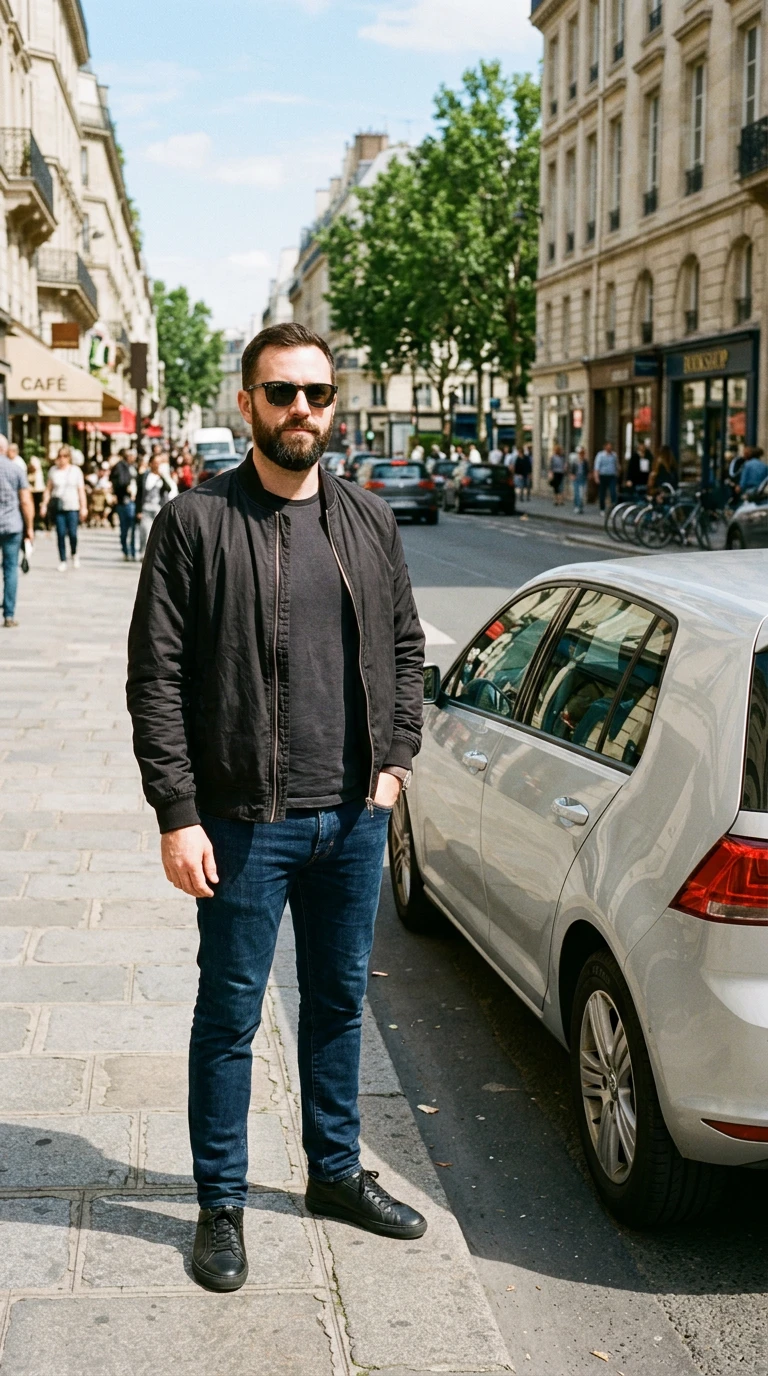
- A street photo of your subject next to a car blends best.
- Keep it playful in the prompt; the direction avoids injury.
Questions
Can I use my own product in the smash and grab effect?
Yes. Add one product image and it is the item on the seat that your subject grabs.
Does anyone get hurt?
No. The glass bursts into harmless crystals and the direction specifies no injury.
How much does the Smash and grab effect cost?
It is priced per video, in credits, by its length (eight seconds) and the resolution you pick. The exact price is on the Generate button before you start.
Whose photos can I use?
Use photos of yourself, or of people who have agreed to be in the video. Do not upload photos of other people without their permission.
More effects like Smash and grab
 Floating fallA suspended moment. Everything falls in slow motion.
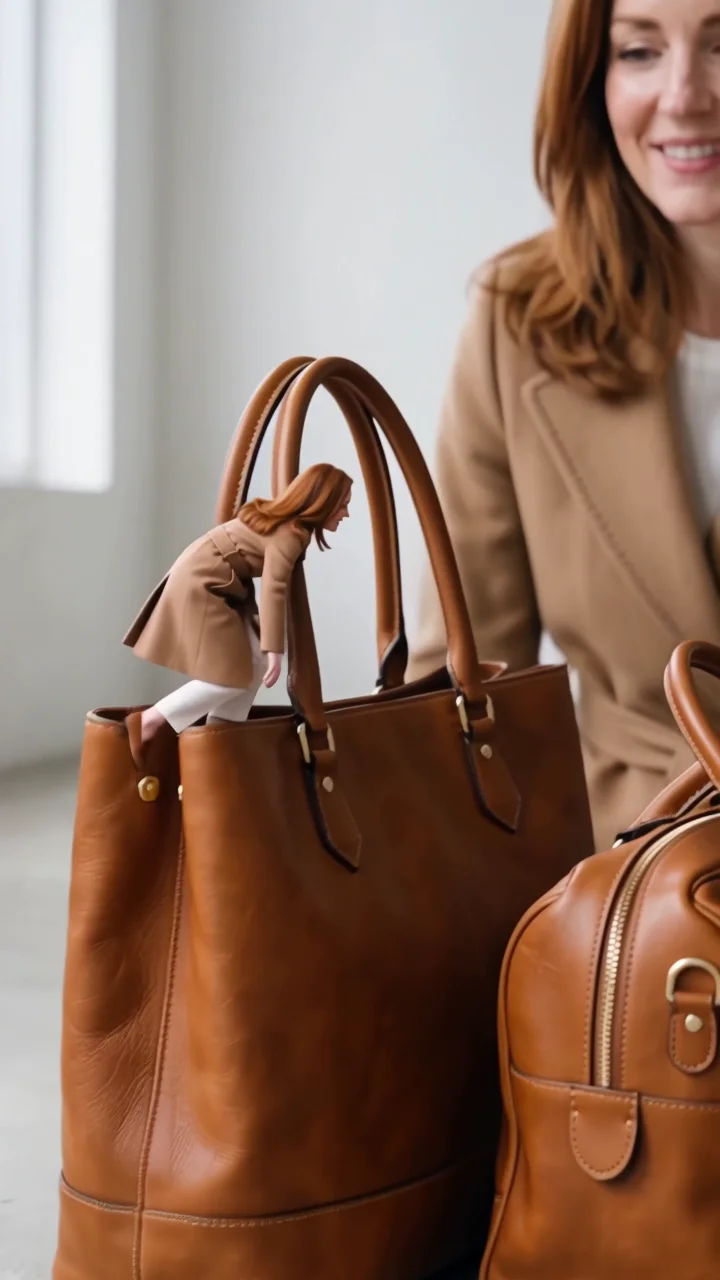 Mini meA tiny you walks a tightrope between bags.
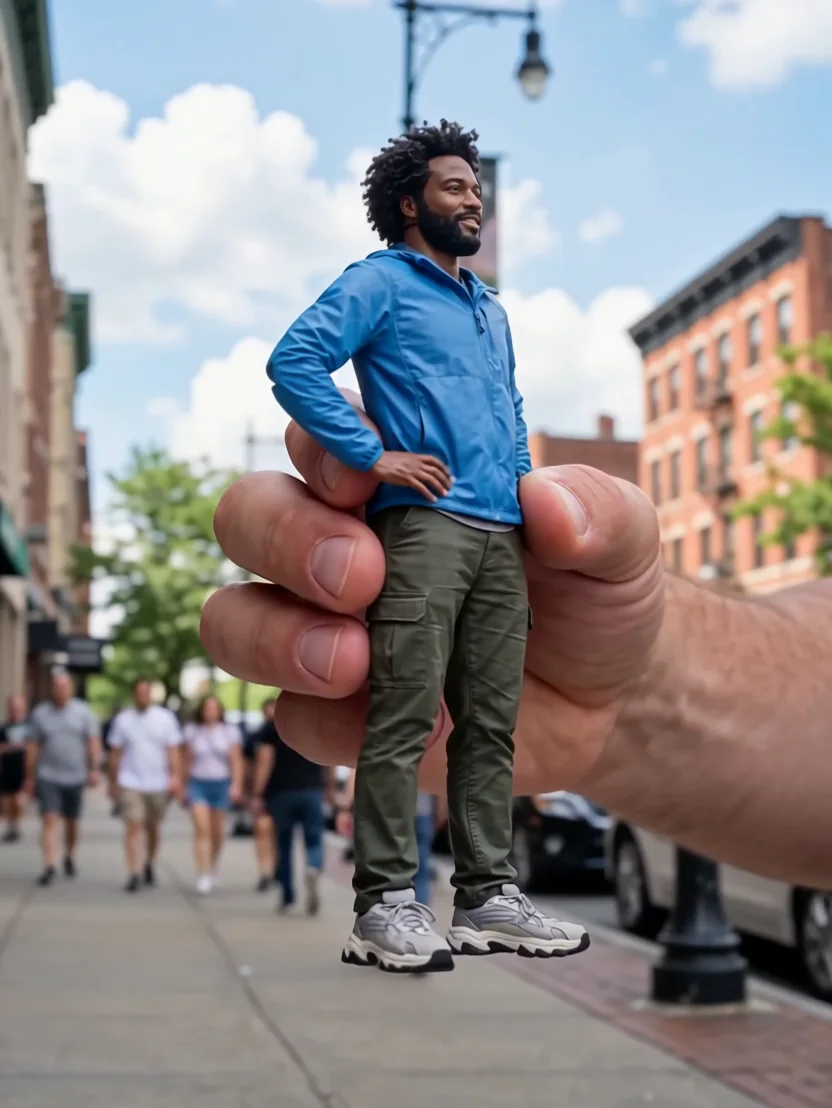 Action figureA giant hand lifts you out like a plastic toy.
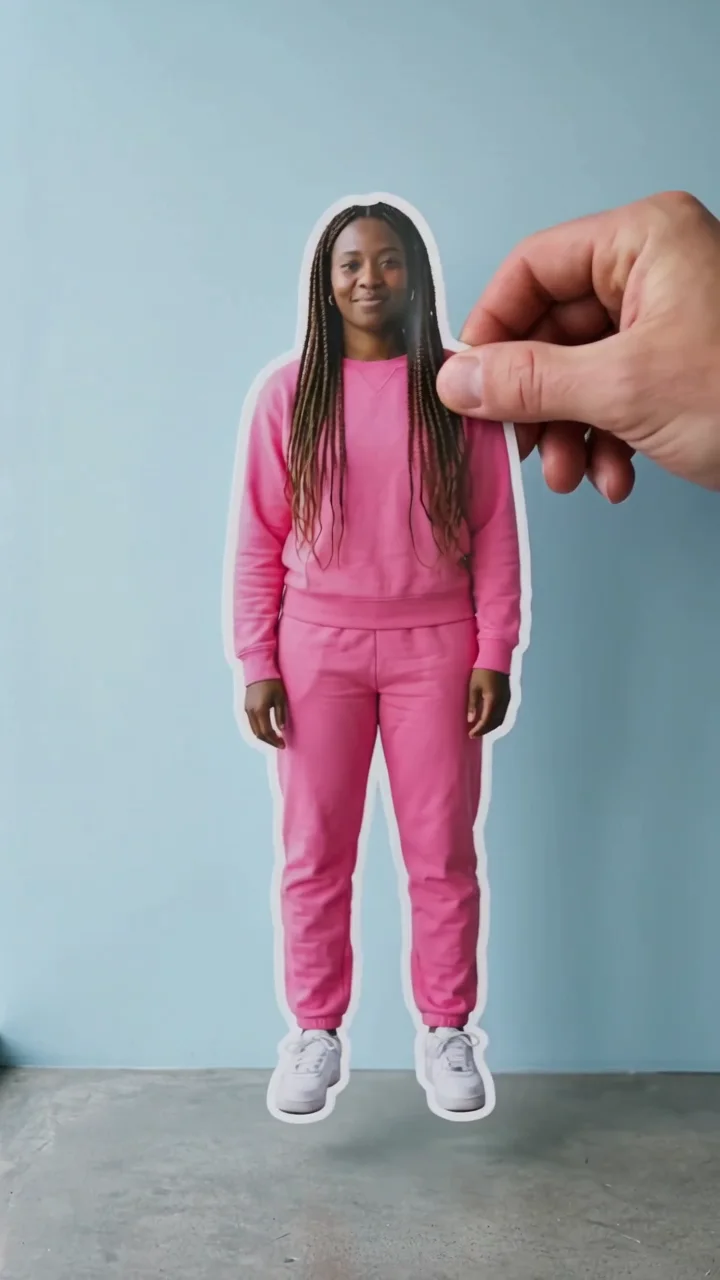 Sticker peelA giant hand peels you off the wall.
 Infinite clonesEndless copies pour out of a tiny car.
 Selfie twinYour double sits down, takes a selfie, vanishes.