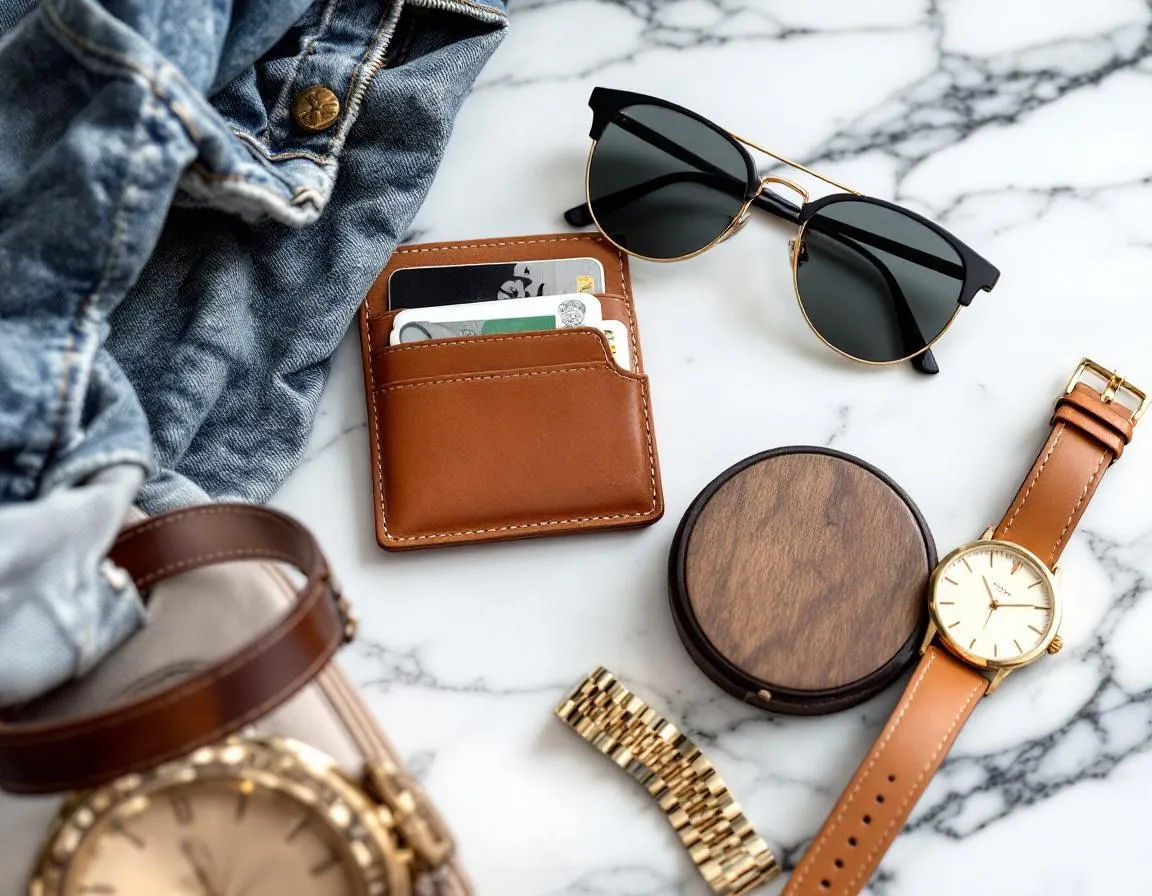
Photorealistic scene
“Editorial lifestyle photograph with natural window light and fine material detail.”
Every prompt below was generated with Flux 1.1 Pro in Made, and the output next to it is what came back — not a curated stock image. Copy a prompt as a starting point, then use the guide underneath to adapt it.
Original results
These examples use media produced for Made. Prompts are included when the production record allows them.
“Editorial lifestyle photograph with natural window light and fine material detail.”
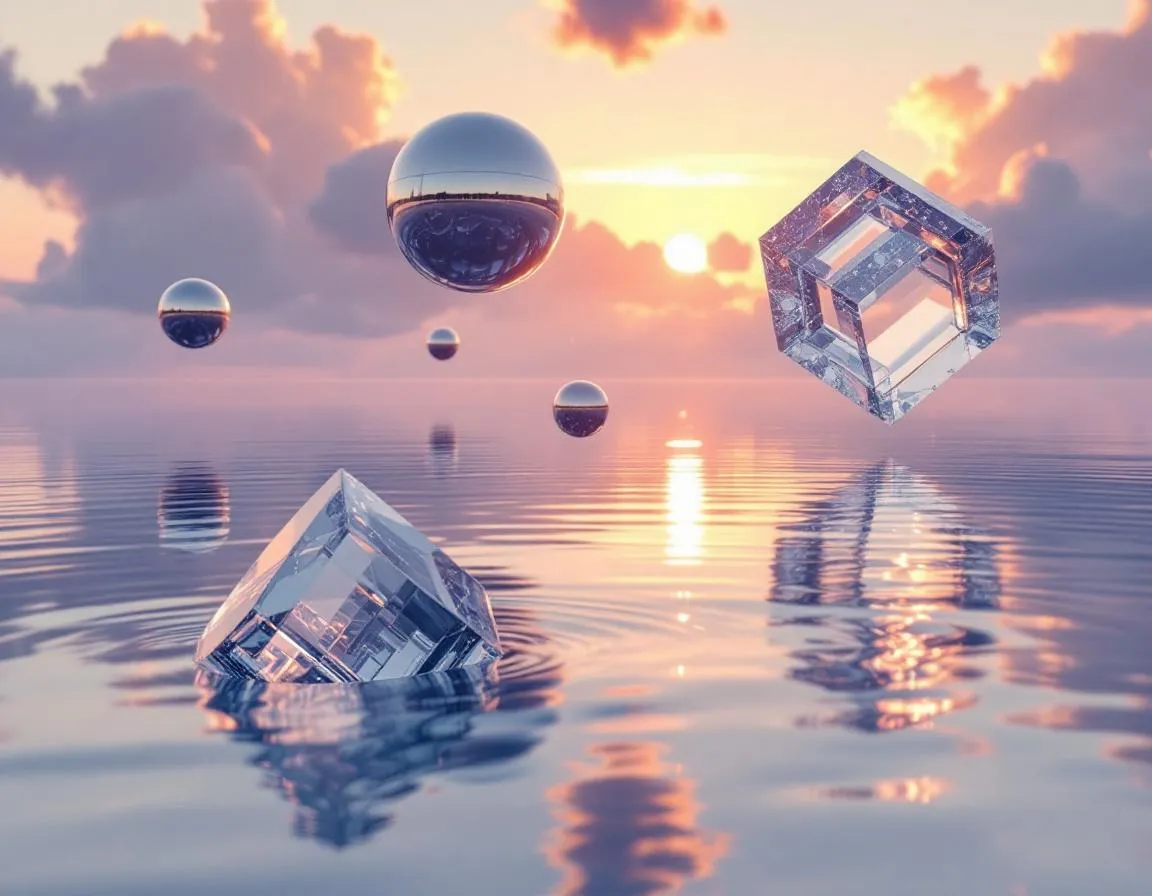
“Surreal campaign image with a restrained palette and clean composition.”
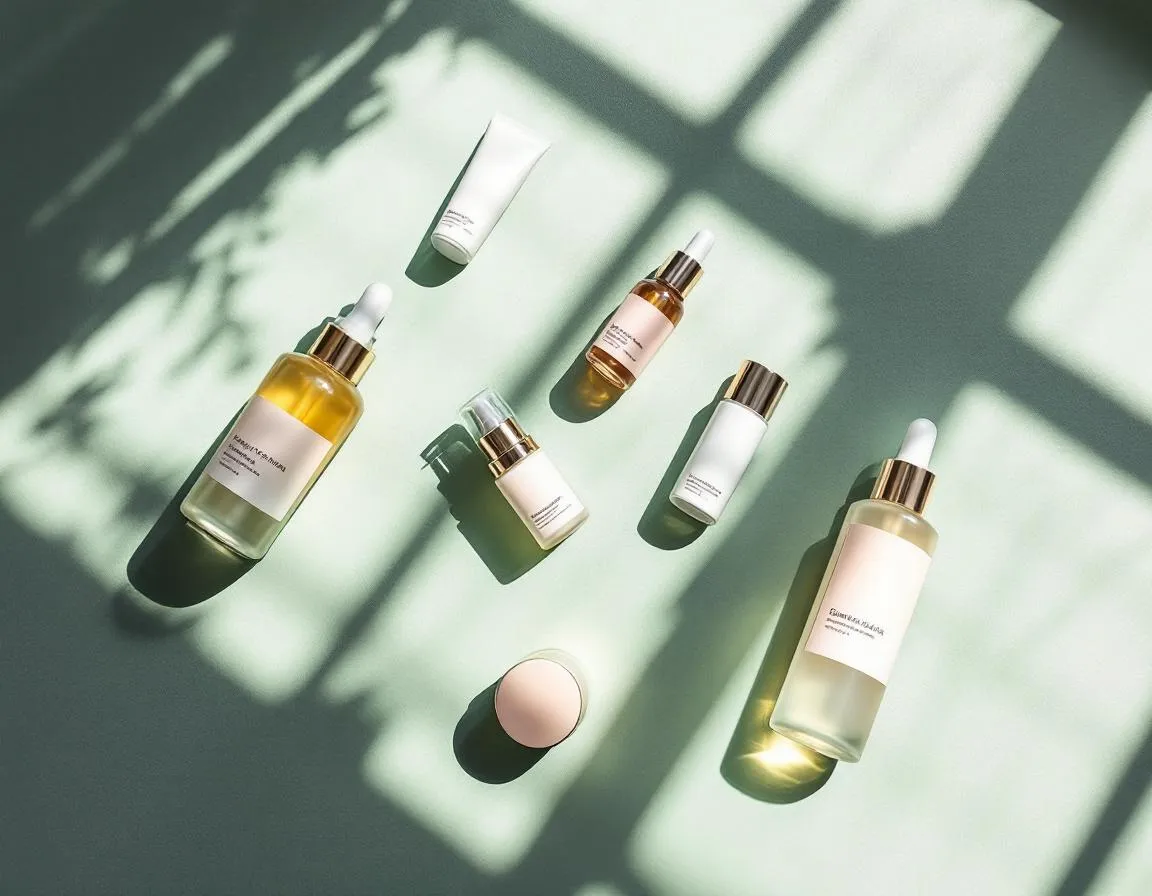
“Create the same editorial direction for square, portrait, and landscape placements.”
“Close-up product study with crisp texture and controlled highlights.”
“Golden-hour editorial portrait with realistic shadows.”
“Layer multiple subjects into a balanced commercial scene.”
Describe the subject, setting, lighting, composition, and intended visual style.
Select an aspect ratio and the available output settings for the destination.
Review the output and revise the prompt when a composition needs adjustment.
Save the selected image in the format exposed by Made.
Iteration is cheap here: Flux 1.1 Pro costs 0.4 credits / image, so rewriting a prompt and rerunning it is a normal part of the workflow, not a budget decision. See the full Flux 1.1 Pro pricing breakdown.
It is a strong general-purpose choice for detailed image generation, including product concepts, editorial scenes, and photorealistic visuals.
More tested prompts across all models live in the prompt library, and the full Flux 1.1 Pro capability rundown is on the model page.