made
PricingLog inGet it made

Qwen Image prompts that actually ran

Every prompt below was generated with Qwen Image in Made, and the output next to it is what came back — not a curated stock image. Copy a prompt as a starting point, then use the guide underneath to adapt it.

Original results

Qwen Image prompts and their outputs

These examples use media produced for Made. Prompts are included when the production record allows them.

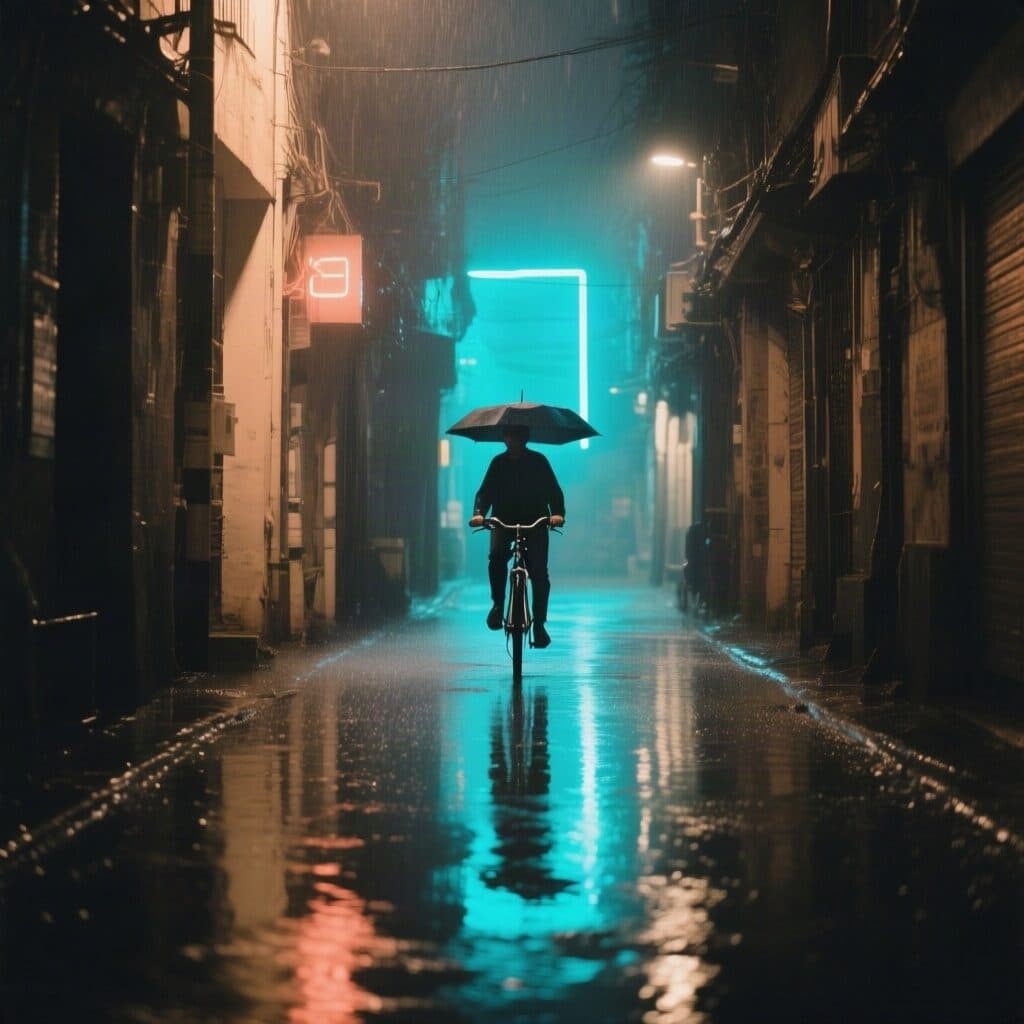
neon-lit alley in the rain with a cyclist generated with Qwen Image in Made

Qwen Image: Rainy alley

“Neon-lit alley in the rain, reflections on wet pavement, a lone cyclist with an umbrella passing through. 35mm film still, soft natural light, muted earth tones with one cyan accent, shallow depth of field, subtle film grain, candid and unposed, no text, logos, or watermark.”
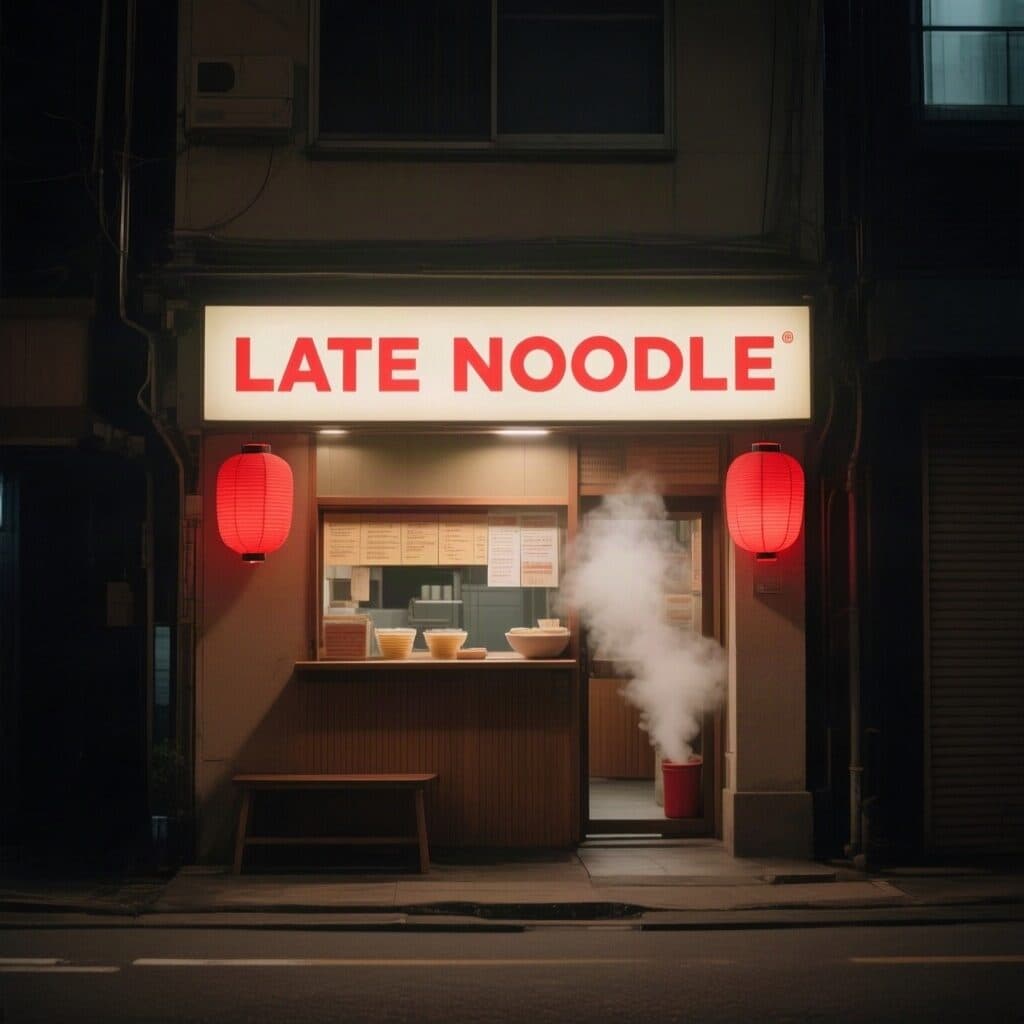
noodle shop facade with a LATE NOODLE sign generated with Qwen Image in Made

Qwen Image: Neon sign

“Tiny noodle shop facade at night with a glowing sign reading exactly "LATE NOODLE" and red paper lanterns, steam from the doorway. Clean editorial design, muted earth tones with one red accent, subtle paper texture, sharp legible type, no other words or logos.”

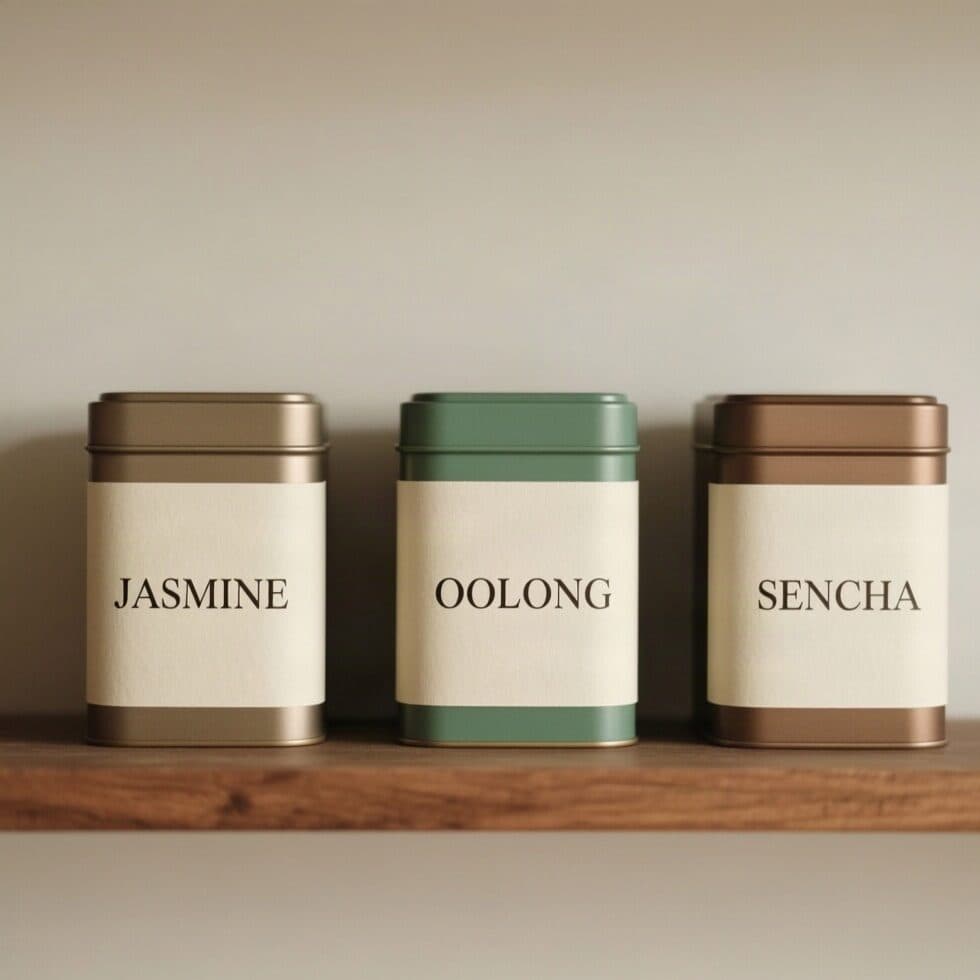
tea tins labeled Jasmine, Oolong and Sencha generated with Qwen Image in Made

Qwen Image: Tea tin labels

“Three tea tins standing in a row on a wooden shelf against a plain wall, front view, each with a wide cream label printed with one word in large serif capitals: "JASMINE", "OOLONG" and "SENCHA". Clean editorial design, muted earth tones with one jade accent, subtle paper texture, sharp legible type, no other words or logos.”

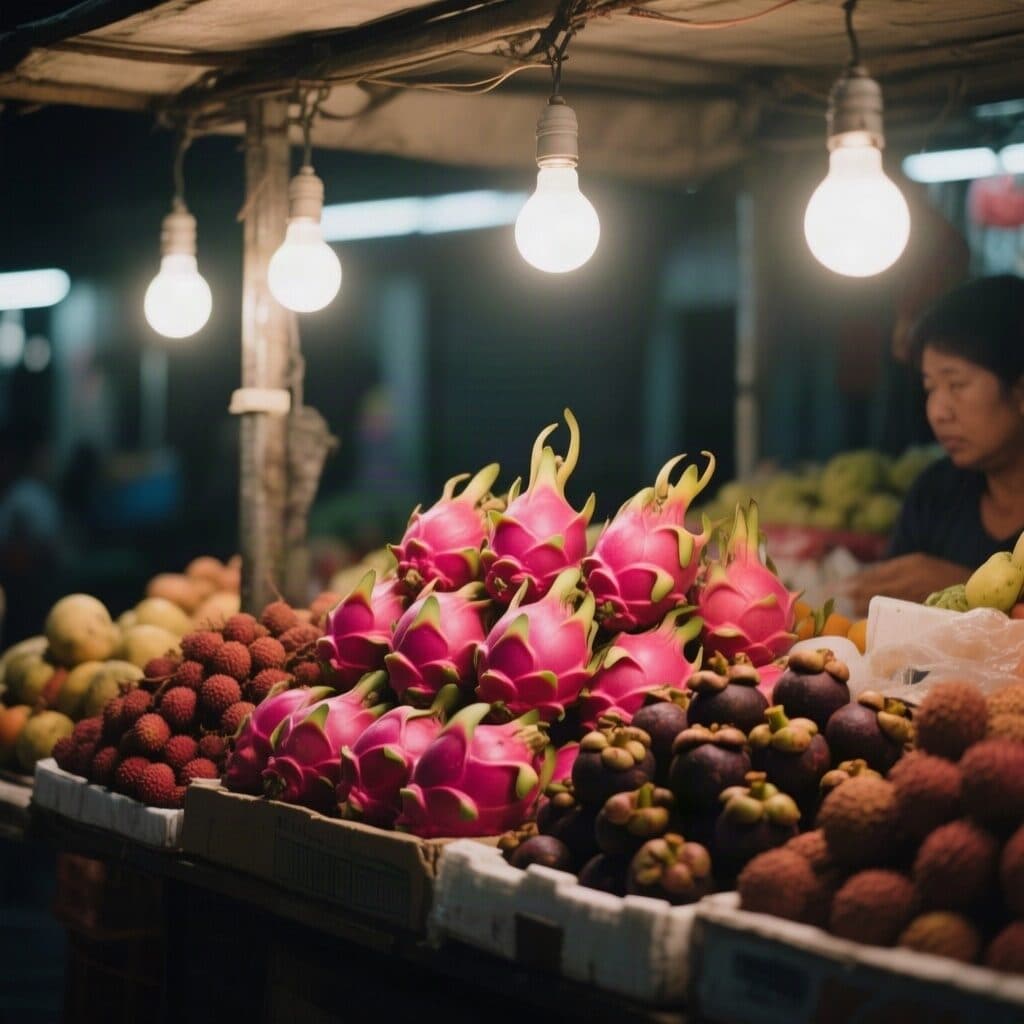
night market fruit stall under hanging bulbs generated with Qwen Image in Made

Qwen Image: Night market

“Night market fruit stall lit by hanging bulbs, piles of dragon fruit, lychee and mangosteen. 35mm film still, soft natural light, muted earth tones with one magenta accent, shallow depth of field, subtle film grain, candid and unposed, no text, logos, or watermark.”
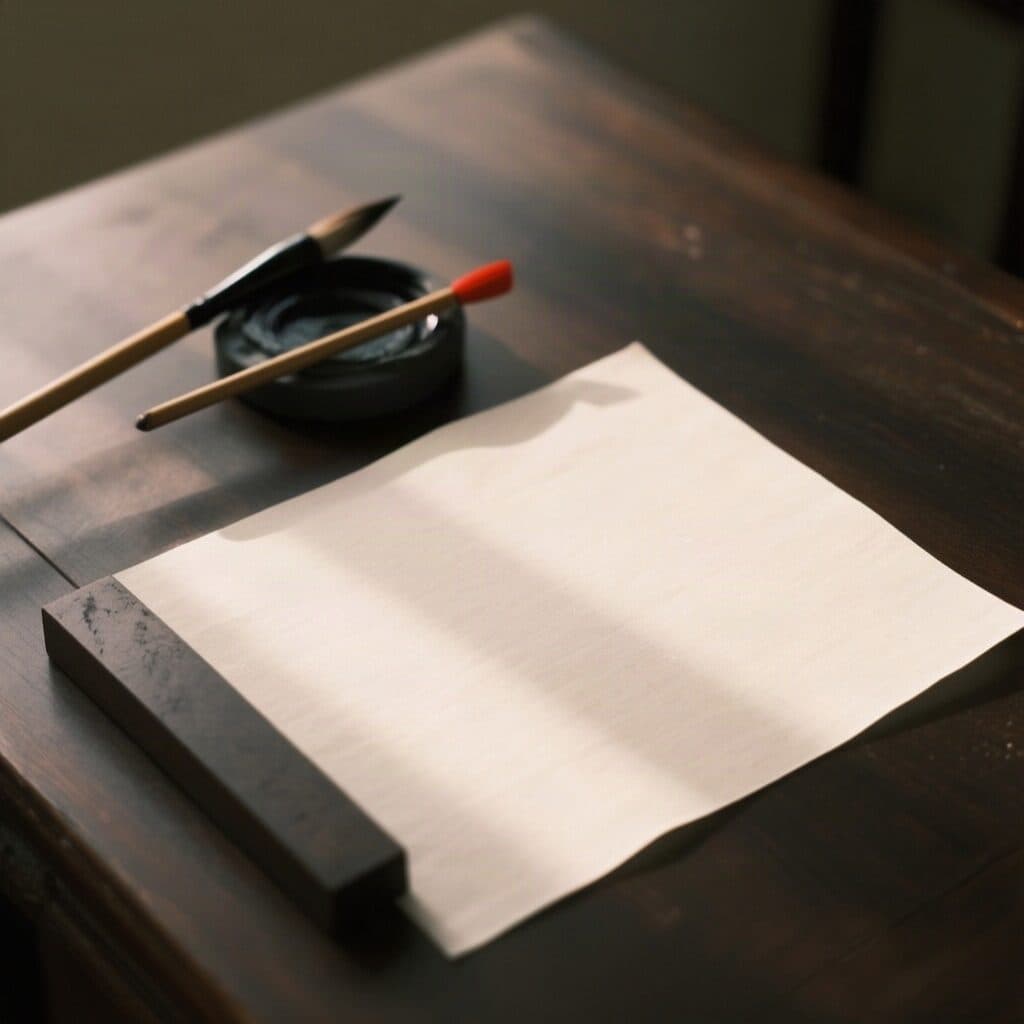
calligraphy brushes and ink stone on a desk generated with Qwen Image in Made

Qwen Image: Calligraphy desk

“Calligraphy brushes, an ink stone and a blank sheet of rice paper with no characters or writing on a dark wooden desk in morning light. 35mm film still, soft natural light, muted earth tones with one vermilion accent, shallow depth of field, subtle film grain, candid and unposed, no text, logos, or watermark.”
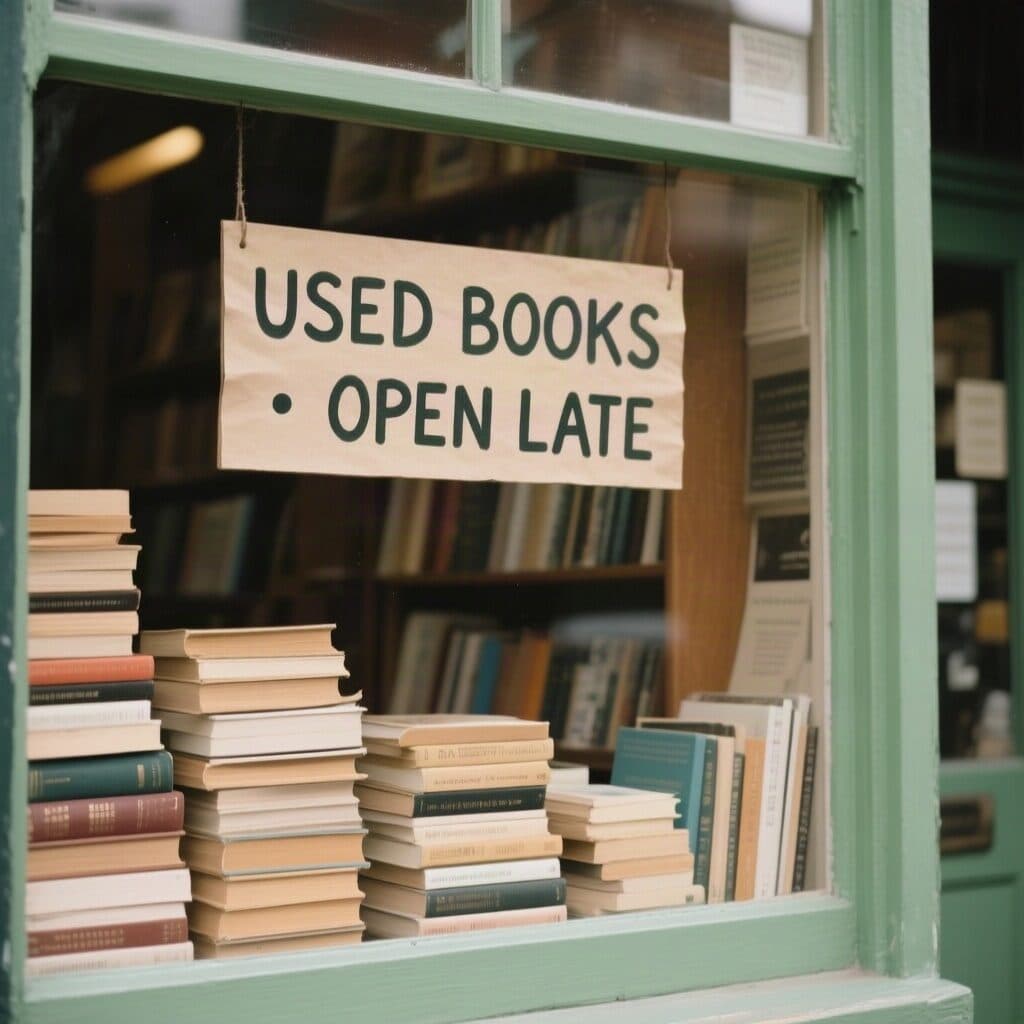
bookshop window with a hand-painted sign generated with Qwen Image in Made

Qwen Image: Bookshop window

“Second-hand bookshop window with stacked books and a hand-painted sign reading exactly "USED BOOKS · OPEN LATE". Clean editorial design, muted earth tones with one bottle green accent, subtle paper texture, sharp legible type, no other words or logos.”

How to write a Qwen Image prompt

  1. 1

    Lead with the subject

    Describe the main subject, then add composition, materials, lighting, and style in concrete language.

  2. 2

    Quote exact display text

    For posters, place the short requested wording in quotes and explicitly reject extra copy.

  3. 3

    Select the output shape

    Choose the aspect ratio and output format that match the final placement.

  4. 4

    Review fine details

    Inspect small text, hands, faces, and unintended marks before using the image.

What Qwen Image responds well to

Prompt for these jobs

  • Posters and graphics with a short headline
  • Structured product and interior compositions
  • Fast prompt-to-image concept exploration
  • Square, portrait, and landscape content in efficient WebP output

Check the output for

  • It may invent small decorative copy or logo-like marks even when the main requested headline is correct.
  • Photorealistic faces and hands should be reviewed closely, especially in busy scenes or small crops.

Iteration is cheap here: Qwen Image costs 3 credits / image, so rewriting a prompt and rerunning it is a normal part of the workflow, not a budget decision. See the full Qwen Image pricing breakdown.

Questions, answered

Qwen Image prompts FAQ

Need a specific answer? Contact support

It is a useful image-generation option when prompt structure and visible headline text matter, while still covering general product, portrait, interior, and illustration work.

More tested prompts across all models live in the prompt library, and the full Qwen Image capability rundown is on the model page.