Made / Shorts Studio
Your clip has more in it.
Upload a clip, pick a look, add captions, and make the frame land. Export a short worth posting.
Up to 2 minutes · Original audio · Free browser export
One clip, styled and exported in Shorts Studio.
01Choose a real look
02Tighten quiet gaps
03Burn in timed captions
04Keep the original audio
Pick a direction
A look for every kind of clip.
These are edits to the video, not a filter on the thumbnail. Preview any look on your footage before you export.
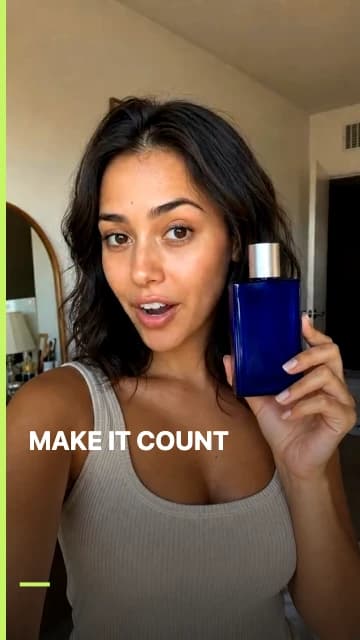
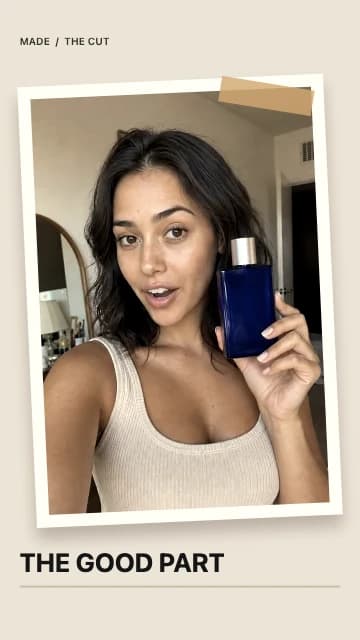
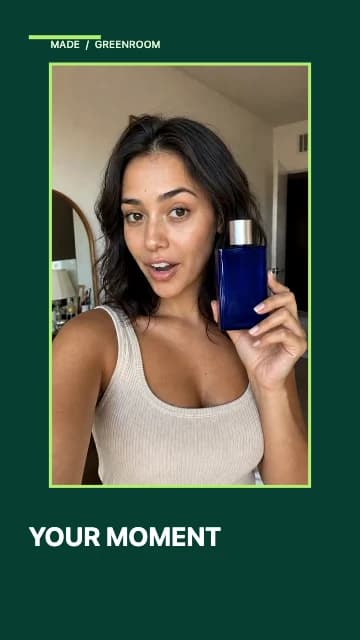
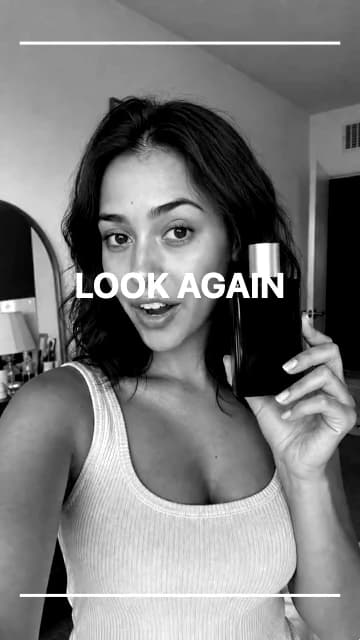
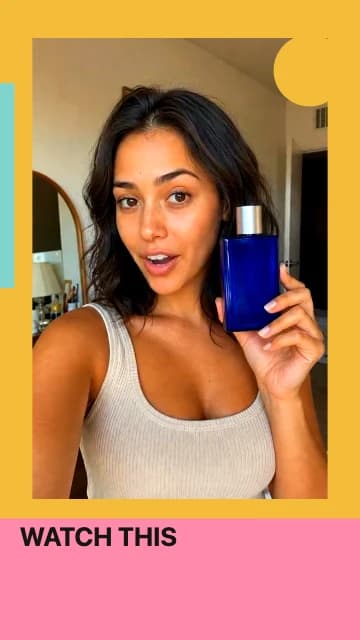
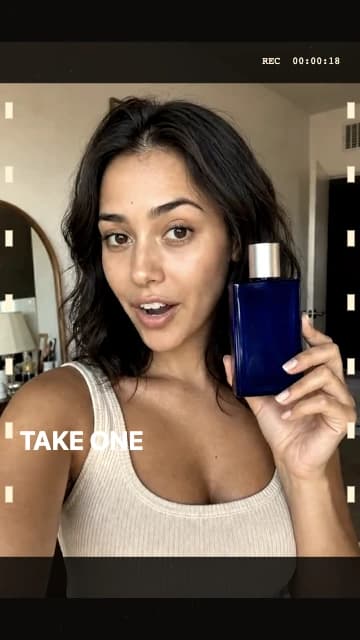
13 looks, including a customizable one.
See every lookYour footage, your framing
The crop should follow the story.
Go vertical without losing the subject. Tighten pauses in the audio, choose the moments worth keeping, and add a title or timed subtitles.
- Vertical 9:16 or horizontal 16:9 output
- Editable quiet-gap suggestions and precise trim points
- Write timed captions or import SRT or VTT
 Original clip
 Bold Cut export
How it works
From raw clip to ready to post.
- 01
Bring the footage
Upload up to two minutes of video, or try the sample. Your source stays in your browser.
- 02
Make it yours
Pick a look, review suggested pause cuts, adjust the crop, then write or import captions.
- 03
Export the short
Made processes every frame and gives you a real MP4 or WebM to download.
Good to know
The details, plainly.
How long can my video be?
Up to two minutes and 200 MB. Choose an MP4, MOV, or WebM file. You can trim the part you want before exporting.
Can I make a vertical Short from a horizontal video?
Yes. Choose Vertical, then move the horizontal and vertical crop controls to keep the subject in frame. Horizontal output is available too.
Can I add captions?
Yes. Write a caption and choose when it appears, or paste or import SRT or VTT subtitles. Made burns the text into the exported video at those times.
Can Made tighten pauses?
For a clip with audio, Made can suggest cuts from sustained quiet gaps. You can adjust every kept section, preview the jumps, or restore the full clip before exporting. This does not transcribe or choose the story for you.
What happens to the original sound?
Keep original audio is on by default. Made copies or re-encodes supported audio in your browser. If the browser cannot preserve a format, the editor tells you before export.
Where does my footage go?
The video is decoded, styled, and exported in your browser. You download the result directly; the source video is not uploaded to Made to use this studio.
Can I return to an export later?
Made keeps up to five recent exports in this browser when device storage allows. You can reopen, download, or remove them in History. Download a copy for long-term keeping.
Make the next cut