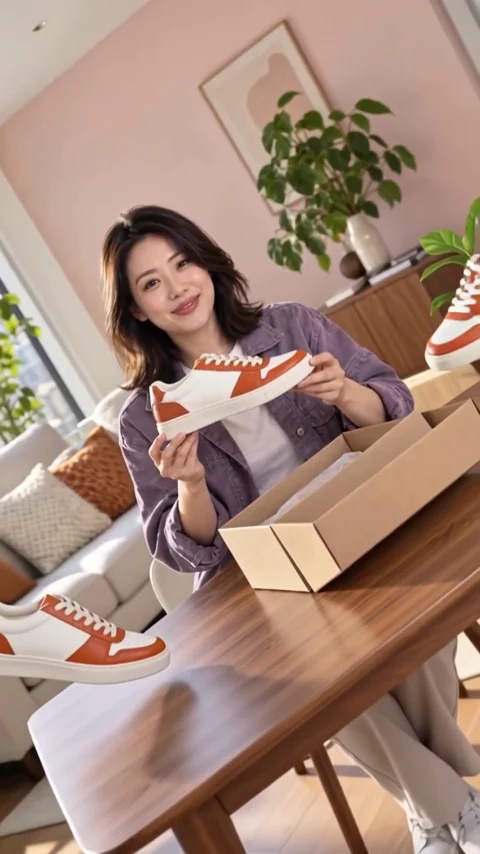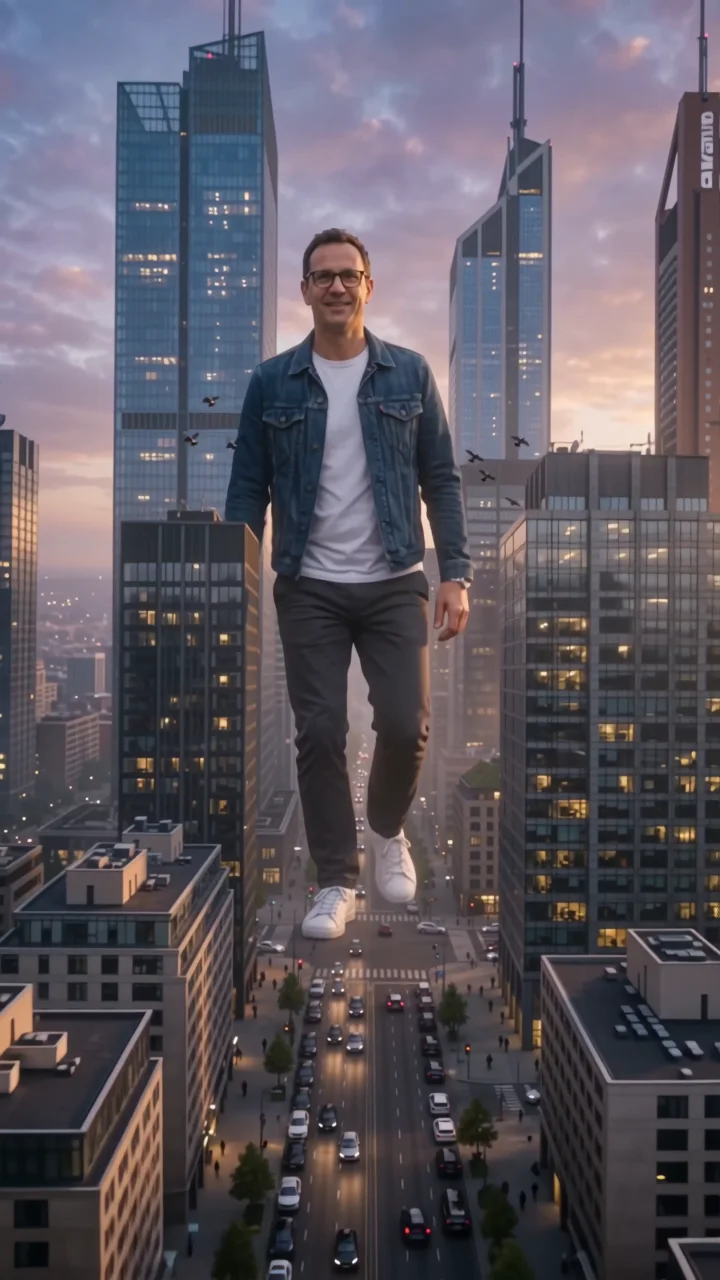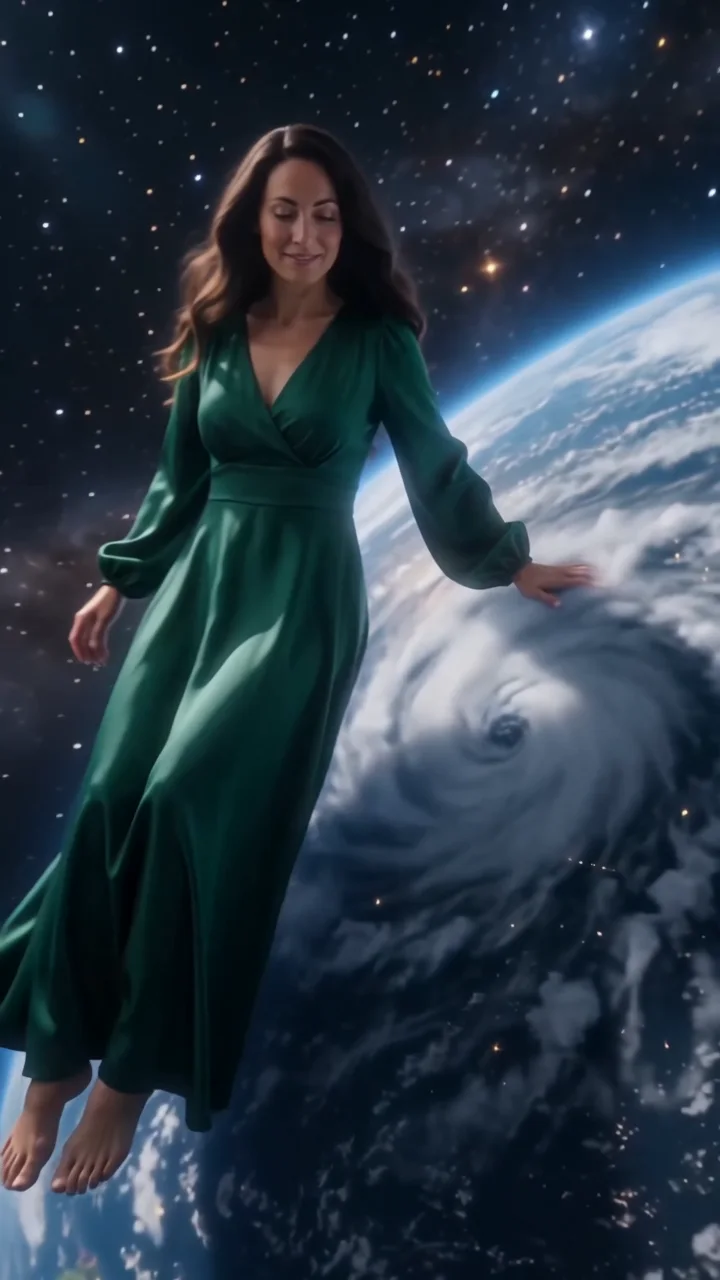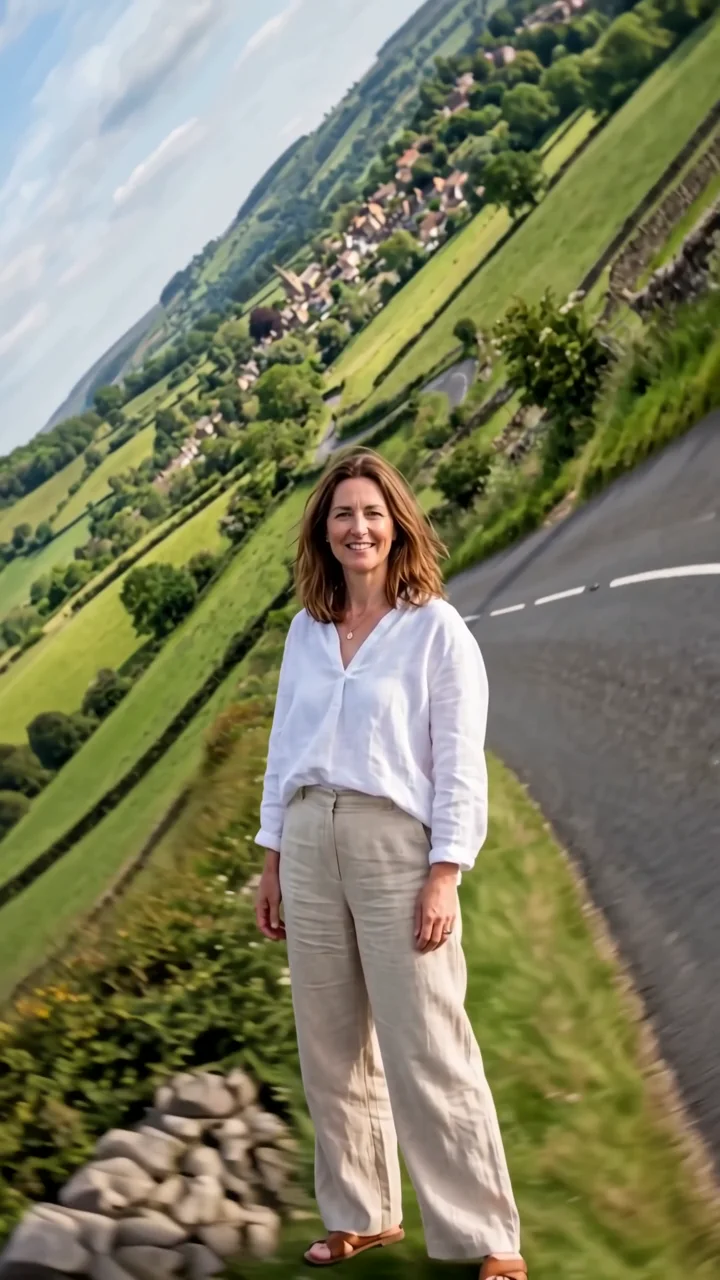
Upload your images
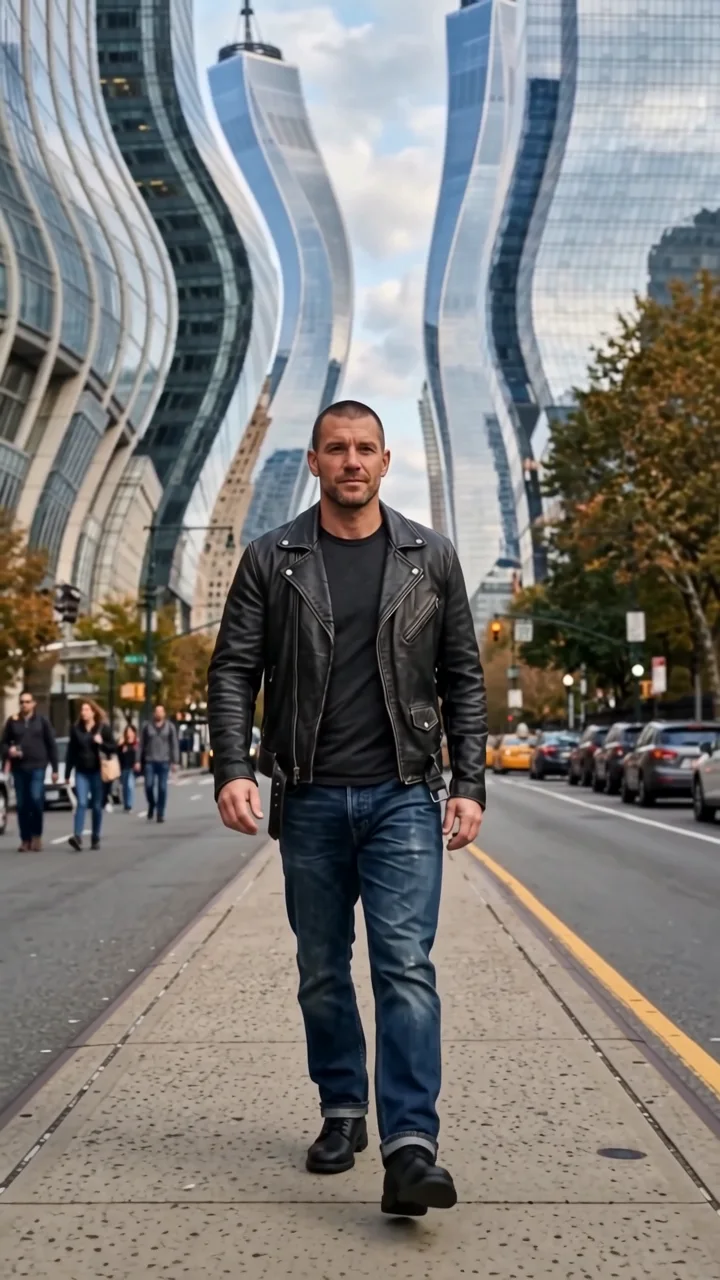
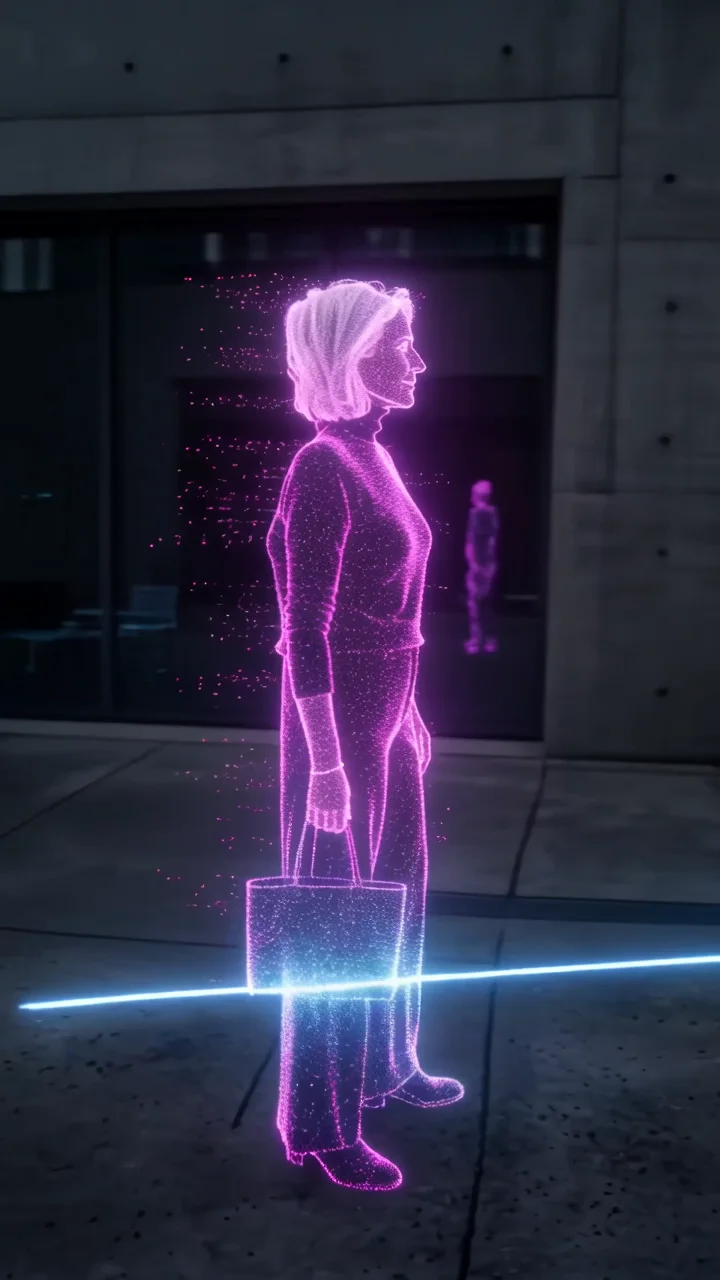
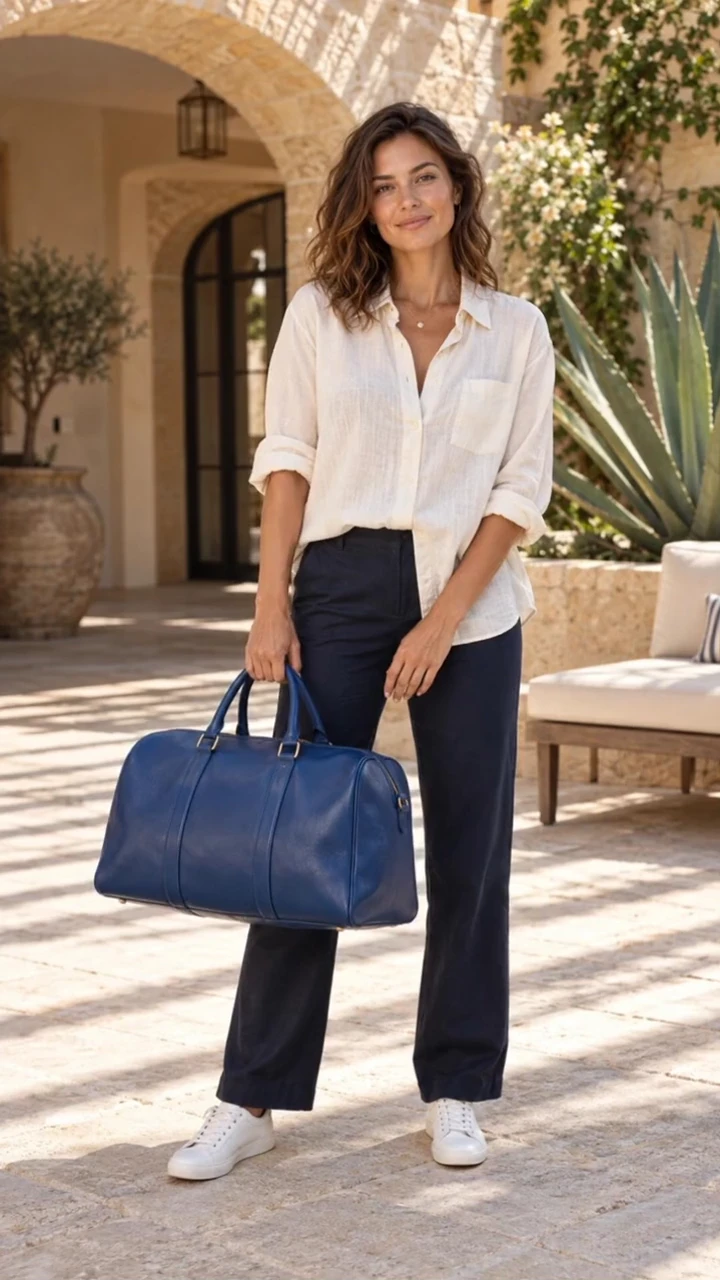
Start with a character. Some effects also take a location or products to make the scene your own.
Cutout effect
Cutout turns your subject, and any products you add, into a precisely cut photographic paper silhouette. It peels forward off the background, twists a little in three dimensions, and leaves a warm white paper surface behind it, like an editorial stop-motion piece.
- 5-second clip
- 480p 34 credits
- 720p 70 credits
- 1080p 140 credits
One photo in, one video out
This clip was made with the Cutout effect from the photo beside it, on WAN 3.0 Prime at 720p, the same model and settings this page runs.
How to make a Cutout video
- 1
Add your photo
Upload one character image, an optional location image and up to four product images. JPG, PNG, or WebP up to 10 MB each.
- 2
Generate your Cutout video
Pick a resolution and aspect ratio, add an optional prompt, and review the exact price before you start. A 5-second clip is 34 credits at 480p or 70 credits at 720p.
- 3
Download and share
Your video saves to History on this page. Play it, download the MP4, and post it anywhere.
What it is good for
- Fashion editsA crafted, editorial look for outfits and lookbooks.
- Product cardsProducts peel off with the subject as paper pieces.
- Mixed-media reelsPairs well with collage and sticker styles.
Tips for a better result
- Subjects with a clear outline against the background cut out cleanly.
- Keep hands and accessories away from the frame edges.
- Use the prompt to change the paper, for example kraft paper or glossy card.
Questions
Does the cutout effect keep my face recognizable?
Yes. The direction asks the model to keep the subject recognizable on the paper silhouette.
Can I add products to the cutout?
Yes. Up to four product images become part of the paper cutout alongside your subject.
How much does the Cutout effect cost?
34 credits at 480p, 70 credits at 720p, 140 credits at 1080p for a 5-second clip. You pay per video in credits and see the exact price before generating.
Whose photos can I use?
Use photos of yourself, or of people who have agreed to be in the video. Do not upload photos of other people without their permission.