Upload your images
Start with a character. Some effects also take a location or products to make the scene your own.
Stop world effect
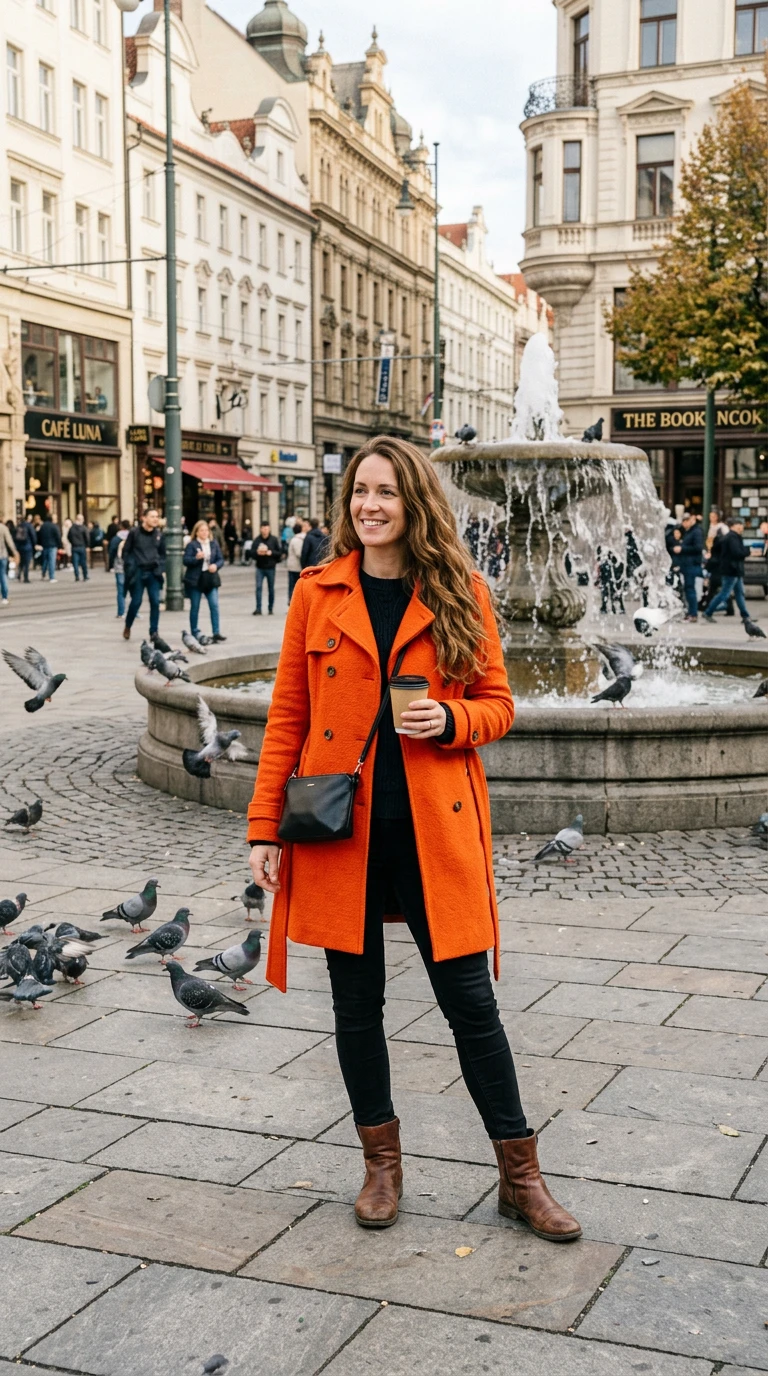
Stop world is the reverse of a freeze-frame. Your subject snaps their fingers and the whole world freezes: people mid-stride, a pigeon mid-flight, fountain water hanging in the air. Only your subject keeps moving, walking calmly through the still scene.
- 6-second clip
- 480p 41 credits
- 720p 84 credits
- 1080p 168 credits
One photo in, one video out
This clip was made with the Stop world effect from the photo beside it, on WAN 3.0 Prime at 720p, the same model and settings this page runs.
How to make a Stop world video
- 1
Add your photo
Upload one character image. JPG, PNG, or WebP up to 10 MB each.
- 2
Generate your Stop world video
Pick a resolution and aspect ratio, add an optional prompt, and review the exact price before you start. A 6-second clip is 41 credits at 480p or 84 credits at 720p.
- 3
Download and share
Your video saves to History on this page. Play it, download the MP4, and post it anywhere.
What it is good for
- Superpower editsA clean time-stop moment.
- Busy locationsFreeze a crowded square.
- Story openersSet up a scene where only you move.
Tips for a better result
- Busy public places, like squares or markets, give the freeze more detail.
- A full-body photo lets your subject walk through the scene.
- Name frozen details in the prompt, like confetti or a thrown ball.
Questions
Who keeps moving in the stop world effect?
Only your subject. Everything else, including people, birds, and water, stays frozen.
How is this different from act natural?
In act natural you freeze and the world moves. In stop world the world freezes and you move.
How much does the Stop world effect cost?
41 credits at 480p, 84 credits at 720p, 168 credits at 1080p for a 6-second clip. You pay per video in credits and see the exact price before generating.
Whose photos can I use?
Use photos of yourself, or of people who have agreed to be in the video. Do not upload photos of other people without their permission.
More effects like Stop world
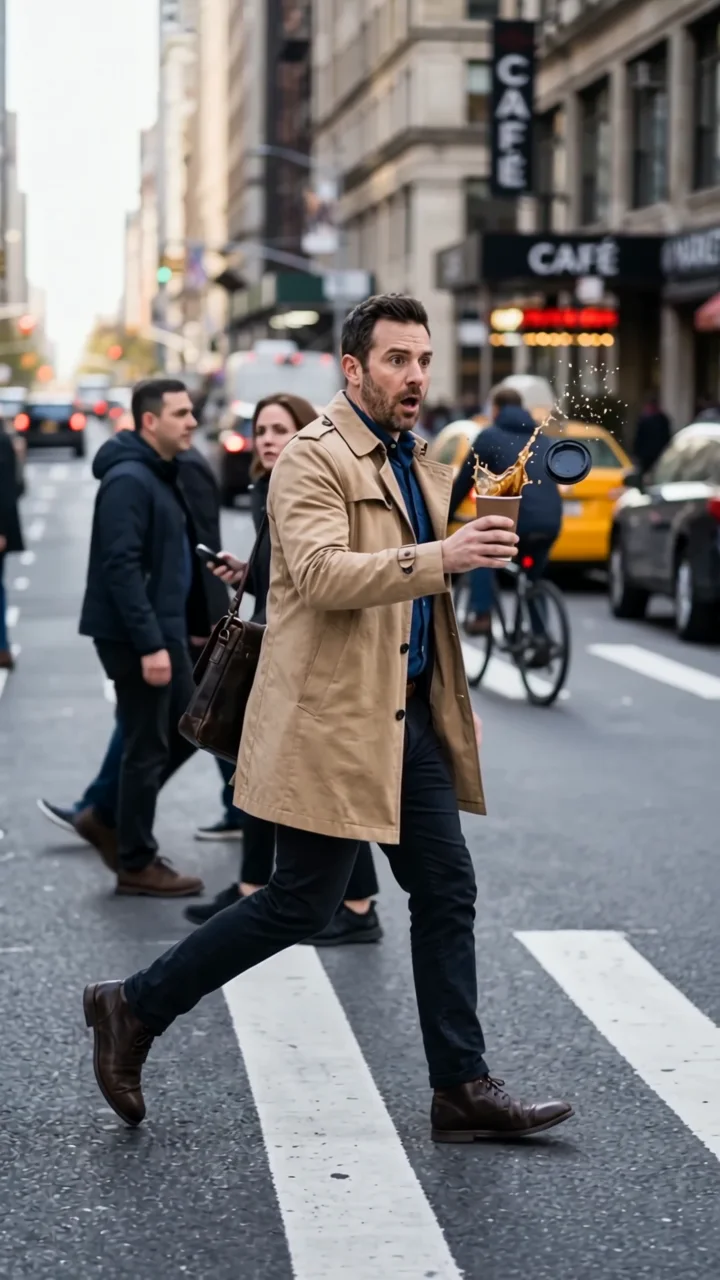 Act naturalYou freeze mid-moment. The world keeps moving.
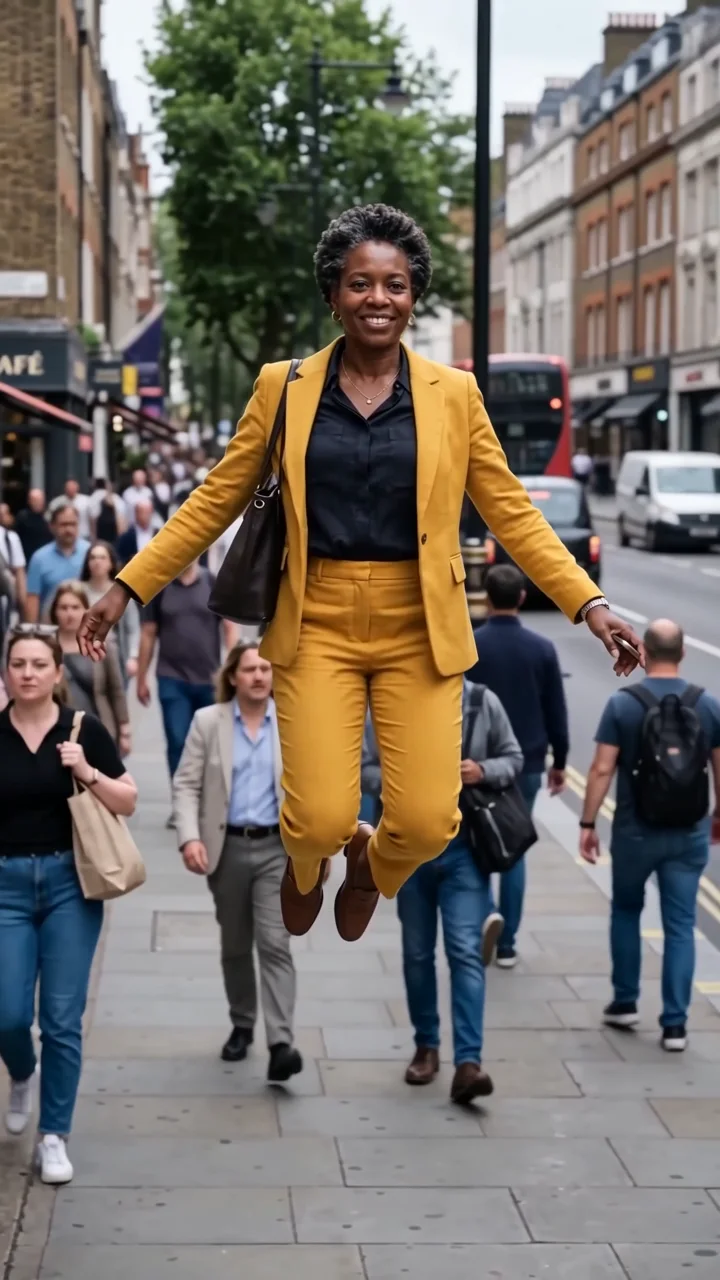 Frozen in motionFreeze midair while the street keeps moving.
 Bullet timeTime freezes for a sweeping 360-degree move.
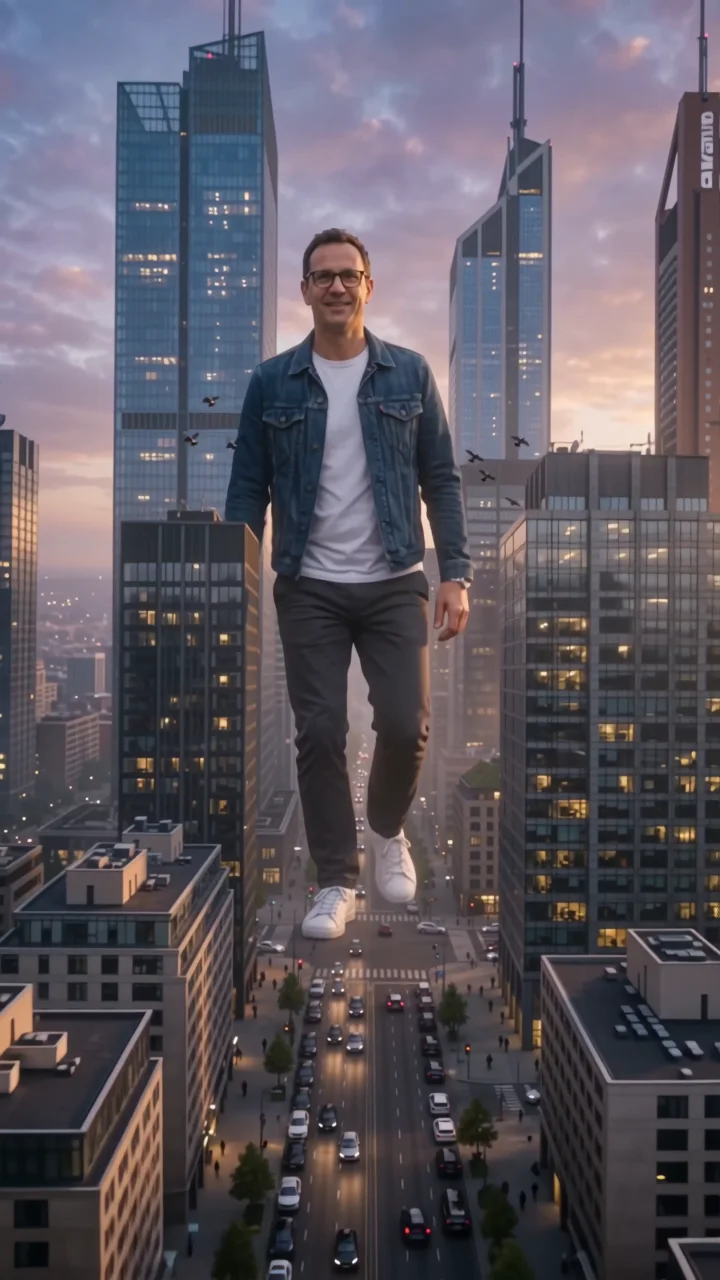 City giantTower over the skyline like a colossus.
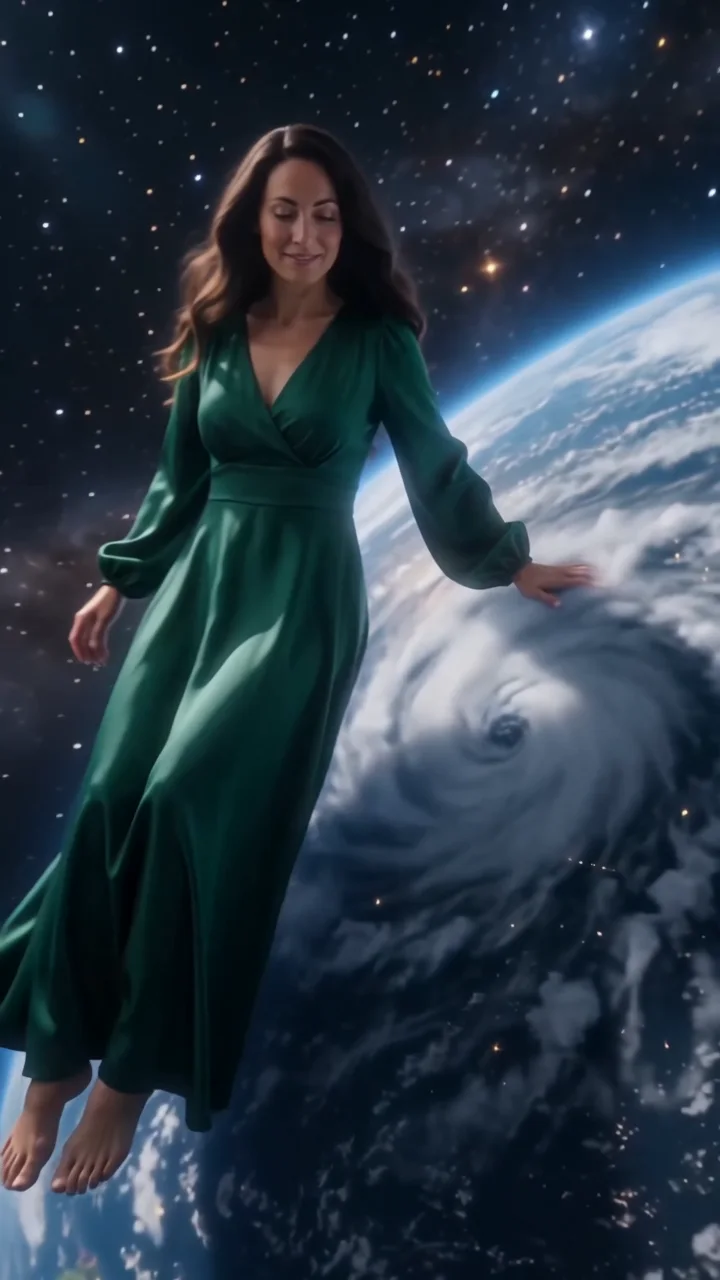 Cosmic giantCalm a hurricane, then sit on the Earth.
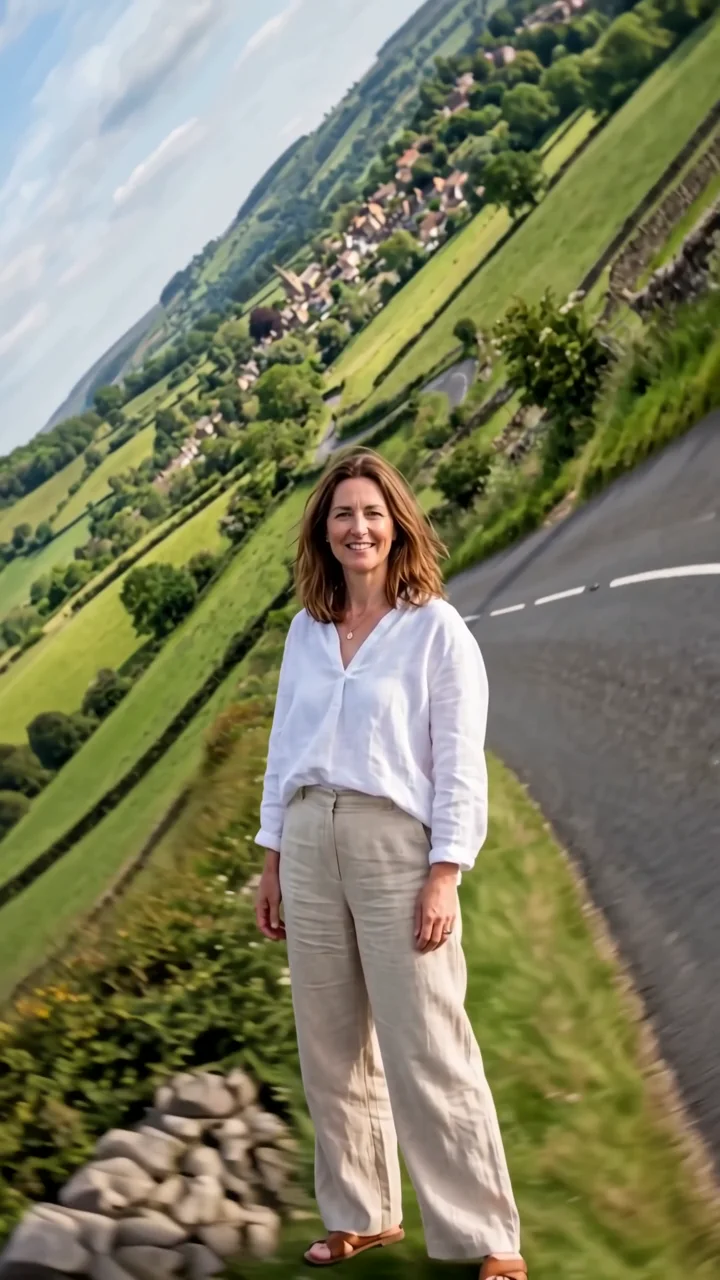 World foldThe landscape folds up and around you.