Build the set
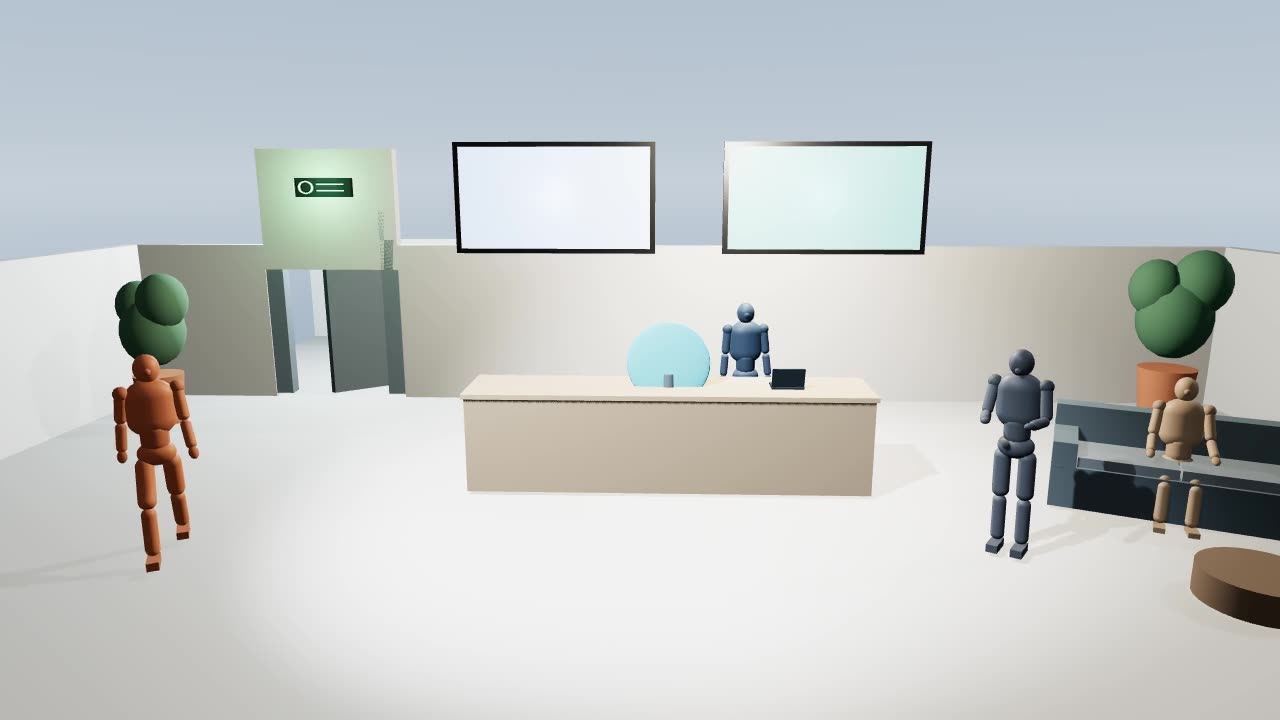
Describe it. Props, people, layout and light arrive as objects you can grab, not a flat picture.
Describe it and an AI set builder blocks out the scene in seconds. Move the props, people and camera until the frame reads, then Seedance 2.5 films it for real.
Describe it. Props, people, layout and light arrive as objects you can grab, not a flat picture.
Move anything by hand, give people actions and paths, keyframe the camera, and cut between angles until it reads.
Press Render. Seedance follows your camera, cuts and blocking exactly and films the finished shot, or the whole sequence in one go.
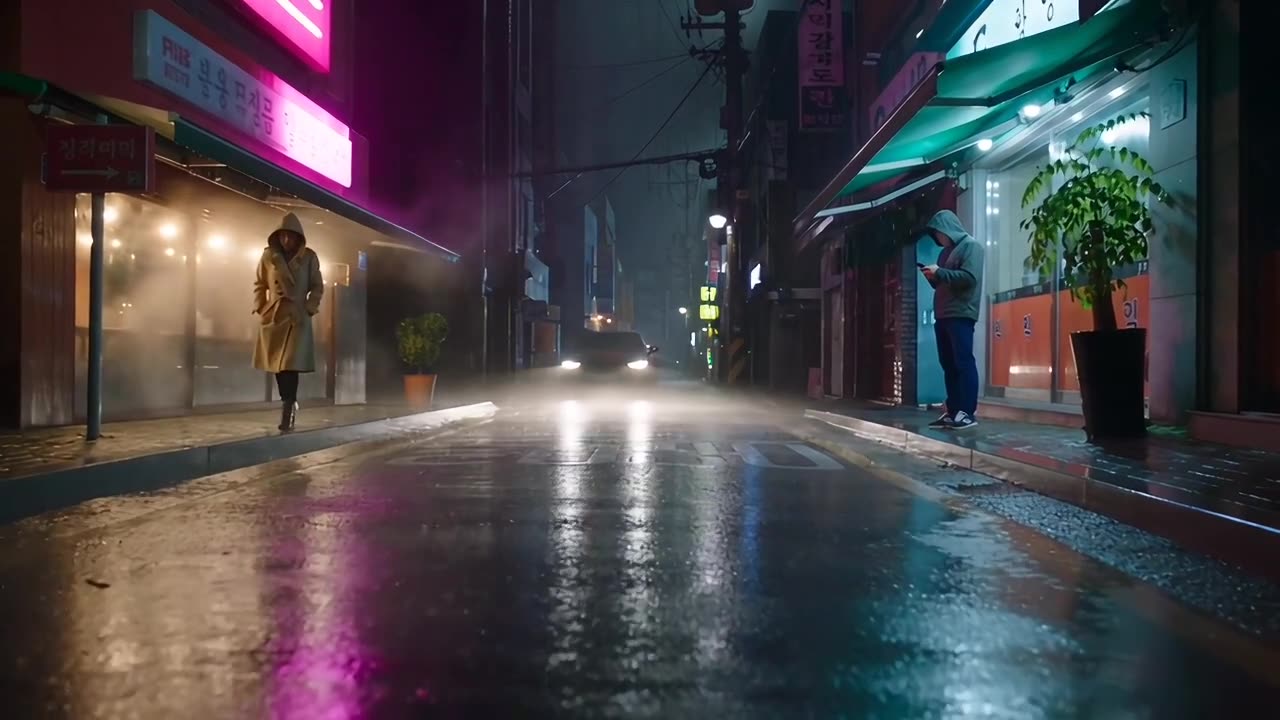
Each one was built by the scene agent from the prompt below and filmed by Seedance 2.5 from its 3D previs. Open one, change anything, film your own.
A 3D previs tool in your browser. You describe a shot, an AI set builder blocks it out as a real 3D scene with props, people, animals, vehicles, lights and a keyframed camera, and you can change any of it by hand or by chatting. When the shot reads, Seedance 2.5 films it from your 3D scene.
No. The agent builds the whole set from a sentence, and editing is drag-to-move, a few sliders and plain-language requests like “move the car closer to the lamp” or “make the camera orbit her.” If you do know 3D, you get a full transform gizmo, motion paths, character actions and camera keyframes.
Your browser renders the scene through its shot camera as a previs clip. Seedance 2.5 takes that clip as its reference, copying the camera move, framing, timing and where everything moves, and films the finished shot in the look you describe. People, cars and props in the previs are stand-ins; the description says what each one really is.
Building and editing scenes is free, including the AI set builder. Rendering is paid in credits, and the price shows on the Render button before you start. Unused credits roll over.
Auto uses GPT-6 Sol, which builds a full set in about fifteen seconds. Signed in, you can switch the agent to GPT-6 Astra for the most detailed layouts. Both are free to use.
Every object’s position, rotation, scale, color and what it is in the film; character actions like walk, run, dance, sit or wave, and motion paths over time; lights, sky, sun and haze; and each shot’s lens, keyframed moves, follow modes and handheld shake. You can also add reference images for a character, product, place or style.
Yes. A scene can hold up to six shots, each with its own camera, while the action runs straight through the cuts. Ask the agent for something like “three shots: a wide, a low tracking shot, then a close-up”, or scrub to a moment and press Cut. One render films the whole sequence with the cuts in place, at the same price as a single shot of that length.
Yes. Import GLB models, animations included. Export the previs as an MP4, a frame as a PNG, the scene as a GLB, or the whole project as a file you can open again later.
Yes, you can build, chat, play and render on a phone. Fine-grained staging is easier on a computer with a mouse.
On this device, in your browser. Export a project file to move a scene to another computer.