Video motion transfer
Your photo.Any move.
Upload one photo. Made puts you in the first frame of any move, then plays the whole thing with you in it. A dance, a runway walk, a kata, or a video of your own.
Any photo · preview 5 credits · 84 credits per 5-second move
 Photo
Photo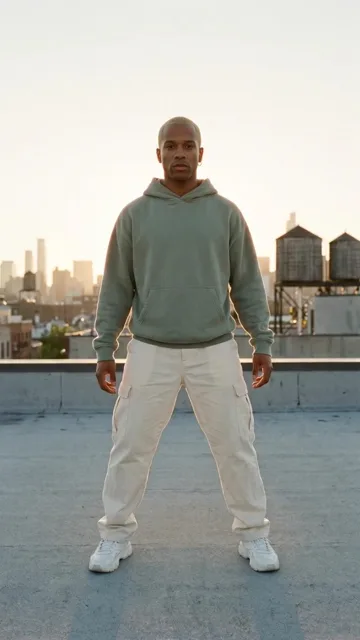
 Photo
Photo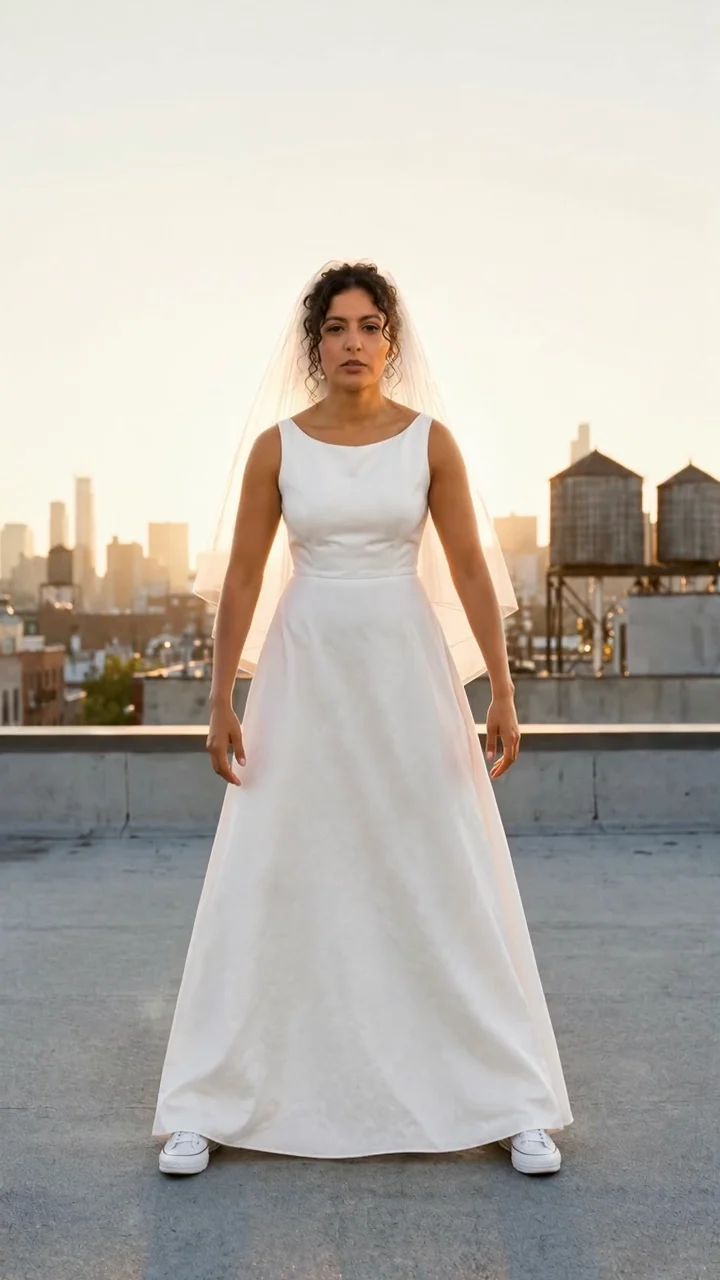
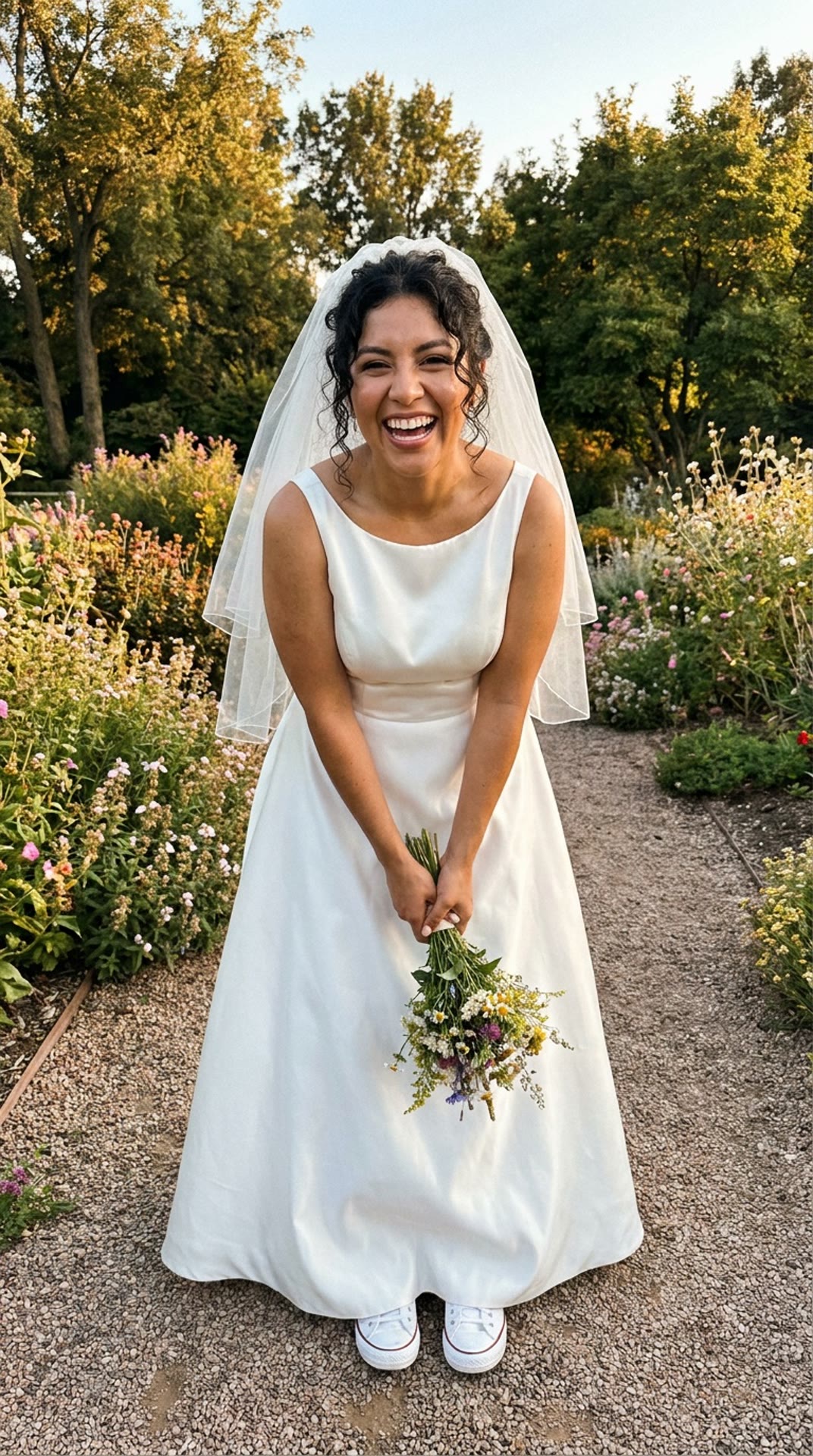
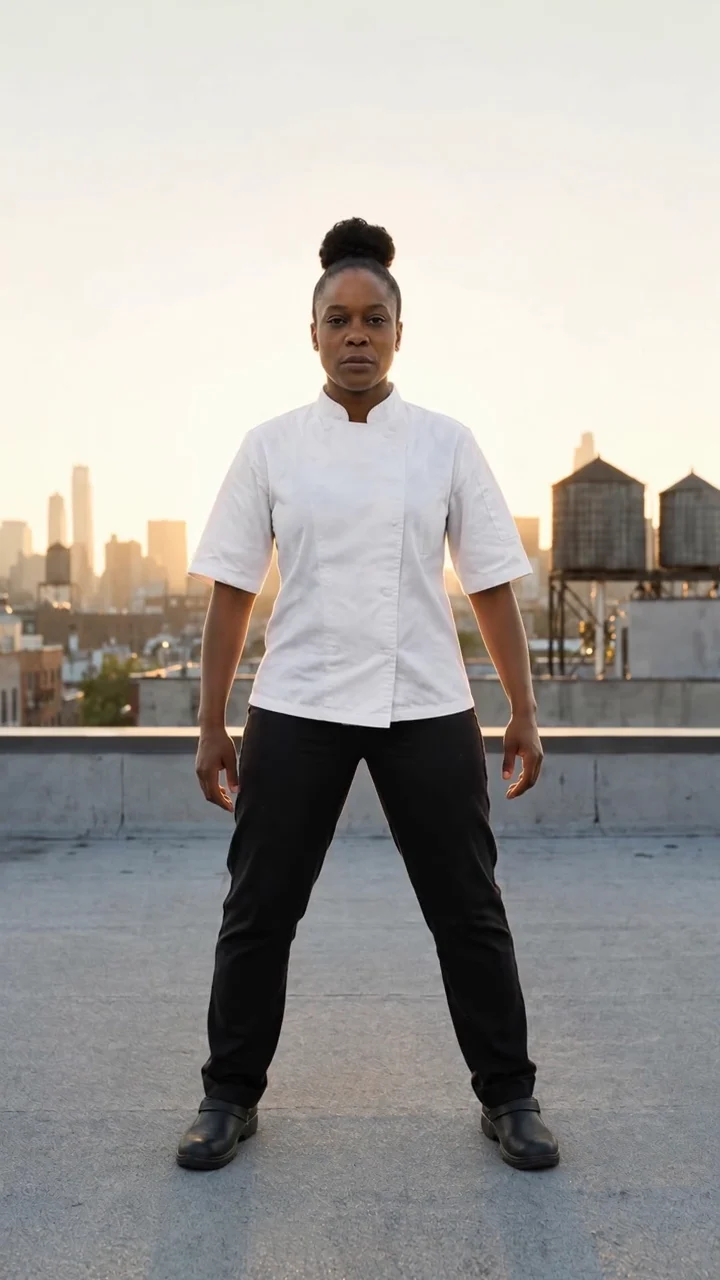

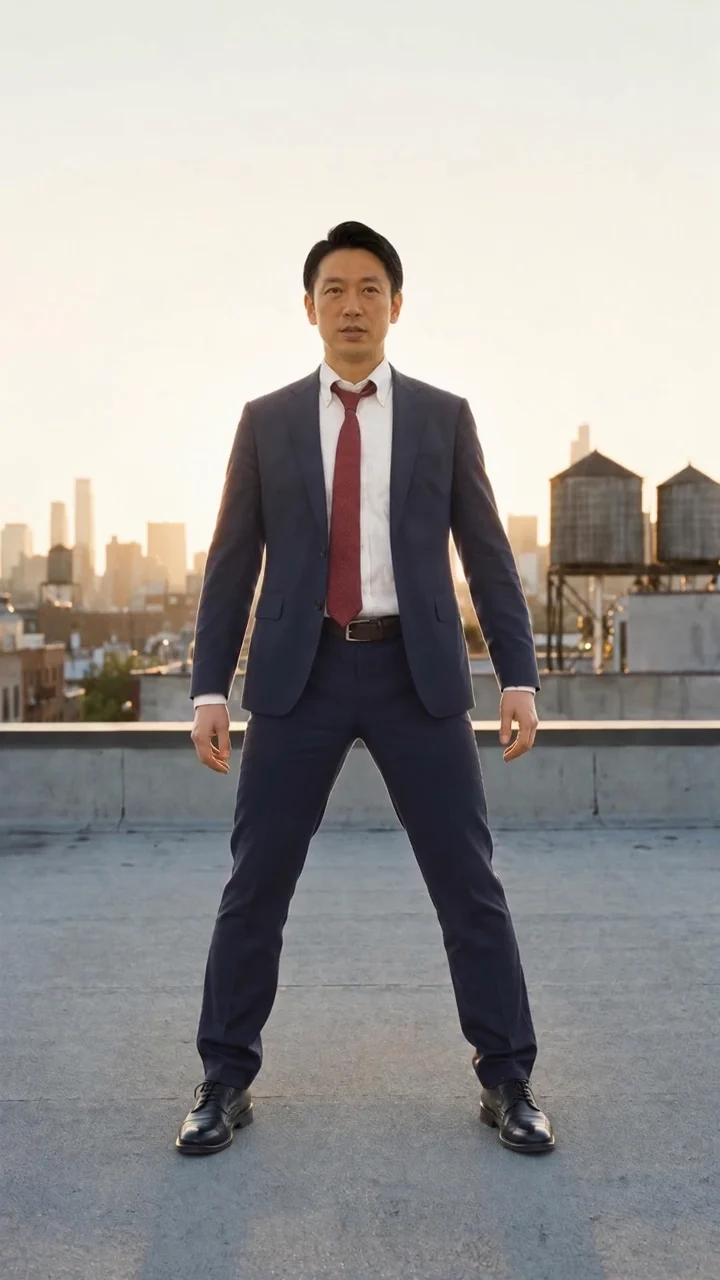
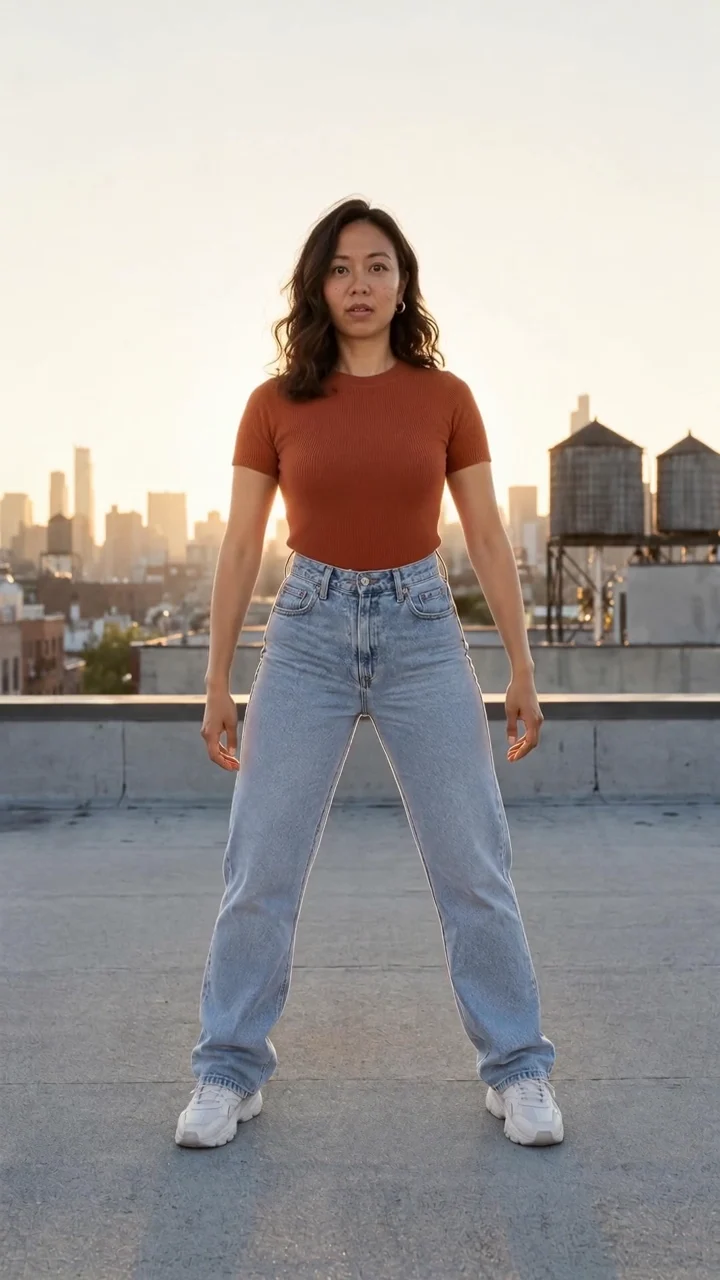
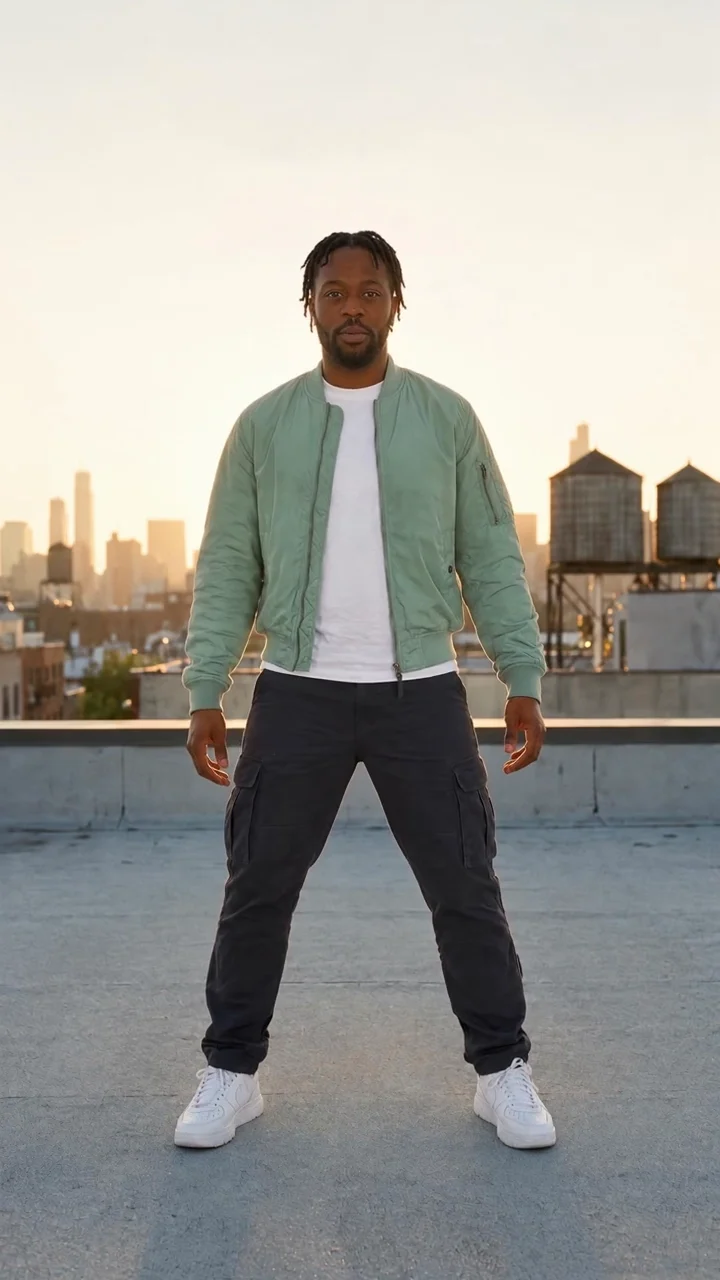
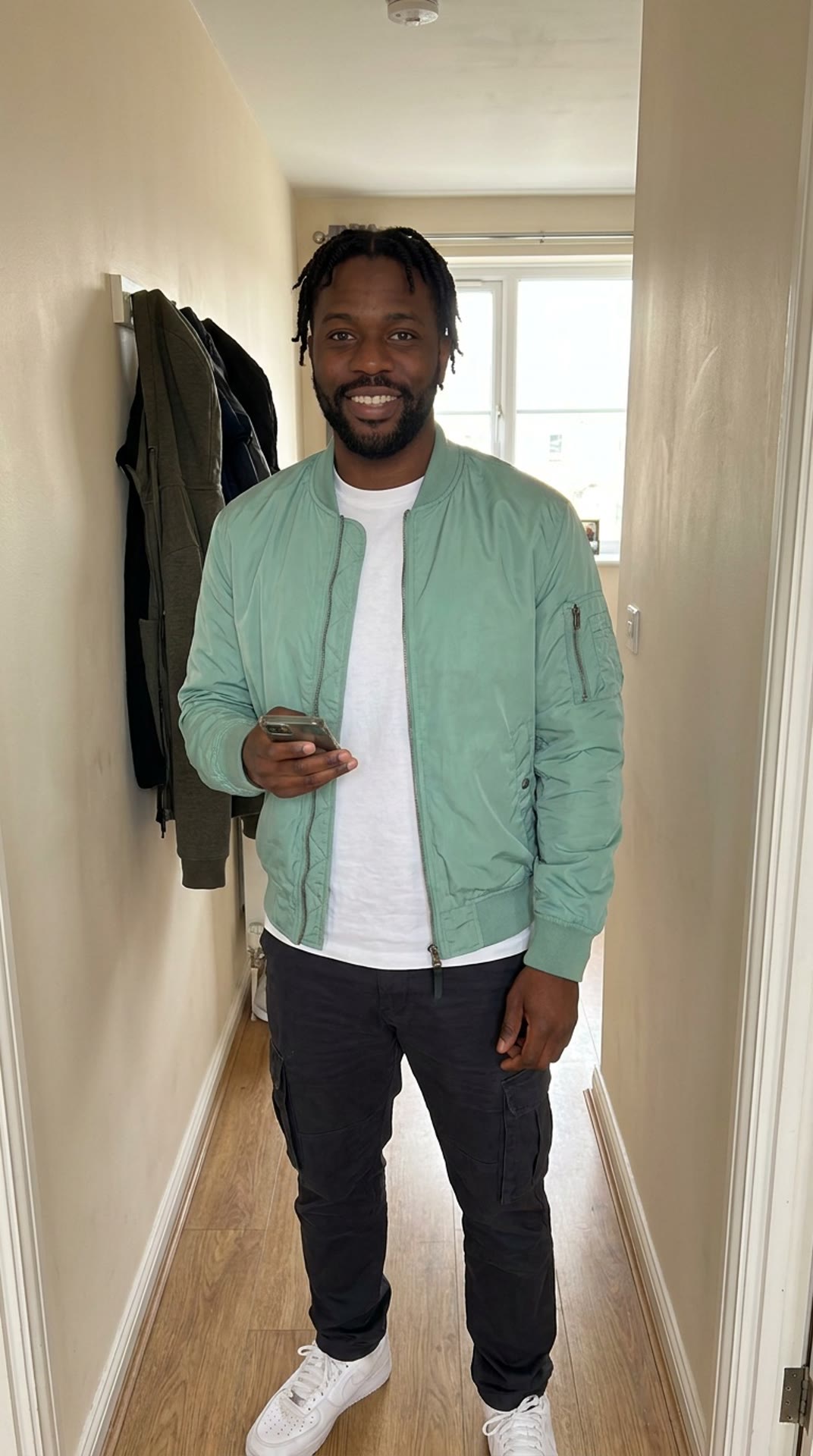
The dancer in the middle is the original move. Everyone else started as the ordinary photo in their corner.
Your turn
One photo.
Any move you want.
- 01
Add a photo
- 02
Pick a move
- 03
Make it move
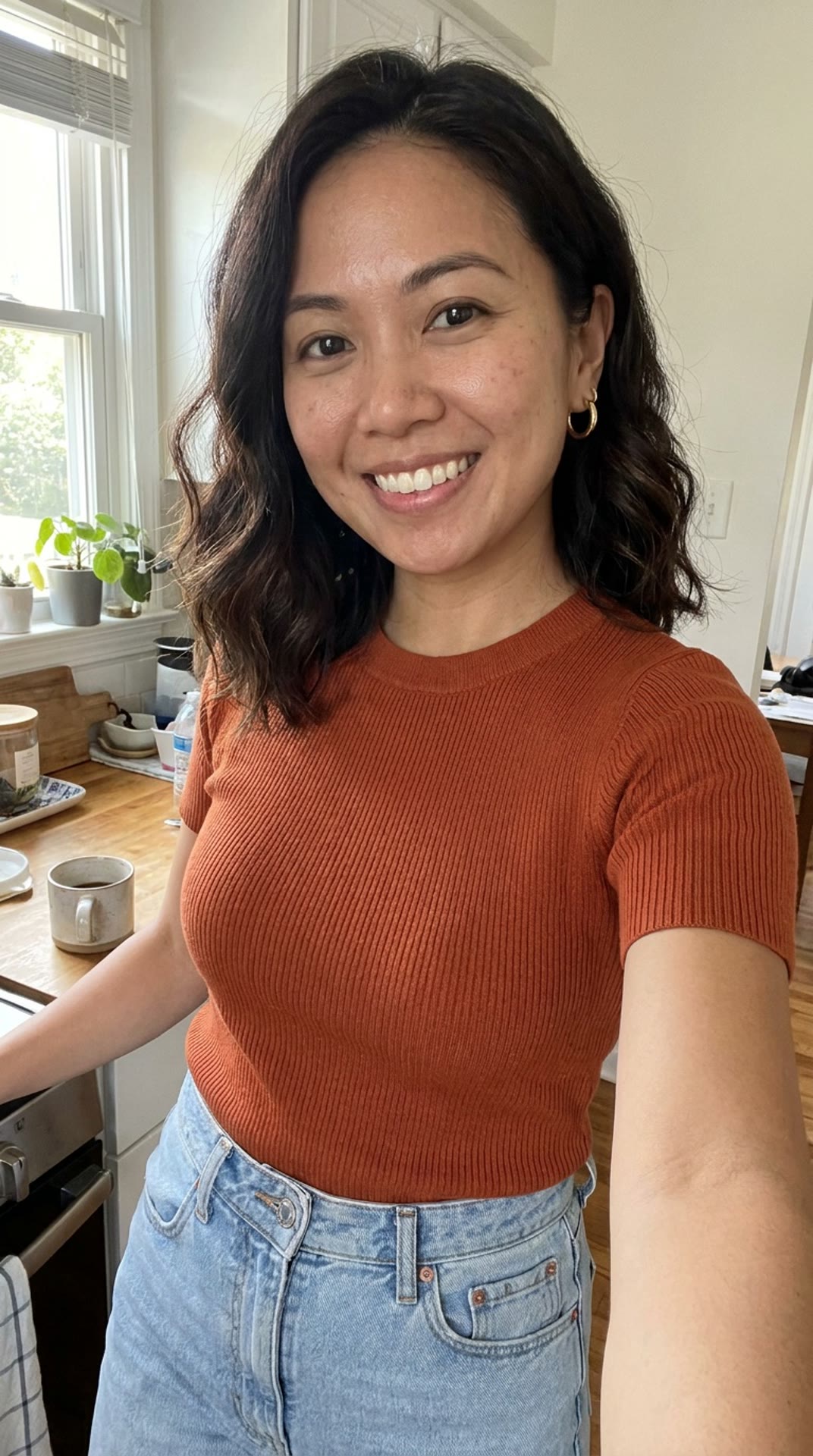
PhotoExample · one kitchen selfie and a 5-second move, made for 84 credits.
Pick a move
What do you want to do?
Explore 53 clips, including 35 reviewed New faces takes. Pick a move, use your own video, or open the Object Swap edit.
Range
One photo. Every move.
The same kitchen selfie, six moves. Each one is a new start frame and a whole new performance.
- The photo
One selfie
Rooftop groove
Runway walk
Kata combo
Crowd wave
Jump spin
Rain twirl
What comes from where
Their moves.
Your face.
Photo animators nod a head and blink. Motion transfer copies a whole performance, beat for beat, and plays it through the person in your photo.
Your face
Your photo decides who dances: face, hair, skin and build, the same in every frame.
Your outfit
What you wore in the photo. If it only shows your top half, the rest is continued in the same style.
Every step
The move plays beat for beat: each step, turn and gesture, with the same timing.
A real place
You land where the move was filmed, in its light and at its framing. Or use a video of your own.
 Photo
PhotoIdeas
What people make with it.
Any photo, any move. A few places to start.
- Photo
The trend, without learning it
Pick the dance. Your photo does the rest, on the beat.
- Photo
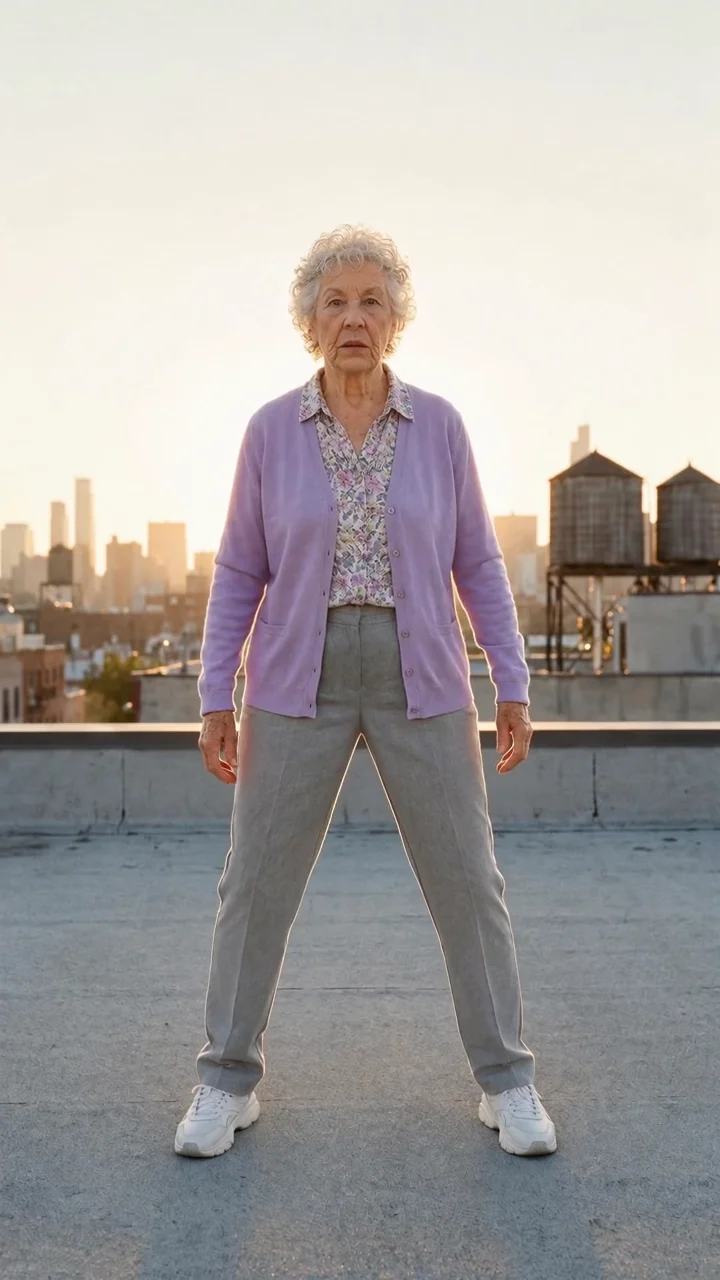
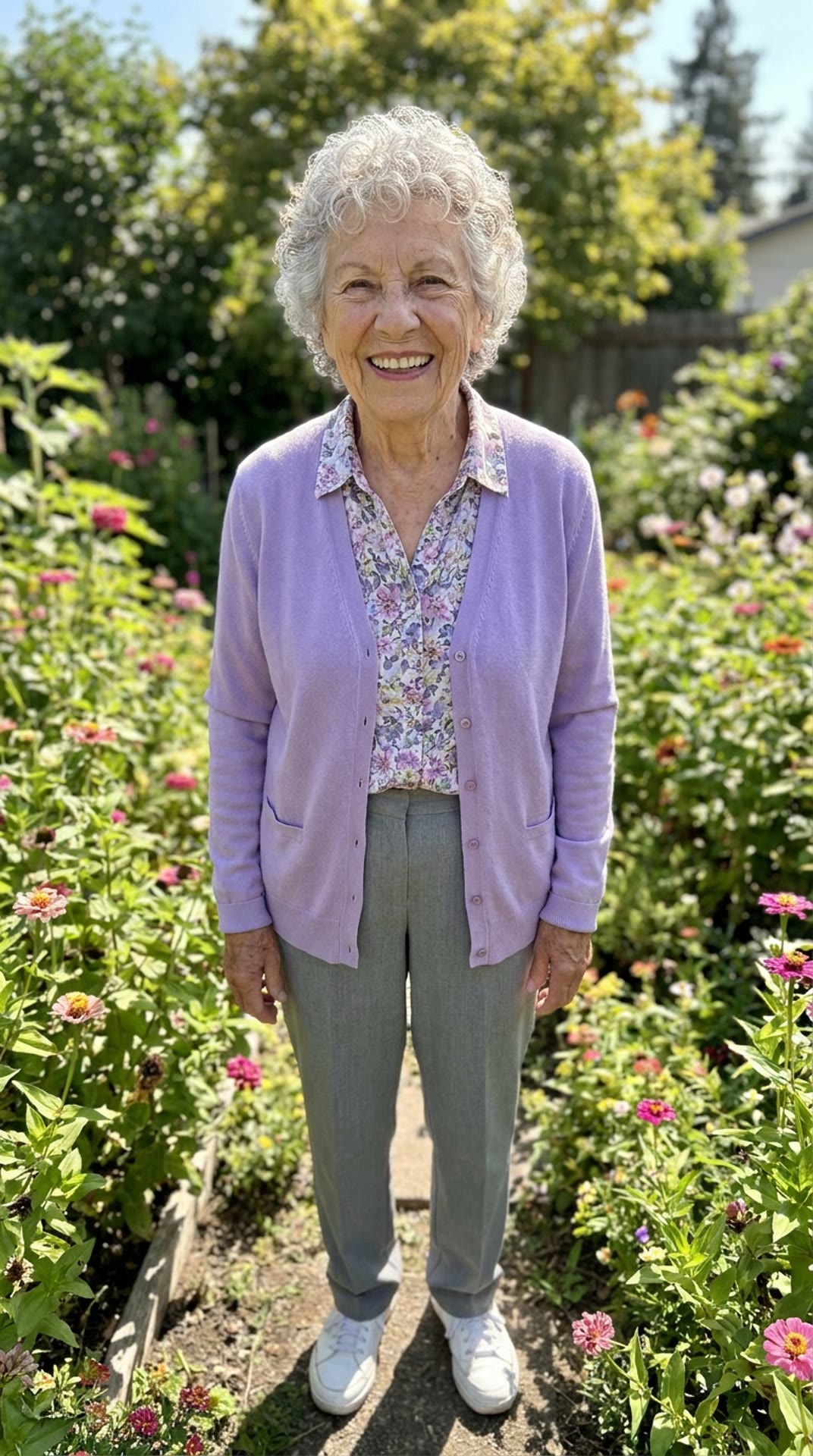
Grandma does the routine
One garden photo, one rooftop groove. She never knew she had it.
- Photo
Your outfit, walking
Put the look you posted on a runway and let it move.
 Photo
PhotoThe office party clip
An ordinary work photo, doing the move everyone will ask about.
Pricing
Pay for seconds.
Only the ones you make.
Credits roll over · failed generations refunded
5credits
Preview still
84credits
5-second move
168credits
10-second move
252credits
15-second move
504credits
30-second move
Videos bill per second of the move, rounded up.
See every model’s priceGround rules
Move yourself.
Not somebody else.
You’re responsible for who’s in it
Only move yourself, or adults who agreed to it. Never a celebrity, a politician or anyone who didn’t say yes. We don’t check who someone is; that part is on you.
Adults only
We check every photo and video before it runs, and turn away anyone who looks under 18.
Nothing sexual
Nudity is turned away before anything runs, and the models’ own safety checks run too.
Still have questions?
What is video motion transfer?
It takes the movement from one video and gives it to someone else. Here, that someone is the person in your photo: Made puts you in the move’s first frame, then Kling 3 Motion Control plays the whole move with you in it, step for step.
What photo works best?
One person, face clearly in view, in good light. Head to toe is best; a waist-up selfie works too, and the rest of your outfit is continued in the same style. JPG, PNG or WebP, up to 10 MB.
Can I use my own video as the move?
Yes. Pick Your own video and add any clip of one person moving, 3 to 30 seconds, MP4 or MOV. Start it with the dancer close enough to see from the waist up; the first frame is where you are placed.
How much does it cost?
The preview still is 5 credits. The video is 16.8 credits a second of the move: 84 credits for 5 seconds, 168 credits for 10. Unused credits roll over, and failed generations are refunded.
How long does it take?
The still takes about a minute. The video usually takes 4 to 8 minutes. You can leave the page; it waits under Your moves.
Will it copy every movement exactly?
It follows the move closely, but it makes new frames rather than editing old ones. Very fast spins, hands crossing the face and busy props can drift. Check the still first, and pick moves with the whole body in view.
Can I post the video?
Yes, it’s yours to post. TikTok, Instagram and YouTube ask you to label AI-generated content, so switch that label on when you share.
Are the examples real?
The hero and studio demos are real outputs of this tool, made with its own prompts and Made-original stand-in photos. New faces adds reviewed Made-made performances and recasts; the gallery passage uses Object Swap and links to that tool.
Is this a deepfake?
It puts a real photo into a performance, so only use photos of yourself or of adults who agreed, and never a public figure. Who you upload is your responsibility: we check every photo and video for anyone who looks under 18 and for nudity, but not for who someone is. Our terms forbid impersonating real people.
Your next move is one photo away.
Any photo · preview 5 credits · 84 credits per 5-second move