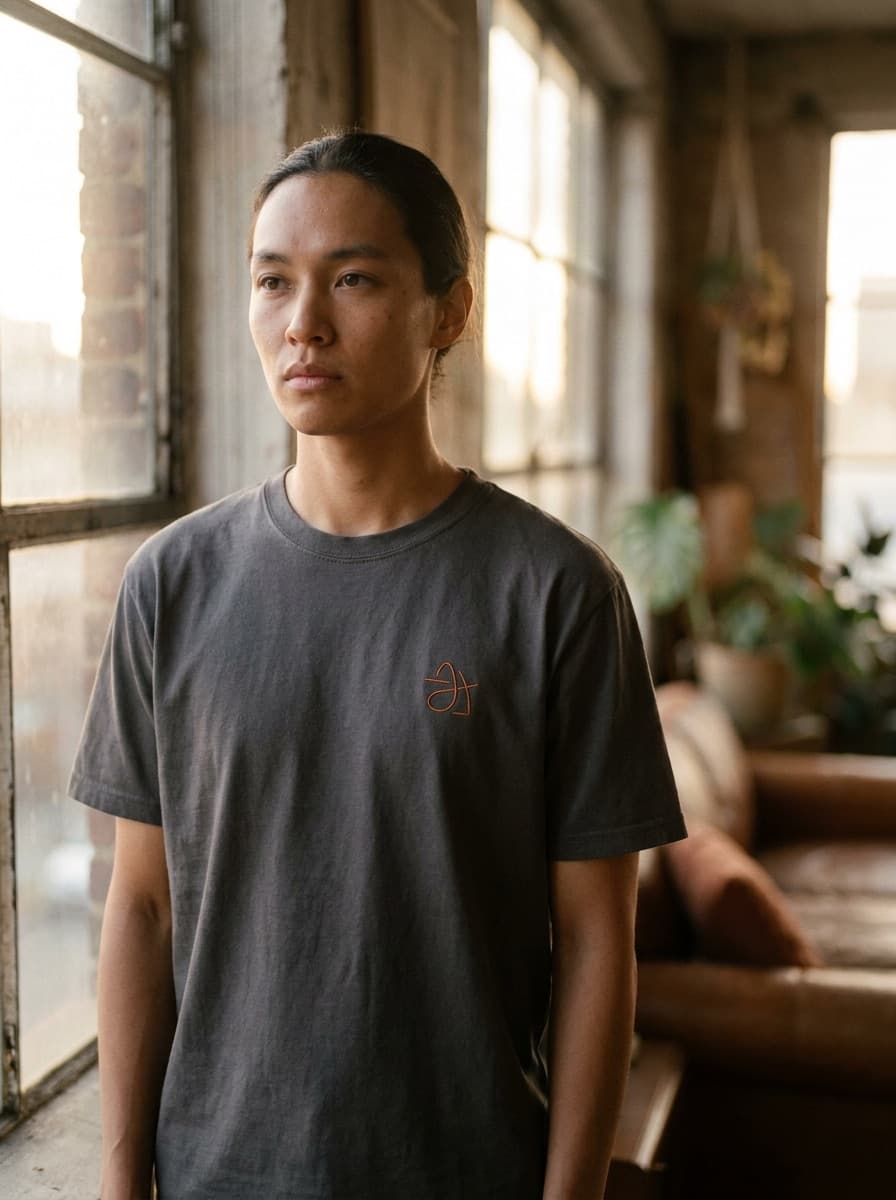
Apparel mockup
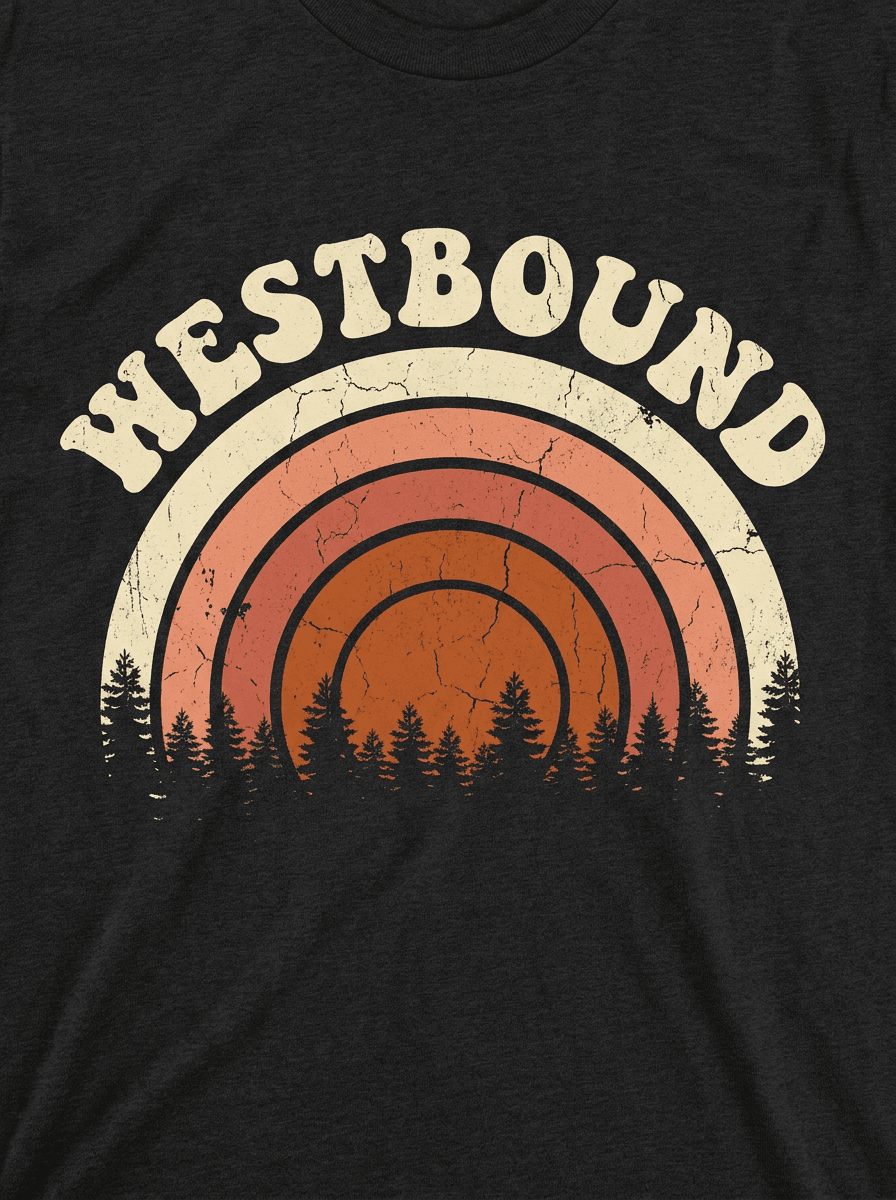
“Put this design on a black t-shirt worn by someone in natural daylight.”
Use this promptUpload a logo and name the surface — storefront sign, embossed stationery, tote bag, van wrap. Made renders a photorealistic mockup that shows the identity living in the world.
Runs in the tool. You sign in to run it, see the price before you start, and failed runs are refunded.
High contrast on a plain background — the clearer the mark, the more faithful the render.
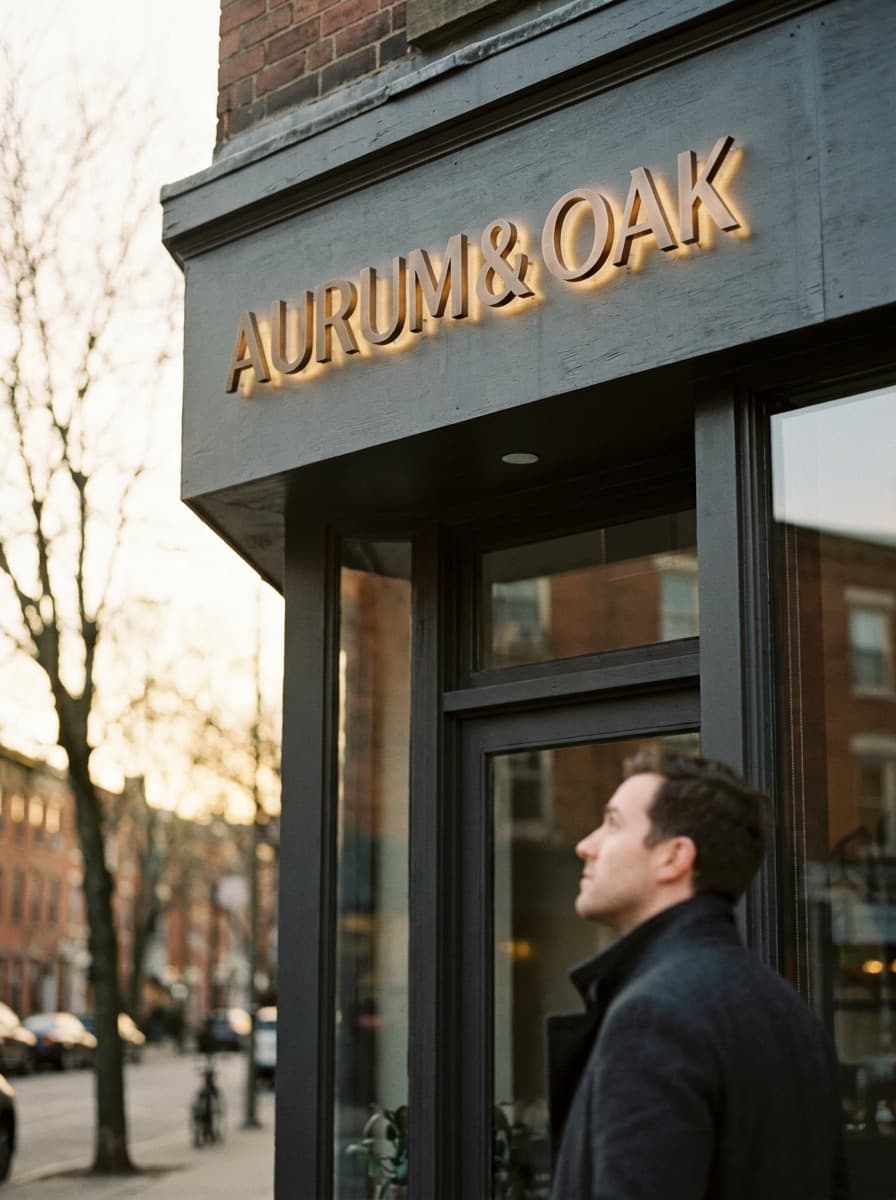
“Embossed on cream paper,” “backlit channel letters,” “screen-printed on canvas.”
Verify letterforms, spacing, and color survived — regenerate if the wrap distorted them.
Run the same logo across several surfaces for a full identity presentation.
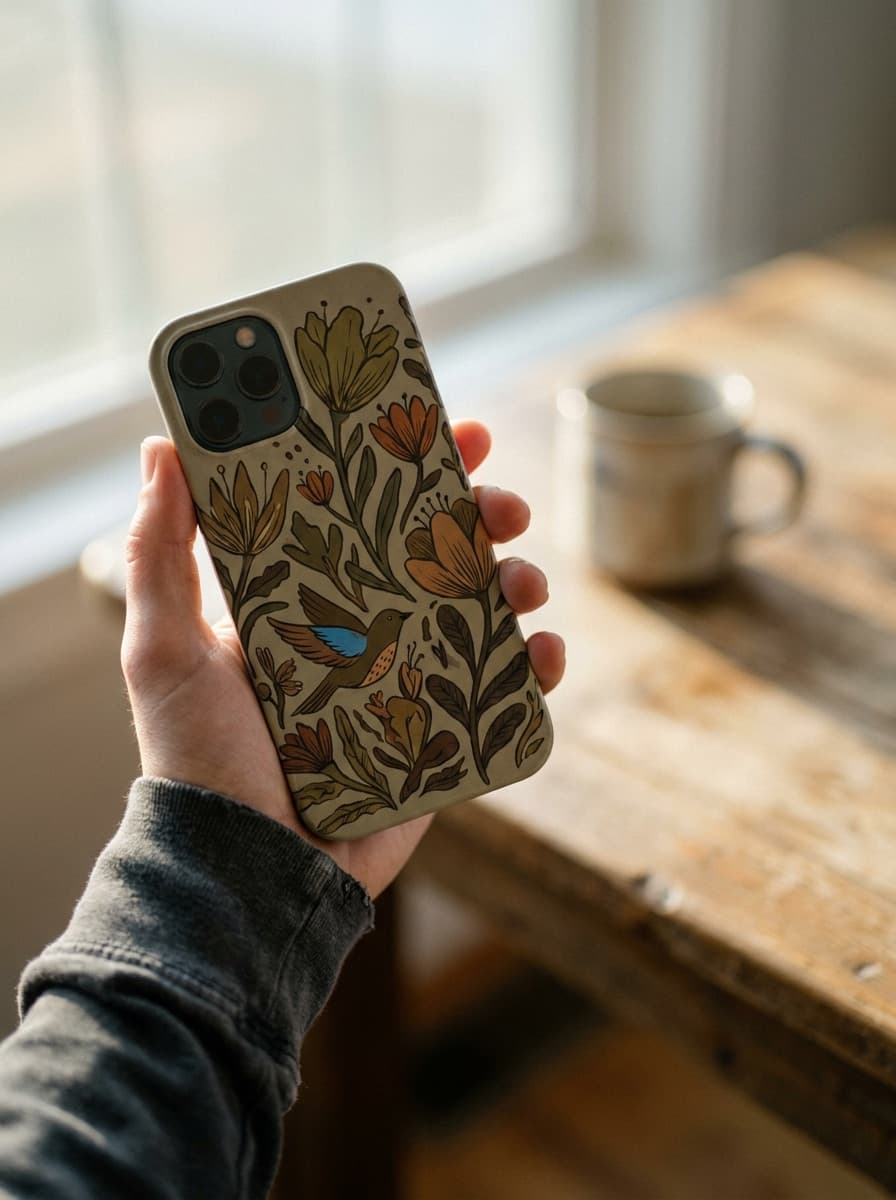
Real results from Made. Use a prompt to open it in Logo Mockup Generator, then add your own photo.
“Put this design on a black t-shirt worn by someone in natural daylight.”
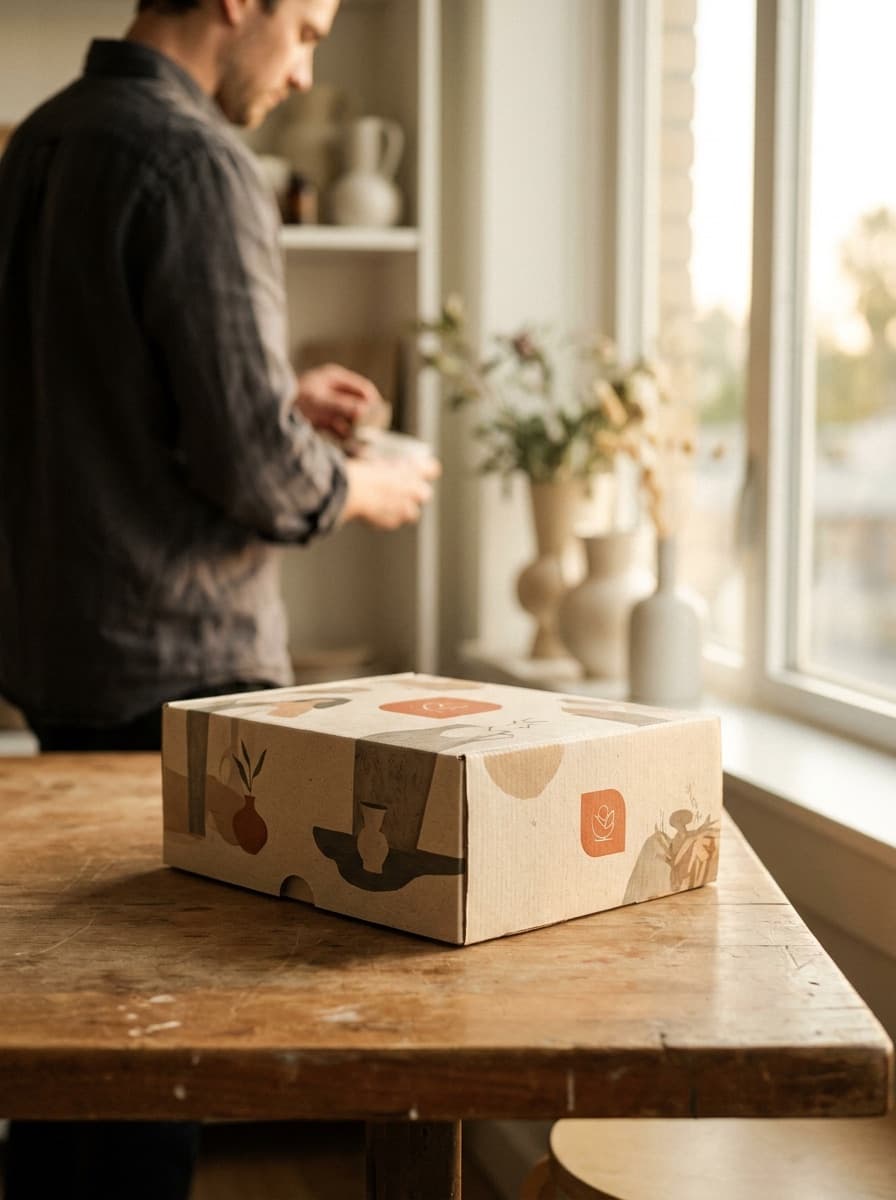
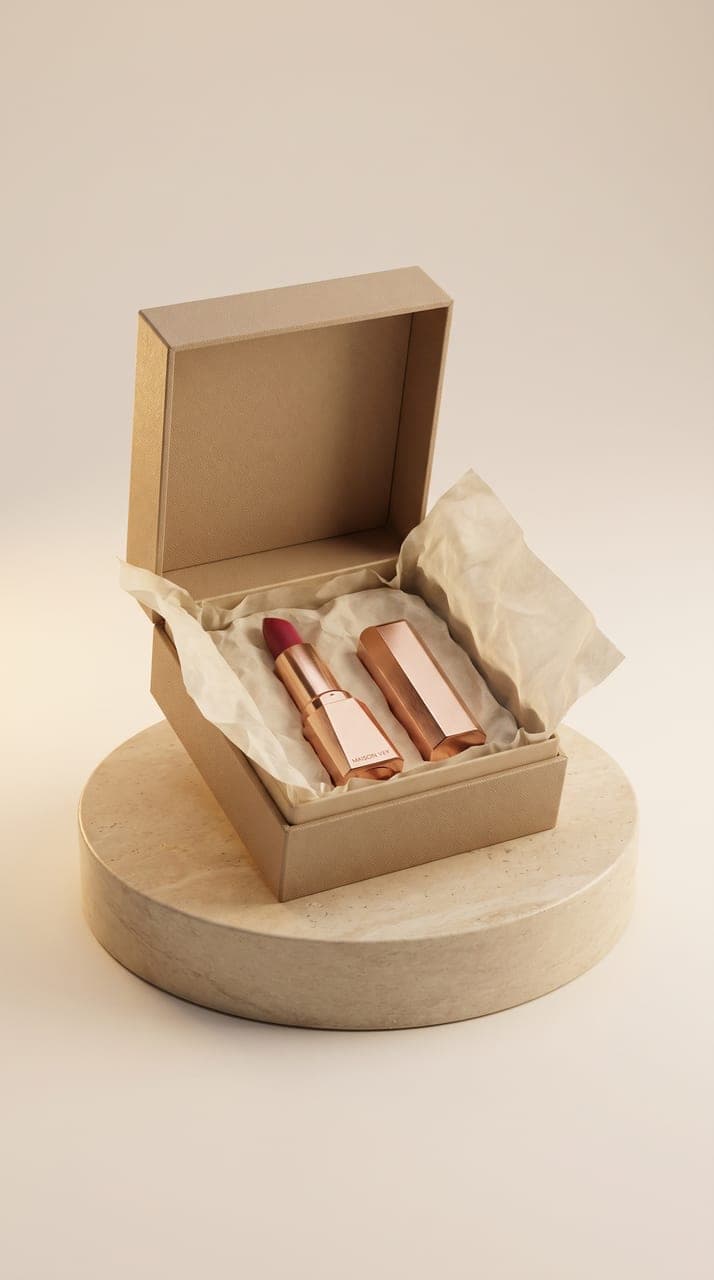
Use this prompt“Apply this artwork to a matte product box photographed on a clean studio table.”
Use this prompt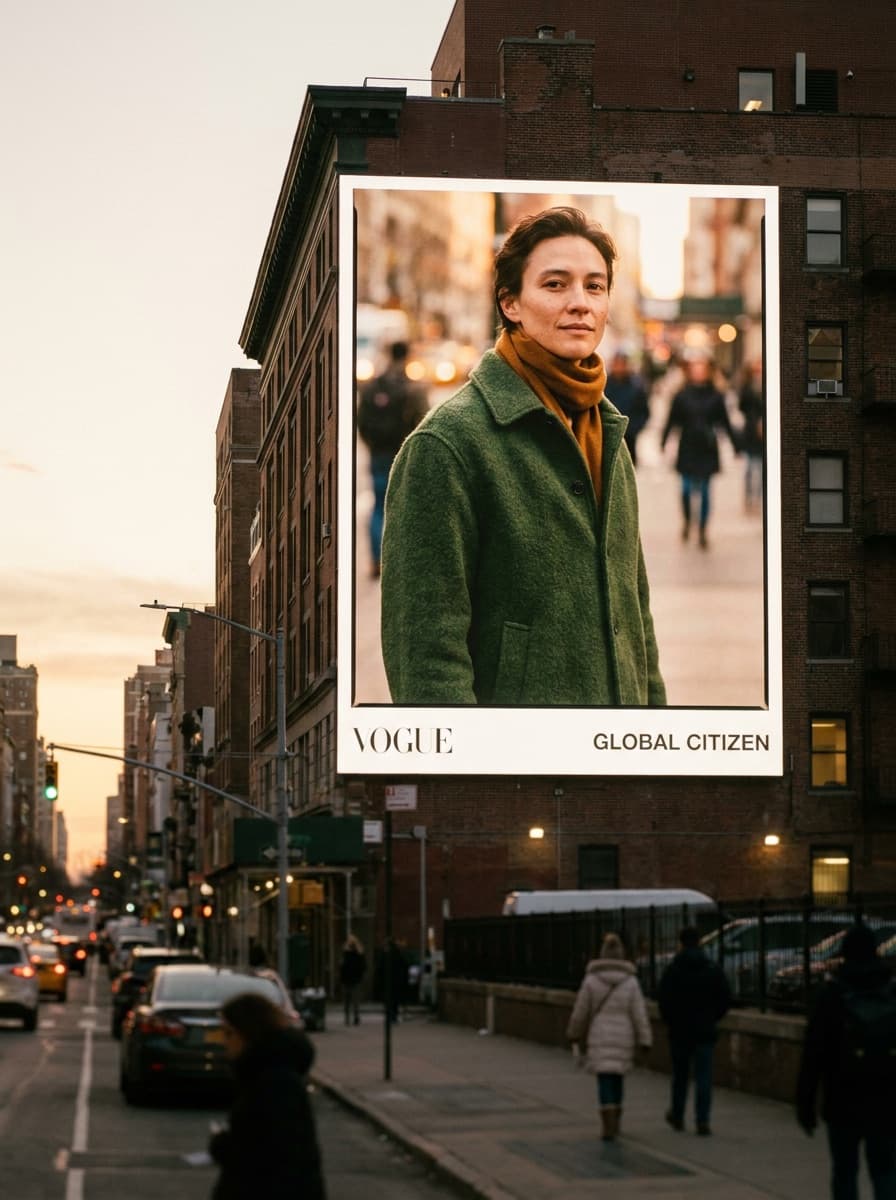
“Show this visual on a large city billboard at dusk with realistic lighting.”
Use this prompt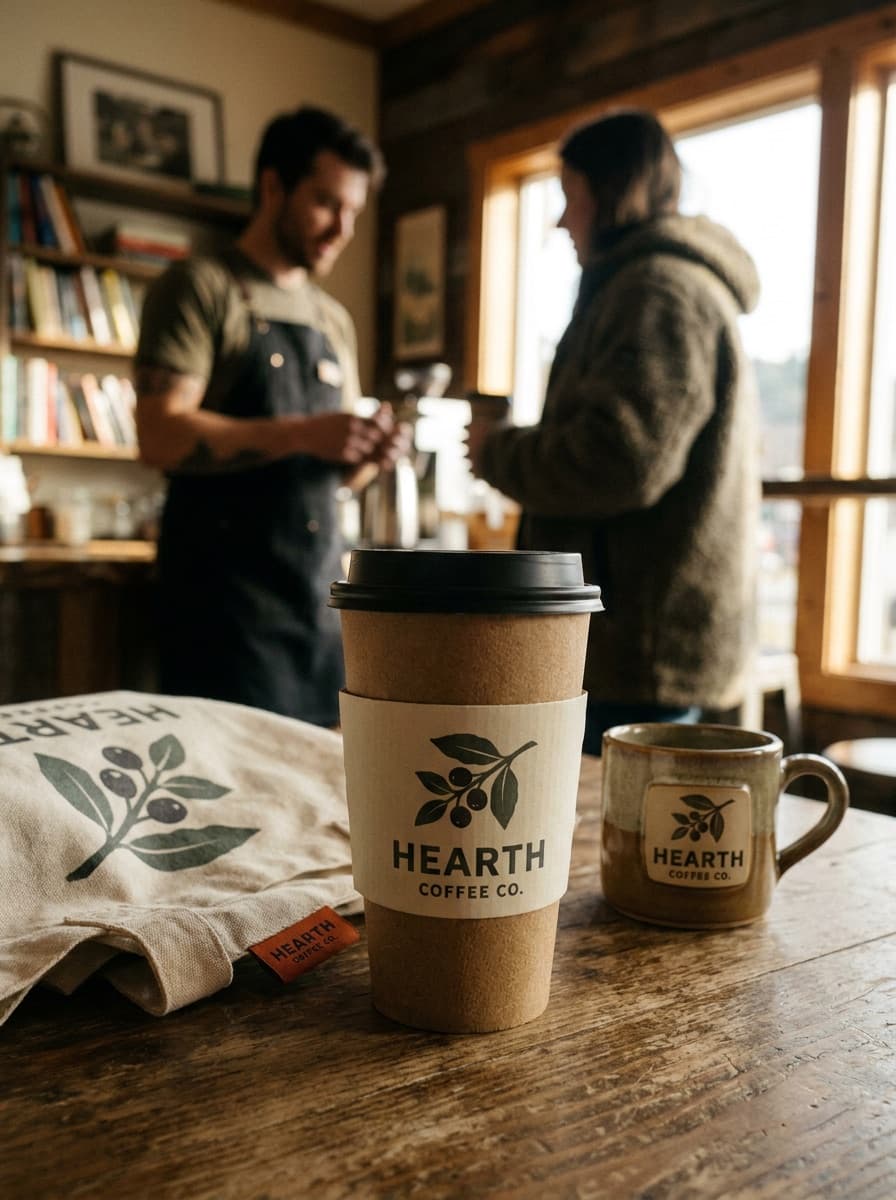
Checked against the running tool on 2026-10-20.
It is re-rendered into the scene rather than pasted, so simple bold marks hold up well while fine lettering and precise brand colors can drift. Inspect each output against the original — for pixel-critical presentations, some designers composite the exact file over the generated scene afterward.
Classic identity surfaces all work: signage, business cards and letterheads, packaging, apparel, vehicles, window decals. Flat and gently curved surfaces render most faithfully; extreme perspective or crumpled fabric distorts letterforms more.
Yes — embossing, foil stamping, letterpress, engraving, and neon or backlit treatments are all describable and render convincingly. Finish mockups are one of this workflow’s strongest tricks for making an identity feel premium.
Templates give you pixel-exact placement in the scenes you own; this generates any scene you can describe. Use templates for final pixel-critical deliverables, and generated mockups for range — the van, the awning, and the embossed card without buying three packs.
A clean PNG of the mark on a plain background at a reasonable resolution. Avoid screenshots with surrounding UI and low-contrast versions — the model reproduces what it can clearly see.
 New
New

See what each one makes, then open it in Made.