AI product video generator
Upload a single product photo and Made animates it into a short showcase clip with orbital camera motion — the rotating-product look for listings and social, generated from one still.
Runs in the tool. You sign in to run it, see the price before you start, and failed runs are refunded.

How to use 360 Product Video Maker
- 1
Upload one product photo
A sharp, centered shot with the whole product visible animates most convincingly.
- 2
Describe the motion
Ask for an orbit, half-orbit, or slow rotation, and name the lighting mood.
- 3
Generate the clip
MiniMax H3 Max renders a five-second MP4 at 480P from your photo and prompt.
- 4
Review the far side
The model imagines unseen angles — check logos and details stay plausible through the move.
360 Product Video Maker examples
Real results from Made. Use a prompt to open it in 360 Product Video Maker, then add your own photo.
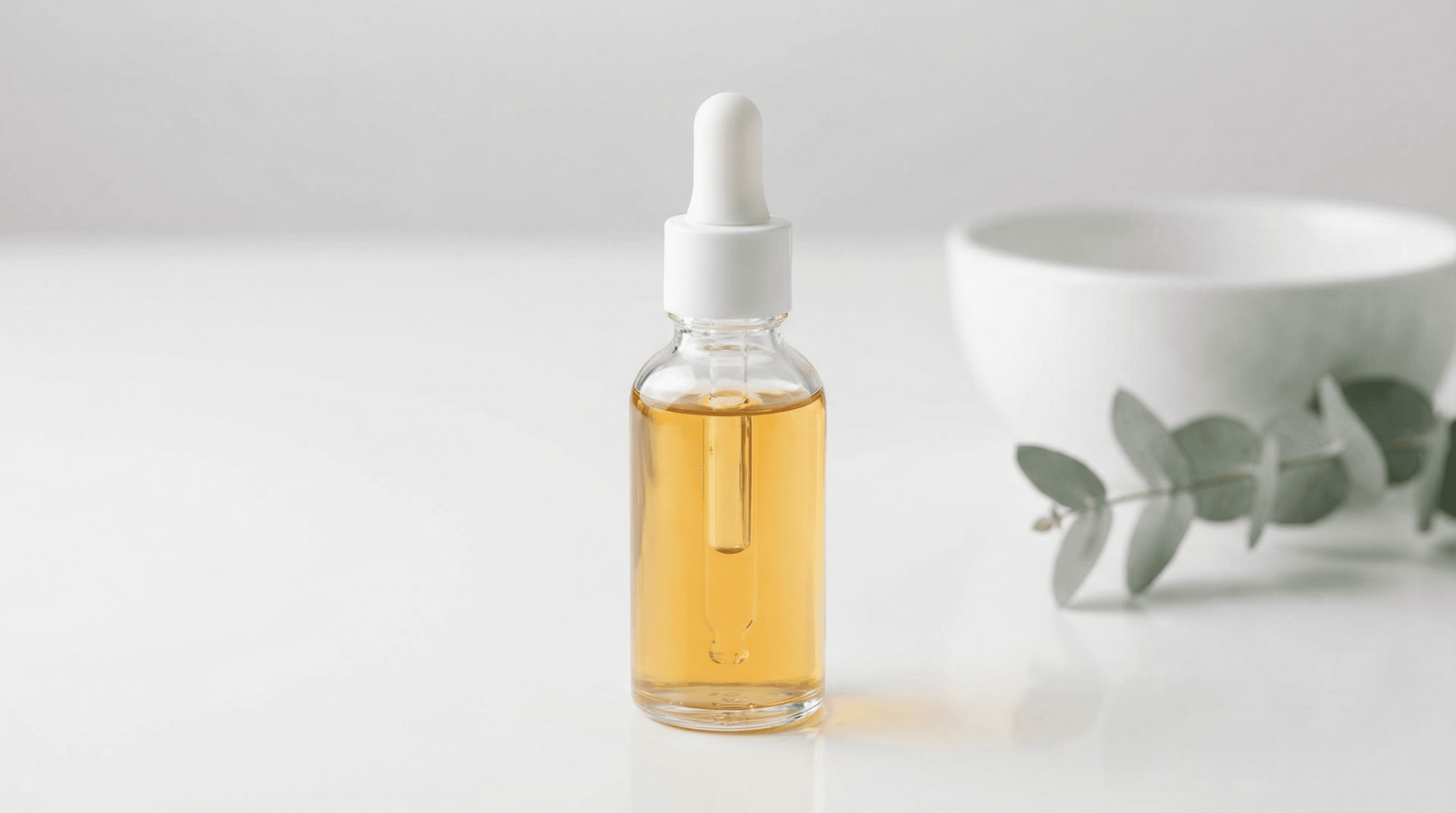
Bottle showcase
“Rotate around this bottle with soft reflections sweeping across the glass.”
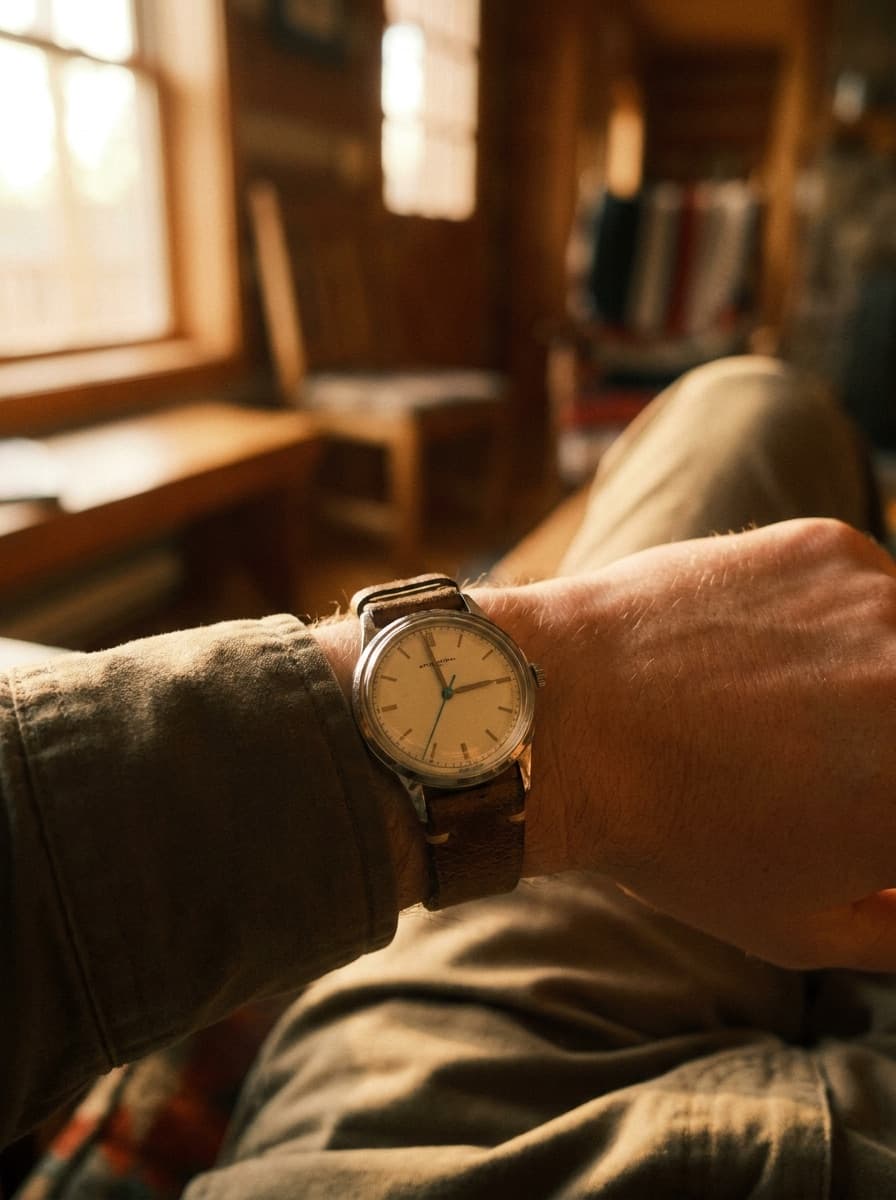
Use this promptWatch close-up
“Do a tight, slow orbit around the watch face with a gentle light sweep.”
Use this prompt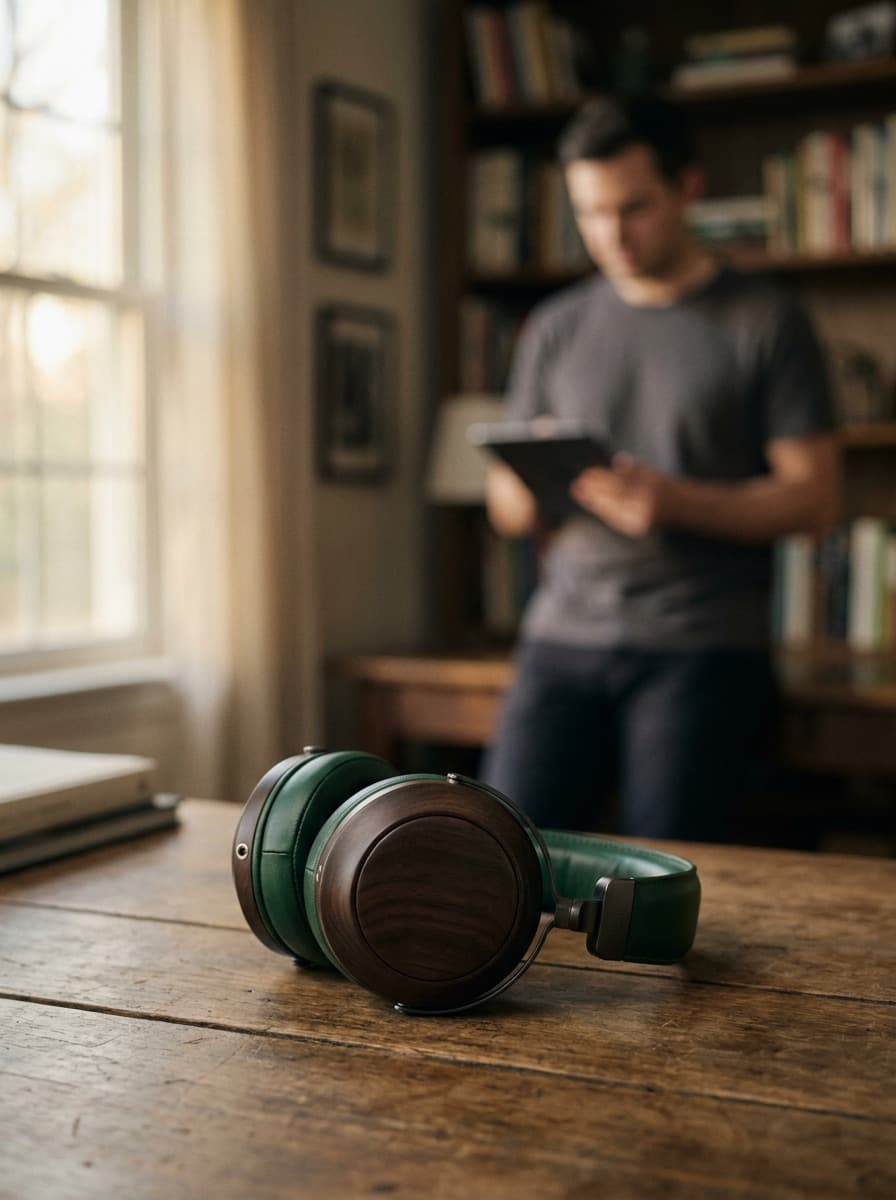
Jewelry turn
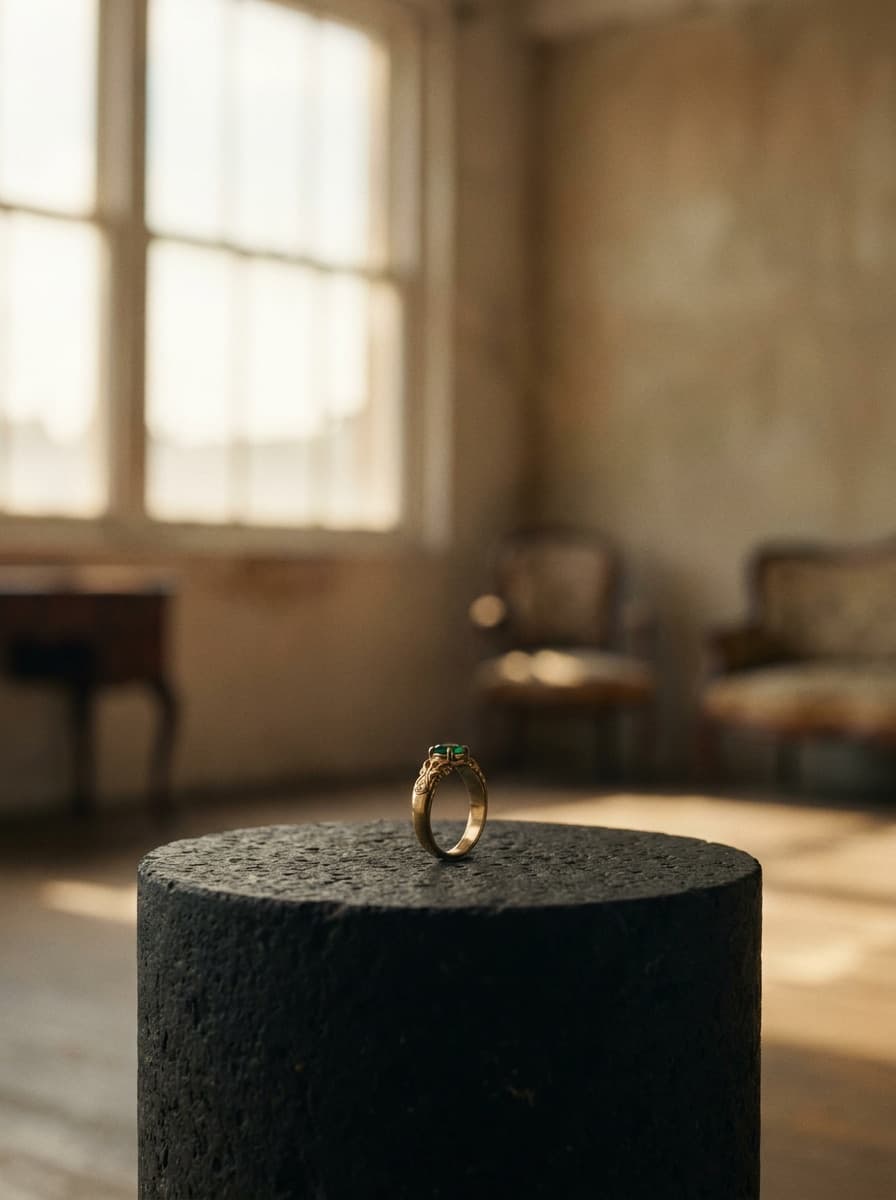
“Slowly circle the ring so the stone catches the light as the camera moves.”
Use this prompt
What people use it for
- Listing videosAdd motion to a product page using the photo you already have instead of hiring a turntable shoot.
- Social product teasersTurn a still into a short orbiting clip for feed, stories, or short-form video.
- Ad motion assetsAnimate the hero product shot for video placements without new photography.
- Launch revealsGive a new product a cinematic rotating reveal from a single prototype photo.
Make an orbiting product video from one photo
What it does
- Input
- One product photo (JPEG, PNG, or WebP), plus an optional motion prompt
- Output
- Five-second MP4 video clip at 480P
- How it works
- Made animates the photo with MiniMax H3 Max at 480P, following your motion prompt, or a slow orbit around the product when you leave it blank.
- Access
- Runs in the tool. You sign in to run it, see the price before you start, and failed runs are refunded.
Formats and limits
- Input formats
- JPEG, PNG, WebP
- Output format
- MP4, five seconds, 480P
- Motion type
- Simulated camera orbit generated from one photo — not a multi-angle turntable capture
- Unseen angles
- The far side of the product is AI-imagined; verify branding remains accurate through the rotation
- Images per request
- One
Checked against the running tool on 2026-10-20.
Questions about 360 Product Video Maker
Is this a true 360-degree spin?
No — it is a simulated orbit generated from one photo. The model animates a camera move around your product and imagines the angles it cannot see. For most listing and social uses the effect reads as a product spin; for engineering-accurate rotation you would still need a multi-angle capture.
What happens to the side of the product the photo doesn’t show?
The model invents it plausibly from what it can see. Simple, symmetric products hold up well; products with distinct back-side branding or text can drift. Always watch the full clip and check any angle that matters commercially.
How long is the clip and what format do I get?
Five seconds as an MP4 at 480P, rendered by MiniMax H3 Max. That length suits listing loops and social teasers; for longer edits, generate multiple clips and cut them together.
What photo gives the best result?
A sharp, well-lit shot with the full product in frame and a bit of space around it. Clean backgrounds help the motion stay stable; clutter near the product tends to warp as the camera moves.
Can I control the speed and direction of the rotation?
Yes, in the motion prompt — ask for a slow clockwise orbit, a half-turn reveal, or a tight close orbit. Slower moves generally look more premium and hide less-perfect imagined angles.
Can I make it loop on a product page?
Ask for a smooth, even orbit; clips with constant speed loop most gracefully. A perfect seamless loop is not guaranteed, so preview the restart point — a subtle crossfade in your page player covers the seam.
Can I animate lifestyle shots, not just packshots?
Yes — the same workflow animates any product photo, including in-context shots. For scene photos, gentler motion such as a slow push-in often looks better than a full orbit; use the Image to Video Generator page for general-purpose animation.
More ad and product tools

Image to Video Generator
Animate any still into a clip
AI Product Photography
Studio product shots in any setting
Product Packshot Maker
Clean packshots on a seamless backdrop New
NewVideo Ads
A proven ad with your product and avatar
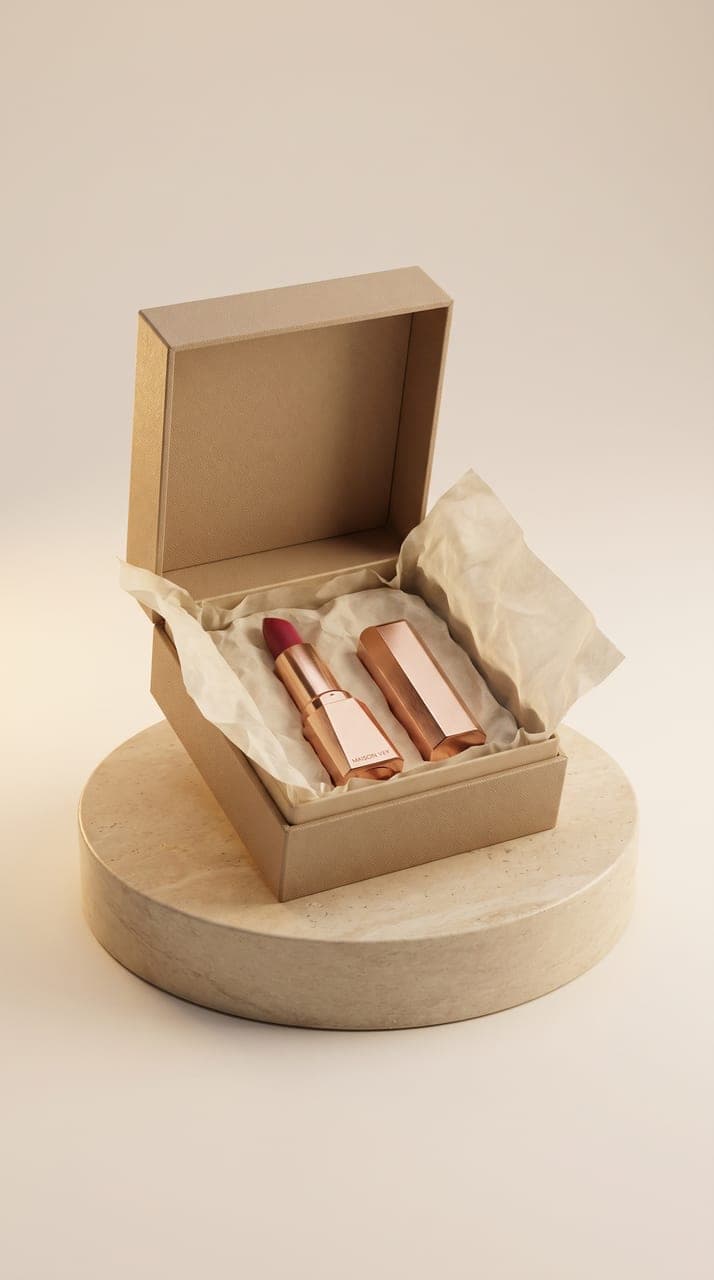
Marketing Studio
Product shots, ads and UGC from one product
Made Ads
Video ads made for you, posted and tracked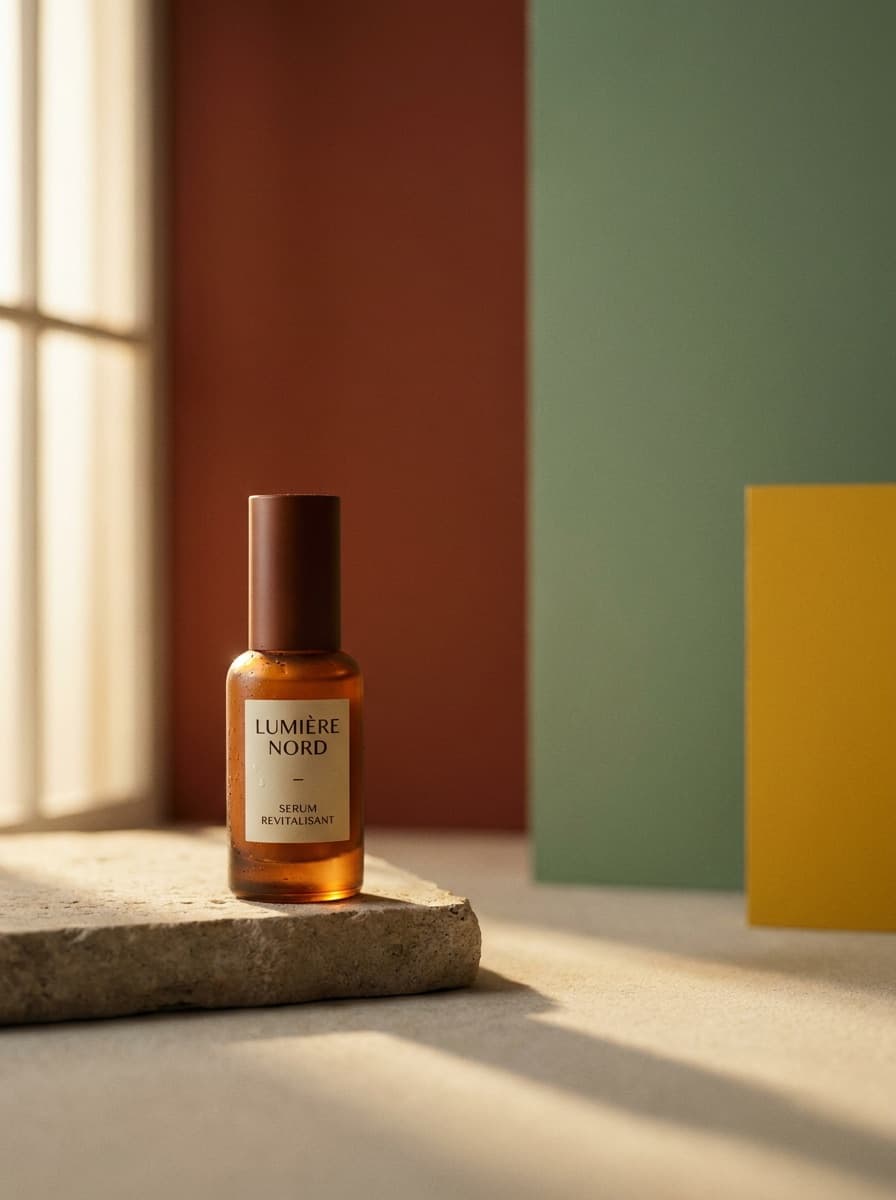
AI Ad Generator
Ad creative from one product photo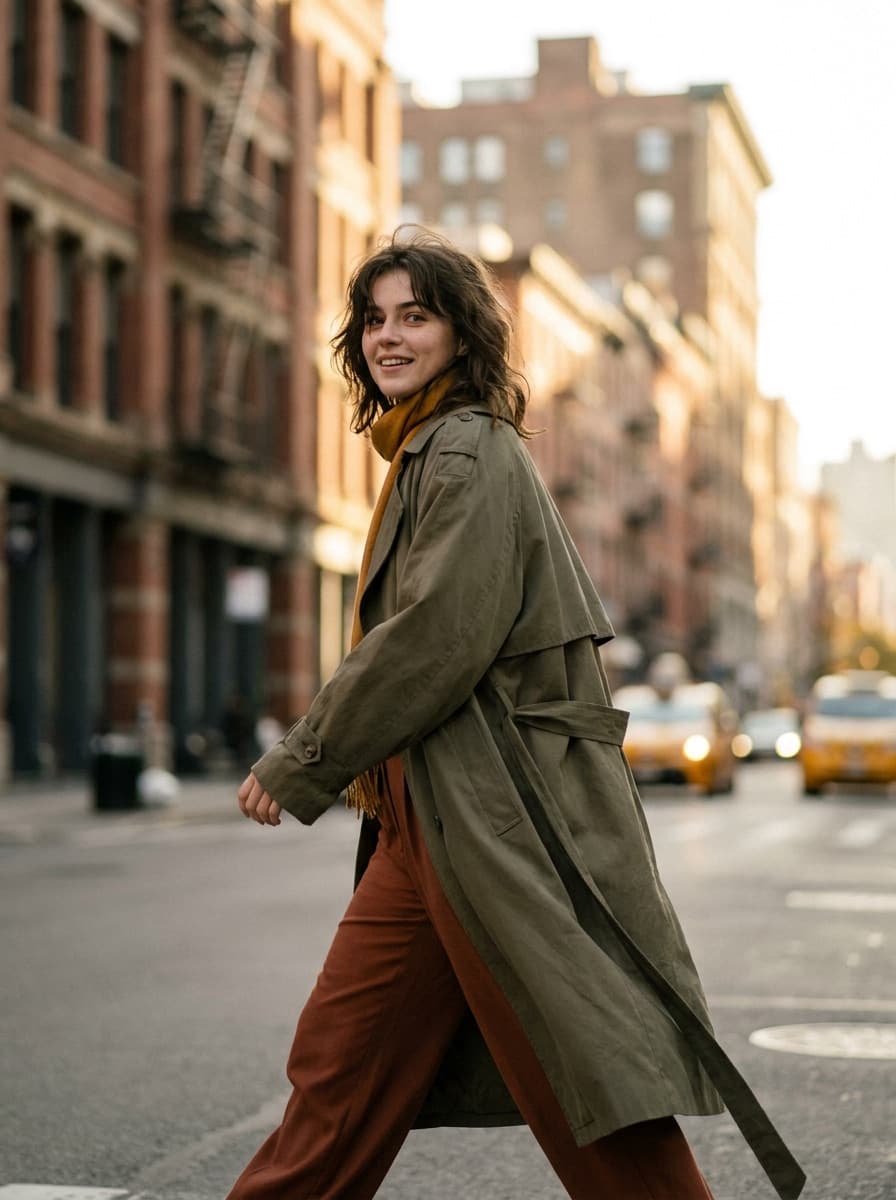
AI Photoshoot Generator
A full photoshoot from one photo
AI Mockup Generator
Put your design on real products
Thumbnail Maker
Bold video thumbnails that get clicksRelated models
See what each one makes, then open it in Made.