Tech reviews
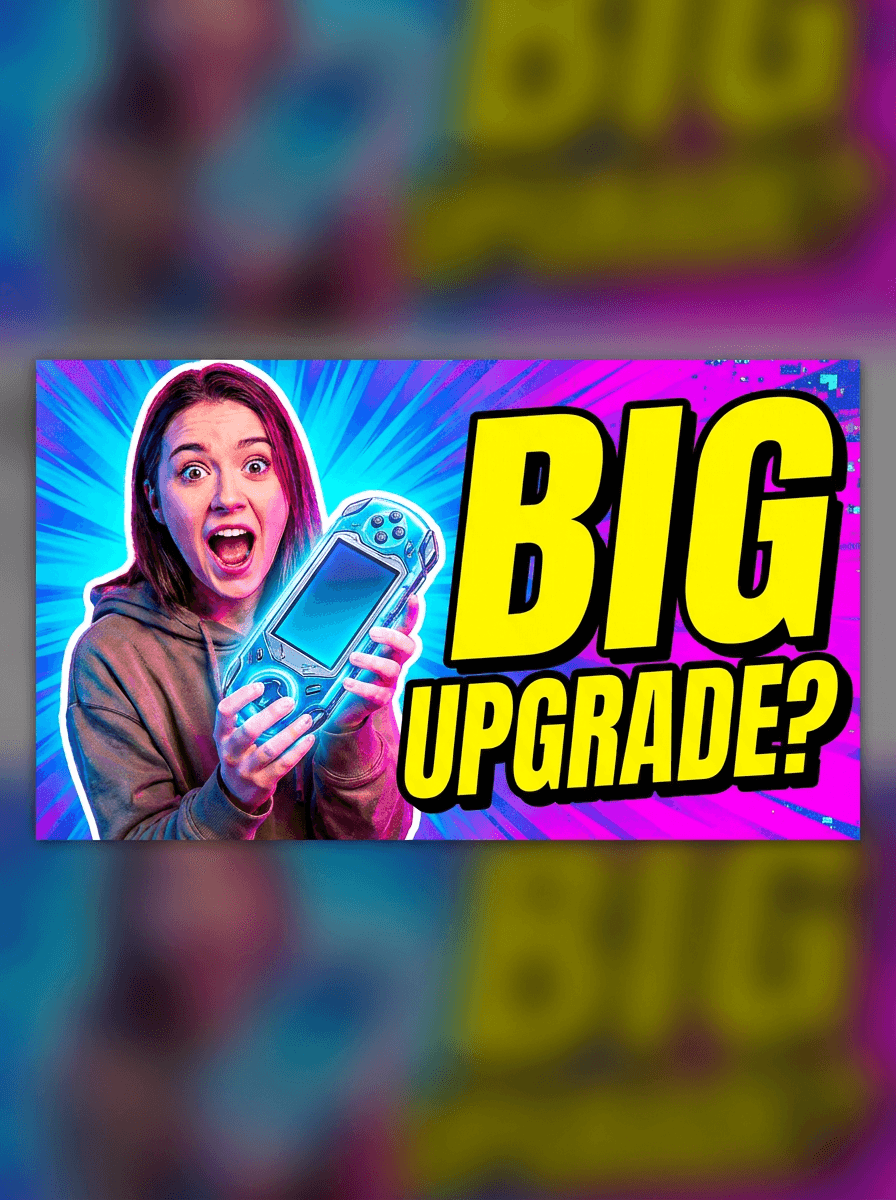
“Generate a 16:9 thumbnail: surprised presenter holding a sleek gadget, saturated blue-to-magenta gradient burst, huge yellow block letters reading Big Upgrade with black outline.”
Use this promptDescribe the video and the reaction you want the cover to trigger, and Made generates a bold 16:9 thumbnail as a PNG — strong focal point, saturated colors, and optional title text.
Runs in the tool. You sign in to run it, see the price before you start, and failed runs are refunded.
Say what the viewer should feel in half a second — the subject, the expression or action, and the payoff the video promises.
Keep rendered text to a few punchy words and spell them exactly. Proofread the result — thumbnail text is read at a glance and typos are conspicuous.
Request high contrast, a single focal point, and bold outlined text; mention that it must stay readable at small sizes.
Each run is a new render. Generate a few options, shrink them down to feed size to judge them, and download the winner as a PNG.
Real results from Made. Use a prompt to open it in Thumbnail Maker, then press Generate.
“Generate a 16:9 thumbnail: surprised presenter holding a sleek gadget, saturated blue-to-magenta gradient burst, huge yellow block letters reading Big Upgrade with black outline.”
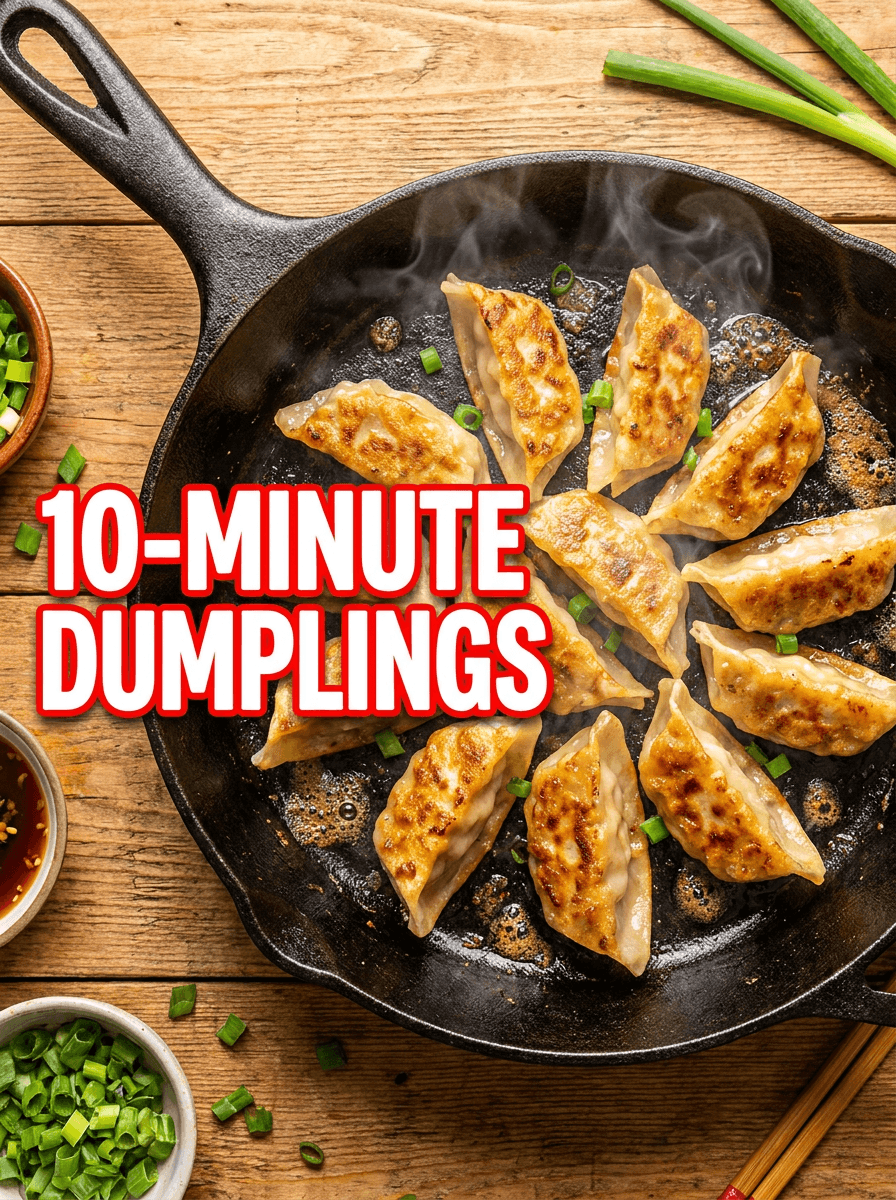
Use this prompt“Create a 16:9 cooking thumbnail: overhead shot of a sizzling cast-iron pan of golden dumplings, steam rising, bold white text reading 10-Minute Dumplings with red outline.”
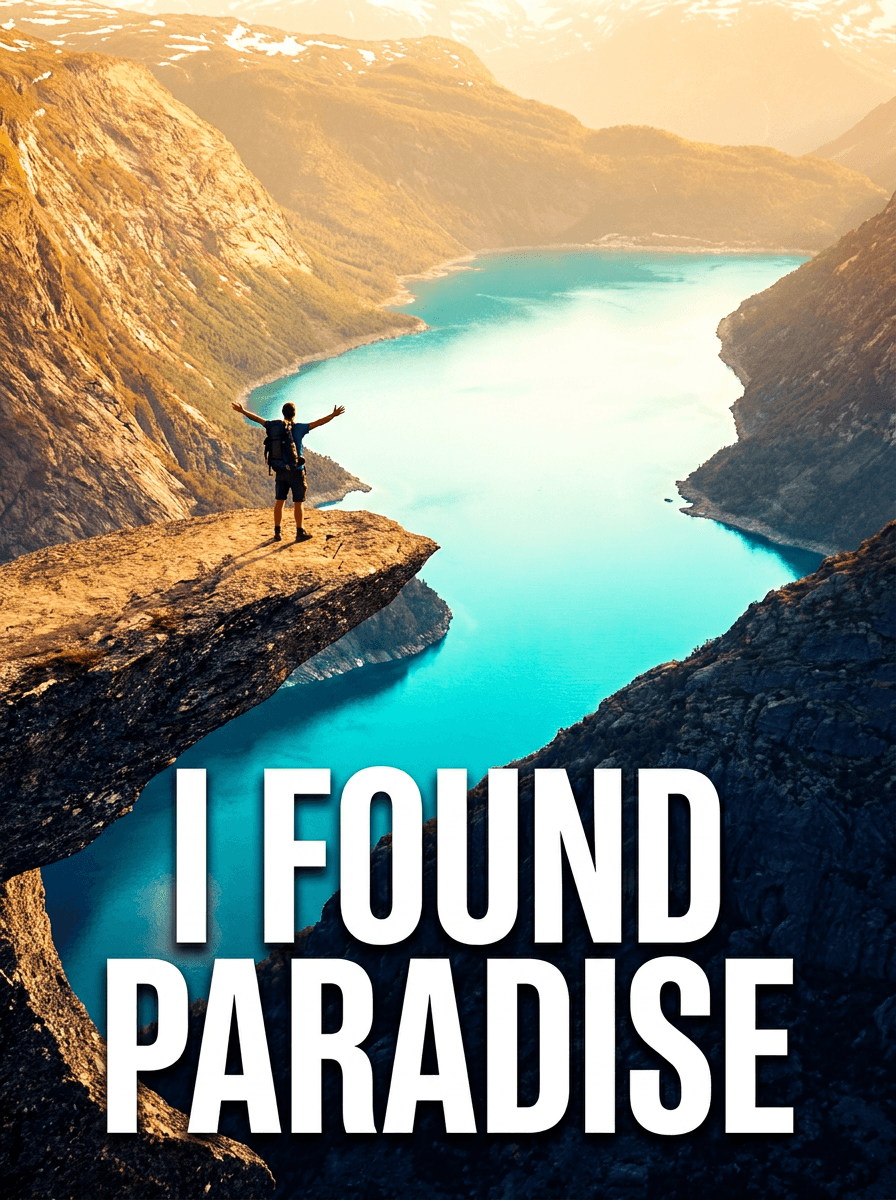
Use this prompt“Make a 16:9 travel vlog thumbnail: hiker with arms raised on a cliff above a turquoise coastline at golden hour, bold white capitals reading I Found Paradise across the lower third.”
Use this promptChecked against the running tool on 2026-10-20.
You describe the video’s hook — the subject, the moment, and any title text — and Made sends the description to GPT Image 2.5 Flare, which renders a 16:9 cover image and returns it as a 2560 × 1440 PNG. Generate a few takes and pick the one that reads best small.
Not on this page — this workflow generates entirely from text, so the people in the render are generated, not you. To build a thumbnail from your own photo — cut yourself out, boost the colors, add text and a background — upload the photo to the AI Photo Editor instead.
Current models render short text well, but spelling is not guaranteed on every run. Keep titles to a few words, put the exact wording in your prompt, and proofread before publishing — regenerate or rephrase if a letter drifts.
The output is a 16:9 PNG at 2560 × 1440, which matches the shape video platforms expect. If your platform asks for an exact pixel size such as 1280 × 720, run the result through Image Resizer; PNG uploads are broadly accepted.
Design for the glance: one clear subject with a strong expression or action, a high-contrast background that separates from the platform’s white or dark UI, and no more than about four words of text. Say “readable at small sizes” in the prompt — it pushes the model toward bolder, simpler compositions.
Yes, by treating the style as a reusable template: fix the palette, text treatment, and layout in one description and change only the subject and title per video. Each generation is a new render, so expect sibling-level consistency rather than identical frames.
Yes. Switch the aspect ratio to 9:16 for vertical formats, and keep the focal point centered since short-form UIs overlay buttons and captions along the edges. The same prompt principles apply — one subject, high contrast, minimal text.
 Core
Core
 New
New
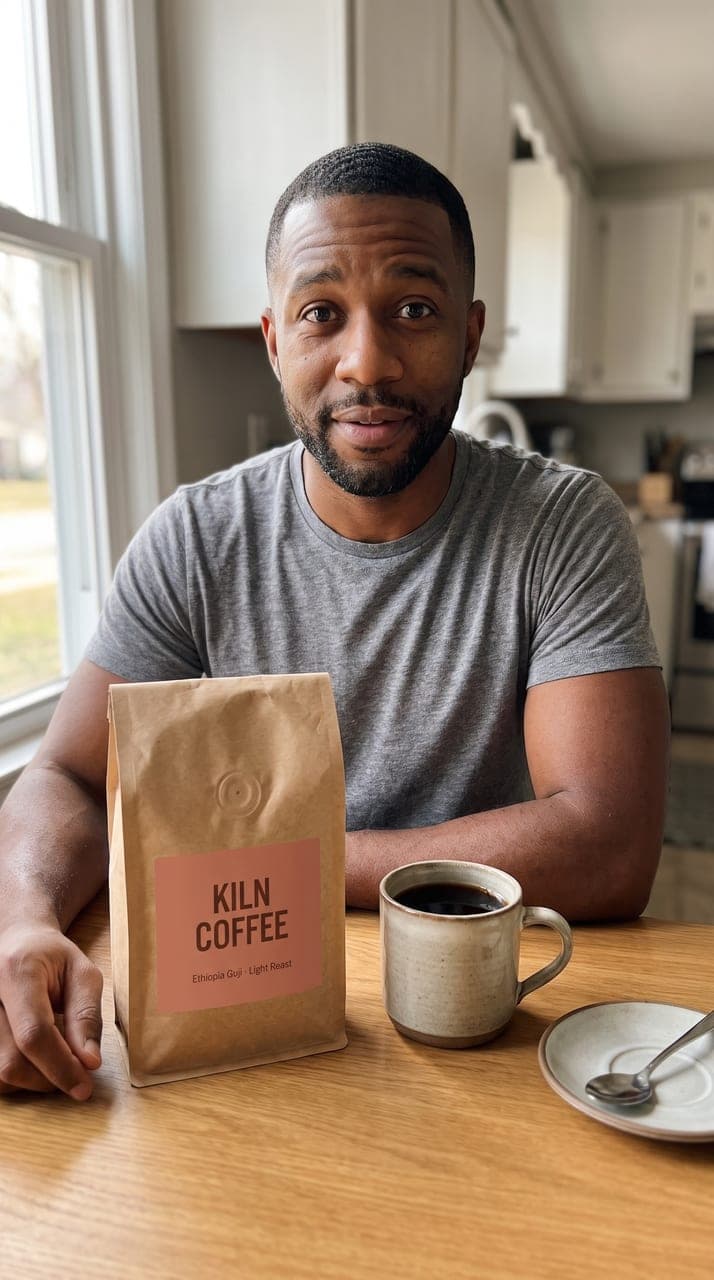
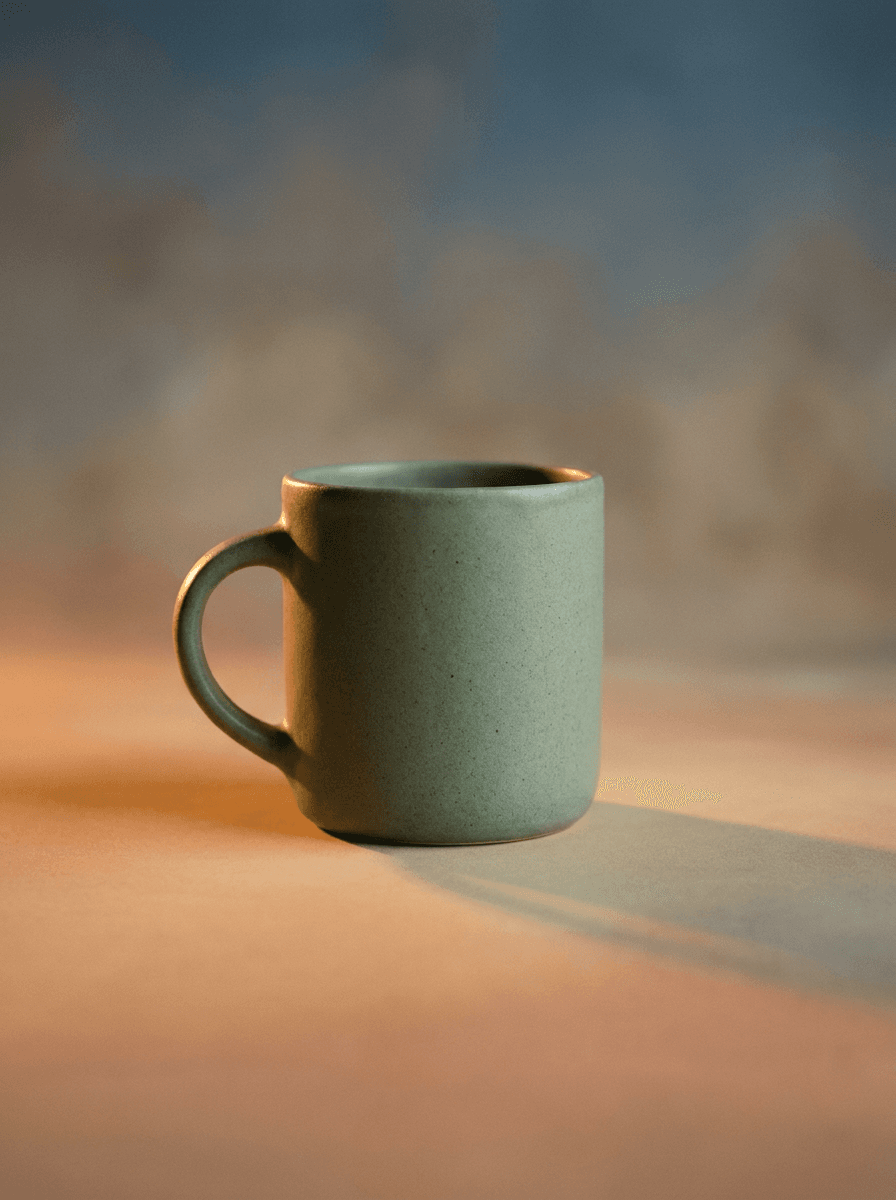
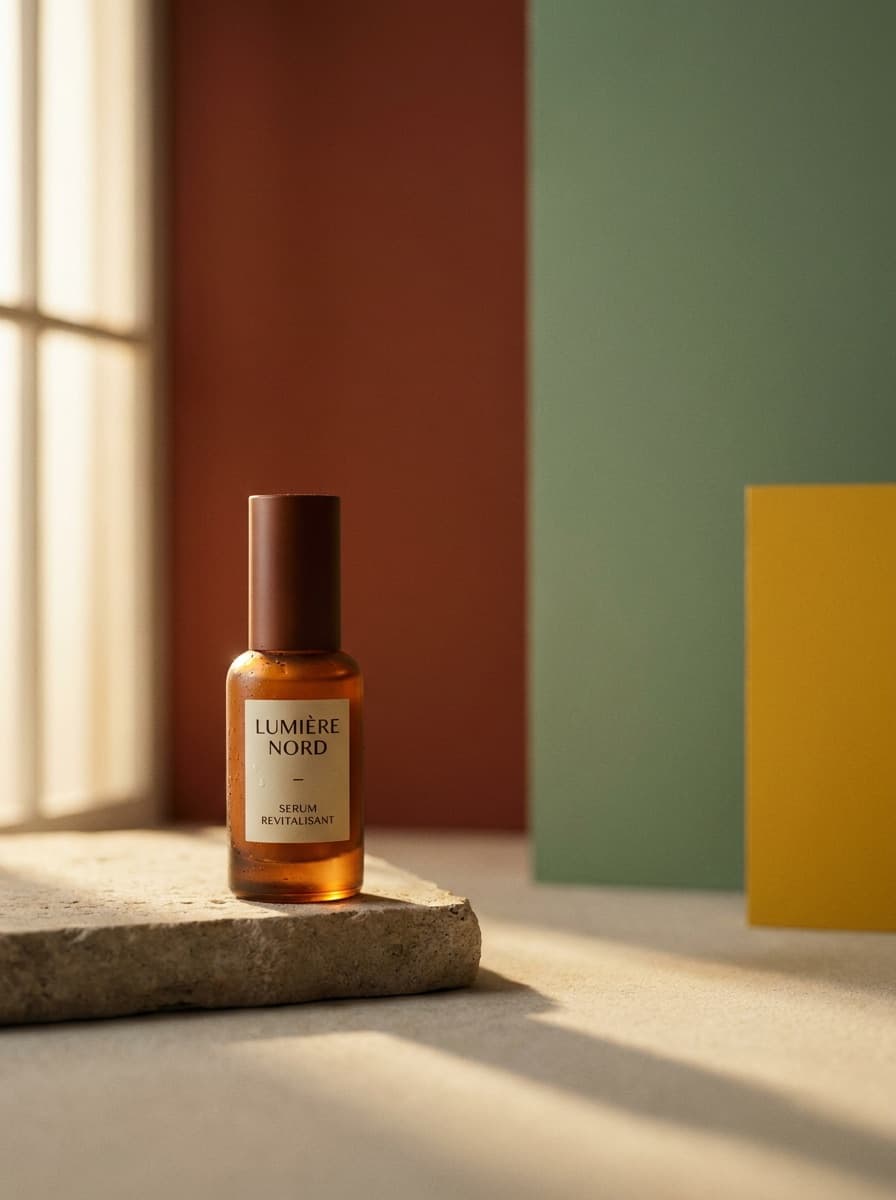
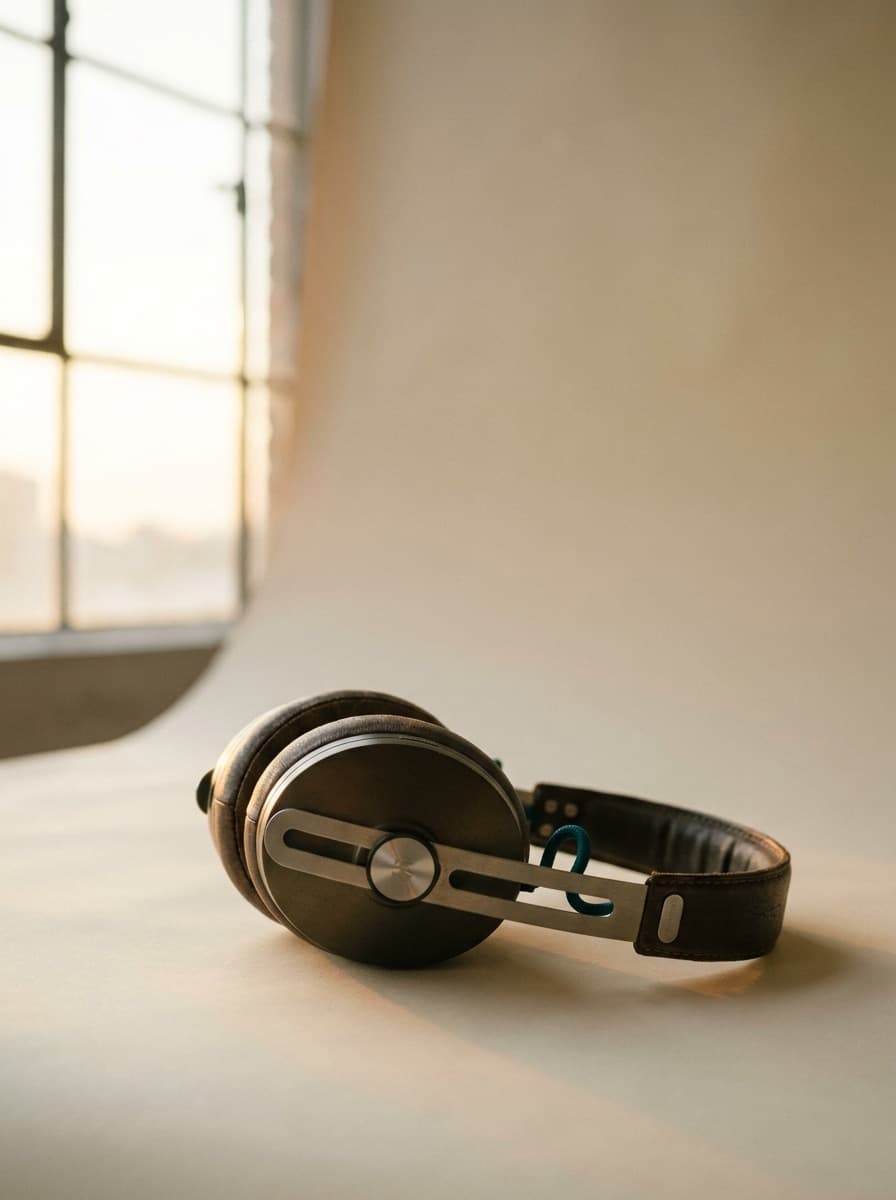
See what each one makes, then open it in Made.