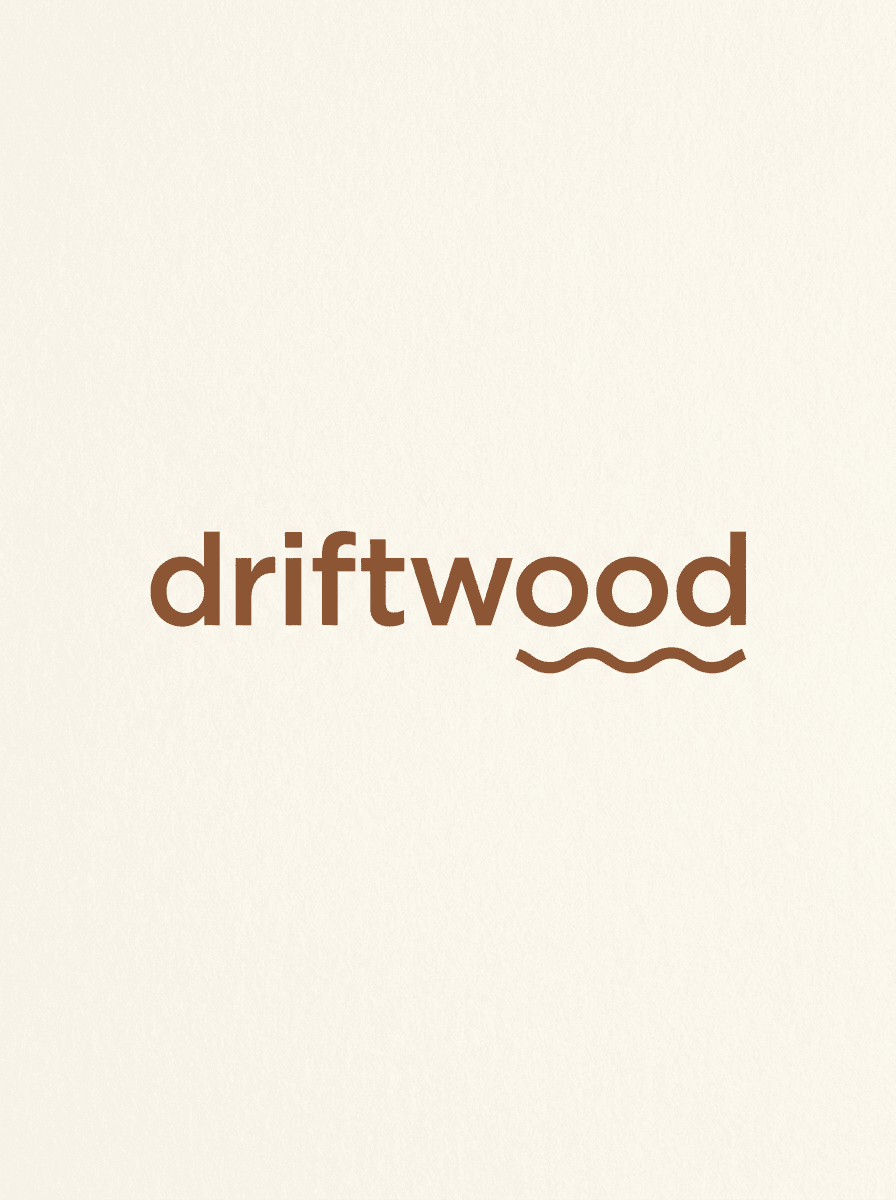
Minimal wordmark
“Generate a minimal wordmark logo for a coffee brand called Driftwood: lowercase geometric sans-serif with wide letter spacing, warm brown on a cream background.”
Use this promptDescribe your brand — name, industry, style, and colors — and Made generates logo concepts as PNG images. Each run is a fresh concept, so iterate on the description until one fits.
Runs in the tool. You sign in to run it, see the price before you start, and failed runs are refunded.
Name the business, what it does, and the feeling you want — “a calm, premium skincare brand” reads very differently from “a loud streetwear label.”
Say whether you want a wordmark, icon, monogram, or badge, name the colors, and spell out any text the logo should contain.
Each run is a new render. Generate several concepts from the same brief and keep the strongest direction.
Adjust one variable at a time — color, typeface style, layout — then download the PNG. Proofread any rendered text before using it.
Real results from Made. Use a prompt to open it in AI Logo Generator, then press Generate.
“Generate a minimal wordmark logo for a coffee brand called Driftwood: lowercase geometric sans-serif with wide letter spacing, warm brown on a cream background.”
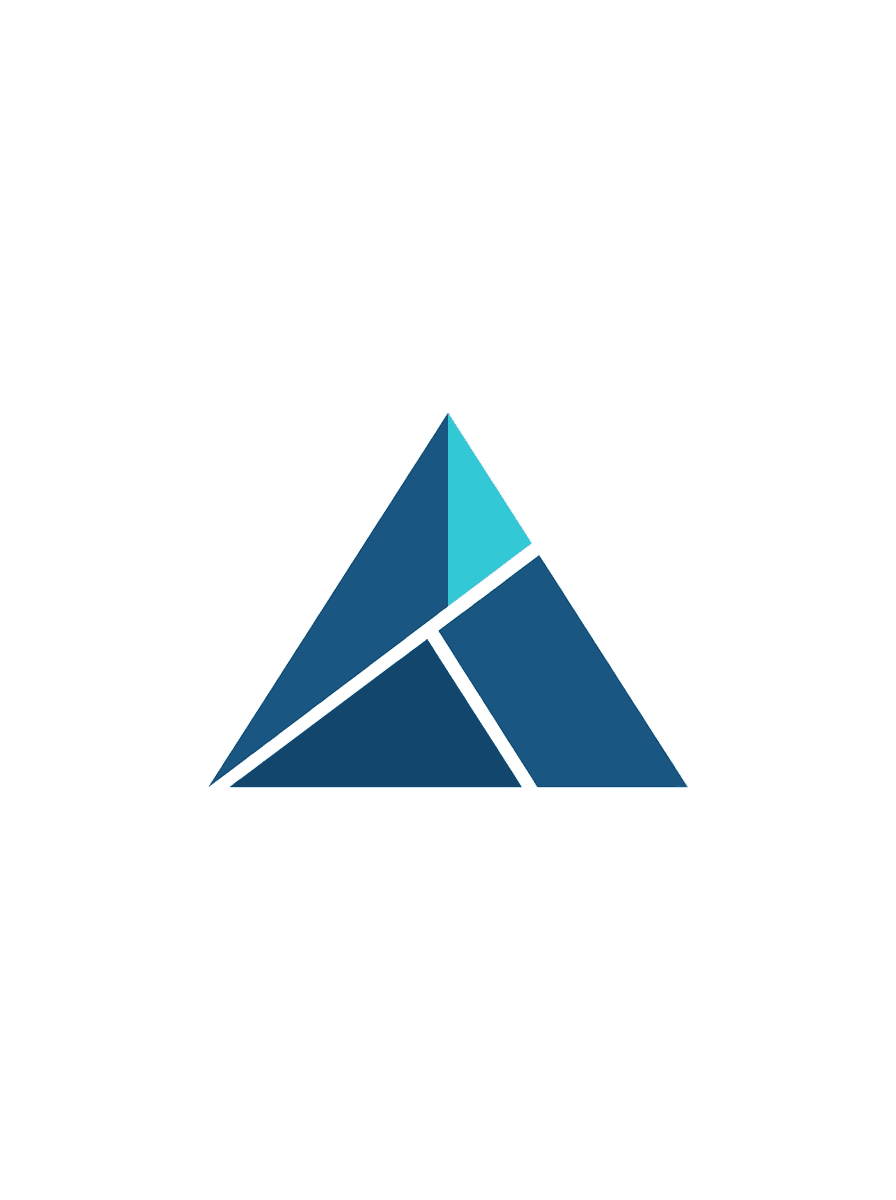
Use this prompt“Create a geometric logo mark: an abstract mountain peak built from three interlocking deep-blue triangles with one cyan facet, flat vector style on white, no text.”
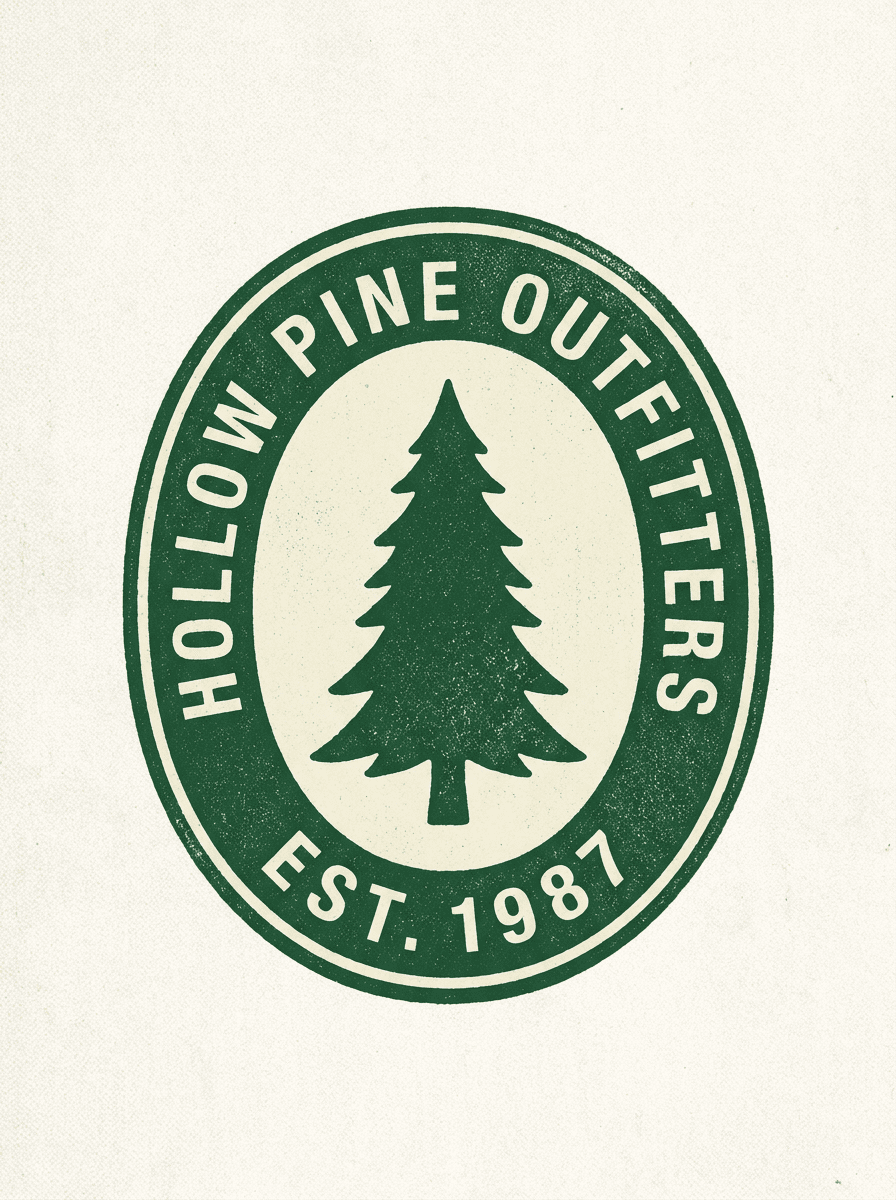
Use this prompt“Design a circular vintage badge logo for Hollow Pine Outfitters: a pine tree in the center, the name curving around the rim, forest green and cream, subtle distressed texture.”
Use this promptChecked against the running tool on 2026-10-20.
You write a description of the brand — name, industry, style, colors — and Made sends it to GPT Image 2.5 Flare, which renders a logo concept and returns it as a PNG at 1K resolution. Each generation is a new interpretation of the brief, so run it several times and iterate on the wording to converge on a direction.
No. The output is a raster PNG, not a vector. For uses that need true vectors — large-format print, signage, or a designer handoff — run the PNG through a dedicated tracing tool to convert the concept into scalable paths.
Current models can render wordmark text, but spelling is not guaranteed on every run. Put the exact text in quotes in your description, proofread the result carefully, and regenerate or rephrase the prompt if a letter is wrong.
The design is generated for you, but clearing it for commercial use is your responsibility. Before adopting a logo, search existing trademarks in your market and category — an AI generator cannot check whether a similar mark is already registered.
Keep the description that produced it and change one variable at a time — the color, the layout, or the typeface style. Because every run is a new render, the model will not reproduce the previous image exactly; treat each output as a concept in the same family rather than an edit of the last one.
This tool generates from text only and does not accept an uploaded image. To modify an existing logo file — recolor it, clean it up, or place it in a scene — upload it to the AI Photo Editor instead.
Five things: the exact brand name (in quotes if it should appear as text), what the business does, the mark type you want (wordmark, icon, monogram, badge), two or three style adjectives, and the color palette. “Minimal lowercase wordmark for ‘driftwood’, a specialty coffee brand, warm brown on cream” gives the model far more to work with than “coffee logo.”
 Core
Core
See what each one makes, then open it in Made.