Indie rock
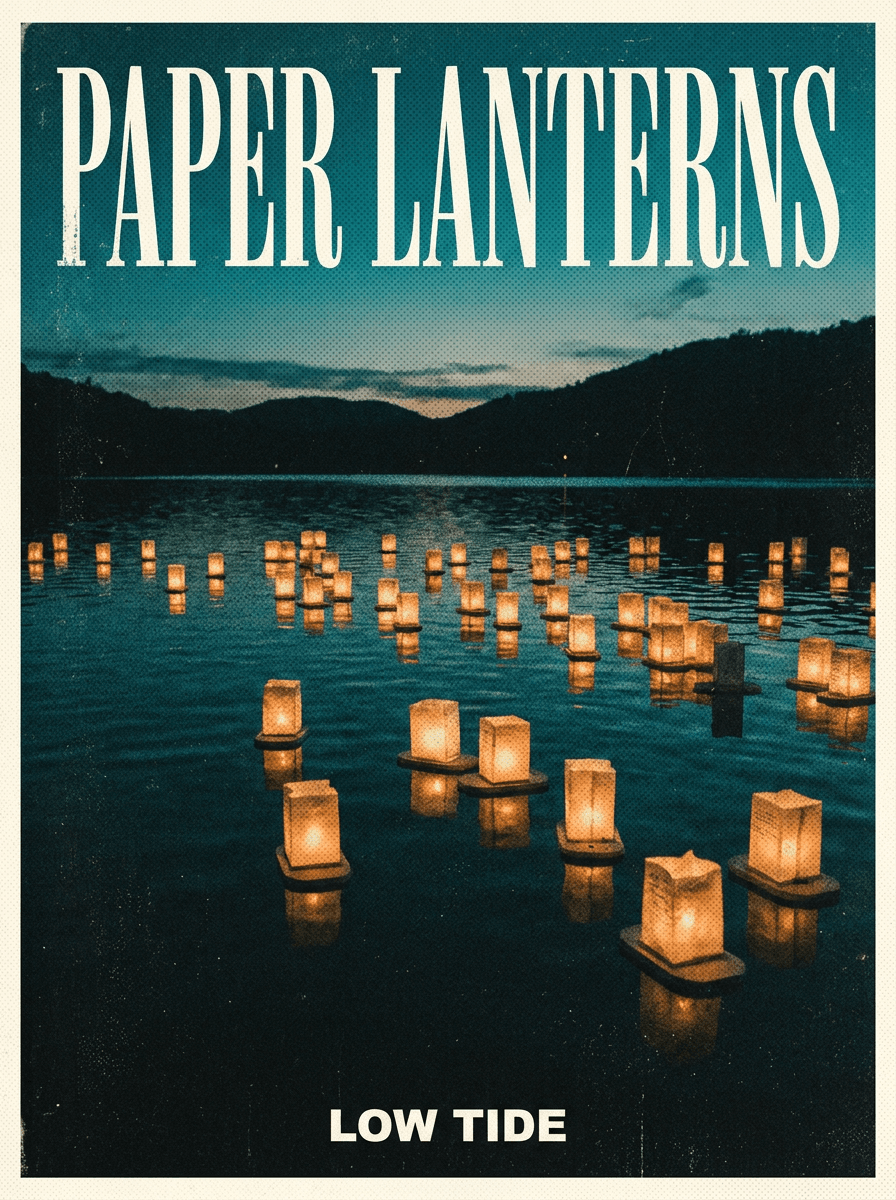
“Make a square album cover for a band called Paper Lanterns: grainy film photo of lanterns over a dark lake at dusk, teal and amber duotone, band name in tall condensed serif at the top.”
Use this promptDescribe the release — genre, mood, imagery, and any artist or title text — and Made generates square cover art as a PNG. Works for albums, singles, EPs, mixtapes, and playlist covers.
Runs in the tool. You sign in to run it, see the price before you start, and failed runs are refunded.
Name the genre and the feeling — “late-night synthwave,” “warm acoustic folk,” “aggressive garage rock” — so the art direction matches the music.
Spell out the artist name and title exactly as they should appear, and say where they should sit. Skip the text entirely if you plan to add typography in another app.
Cover art is 1:1, which is the natural choice here; the description should compose for a square frame.
Check any rendered lettering character by character, regenerate if the spelling drifts, then download the PNG.
Real results from Made. Use a prompt to open it in Album Cover Maker, then press Generate.
“Make a square album cover for a band called Paper Lanterns: grainy film photo of lanterns over a dark lake at dusk, teal and amber duotone, band name in tall condensed serif at the top.”
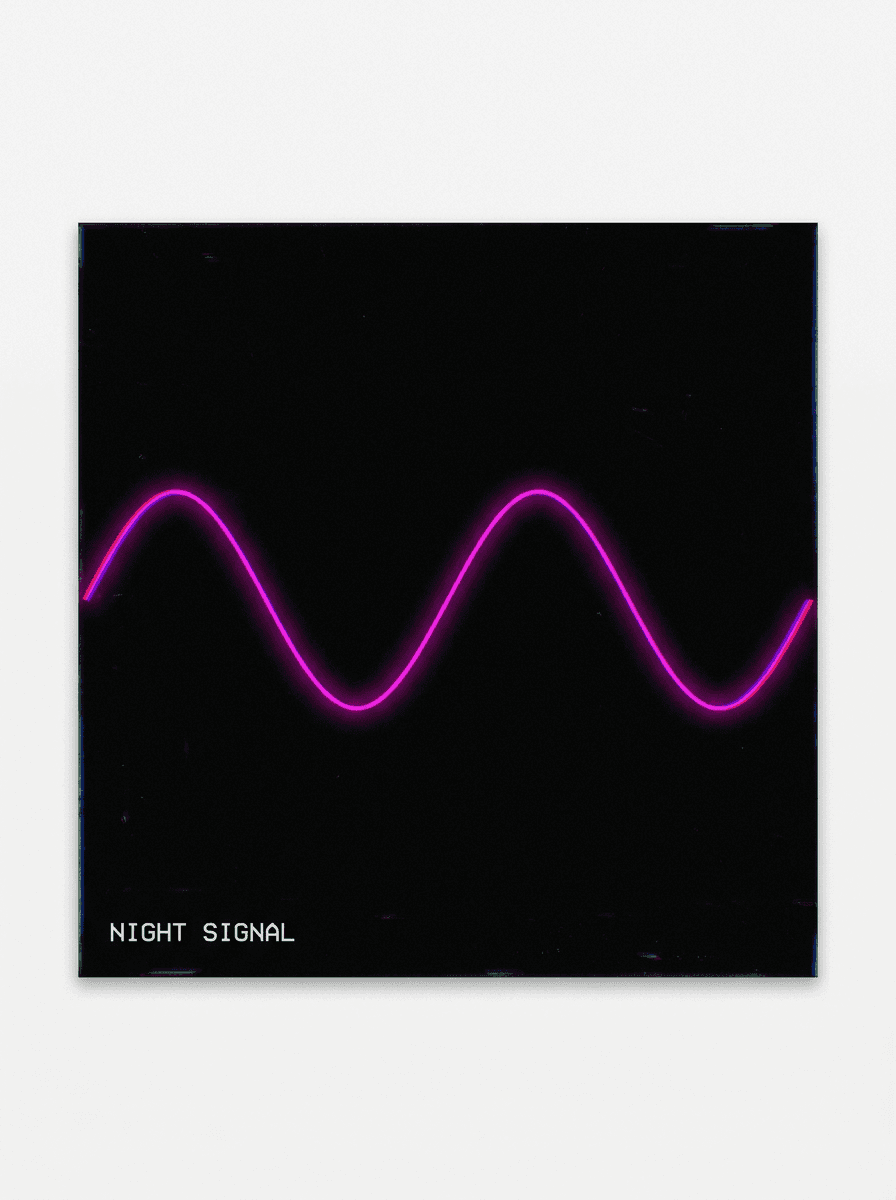
Use this prompt“Create a minimal square cover for a single titled Night Signal: black field, one glowing magenta sine wave crossing the center, fine white monospaced title in the lower left.”
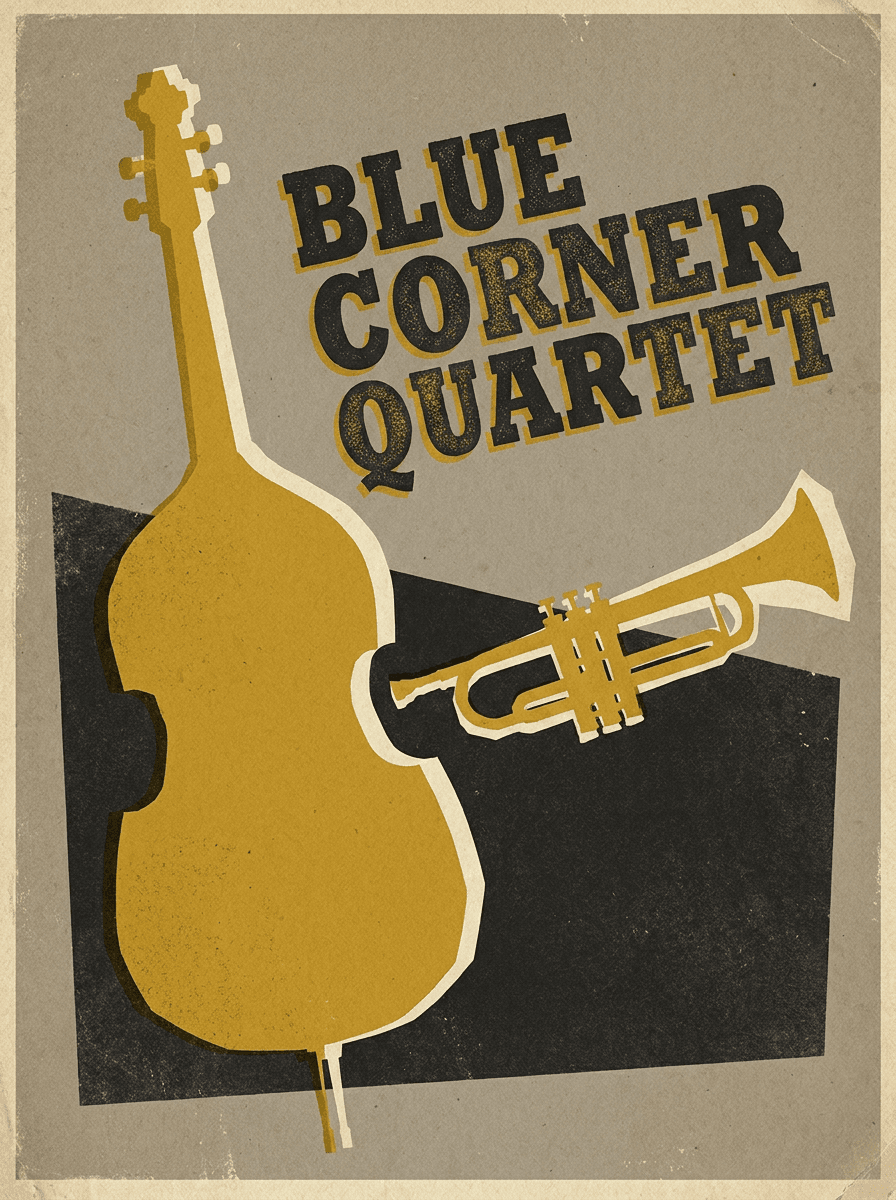
Use this prompt“Design a 1950s jazz record sleeve for the Blue Corner Quartet: cut-paper collage of a double bass and trumpet in mustard, cream, and charcoal, bold slab-serif title.”
Use this promptChecked against the running tool on 2026-10-20.
You describe the release — genre, mood, imagery, and any text — and Made sends the description to GPT Image 2.5 Flare, which renders square cover art and returns it as a PNG at 1K resolution. Each run is a new interpretation, so generate a few directions and refine the description toward the one you like.
A square 1:1 PNG at 1K resolution. Streaming platforms and distributors set their own minimum dimensions — many ask for 3000 × 3000 pixels — so if your distributor requires a larger file, run the finished cover through Image Upscaler before submitting it.
Yes. Include the exact wording in your description and say where it should sit. Rendered typography should always be proofread character by character — if a letter is wrong, regenerate or rephrase the prompt, or generate the art without text and add typography in a design app.
Platforms and distributors publish their own cover art rules covering dimensions, text, and prohibited content, and meeting them is the artist’s responsibility. Check your distributor’s current specification before uploading, since requirements differ between services.
The artwork is generated for you, but clearing commercial rights is your responsibility. Avoid prompts that reference real artists, bands, logos, or existing album art, and check that nothing in the final cover conflicts with an existing trademark before distributing it.
Not on this page — this workflow generates from text only. To build a cover around a photo you already have, upload it to the AI Photo Editor, where you can restyle it, adjust the composition, and add elements.
Name the era and design language rather than a specific artist: “1970s soul sleeve with warm film grain,” “minimal techno cover, stark geometry, no photography,” or “hand-painted folk artwork with visible brushstrokes.” Concrete style cues — palette, texture, typography era — steer the model far better than genre names alone.
 Core
Core
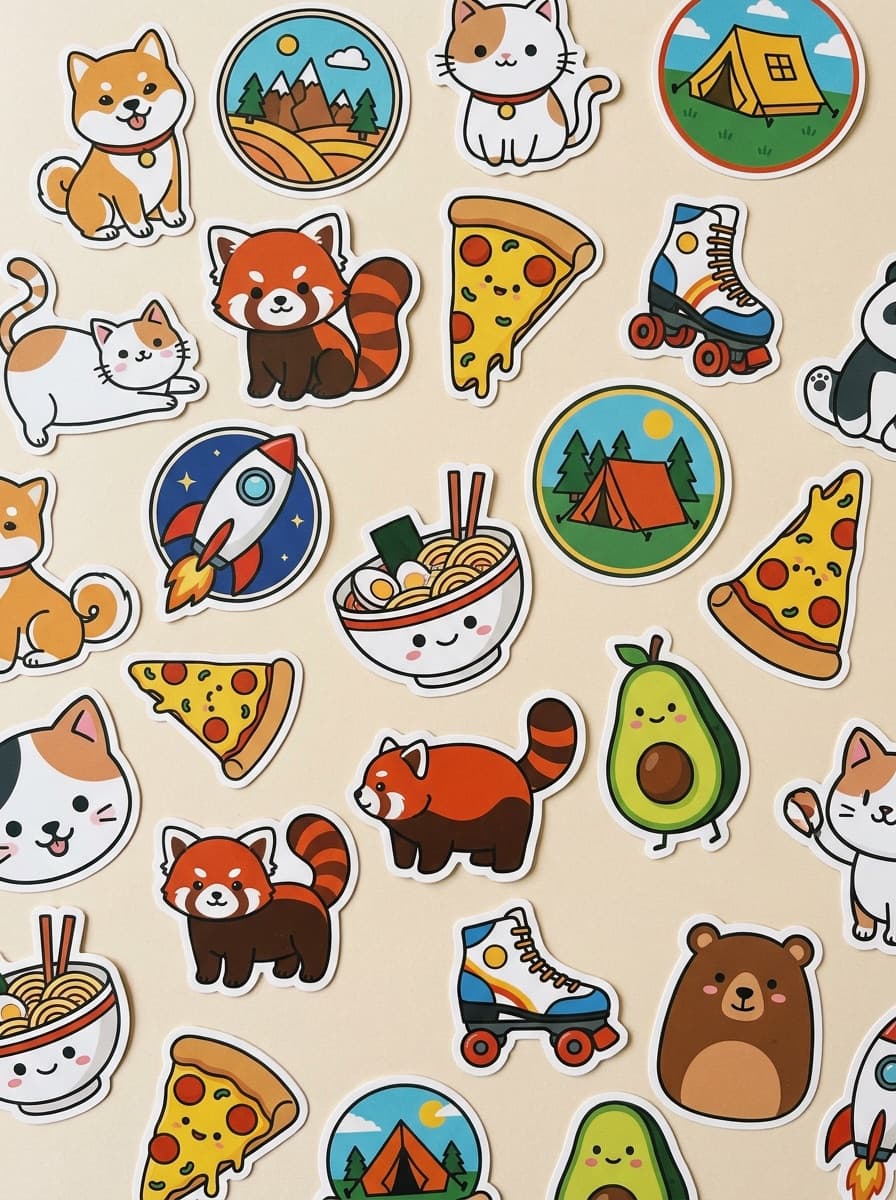
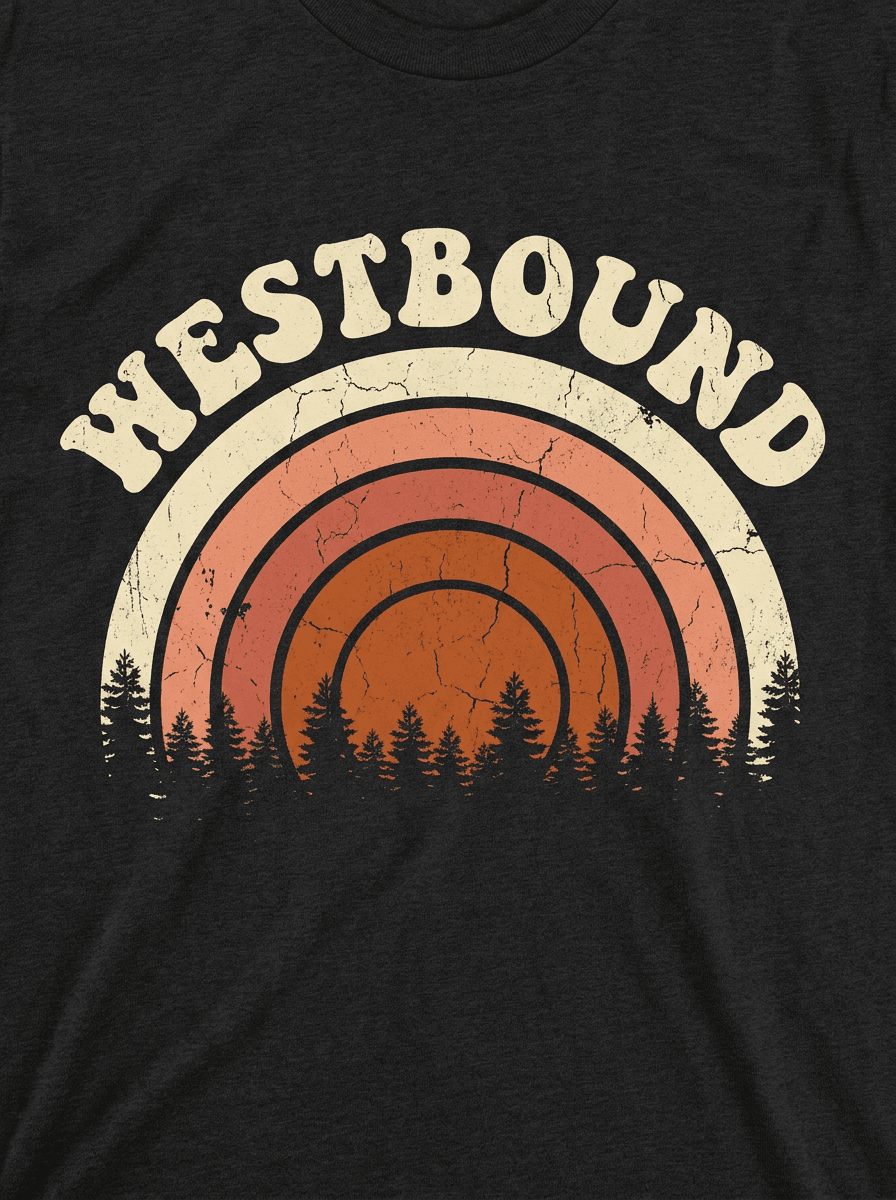
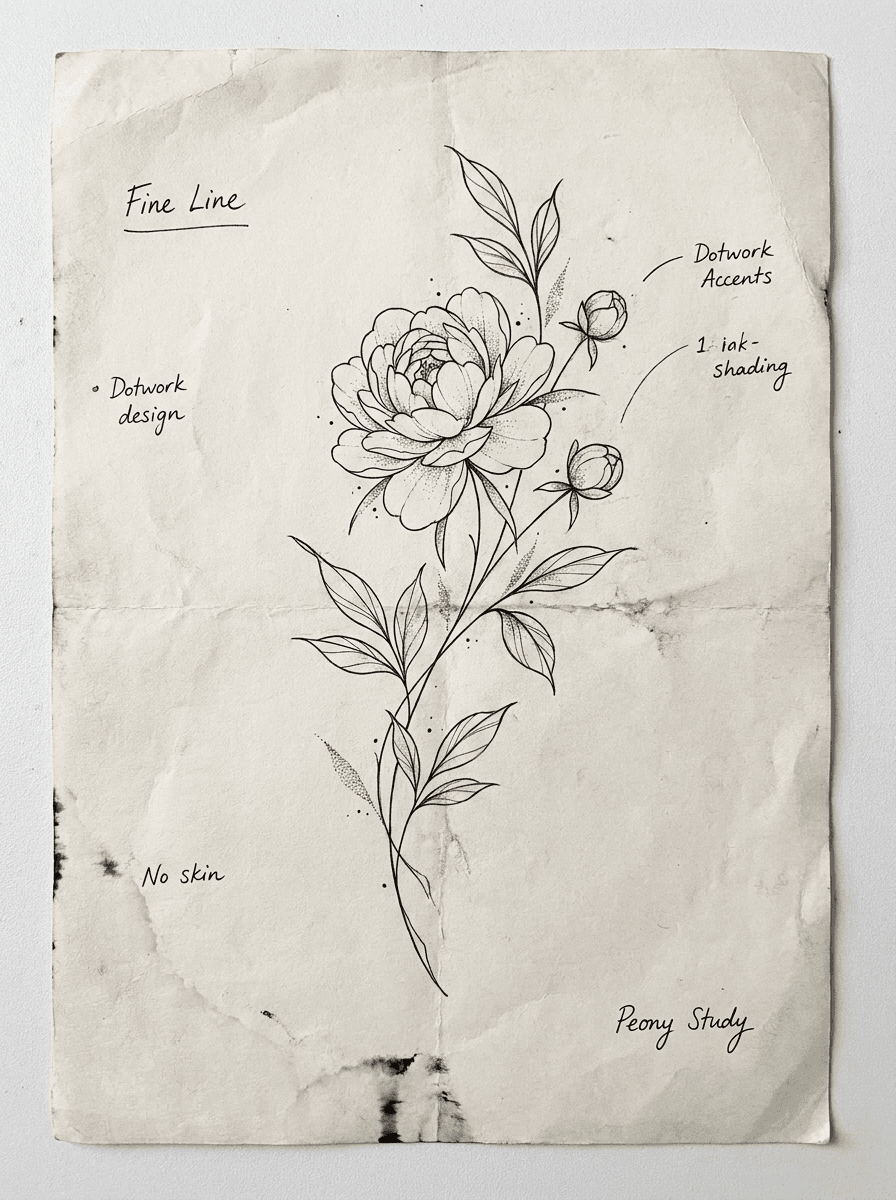
See what each one makes, then open it in Made.