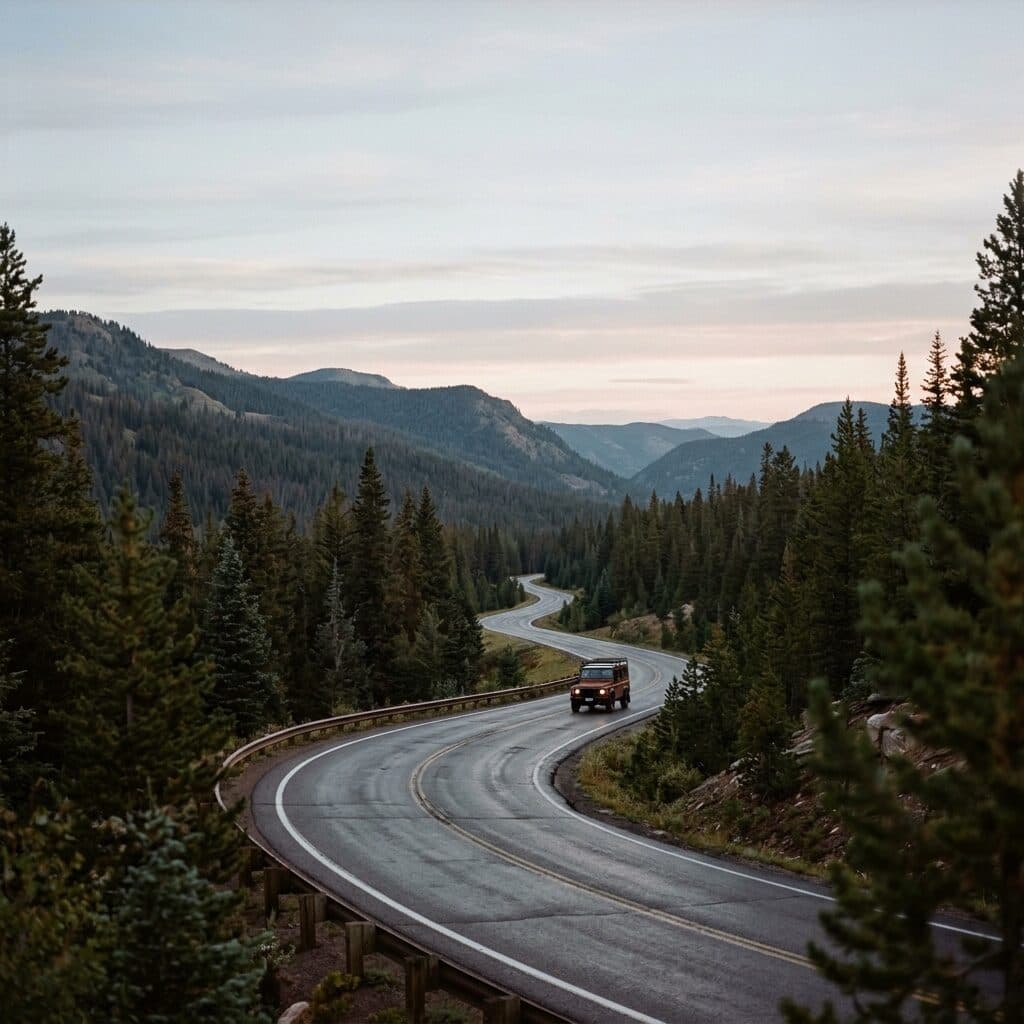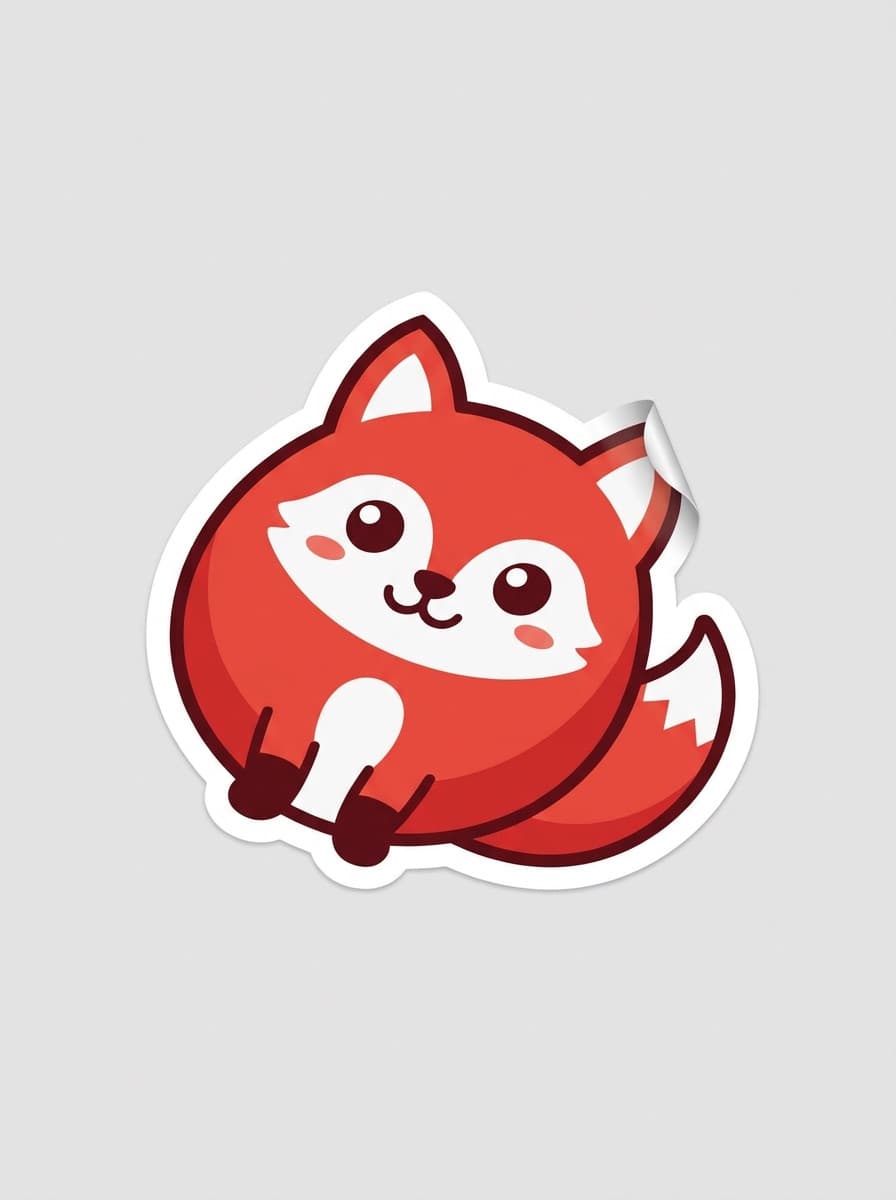
Cute character
“A die-cut sticker of a happy corgi wearing sunglasses, bold white outline, glossy cartoon style.”
Use this promptDescribe the sticker — the character, object, or phrase-free motif — and Made generates a die-cut-style design with a bold outline on a clean background, ready to cut out and use.
Runs in the tool. You sign in to run it, see the price before you start, and failed runs are refunded.
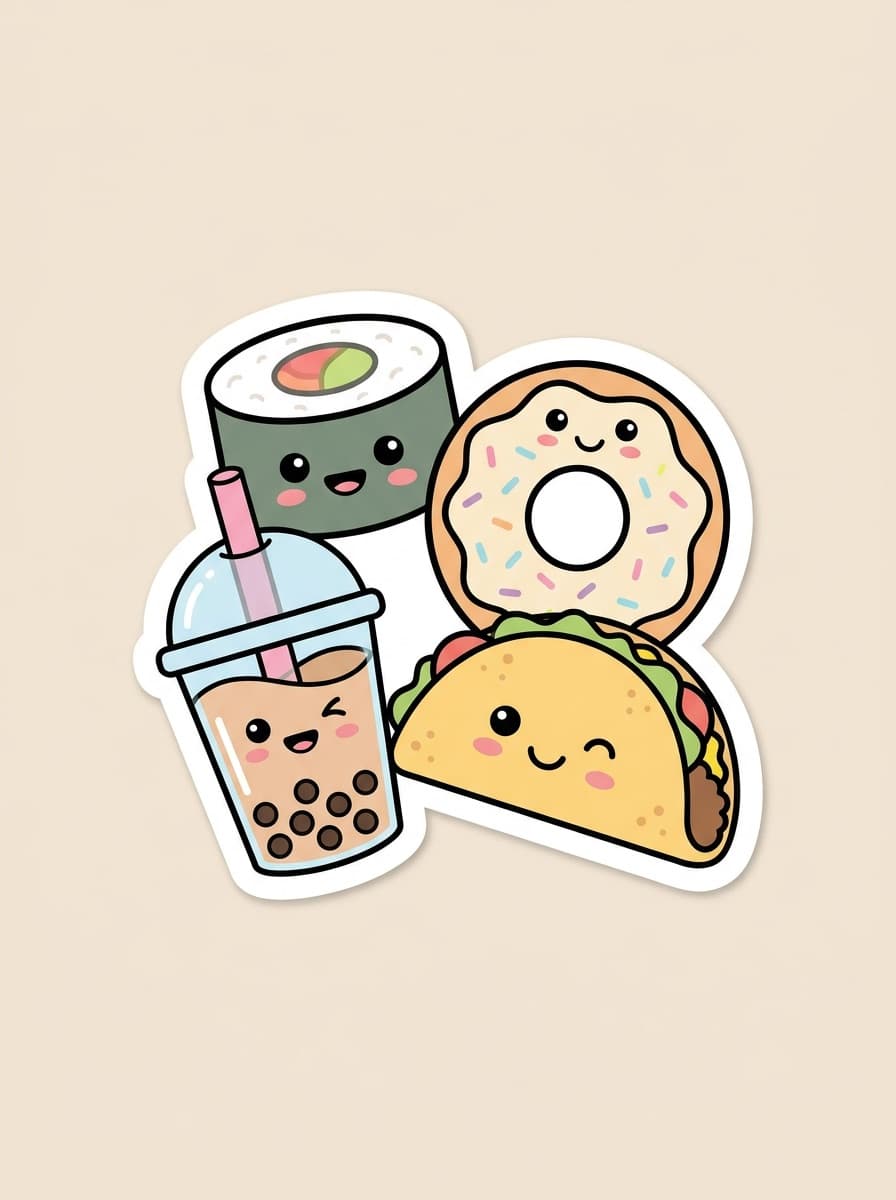
Subject, style, and mood — “a sleepy cat in a coffee cup, kawaii style.”
Say “die-cut sticker with a bold white outline” so the design reads as a sticker, not an illustration.
Reuse the same style description and change only the subject for a matching set.
Remove the background with Background Remover if your print service needs a transparent PNG.
Real results from Made. Use a prompt to open it in Sticker Maker, then press Generate.
“A die-cut sticker of a happy corgi wearing sunglasses, bold white outline, glossy cartoon style.”
Use this prompt“A kawaii boba tea sticker with a smiling face, pastel colors, thick white die-cut border.”
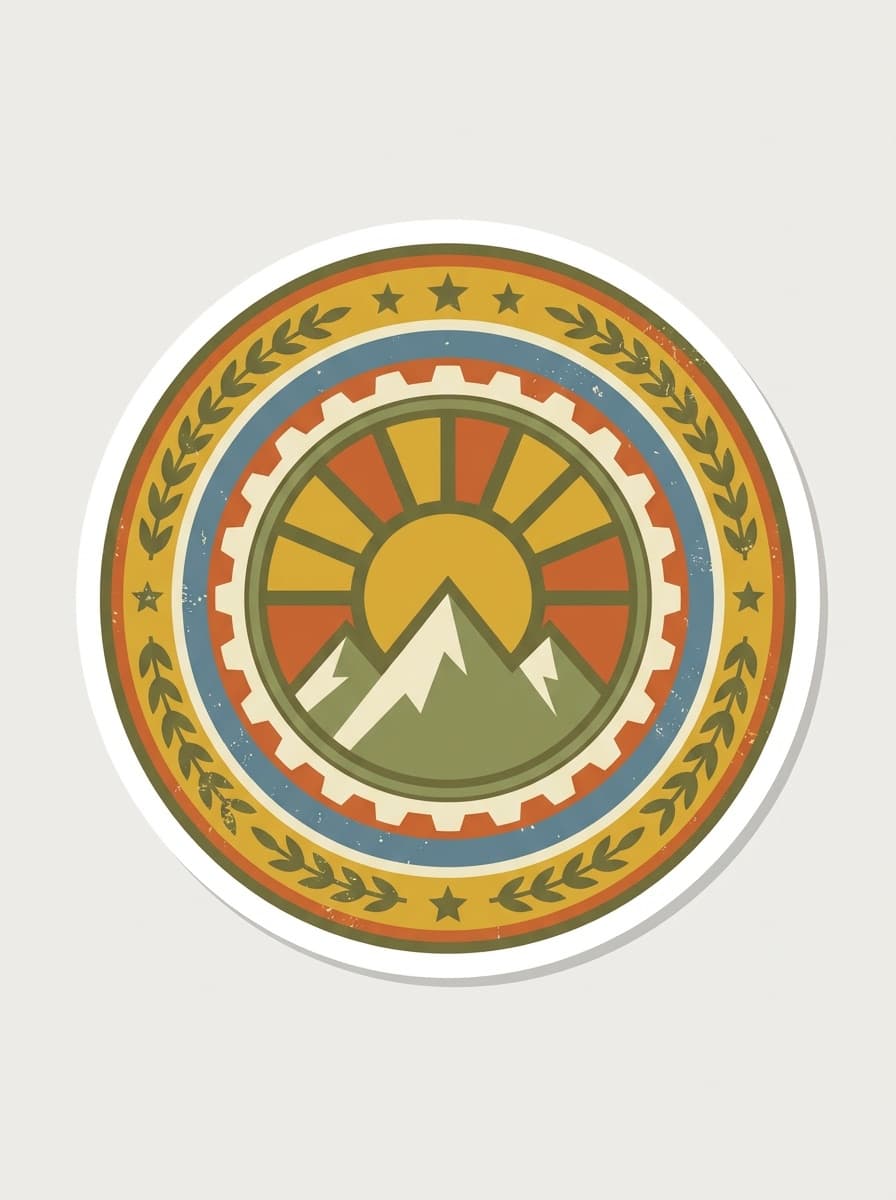
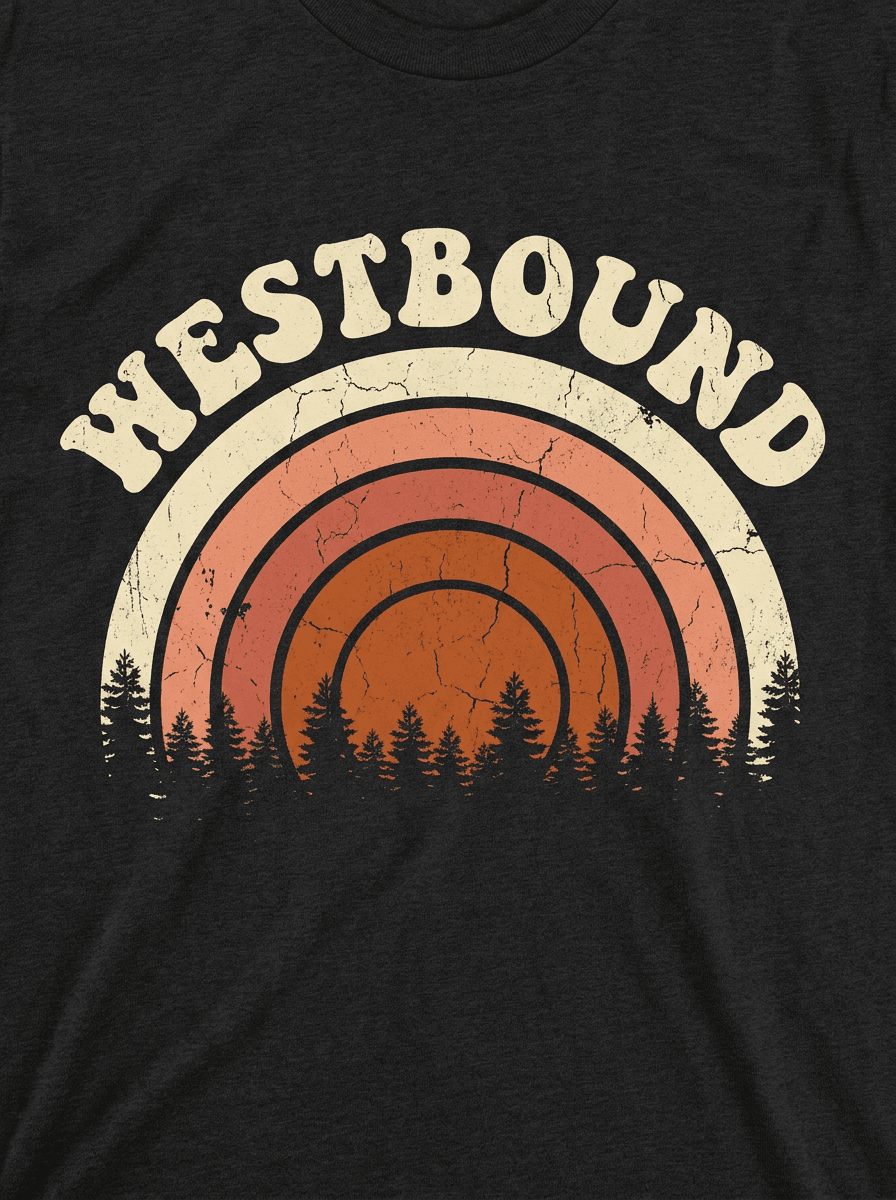
Use this prompt“A retro camping badge sticker: mountains and a sunset in vintage 70s colors, die-cut outline.”
Use this prompt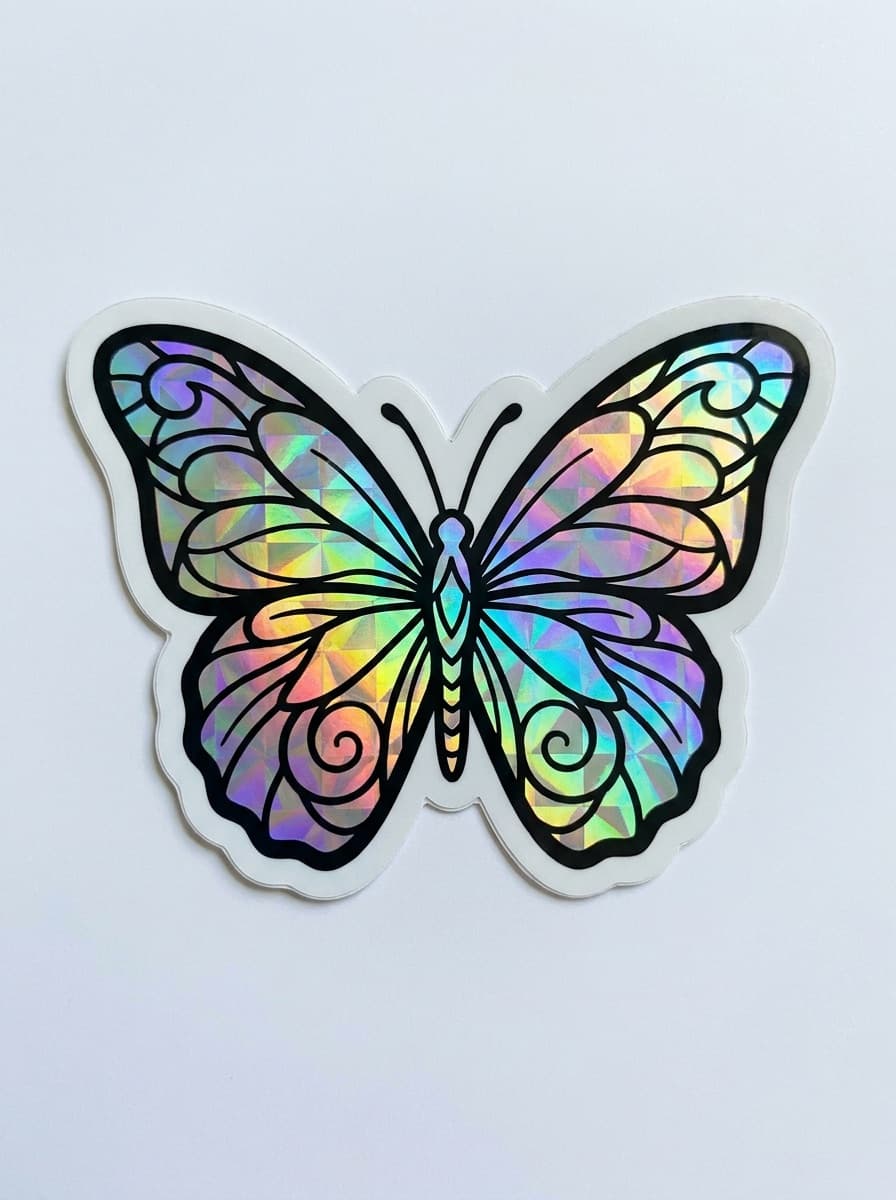
“A holographic-look butterfly sticker, iridescent gradients, clean white border.”
Use this prompt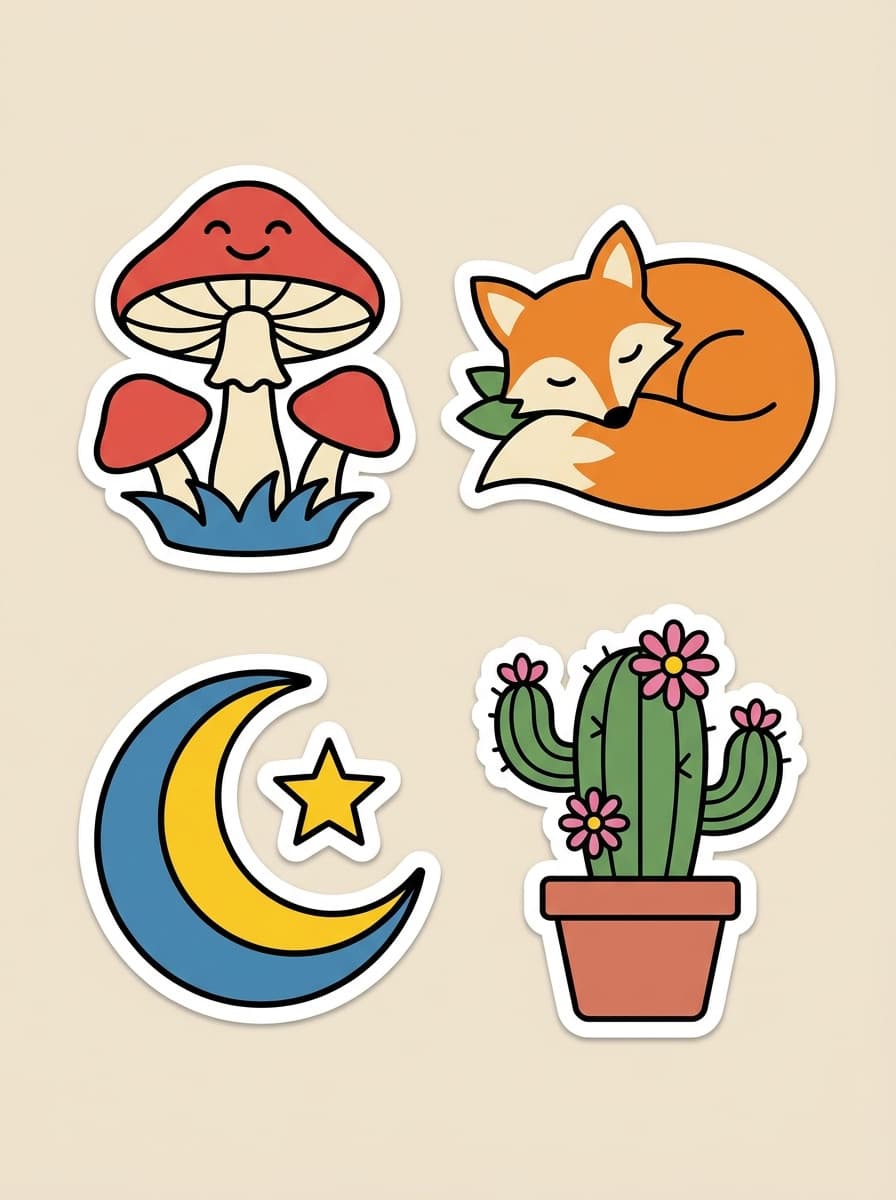
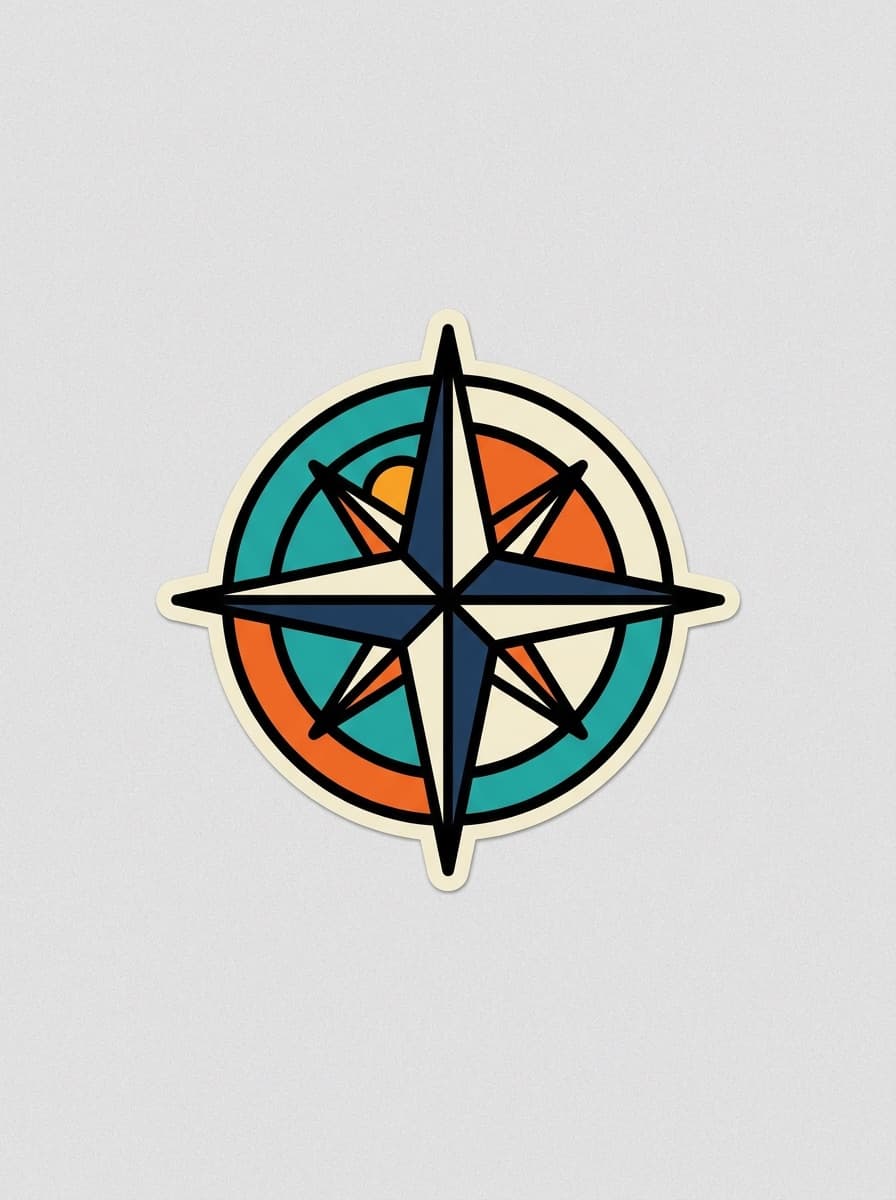
“A bold graffiti-style lightning bolt sticker with a thick outline, high contrast.”
Use this promptChecked against the running tool on 2026-10-20.
The die-cut cues: a thick white (or colored) outline hugging the subject, a single self-contained motif, and bold shapes that survive small sizes. Ask for those explicitly — “die-cut sticker with a bold white outline” — and the output styles itself accordingly.
Generate the sticker first, then run it through Background Remover for a transparent PNG. Print services generally want the design with its outline on transparency so their cutter can follow the border.
Fix one style sentence — palette, outline weight, rendering style — and reuse it for every sticker, changing only the subject. The set will read as one artist’s pack. Generate a few extras and keep the most consistent ones.
Short bold words often render correctly, but spelling is not guaranteed on every run. For name stickers or phrases, check each letter before printing, or add the text afterward in a design tool where it stays editable.
A 1K PNG prints crisply at typical sticker sizes (2–4 inches). For larger die-cuts or sheet layouts, upscale the design with Image Upscaler first and check your print service’s DPI requirement at the physical size.
Generated designs can be used on products you sell. Avoid prompting for existing characters, logos, or celebrity likenesses — marketplaces enforce IP rules on sticker listings aggressively.
This page generates from text only. To stickerize an existing image, upload it to the AI Photo Editor and ask for a die-cut sticker treatment with a bold outline — the same visual language applied to your source.
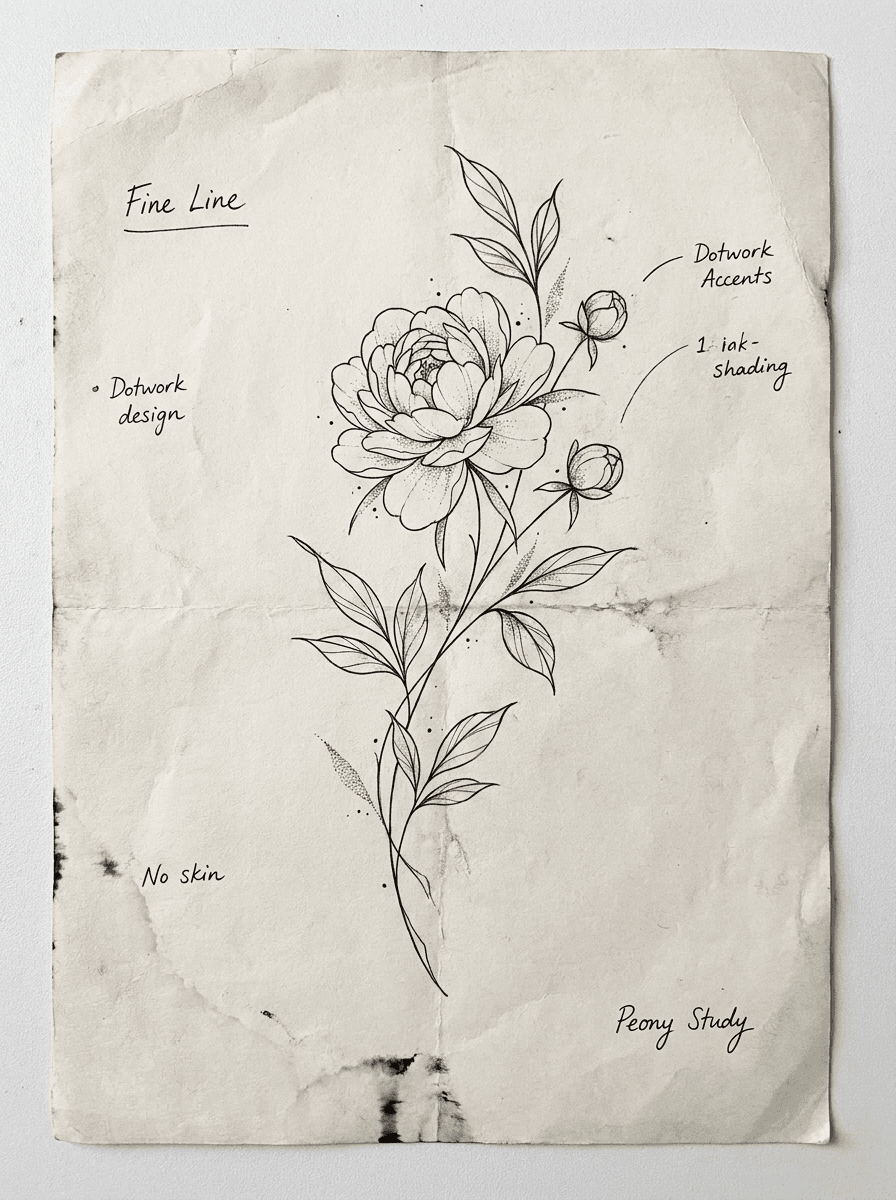
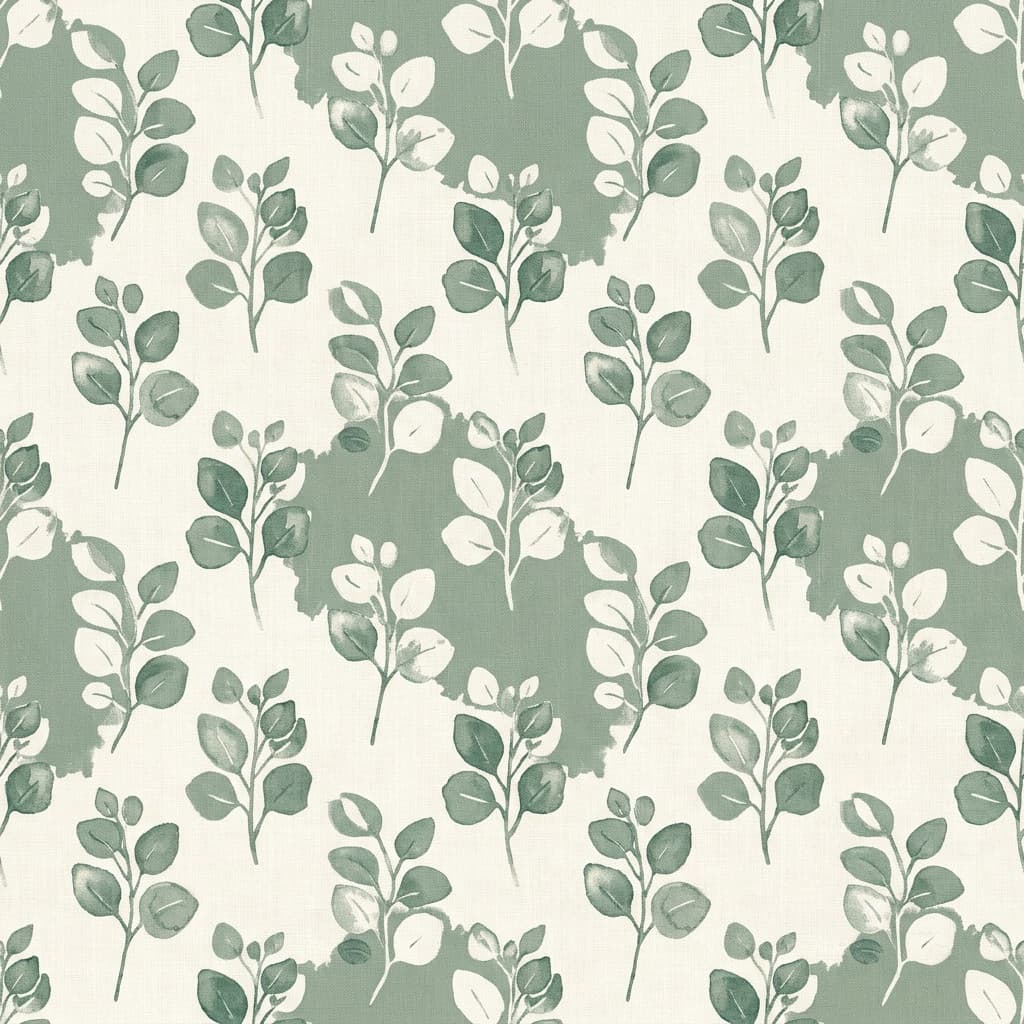
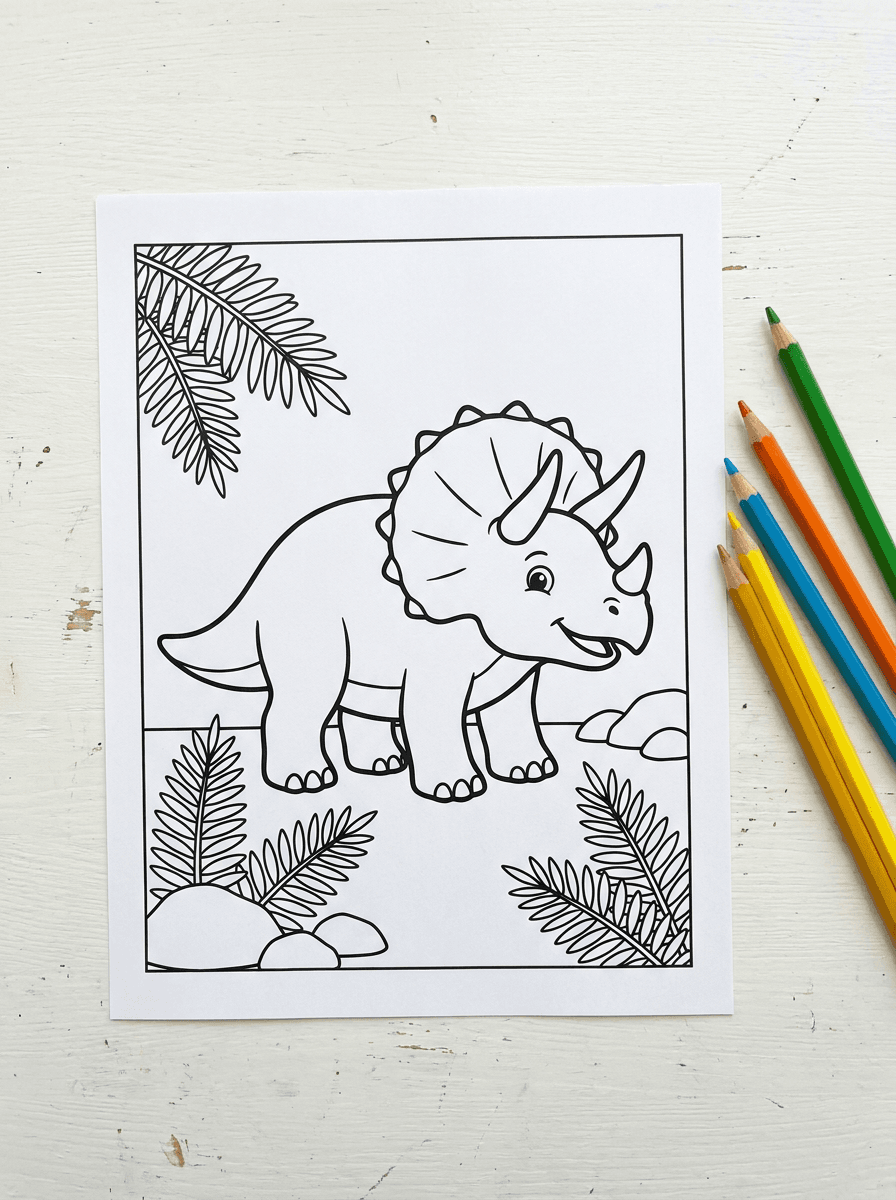

See what each one makes, then open it in Made.