Background Color Changer
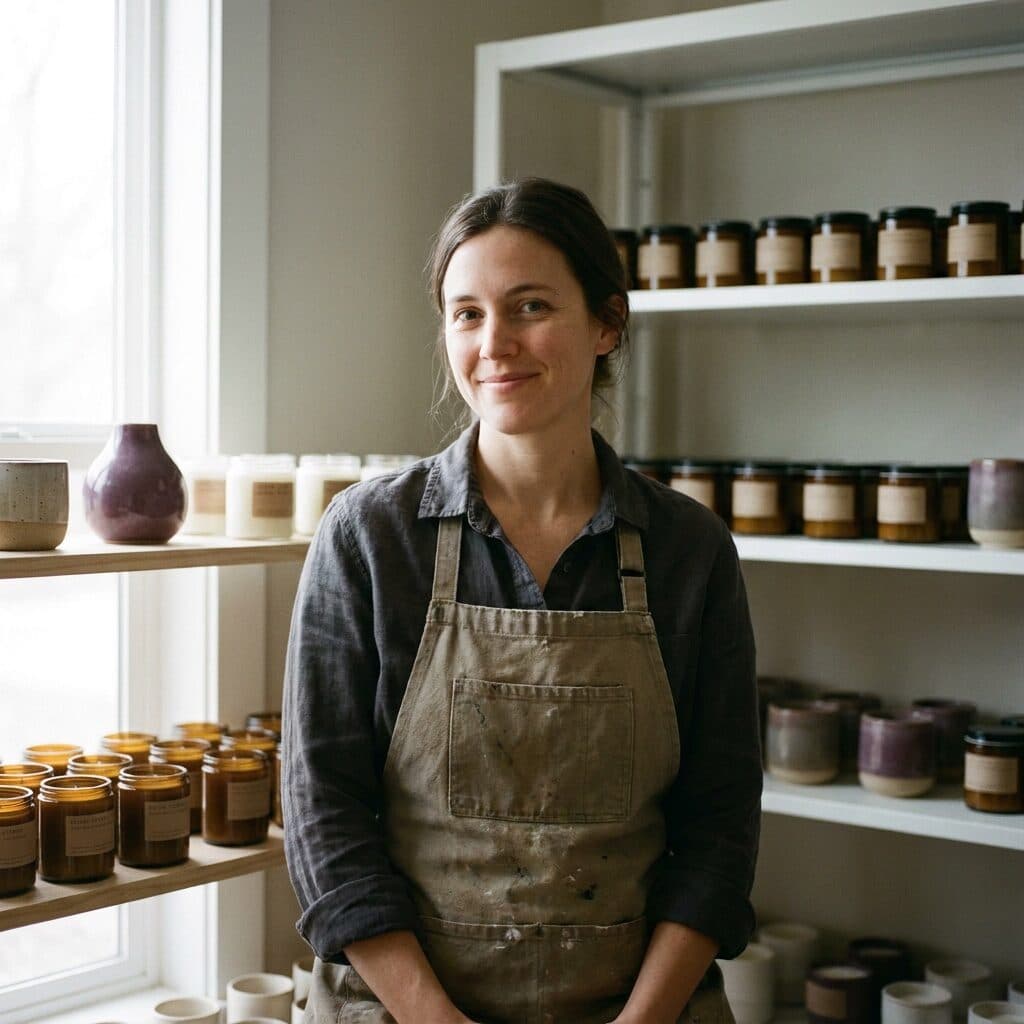
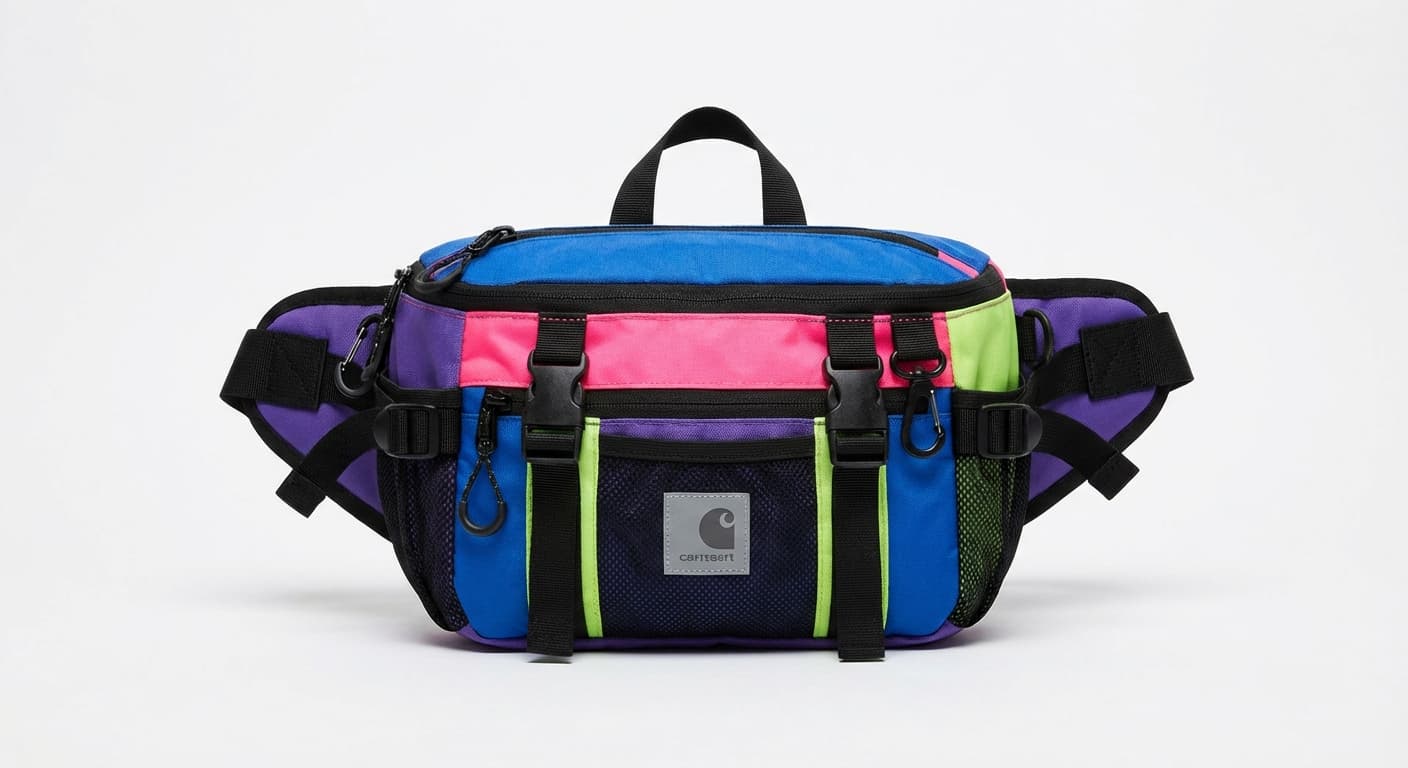
Pick the backdrop color you want — pastel blue, warm beige, black, lime — and Made cuts out your subject and puts it on that color. Switch colors instantly, no masking.
Runs in the tool. You sign in to run it, see the price before you start, and failed runs are refunded.


How to use Background Color Changer
- 1
Upload one image
Choose a JPEG, PNG, or WebP with a clear foreground subject.
- 2
Remove the background
Made cuts out the subject and shows it on your color. No masking needed.
- 3
Try other colors
Switch between pastel blue, warm beige, white, black, lime, or transparent. The cut-out stays the same, so it costs nothing more.
- 4
Download the PNG
Save each color you like to build a matching set.
Background Color Changer examples
Real results from Made. Open Background Color Changer to try it on your own photo.
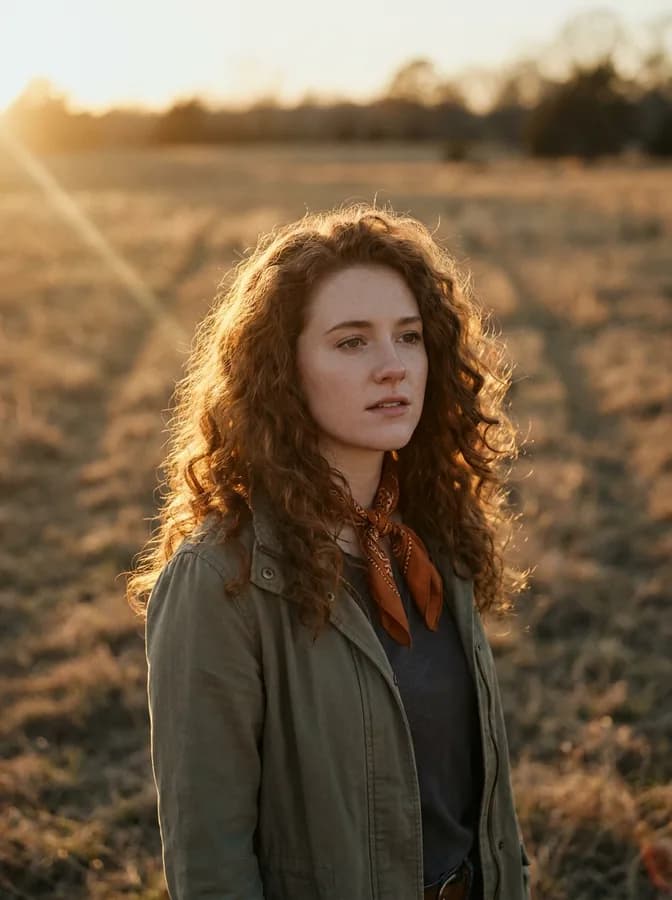
Portrait backdrop
Brand color match
Feed variety
What people use it for
- Brand-colored product shotsPut products on your brand palette for ads and campaign sets without a studio.
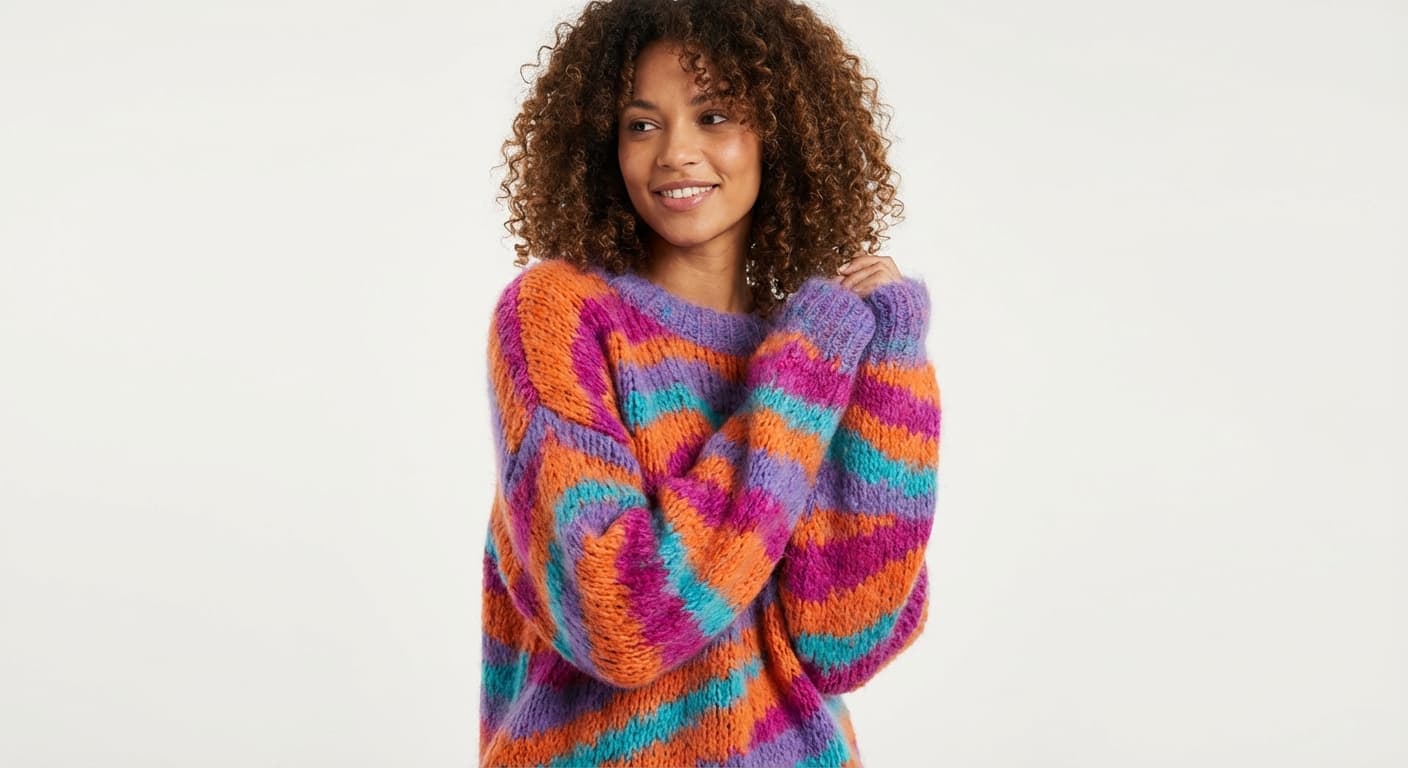
- Matching photo setsGive a mixed batch of photos the same backdrop color so a grid or catalog reads as one shoot.
- Portrait backdropsSwap a distracting scene for a clean studio color that flatters the subject.
- Seasonal refreshesRe-color existing product photos for seasonal campaigns instead of reshooting.
Change the background color of a photo
What it does
- Input
- JPEG, PNG, or WebP image, plus the background color you want
- Output
- PNG with the subject on the chosen color, or transparent
- How it works
- Made cuts out the subject once with the Bria RMBG 2.0 background-removal model, then places it on the color you pick. Changing the color is instant and costs nothing more. For a new scene instead of a color, use the Background Changer.
- Access
- Runs in the tool. You sign in to run it, see the price before you start, and failed runs are refunded.
Formats and limits
- Input formats
- JPEG, PNG, WebP
- Output format
- PNG, on the color you pick or transparent
- Images per request
- One
- Processing model
- Bria RMBG 2.0 background removal on fal.ai
- Behavior
- Made cuts out the subject and places it on an exact flat color. The subject’s pixels come straight from your photo, so check fine edges such as hair and glass
Checked against the running tool on 2026-09-03.
Questions about Background Color Changer
Do I need to mask or select the subject first?
No. Made finds the subject and cuts it out for you, then places it on the color you pick.
Which colors can I use?
Pastel blue, warm beige, white, black, lime, or transparent. The color is an exact flat fill, so it matches across a whole set of photos.
Will shadows and lighting change?
No. The backdrop is a flat color and your subject keeps its original lighting. For a new scene with its own light and shadows, use the Background Changer instead.
Can I try several colors on the same photo?
Yes. The cut-out is made once; switching colors after that is instant and costs nothing more. Download each one you like.
Will my subject stay exactly the same?
Yes. The subject’s pixels come straight from your photo. Check fine edges such as hair, glass, and logos near the outline.
More Background Remover options
More photo fixes

Background Changer
Put your subject in a new scene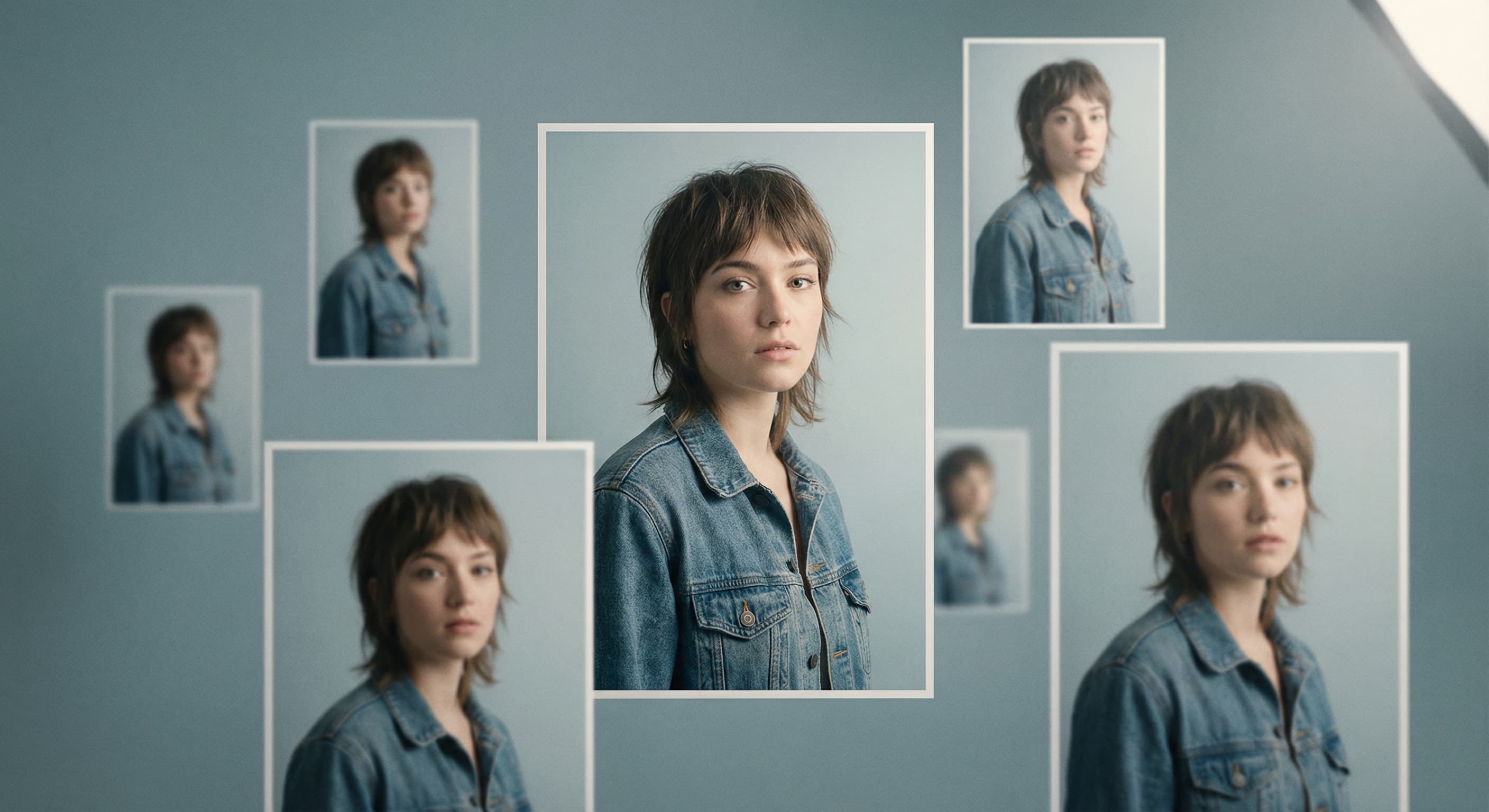
Image Resizer
Resize for any platform or size
AI Photo Editor
Edit any photo by describing the change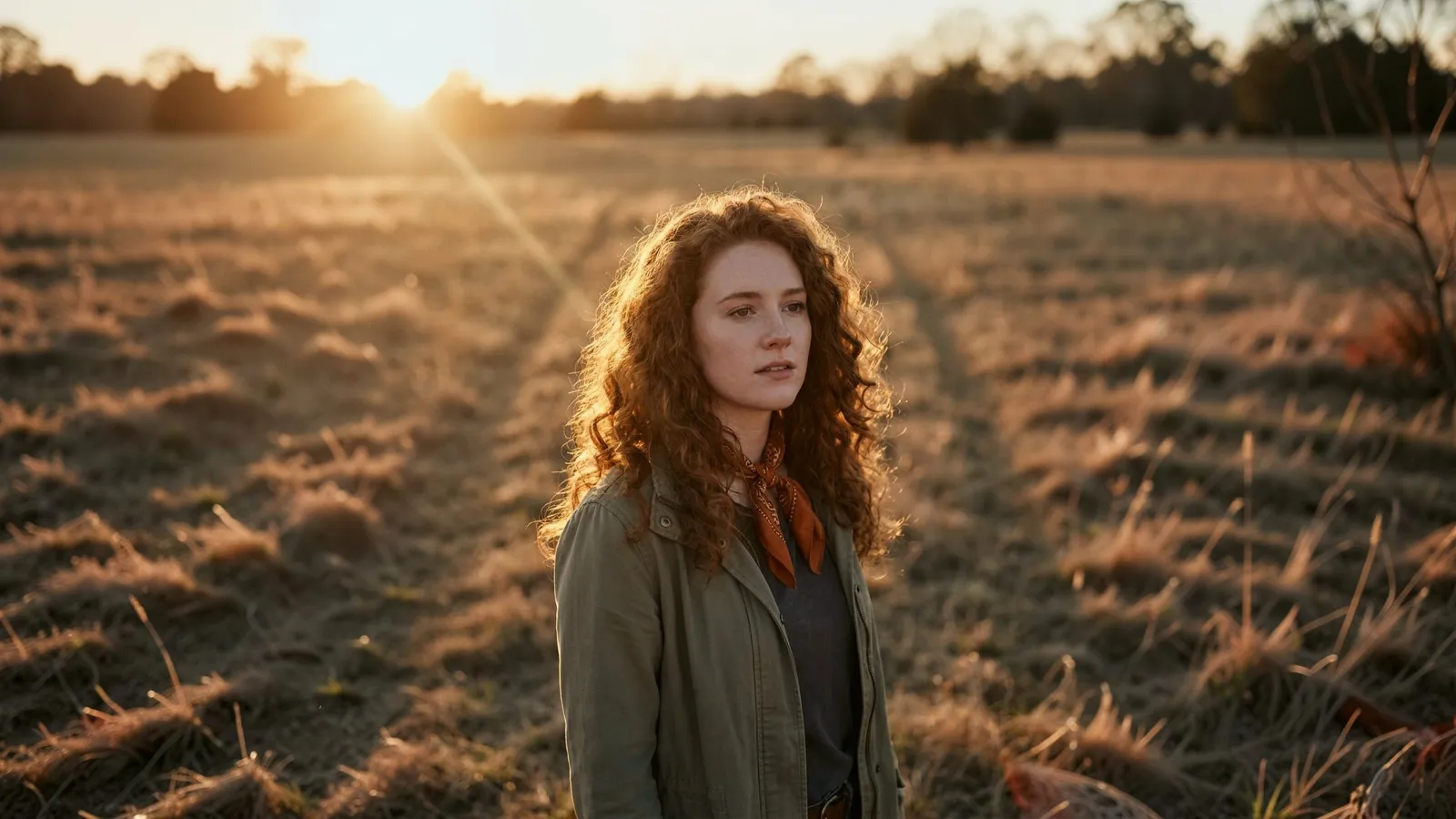
Expand Image
Extend any photo past its edges
Image Upscaler
Sharpen and enlarge up to 4×
Object Remover
Erase people, cars or clutter
Edit Text
Change the words in any image
Photo Restoration
Repair scratches, tears and fading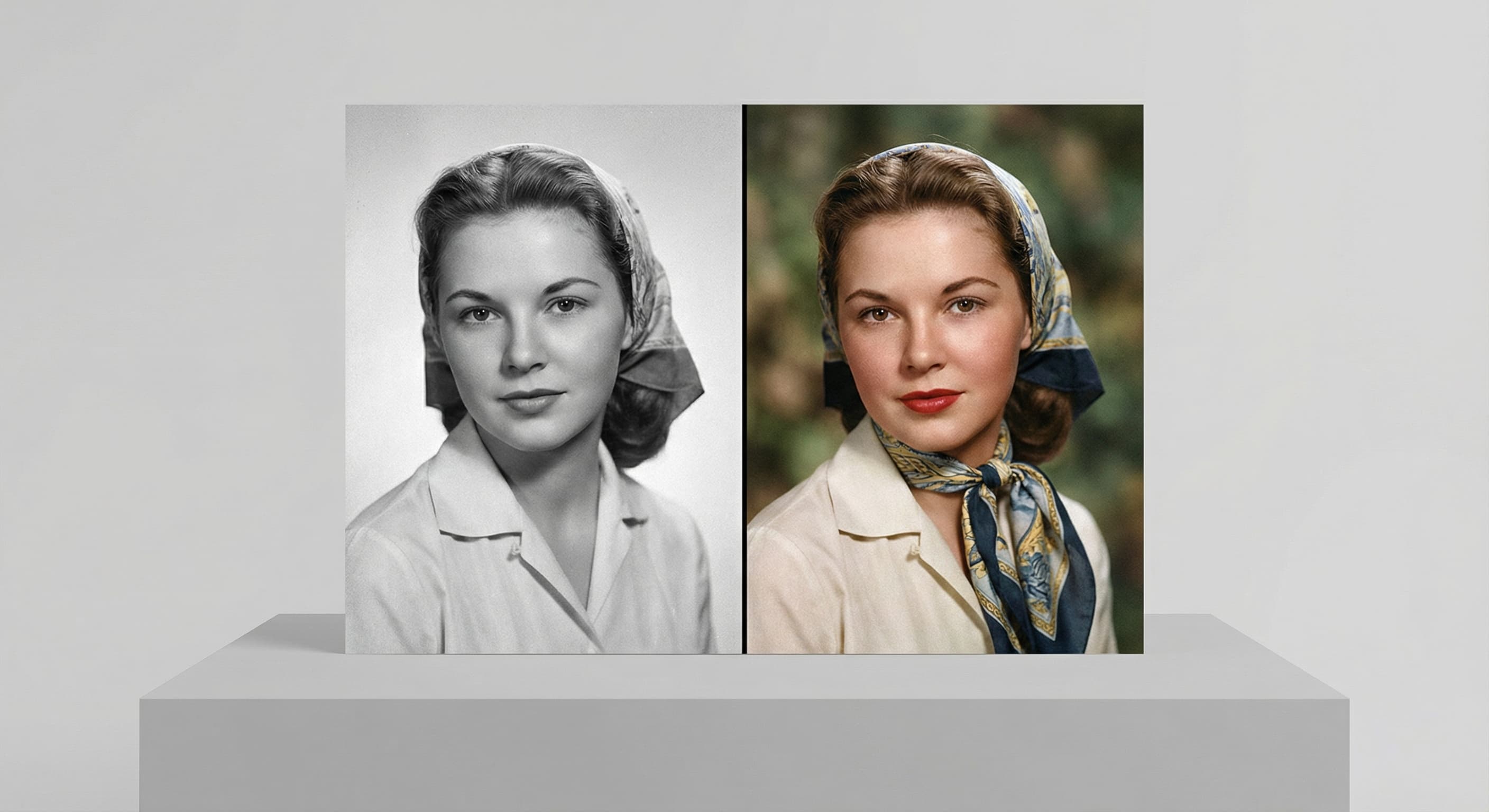
Photo Colorizer
Natural color for black-and-white photos
Unblur Image
Sharpen soft and blurry photosRelated models
See what each one makes, then open it in Made.