Motion study
“Rain falls on a busy city crosswalk at night, umbrellas crossing, neon reflections rippling on wet asphalt, slow high-angle drift.”
Every prompt below was generated with Gemini Omni Flash in Made, and the output next to it is what came back — not a curated stock image. Copy a prompt as a starting point, then use the guide underneath to adapt it.
Original results
These examples use media produced for Made. Prompts are included when the production record allows them.
“Rain falls on a busy city crosswalk at night, umbrellas crossing, neon reflections rippling on wet asphalt, slow high-angle drift.”
“Animate with light slowly shifting through the misted glass, ferns swaying gently, and drifting particles.”
“Paper lanterns sway above a narrow old-town alley at blue hour as the camera glides forward beneath them.”
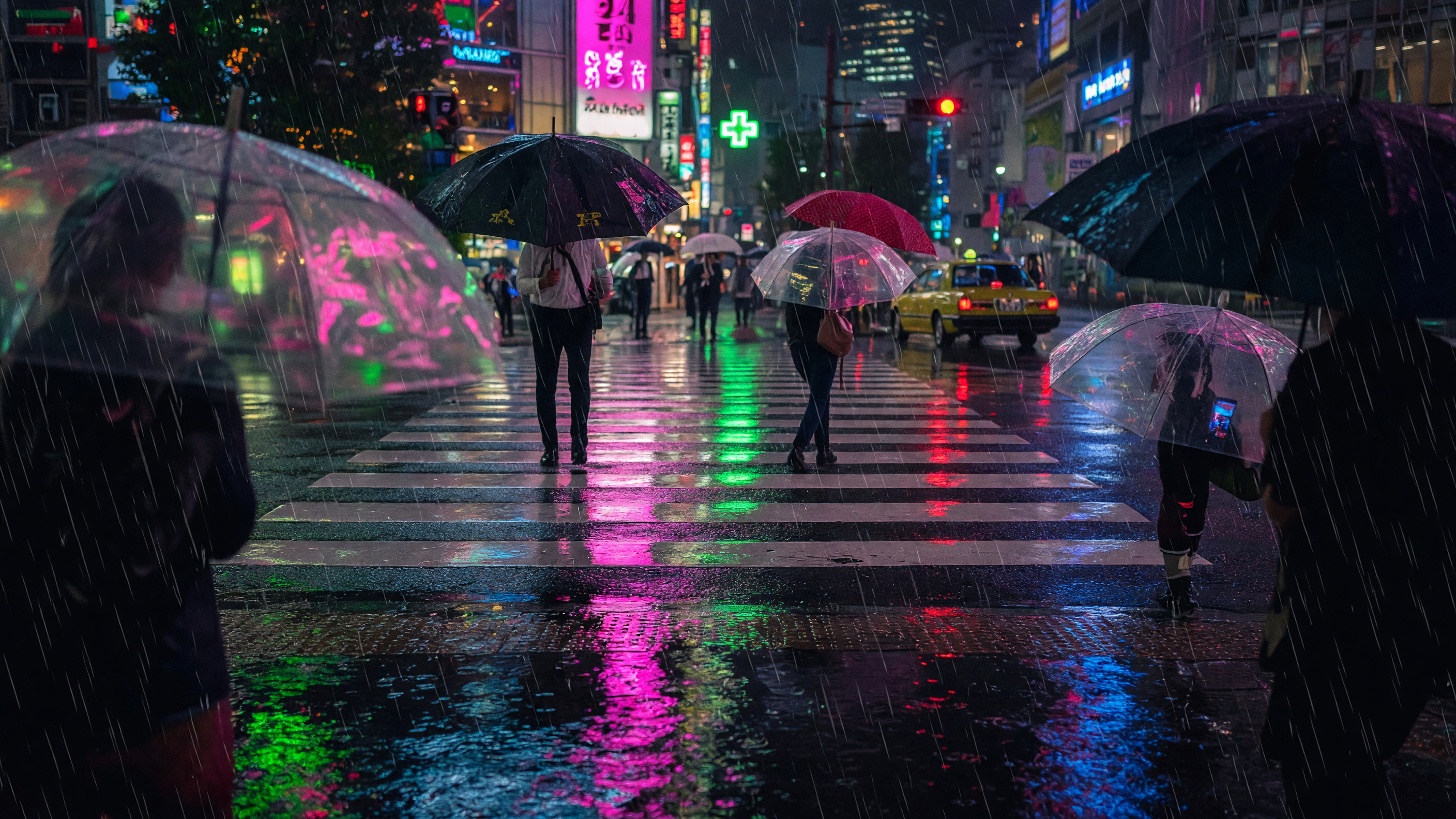
“Set the scene as a still before describing its motion.”
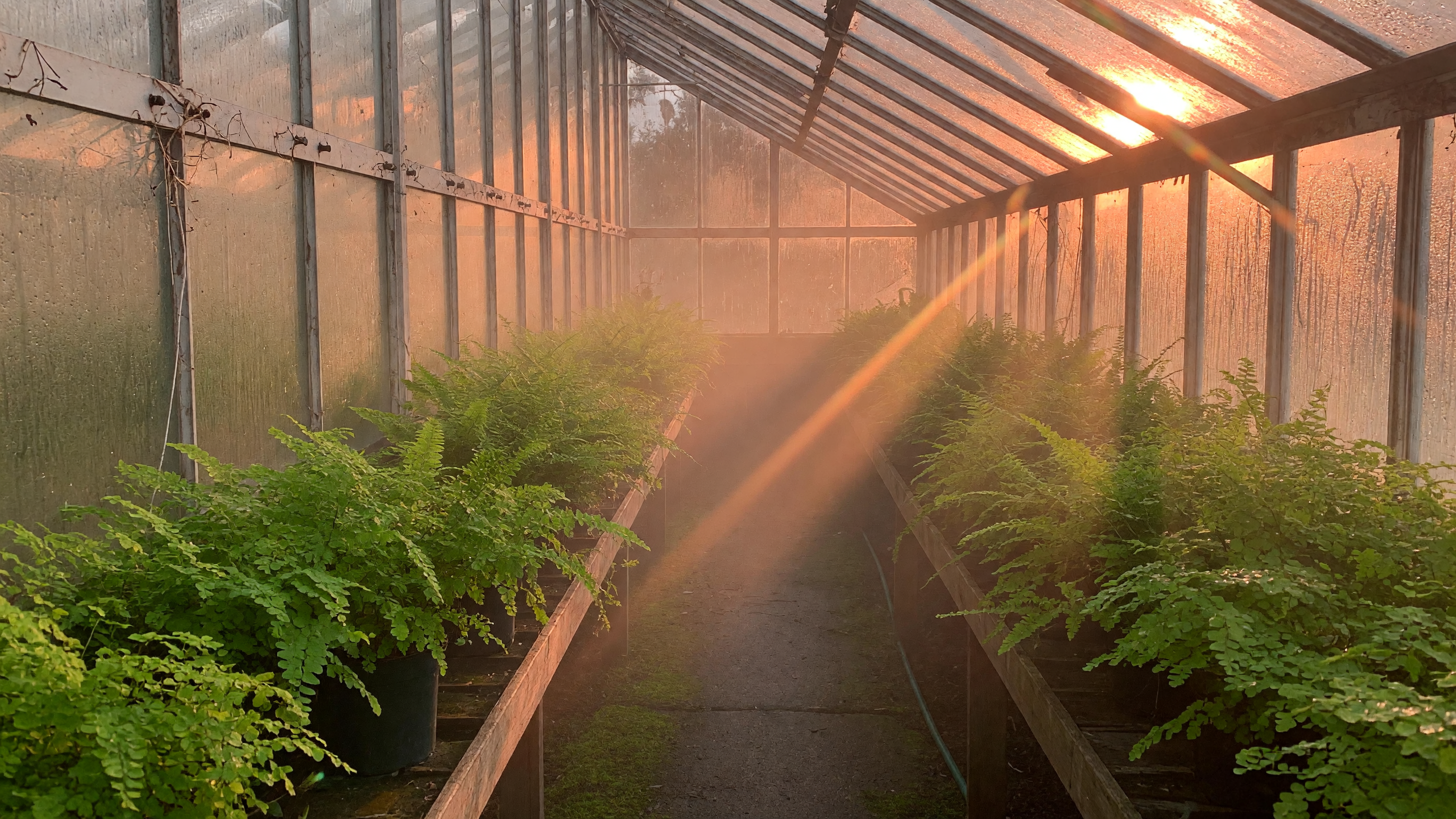
“Use this image as the opening composition.”

“Establish framing and light, then hand the motion to the model.”
Name the subject, environment, and the one or two motions that matter most.
Upload a still to animate when the composition is already decided.
Choose 16:9 or 9:16 and a duration from 3 to 10 seconds.
Check motion believability and edges, then refine the motion language if needed.
Iteration is cheap here: Gemini Omni Flash costs 10 credits / second, so rewriting a prompt and rerunning it is a normal part of the workflow, not a budget decision. See the full Gemini Omni Flash pricing breakdown.
It is the Flash tier of Google’s Gemini Omni multimodal video family, focused on fast, natural short-clip generation from text or an image.
More tested prompts across all models live in the prompt library, and the full Gemini Omni Flash capability rundown is on the model page.