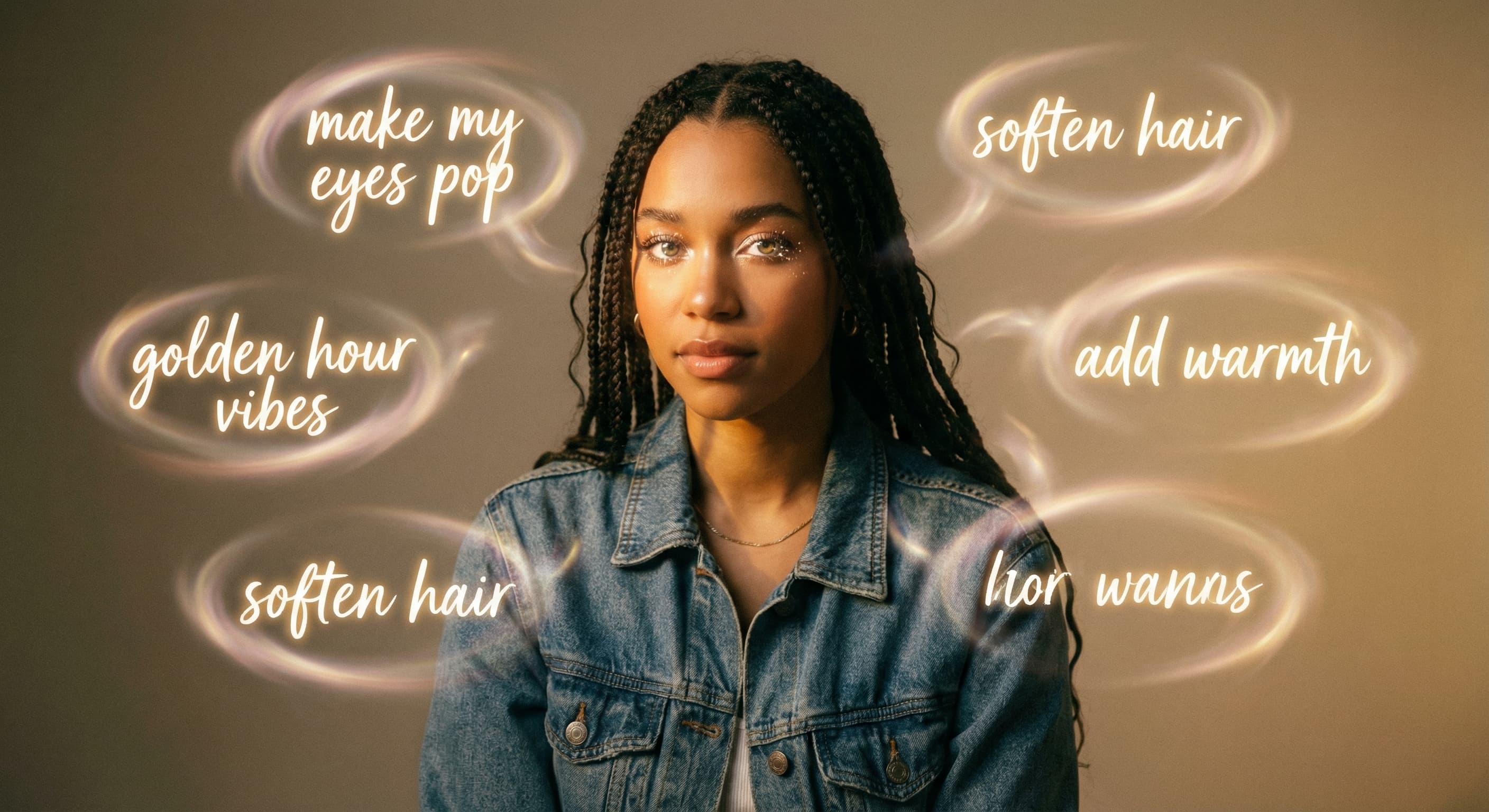
Edit with a sentence
“Replace the background and keep the subject unchanged.”
Every prompt below was generated with Made Auto in Made, and the output next to it is what came back — not a curated stock image. Copy a prompt as a starting point, then use the guide underneath to adapt it.
Original results
These examples use media produced for Made. Prompts are included when the production record allows them.
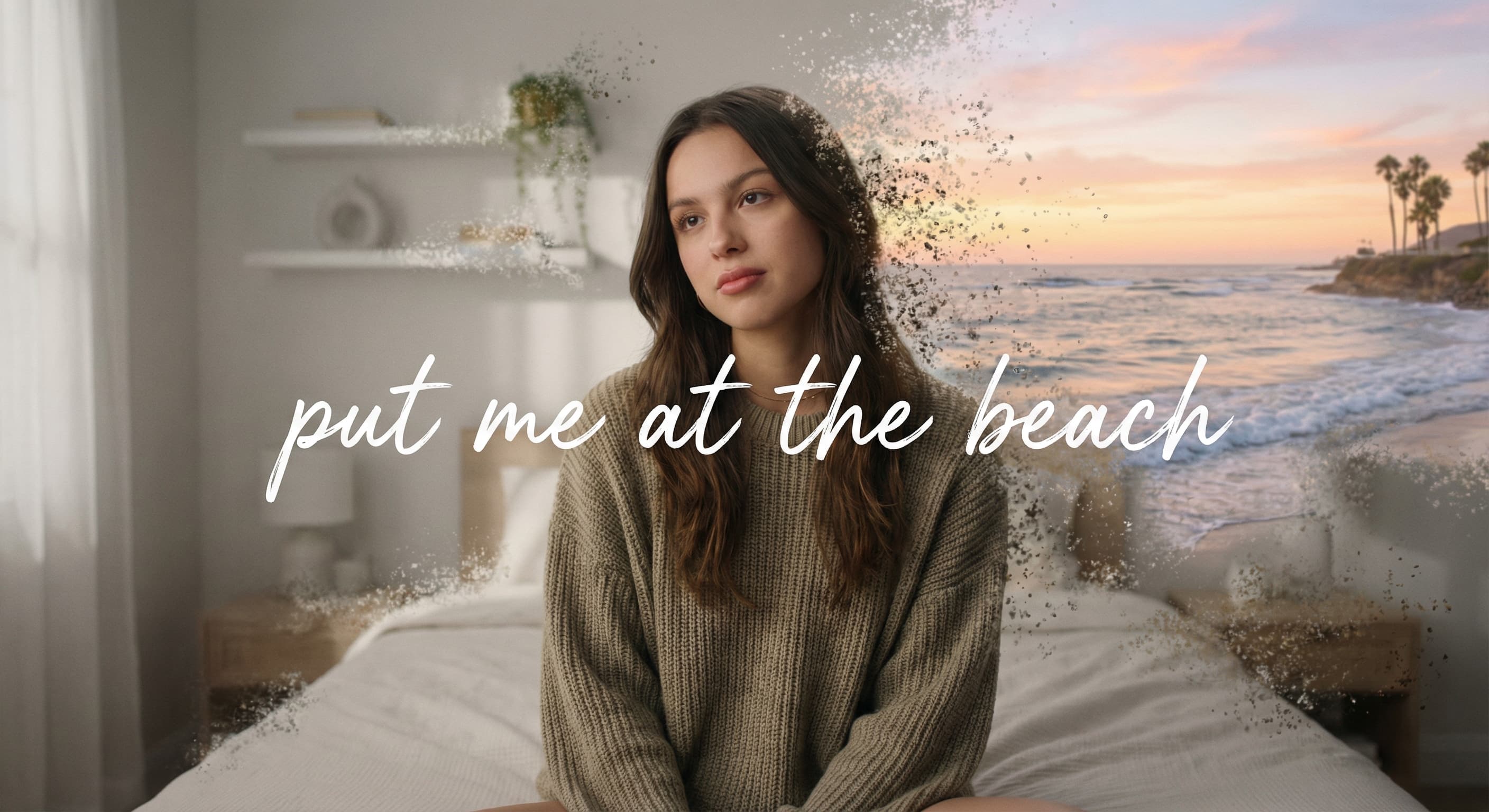
“Replace the background and keep the subject unchanged.”
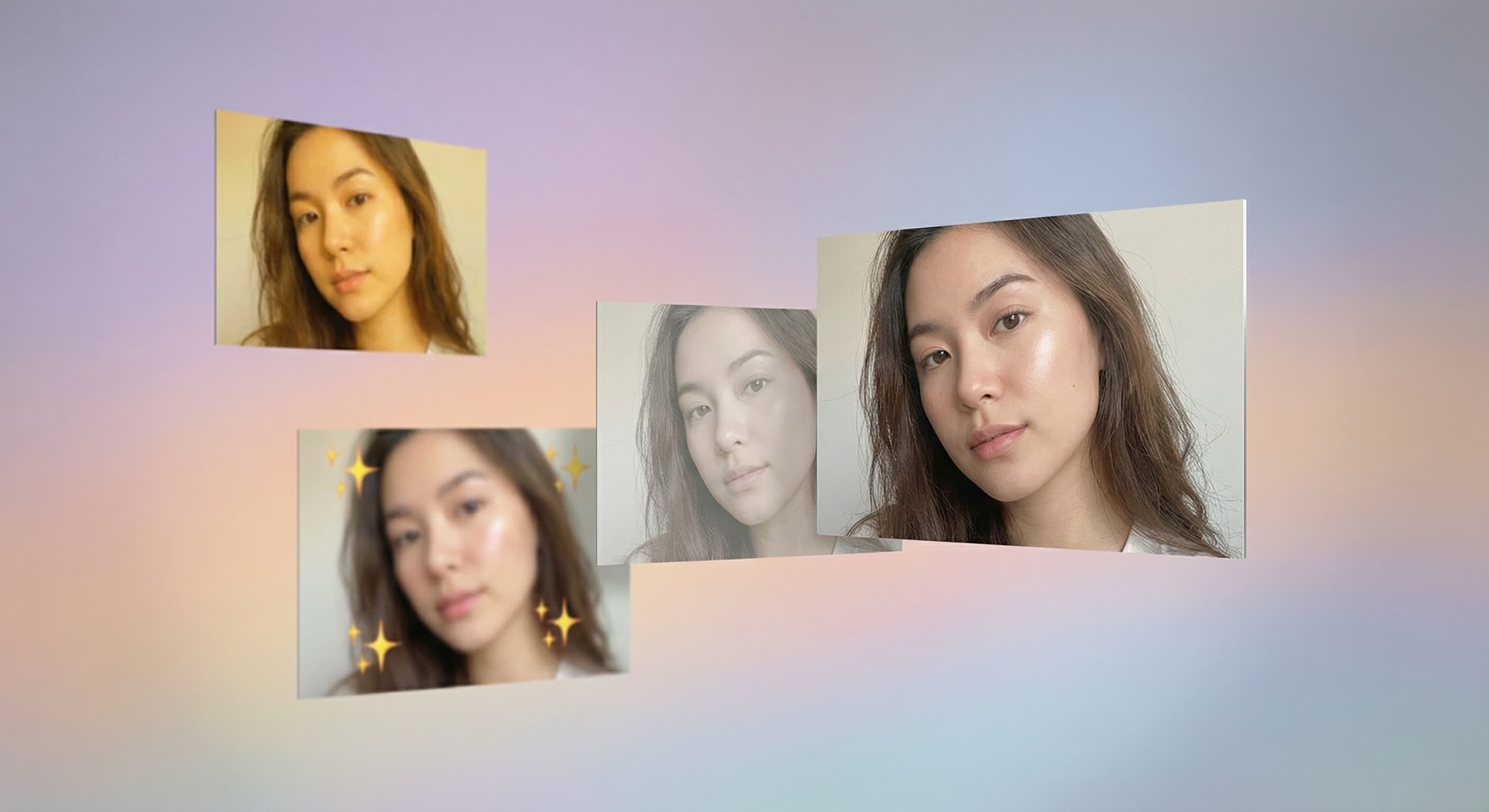
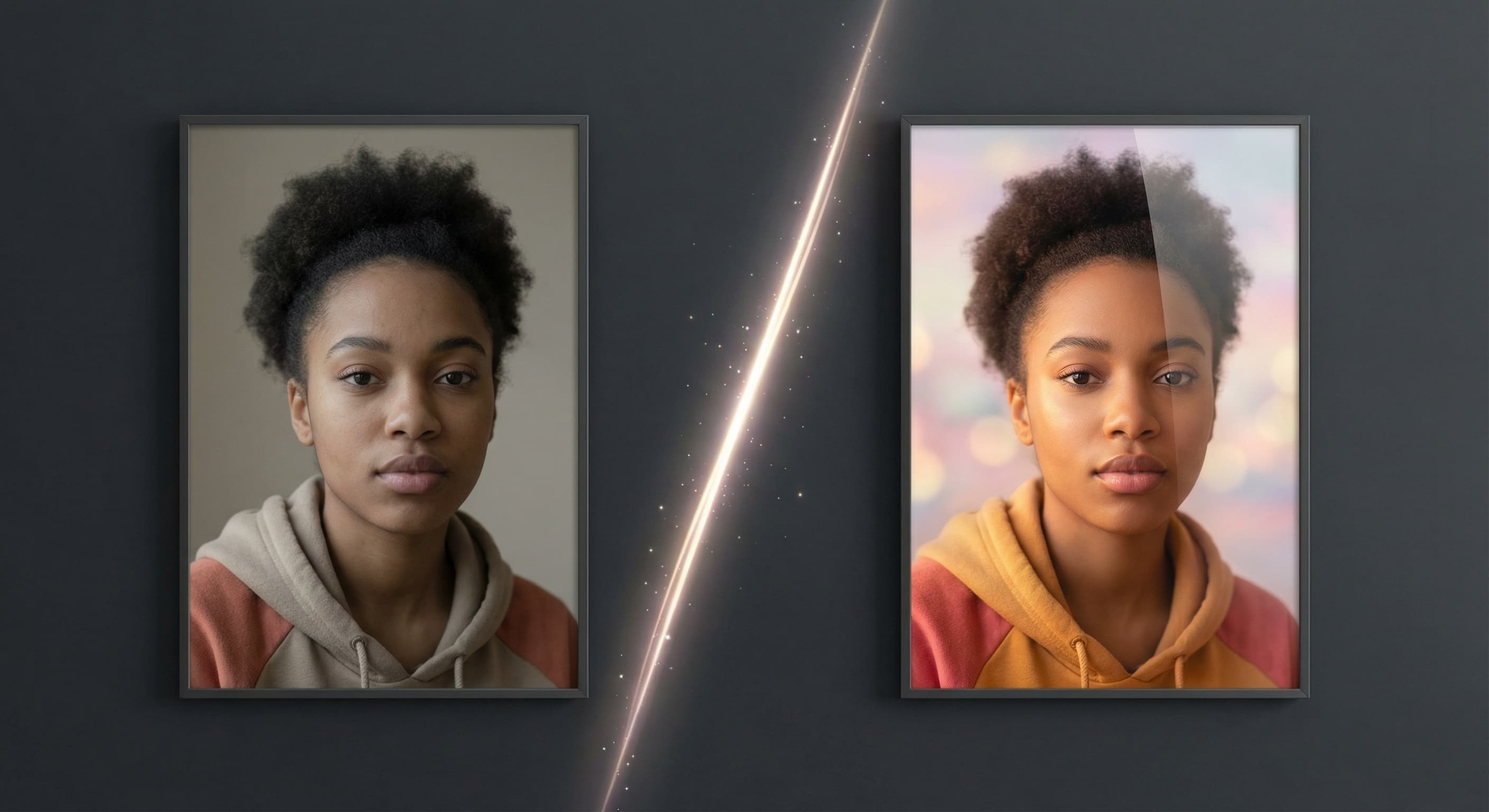
“Make the lighting warmer and leave everything else as it is.”
“Prepare this portrait for a vertical social post.”
“Put the subject in a clean studio setting.”
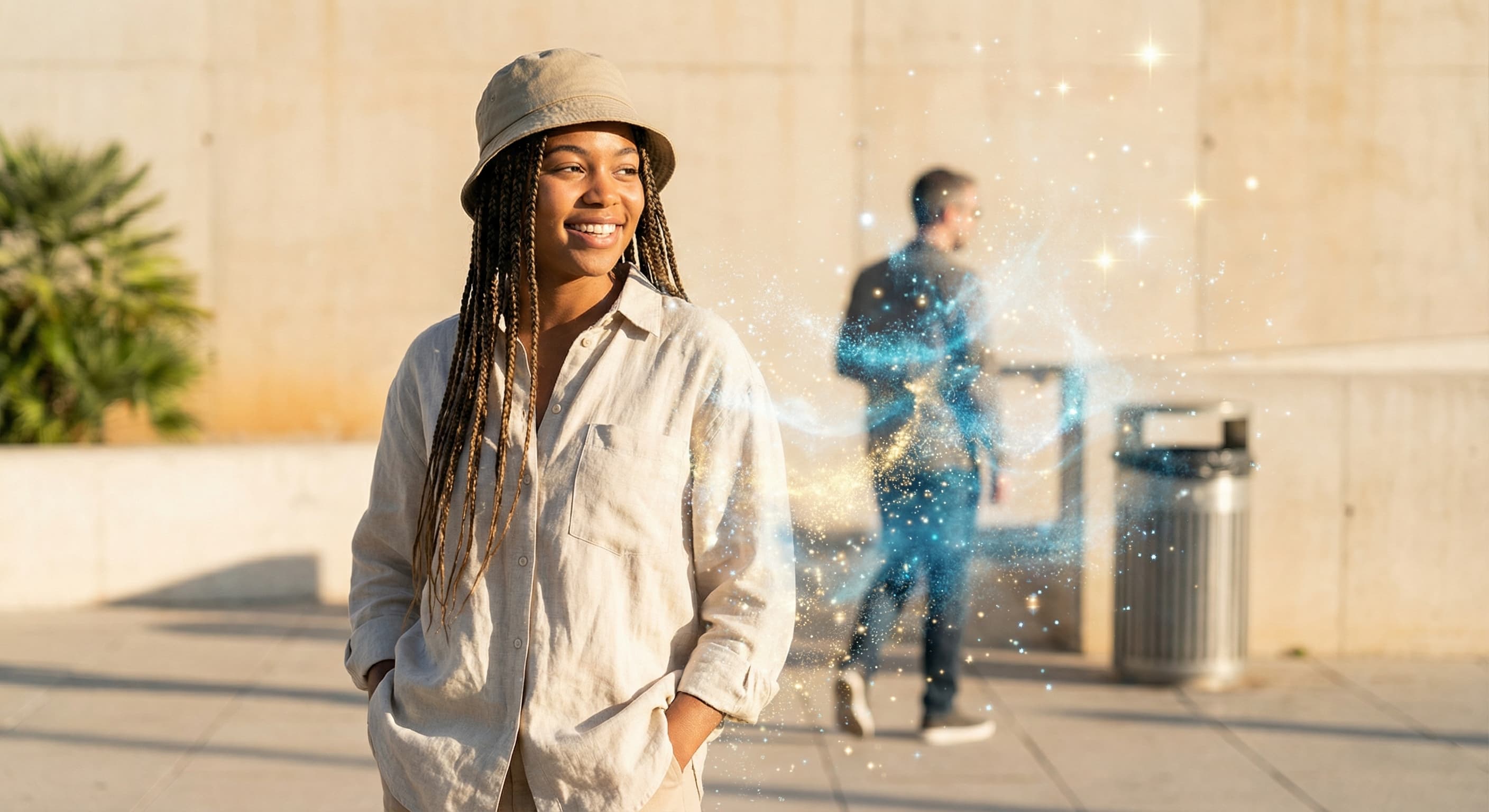
“Remove the distracting objects behind the subject.”
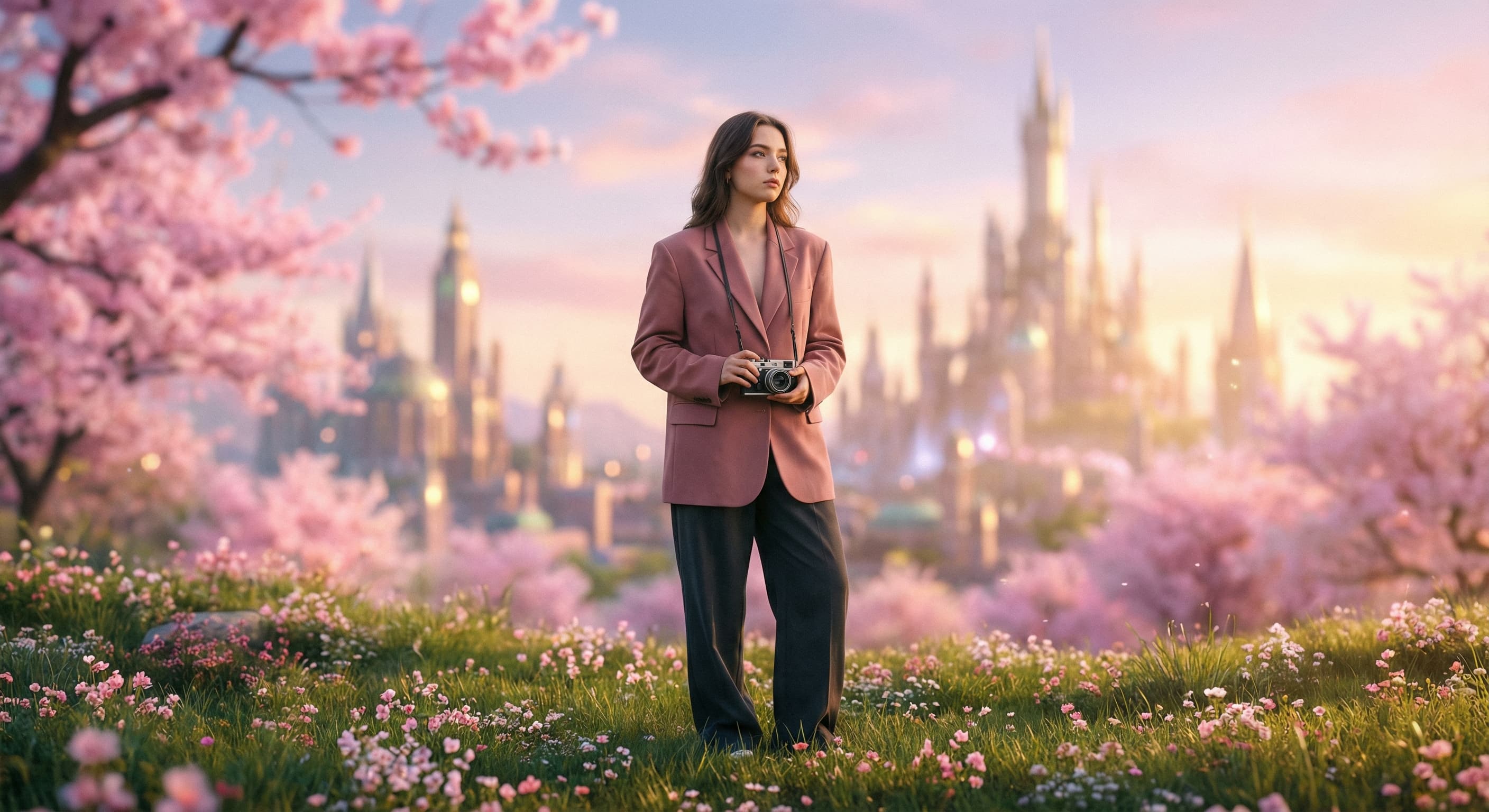
“Give this photo a cinematic editorial treatment.”
Write what you want to create or change in everyday language.
Attach an image when the request edits, resizes, or transforms an existing visual.
Made Auto routes the request and shows progress in the editor.
Continue with follow-up instructions, then download the result when it is ready.
Made Auto is Made’s orchestration experience. It reads a plain-language request and selects an available generation or editing workflow.
More tested prompts across all models live in the prompt library, and the full Made Auto capability rundown is on the model page.