Motion study
“A dancer turns slowly through shafts of window light in an empty rehearsal studio, dust drifting, the camera orbiting at waist height.”
Every prompt below was generated with MiniMax H3 Max in Made, and the output next to it is what came back — not a curated stock image. Copy a prompt as a starting point, then use the guide underneath to adapt it.
Original results
These examples use media produced for Made. Prompts are included when the production record allows them.
“A dancer turns slowly through shafts of window light in an empty rehearsal studio, dust drifting, the camera orbiting at waist height.”
“Bring the scene to life with a slow orbital camera move, natural fabric motion, and drifting dust in the light.”
“Close-up of espresso pouring into a glass cup in warm morning light, steam curling, a slow push-in on the crema.”
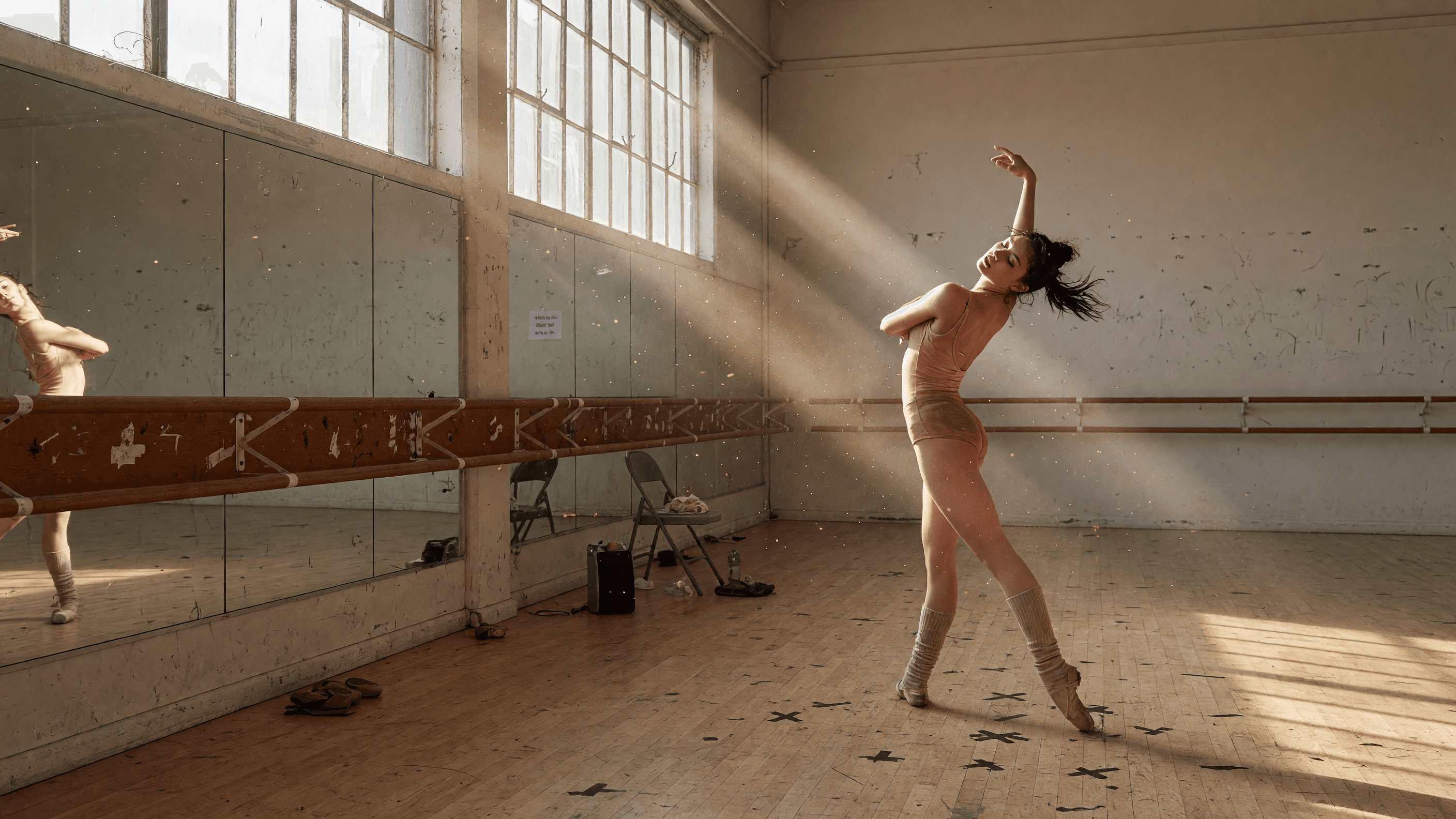
“Use this image as the opening composition.”
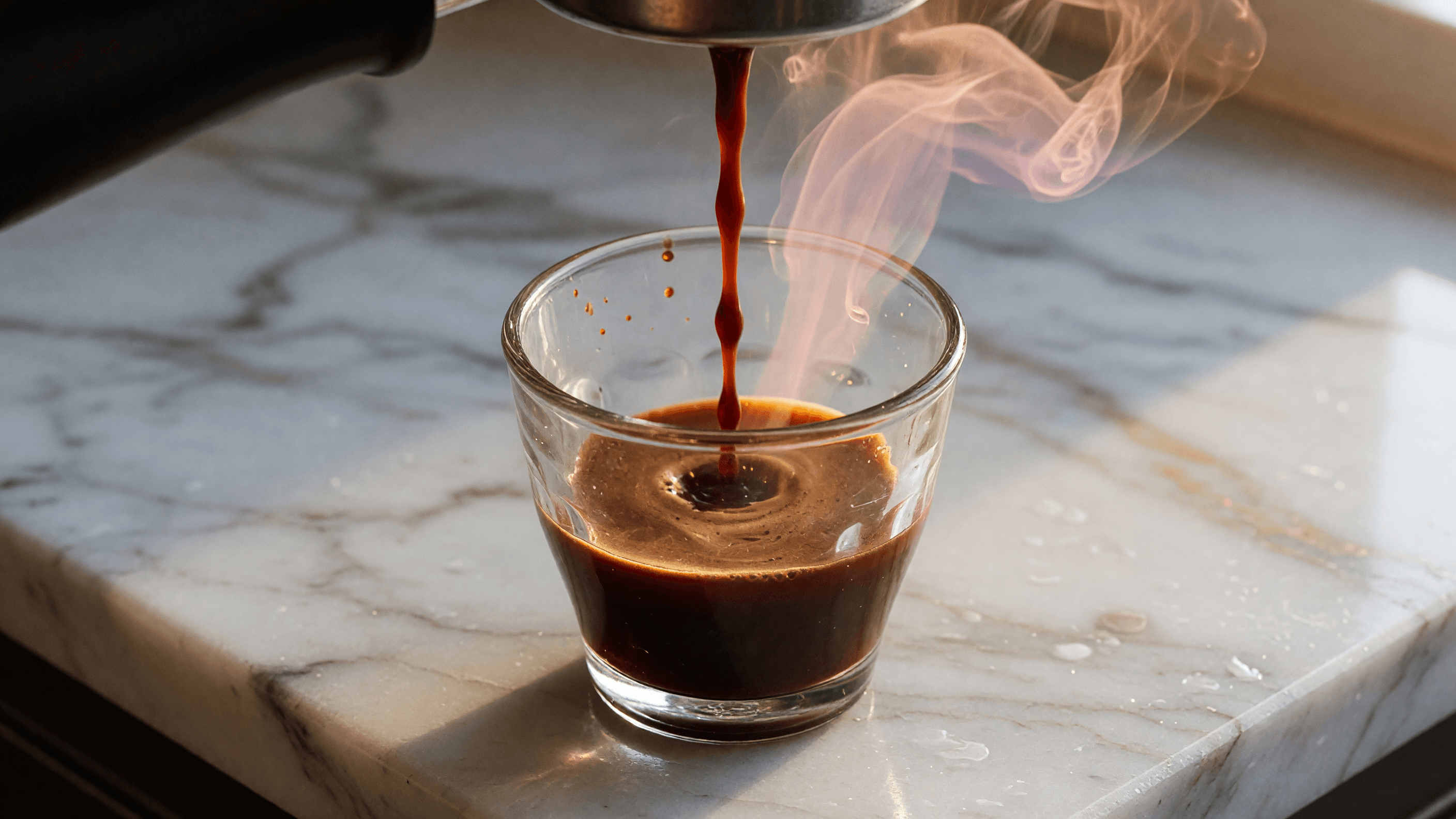
“Establish the framing and light before describing the motion.”
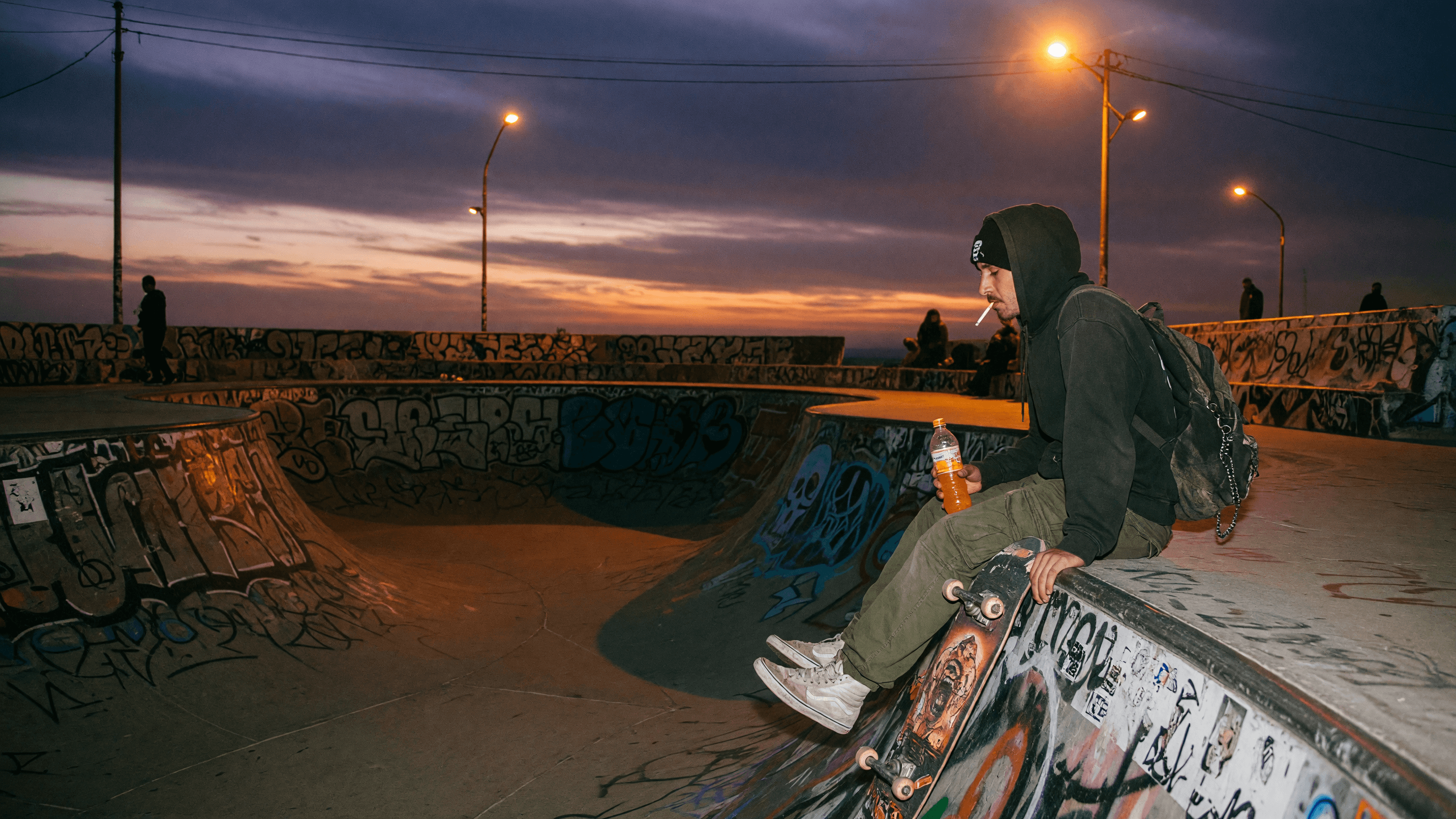
“Plan the shot as a still, then hand the motion to the model.”
Write a prompt on its own, or add a start image — and optionally an end frame — to anchor the clip.
Name the subject movement, camera path, and pacing; precise language matters with prompt expansion enabled.
Pick an aspect ratio, a duration between 5 and 15 seconds, and 480P, 768P, or 1080P; Made starts at 480P, the cheapest.
Generation is fast enough to explore several motion directions before committing to a final take.
Iteration is cheap here: MiniMax H3 Max costs from 5 credits / second, so rewriting a prompt and rerunning it is a normal part of the workflow, not a budget decision. See the full MiniMax H3 Max pricing breakdown.
It is a post-trained variant of the MiniMax H3 video model tuned for prompt adherence and aesthetics, optimized to generate short clips in seconds.
More tested prompts across all models live in the prompt library, and the full MiniMax H3 Max capability rundown is on the model page.