
Hero icon
Your main character, close up and facing the player.
A Roblox game icon is the square image that represents your game on the Home page and across Roblox. Roblox asks for 512 × 512 pixels and scales it down to sizes like 150 × 150. Upload a screenshot of your game and get bold 512 × 512 PNG icons that still read that small.
Runs in the tool. You sign in to run it, see the price before you start, and failed images are refunded.

How it works
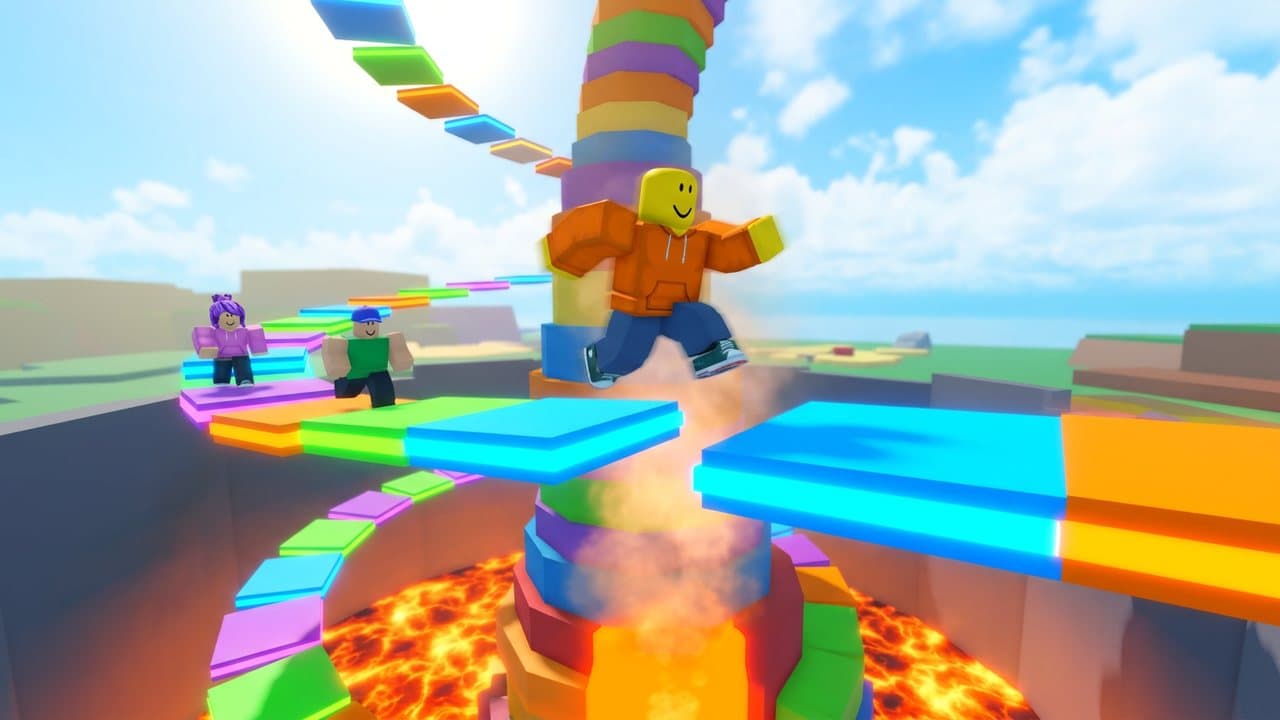
Every image is generated separately from your screenshot, so each one keeps your world, characters, and colors. Downloads come out at the exact size Roblox expects.
Play your game or playtest it in Roblox Studio, and capture a clear moment with your main character and world in view. A render of your character works too.
The pack starts with two icons: your character up close and your game’s most exciting moment. Untick the thumbnails, badges and promo if you only want icons, and the price on Generate drops.
Each icon downloads as an exact 512 × 512 PNG. On the Creator Dashboard, open your game, then Configurations → Places → your start place → Icon, and click Change.
Size guide
Roblox’s own guide gives a 512 × 512 pixel template and says an icon should be square and at least 512 × 512. In some places on the Roblox site and app, icons shrink to sizes like 150 × 150, where small text and fine detail disappear, so one bold, centered subject with strong contrast reads best. Every icon Made makes downloads as an exact 512 × 512 PNG, so it goes into Roblox without resizing. Roblox’s experience icon guide ↗
Everything below came from the same gameplay screenshot of an original game, using the tool’s own prompts.
Your main character, close up and facing the player.
The game’s most exciting moment in one close-up.
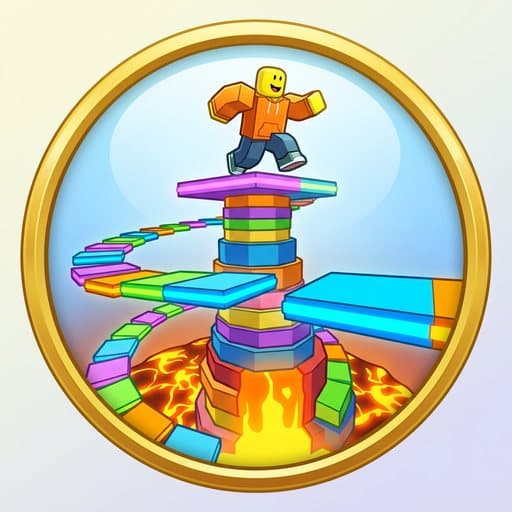
The same world as a round badge, generated in the same pack.
512 × 512 pixels, square. Roblox’s guide gives a 512 × 512 template and says an icon should be at least 512 × 512; in some places on Roblox it’s shown at sizes like 150 × 150. Made downloads every icon as an exact 512 × 512 PNG.
Take a screenshot of your game with your main character in view, upload it to the icon maker and press Generate. Made turns it into square icons with no text that keep your world, characters and colors, and each one downloads as a 512 × 512 PNG. The pack also plans thumbnails, badges and a promo; untick them if you only want icons.
On the Creator Dashboard, open your game and go to Configurations → Places. Click your start place (marked with a star), choose Icon, set the media type to Image and click Change to upload your 512 × 512 PNG, then click Save Changes. Roblox moderates every icon before other players see it.
Usually not. At 150 × 150 pixels, words become hard to read, so Made’s icons use one bold subject, strong contrast, and a simple background with no text.
One screenshot from your game or a render of your main character. Everything in the pack is built from it, so a clear, well-lit shot of real gameplay gives the most faithful results. JPG, PNG, or WebP up to 10 MB.
Each image in the pack is priced on its own, in credits: icons and badges at one size, thumbnails and the promo at a larger one. The exact total is on the Generate button before you start. Turn off any asset you don’t need and the price drops. Failed images are refunded.
Yes. Each Download button gives you the exact file: 512 × 512 PNG icons and badges, 1920 × 1080 JPG thumbnails kept under 3 MB, and a 1080 × 1920 promo. Download pack (.zip) sorts them into folders. Roblox still reviews every upload, so check each image first.
Every prompt tells the model to keep your world, characters, blocky proportions, colors, and lighting recognizable, and never to add fake interface, ratings, player counts, or other brands. It’s still a generative model, so compare each result with your game before publishing. Roblox expects thumbnails to show what players will actually find.
Yes. Every asset has an editable direction, like “the most dramatic moment of the game.” You can rewrite it, turn it off, or add more icons, thumbnails, or badges, up to 12 images per pack.
Only where a direction asks for a title. By default that’s the Title card thumbnail. Icons and badges never get text, because Roblox shows icons very small and crops badges to a circle.
Yes. Connect Made MCP in Claude, Cursor, or another MCP client and use the Roblox Game Pack skill. The agent generates the same assets. With Roblox Studio’s built-in MCP server also connected, it can upload them and place them in your experience.
More ways to make game art in Made.
 Roblox Thumbnail MakerUpload one gameplay screenshot. Get four 1920 × 1080 thumbnails that look like your game, plus icons and badges to match.Roblox Badge MakerUpload a screenshot. Get 512 × 512 badge images designed for Roblox’s circular crop, plus icons and thumbnails from the same world.
 AI Logo GeneratorDescribe your brand — name, industry, style, and colors — and Made generates logo concepts as PNG images. Each run is a fresh concept, so iterate on the description until one fits.
 Profile Picture MakerUpload a photo and describe the profile picture you want — a cleaner version of the shot, a new backdrop color, or a stylized avatar look. Made applies the edit and returns a PNG.
 Image ResizerUpload an image, pick a size or type exact pixels, and choose whether Made crops it to fill, fits it inside, or stretches it.