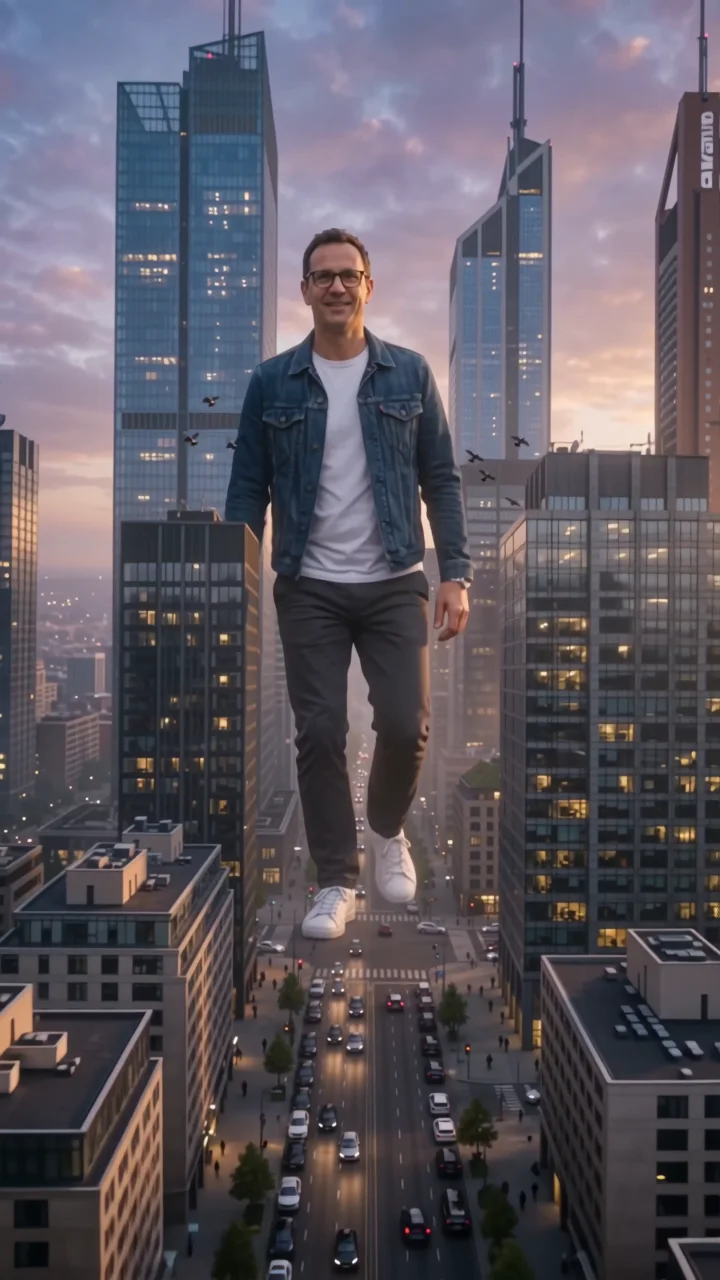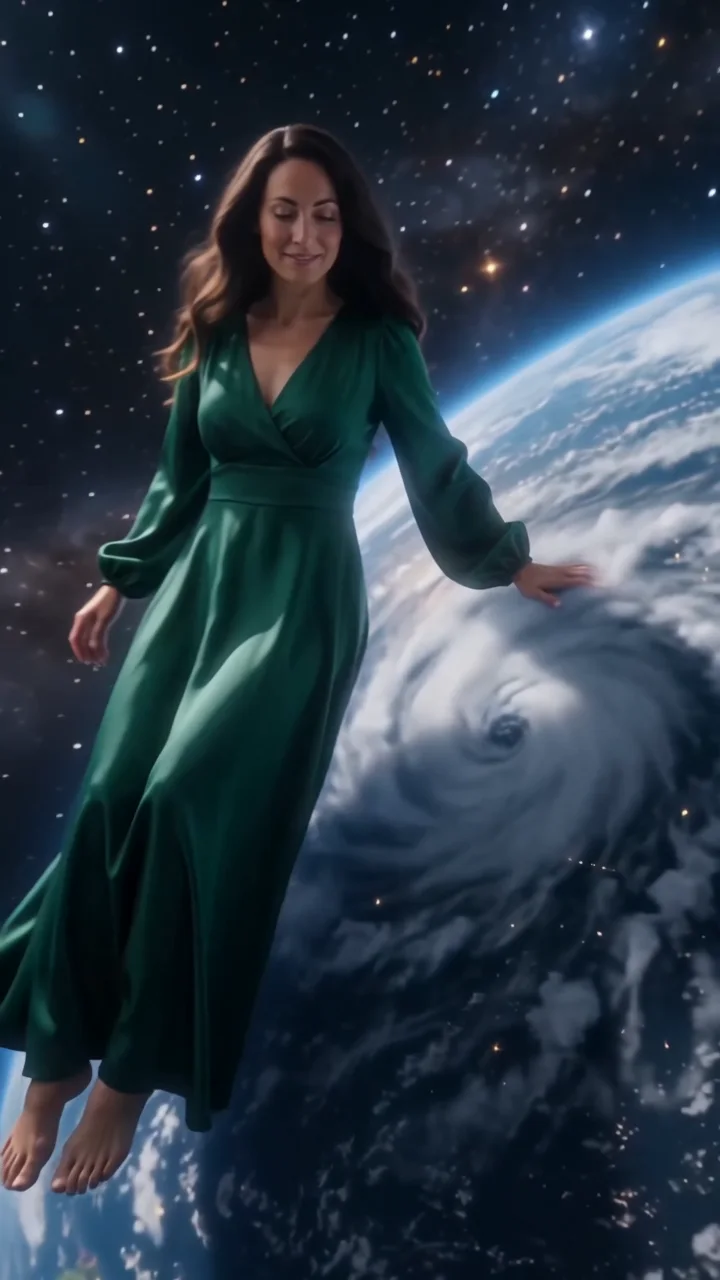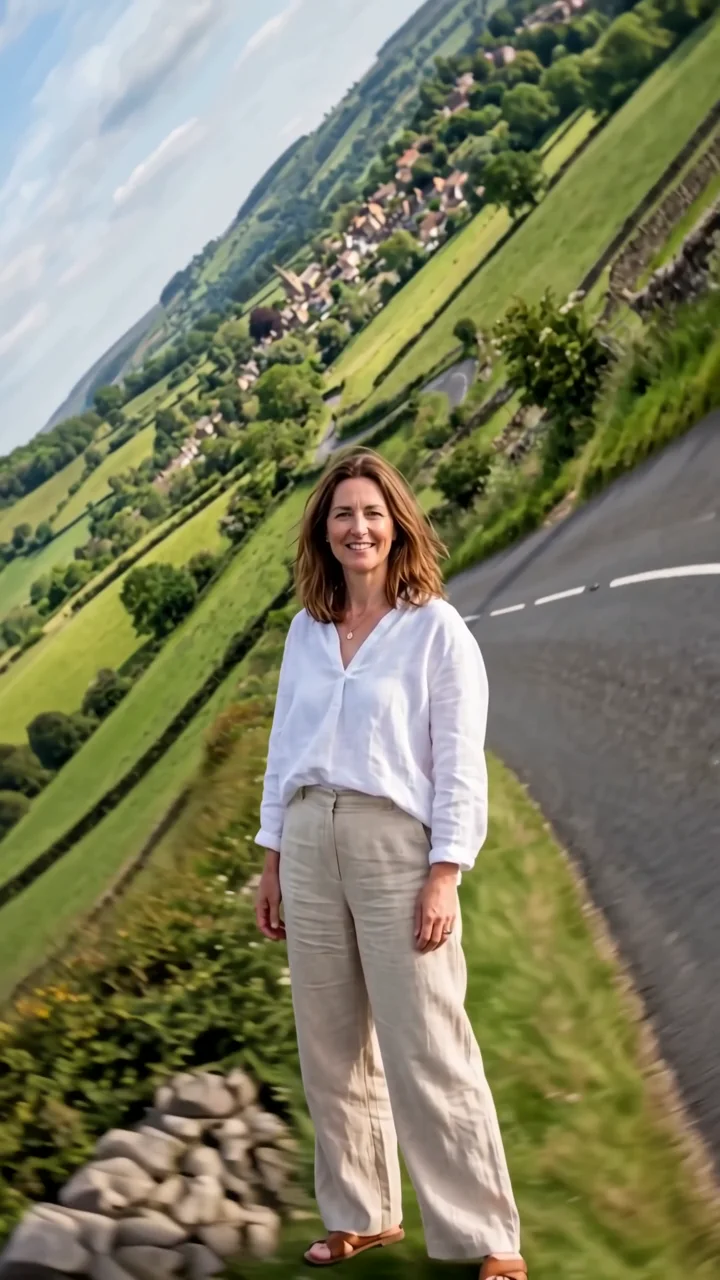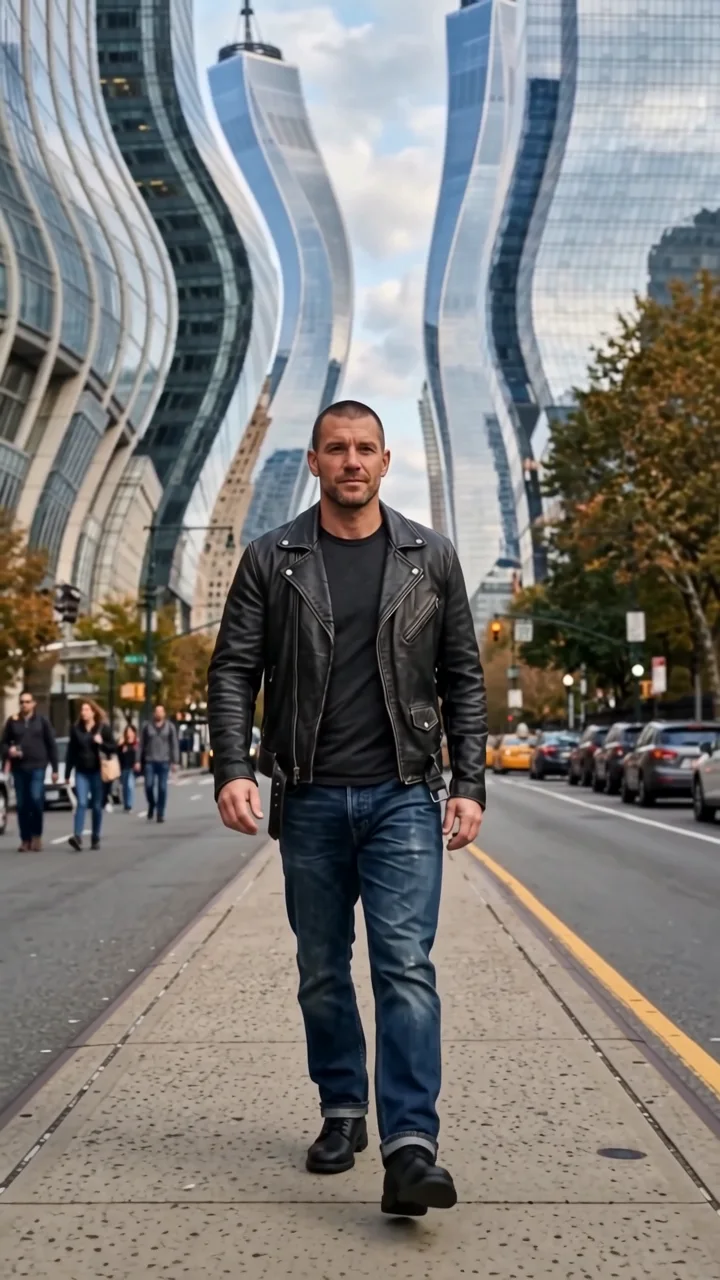
Upload your images
Start with a character. Some effects also take a location or products to make the scene your own.
Blue depth effect
Blue depth silently floods the scene in your photo with deep blue water. Your subject holds perfectly still as if time has paused, while schools of silver fish drift past, light ripples down from above, and small bubbles rise.
- 6-second clip
- 480p 41 credits
- 720p 84 credits
- 1080p 168 credits
One photo in, one video out
This clip was made with the Blue depth effect from the photo beside it, on WAN 3.0 Prime at 720p, the same model and settings this page runs.
How to make a Blue depth video
- 1
Add your photo
Upload one character image. JPG, PNG, or WebP up to 10 MB each.
- 2
Generate your Blue depth video
Pick a resolution and aspect ratio, add an optional prompt, and review the exact price before you start. A 6-second clip is 41 credits at 480p or 84 credits at 720p.
- 3
Download and share
Your video saves to History on this page. Play it, download the MP4, and post it anywhere.
What it is good for
- Moody editsCalm, cinematic, and strange.
- TransitionsFlood one scene before the next.
- Music visualsA slow, hypnotic backdrop.
Tips for a better result
- Indoor scenes, like a living room, make the flood more surreal.
- A seated or still pose suits the paused feel.
- Try "jellyfish" or "koi" in the prompt instead of silver fish.
Questions
Does the subject move in blue depth?
No. Only the fish, bubbles, and light move. Your subject stays still.
Does it work on outdoor photos?
Yes, but indoor scenes make the flood look more surreal.
How much does the Blue depth effect cost?
41 credits at 480p, 84 credits at 720p, 168 credits at 1080p for a 6-second clip. You pay per video in credits and see the exact price before generating.
Whose photos can I use?
Use photos of yourself, or of people who have agreed to be in the video. Do not upload photos of other people without their permission.