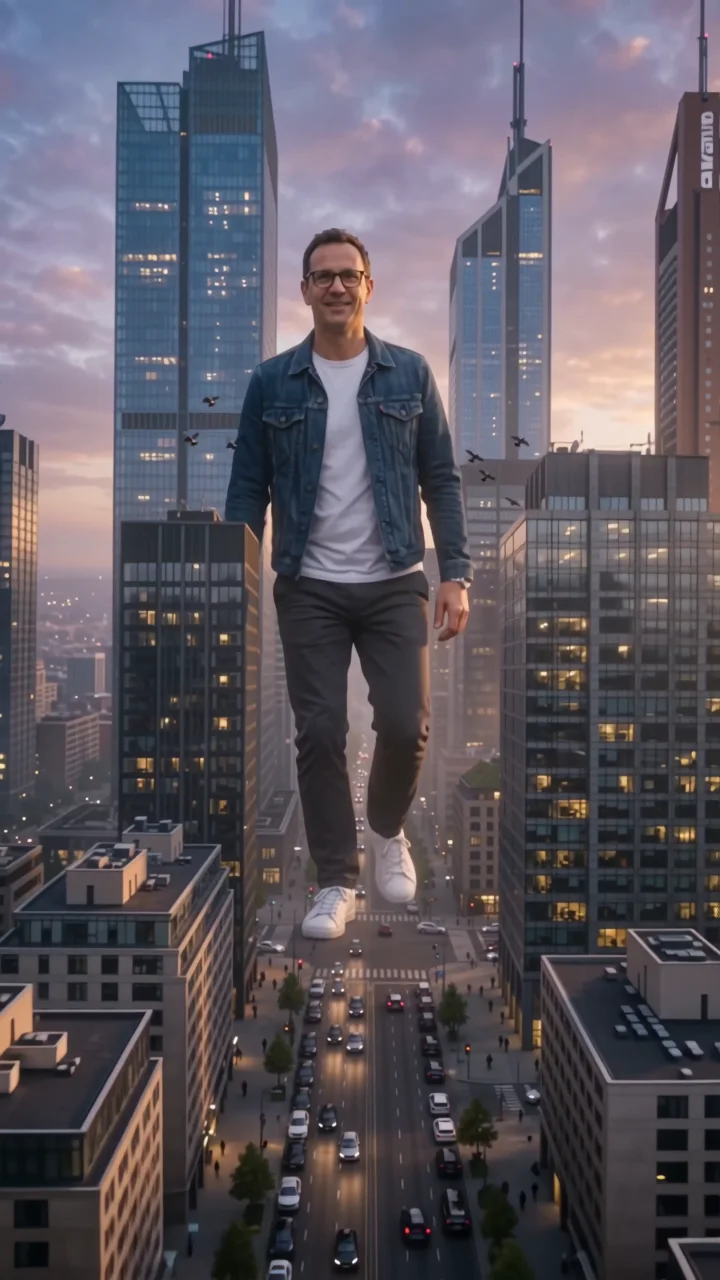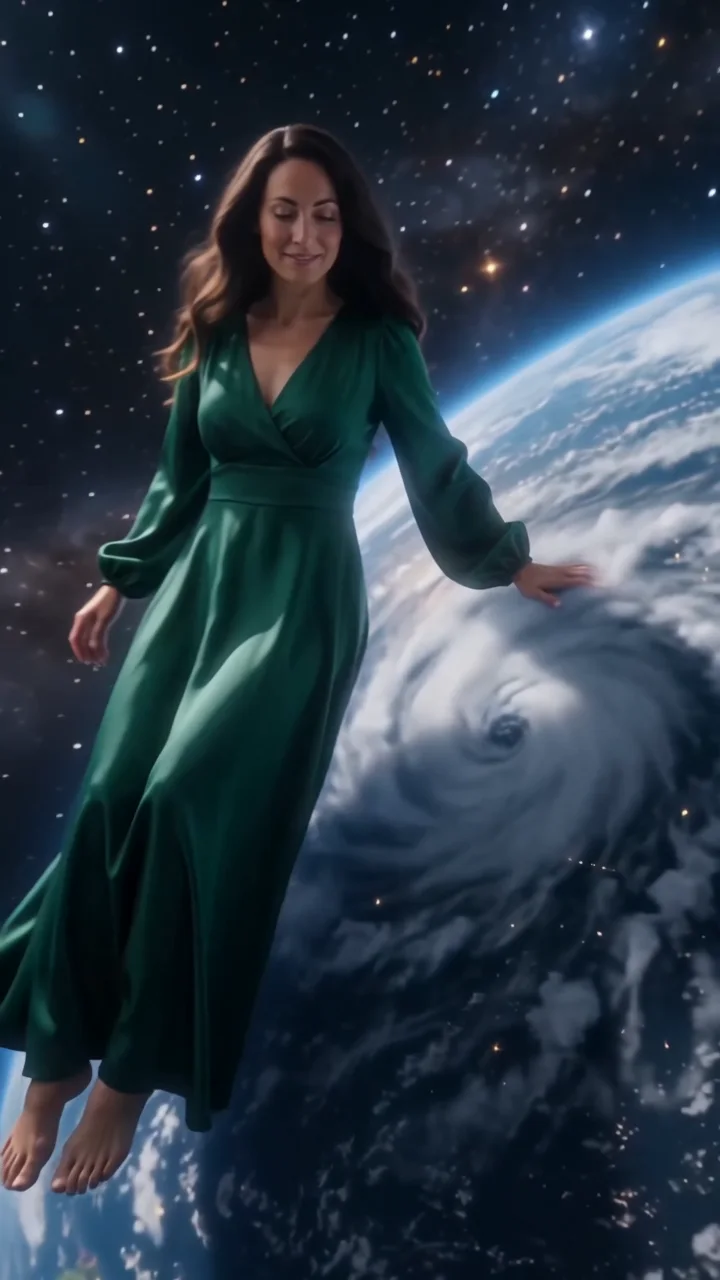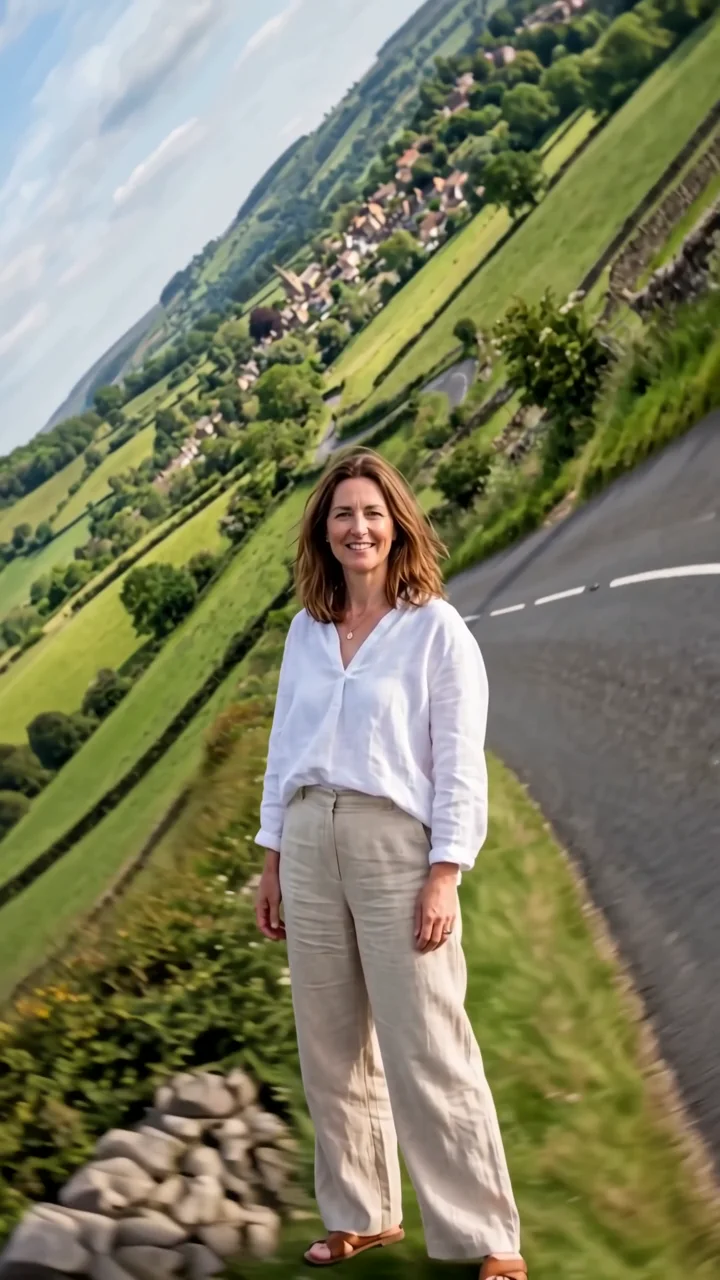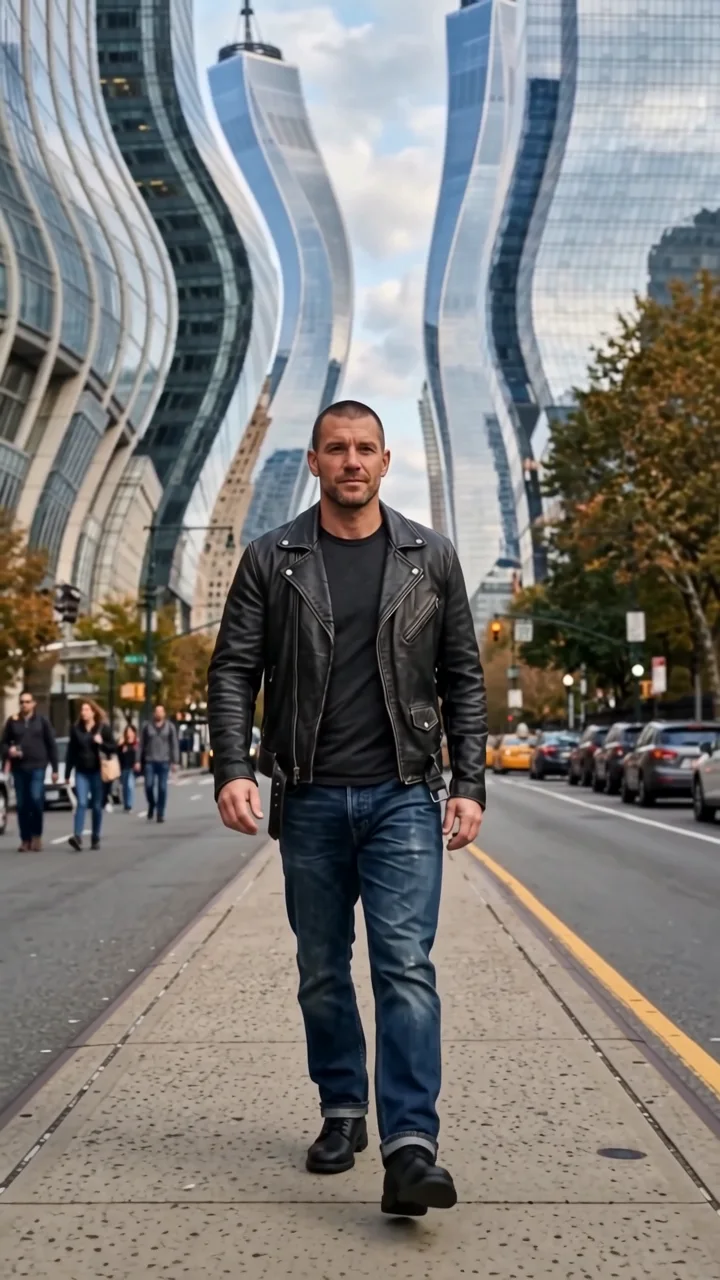
Upload your images
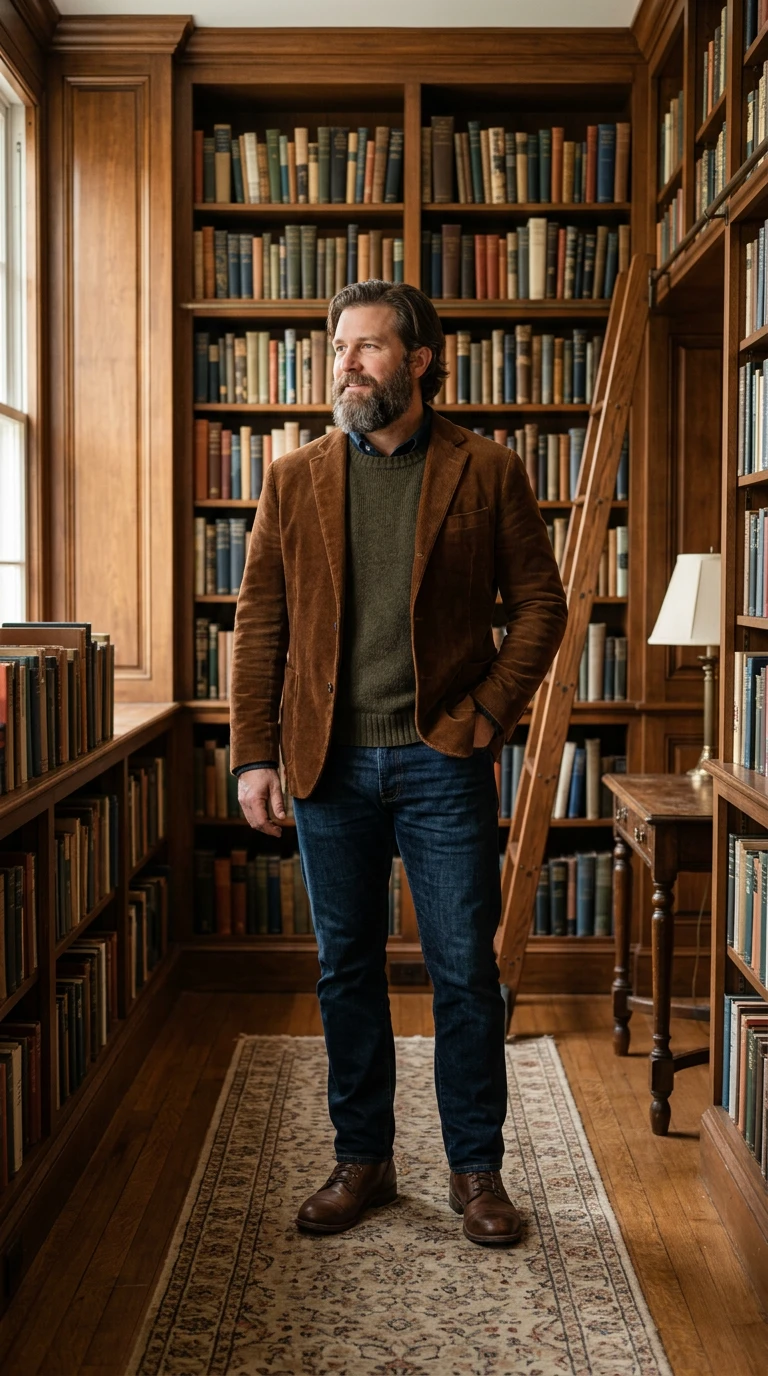
Start with a character. Some effects also take a location or products to make the scene your own.
Lost in a book effect
Lost in a book shrinks your subject to a tiny figure walking across the pages of a giant open book on a wooden desk. The illustrations rise into paper pop-up trees, houses, and hills around them, and a page slowly turns like a rolling landscape.
- 6-second clip
- 480p 41 credits
- 720p 84 credits
- 1080p 168 credits
One photo in, one video out
This clip was made with the Lost in a book effect from the photo beside it, on WAN 3.0 Prime at 720p, the same model and settings this page runs.
How to make a Lost in a book video
- 1
Add your photo
Upload one character image. JPG, PNG, or WebP up to 10 MB each.
- 2
Generate your Lost in a book video
Pick a resolution and aspect ratio, add an optional prompt, and review the exact price before you start. A 6-second clip is 41 credits at 480p or 84 credits at 720p.
- 3
Download and share
Your video saves to History on this page. Play it, download the MP4, and post it anywhere.
What it is good for
- Book and author contentA storybook visual for launches and reviews.
- Kids-style storytellingWarm and gentle, with no text.
- Cozy editsLamplight and paper textures.
Tips for a better result
- Any clear full-body photo works; the book comes from the effect.
- Describe the story world in the prompt, like a pirate island.
- Warm outfits suit the lamplit scene.
Questions
Does the book have readable text?
No. The pages carry illustrations and pop-ups but no readable text.
Can I choose what is in the book?
Yes. Describe the world in the prompt, such as a castle or a jungle.
How much does the Lost in a book effect cost?
41 credits at 480p, 84 credits at 720p, 168 credits at 1080p for a 6-second clip. You pay per video in credits and see the exact price before generating.
Whose photos can I use?
Use photos of yourself, or of people who have agreed to be in the video. Do not upload photos of other people without their permission.