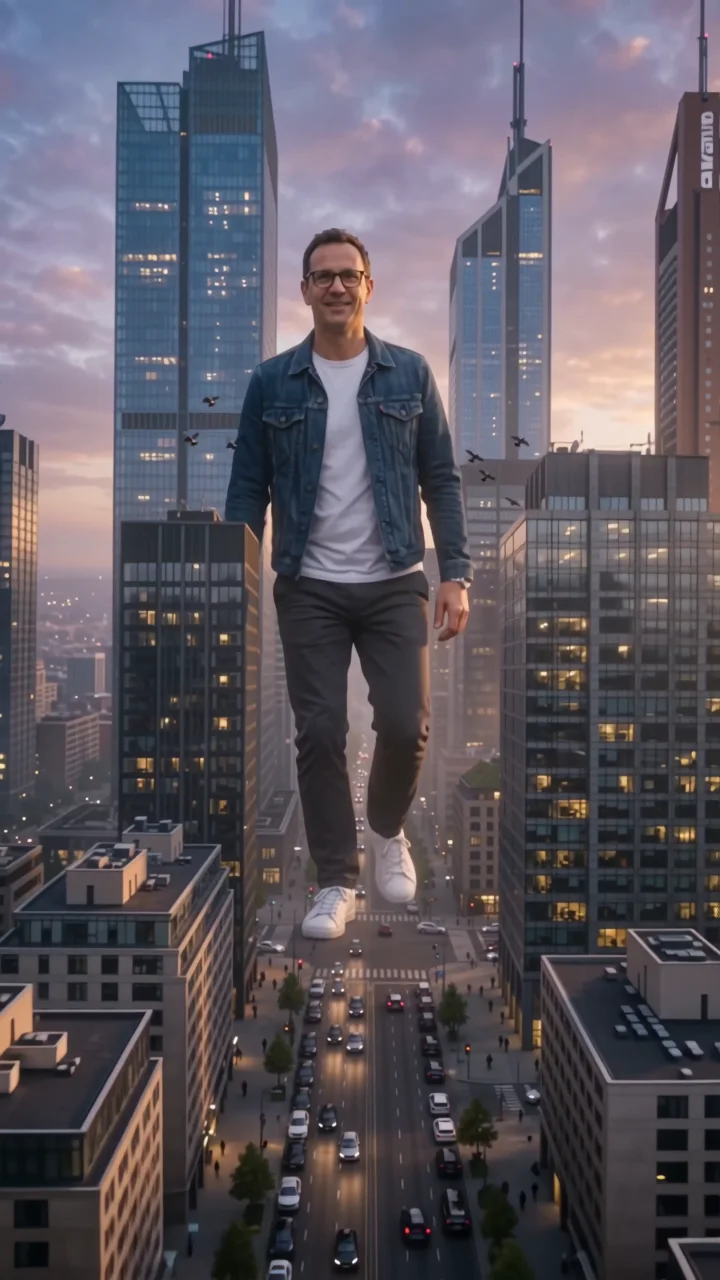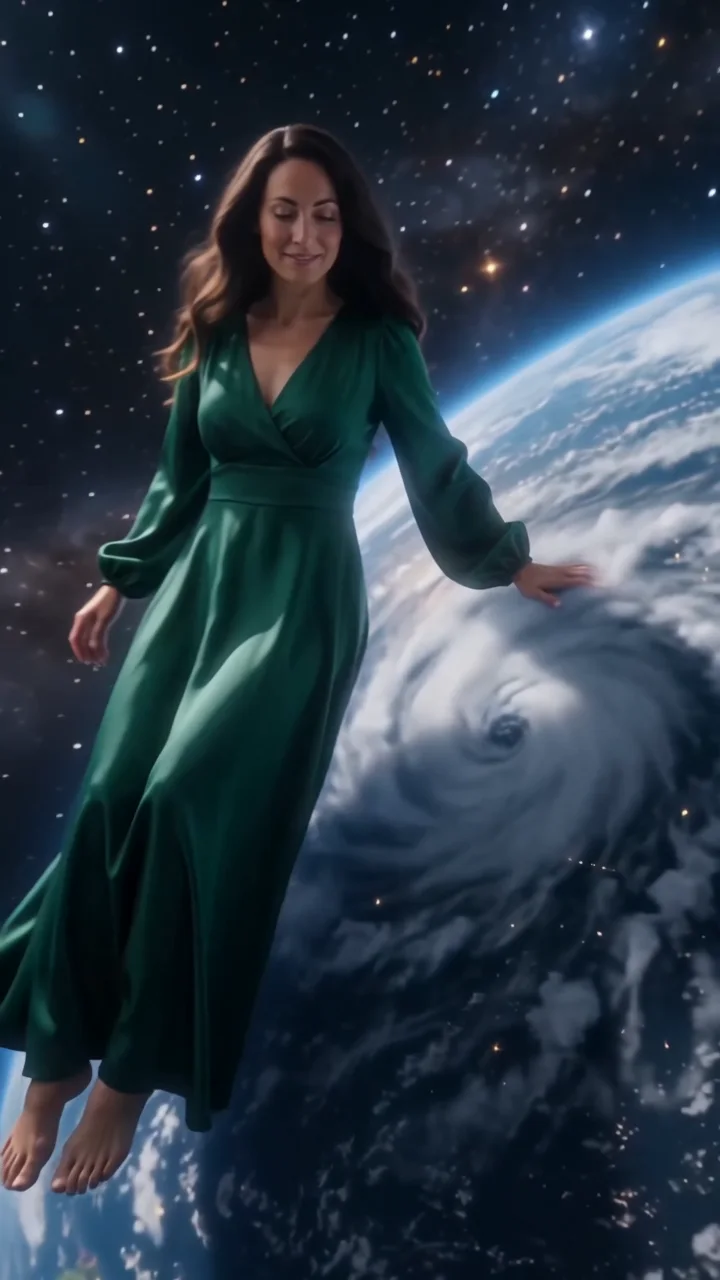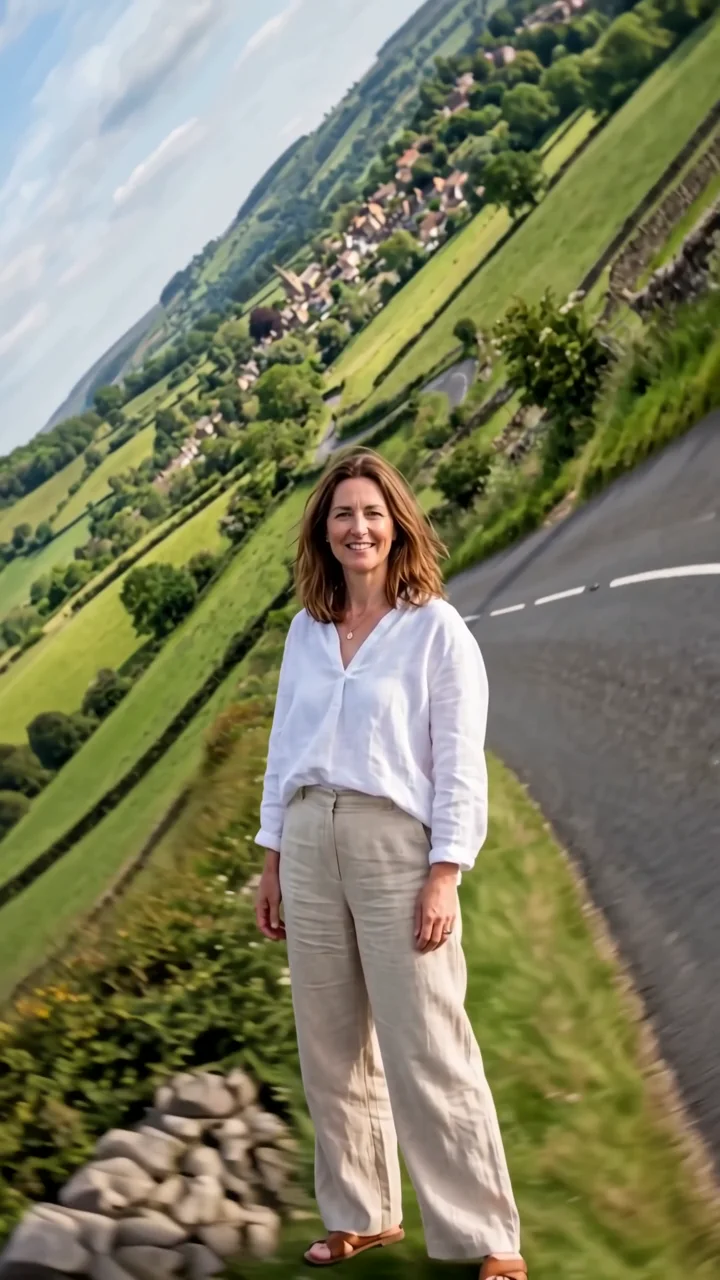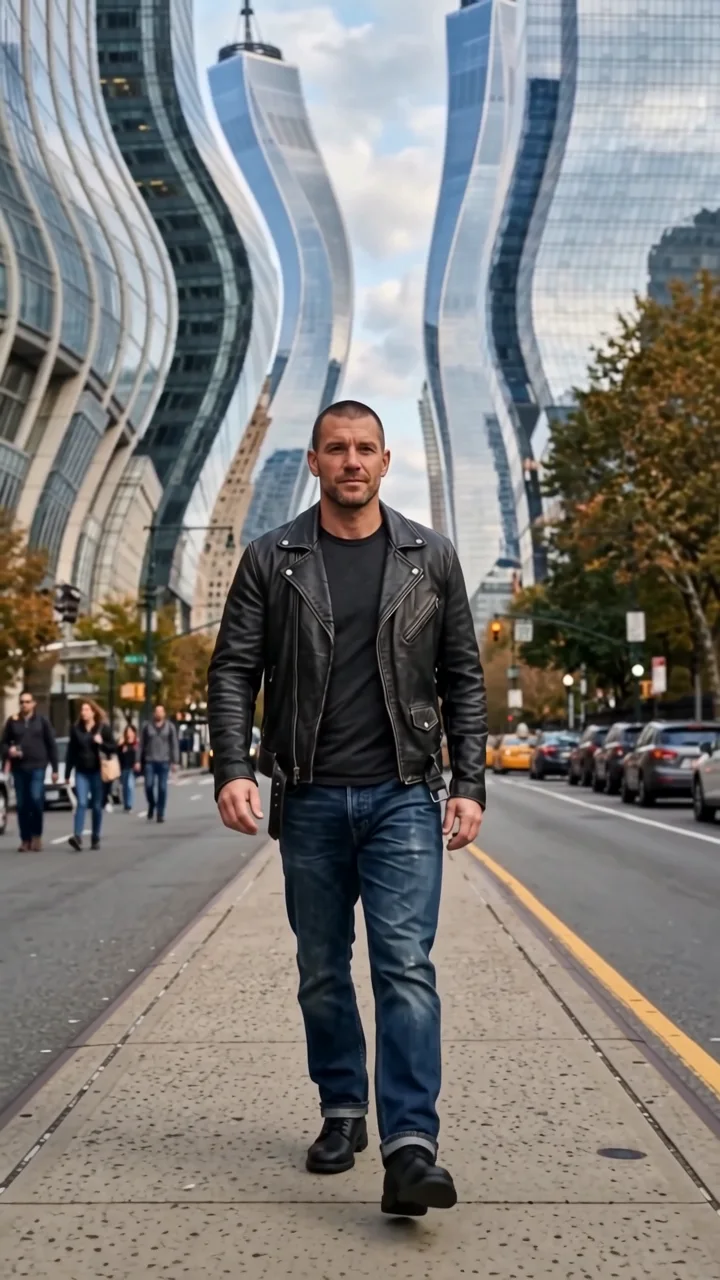
Upload your images
Start with a character. Some effects also take a location or products to make the scene your own.
Moonwalk effect
Moonwalk dresses your subject in a small golden crown and a flowing cape and sends them walking across the Moon, then onto a glowing Sun and over to a tiny blue Earth, the worlds scaled like stepping stones in a starry sky.
- 8-second clip
- 480p 55 credits
- 720p 112 credits
- 1080p 224 credits
One photo in, one video out
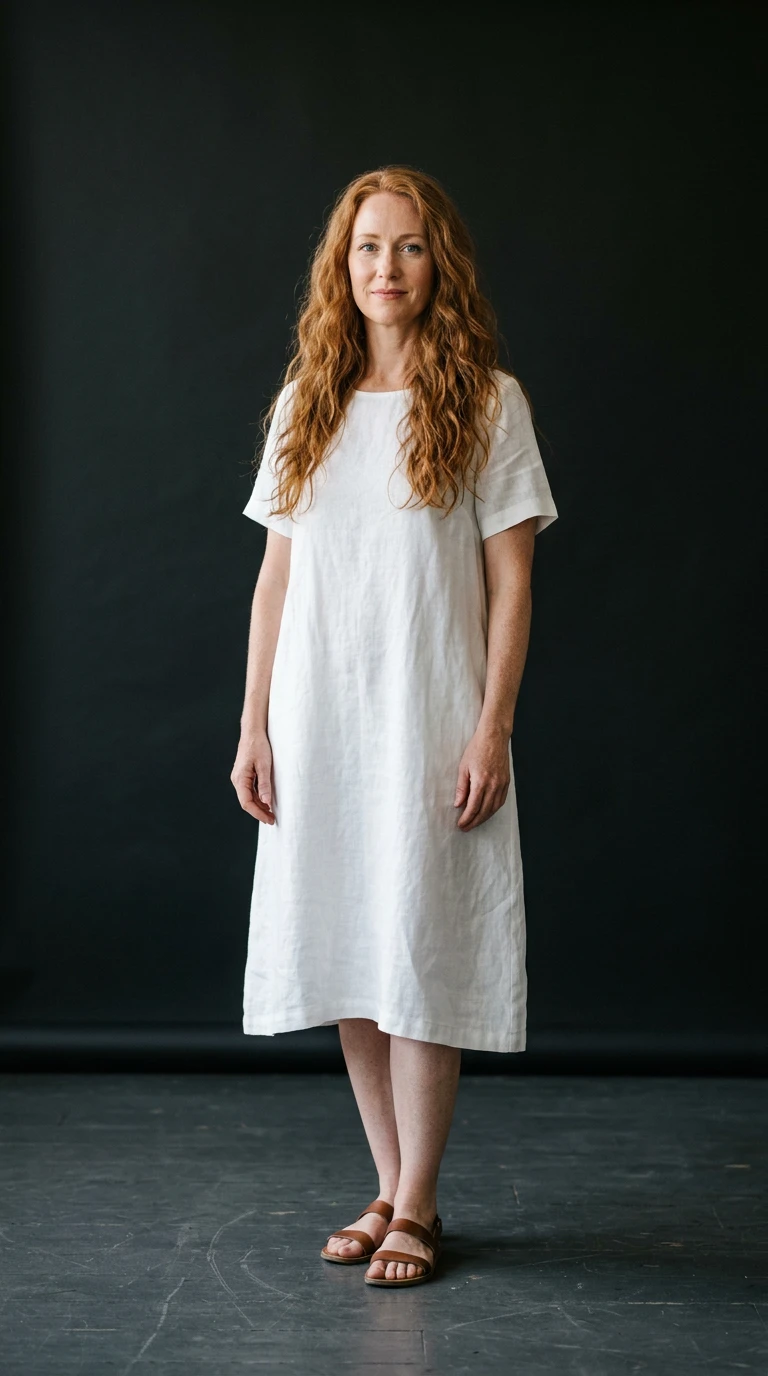
This clip was made with the Moonwalk effect from the photo beside it, on WAN 3.0 Prime at 720p, the same model and settings this page runs.
How to make a Moonwalk video
- 1
Add your photo
Upload one character image. JPG, PNG, or WebP up to 10 MB each.
- 2
Generate your Moonwalk video
Pick a resolution and aspect ratio, add an optional prompt, and review the exact price before you start. An 8-second clip is 55 credits at 480p or 112 credits at 720p.
- 3
Download and share
Your video saves to History on this page. Play it, download the MP4, and post it anywhere.
What it is good for
- Whimsical editsA storybook journey in one shot.
- Birthday and celebration clipsCrown the person of the day.
- Dreamy music visualsSoft glow and slow drift.
Tips for a better result
- Any clear full-body photo works; the space scene and costume come from the effect.
- Long hair and flowing clothes look great in the drift.
- Swap the crown for another prop in the prompt.
Questions
Is moonwalk a dance?
No. It is a walk across the Moon, Sun, and Earth. Ask for a dance step in the prompt if you want one.
Does it change my outfit?
It adds a crown and cape. Your face and identity come from your photo.
How much does the Moonwalk effect cost?
55 credits at 480p, 112 credits at 720p, 224 credits at 1080p for a 8-second clip. You pay per video in credits and see the exact price before generating.
Whose photos can I use?
Use photos of yourself, or of people who have agreed to be in the video. Do not upload photos of other people without their permission.