Upload your images
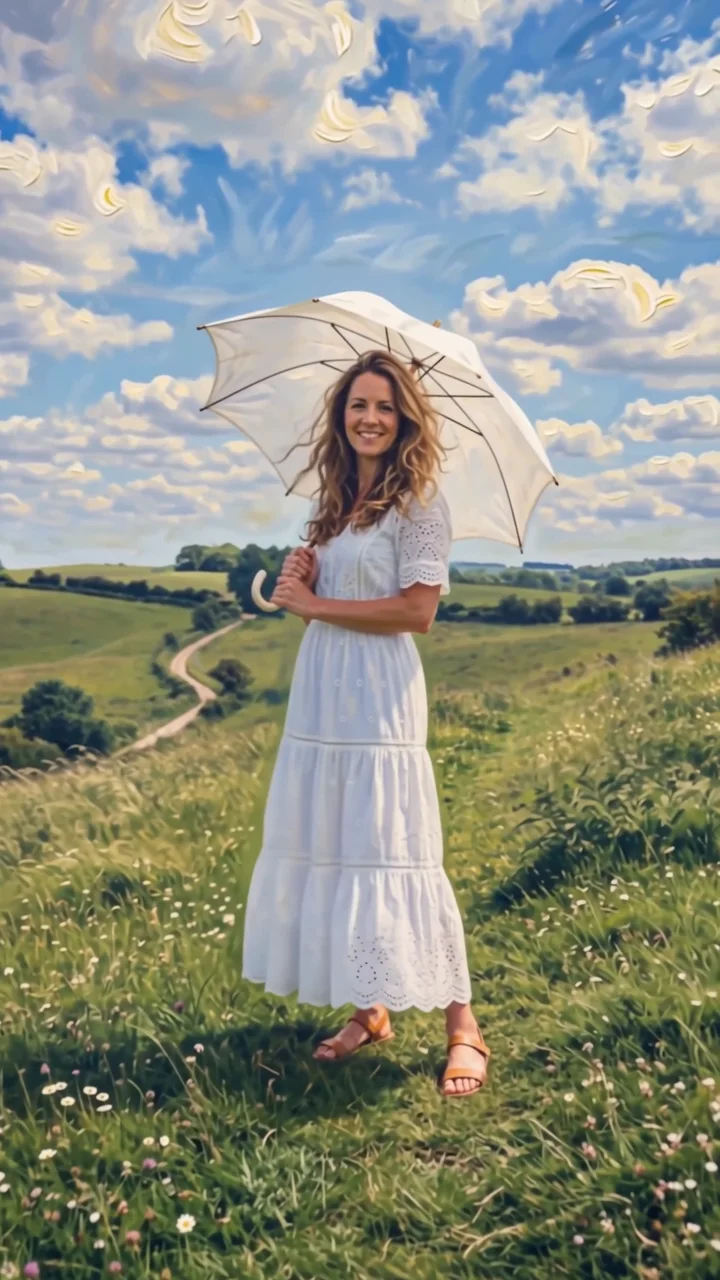
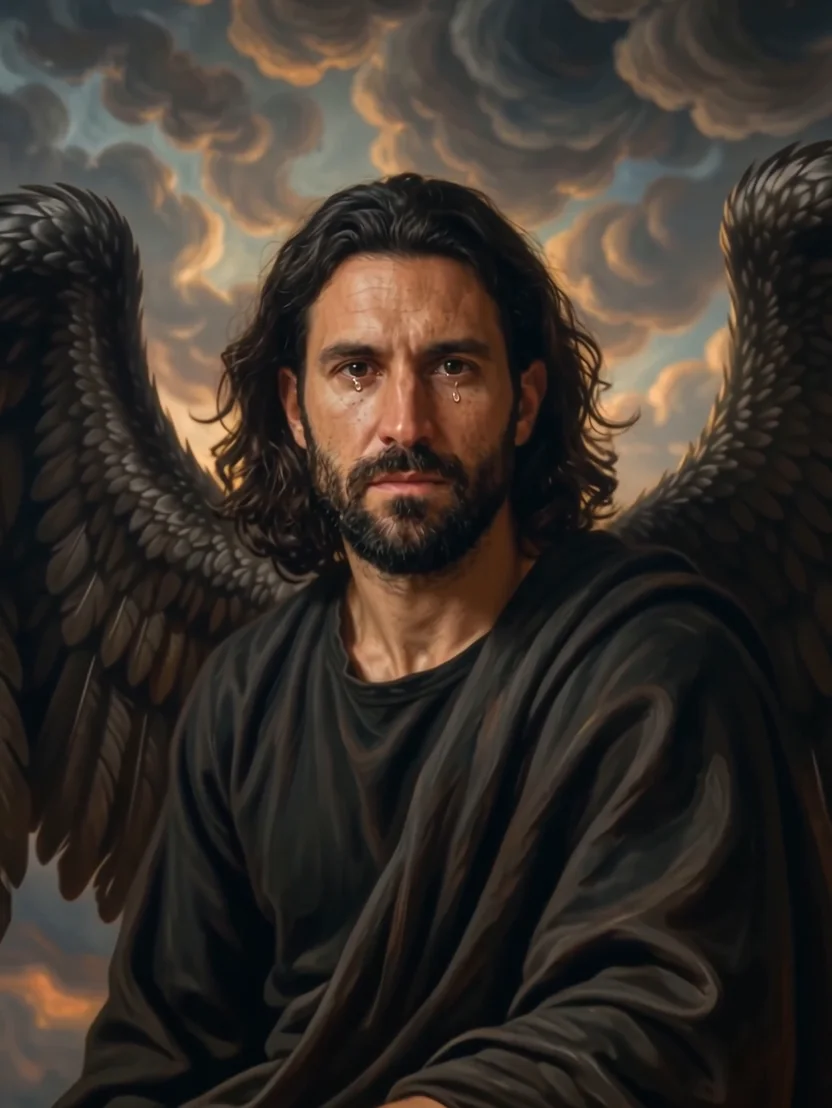
Start with a character. Some effects also take a location or products to make the scene your own.
Pigeon skates effect
Pigeon skates puts a pigeon under each of your subject's feet and sends them gliding down the street like roller skates, hovering just above the pavement. The birds flap and waddle in sync while your subject balances with arms out, weaving past amazed pedestrians.
- 6-second clip
- 480p 41 credits
- 720p 84 credits
- 1080p 168 credits
One photo in, one video out
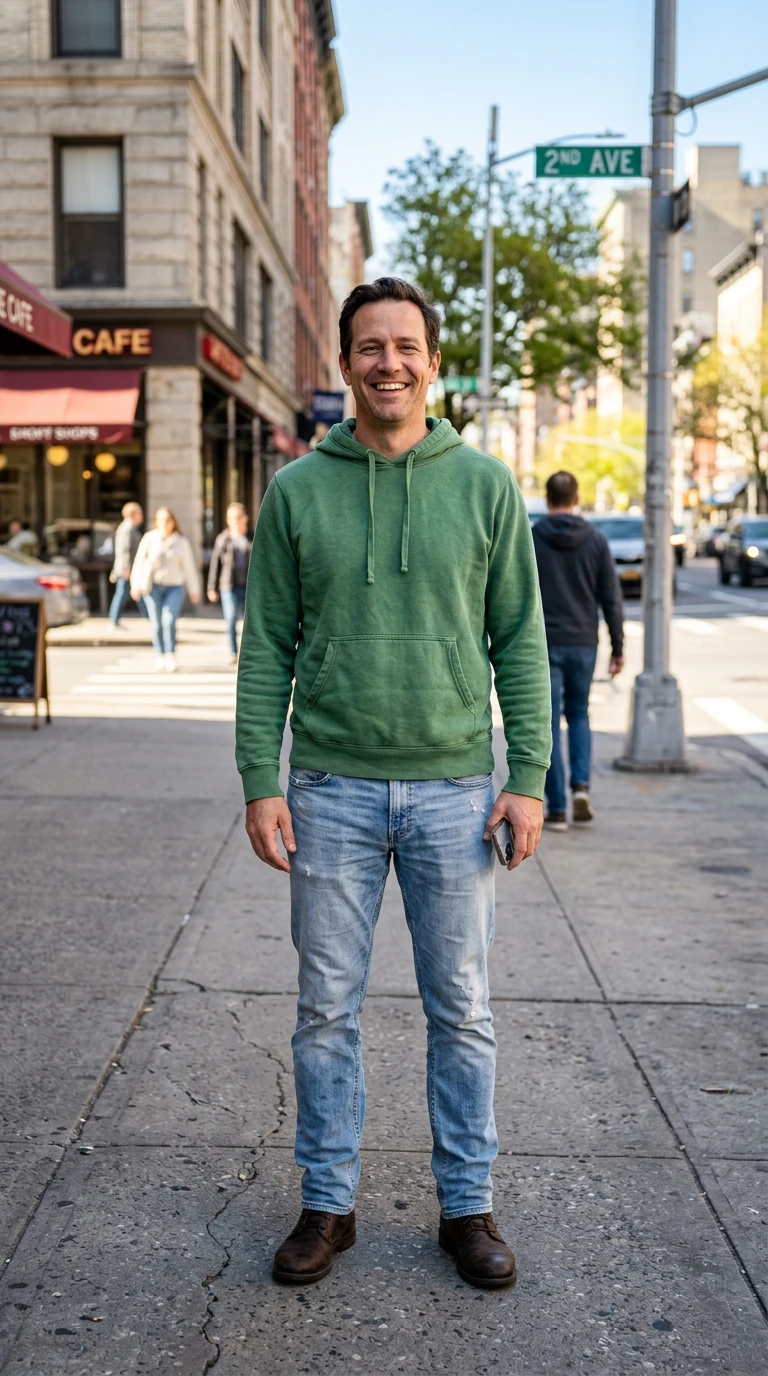
This clip was made with the Pigeon skates effect from the photo beside it, on WAN 3.0 Prime at 720p, the same model and settings this page runs.
How to make a Pigeon skates video
- 1
Add your photo
Upload one character image. JPG, PNG, or WebP up to 10 MB each.
- 2
Generate your Pigeon skates video
Pick a resolution and aspect ratio, add an optional prompt, and review the exact price before you start. A 6-second clip is 41 credits at 480p or 84 credits at 720p.
- 3
Download and share
Your video saves to History on this page. Play it, download the MP4, and post it anywhere.
What it is good for
- ComedyAbsurd enough to share without context.
- City contentA new way to get around town.
- Trend formatsThe animal-ride meme, starring you.
Tips for a better result
- A full-body street photo works best.
- Sunny, busy sidewalks give the pedestrians room to react.
- Keep the prompt light; the gag is already built in.
Questions
Are the pigeons harmed?
No. The direction specifies no harm to the birds.
Can I ride other animals?
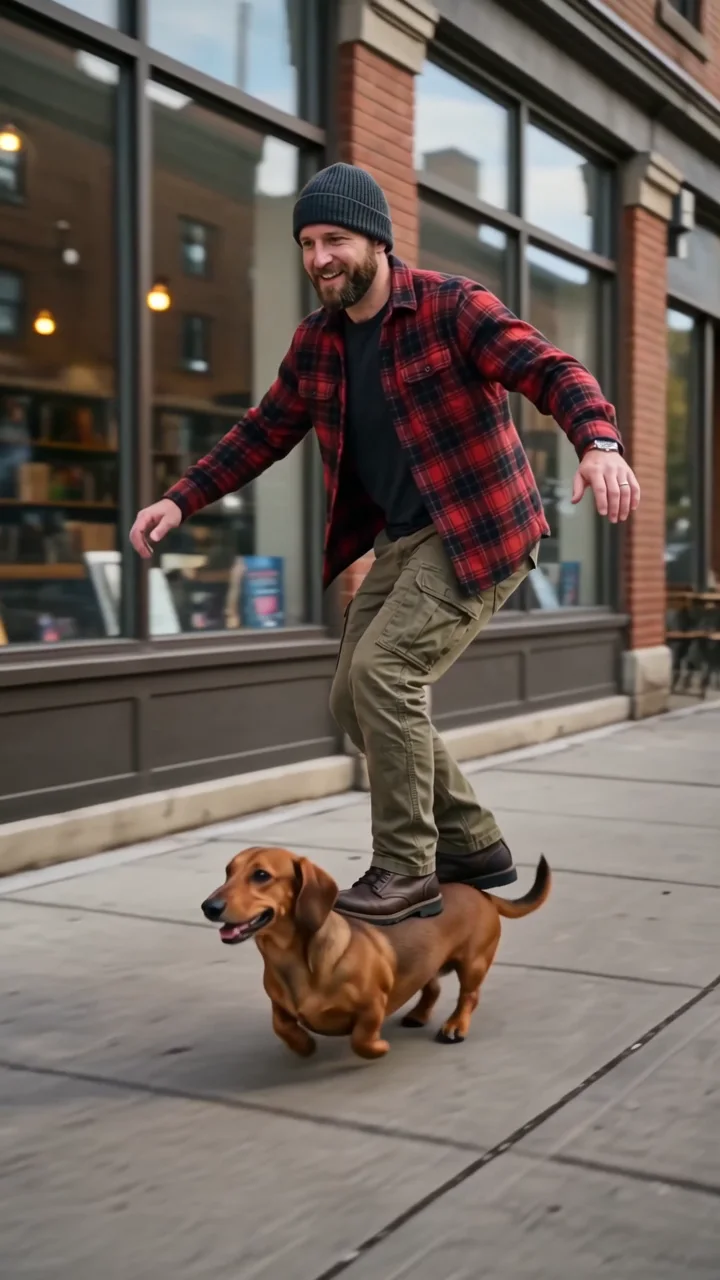
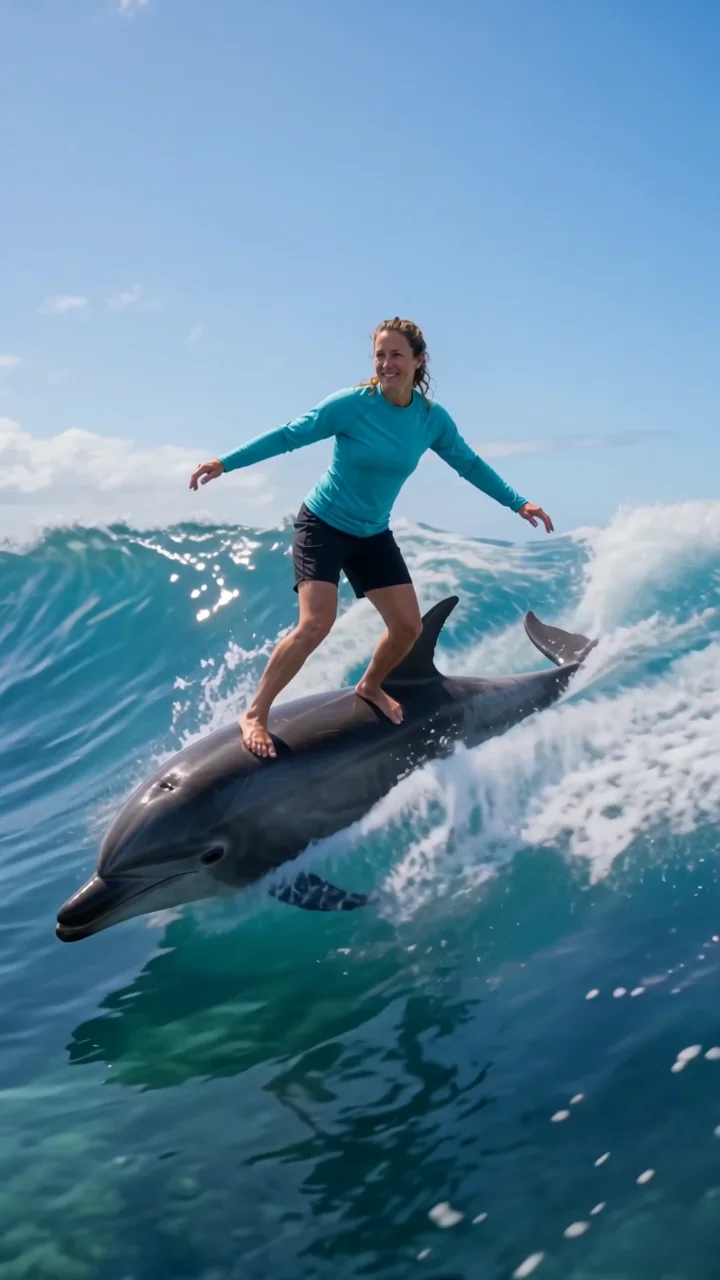
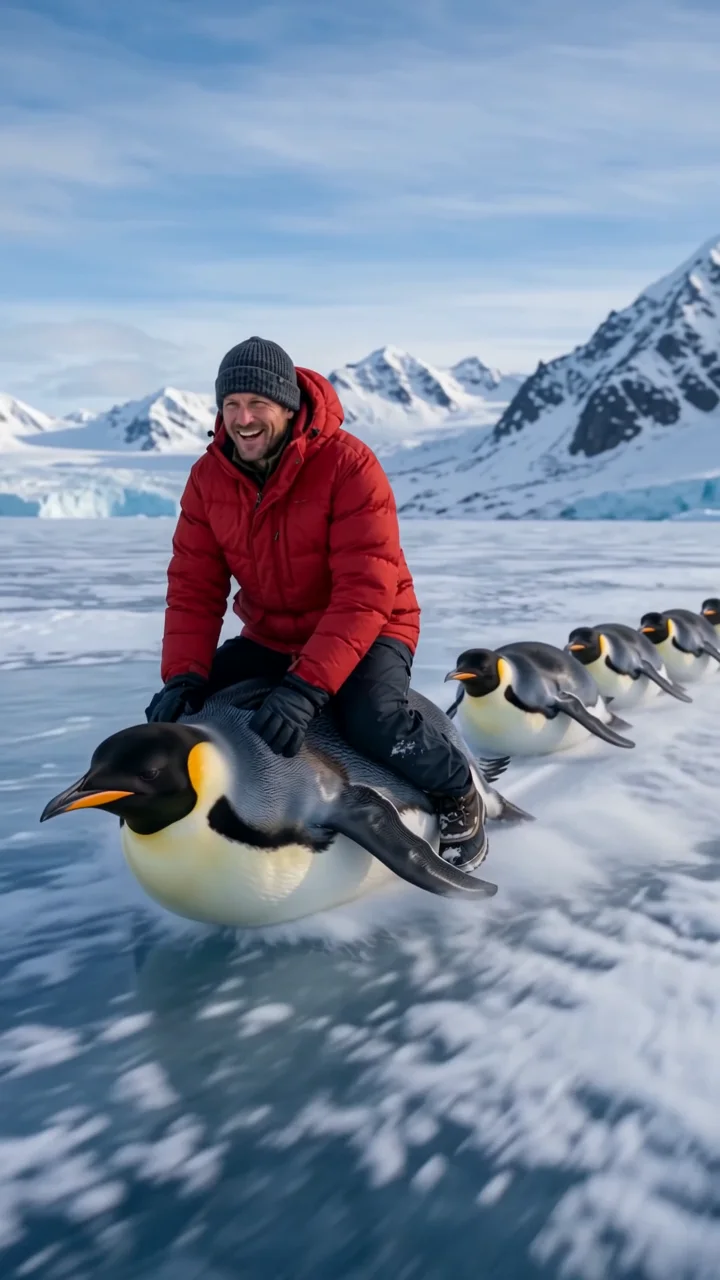
Try Skatedog, Dolphin surf, or Penguin ride for other animal rides.
How much does the Pigeon skates effect cost?
41 credits at 480p, 84 credits at 720p, 168 credits at 1080p for a 6-second clip. You pay per video in credits and see the exact price before generating.
Whose photos can I use?
Use photos of yourself, or of people who have agreed to be in the video. Do not upload photos of other people without their permission.