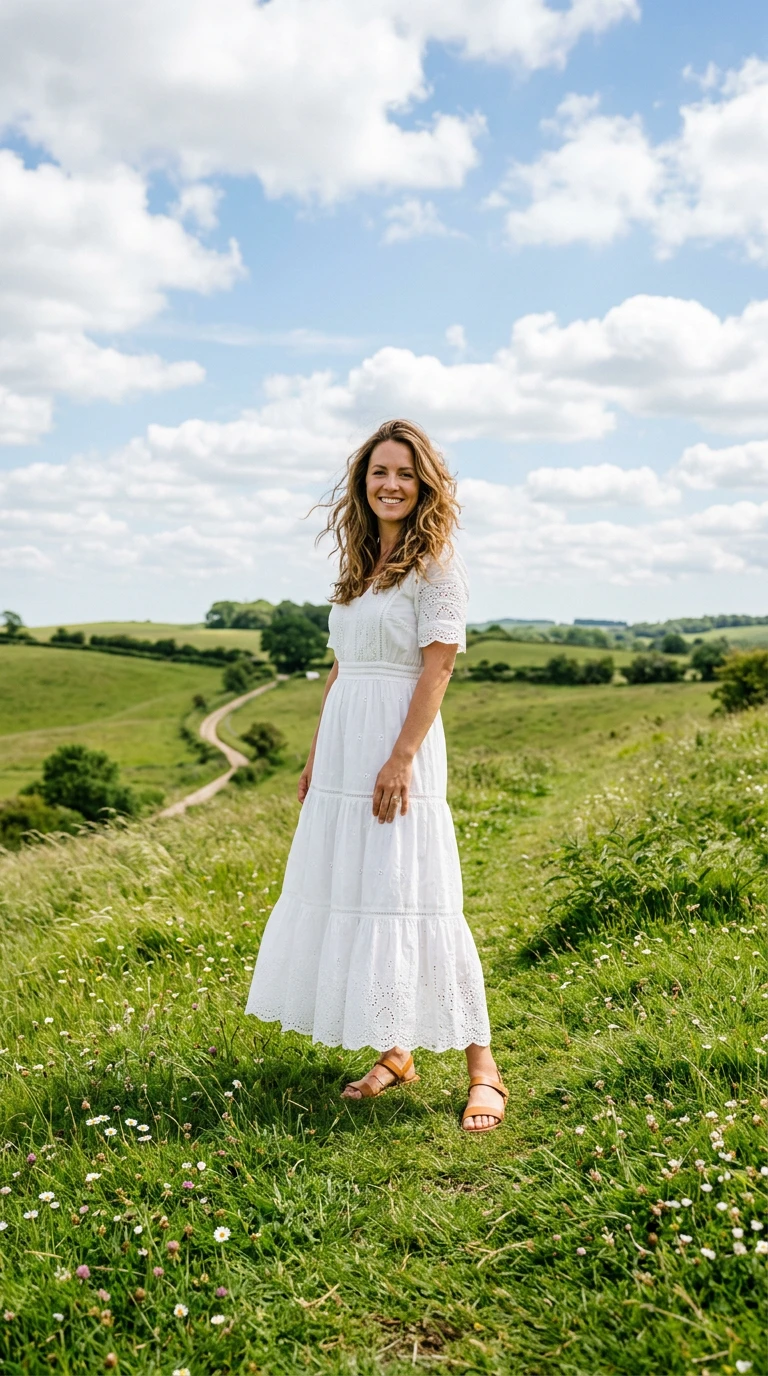
Upload your images
Start with a character. Some effects also take a location or products to make the scene your own.
Monet muse effect
Monet muse turns your scene into an impressionist oil painting in the style of Claude Monet's Woman with a Parasol. Your subject stands on a windy grassy hill holding a white parasol against a bright sky while brushstrokes shimmer, clouds drift, and clothes ripple in the wind.
- 5-second clip
- 480p 34 credits
- 720p 70 credits
- 1080p 140 credits
One photo in, one video out
This clip was made with the Monet muse effect from the photo beside it, on WAN 3.0 Prime at 720p, the same model and settings this page runs.
How to make a Monet muse video
- 1
Add your photo
Upload one character image. JPG, PNG, or WebP up to 10 MB each.
- 2
Generate your Monet muse video
Pick a resolution and aspect ratio, add an optional prompt, and review the exact price before you start. A 5-second clip is 34 credits at 480p or 70 credits at 720p.
- 3
Download and share
Your video saves to History on this page. Play it, download the MP4, and post it anywhere.
What it is good for
- Art trendsA dreamy painting you can post.
- Poetic portraitsSoft, windy, and warm.
- Summer contentLight dresses and bright skies.
Tips for a better result
- Light, flowing outfits look best in impressionist brushwork.
- A full-body photo lets the painting show the whole figure.
- Change the season or time of day in the prompt.
Questions
Do I need a parasol in my photo?
No. The effect adds the white parasol and the hill.
Is the painting copied?
No. It is a new scene in the style of Monet, whose work is in the public domain.
How much does the Monet muse effect cost?
34 credits at 480p, 70 credits at 720p, 140 credits at 1080p for a 5-second clip. You pay per video in credits and see the exact price before generating.
Whose photos can I use?
Use photos of yourself, or of people who have agreed to be in the video. Do not upload photos of other people without their permission.
More effects like Monet muse
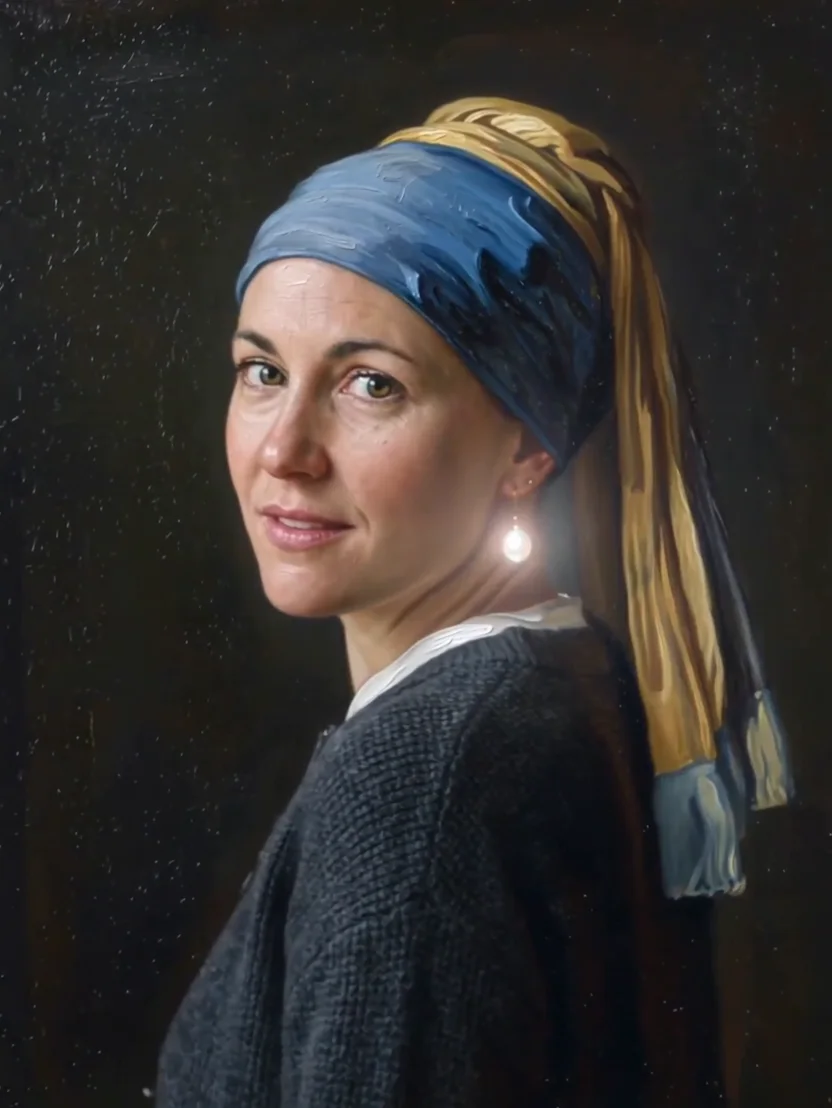 Pearl earringBecome a living Vermeer-style portrait.
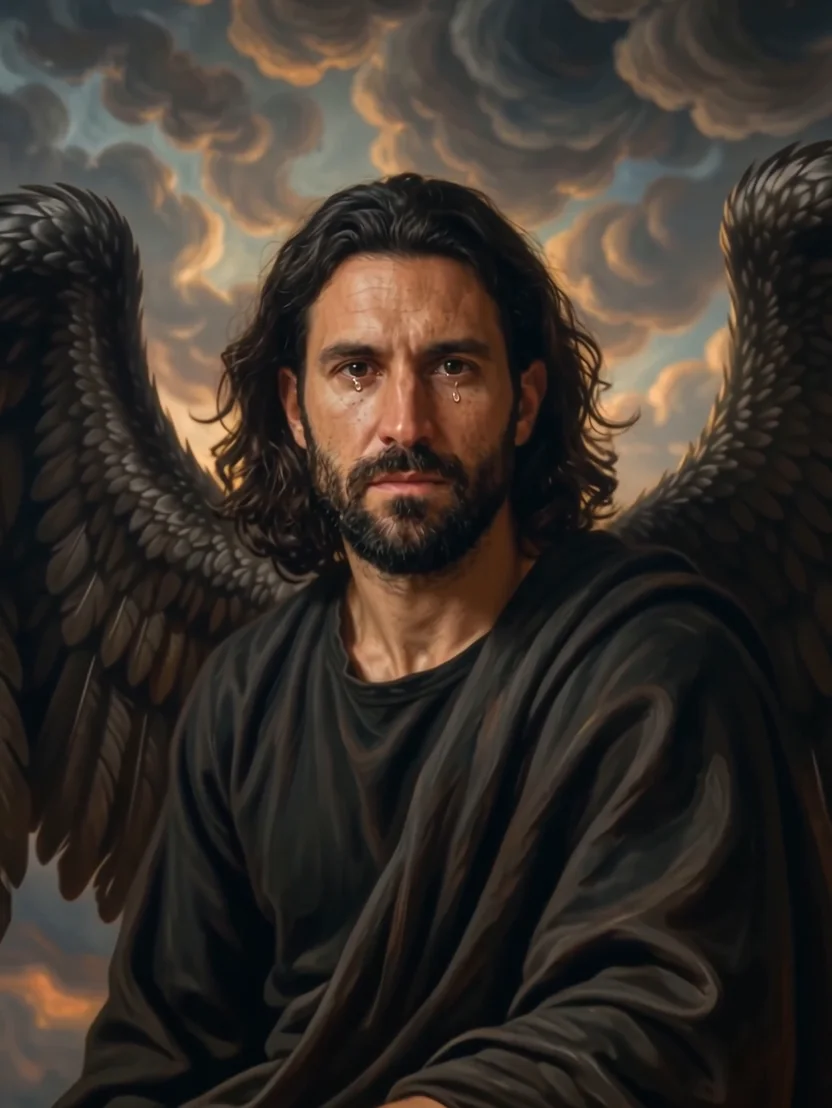 Fallen angelA defiant fallen angel in oil paint.
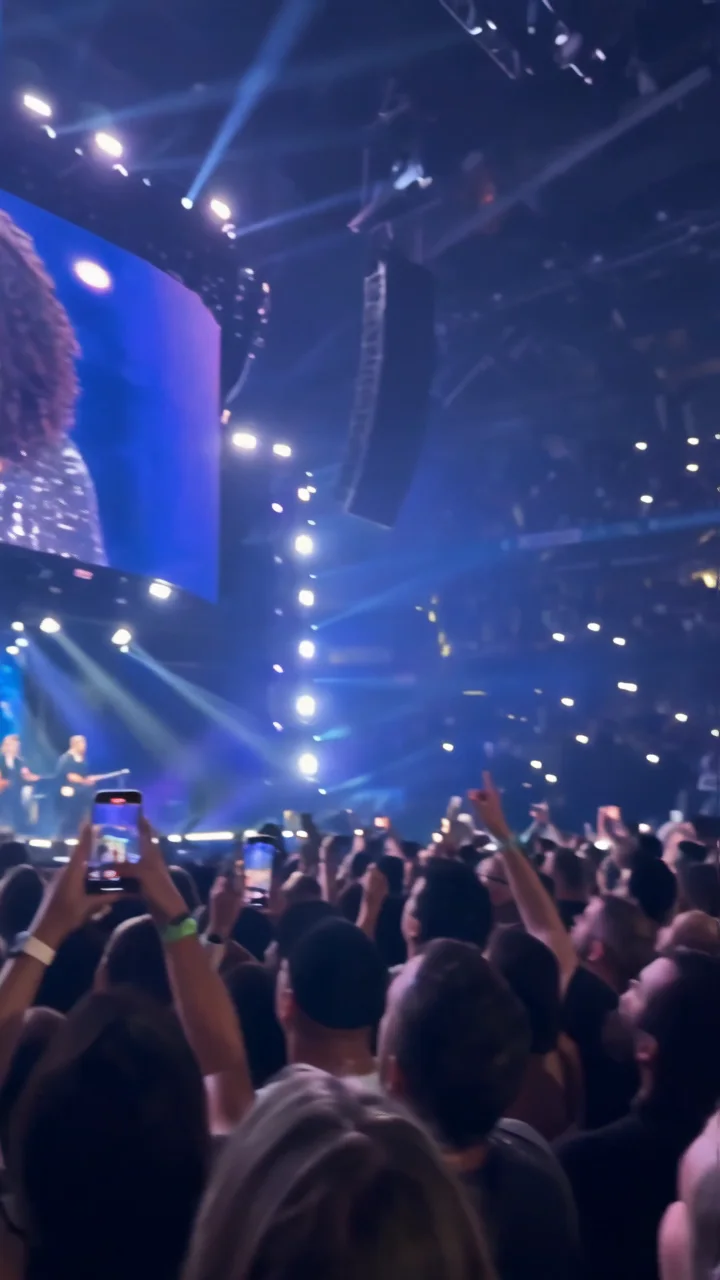 SuperstarYour face takes over the stadium screen.
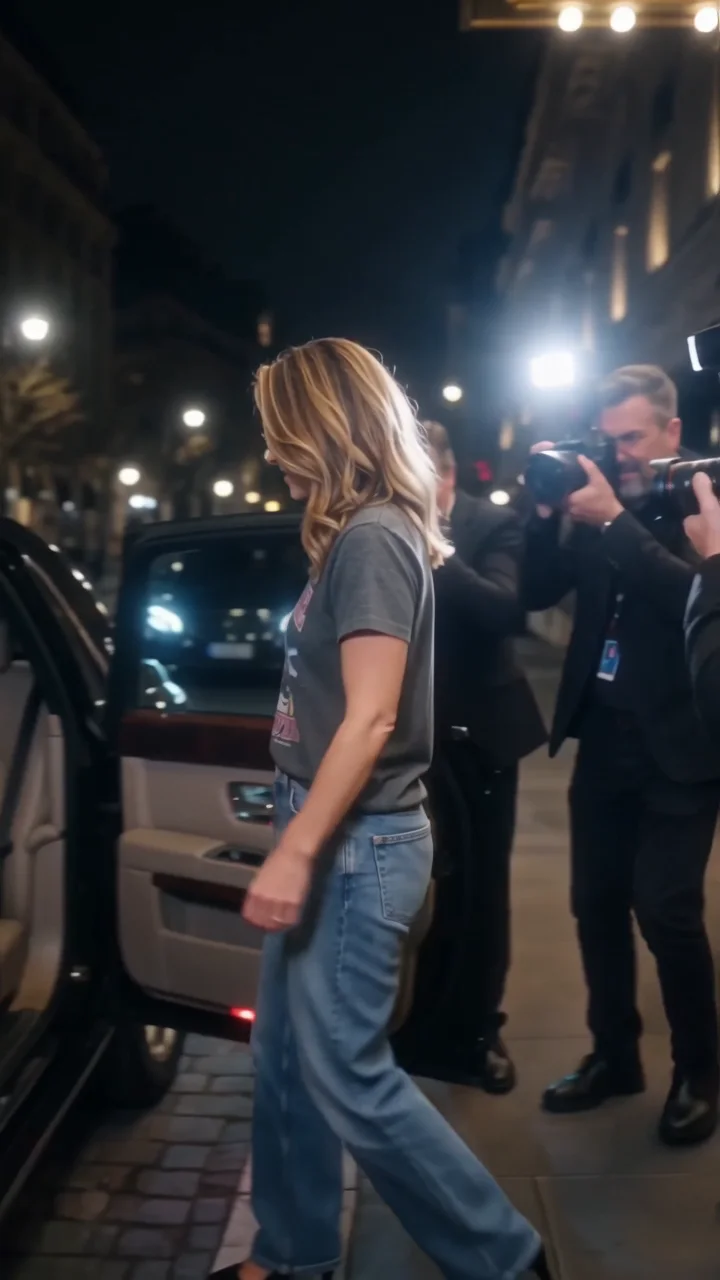 2000s paparazziA Y2K celebrity exit through flashing cameras.
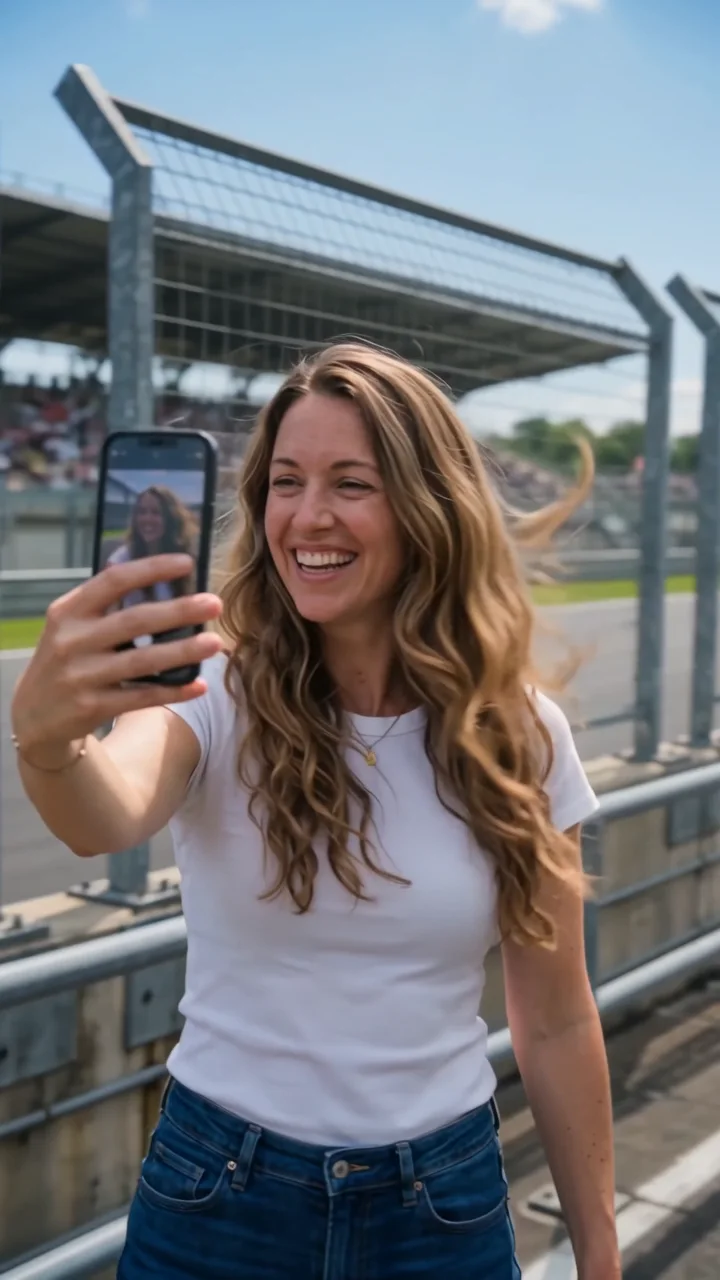 Race trackA selfie walk as race cars blast past.
 Floating fallA suspended moment. Everything falls in slow motion.