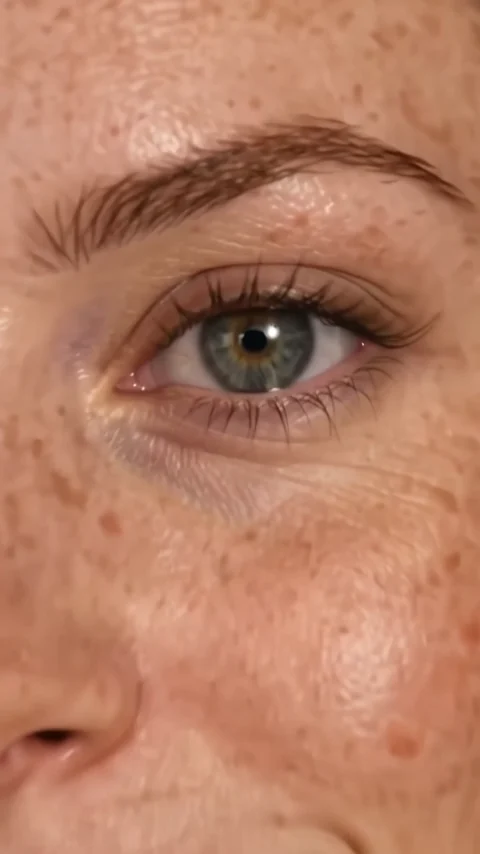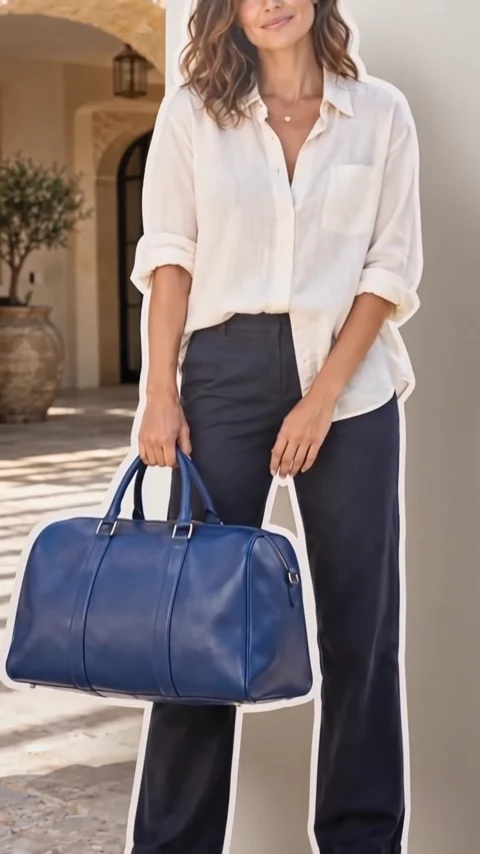
Upload your images
Start with a character. Some effects also take a location or products to make the scene your own.
2000s paparazzi effect
2000s paparazzi is a grainy early-2000s camcorder clip. Your subject, styled like a Y2K celebrity in a graphic tee, low-rise jeans, and tinted sunglasses, exits a luxury hotel through a golden revolving door and walks through a storm of flashes to a waiting black car.
- 8-second clip
- 480p 55 credits
- 720p 112 credits
- 1080p 224 credits
One photo in, one video out
This clip was made with the 2000s paparazzi effect from the photo beside it, on WAN 3.0 Prime at 720p, the same model and settings this page runs.
How to make a 2000s paparazzi video
- 1
Add your photo
Upload one character image. JPG, PNG, or WebP up to 10 MB each.
- 2
Generate your 2000s paparazzi video
Pick a resolution and aspect ratio, add an optional prompt, and review the exact price before you start. An 8-second clip is 55 credits at 480p or 112 credits at 720p.
- 3
Download and share
Your video saves to History on this page. Play it, download the MP4, and post it anywhere.
What it is good for
- Y2K trendsThe paparazzi aesthetic, starring you.
- Birthday and fun clipsTreat a friend like a star.
- Fashion contentEarly-2000s styling in motion.
Tips for a better result
- A clear portrait with a playful expression works well.
- Ask for a different outfit in the prompt, like a velour tracksuit.
- The VHS look is intentional; export at 720p for the most authentic grain.
Questions
Does the paparazzi effect change my outfit?
Yes. It styles your subject in Y2K clothing while keeping their face.
Does it add a date stamp?
No. The direction asks for the VHS look with no timestamp or text.
How much does the 2000s paparazzi effect cost?
55 credits at 480p, 112 credits at 720p, 224 credits at 1080p for a 8-second clip. You pay per video in credits and see the exact price before generating.
Whose photos can I use?
Use photos of yourself, or of people who have agreed to be in the video. Do not upload photos of other people without their permission.