
Upload your images
Start with a character. Some effects also take a location or products to make the scene your own.
Superstar effect
Superstar drops the viewer into a packed stadium crowd with a sea of raised phones and waving hands. The stage lights flare, and the giant screen above the stage cuts to a close-up of your subject performing into a microphone as the crowd roars.
- 8-second clip
- 480p 55 credits
- 720p 112 credits
- 1080p 224 credits
One photo in, one video out
This clip was made with the Superstar effect from the photo beside it, on WAN 3.0 Prime at 720p, the same model and settings this page runs.
How to make a Superstar video
- 1
Add your photo
Upload one character image. JPG, PNG, or WebP up to 10 MB each.
- 2
Generate your Superstar video
Pick a resolution and aspect ratio, add an optional prompt, and review the exact price before you start. An 8-second clip is 55 credits at 480p or 112 credits at 720p.
- 3
Download and share
Your video saves to History on this page. Play it, download the MP4, and post it anywhere.
What it is good for
- MusiciansA stadium moment before the stadium.
- Birthdays and shout-outsPut a friend on the big screen.
- High-energy introsRaw concert atmosphere.
Tips for a better result
- A clear, expressive portrait works; the stadium comes from the effect.
- Bold makeup or a stage outfit sells the look.
- Name a genre in the prompt, like a rock show or a pop concert.
Questions
Do I need a concert photo?
No. The stadium and crowd come from the effect; your photo provides the face on the screen.
How long is the superstar effect?
Each clip is 8 seconds.
How much does the Superstar effect cost?
55 credits at 480p, 112 credits at 720p, 224 credits at 1080p for a 8-second clip. You pay per video in credits and see the exact price before generating.
Whose photos can I use?
Use photos of yourself, or of people who have agreed to be in the video. Do not upload photos of other people without their permission.
More effects like Superstar
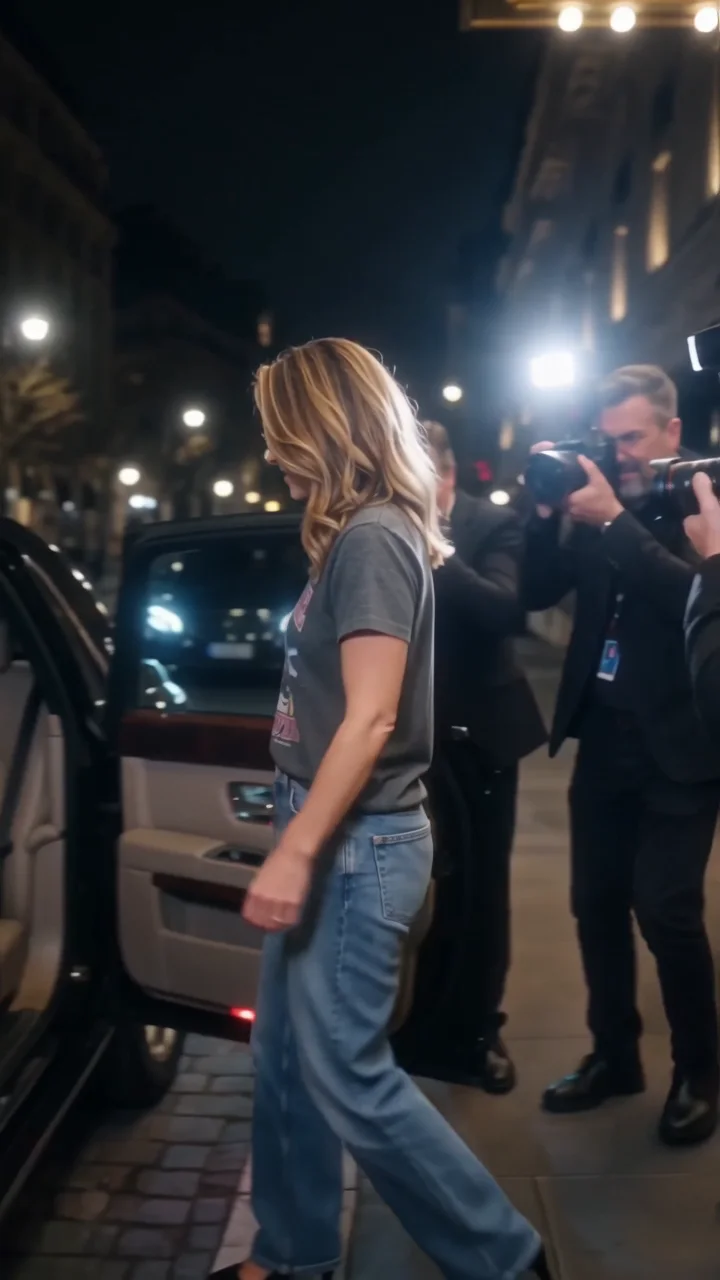 2000s paparazziA Y2K celebrity exit through flashing cameras.
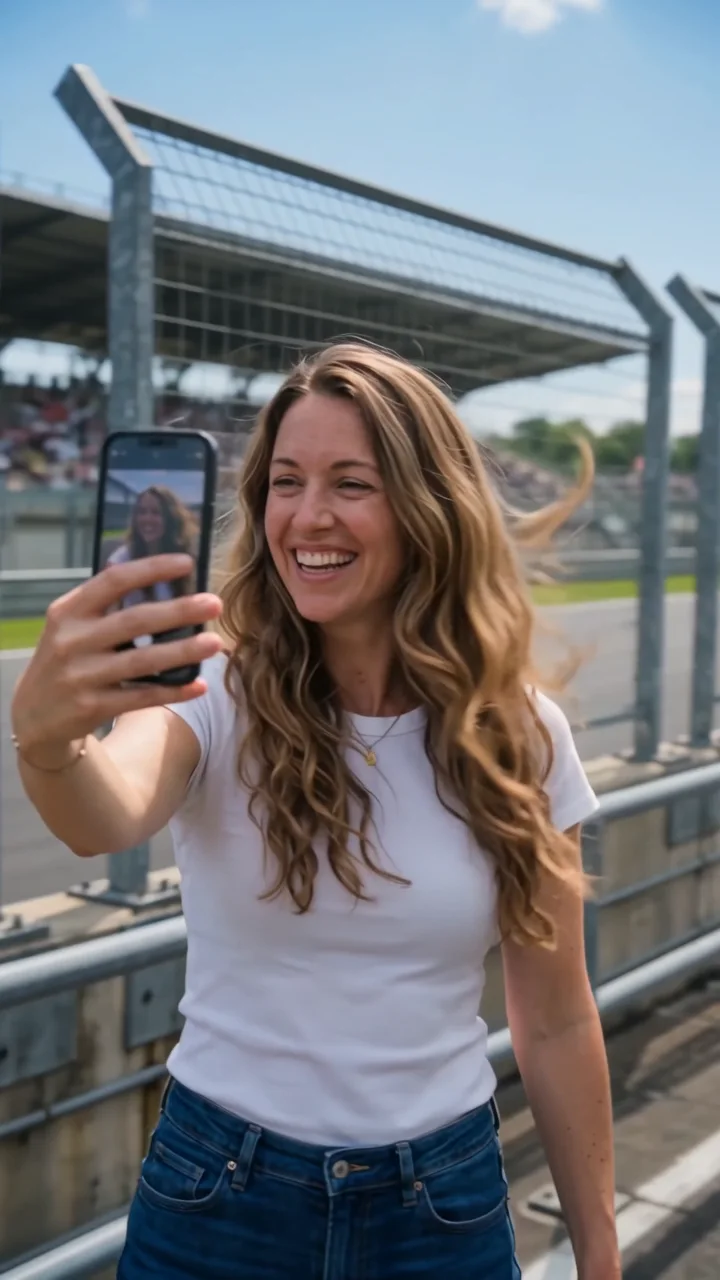 Race trackA selfie walk as race cars blast past.
 Floating fallA suspended moment. Everything falls in slow motion.
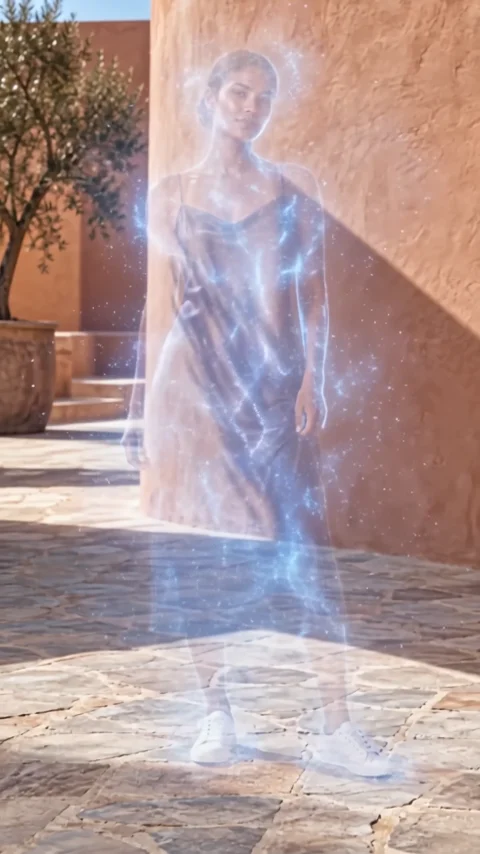 VanishDisappear into a cloud of fine particles.
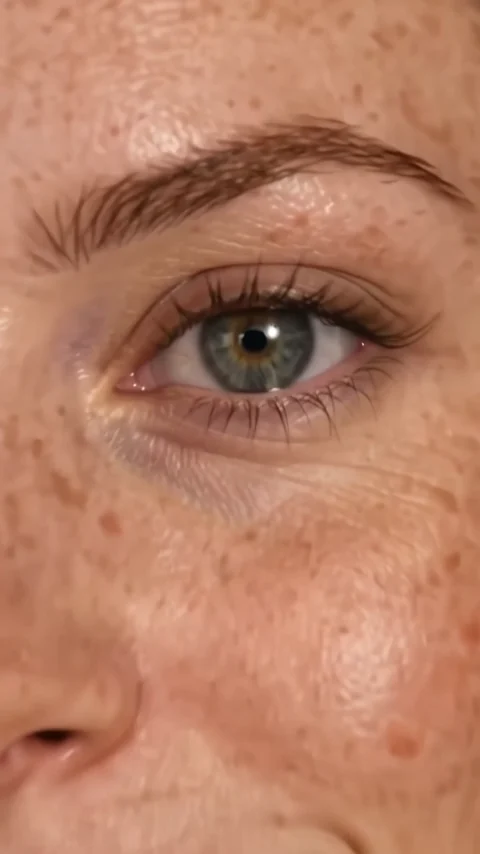 Eyes inA cinematic push into the eye.
 CutoutStep out of the scene as a paper cutout.