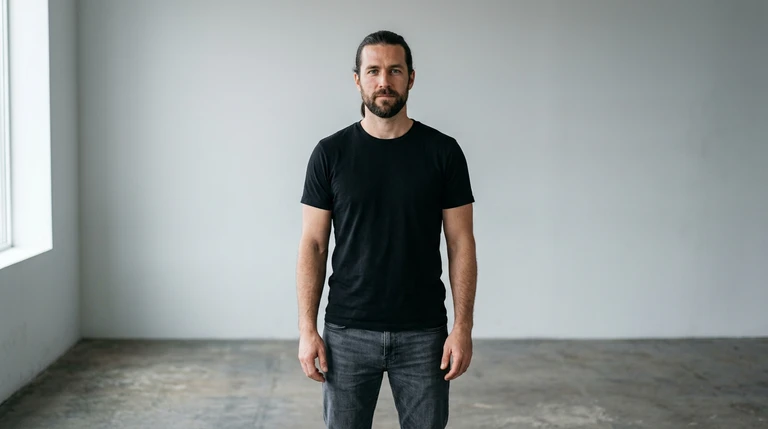
Upload your images
Start with a character. Some effects also take a location or products to make the scene your own.
Screen breakout effect
Screen breakout starts in a dark movie theater with your subject on the giant screen as an armored hero. They step out of the screen into the room, becoming real, while armored warriors pour out behind them and storm down the aisles past the empty seats.
- 8-second clip
- 480p 55 credits
- 720p 112 credits
- 1080p 224 credits
One photo in, one video out
This clip was made with the Screen breakout effect from the photo beside it, on WAN 3.0 Prime at 720p, the same model and settings this page runs.
How to make a Screen breakout video
- 1
Add your photo
Upload one character image. JPG, PNG, or WebP up to 10 MB each.
- 2
Generate your Screen breakout video
Pick a resolution and aspect ratio, add an optional prompt, and review the exact price before you start. An 8-second clip is 55 credits at 480p or 112 credits at 720p.
- 3
Download and share
Your video saves to History on this page. Play it, download the MP4, and post it anywhere.
What it is good for
- Trailers and premieresA cinematic opener for a launch.
- Bold revealsLarger than life, literally.
- Fan editsPut yourself in the epic.
Tips for a better result
- Any clear photo of your subject works; the armor and theater come from the effect.
- Widescreen framing suits the theater.
- Change the era in the prompt, like space marines or samurai.
Questions
Do I need to be in armor in my photo?
No. The effect dresses your subject as an armored hero and keeps their face.
Is there fighting?
No. The warriors storm the aisles, but no violence is shown.
How much does the Screen breakout effect cost?
55 credits at 480p, 112 credits at 720p, 224 credits at 1080p for a 8-second clip. You pay per video in credits and see the exact price before generating.
Whose photos can I use?
Use photos of yourself, or of people who have agreed to be in the video. Do not upload photos of other people without their permission.
More effects like Screen breakout
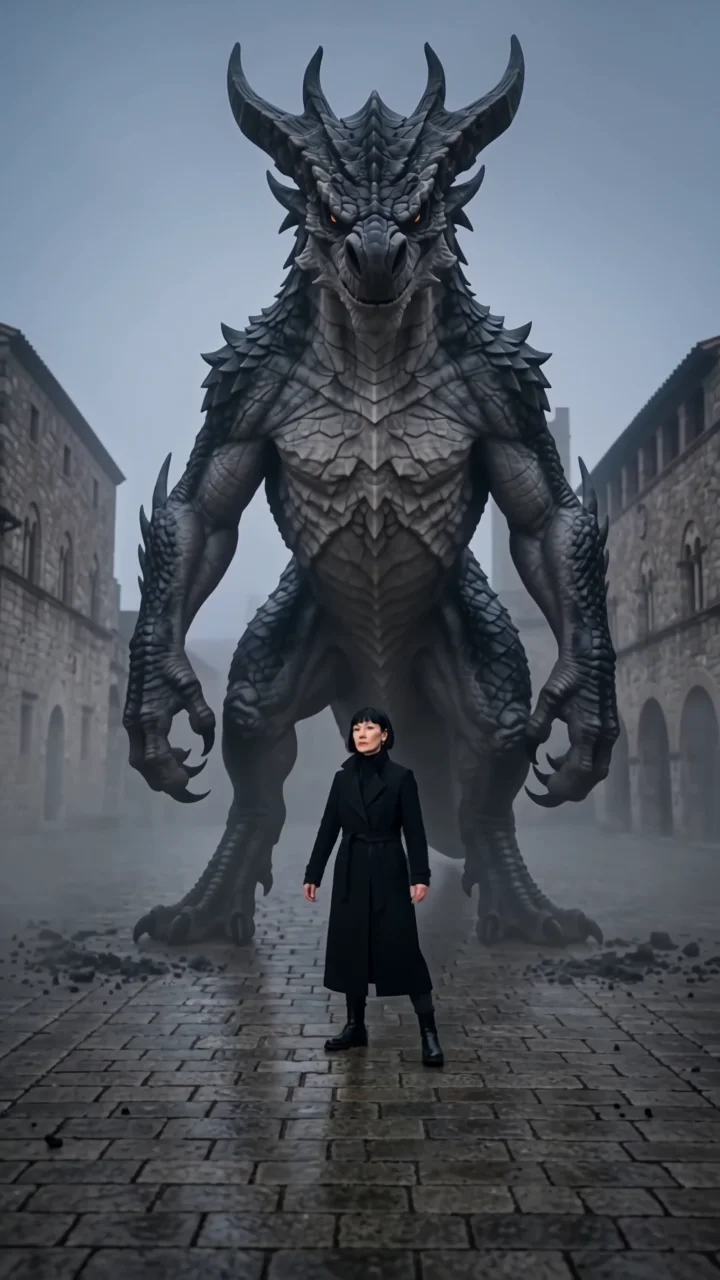 Monster dabA colossal creature lands behind you and dabs.
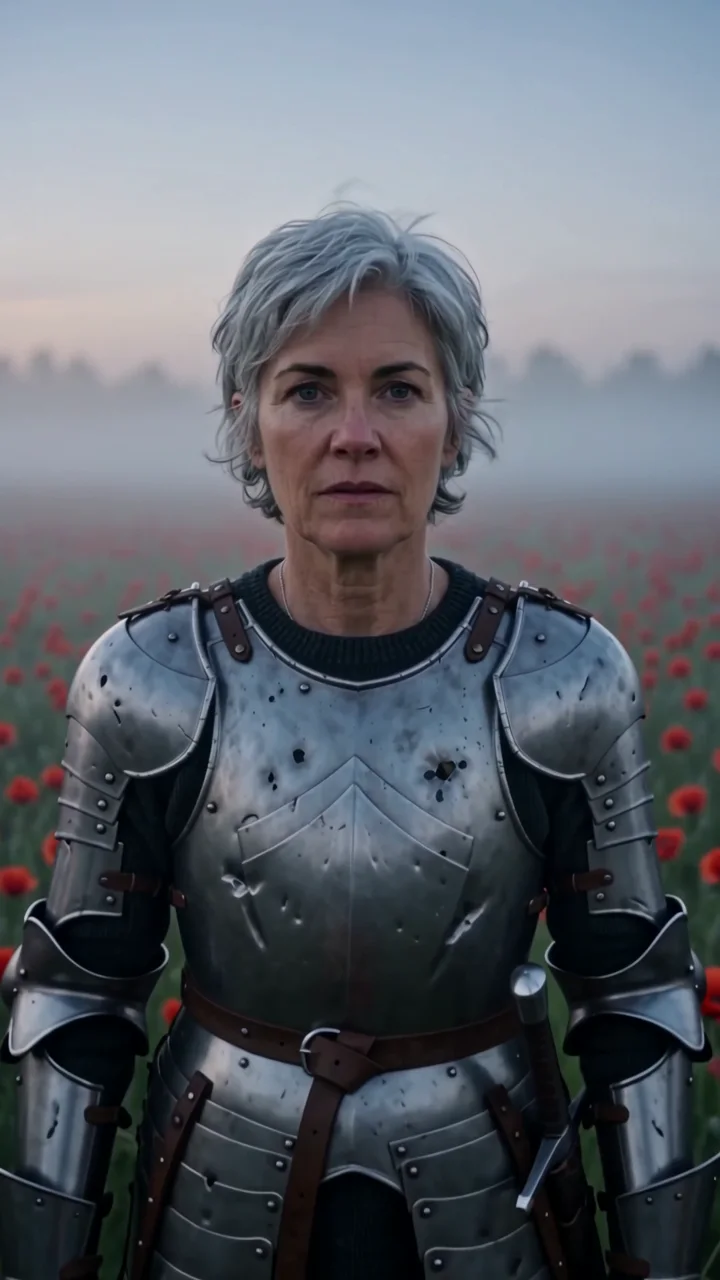 Mighty fighterA battle-worn knight in a field of poppies.
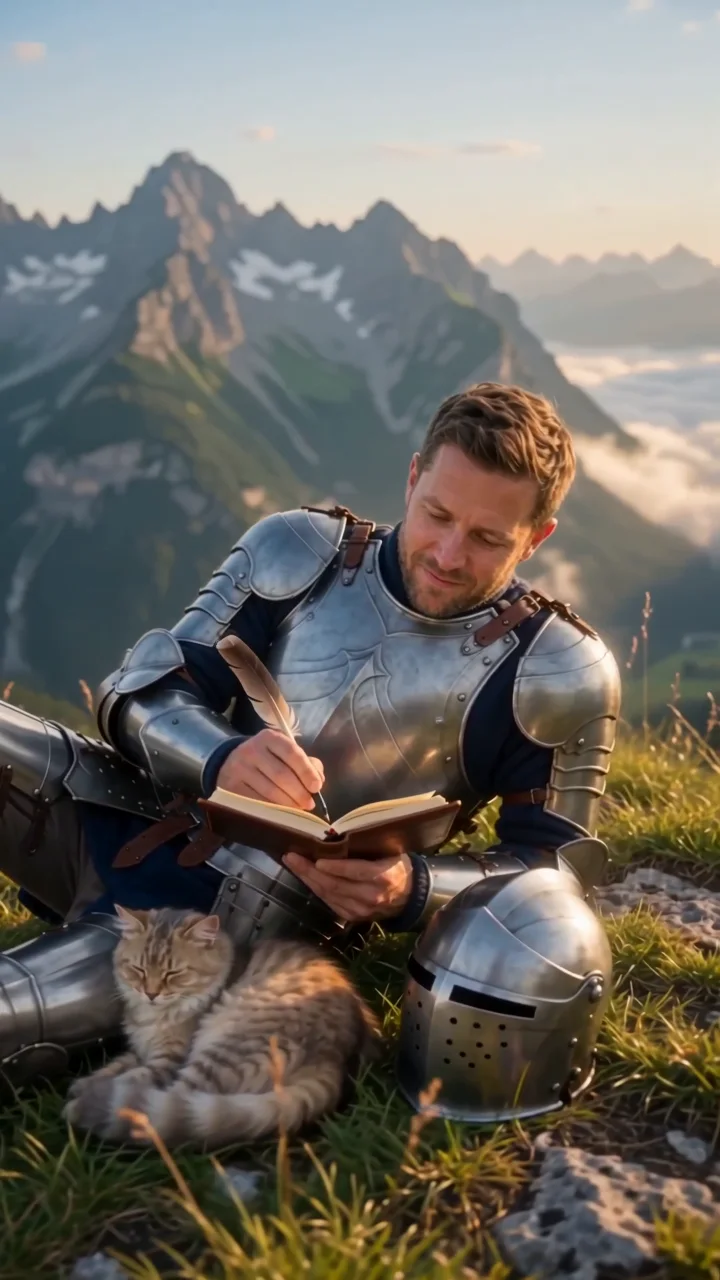 Knight's diaryAn off-duty knight writes above the Alps.
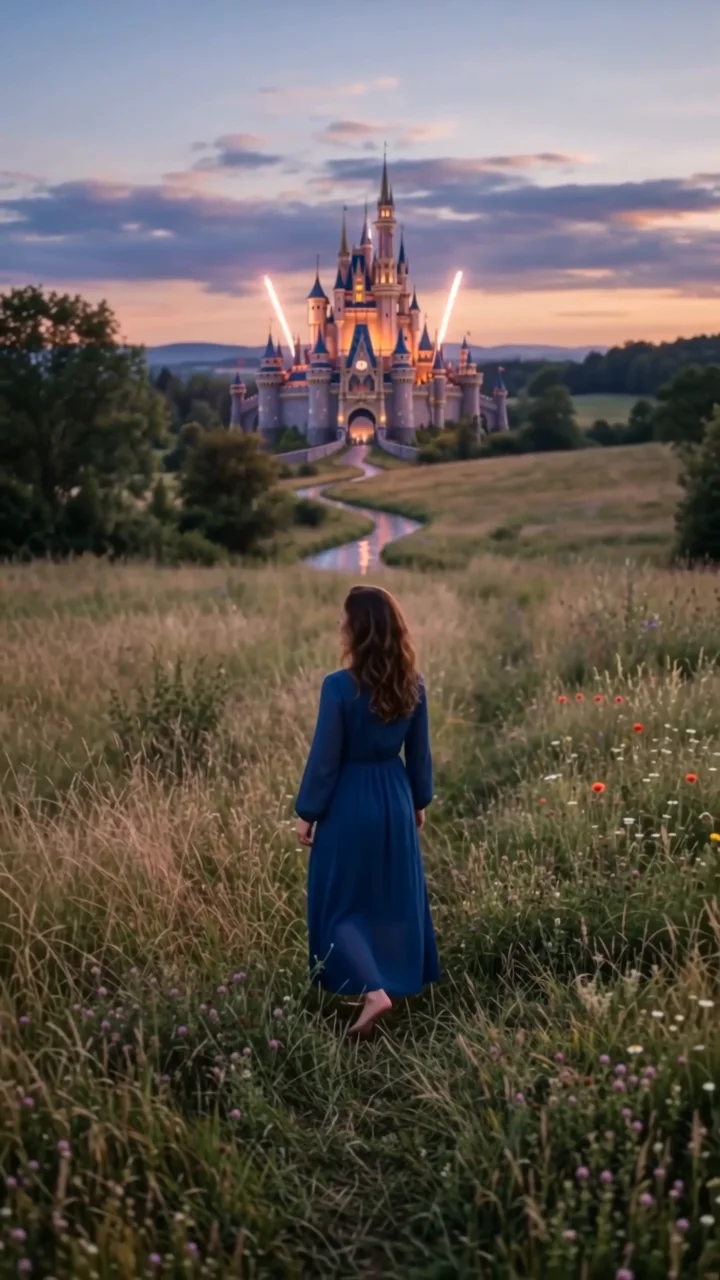 Fairytale castleA glowing castle and fireworks at dusk.
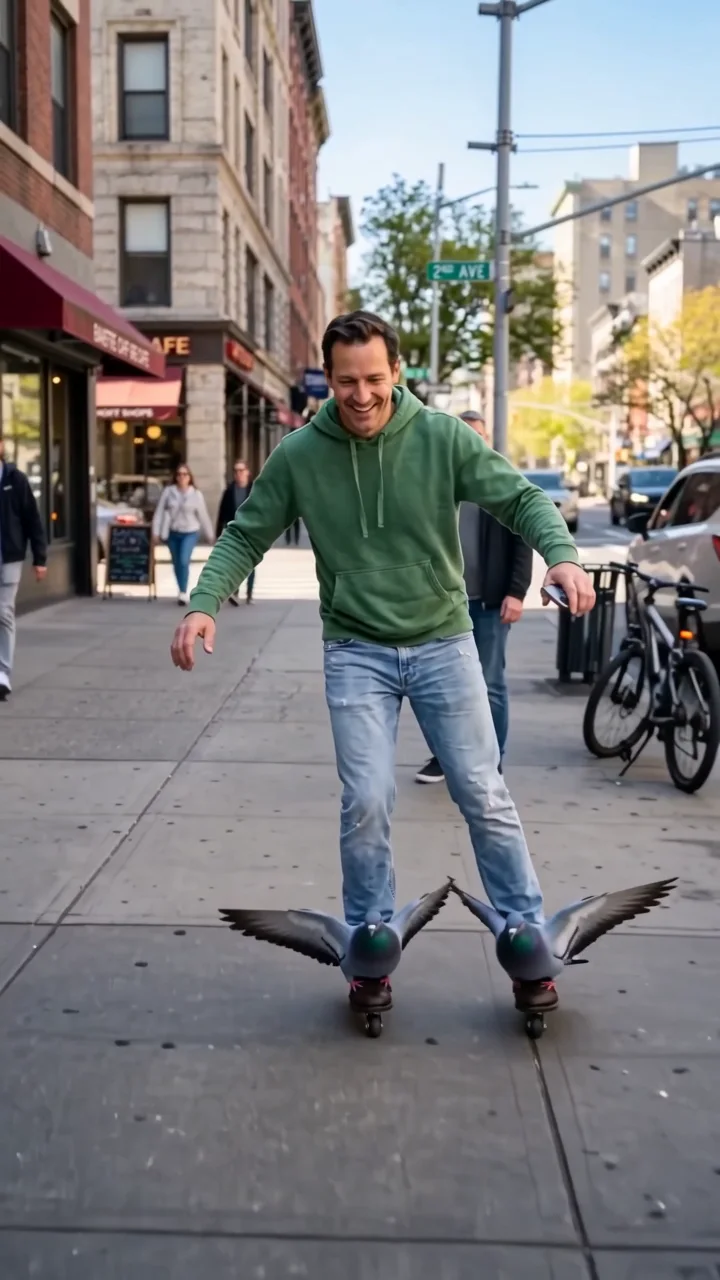 Pigeon skatesRoll through the city on two pigeons.
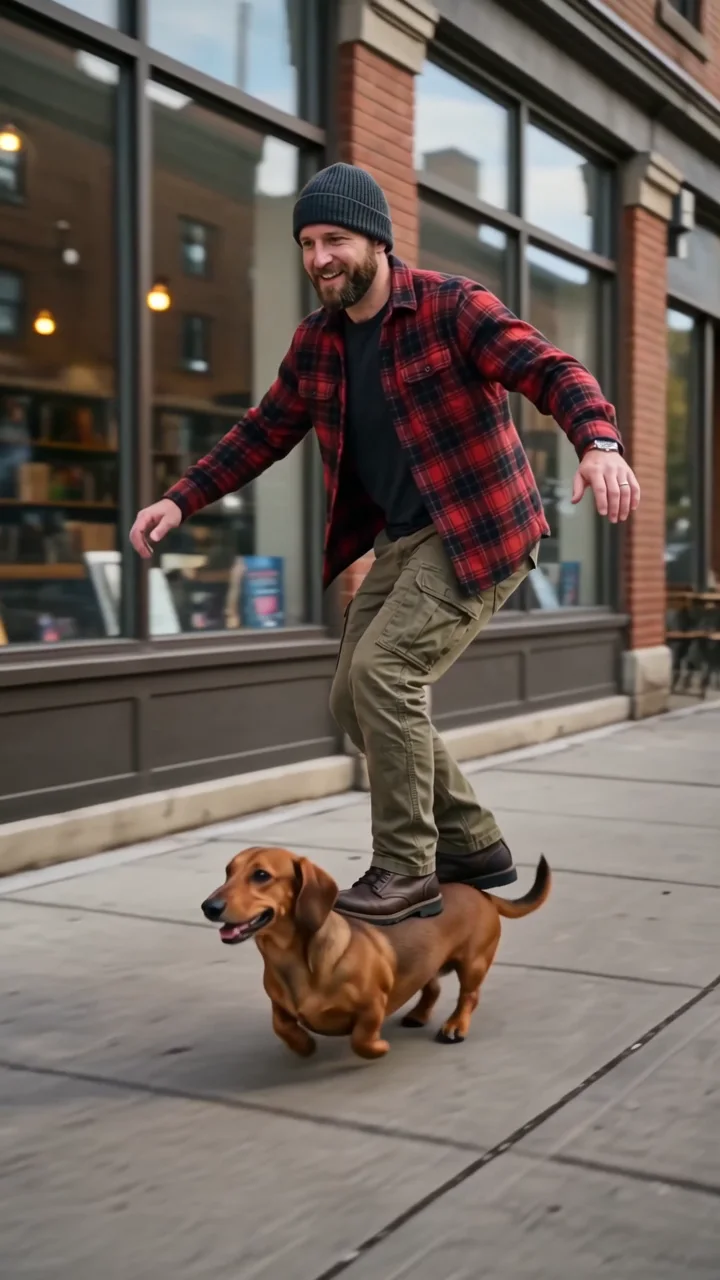 SkatedogShred the streets on a dachshund.