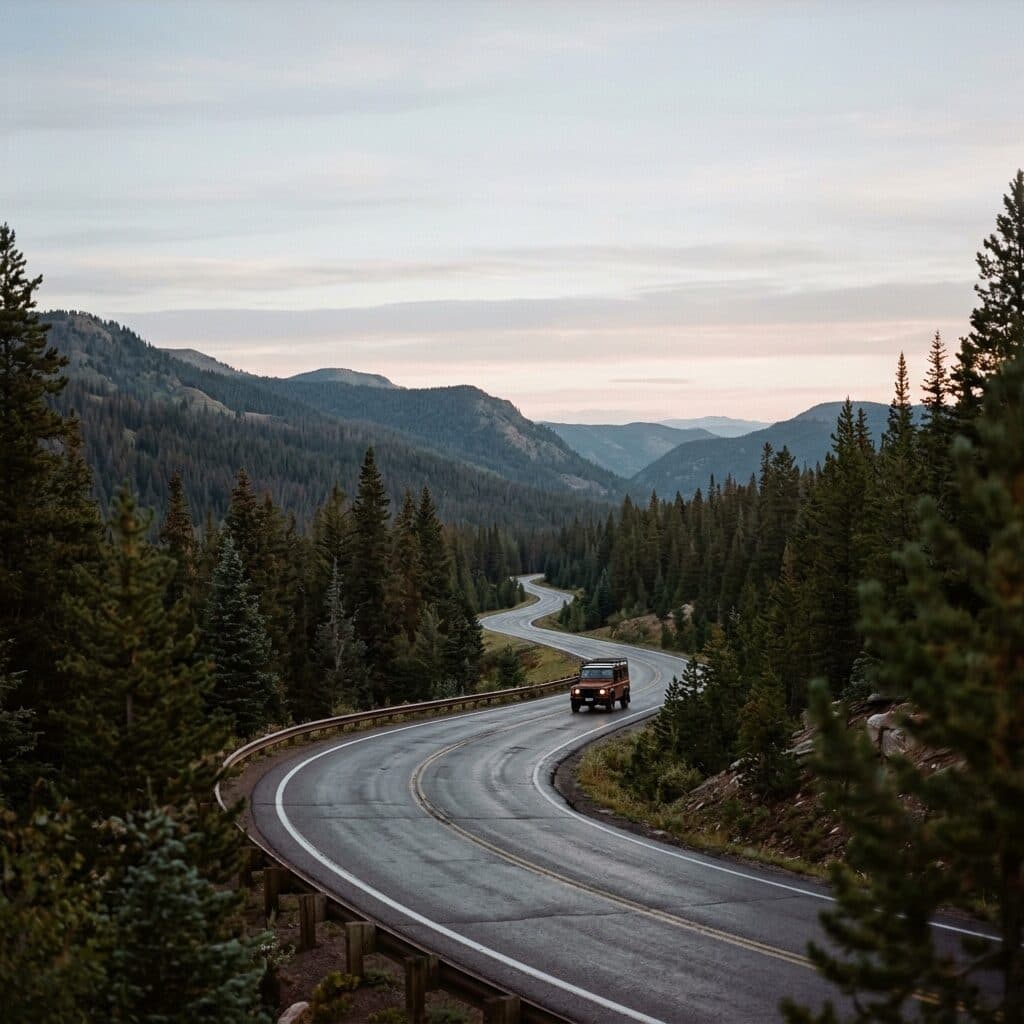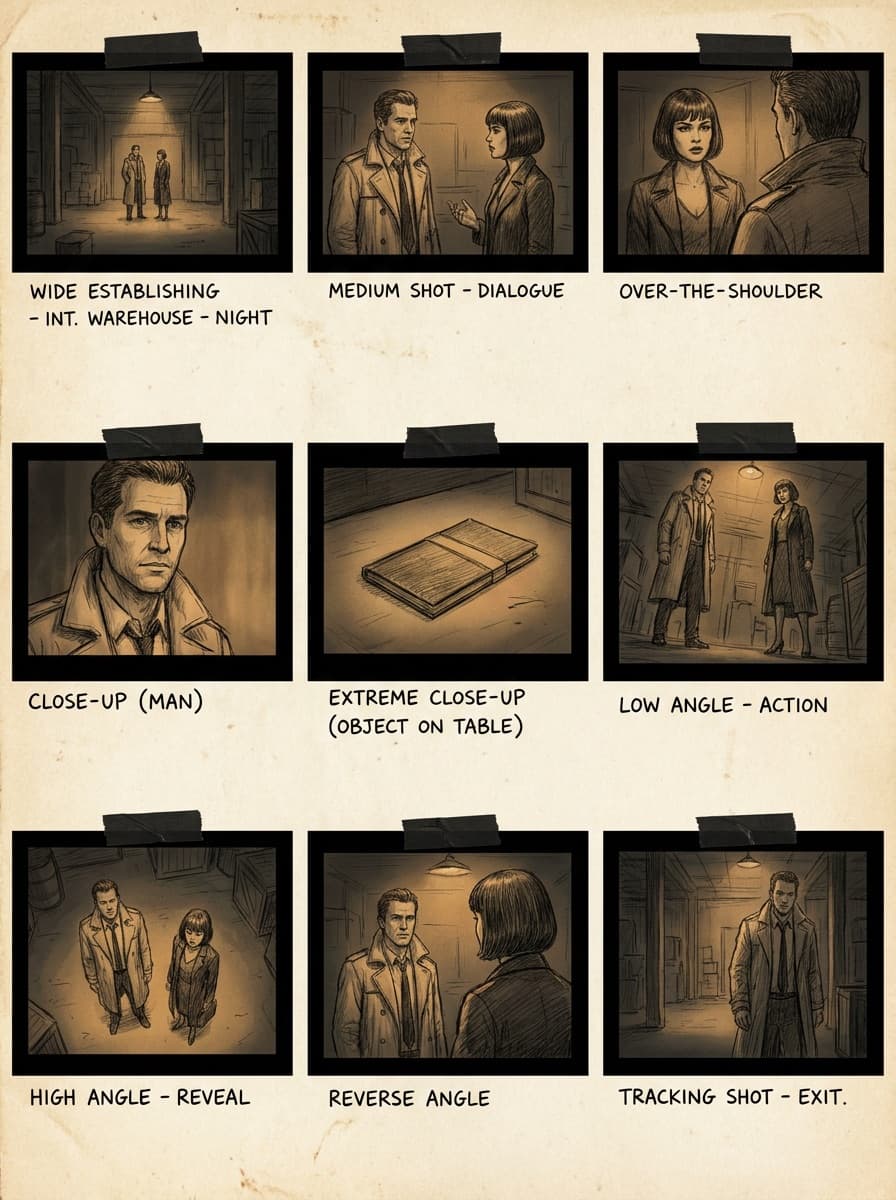
9-angle grid
“Turn this frame into a 3x3 grid of nine camera angles of the same action, consistent characters and lighting.”
Upload a reference frame and describe the coverage you need — a shot sequence or a grid of camera angles. Made generates storyboard panels that keep characters, styling, and lighting consistent across shots.
9-angle grid“Turn this frame into a 3x3 grid of nine camera angles of the same action, consistent characters and lighting.”
One image that defines characters, styling, and lighting — a photo, render, or generated still.
Ask for a shot list (“wide, medium, close-up”) or a multi-angle grid of the same action.
Say “consistent characters, pose, and lighting” so only the camera changes between panels.
Regenerate individual shots that miss, keeping the reference frame as the constant.
Real results from Made. Use a prompt to load it into the studio above, then add your own photo.
“Turn this frame into a 3x3 grid of nine camera angles of the same action, consistent characters and lighting.”
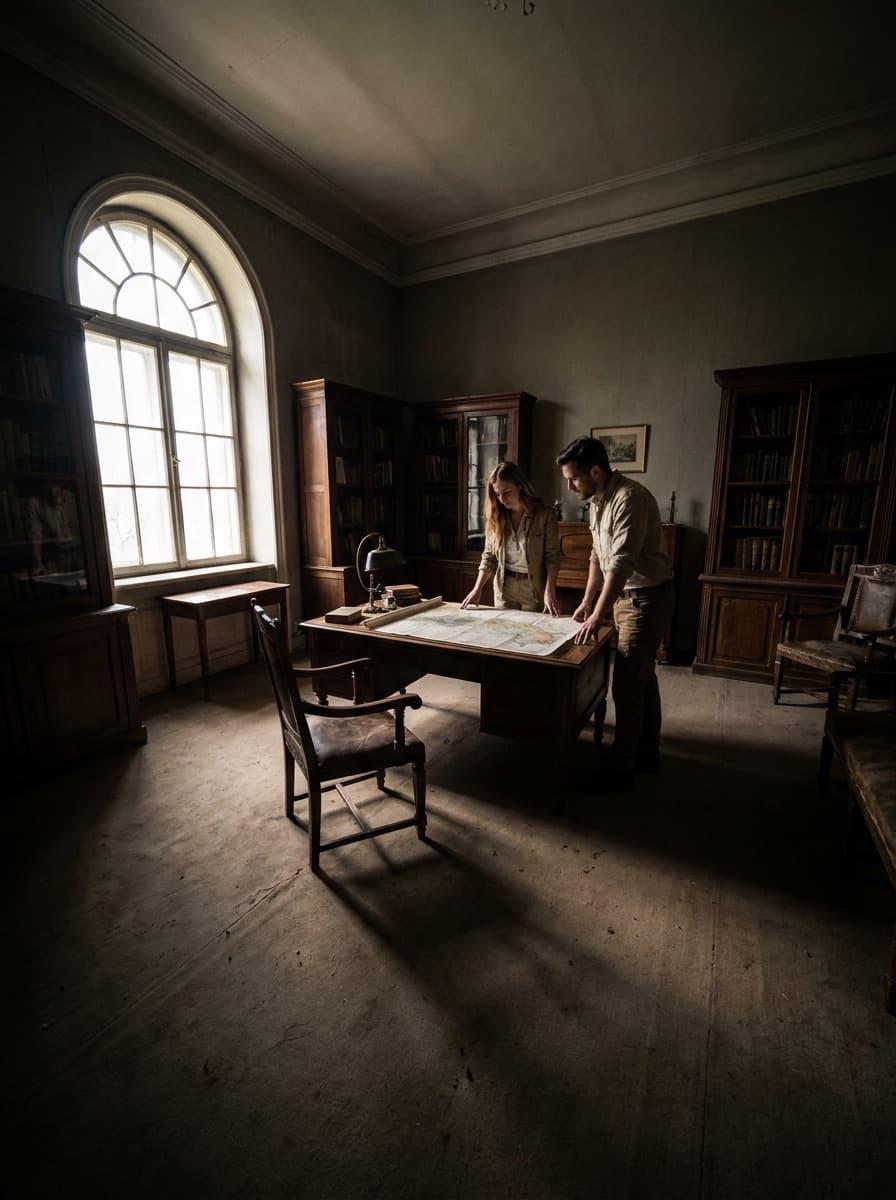
“Make a three-panel sequence: wide establishing shot, medium two-shot, close-up reaction.”
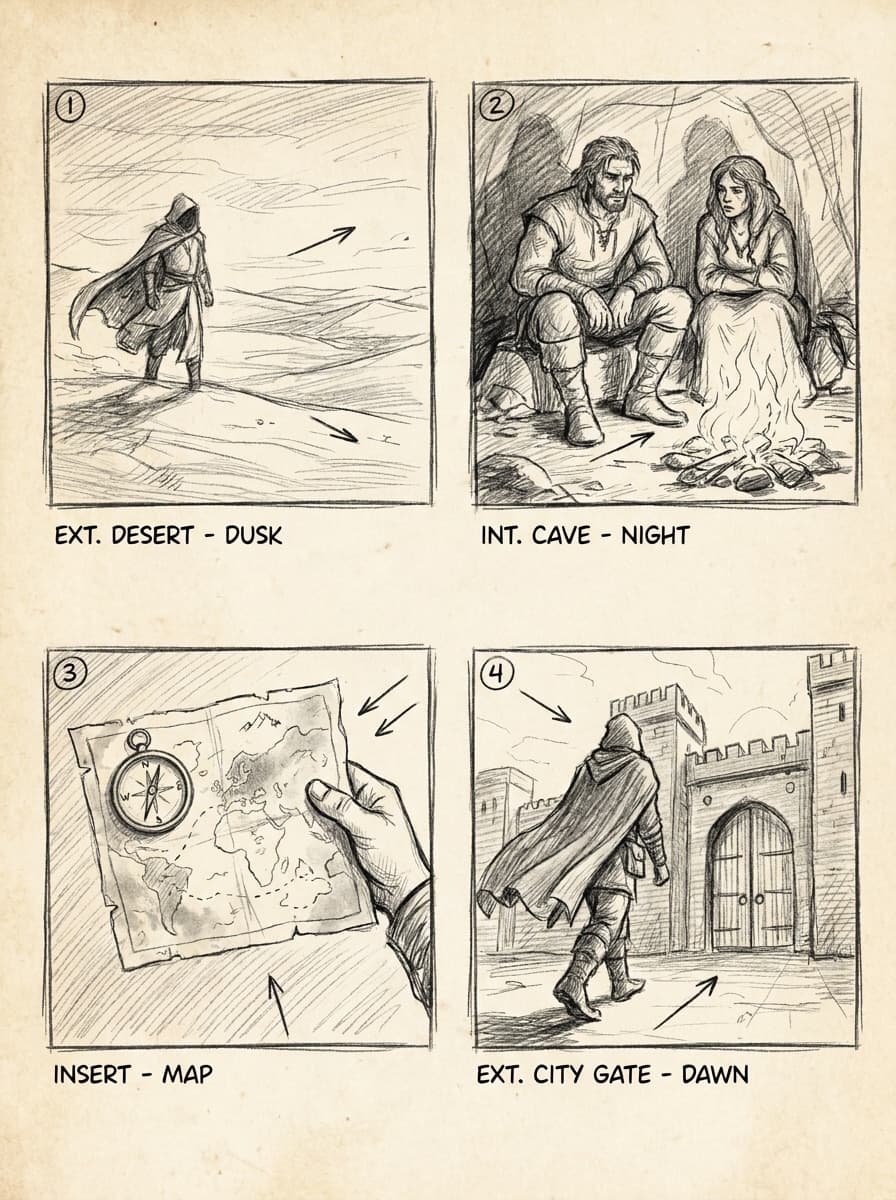
“Render these storyboard panels in loose pencil-sketch style with framing notes.”
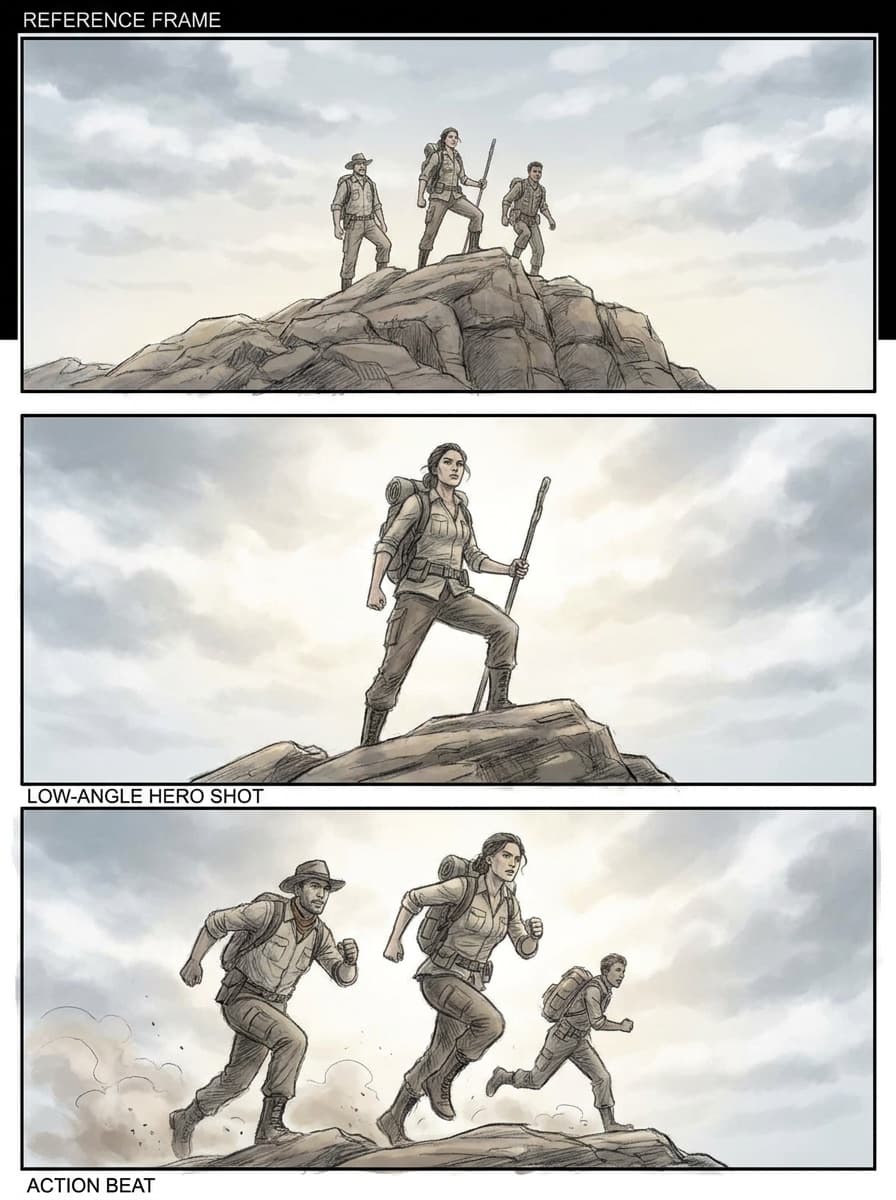
“Same scene from a low hero angle looking up at the subject.”
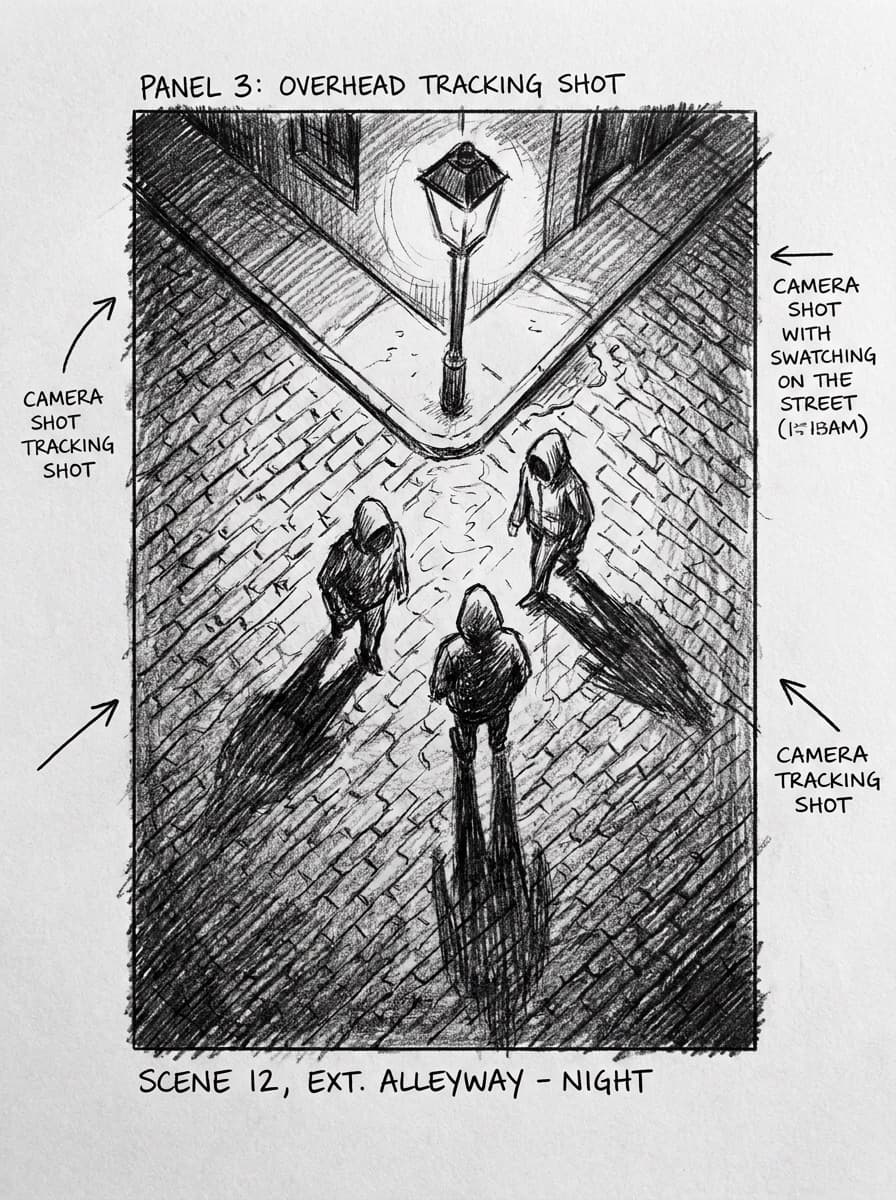
“Show this scene from directly overhead, keeping everyone in position.”
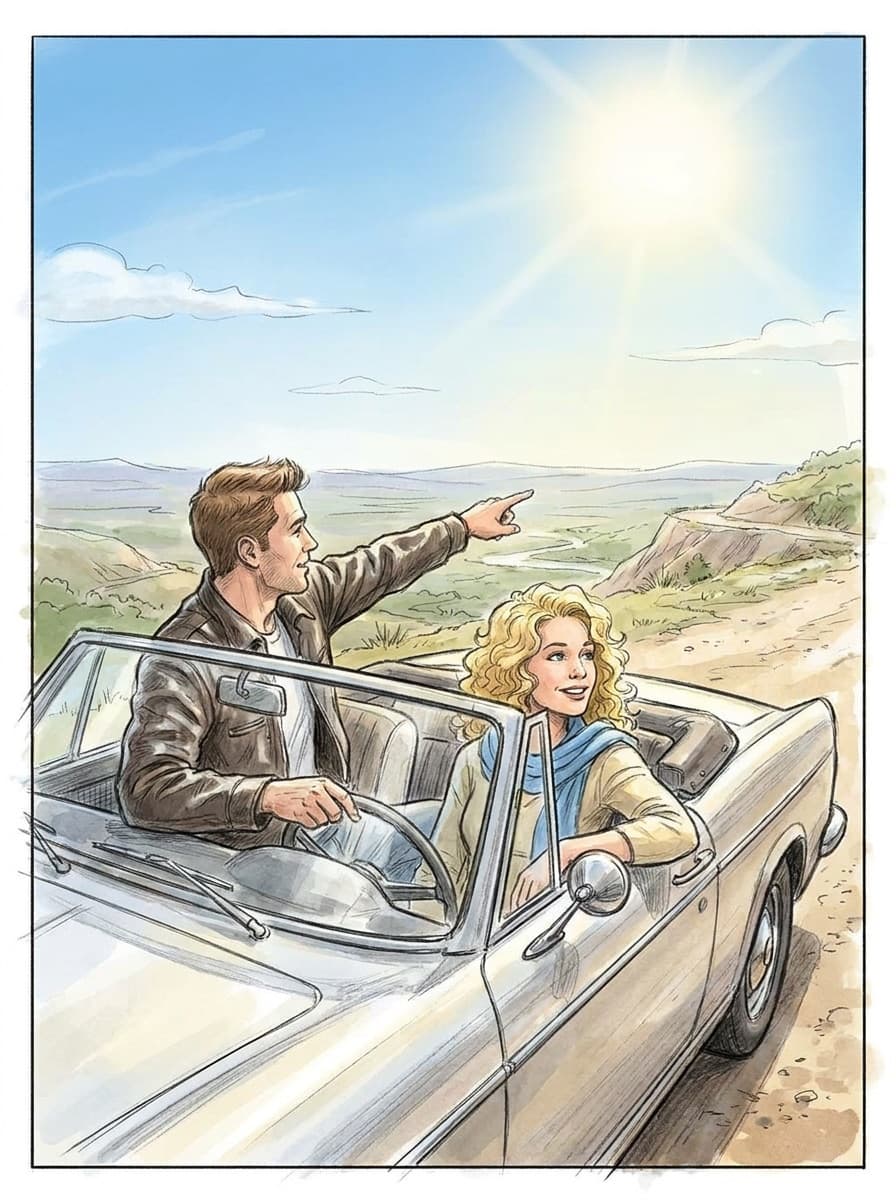
“The same frame at golden hour so I can compare lighting directions.”
Checked against the running tool on 2026-09-04.
It is one image containing a 3x3 grid of the same action seen from nine camera positions — wide, medium, close, high, low, and so on. Directors and editors use it to choose coverage at a glance before shooting or rendering anything. Ask for it directly: “a 3x3 grid of nine camera angles of this frame.”
The reference frame anchors identity, wardrobe, and lighting, and most panels hold them well. Some drift is normal — a hairstyle shifts, a prop moves. Regenerate the outlier panels rather than the whole board; the reference keeps everything else stable.
They are plausible, not surveyed — the model imagines what the scene looks like from positions it cannot see. For storyboarding and pitching that is exactly enough; for technical previs with measured lenses you would move to a 3D tool.
Yes — say “loose pencil storyboard style” or “inked panels.” Sketch styles read more like working documents in a pitch, and they hide the small inconsistencies that photorealism exposes.
Describe the beats: “three panels — she enters the cafe, spots the letter, sits down stunned.” Each panel is generated from the same reference so the scene stays cast and lit. Longer sequences work best a few beats at a time.
One image that already answers the big questions — who is in the scene, what they wear, what the light does. A generated still, a styled photo, or a location scout shot all work. The cleaner the reference, the tighter the consistency.
Yes — take any panel into the Image to Video Generator to animate it into a five-second clip. Board the scene here, then animate the panels you commit to.
 Core
Core New
New New
New New
New New
New
 New
New
See what each one makes, then open it in Made.