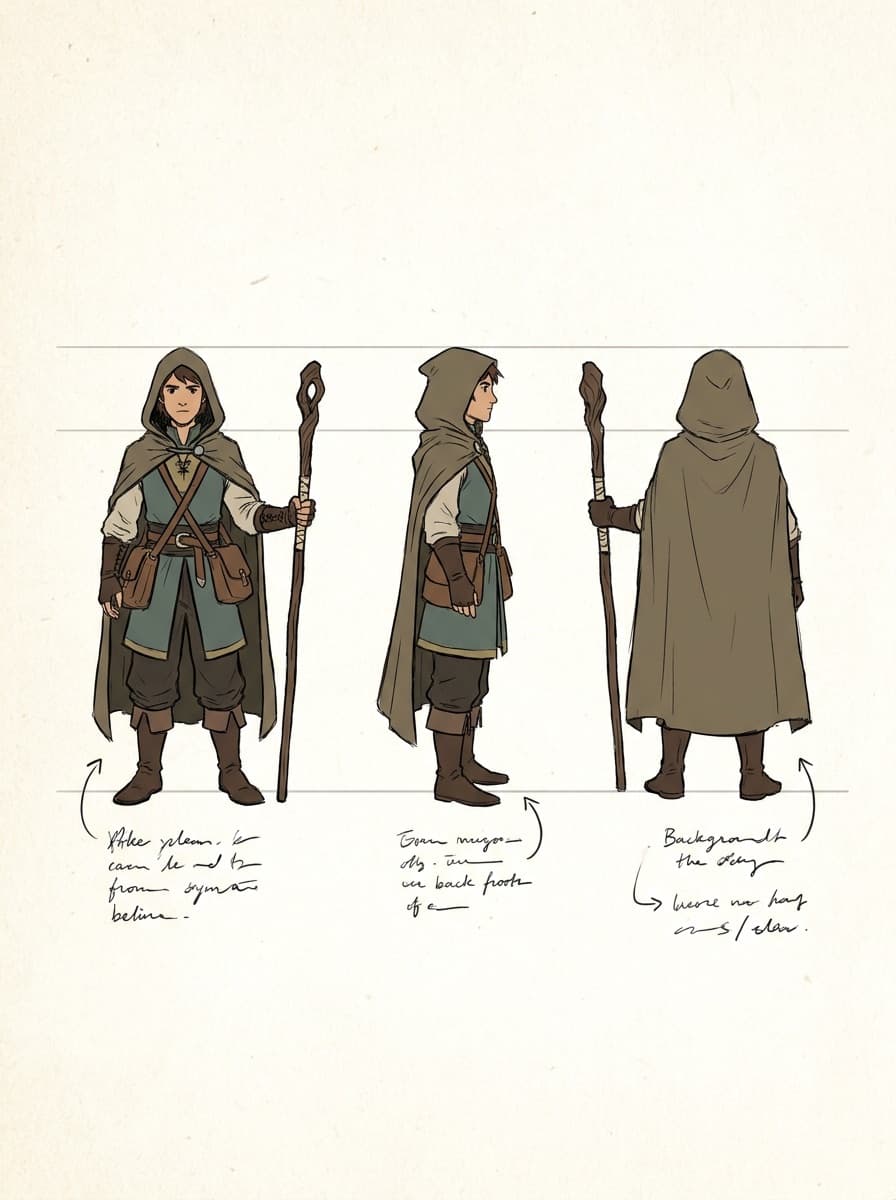
Full turnaround
“Make a turnaround sheet of this character: front, three-quarter, side, and back views in a row, same design and lighting.”
Upload one image of a character — drawn, rendered, or photographed — and Made generates a turnaround: front, three-quarter, side, and back views with the design held consistent.
Full turnaround“Make a turnaround sheet of this character: front, three-quarter, side, and back views in a row, same design and lighting.”
One clear image — concept art, a render, or a photo — showing the design you want held.
“Front, three-quarter, side, and back in a row” for a classic sheet; or one specific view.
Say “same outfit, proportions, and colors” so only the viewpoint changes.
Check design elements that were invisible in the source — the back is imagined, so confirm it matches intent.
Real results from Made. Use a prompt to load it into the studio above, then add your own photo.
“Make a turnaround sheet of this character: front, three-quarter, side, and back views in a row, same design and lighting.”
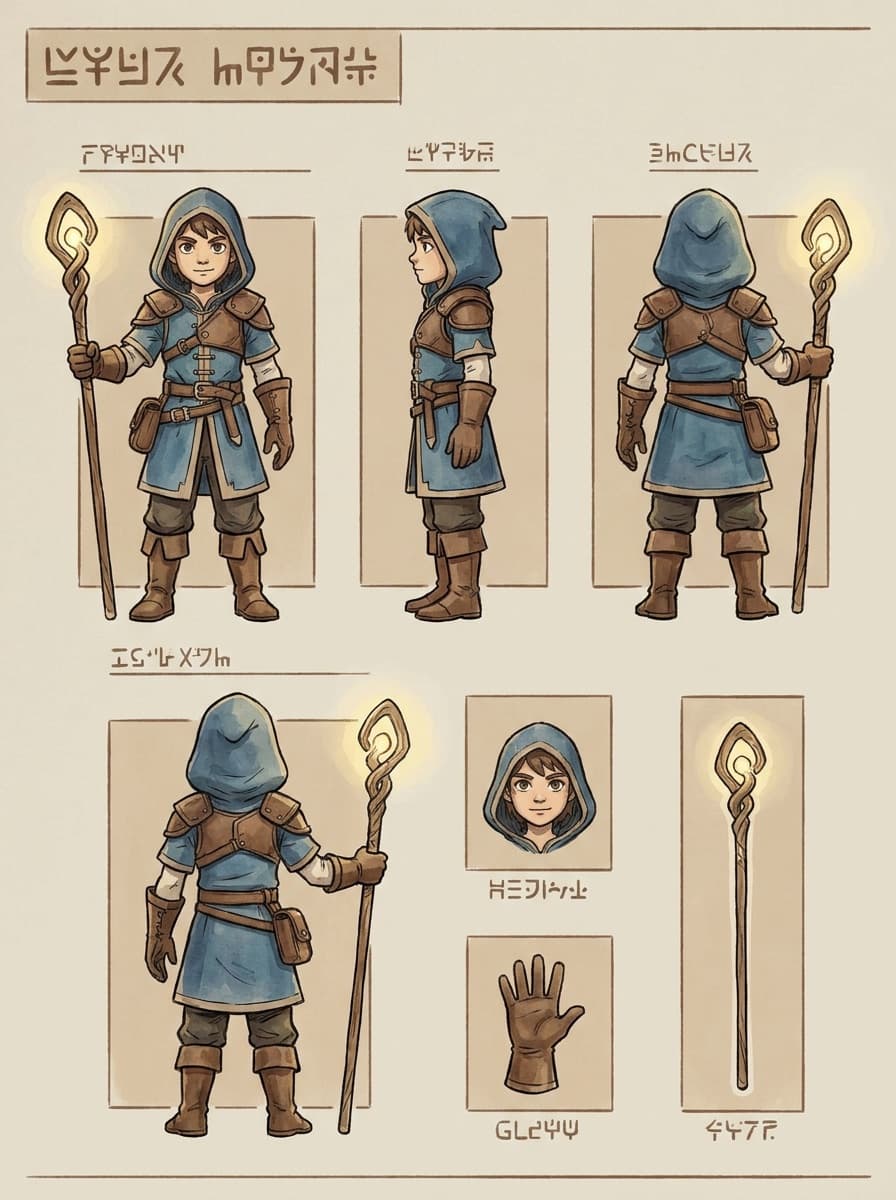
“A turnaround of this game character on a neutral background for the art team.”
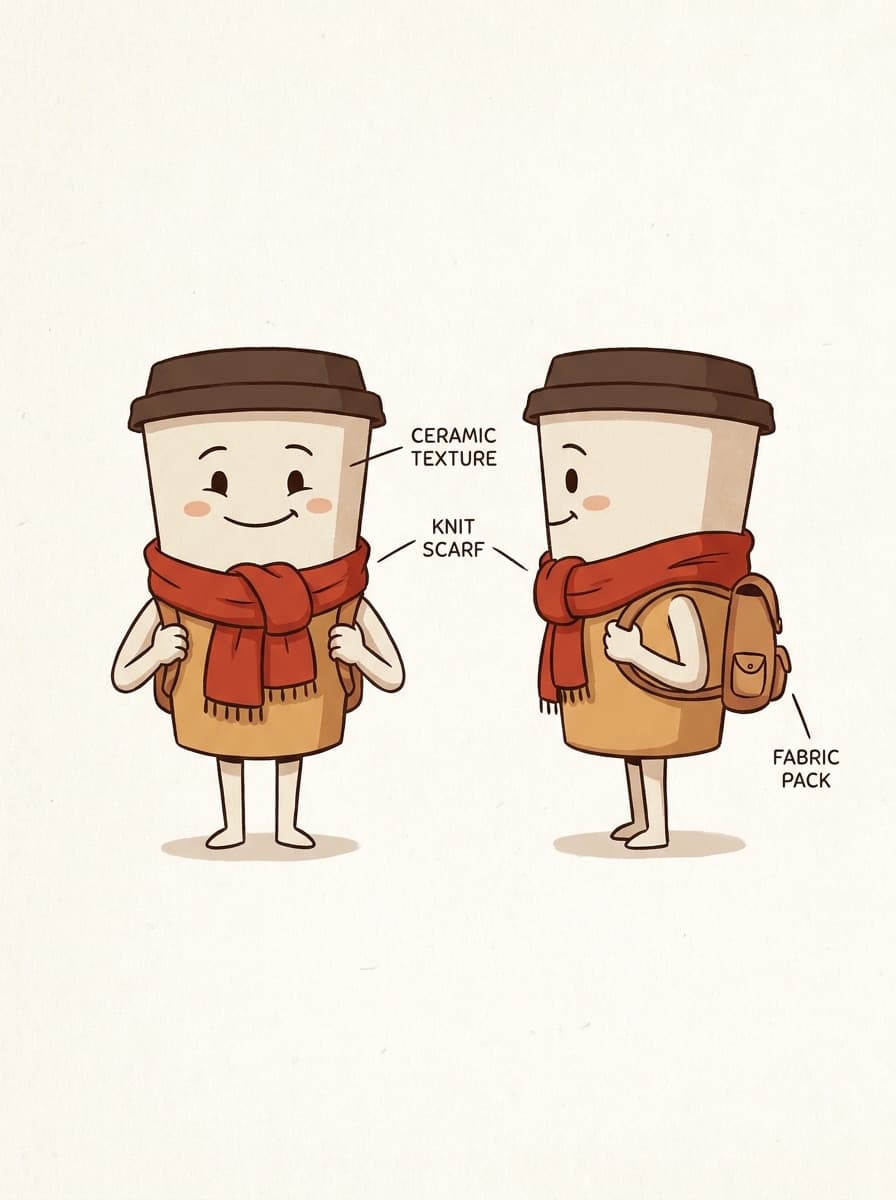
“Front and side views of this mascot, consistent proportions, clean background.”
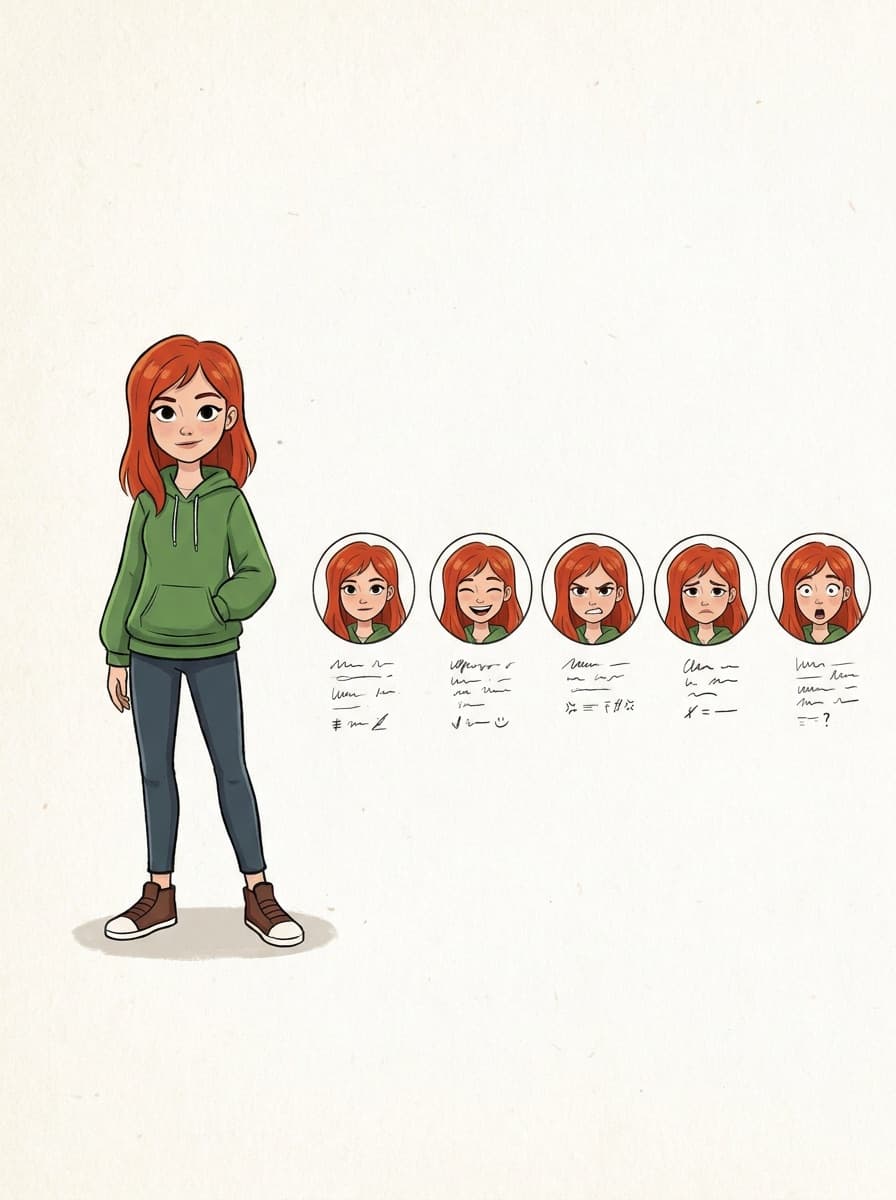
“An expression sheet: this character happy, angry, surprised, and thoughtful.”
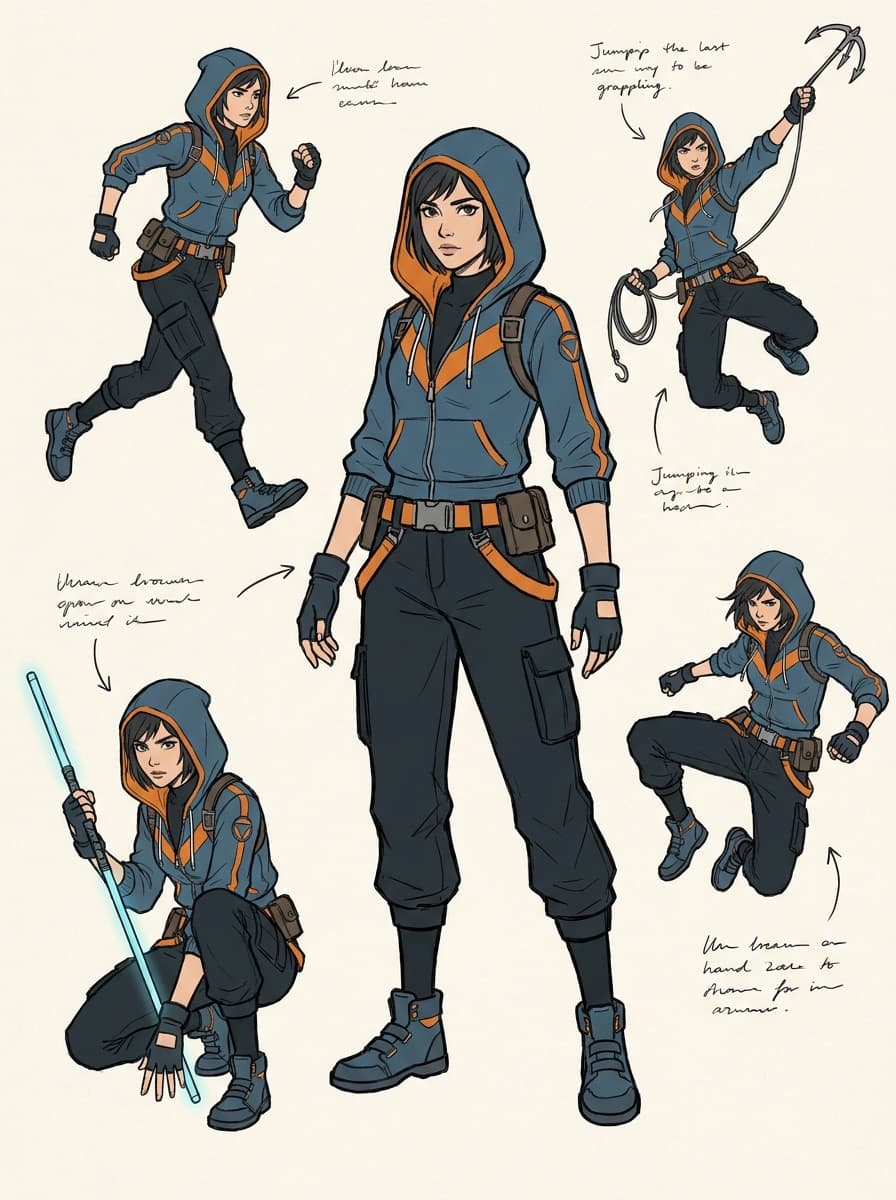
“Show this character in four action poses, same outfit and proportions.”
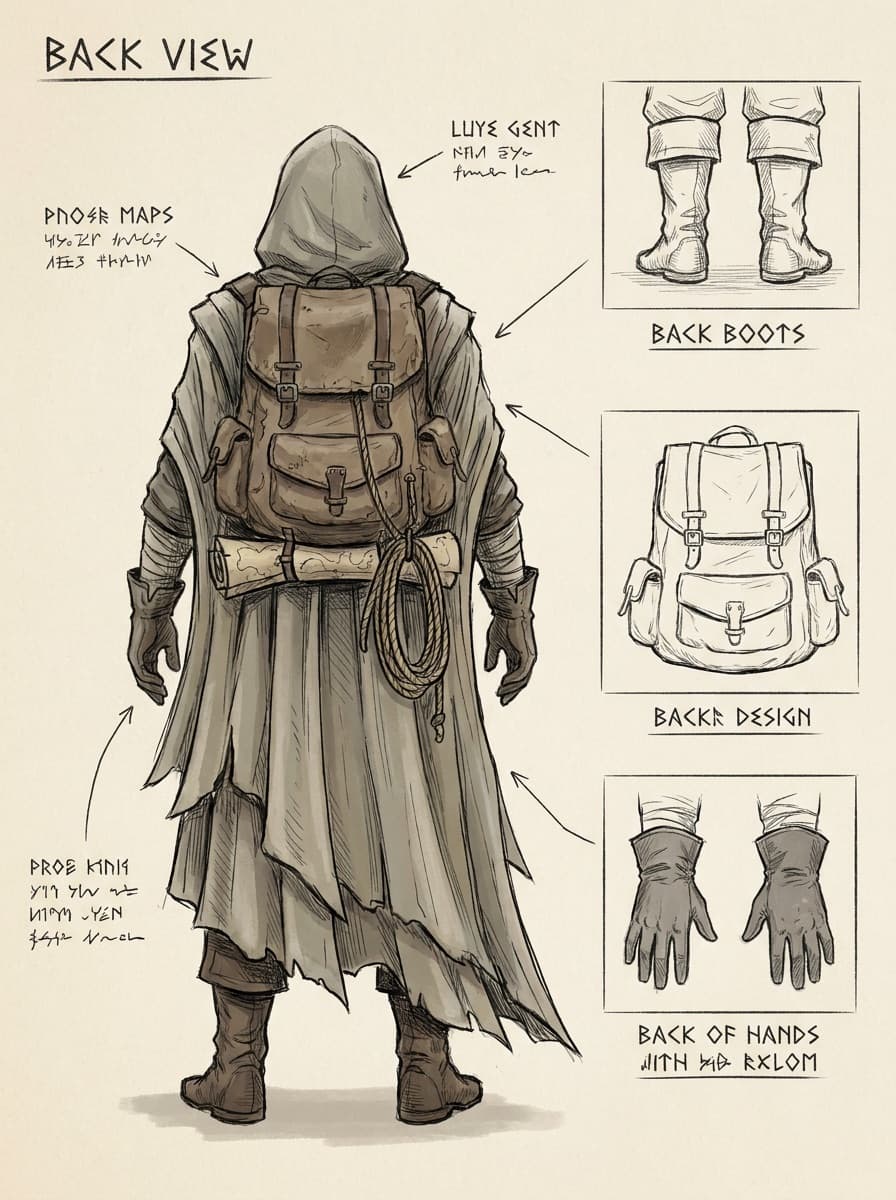
“Show me the back of this character, keeping the outfit design consistent.”
Checked against the running tool on 2026-09-04.
It is the standard reference document for keeping a character consistent: front, three-quarter, side, and back views on one sheet. Animators, 3D modelers, plush manufacturers, and freelance artists all work from turnarounds — it is usually the first thing they ask a client for.
It is a plausible invention consistent with the visible design — the model continues patterns, colors, and construction around the character. If the back has a specific element (a logo, a tail, a backpack), describe it explicitly rather than hoping the model guesses it.
Largely yes, since all views generate from one anchored design, but AI turnarounds are reference-grade rather than orthographically measured. For 3D modeling they work as visual reference; final proportions get locked in the modeling package.
Yes — the same anchoring works for “this character: happy, angry, surprised” or a set of action poses. Expression sheets are the natural companion to a turnaround for animation and comic work.
It works with any character image, including people — useful for costume design or stylized avatars. For real people, use your own photo or one you have consent to use.
A full-body view on a plain background with even lighting and the design fully visible — no crops, no overlapping props. The sheet can only hold consistent what the source shows clearly.
Plush and figure makers commonly accept AI-generated turnarounds as design references — they need clear front, side, and back views more than technical drawings. Confirm details like exact colors in writing, since manufacturers match what they see.
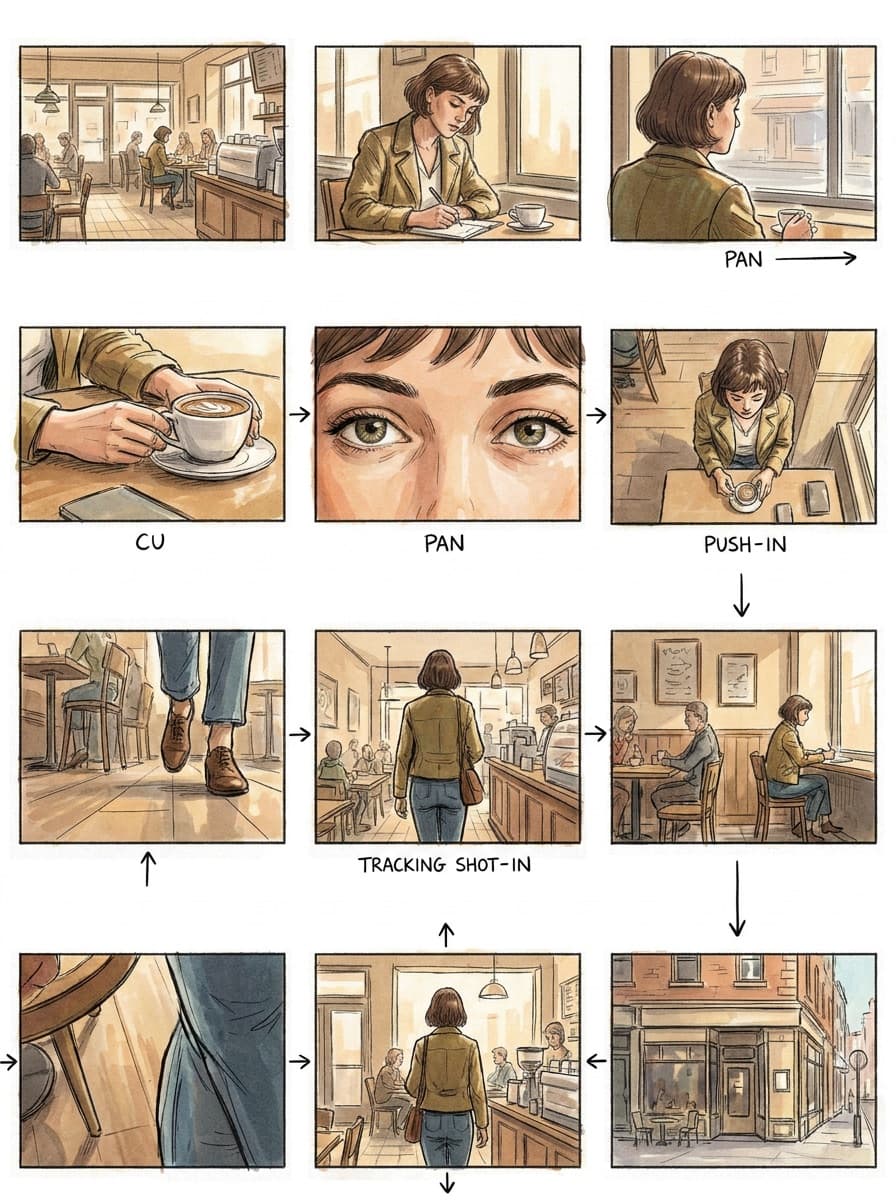
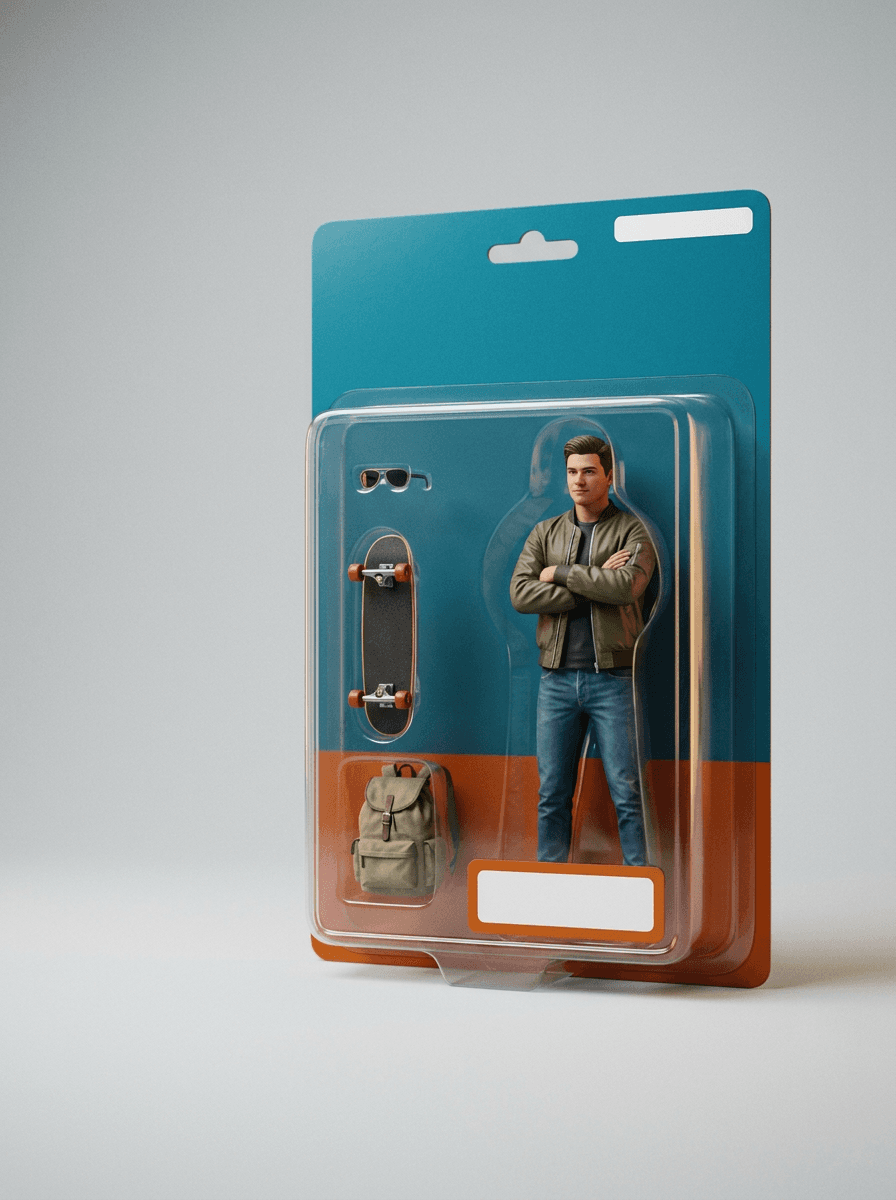
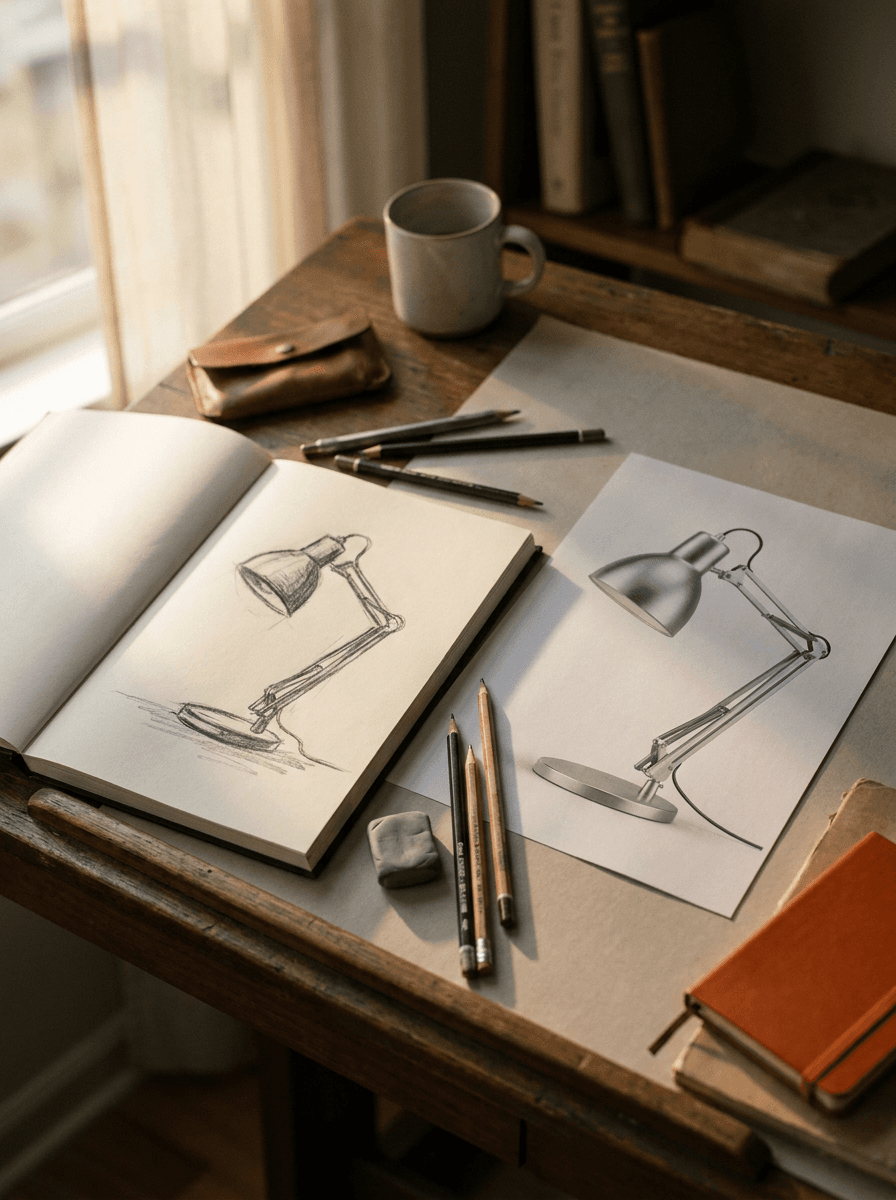
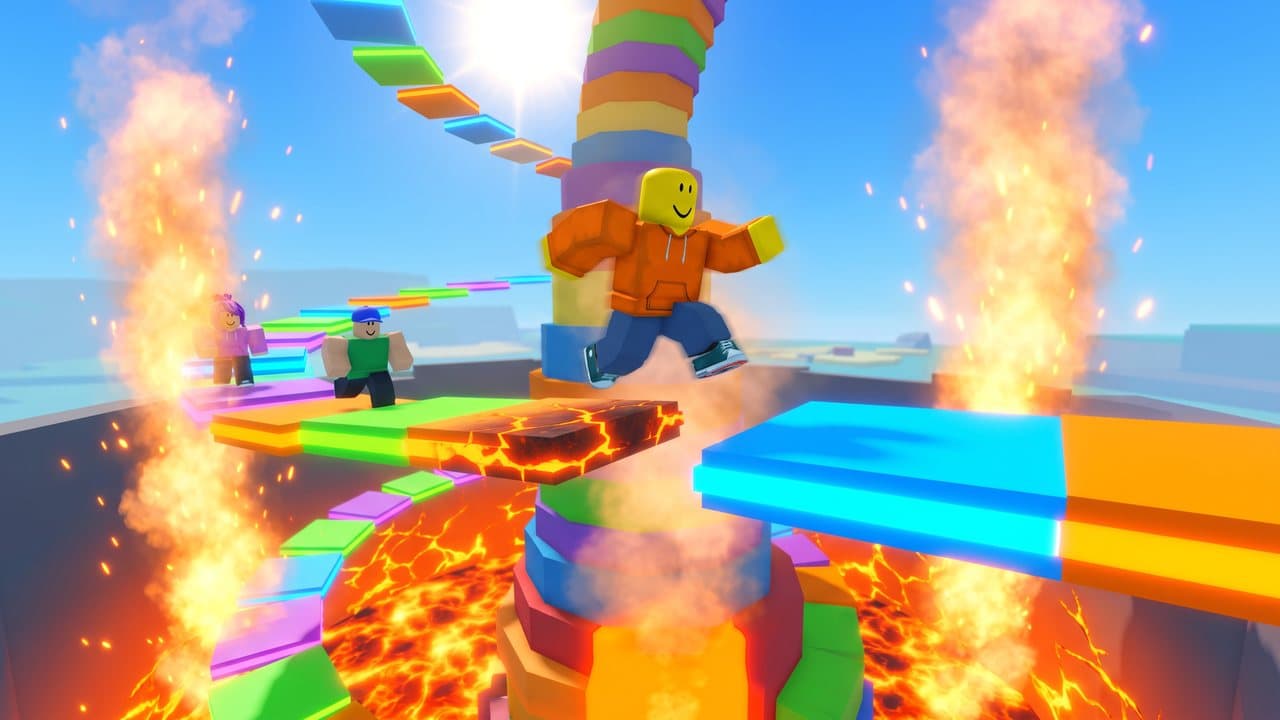
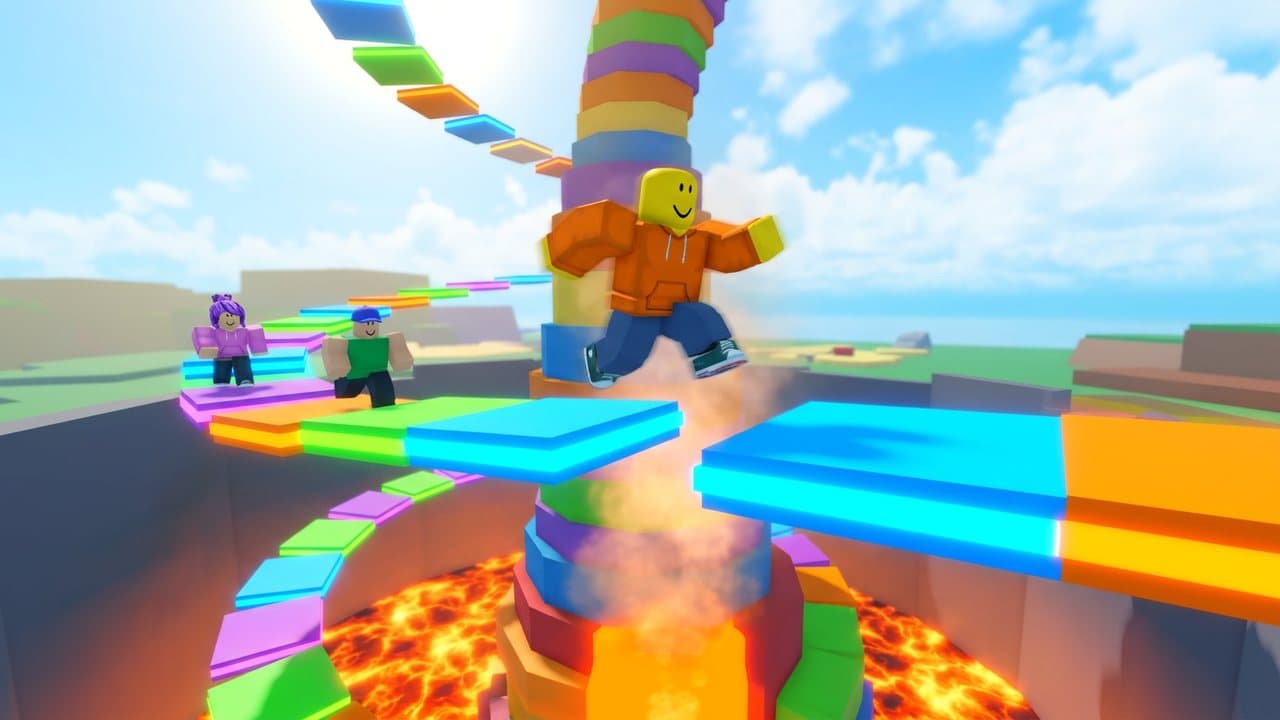
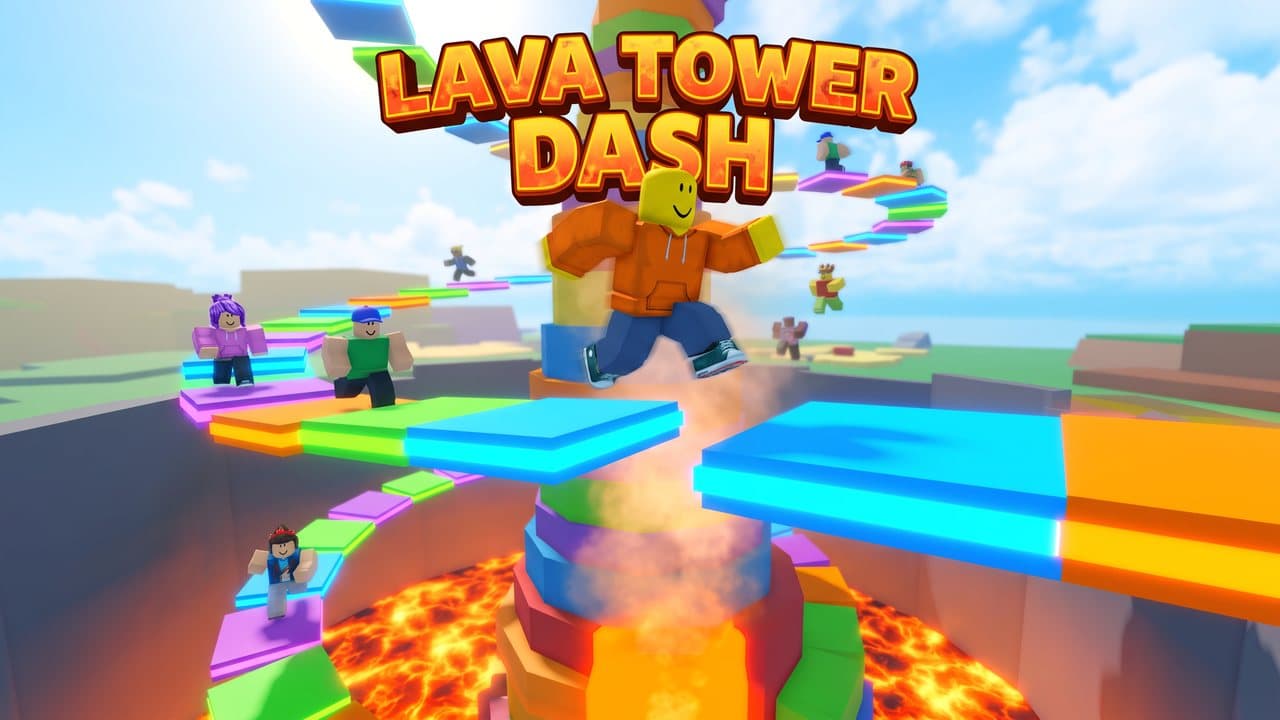
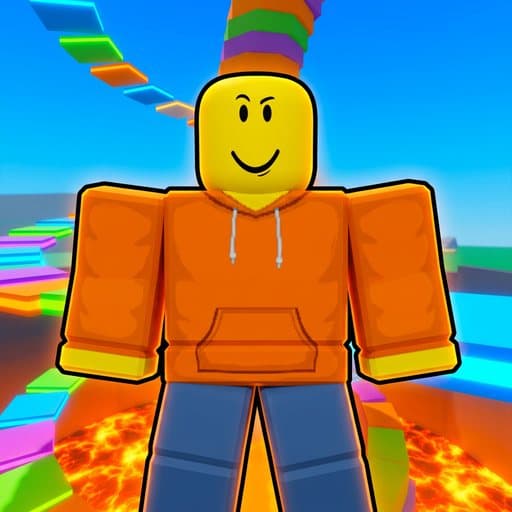
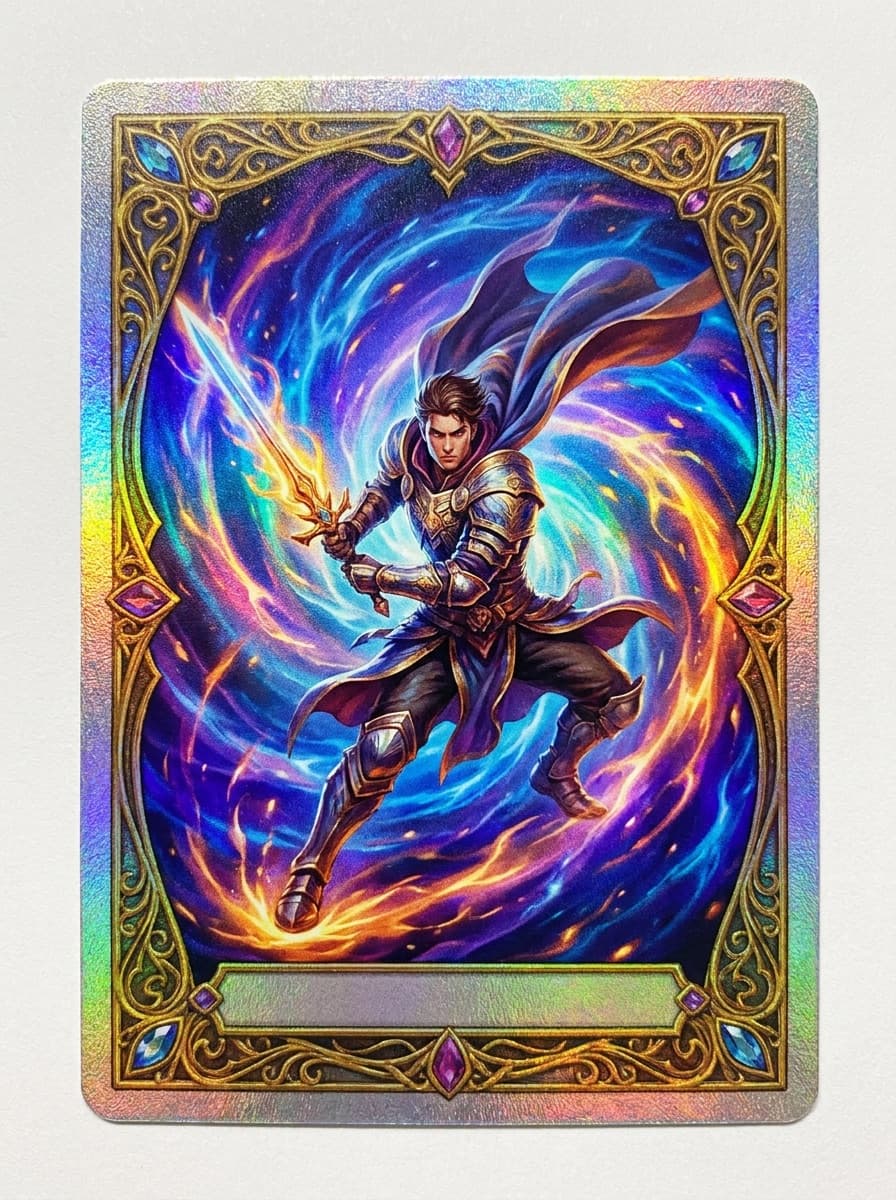
See what each one makes, then open it in Made.