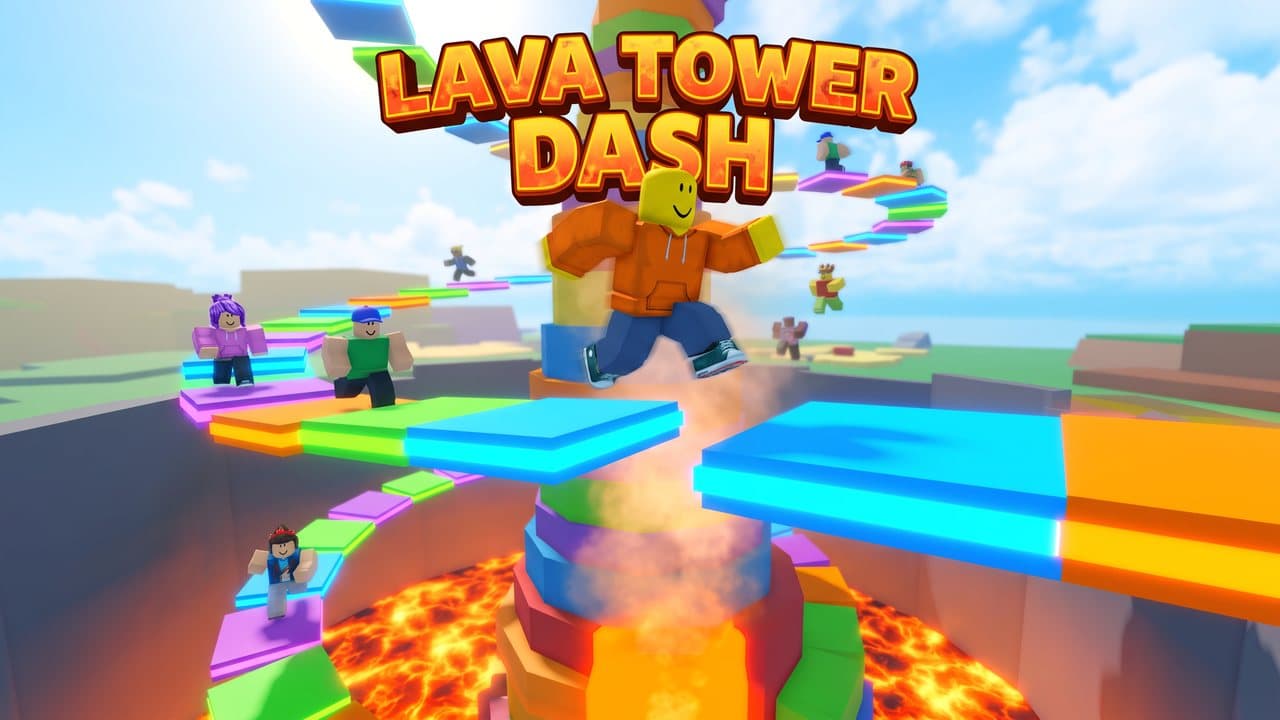
Title card
Your game’s name as a bold 3D title over the hero shot.
Upload one gameplay screenshot. Get four 1920 × 1080 thumbnails that look like your game, plus icons and badges to match.

How it works
Every image is generated separately from your screenshot, so each one keeps your world, characters, and colors. Downloads come out at the exact size Roblox expects.
Use a clear shot of real gameplay or your main character.
Four thumbnails, two icons, two badges, and a vertical promo. Edit any direction or turn assets off.
Each file is resized to the exact size Roblox expects. Upload them in Creator Hub.
Everything below came from the same gameplay screenshot of an original game, using the tool’s own prompts.
Your game’s name as a bold 3D title over the hero shot.

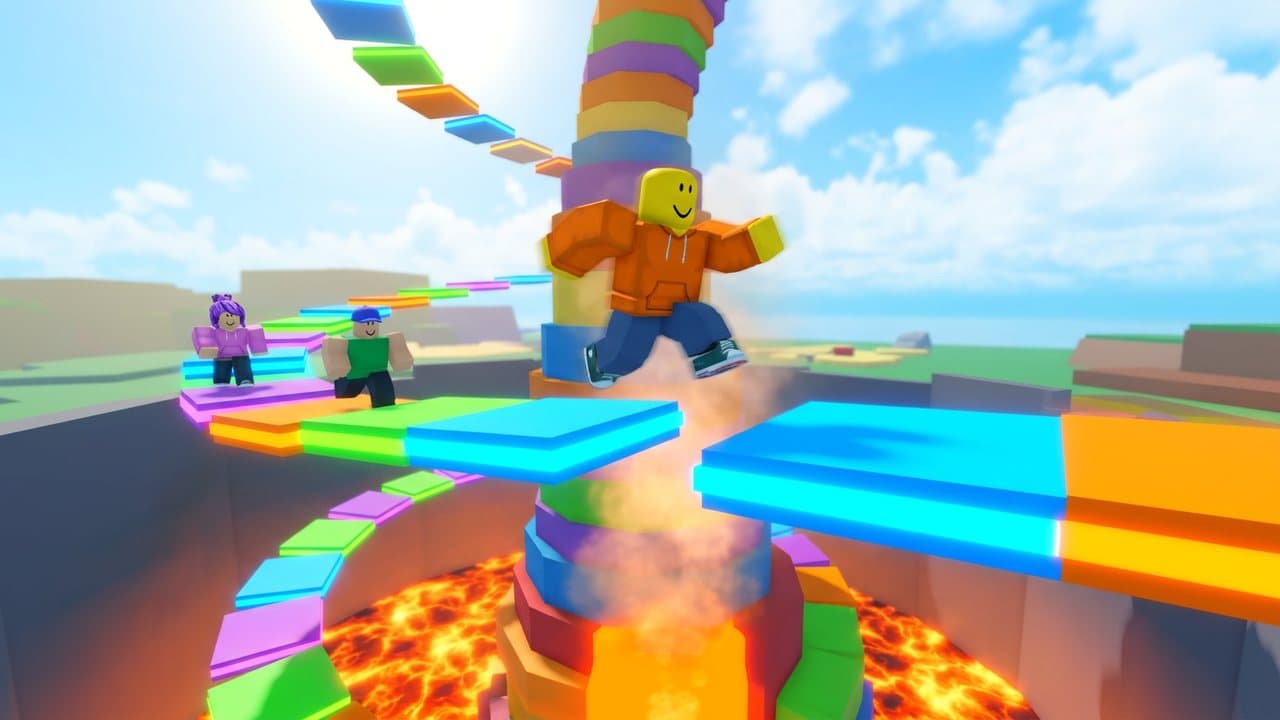
The main loop from a fresh third-person angle.
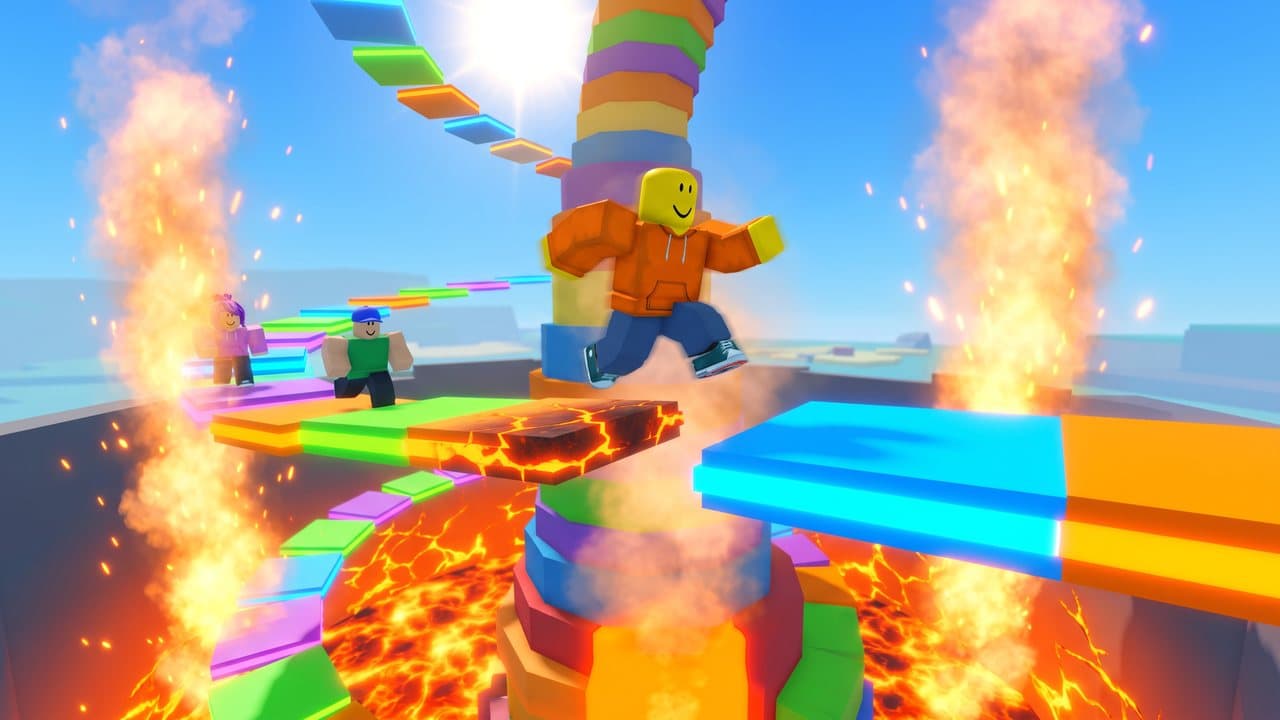
The most dramatic beat, with bigger lighting and effects.
A group of players reacting together, for social games.
1920 × 1080 pixels, a 16:9 ratio. Roblox accepts JPG, PNG, GIF, TGA, and BMP, and stretches other ratios to 16:9. Made exports JPG at exactly 1920 × 1080.
Yes. Roblox’s thumbnail personalization picks the best thumbnail for each player on the Home page. It needs 2–5 active thumbnails, each 1920 × 1080 and under 3 MB. The four thumbnails in a pack are ready for it.
Yes. Ads Manager shows sponsored experiences as 16:9 thumbnails and accepts up to 10 per campaign, so the same files work as ad creatives.
One screenshot from your game or a render of your main character. Everything in the pack is built from it, so a clear, well-lit shot of real gameplay gives the most faithful results. JPG, PNG, or WebP up to 10 MB.
A full pack of nine images is about 100 credits: icons, badges, and thumbnails are priced separately, and the exact total is on the Generate button before you start. Turn off any asset you don’t need and the price drops. Failed images are refunded.
Yes. Each Download button gives you the exact file: 512 × 512 PNG icons and badges, 1920 × 1080 JPG thumbnails kept under 3 MB, and a 1080 × 1920 promo. Download pack (.zip) sorts them into folders. Roblox still reviews every upload, so check each image first.
Every prompt tells the model to keep your world, characters, blocky proportions, colors, and lighting recognizable, and never to add fake interface, ratings, player counts, or other brands. It’s still a generative model, so compare each result with your game before publishing. Roblox expects thumbnails to show what players will actually find.
Yes. Every asset has an editable direction, like “the most dramatic moment of the game.” You can rewrite it, turn it off, or add more icons, thumbnails, or badges, up to 12 images per pack.
Only where a direction asks for a title. By default that’s the Title card thumbnail. Icons and badges never get text, because Roblox shows icons very small and crops badges to a circle.
Yes. Connect Made MCP in Claude, Cursor, or another MCP client and use the Roblox Game Pack skill. The agent generates the same assets. With Roblox Studio’s built-in MCP server also connected, it can upload them and place them in your experience.
More ways to make game art in Made.
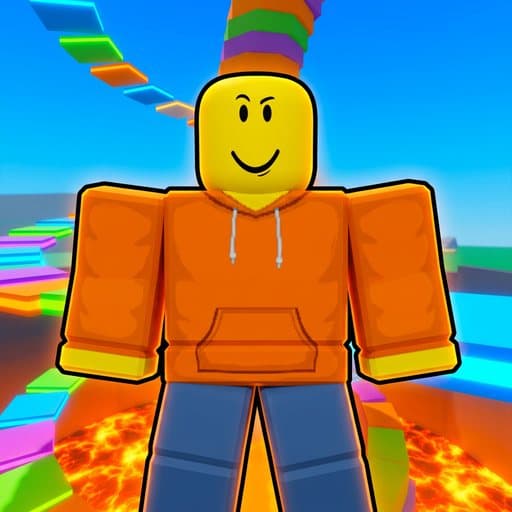 Roblox Icon MakerUpload a screenshot or character render. Get bold 512 × 512 icons that still read at 150 × 150, plus thumbnails and badges to match.
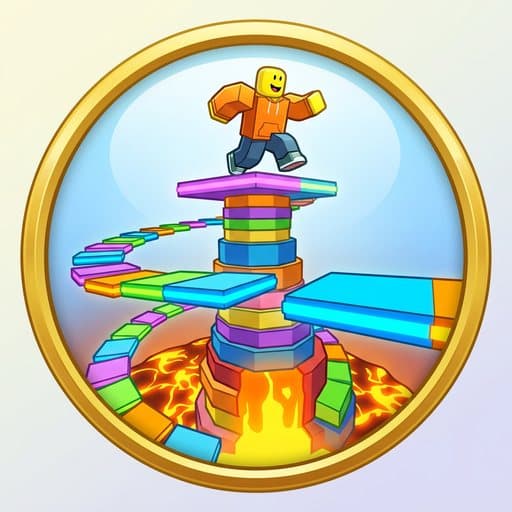 Roblox Badge MakerUpload a screenshot. Get 512 × 512 badge images designed for Roblox’s circular crop, plus icons and thumbnails from the same world.
 Thumbnail MakerDescribe the video and the reaction you want the cover to trigger, and Made generates a bold 16:9 thumbnail as a PNG — strong focal point, saturated colors, and optional title text.
 Pixel Art GeneratorDescribe a character, scene, or object and Made renders it in a retro pixel-art style — chunky pixels, limited palettes, 8-bit and 16-bit inspired looks — as a PNG.
 Image ResizerUpload an image, pick a size or type exact pixels, and choose whether Made crops it to fill, fits it inside, or stretches it.