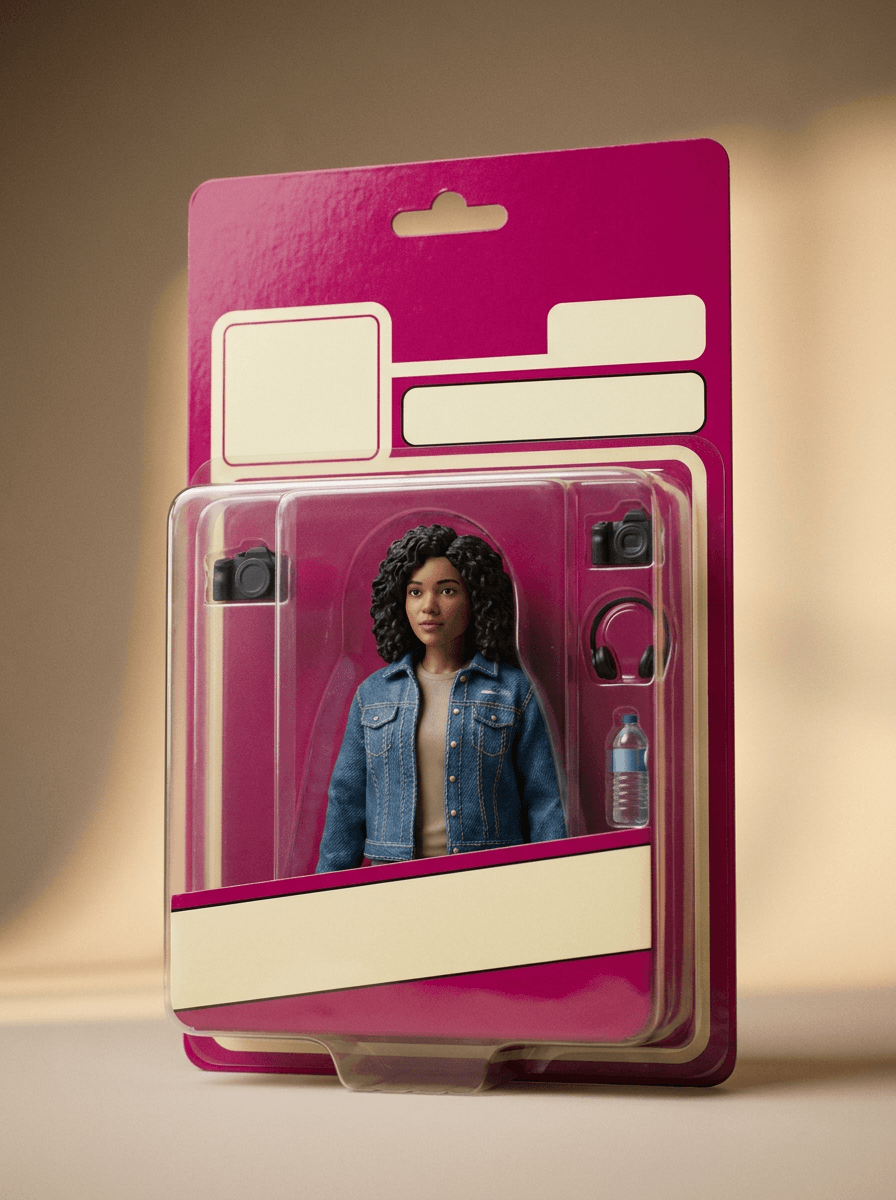
Boxed figure
“Turn me into a boxed action figure with a blister pack and matching accessories.”
Upload a photo of a person and describe the figure you want — pose, outfit, accessories, packaging style. Made edits the photo into a boxed action-figure or collectible-figurine style image you can download.
Boxed figure“Turn me into a boxed action figure with a blister pack and matching accessories.”
Choose a JPEG, PNG, or WebP where the person’s face is clear and well lit.
Name the pose, outfit, accessories, and packaging style — for example “boxed action figure with a blister pack, skateboard, and headphones.”
Made sends the image and your instruction to the edit model and returns the figure image.
Review the face and accessories before downloading; rerun with a more specific prompt to adjust details.
Real results from Made. Use a prompt to load it into the studio above, then add your own photo.
“Turn me into a boxed action figure with a blister pack and matching accessories.”
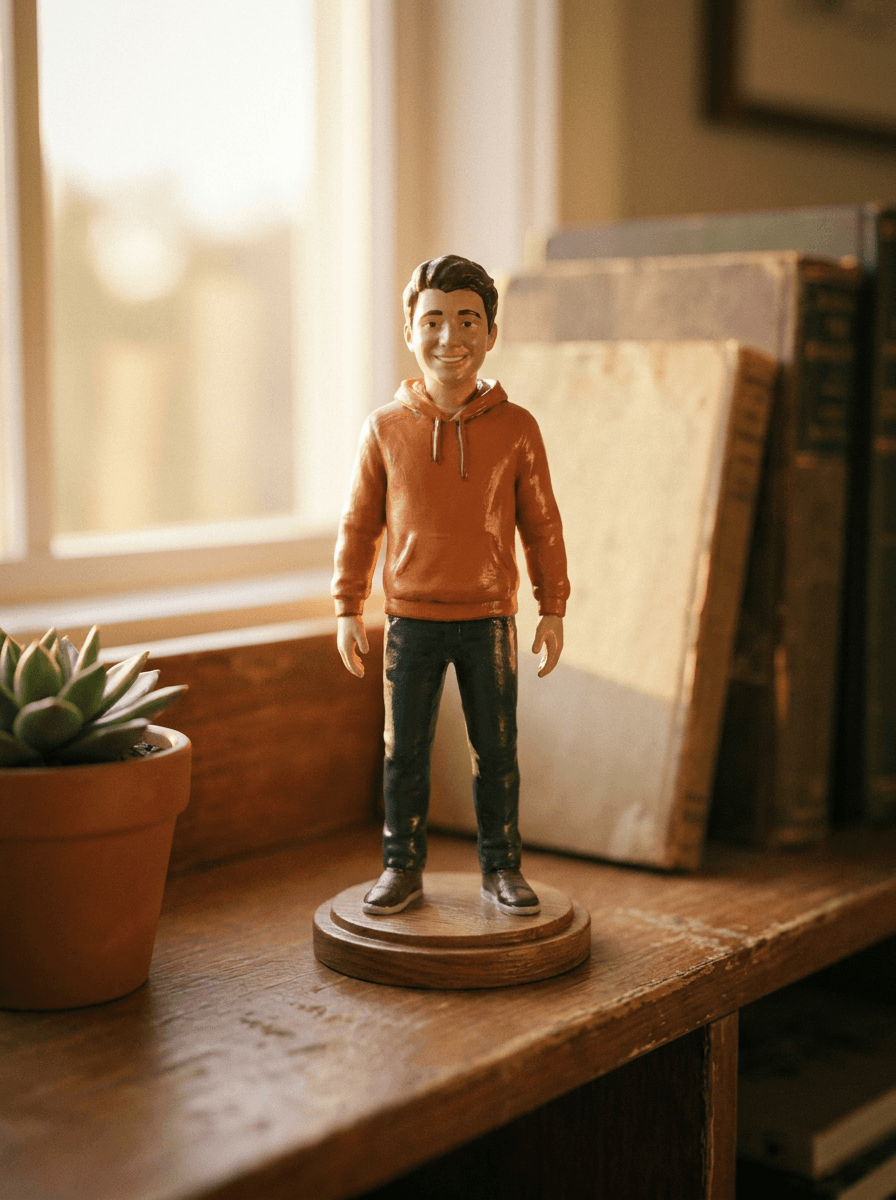
“Make this photo a painted collectible figurine on a desk shelf.”
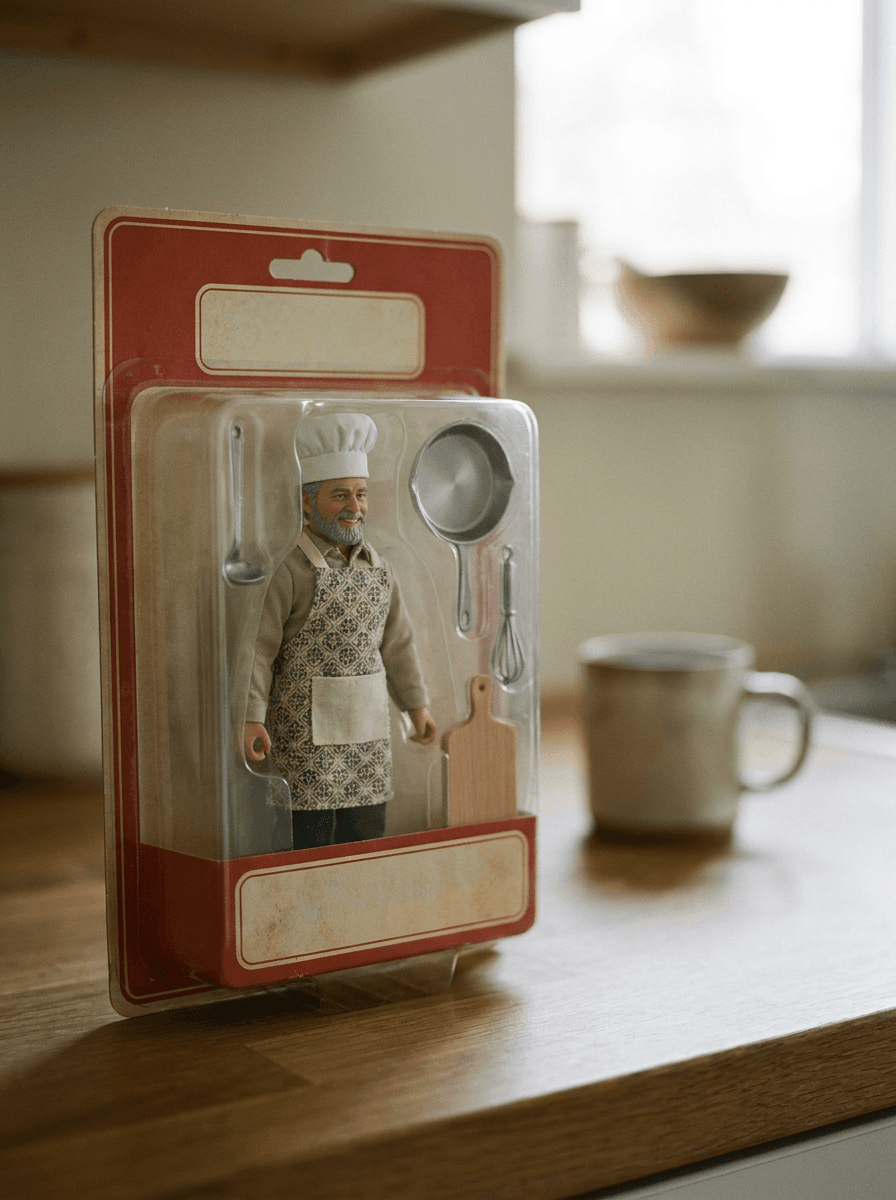
“Turn my dad into an action figure of a chef with mini kitchen tools in the box.”
Checked against the running tool on 2026-09-03.
You upload one photo and describe the figure you want. Made sends the image and your instruction to the Nano Banana 2 edit model on fal.ai, which redraws the person as a boxed action figure or figurine and returns a PNG. When that provider is unavailable, Made falls back to Google’s Nano Banana on Replicate.
Describe the pose, outfit, accessories, and packaging style you want — for example “boxed action figure in a blister pack with a laptop, coffee cup, and headphones as accessories.” The more specific the accessory list, the closer the result matches your idea.
The edit model works from your photo, so a clear, well-lit face gives the best resemblance. The result is still generative, so review the likeness before sharing and rerun with a different source photo if it drifts.
Upload a JPEG, PNG, or WebP. The primary Nano Banana 2 path returns the finished figure as a PNG.
Inputs over 1,536 pixels on either side are downscaled before editing, so extremely high-resolution uploads do not produce a larger result.
The workflow edits one uploaded photo per request. To make figures of several people, run the tool once per photo.
Yes. Photo to Cartoon restyles the whole photo as a cartoon illustration, while this tool renders the person as a physical collectible — a molded, painted figure, often shown in retail-style packaging with accessories.
 +
+ New
New
See what each one makes, then open it in Made.