Website header
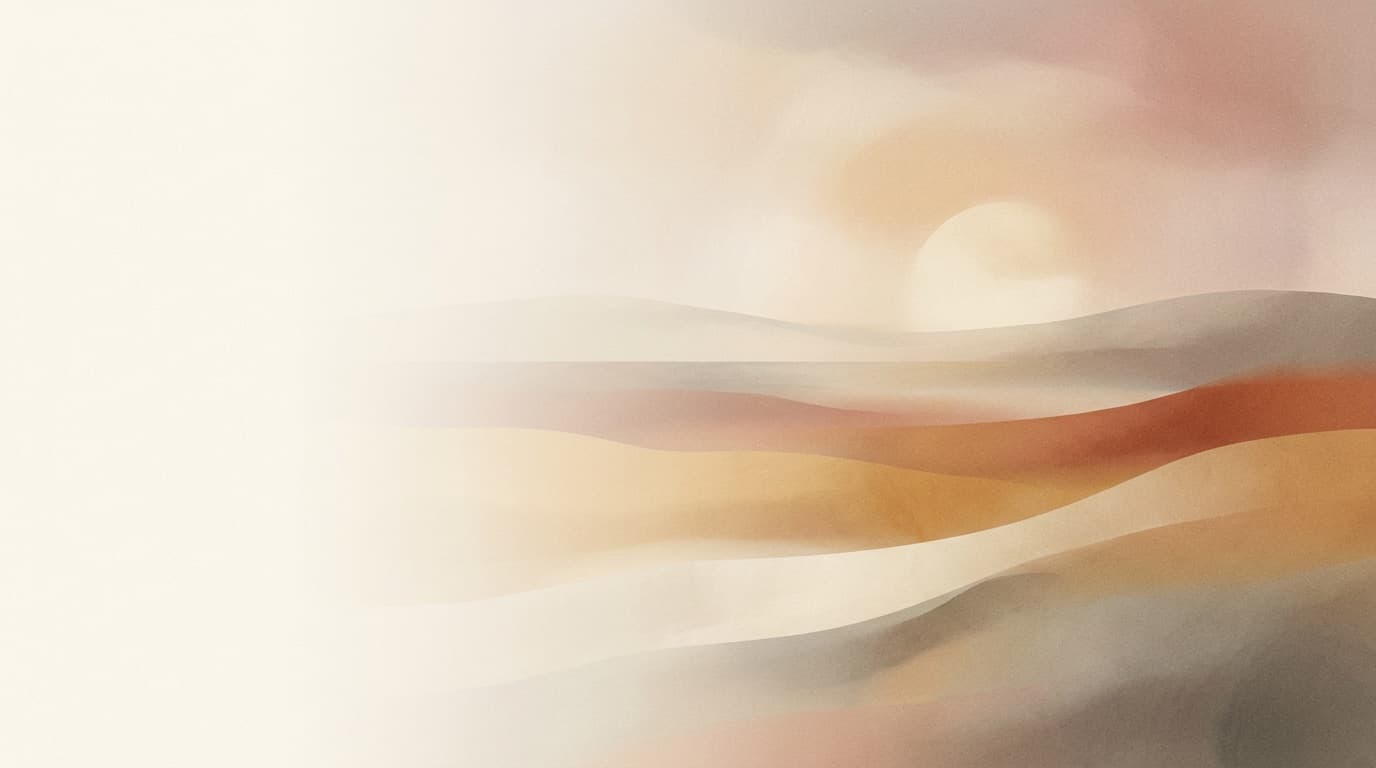
“A wide website header: soft abstract gradient landscape, calm and premium, space for text on the left.”
Use this promptDescribe the banner — its subject, mood, and where it will live — and Made generates the wide-format visual: site headers, channel art, event banners, and profile covers.
Runs in the tool. You sign in to run it, see the price before you start, and failed runs are refunded.
Subject, mood, palette, and destination — “website header, calm gradient, premium.”
Say where text will go so the composition leaves that area clean.
Refine palette, density, or mood in follow-up requests until it fits your page.
Add text in your design tool and hit exact platform dimensions with Image Resizer.
Real results from Made. Use a prompt to open it in AI Banner Maker, then press Generate.
“A wide website header: soft abstract gradient landscape, calm and premium, space for text on the left.”
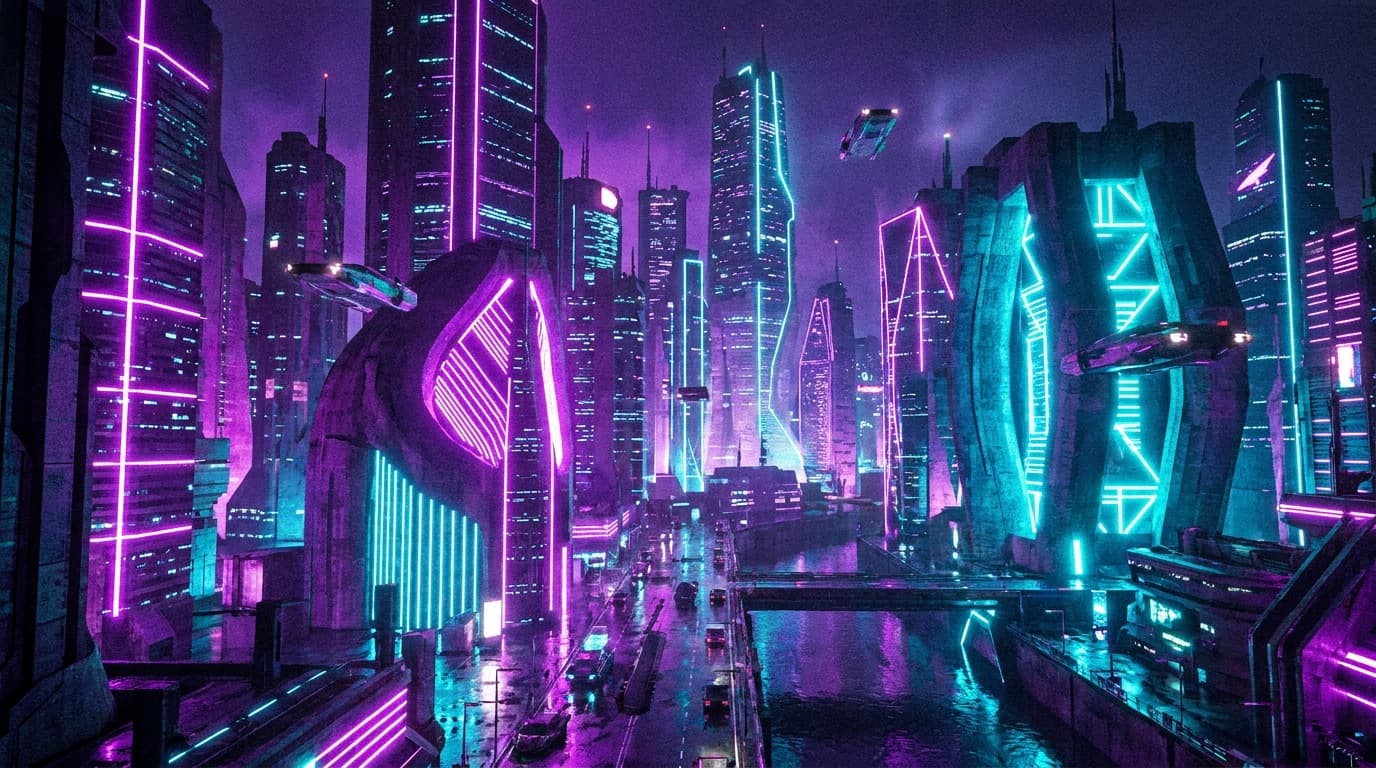
Use this prompt“Channel banner for a gaming creator: neon cityscape, energetic, wide composition.”
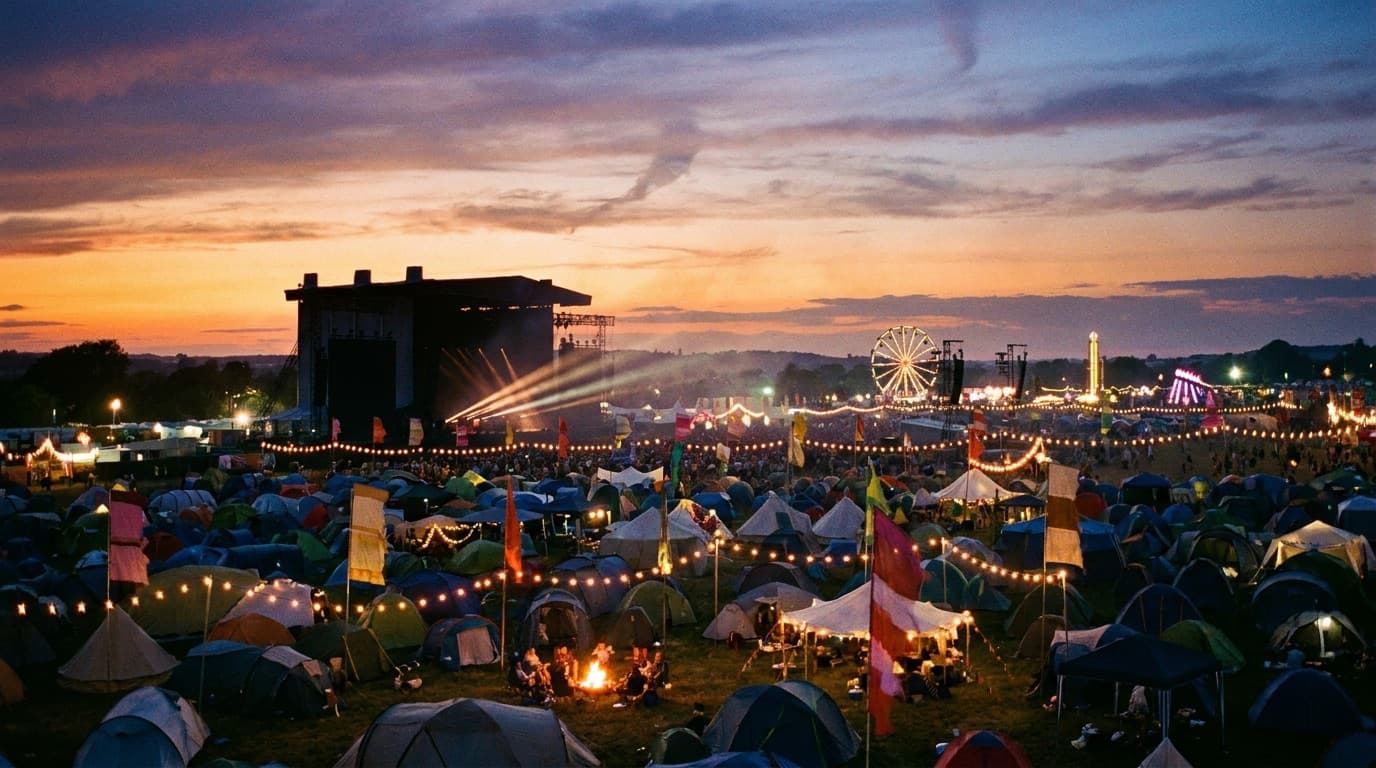
Use this prompt“A summer music festival banner: warm dusk sky, stage silhouettes, celebratory mood.”
Use this prompt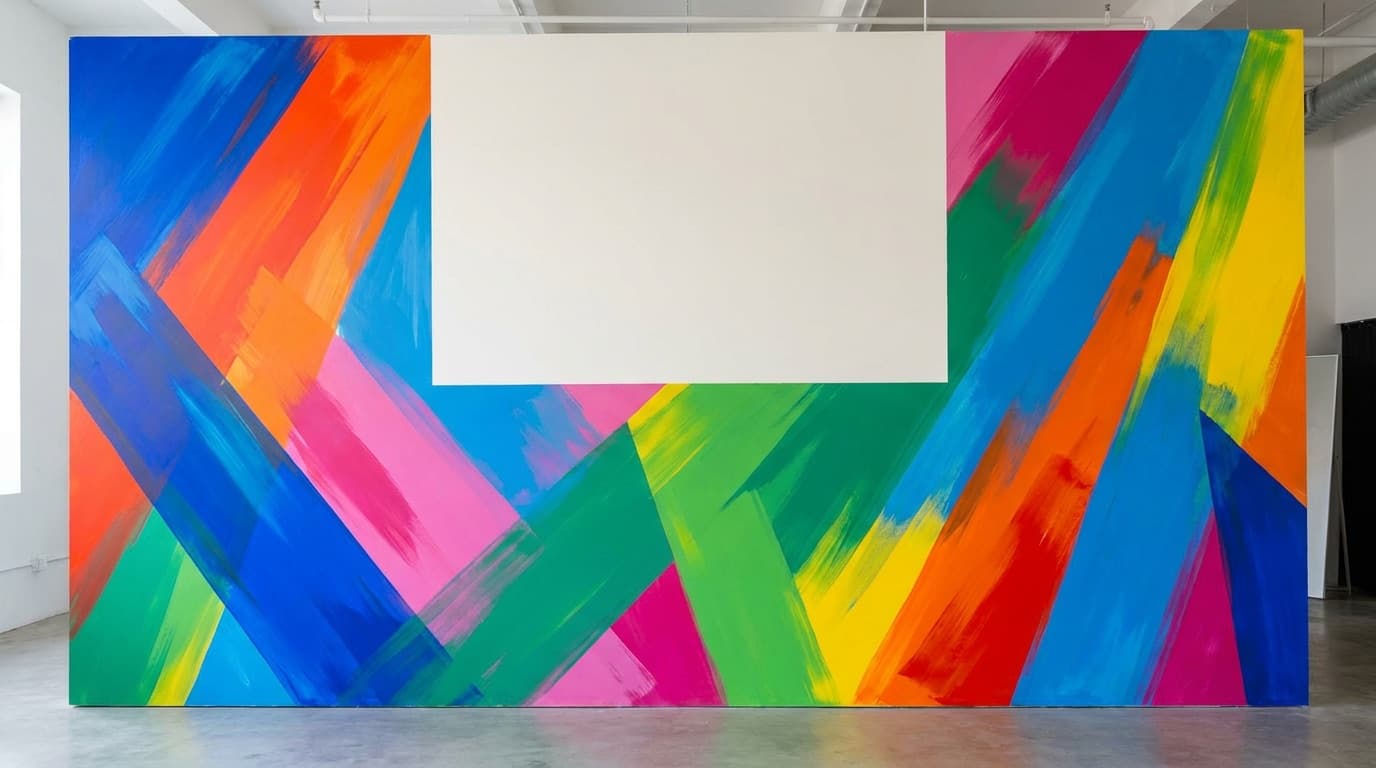
“A bold promo banner background: color-blocked shapes, high energy, room for headline text.”
Use this prompt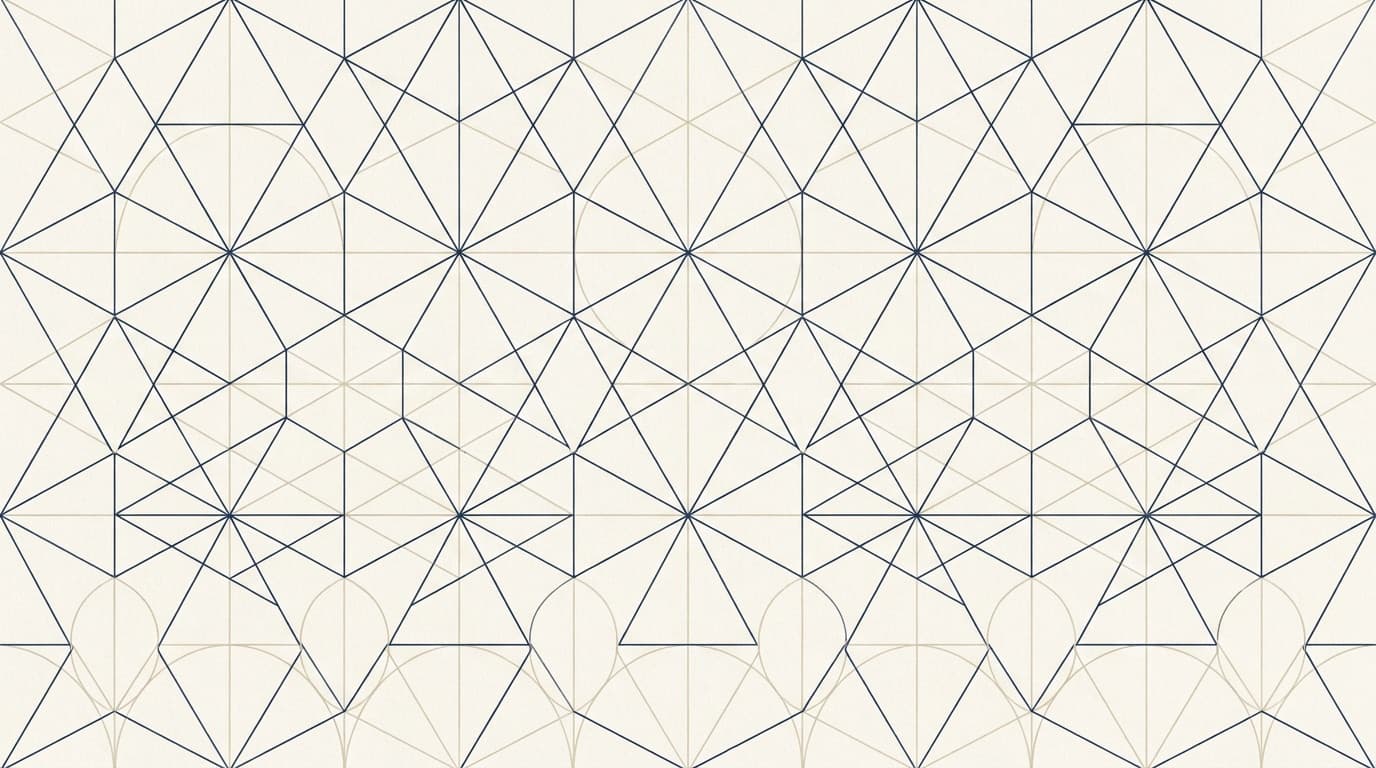
“A clean professional profile cover: minimal geometric pattern in navy and cream.”
Use this prompt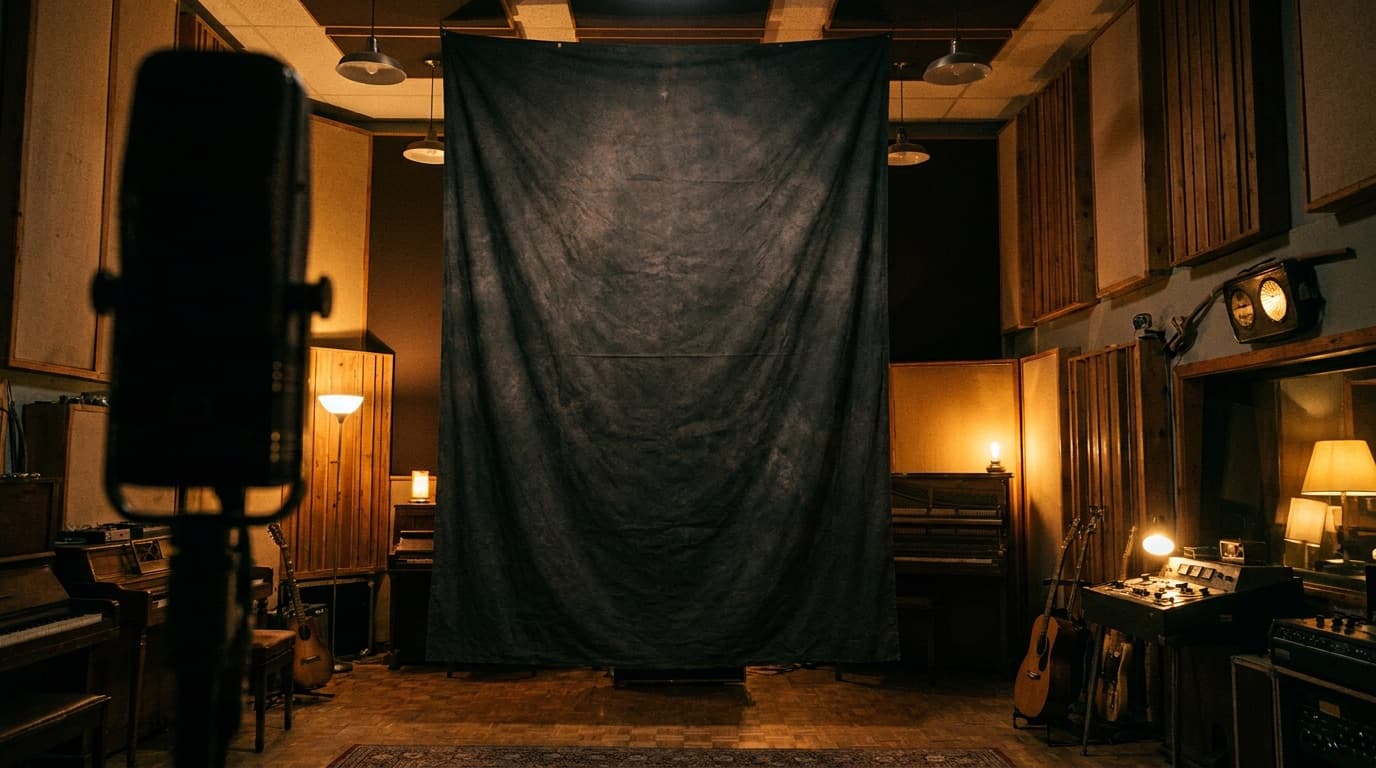
“A podcast page banner: moody studio scene with warm light and vintage microphone.”
Use this promptChecked against the running tool on 2026-10-20.
Ask for the shape in your prompt — wide 16:9 works for most headers and channel art. Platforms enforce exact pixel dimensions (channel art, profile covers, and ad slots all differ), so generate the visual first and use Image Resizer to hit the precise spec.
You can ask, but generated lettering is unreliable for exact wording. The professional workflow is to generate the background with deliberate copy space and set your name, slogan, and links as real text in a design tool — which also keeps them editable.
Put the brand palette, mood, and any visual motifs in the description — “sage green and cream, soft light, hand-drawn leaf motifs.” Reusing that same style sentence across banners keeps your pages looking related.
Yes — keep one style description fixed and generate per destination, then resize each to its platform spec. Because each generation is new, expect the set to match like a campaign family rather than exact crops of one image.
Banners are backgrounds for interfaces, so restraint wins: one visual idea, a controlled palette, and low detail density where text or buttons will sit. Naming the destination — “website hero header” — nudges composition toward usable layouts.
This page generates from text only. To turn an existing photo into a banner, open it in the AI Photo Editor to restyle or extend it, then crop to banner proportions with Image Resizer.
Images are generated for you rather than licensed from a stock library, so there is no per-image stock license. Standard care still applies: avoid prompting for real brands, logos, or recognizable people.

 New
New
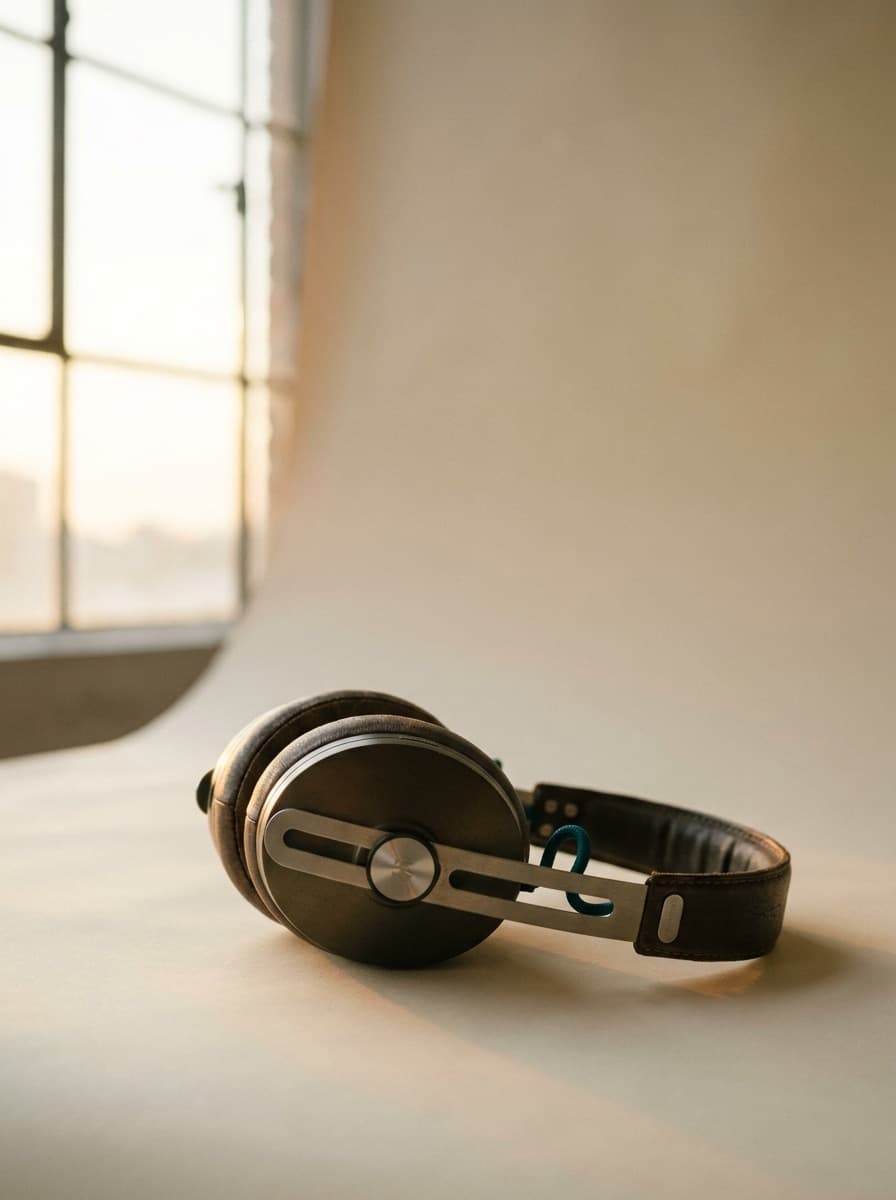
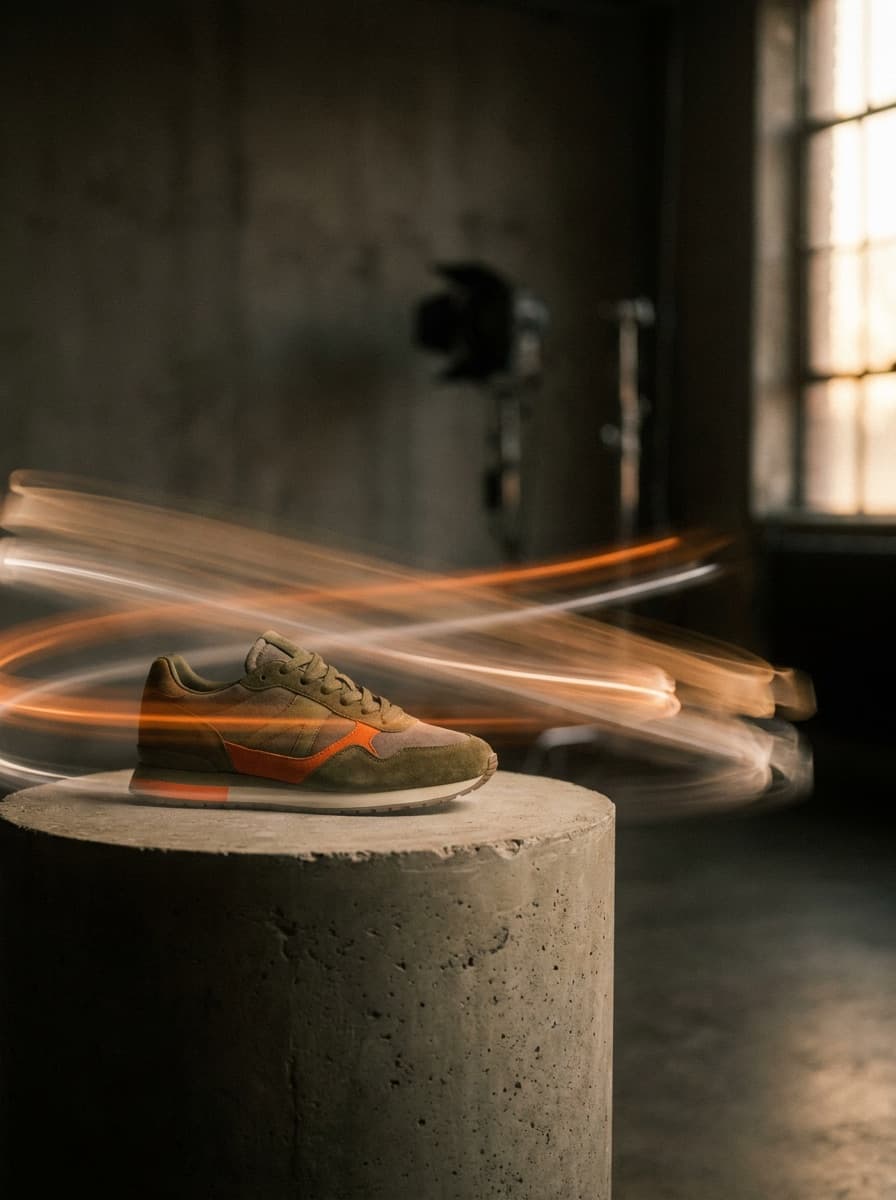
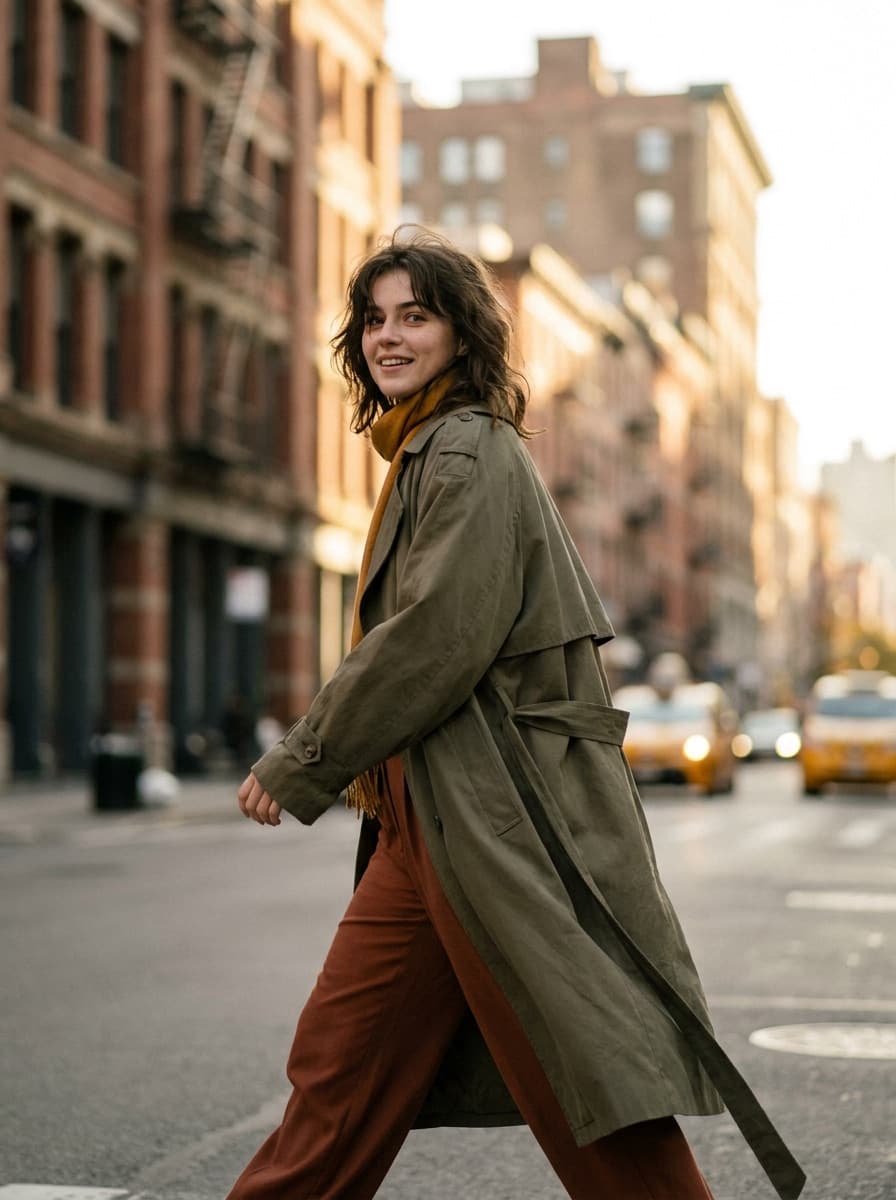
See what each one makes, then open it in Made.