AI Interior Design
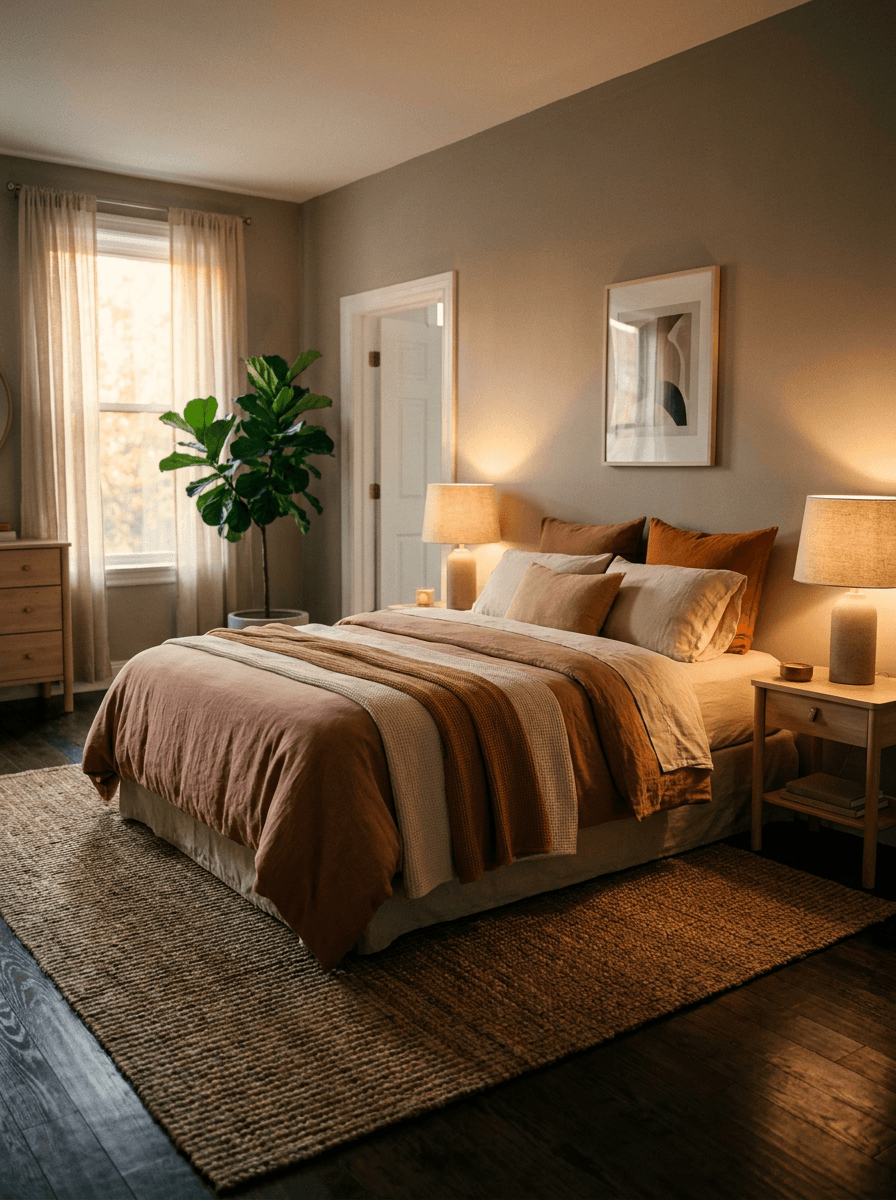
Upload a photo of your room and describe the look you want — a style, a color palette, new furniture, or a staged version of an empty space. Made redraws the room to match and returns a PNG.
Runs in the tool. You sign in to run it, see the price before you start, and failed runs are refunded.
How to use AI Interior Design
- 1
Photograph the room
Shoot from a corner at roughly chest height so walls, floor, and key furniture are all visible, then upload the JPEG, PNG, or WebP.
- 2
Describe the redesign
Name a style, palette, and specific pieces — the more concrete the instruction, the more predictable the result.
- 3
Let Made redraw the room
The edit model repaints the space to match your description while working from the room in your photo.
- 4
Compare and iterate
Put the result next to the original, then re-run with adjustments like “keep the window placement” or “warmer wood tones.”
Go step by step
AI Interior Design examples
Real results from Made. Use a prompt to open it in AI Interior Design, then add your own photo.
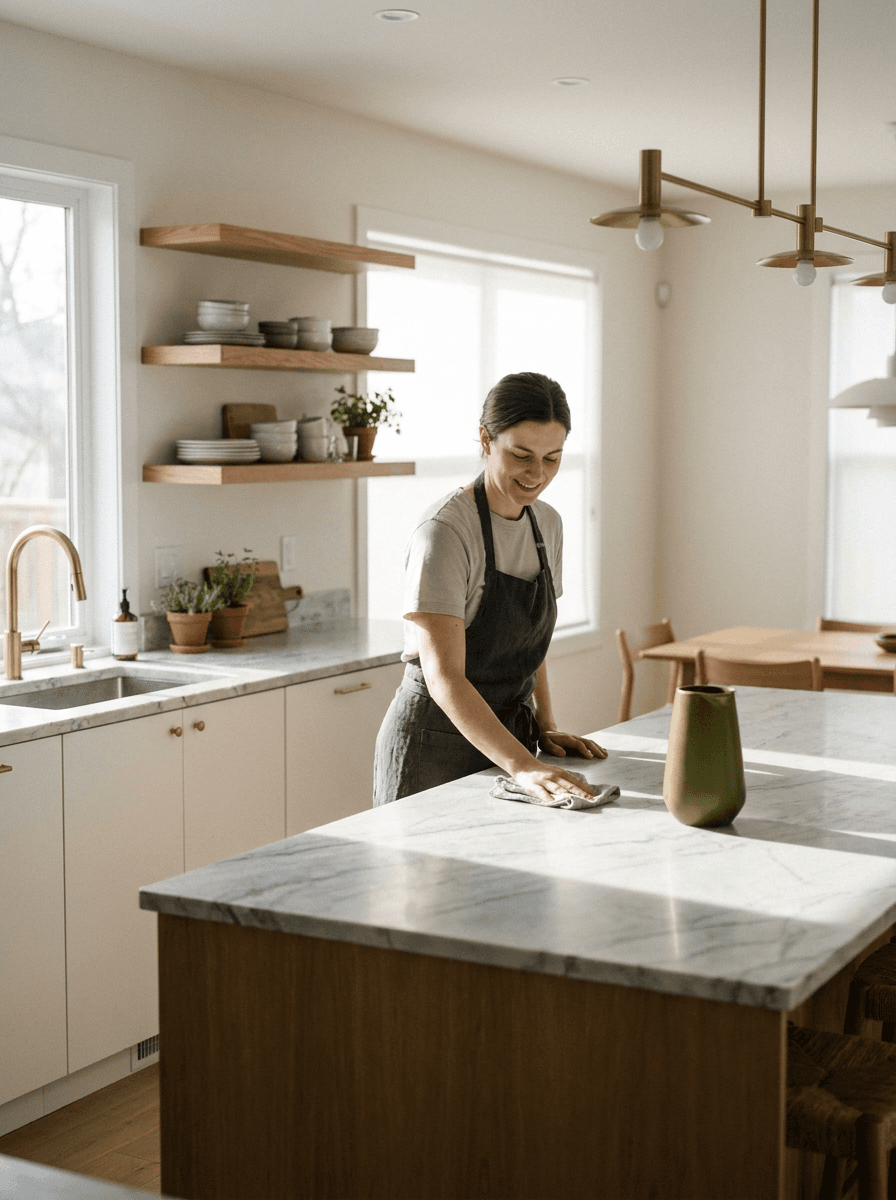
Renovation preview
“Show this kitchen renovated with white cabinets and a marble counter.”
Use this promptWhat people use it for
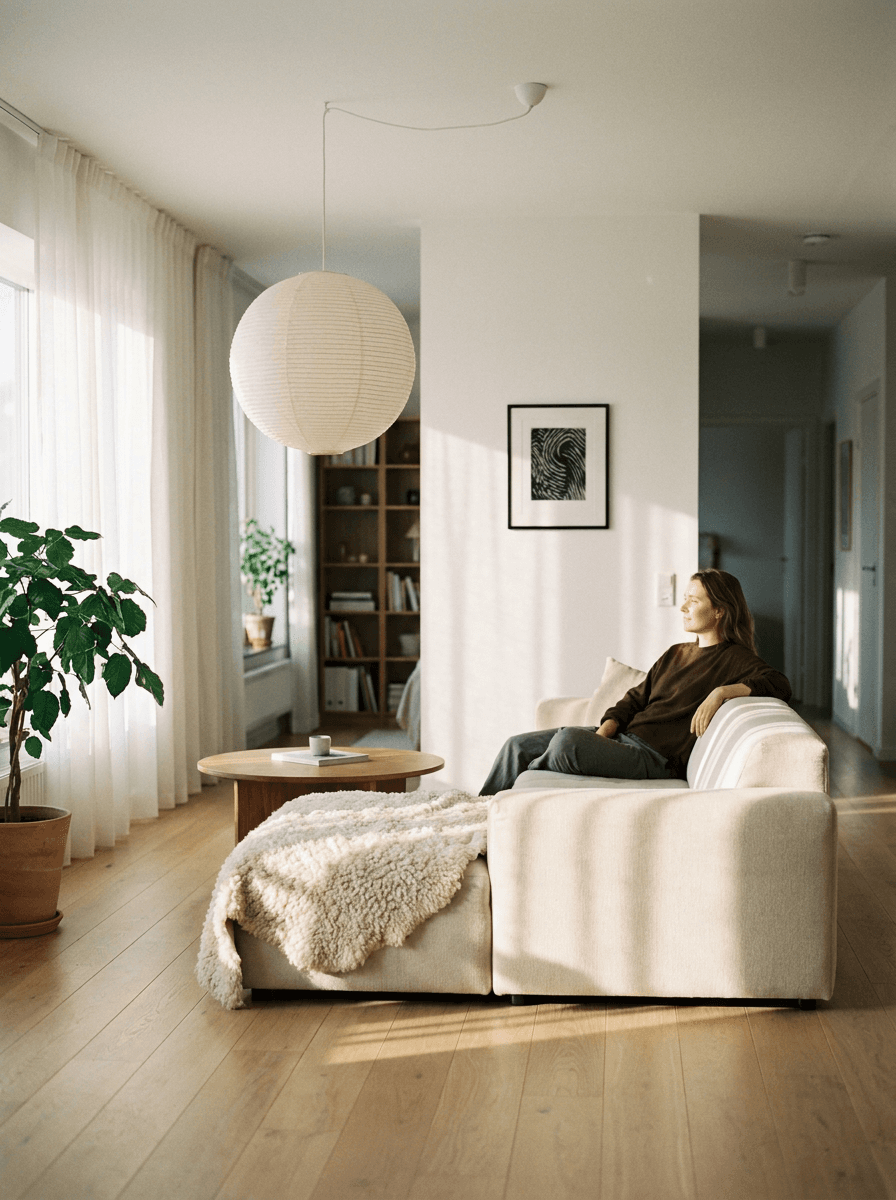
- Style explorationSee your actual room in Scandinavian, industrial, mid-century, or japandi style before buying anything.
- Virtual stagingFurnish photos of an empty listing so buyers and renters can picture living in the space.
- Renovation previewsPreview new cabinets, flooring, or paint in a photo of the real room before committing to the work.
- Furniture swapsTest a different sofa, rug, or dining set in place without moving anything.
Redesign a room from a photo
What it does
- Input
- JPEG, PNG, or WebP photo of a room plus a description of the redesign
- Output
- PNG image of the room redrawn in the described style
- How it works
- Made sends your room photo and the design instruction to GPT Image 2.5 Flare and returns a PNG.
- Access
- Runs in the tool. You sign in to run it, see the price before you start, and failed runs are refunded.
Formats and limits
- Input formats
- JPEG, PNG, WebP
- Output format
- PNG
- Images per request
- One room photo, with one written instruction
- Processing size
- Inputs larger than 1,536 pixels on a side are downscaled before editing
- Design fidelity
- Results are concept visuals — room geometry and dimensions in the output are generated, not measured
Checked against the running tool on 2026-10-20.
Questions about AI Interior Design
How does AI interior design from a photo work?
You upload a photo of the actual room and describe the redesign — a style, colors, specific furniture. Made sends both to an AI edit model that redraws the space to match the instruction and returns a PNG you can compare against the original.
Can it stage an empty room?
Yes. Upload the empty room and describe how it should be furnished — “stage this as a bright home office with a desk by the window” — and the model generates the furniture in place. This works well for listing photos and rental previews.
Are the results accurate enough to renovate from?
Treat them as concept visuals, not plans. The model redraws the room to look right, but geometry, dimensions, and fixture positions in the output are generated rather than measured, so verify anything structural with a professional before building.
Will it keep my room’s layout?
The edit works from your photo, so the general layout usually carries over, but a generative redesign can move or reshape elements. Say what must stay — “keep the window and door positions” — and re-run with a refined instruction if the layout drifted.
What interior styles can I ask for?
Any style you can describe: Scandinavian, industrial, mid-century modern, japandi, farmhouse, coastal, or your own mix of colors and materials. Concrete details like “light oak floor, off-white walls, black metal fixtures” steer the result better than a style name alone.
Can I just remove clutter instead of redesigning?
If you only want items taken out — bins, cables, personal items — Object Remover is the more targeted tool, since it erases a described object and leaves the rest of the room untouched. Use this page when you want the room’s look changed.
What photo and output formats are supported?
Upload one JPEG, PNG, or WebP per request; images over 1,536 pixels on a side are downscaled before editing. Made returns the redesigned room as a PNG.
More room tools

Object Remover
Erase people, cars or clutter
AI Photo Editor
Edit any photo by describing the change

Expand Image
Extend any photo past its edges
Room Studio
Plan in 2D, walk through in 3D, render it real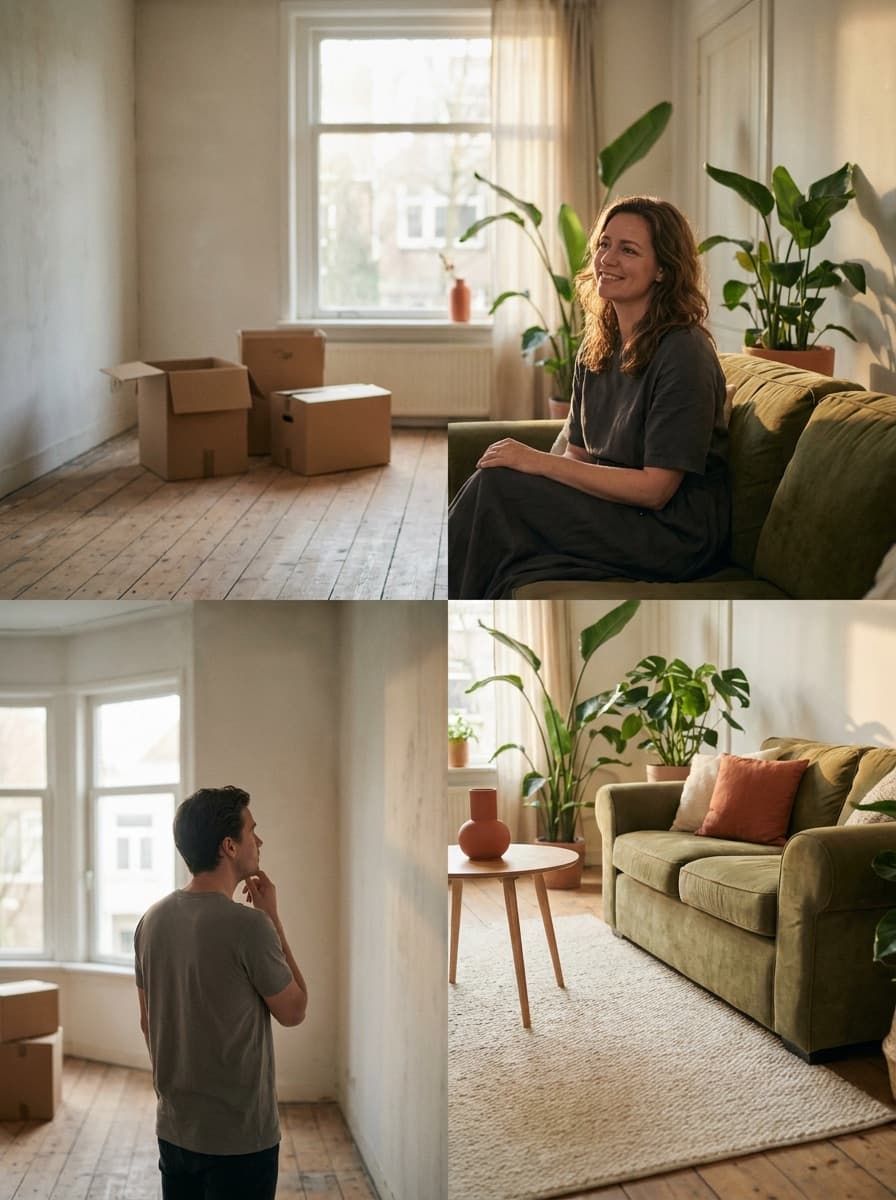
Virtual Staging AI
Furnish empty rooms for a listing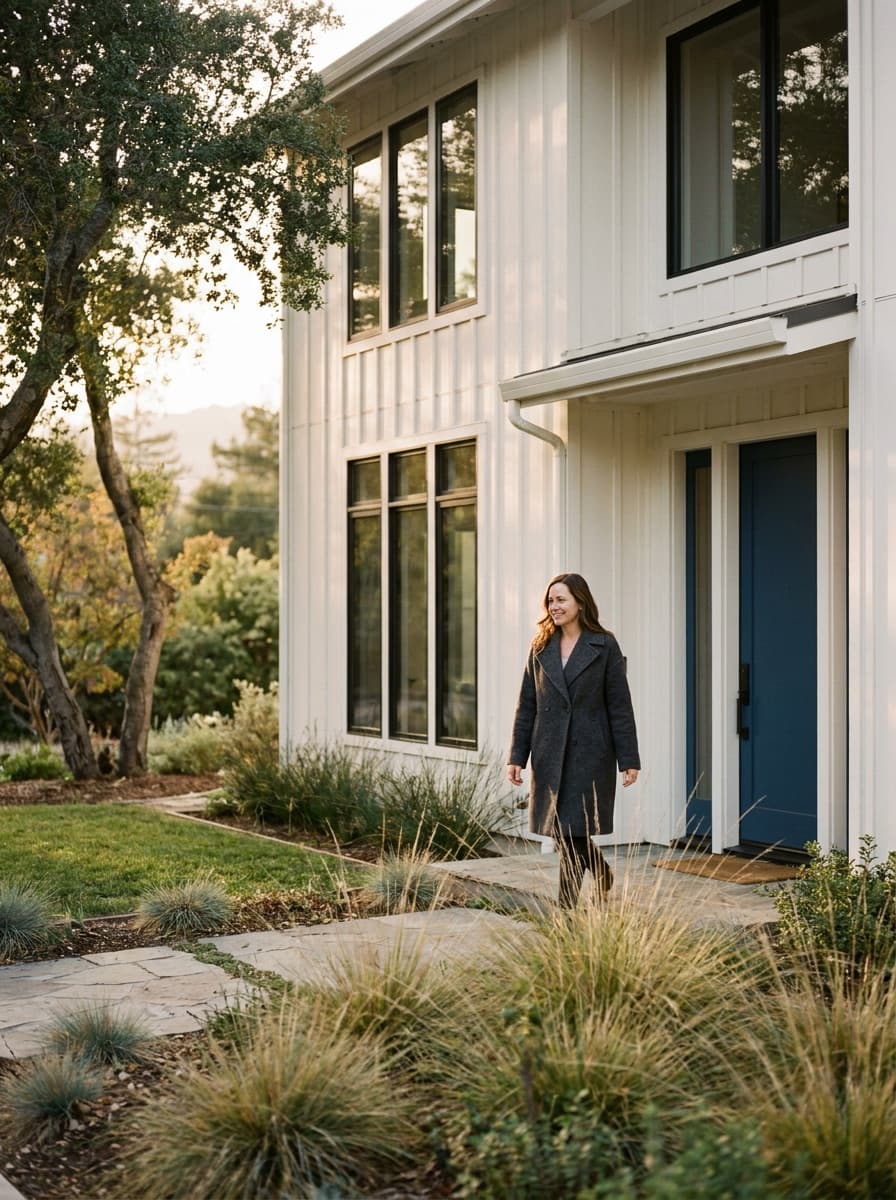
AI Exterior Design
New siding, paint or landscaping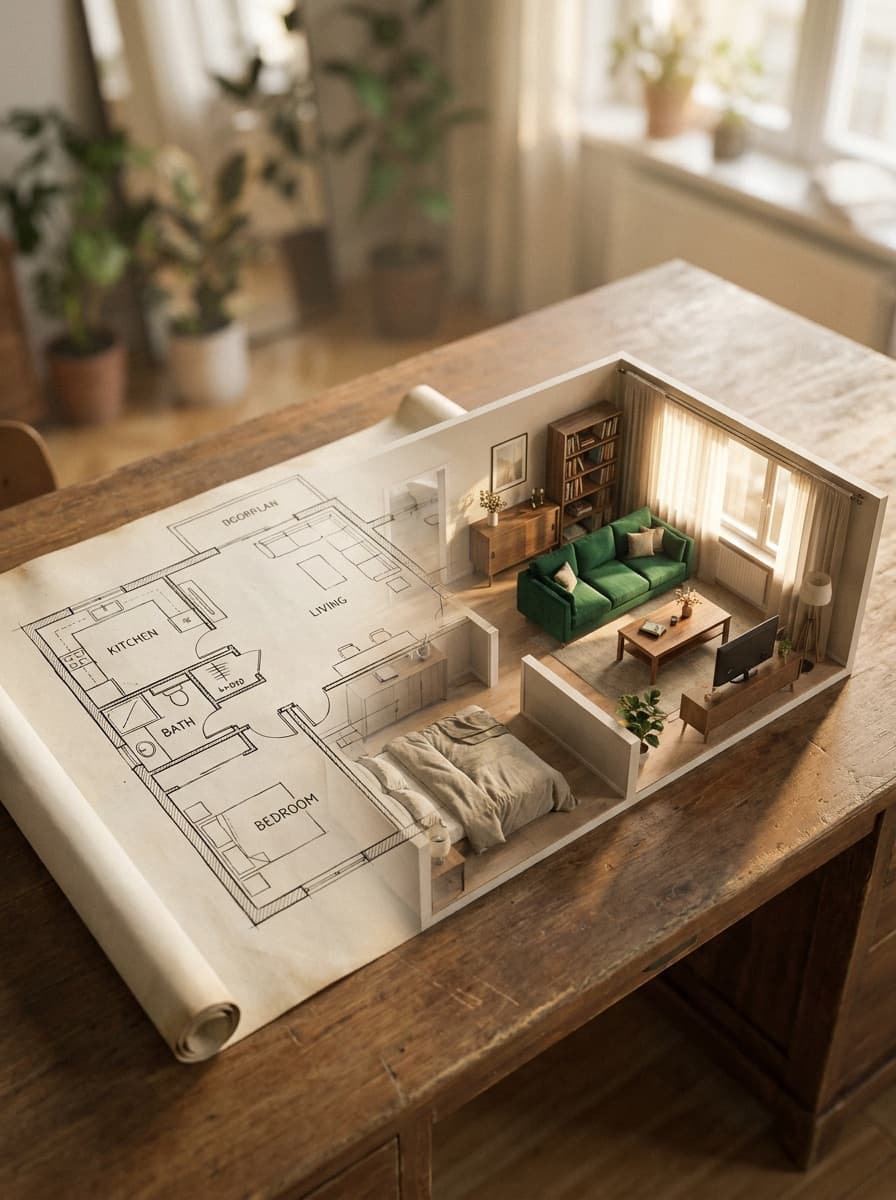
Floor Plan to 3D Render
Floor plans to furnished 3D rendersRelated models
See what each one makes, then open it in Made.