Motion study with audio
“A night market food stall at rush hour, wok flames flaring, steam rolling through lantern light, sizzling and crowd chatter, handheld camera easing past.”
Every prompt below was generated with Seedance 2.5 in Made, and the output next to it is what came back — not a curated stock image. Copy a prompt as a starting point, then use the guide underneath to adapt it.
Original results
These examples use media produced for Made. Prompts are included when the production record allows them.
“A night market food stall at rush hour, wok flames flaring, steam rolling through lantern light, sizzling and crowd chatter, handheld camera easing past.”
“The wheel spins up, clay rising under wet hands, water flicking, soft workshop ambience.”
“Storm waves break against a lighthouse, spray bursting over the rail, wind and surf roaring, slow aerial pull-back.”
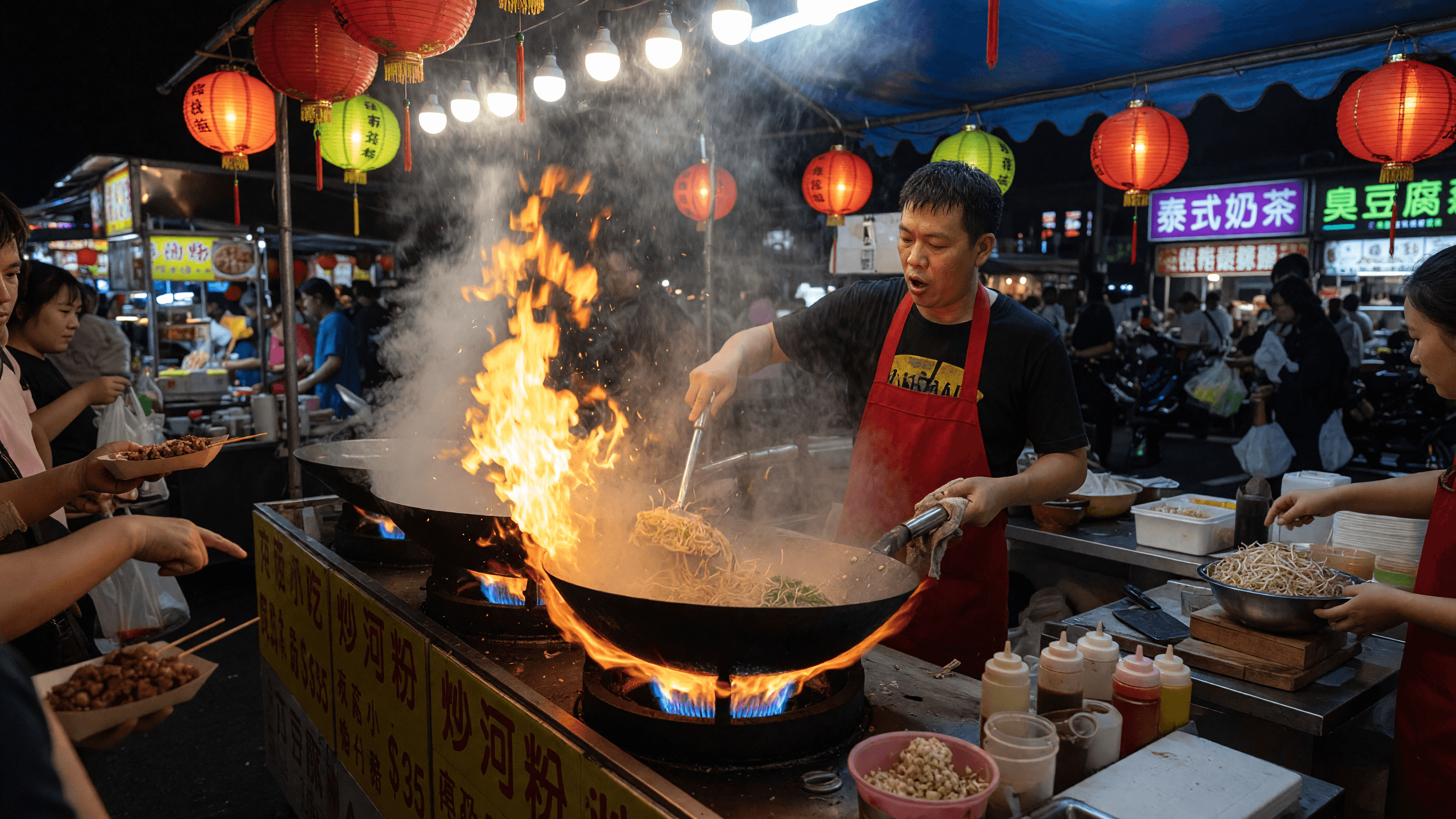
“Set the scene as a still before describing motion and sound.”
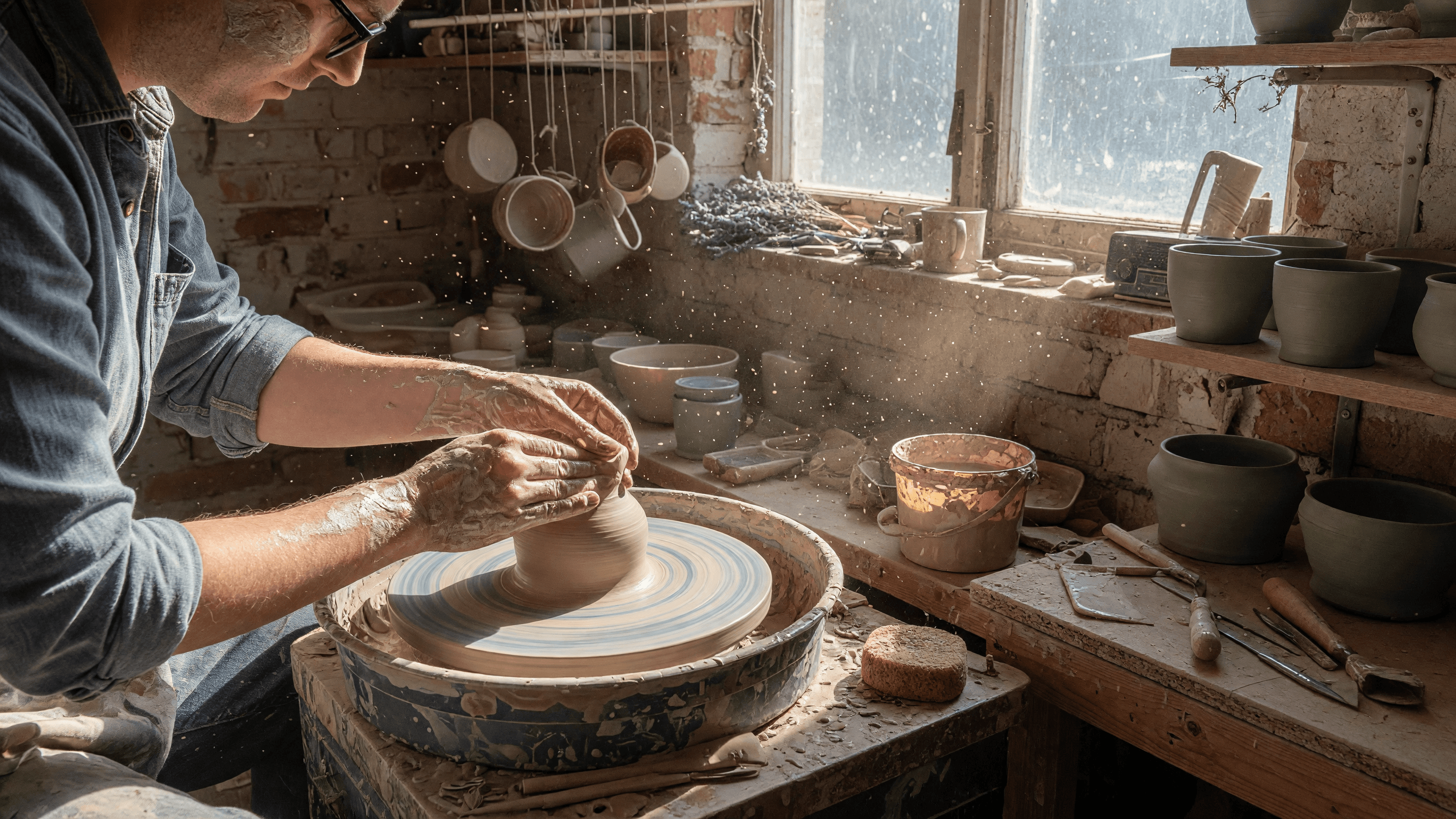
“Use this image as the opening composition.”
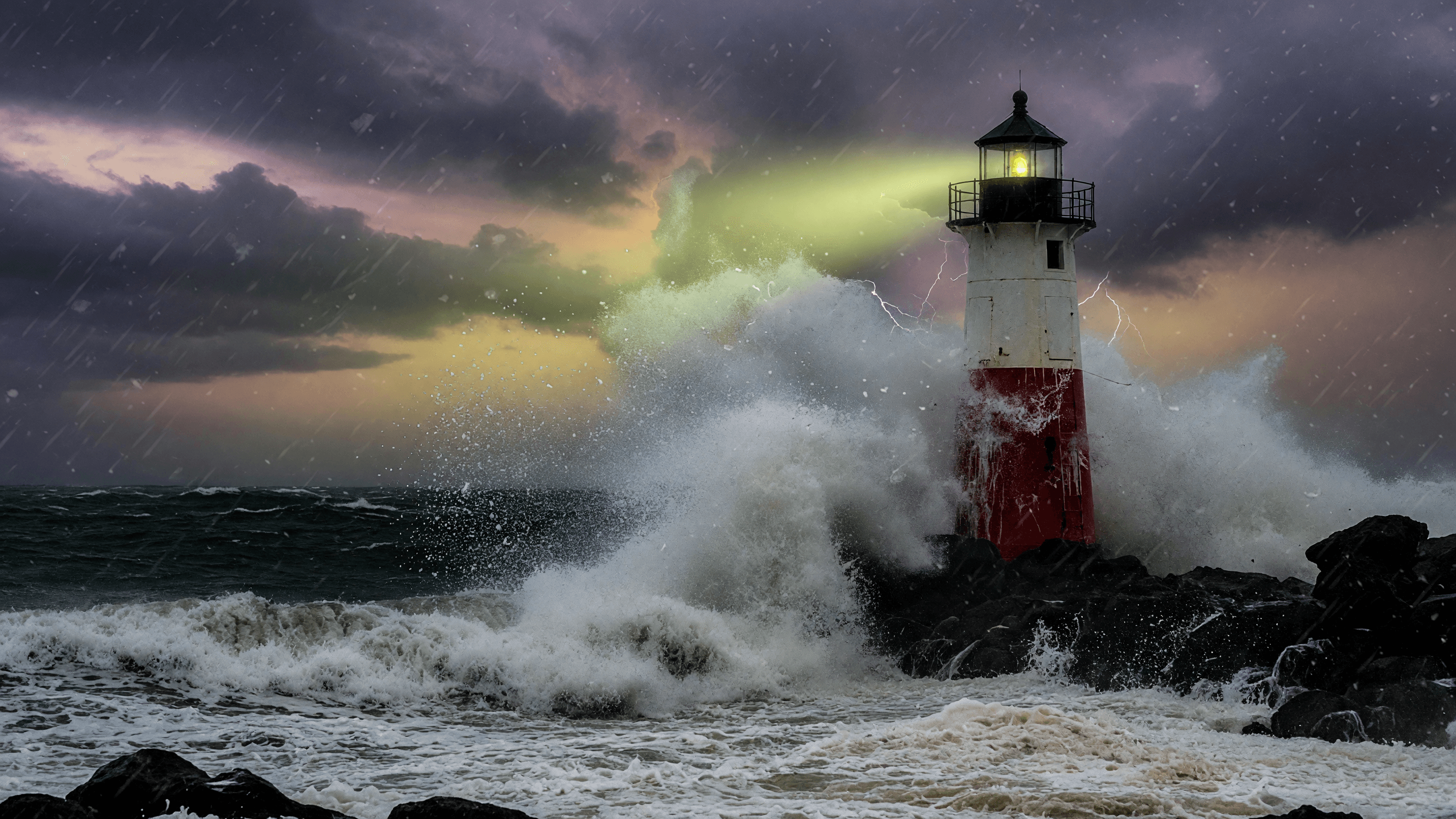
“Establish framing and mood, then hand the motion to the model.”
Describe subject motion, camera movement, and the ambient audio you want in the clip.
Add a start image — and optionally an end frame — when the composition is already decided.
Pick a duration from 4 to 30 seconds; cost scales with every second, so use long takes for keepers.
Check continuity, motion, and the generated soundtrack before downloading.
Iteration is cheap here: Seedance 2.5 costs from 22.05 credits / second, so rewriting a prompt and rerunning it is a normal part of the workflow, not a budget decision. See the full Seedance 2.5 pricing breakdown.
It generates up to 30 seconds in a single pass with native synchronized audio — the longest single-shot ceiling currently available in Made.
More tested prompts across all models live in the prompt library, and the full Seedance 2.5 capability rundown is on the model page.