Motion study with audio
“An aerial shot follows a car along a coastal cliff road at golden hour, waves rolling in below, engine hum and wind.”
Every prompt below was generated with WAN 3.0 Prime in Made, and the output next to it is what came back — not a curated stock image. Copy a prompt as a starting point, then use the guide underneath to adapt it.
Original results
These examples use media produced for Made. Prompts are included when the production record allows them.
“An aerial shot follows a car along a coastal cliff road at golden hour, waves rolling in below, engine hum and wind.”
“The bow draws across the strings, the spotlight flickering warm, a slow dolly toward the stage with resonant hall tone.”
“Autumn leaves swirl across a misty temple courtyard in morning light as the camera glides low over the stone.”

“Set the scene as a still before describing motion and sound.”
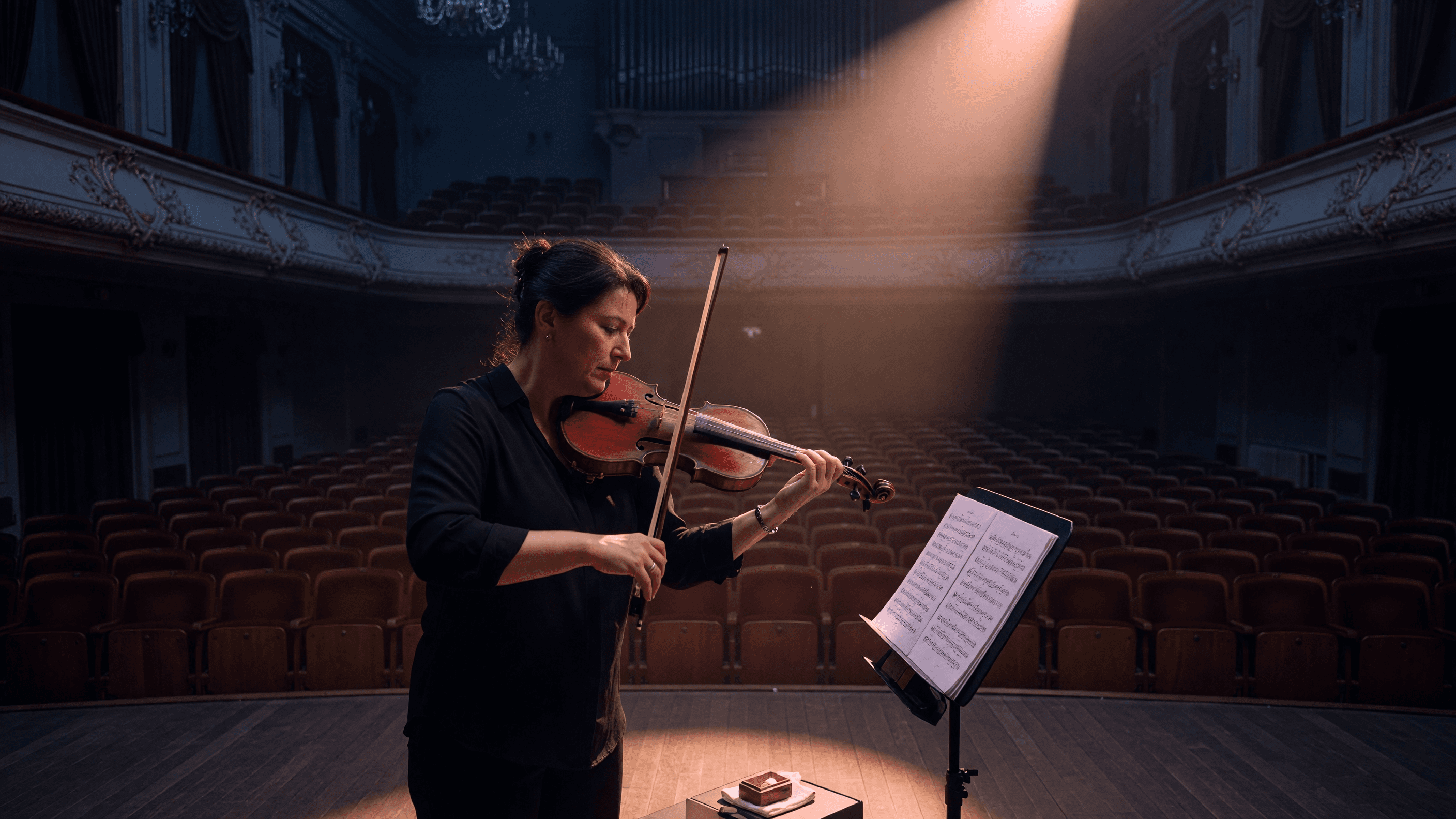
“Use this image as the opening composition.”
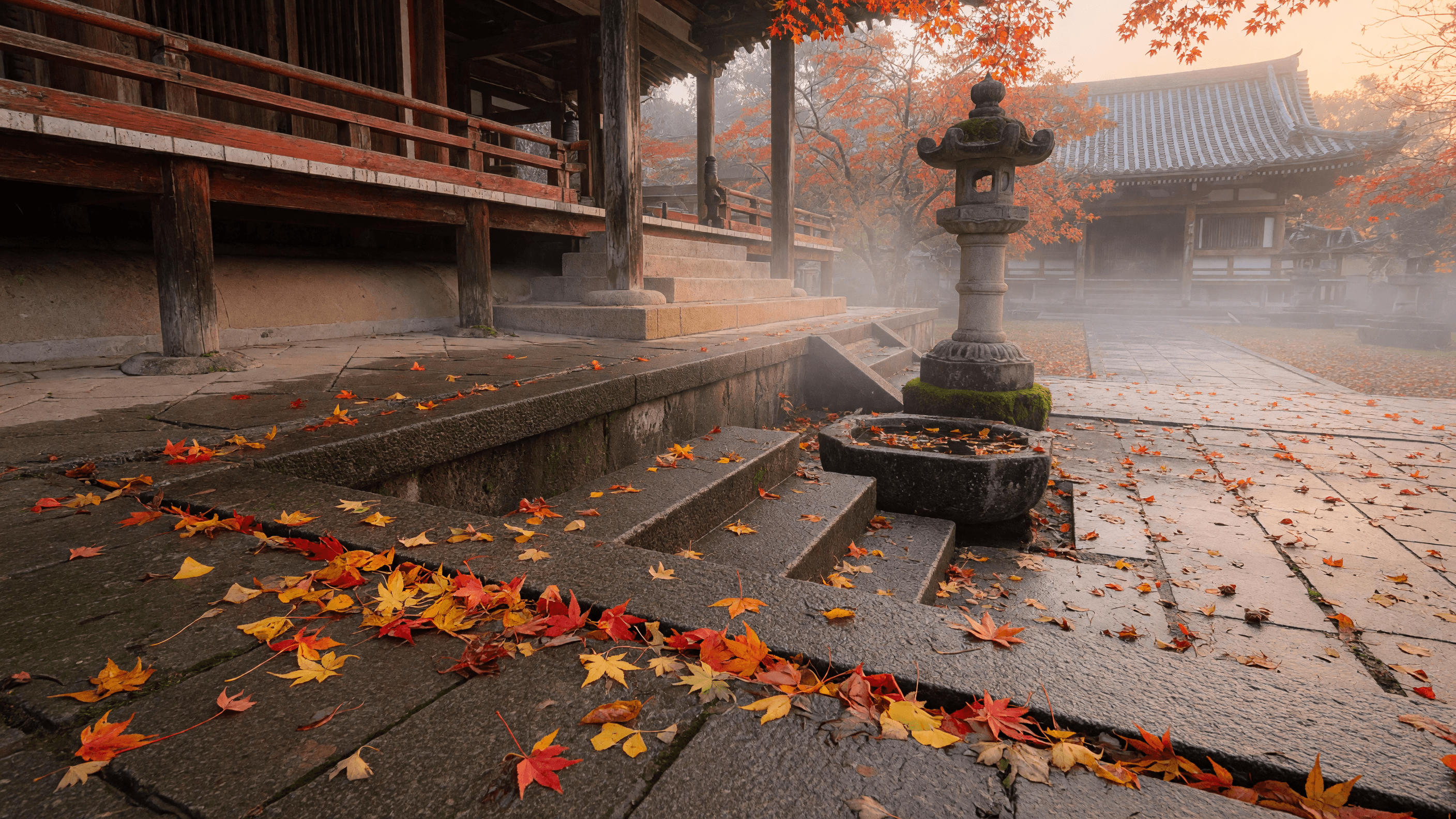
“Establish framing and light, then hand the motion to the model.”
Describe the subject, camera movement, pacing, and the ambient audio the clip should carry.
Add a still for 30 fps image-to-video; adaptive aspect ratio follows the source automatically.
Pick a duration from 2 to 30 seconds and 480p, 720p, or 1080p; Made starts at 480p, the cheapest.
Check motion, audio sync, and edges before downloading or refining the prompt.
Iteration is cheap here: WAN 3.0 Prime costs from 6.8 credits / second, so rewriting a prompt and rerunning it is a normal part of the workflow, not a budget decision. See the full WAN 3.0 Prime pricing breakdown.
It is the faster version of Alibaba’s WAN 3.0 video model, with synchronized audio, up to 1080p output, and clips from 2 to 30 seconds.
More tested prompts across all models live in the prompt library, and the full WAN 3.0 Prime capability rundown is on the model page.