Separate the master from the deliveries
The template keeps the source immutable and records every destination as a derived file. That makes it possible to review crop choices without treating one export as a new master.
Prepare an approved product master for square, portrait, and Story placements with destination-specific crop rules, file settings, and a visible completeness check.
Created with Made · Reviewed for rights, safety, and workflow accuracy.
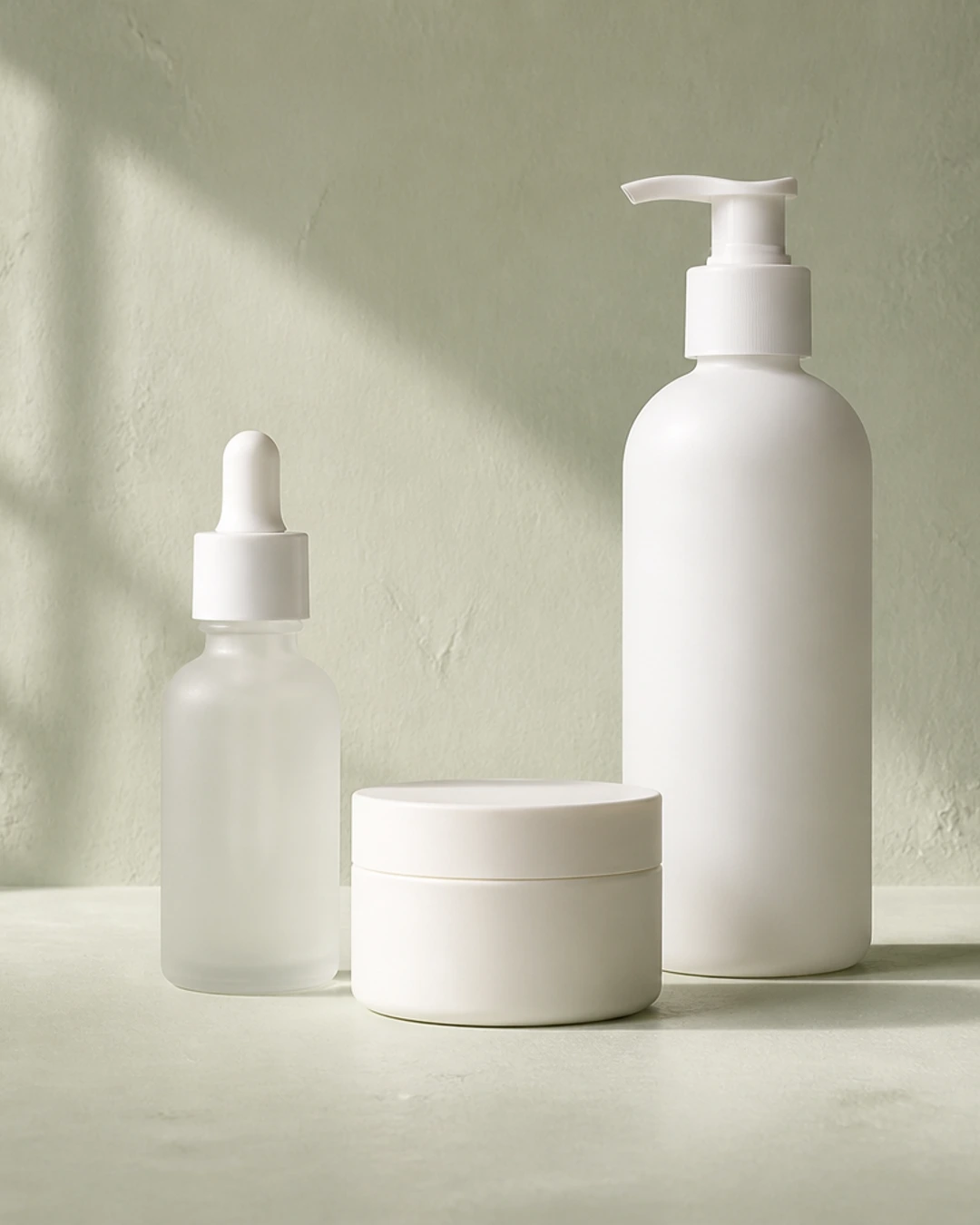
The template keeps the source immutable and records every destination as a derived file. That makes it possible to review crop choices without treating one export as a new master.
For a multi-product still life, reviewers verify the number of packages, every silhouette, and the recorded padding color in addition to pixel dimensions.
Required inputs
Made can prefill the tested prompt and model. Add the approved product master, confirm every target, protect the complete set, and assign a fit rule to each ratio.
Tested workflow
Prompt
Resize this skincare source into a 1080 by 1080 square, a 1080 by 1350 portrait, and a 1080 by 1920 Story. Crop the square and portrait to fill while keeping all three products visible. Fit the Story with #E7EADF padding instead of stretching or cutting off a container. Export WebP at quality 92.
Made Auto routes the natural-language delivery request to the published deterministic Image Resizer implementation.
Record the original file hash, dimensions, rights, and the complete product count.
Specify width, height, format, quality, and whether the placement permits padding.
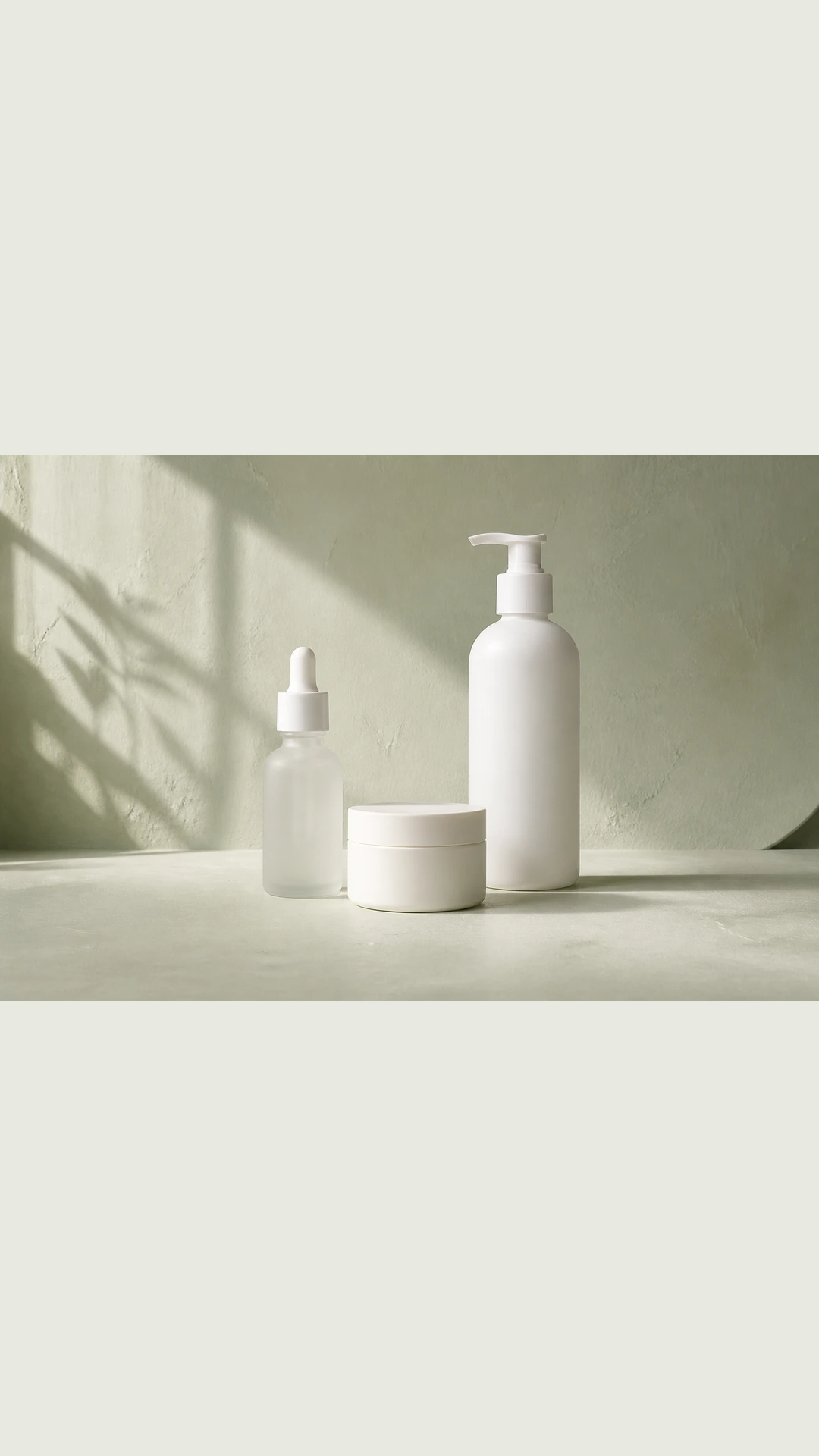
Use cover for compatible crops and contain with a recorded background for the extreme vertical ratio.
Check every package, crop edge, padding color, output hash, and filename.
The template turns visual completeness and file requirements into recorded acceptance criteria instead of relying on a generic resize instruction.
Original Made media
Prompt
Turn one product master into square, portrait, and Story deliveries by naming exact dimensions, protecting the complete arrangement, and choosing crop or padding per destination.
Example
A wide three-product skincare master cropped into a 1080 × 1080 WebP while preserving every container and the original studio proportions.
Example
A 3:2 product still life fitted into a 1080 × 1920 Story canvas with pale sage padding so no package is stretched, cropped, or invented.