Acne Remover
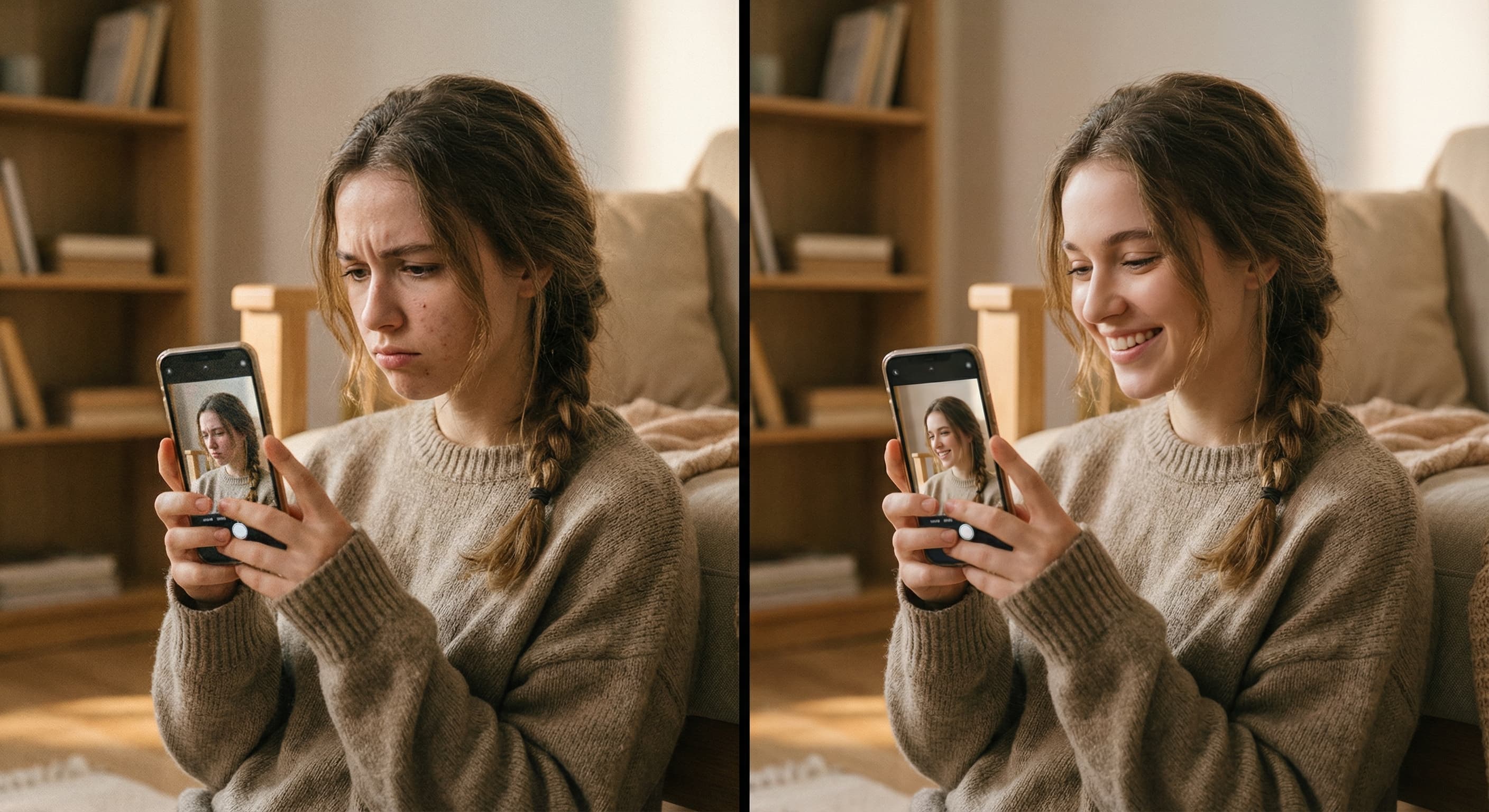
Upload a photo and Made clears the blemishes with AI, keeping natural skin texture instead of an airbrushed finish.
Runs in the tool. You sign in to run it, see the price before you start, and failed runs are refunded.

How to use Acne Remover
- 1
Upload one photo
Choose a JPEG, PNG, or WebP where the face is clearly visible.
- 2
Ask Made to remove the acne
A plain request works; you can also ask for a lighter or a more thorough pass.
- 3
Let Made clean it up
GPT Image 2.5 Flare clears the blemishes and keeps the rest of the photo as it was.
- 4
Check the skin up close
Zoom in to confirm texture, freckles, and moles you want kept are intact.
Acne Remover examples
Real results from Made. Use a prompt to open it in Acne Remover, then add your own photo.
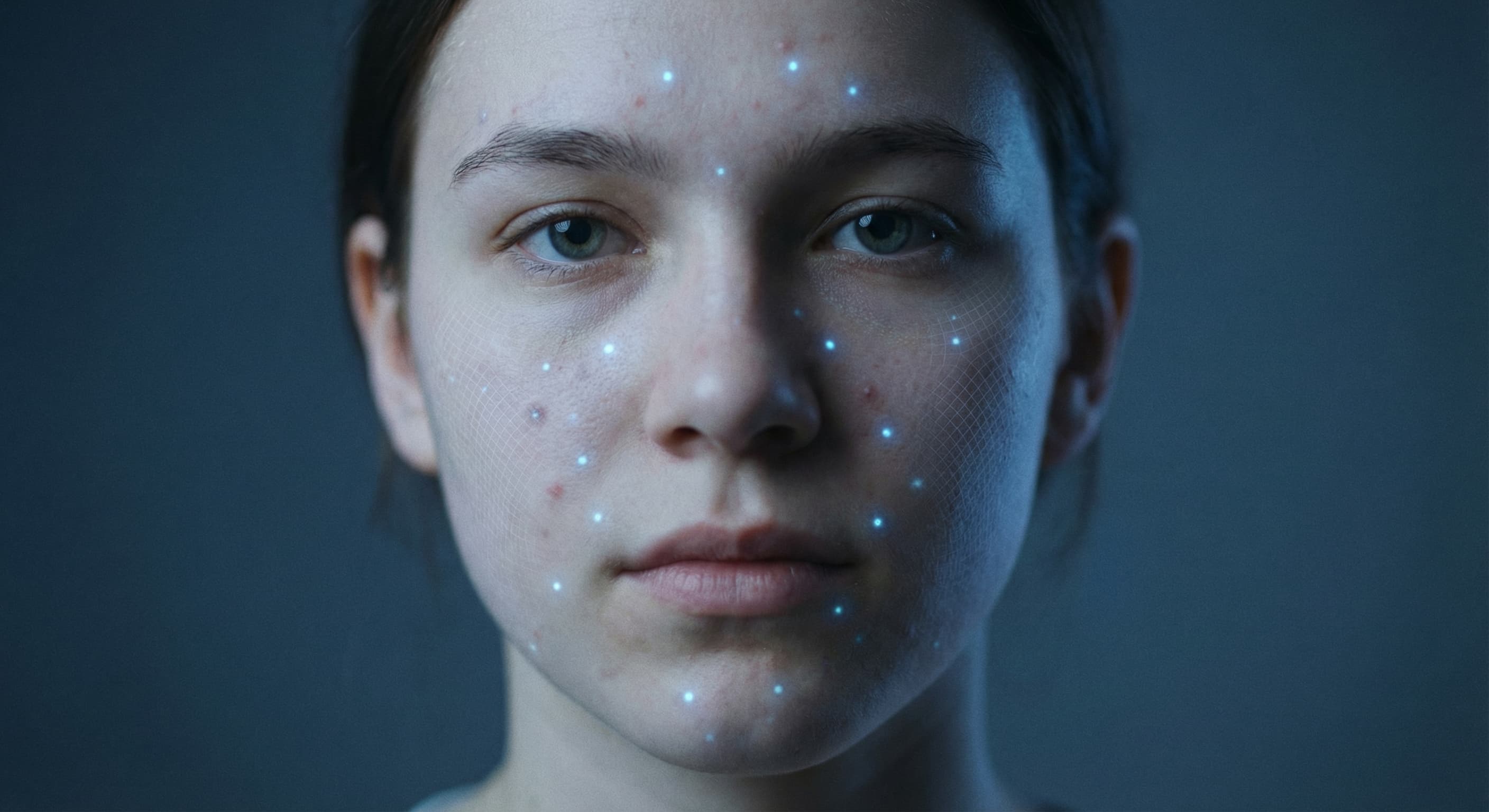
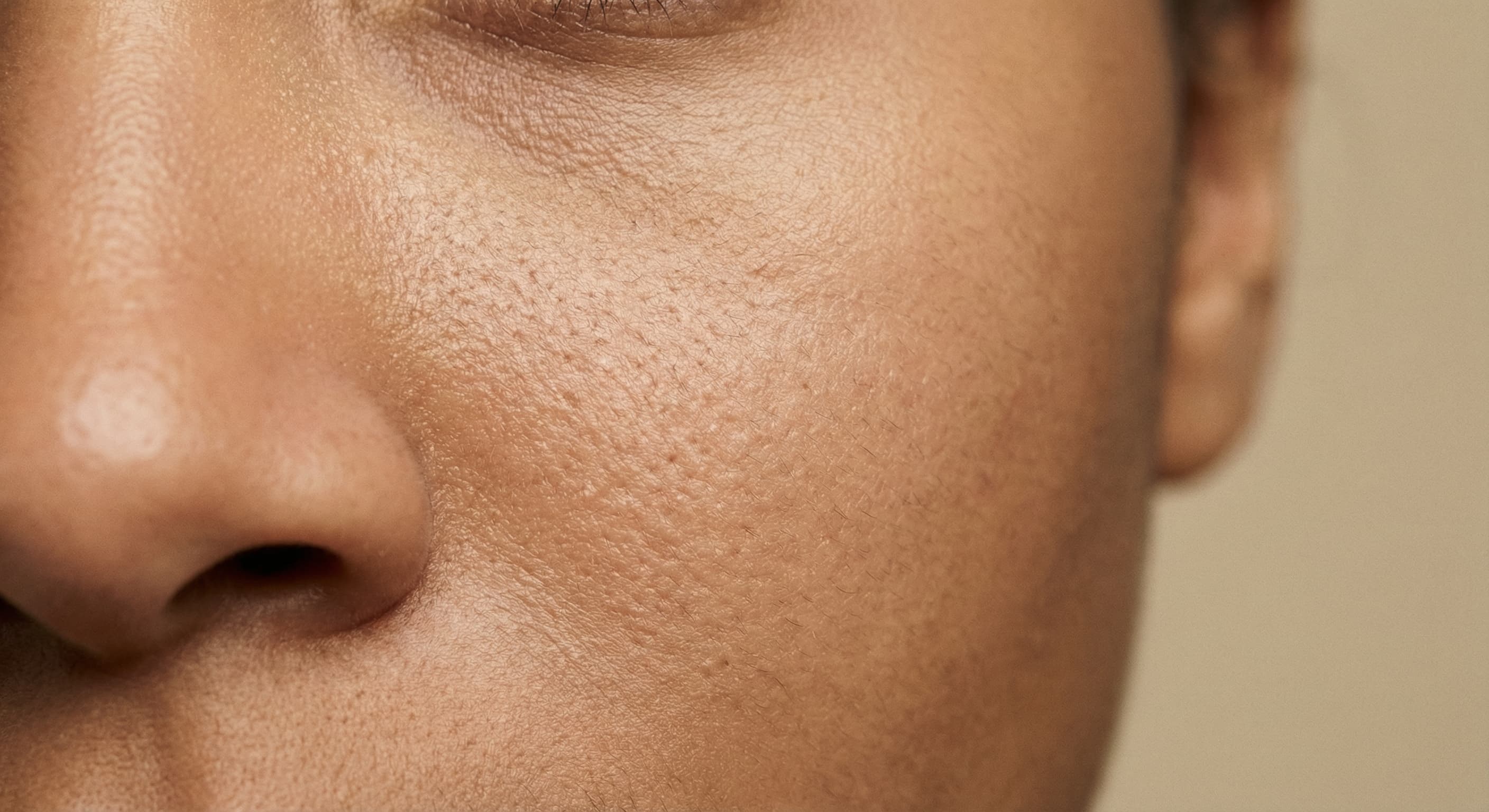
What people use it for
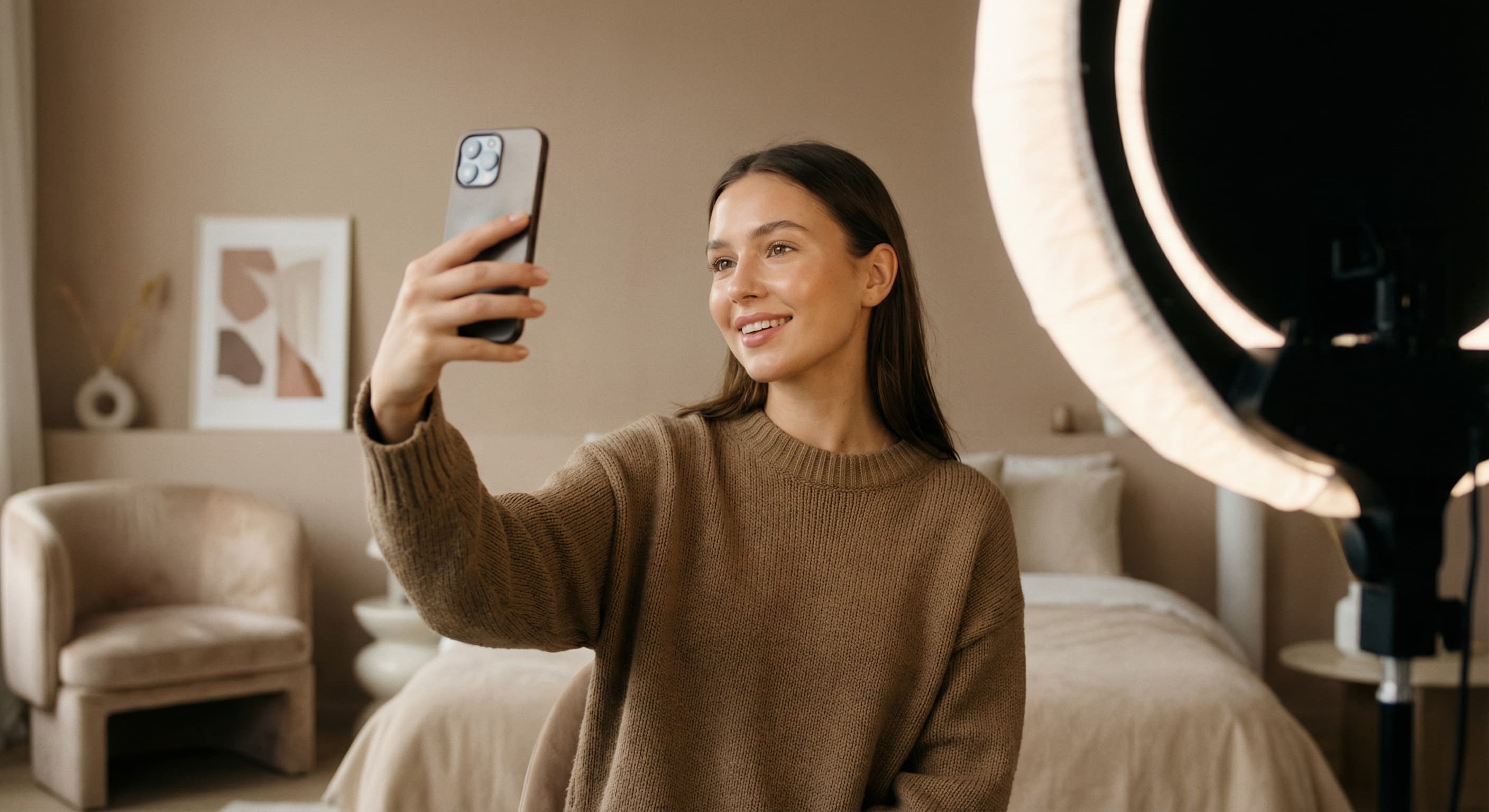
- Selfies and social postsClear a breakout from a photo you otherwise love without smoothing your whole face.
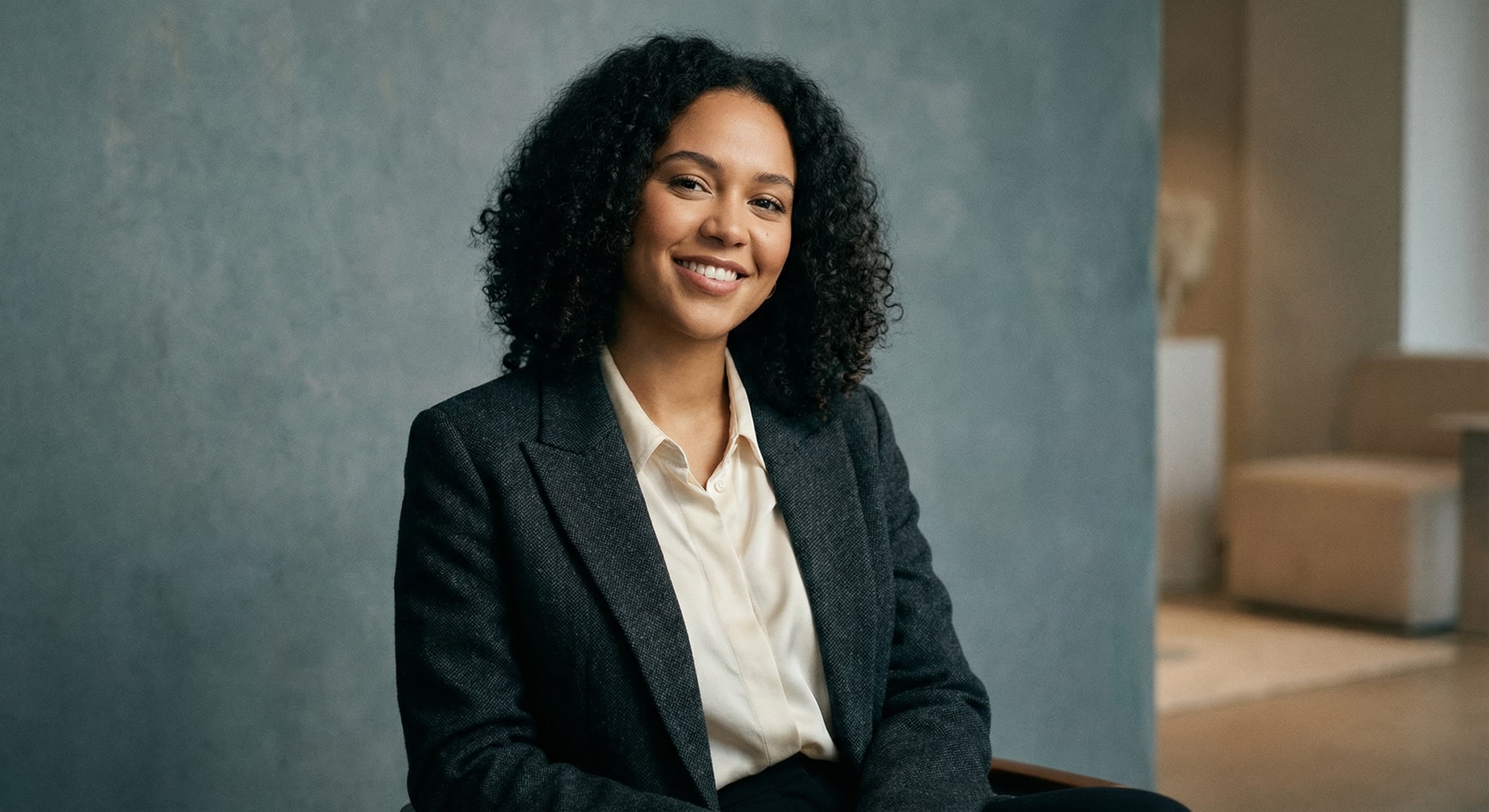
- Headshots and profilesPresent clean skin in professional photos while keeping pores and texture believable.
- Event photosFix a badly timed breakout in wedding, graduation, or party photos.
- Creator contentKeep thumbnails and posts consistent on days when your skin is not cooperating.
Remove acne from a photo
What it does
- Input
- One JPEG, PNG, or WebP photo
- Output
- PNG with the blemishes removed and natural skin texture preserved
- How it works
- Made sends your photo and request to GPT Image 2.5 Flare with a built-in instruction to keep natural skin texture, freckles, and moles, and returns a PNG.
- Access
- Runs in the tool. You sign in to run it, see the price before you start, and failed runs are refunded.
Formats and limits
- Input formats
- JPEG, PNG, WebP
- Images per request
- One
- Request
- A plain request works; ask for a lighter or more thorough pass, or name marks to keep
- Model
- GPT Image 2.5 Flare
- Finish
- Preserves natural skin texture rather than airbrushing
Checked against the running tool on 2026-10-20.
Questions about Acne Remover
How does the AI acne remover work?
Made sends your photo to GPT Image 2.5 Flare with your request and a built-in instruction to keep natural skin texture, freckles, and moles. The model clears the blemishes and returns the photo as a PNG.
Will my skin look airbrushed?
It shouldn’t. Every request asks the model to keep natural skin texture and change nothing else, so pores and texture across the face stay. Generated edits can still vary, so compare the result against the original.
Do I have to circle each blemish myself?
No. The model finds the blemishes for you. Ask for a lighter pass that targets only obvious spots, or a more thorough one.
Can I choose how much it removes?
Yes, in your request. “Remove just the most visible blemishes” gives a light pass, and “remove all the blemishes” a thorough one. Name anything to keep, like freckles or a mole.
What can I upload?
One JPEG, PNG, or WebP photo per request. To clean up several photos, run the tool once per image.
Will it remove freckles, moles, or scars I want to keep?
The built-in instruction keeps freckles and moles, but a thorough pass can still catch other marks. If something you want kept was removed, run it again and name what to keep, then compare the result against the original.
How is this different from AI Photo Retouch?
Acne Remover is set up for breakouts: a plain request works, and every run keeps natural skin texture. AI Photo Retouch follows whatever retouching you describe, from stray hairs to glare.
More photo fixes
AI Photo Retouch
Retouch skin, hair and details
AI Headshot Generator
Studio headshots from a casual photo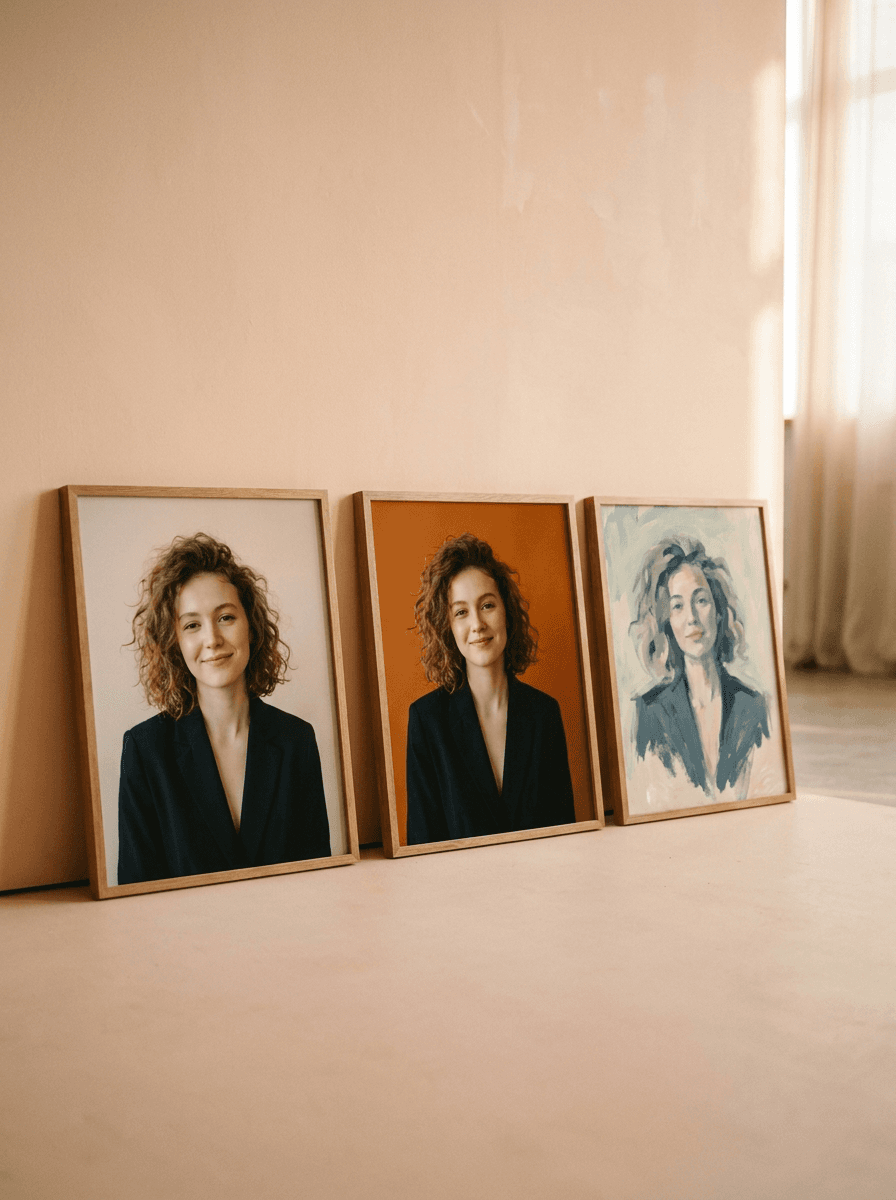
Profile Picture Maker
A sharper profile picture in any style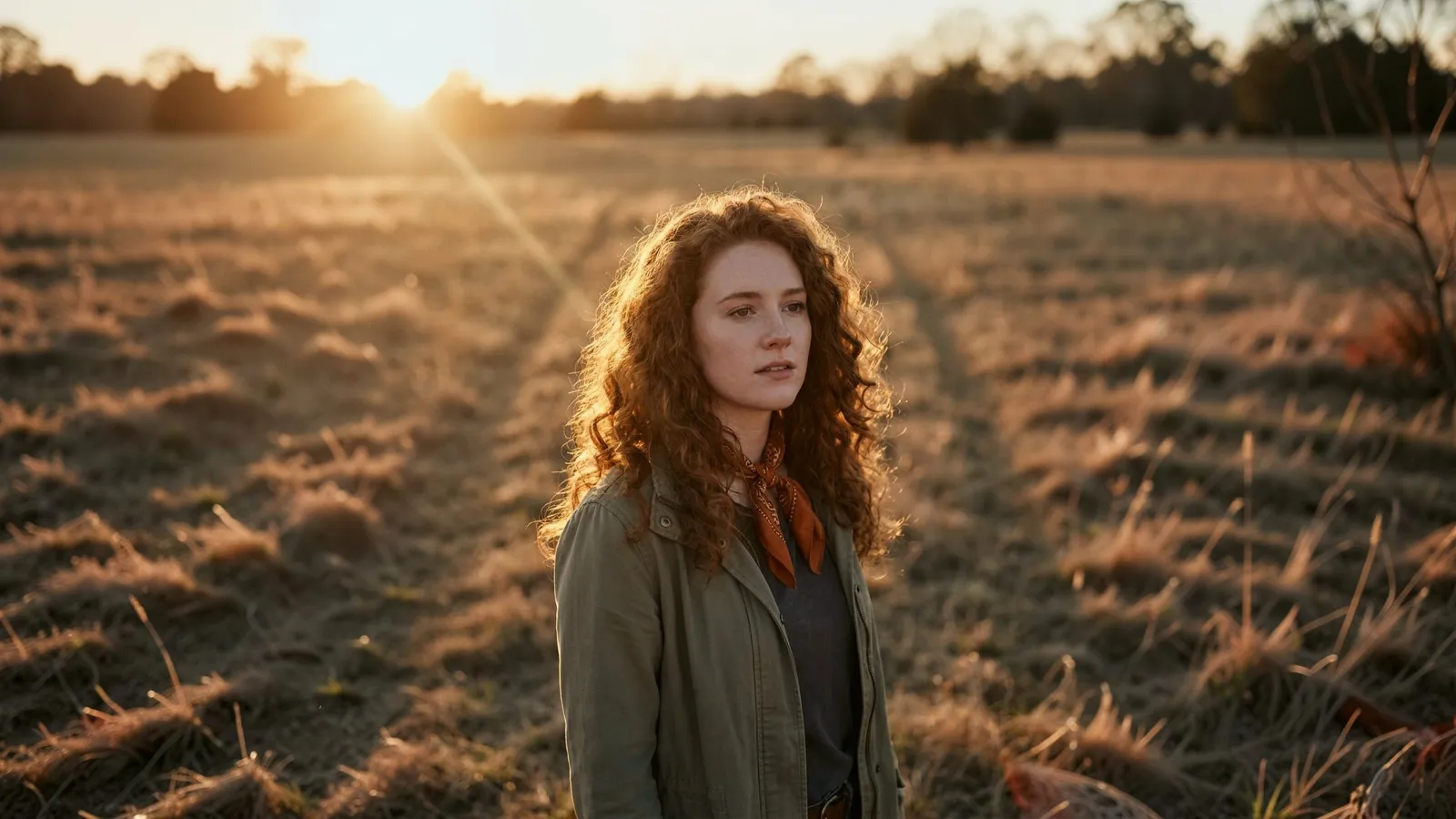
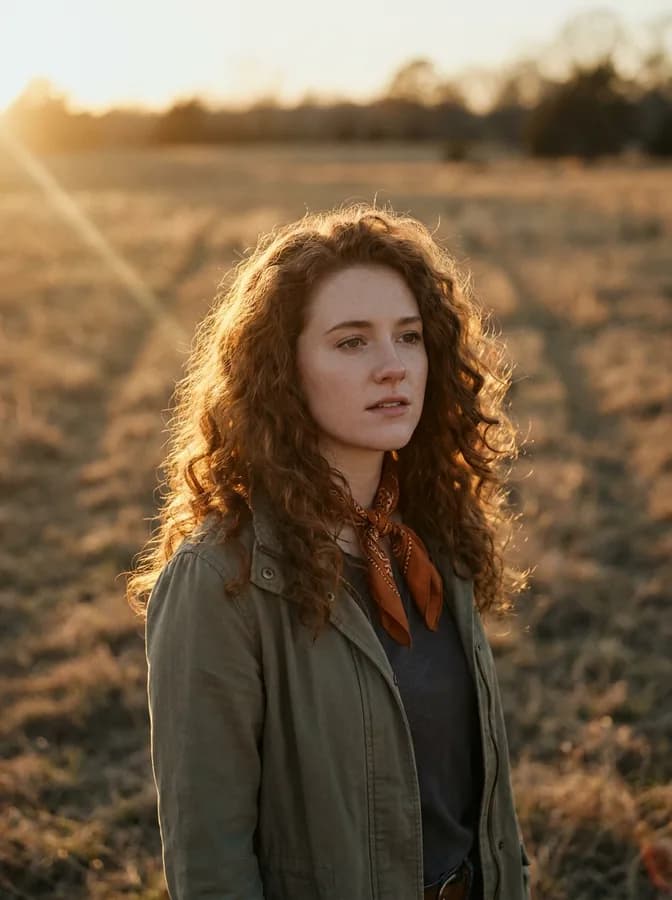
Expand Image
Extend any photo past its edges
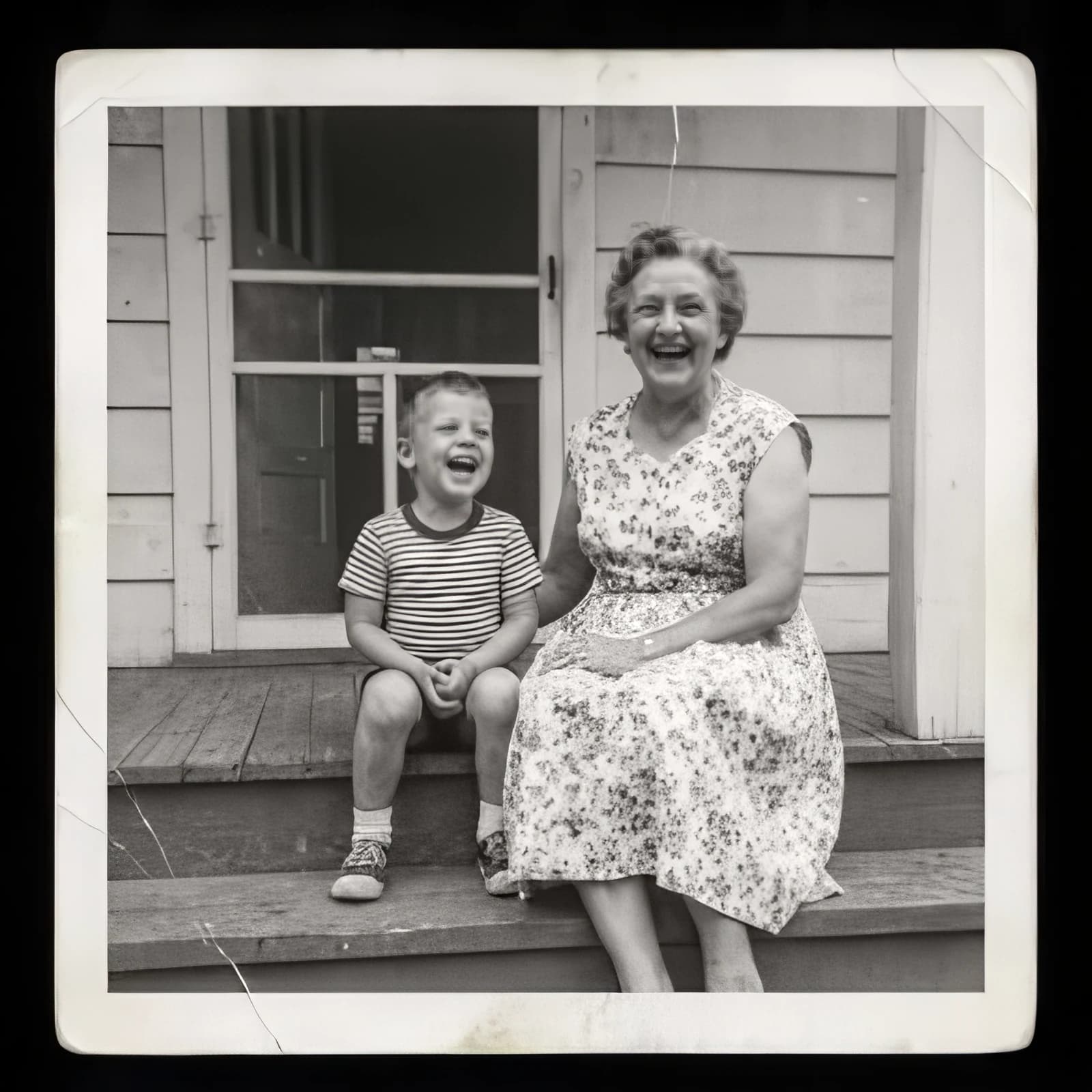
Image Upscaler
Sharpen and enlarge up to 4×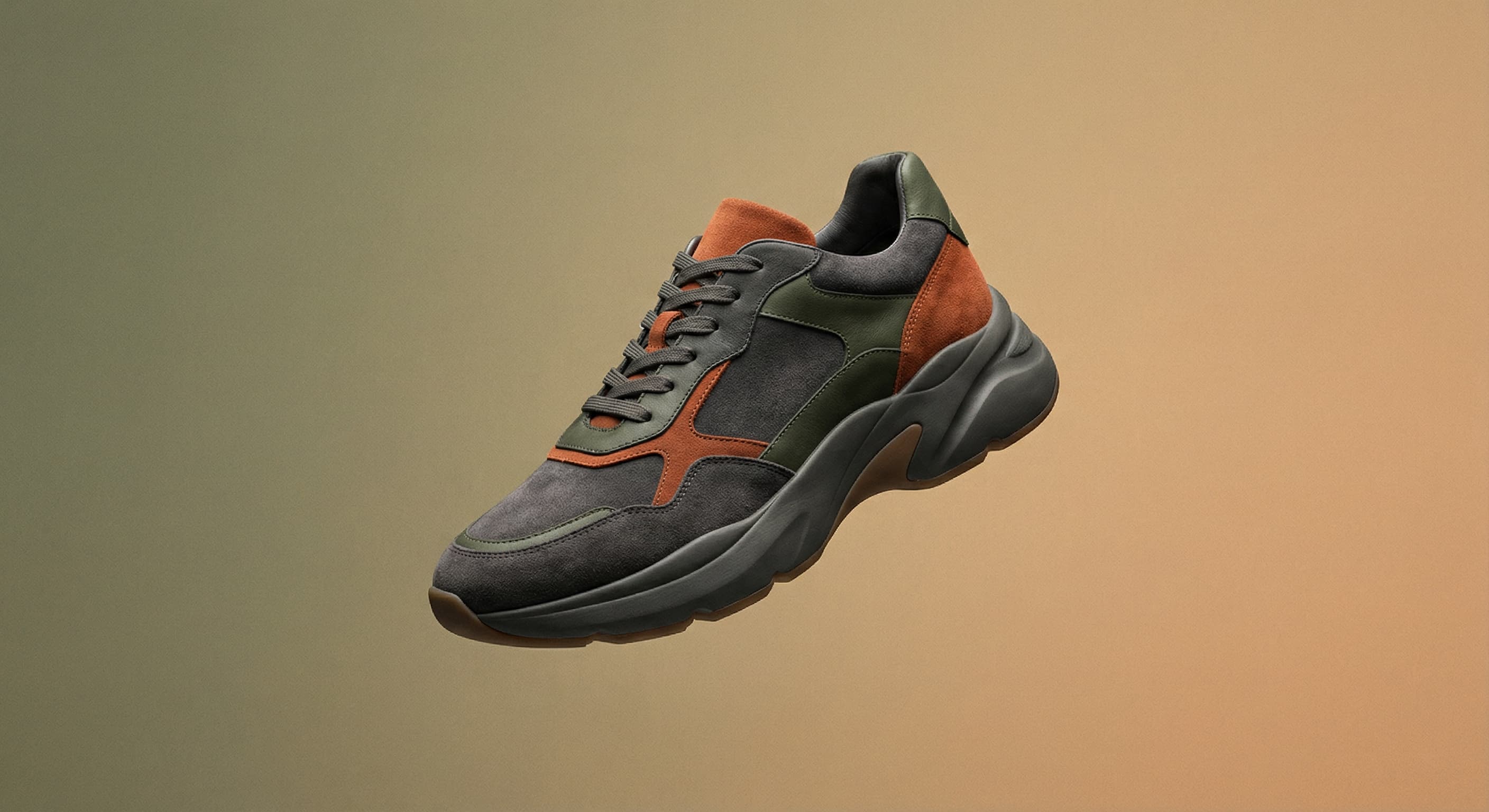
Background Remover
A clean transparent cutout in one step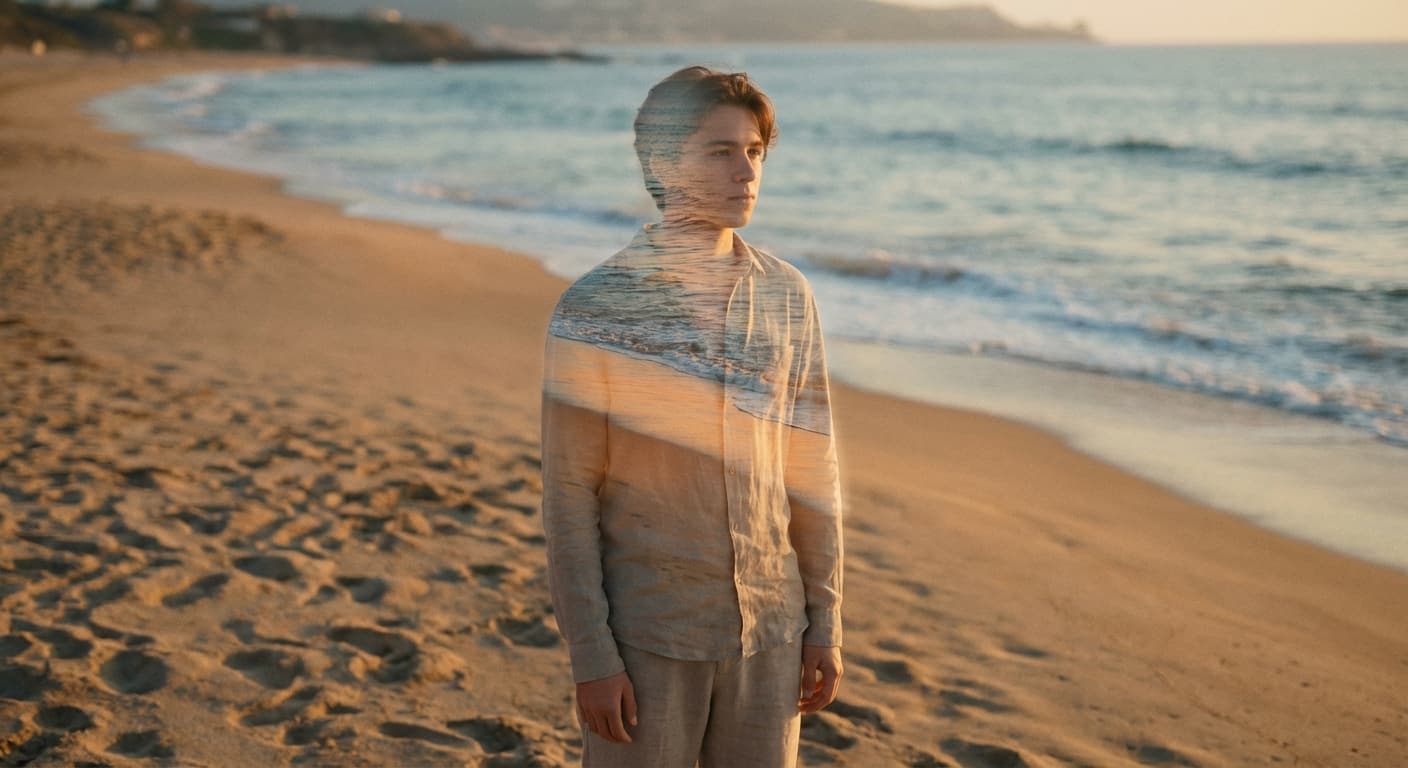
Object Remover
Erase people, cars or clutter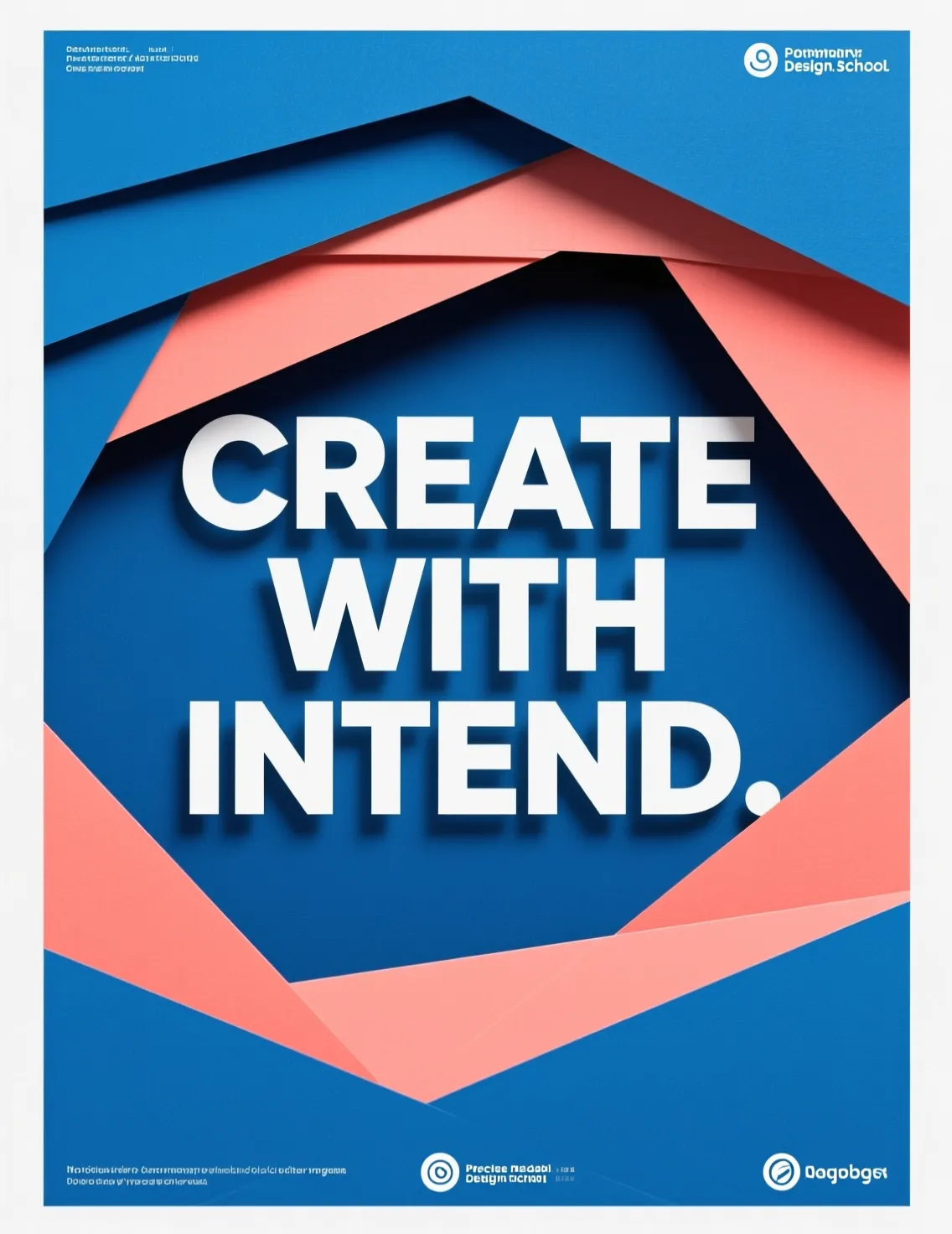

Edit Text
Change the words in any image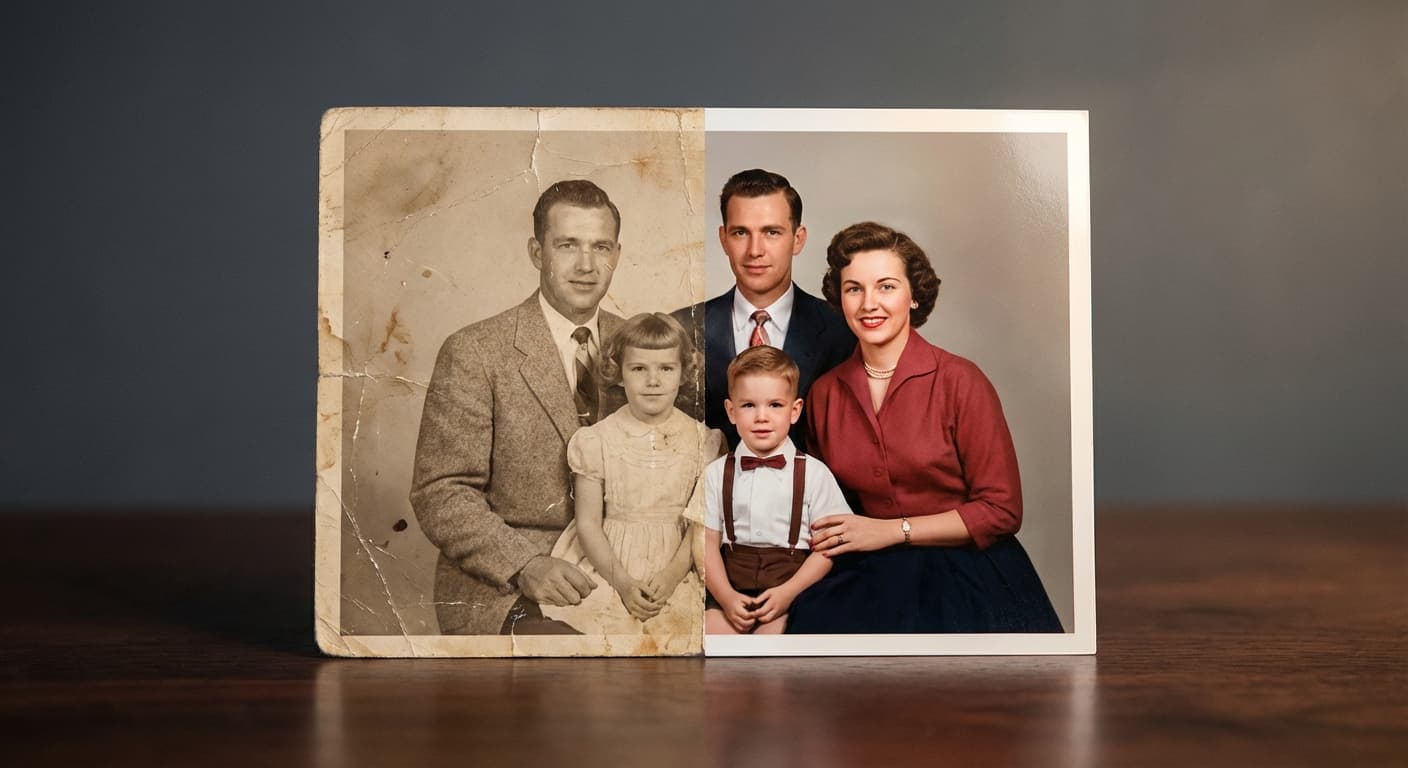
Photo Restoration
Repair scratches, tears and fading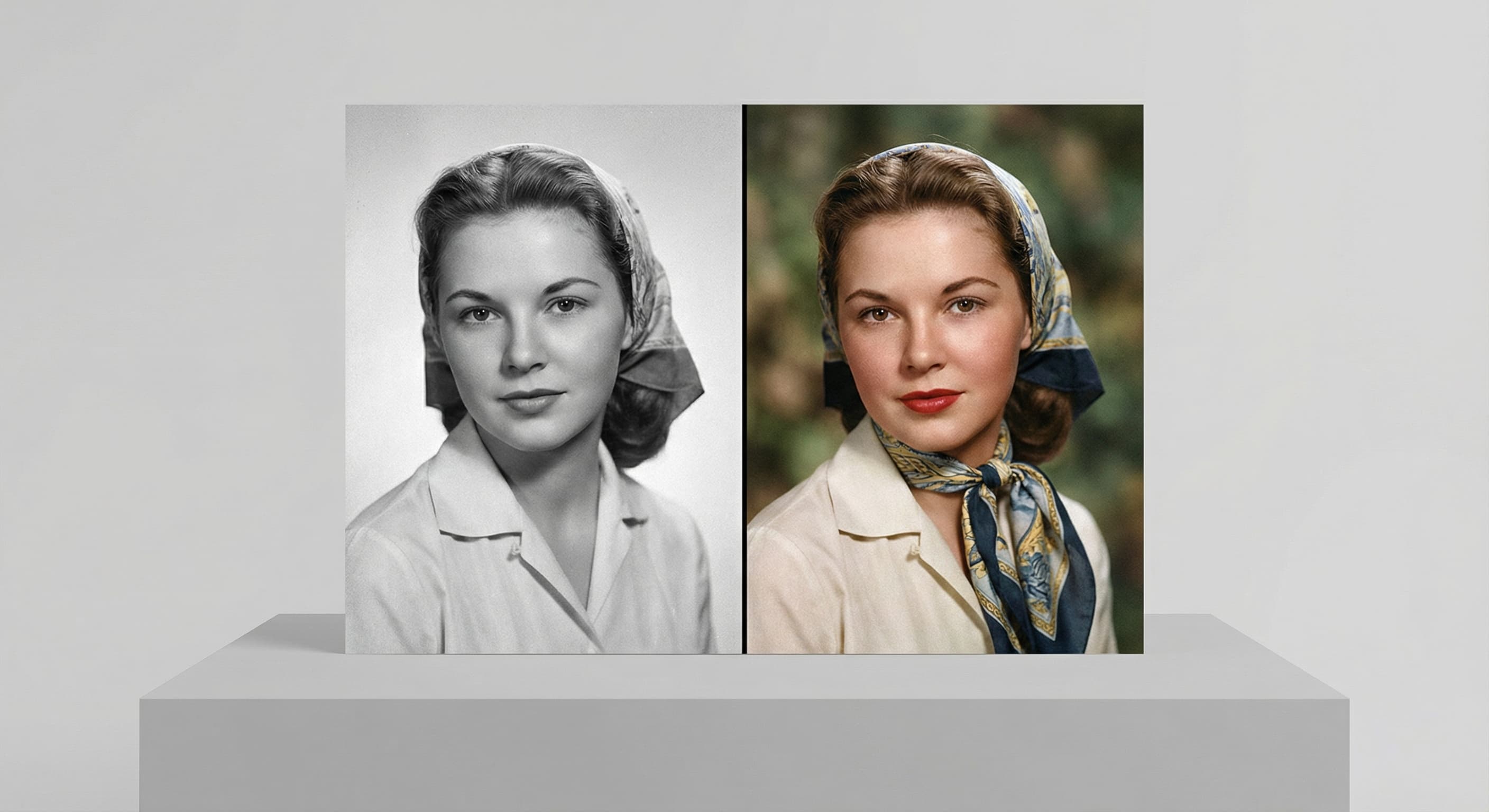
Photo Colorizer
Natural color for black-and-white photosRelated models
See what each one makes, then open it in Made.