Creator content
“Remove the acne from this photo before I post it.”
Upload a photo and Made automatically detects blemishes and clears them with AI inpainting, keeping natural skin texture instead of an airbrushed finish.
Creator content“Remove the acne from this photo before I post it.”
Choose a JPEG, PNG, or WebP where the face is clearly visible.
A plain request works; you can also ask for lighter or more aggressive detection.
Made finds the blemishes, masks them, and repaints only those areas.
Zoom in to confirm texture, freckles, and moles you want kept are intact.
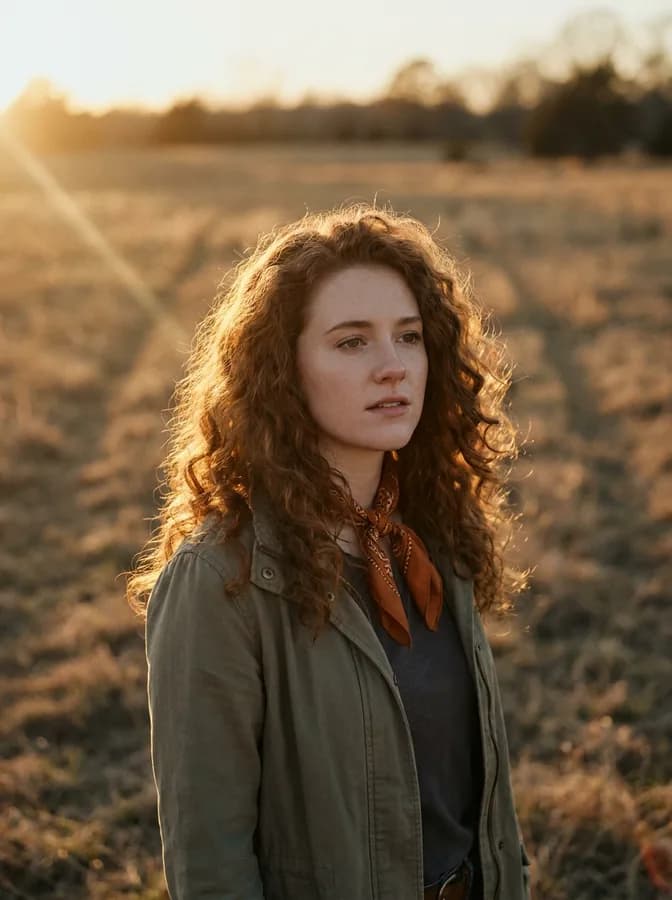
Real results from Made. Use a prompt to load it into the studio above, then add your own photo.
“Remove the acne from this photo before I post it.”

“Clear the breakout in this photo from the wedding.”

“Remove the blemishes from this headshot and keep it natural.”
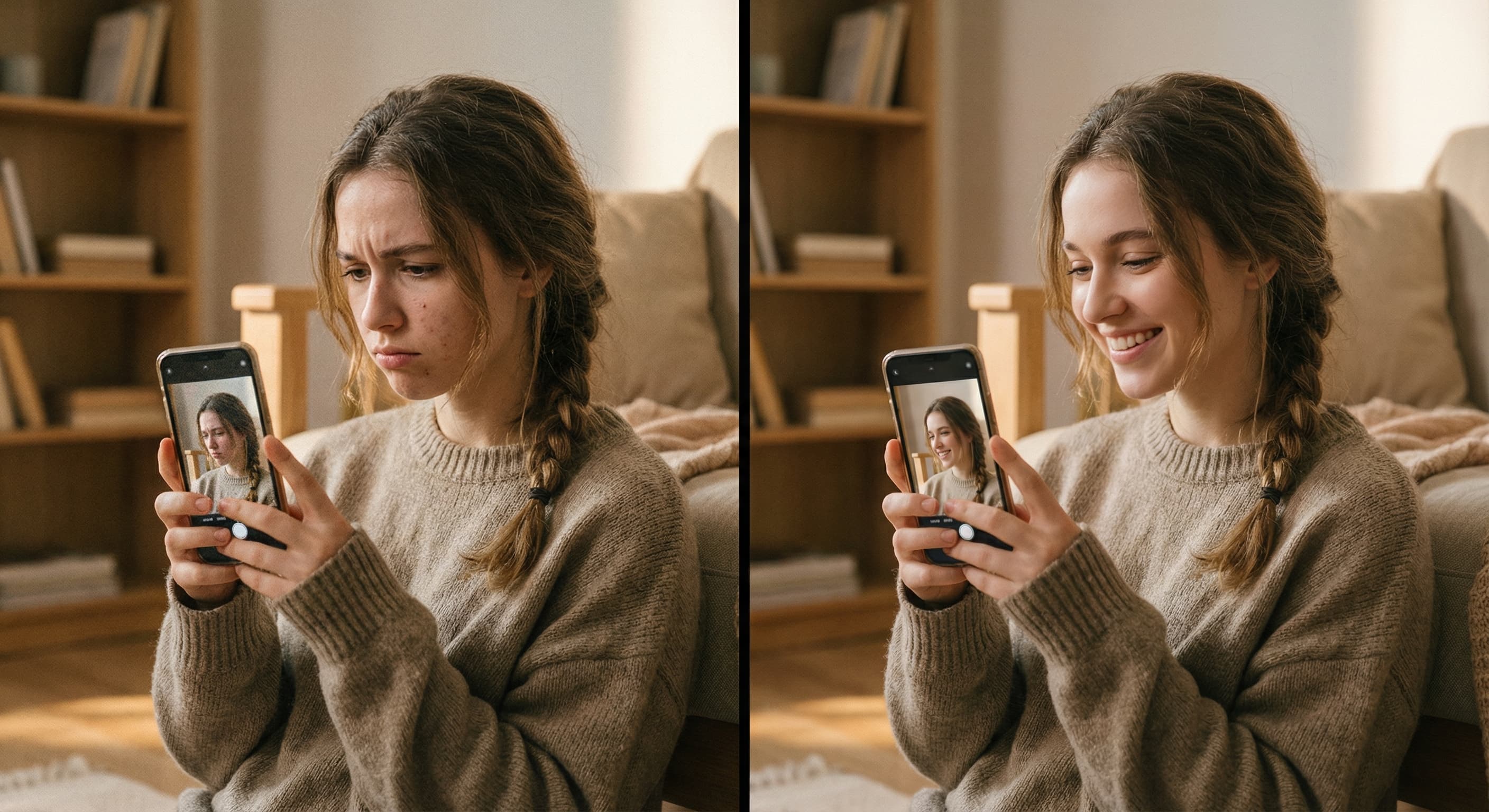
“Remove the blemish on my forehead in this photo.”
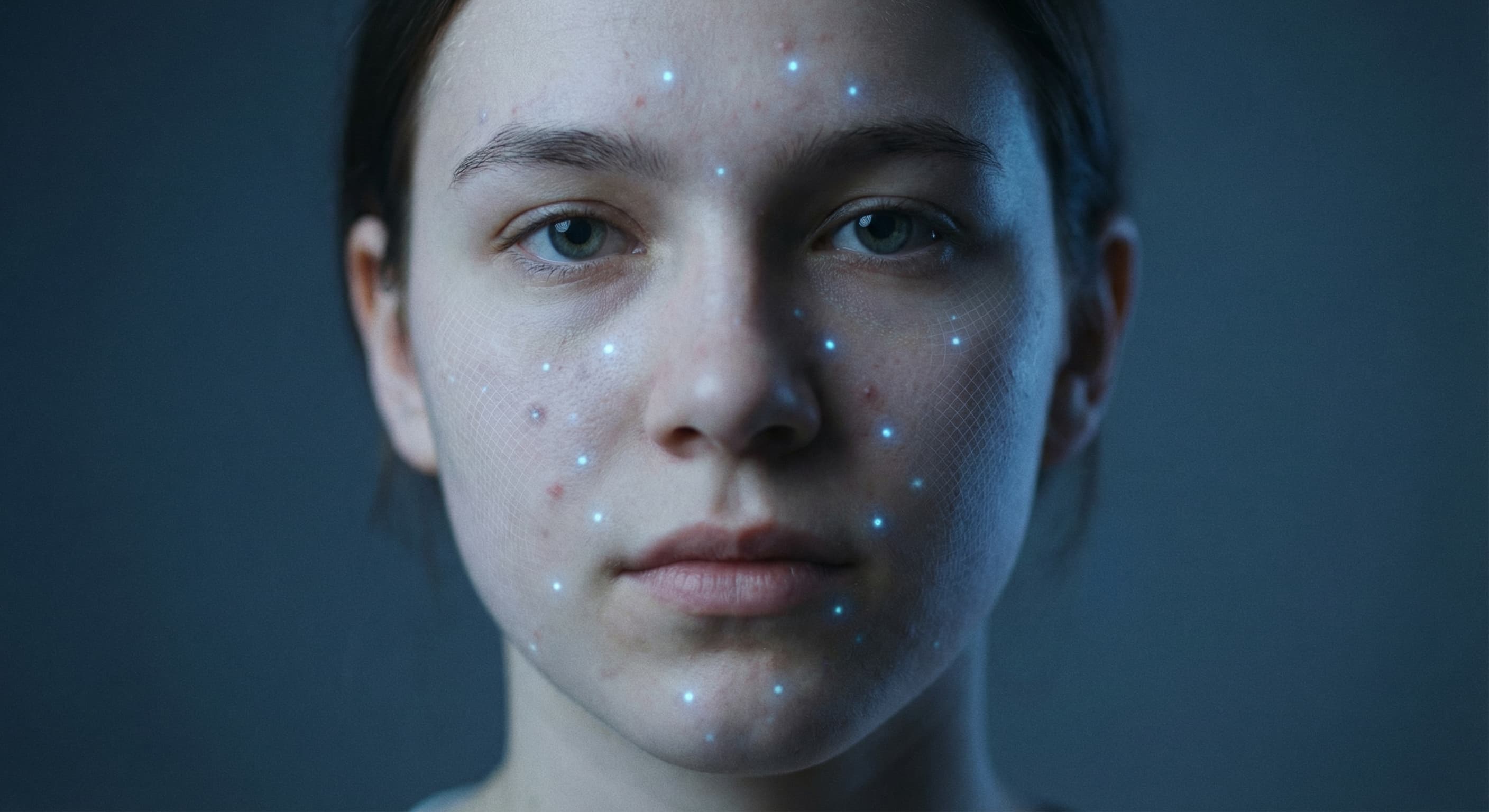
“Find and remove all the acne in this photo automatically.”
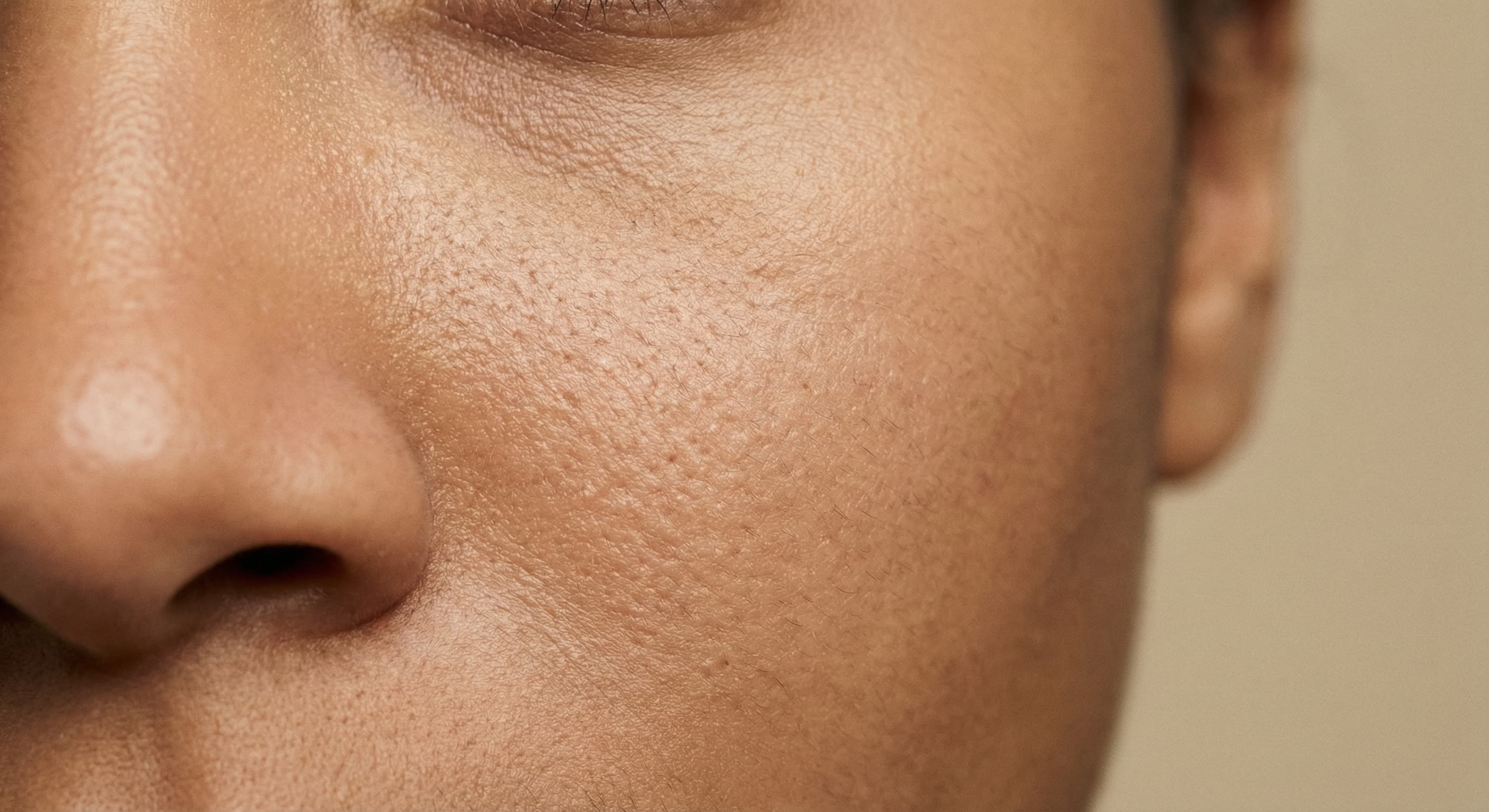
“Remove the acne but keep my pores and skin texture visible.”
Checked against the running tool on 2026-09-03.
Made runs two steps on a dedicated endpoint: automatic detection locates the blemishes and builds masks around them, then AI inpainting repaints only those masked areas with clear skin. The default pipeline is Qwen-based, with an SDXL variant available.
The pipeline is designed to preserve natural skin texture rather than smooth everything over. Because only the detected blemish areas are repainted, pores and texture across the rest of the face are left as they were.
No. Detection is automatic — Made finds the blemishes for you. Detection sensitivity is adjustable, so you can ask for a lighter pass that targets only obvious spots or a more thorough one.
Sensitivity controls how aggressively blemishes are flagged — higher catches fainter spots. Mask expansion controls how far the repainted area extends beyond each detected blemish, which helps redness blend cleanly at the edges.
One JPEG, PNG, or WebP photo per request. To clean up several photos, run the tool once per image.
Detection targets acne-like blemishes, but at high sensitivity it can flag other marks. If something you want kept was removed, rerun with lower sensitivity or mention what to preserve in your request, then compare the result against the original.
Acne Remover is a dedicated automatic pipeline: it detects blemishes itself and inpaints only those spots. AI Photo Retouch is prompt-guided — you describe any retouching you want, from stray hairs to glare, and the model follows your written instruction.
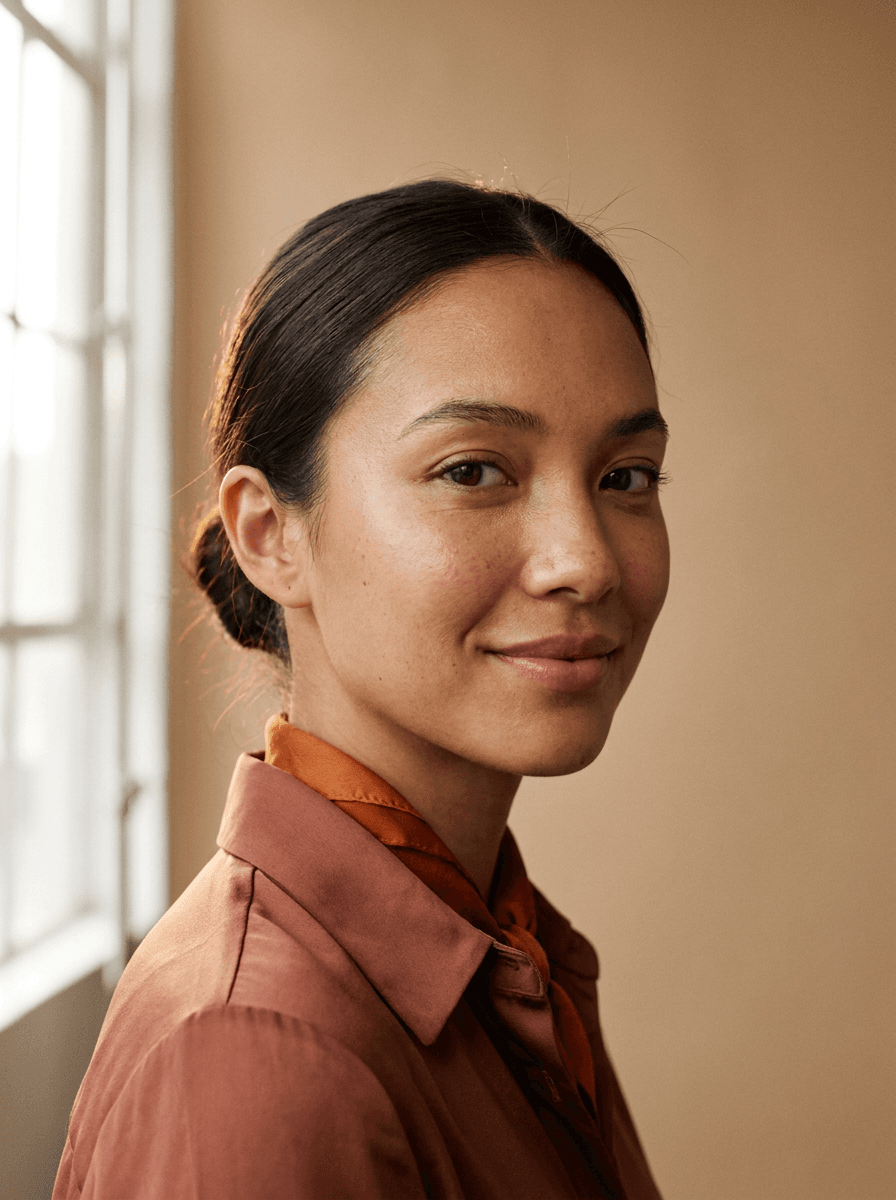

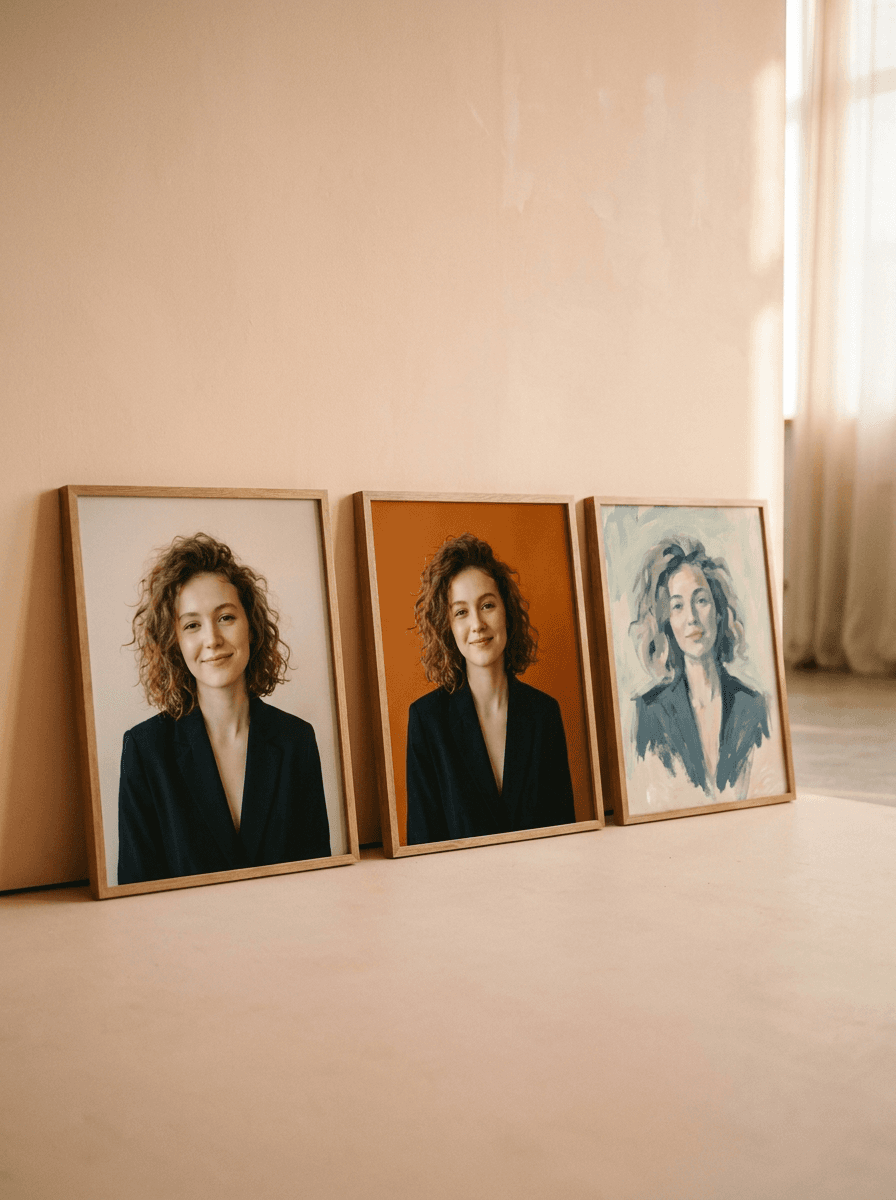


See what each one makes, then open it in Made.