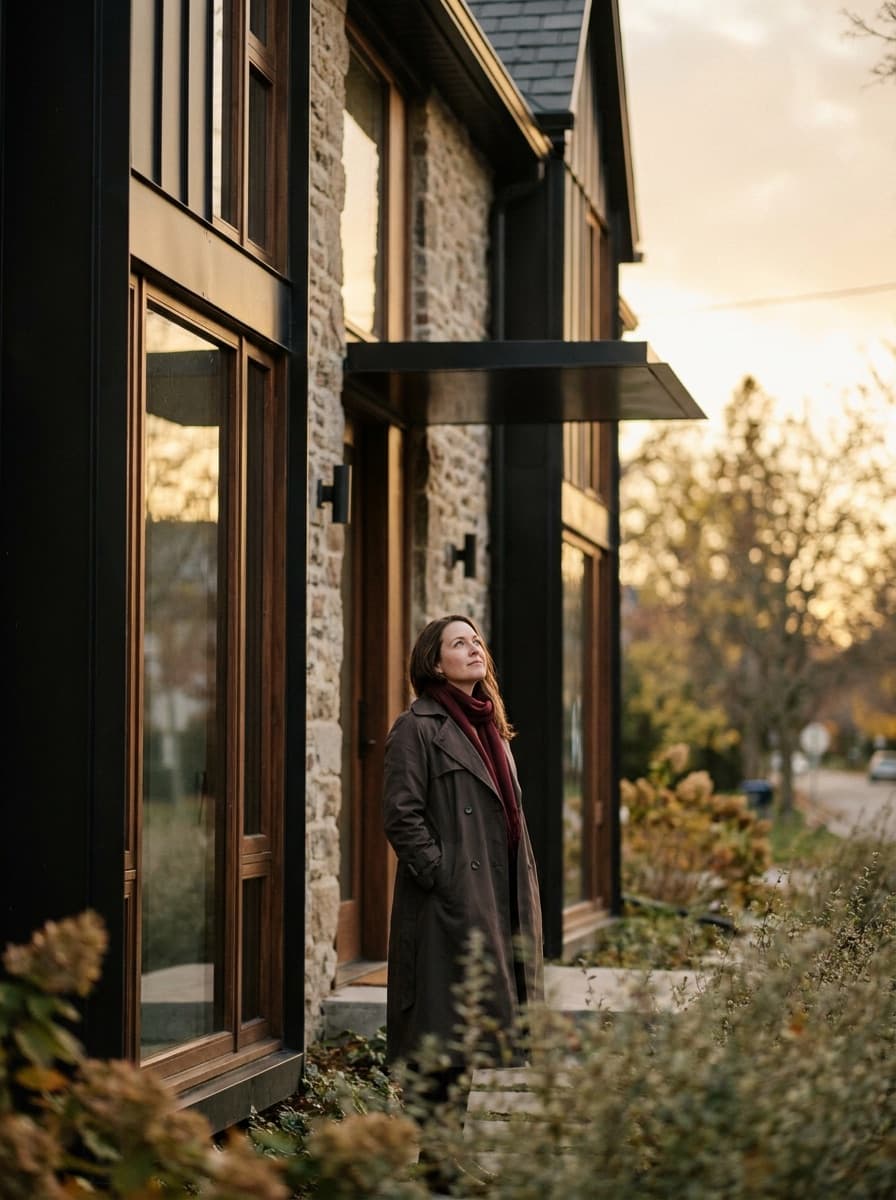
Modern facade
“Update this facade with dark cladding, black window frames, and a modern entry.”
Upload a photo of a house and describe the change — new siding, a different palette, modern landscaping. Made renders the updated exterior on the same structure, so you can preview curb appeal before committing.
Modern facade“Update this facade with dark cladding, black window frames, and a modern entry.”
Shoot straight-on or at a slight angle in daylight, with the full facade in frame.
Name materials and colors specifically — “white board-and-batten, cedar accents, black roof.”
Check that rooflines, windows, and proportions match the real structure.
Vary a single element per request to isolate what actually improves the look.
Real results from Made. Use a prompt to load it into the studio above, then add your own photo.
“Update this facade with dark cladding, black window frames, and a modern entry.”
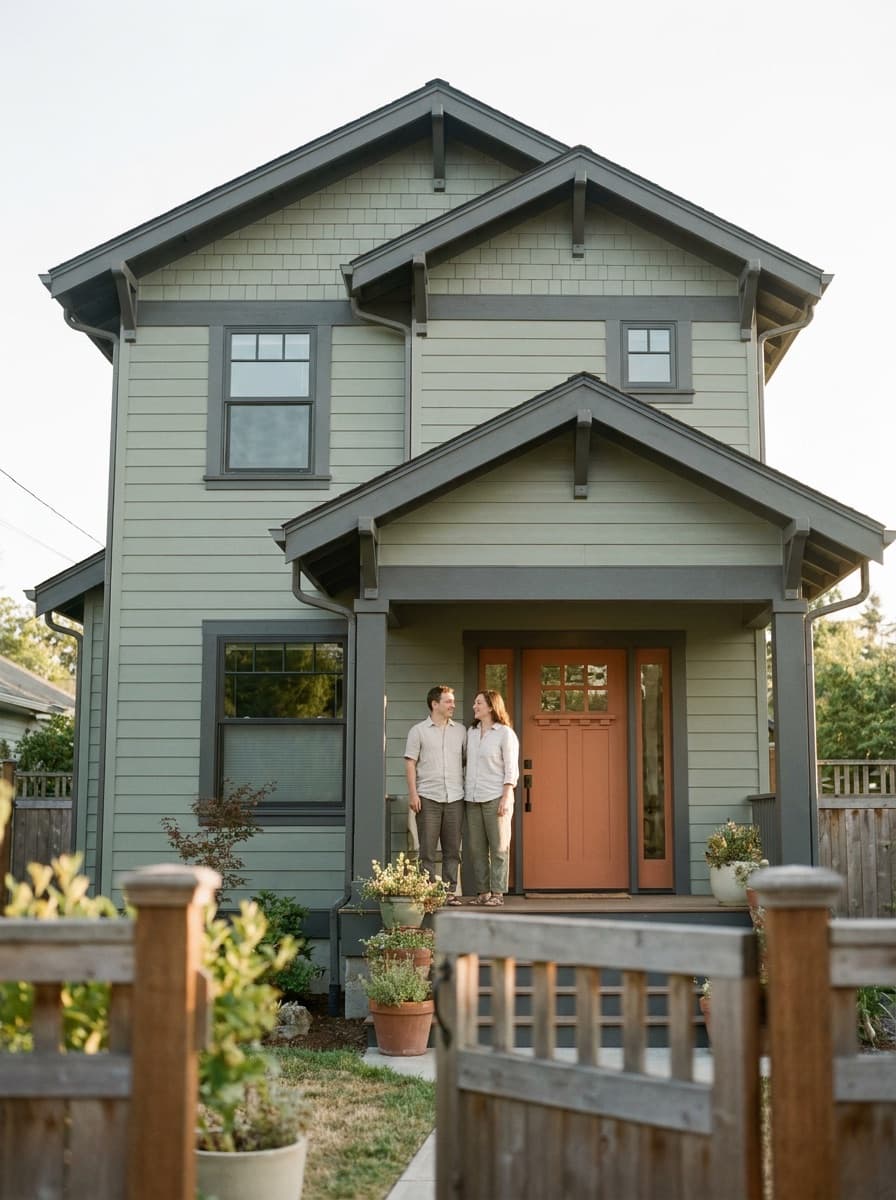
“Repaint this house in warm white with sage-green shutters and new siding.”
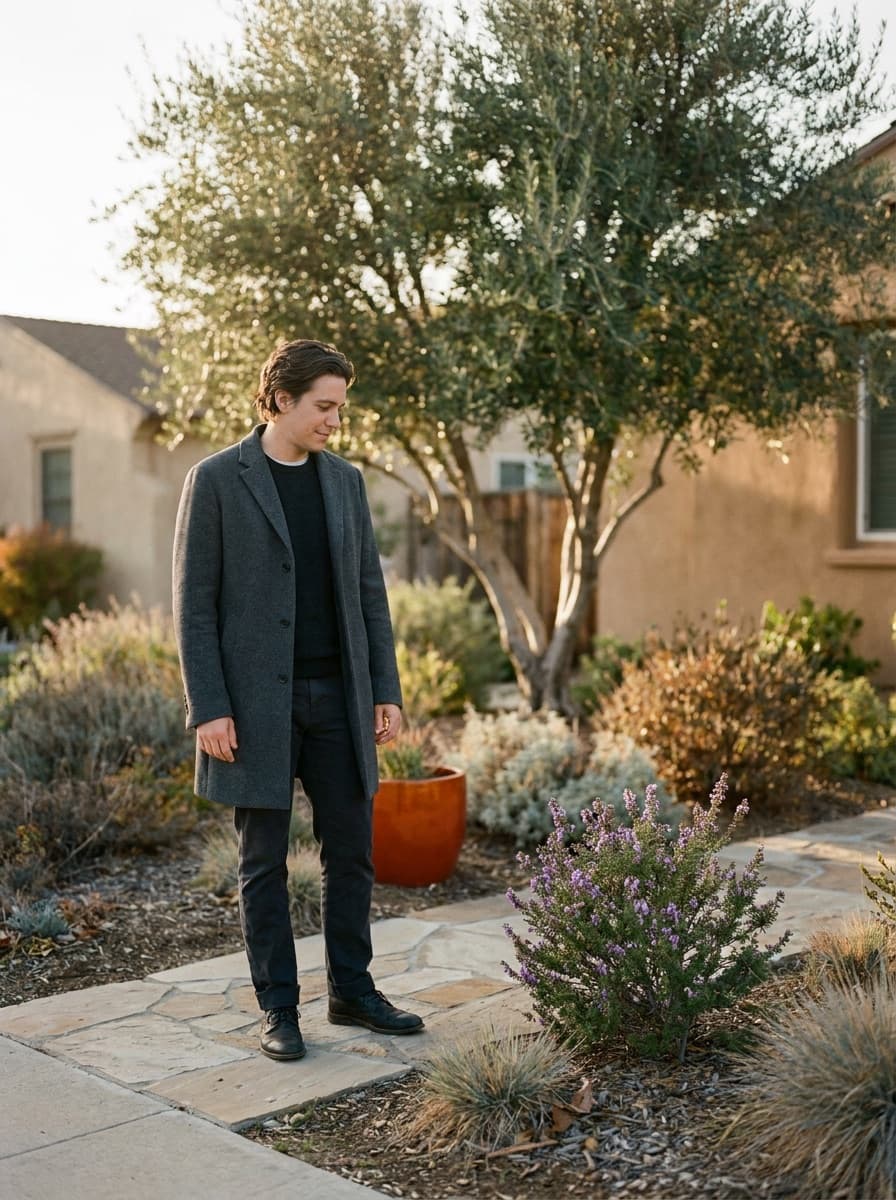
“Redesign the front yard with native planting, a stone path, and low hedges.”
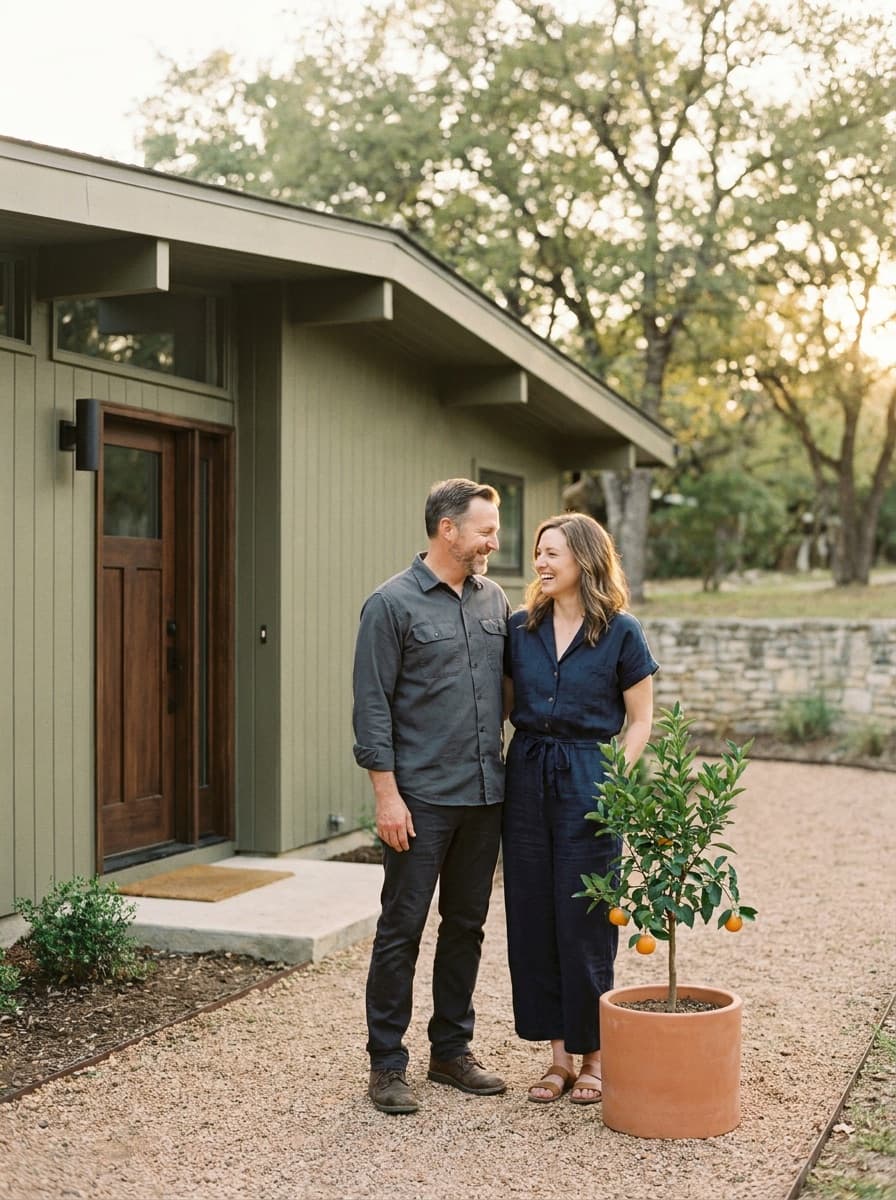
“Refresh this exterior for curb appeal: tidy lawn, new door color, updated lighting.”
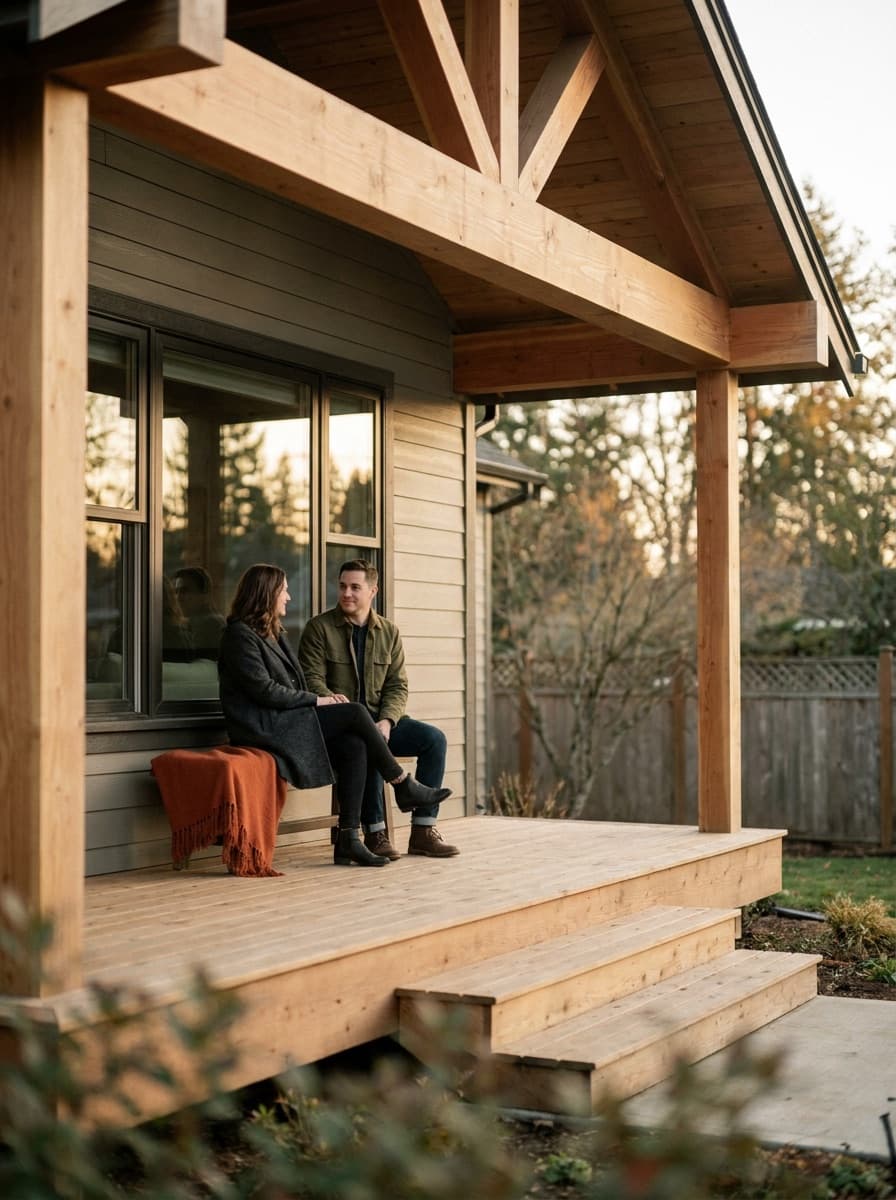
“Show this house with a covered front porch in a matching style.”
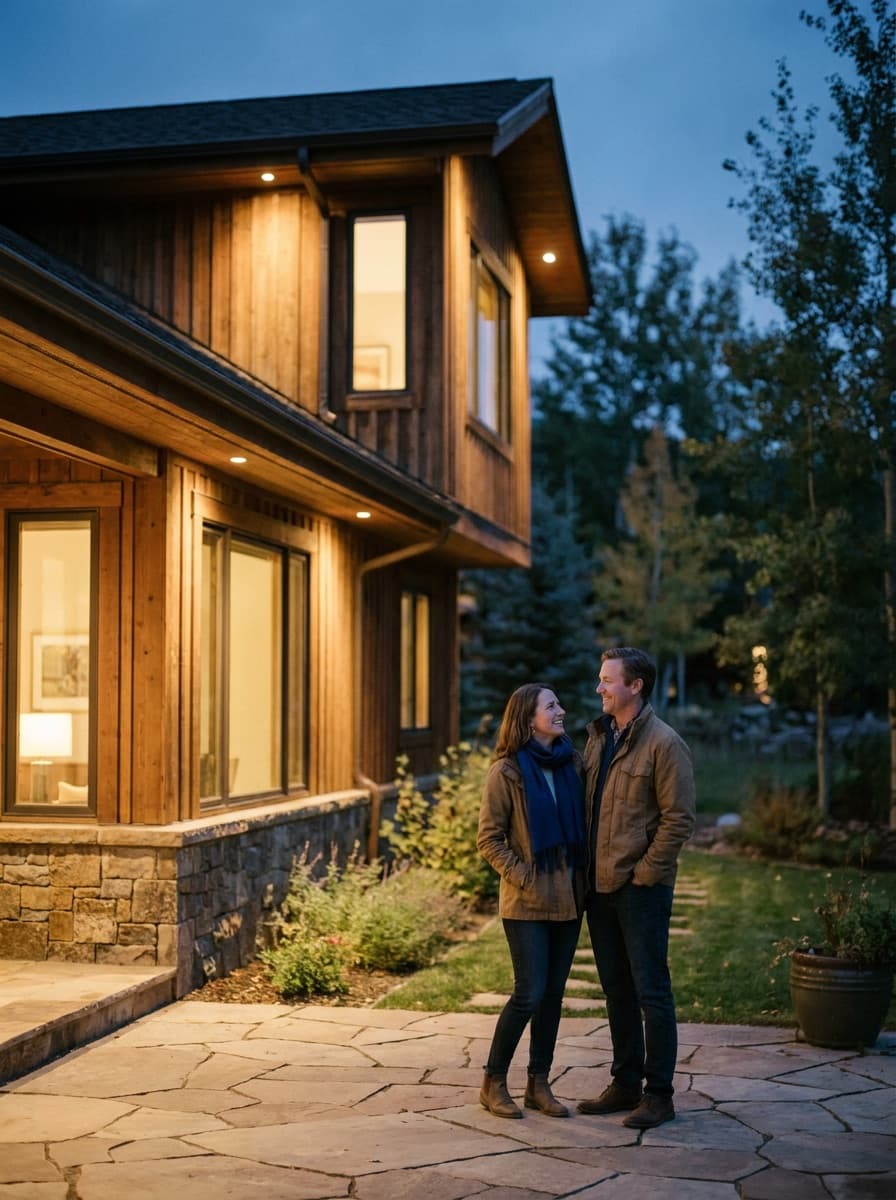
“Show the same exterior at dusk with warm architectural lighting.”
Checked against the running tool on 2026-09-04.
Yes — that is the core use. Upload a photo of your house and name the material and color; the render applies it to your real facade. Test one option per generation so comparisons stay clean.
The edit keeps the photographed structure — rooflines, windows, massing — and changes the surfaces and surroundings you describe. Verify proportions against the original photo, especially if you asked for additions like a porch, where the model is inventing geometry.
Treat the output as a direction-setting visual, not a specification. It shows intent convincingly, but exact colors, materials, and dimensions should come from real samples and measured drawings before any work begins.
Yes — planting, lawns, paths, fences, and outdoor lighting can all be described and rendered around the house. Combining one facade change with one landscaping change per request keeps results controllable.
Daylight, the whole facade in frame, and minimal obstructions like parked cars — shoot straight-on or from a slight angle. Anything blocking the house in the photo tends to constrain what the redesign can cleanly change.
Yes, ask for dusk, golden hour, or overcast light. Evening renders with warm architectural lighting are popular for previewing how a refreshed exterior presents in listing photos.
It can render the concept, and this is where outputs are most speculative — the model invents structure that does not exist. Use these images for early discussion, then validate feasibility with an architect or builder.
See what each one makes, then open it in Made.